



- Free
- No sign-up
- AI-powered
- Updated November 12, 2026
How to use the Webinar Title Generator
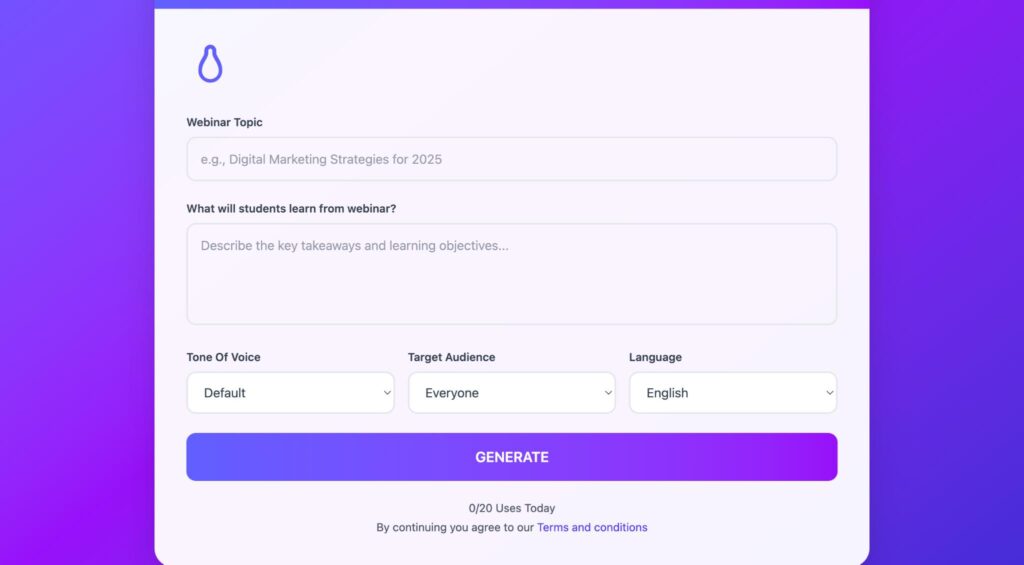
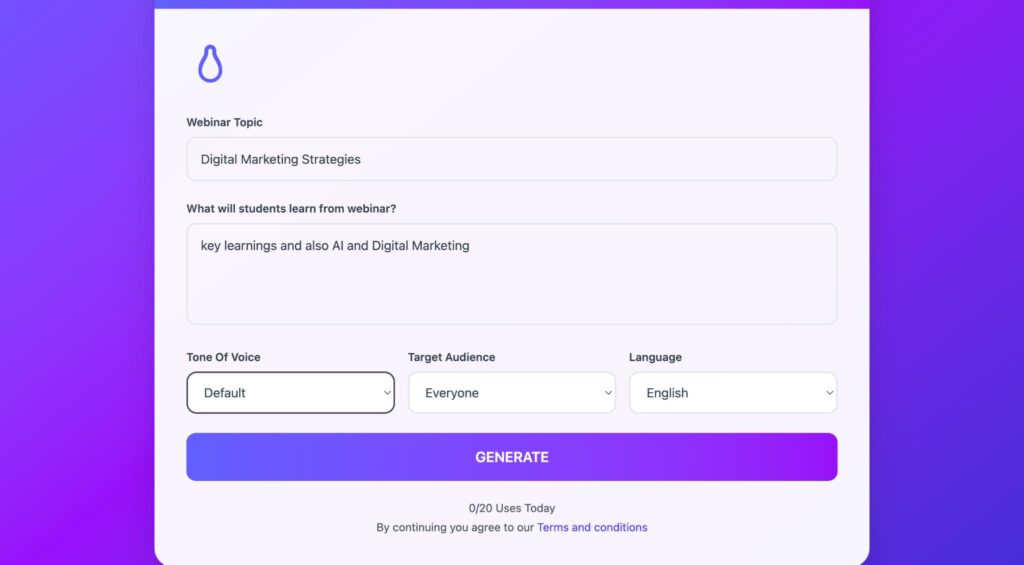
- Enter your webinar topic.
- Add the audience it is for.
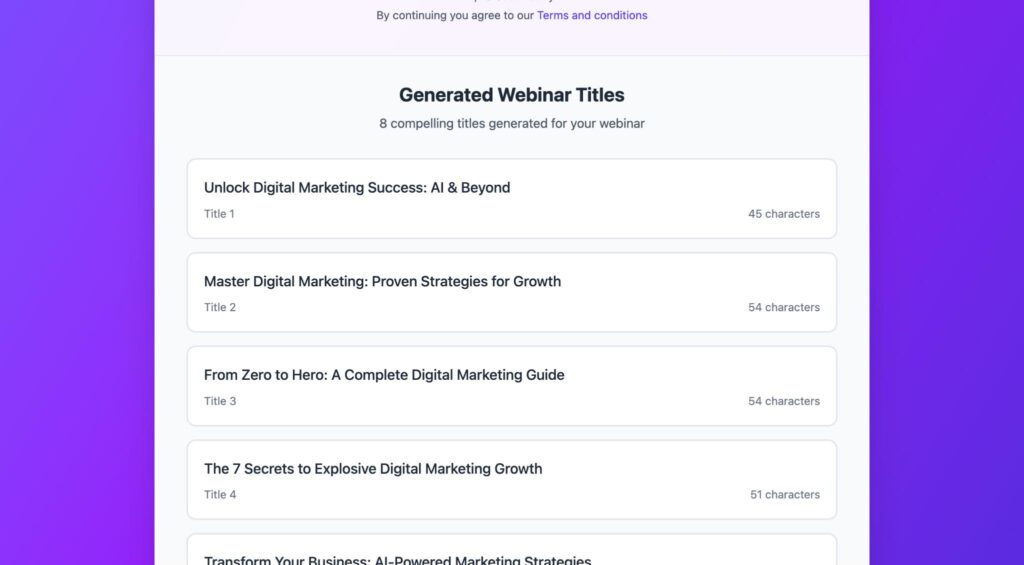
- Choose 10, 15 or 20 titles and press Generate titles.
What happens to your text
When you press the button, what you entered is sent over an encrypted connection to our API on Cloudflare, processed by Meta's Llama model on Cloudflare Workers AI, and the result comes straight back to your browser. This tool does not save your text or link it to an account.
Free fair use is about 12 requests a minute per visitor. Please do not paste passwords or sensitive personal data.
FAQ
Webinar Title Generator FAQs
What makes a webinar title get registrations?
A clear outcome, a specific audience and a reason to attend live. Titles like "How Local Agencies Can Win 10 Clients With AI SEO" tell people who it is for and what they will get. This tool mixes formats, including how-to, numbers, outcomes and questions, so you can test which angle fits your audience.
How long should a webinar title be?
Short enough to read in an email subject line or a social preview, usually under about 60 to 70 characters for the main title. If you need more detail, add a subtitle on the registration page. Lead with the benefit, because people skim the first few words.
Should I use numbers or questions in the title?
Both can work. Numbers promise a concrete takeaway, such as "5 steps", while questions speak to a pain point. Generate a mix, shortlist two or three, and if your email tool allows it, A/B test them in the invitation subject line to see which gets more clicks.
Why does adding the audience matter?
A title aimed at "agency owners" or "first-time founders" feels more relevant than one aimed at everyone, and that relevance drives sign-ups. Fill in the audience field and the generator will tailor the wording, examples and promised outcomes to that group. If you serve several audiences, run the tool once for each and compare.
Can I use these titles for workshops, live streams or podcasts?
Yes. The same principles apply to workshops, YouTube or LinkedIn Live sessions, virtual summits and podcast episodes. Just describe the format in the topic field, for example "live Q&A on AI SEO", and adjust the wording to suit the platform where you will promote it.
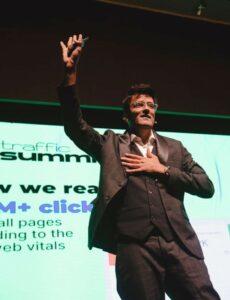
Built by Jitendra Vaswani. AI SEO and digital marketing consultant, founder of Digiexe and AffiliateBooster, best-selling author and international speaker. More about Jitendra