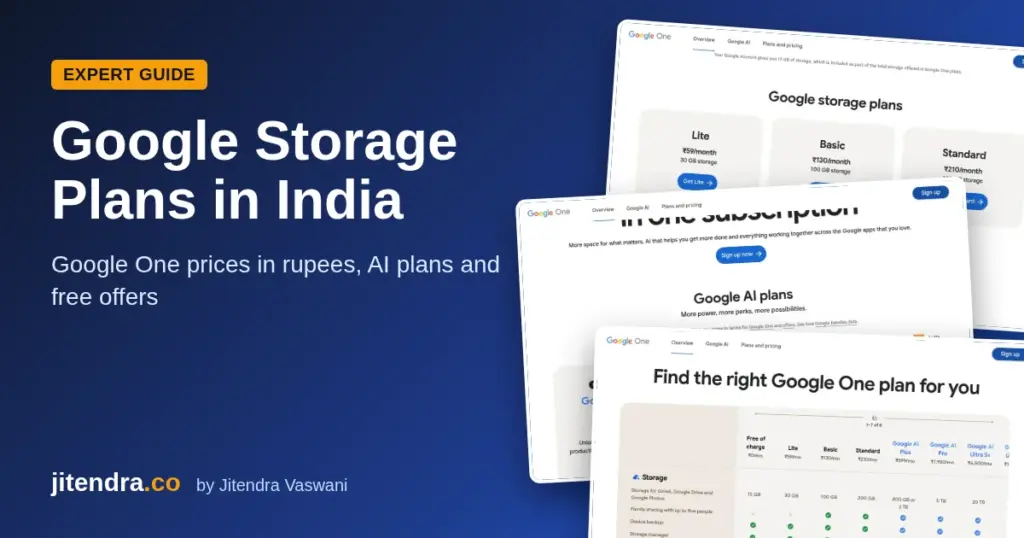
Short answer: The best free AI app in 2026 is ChatGPT for everyday help, followed by Google Gemini and Claude. For research with sources, use Perplexity or NotebookLM. For images and design, Canva and Adobe Firefly are great free picks. All of them have free plans that work in India, with daily or monthly limits.
AI apps are now as normal as WhatsApp. You can write an email, plan a trip, summarise a PDF, make a song or design an Instagram post in a few seconds, often for free.
But every app markets itself as “free”, and the real limits are hidden in fine print. In this list, I cover 13 free AI apps I would actually recommend in 2026, what each one does best, what the free plan really gives you, and which India-only offers are still live.
Best Free AI Apps in 2026 (Comparison Table)
| AI app | Category | Best free feature | Paid plan | Platforms |
|---|---|---|---|---|
| ChatGPT | All-round assistant | Chat, writing, image understanding | ChatGPT Go ₹399/month in India | Android, iPhone, Web, Windows, Mac |
| Google Gemini | All-round assistant | Deep Google integration | Google AI Pro (free 18 months for eligible Jio users) | Android, iPhone, Web |
| Claude | Writing and long documents | Long, careful answers | Claude Pro | Android, iPhone, Web, Desktop |
| Perplexity | AI search | Answers with source links | Perplexity Pro | Android, iPhone, Web |
| Microsoft Copilot | All-round assistant | Free access inside Windows and Edge | Microsoft 365 plans | Android, iPhone, Web, Windows |
| Meta AI | Everyday chat | Works inside WhatsApp and Instagram | Free | Android, iPhone, Web |
| NotebookLM | Study and research | Answers only from your own files | Included in Google AI plans | Android, iPhone, Web |
| Canva | Design | AI design tools and templates | Canva Pro ₹4,000/year | Android, iPhone, Web, Desktop |
| Adobe Firefly | Image and video generation | Commercially safe image generation | Firefly paid plans | Android, iPhone, Web |
| Suno | Music generation | About 10 songs a day free | Suno paid plans | Android, iPhone, Web |
| Otter.ai | Meeting notes | 300 transcription minutes a month | Otter Pro | Android, iPhone, Web |
| ElevenLabs | AI voice | 10,000 free credits a month | ElevenLabs paid plans | Android, iPhone, Web |
| Google Lens | Visual search | Search and translate with your camera | Free | Android, iPhone |
Sources: official pricing and help pages for each app, plus Jio’s offer page. Checked October 2026.
What Counts as a “Free” AI App?
Before you pick, understand the three kinds of free you will see.
Free with limits. Most apps, like ChatGPT, Claude and Gemini, give you a free plan with usage caps. When you hit the cap, you wait or upgrade.
Free with credits. Creative tools like Suno, ElevenLabs and Adobe Firefly give you a fixed number of credits per day or month.
Free through a telecom or bundle offer. In India, telecom companies sometimes bundle paid AI plans for free. These offers change often, so I list only what is live in October 2026.
How I Picked These Free AI Apps
I chose these apps using five checks.
- A real free plan. Not just a 3-day trial.
- Available in India. Each app works with an Indian account.
- Useful every week. Each app solves a real problem, not a gimmick.
- Trusted company. I prefer apps from established companies with clear privacy policies.
- Clear limits. I list the free limits from official pages wherever the company publishes them.
13 Best Free AI Apps You Should Try
1) ChatGPT: Best All-Round AI Assistant
My take: If you install only one AI app, make it ChatGPT. It is still the most complete free assistant for writing, ideas, planning and learning.
ChatGPT by OpenAI is the app that started the AI boom. The free plan lets you chat, upload images and files, use voice mode and search the web, with limits on the most advanced features.
What you can do for free: Draft emails and posts, brainstorm content ideas, explain tough topics in simple words, summarise long text, and get help with Excel formulas or code.
Paid plans: In India, ChatGPT Go costs ₹399 per month and gives higher limits. ChatGPT Plus and Pro cost more and add the most advanced models.
India offer note: OpenAI’s 12-month free ChatGPT Go offer for Indian users closed to new sign-ups on January 21, 2026. If you redeemed it before then, your free year runs from your redemption date.
Pros:
- Most complete free assistant
- Voice mode, files and web search on free
- Apps on every platform
Cons:
- Best models are limited on free
- Can sound generic unless you prompt well
Best for: Students, marketers, freelancers and anyone who writes.
2) Google Gemini: Best for Android and Google Users
My take: If your life runs on Gmail, Google Docs and an Android phone, Gemini fits in better than any other assistant.
Gemini is Google’s AI assistant. On many Android phones, it replaces Google Assistant. It can read what is on your screen, help in Gmail and Docs, and create images.
What you can do for free: Ask questions, write and rewrite text, plan trips with Google Maps data, summarise YouTube videos, and generate images.
Paid plan: Google AI Pro adds Google’s most capable models, more storage and AI inside Gmail and Docs.
India offer: Jio offers eligible users 18 months of Google AI Pro free, which Jio values at ₹35,100. You must be 18 or older and keep an eligible Jio plan active, as listed on Jio’s offer page. Check the current plan rules in the MyJio app before you activate.
Pros:
- Works across Gmail, Docs, Maps and YouTube
- Built into many Android phones
- Big free offer for Jio users
Cons:
- Best features need Google AI Pro
- Answers can be shorter than ChatGPT or Claude
Best for: Android users, Google Workspace users and Jio customers.
3) Claude: Best for Writing and Long Documents
My take: Claude writes the most natural, human-sounding text of the big three. I like it for long documents, reports and careful editing.
Claude is made by Anthropic. It is known for handling long documents well and for thoughtful, well-structured answers.
What you can do for free: Upload PDFs and documents, ask questions about them, rewrite content in your tone, and get help with code.
Limits: The free plan has usage limits that reset after a few hours. Heavy users will hit them quickly.
Paid plan: Claude Pro gives you much more usage and extra features.
Pros:
- Very natural writing style
- Great with long PDFs
Cons:
- Free limits run out fast
- No image generation
Best for: Writers, researchers, consultants and developers.
4) Perplexity: Best for Research With Sources
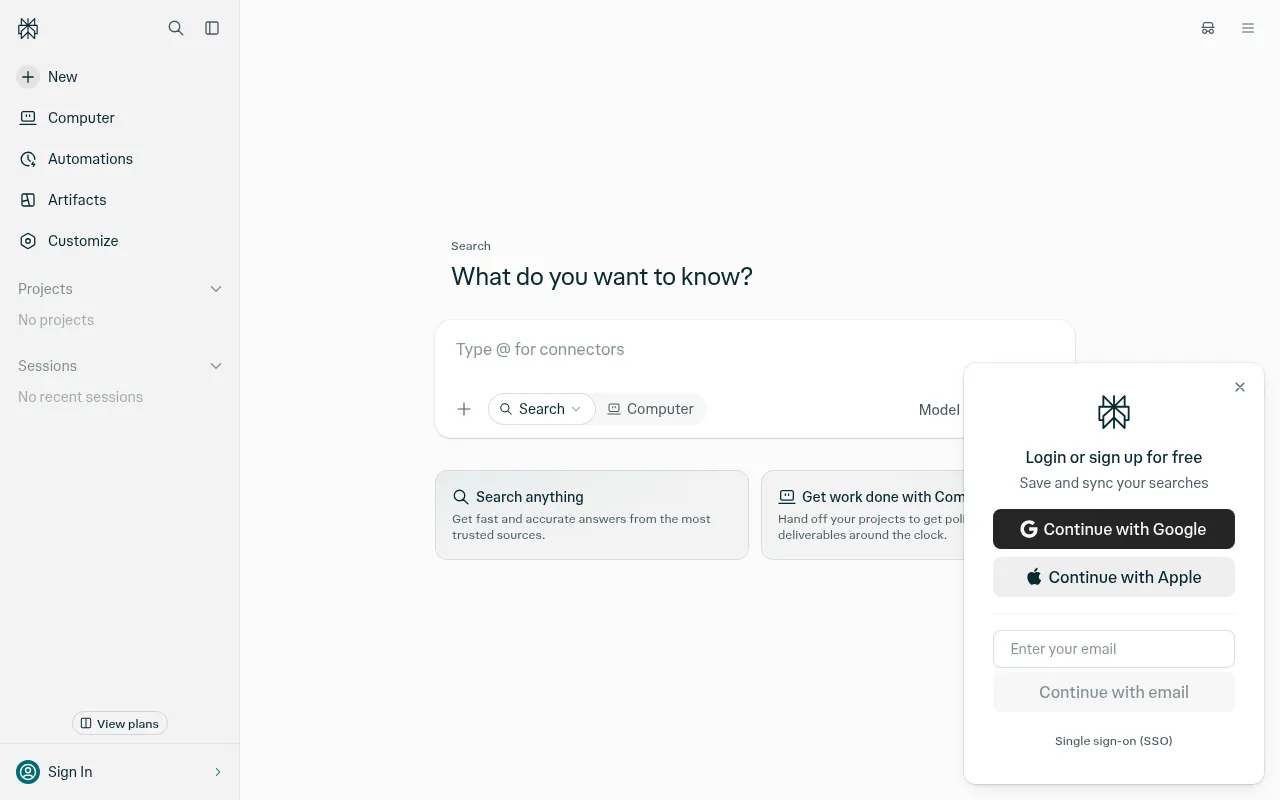
My take: When I need facts, I want sources. Perplexity shows you where every answer comes from, so you can check it.
Perplexity is an AI search engine. You ask a question, and it searches the web and gives a short answer with numbered source links.
What you can do for free: Run basic AI searches, follow up with more questions, and read the sources directly.
Paid plan: Perplexity Pro adds more advanced searches and model choices.
India offer note: Airtel’s free 12-month Perplexity Pro offer ended for new claims on January 16, 2026. Users who activated before that keep Pro for one year from activation.
Pros:
- Every answer shows sources
- Fast and simple
Cons:
- Advanced searches are limited on free
- Less useful for creative writing
Best for: Students, journalists, bloggers and anyone who needs to check facts.
5) Microsoft Copilot: Best Free AI on Windows
My take: If you use a Windows laptop, Copilot is already one click away. It is a solid free assistant, especially for quick questions and images.
Copilot is Microsoft’s AI assistant. It is built into Windows 11 and Microsoft Edge, and it has its own apps for Android and iPhone.
What you can do for free: Chat, search the web, create images and get help with writing.
Paid option: Copilot features inside Word, Excel and Outlook come with Microsoft 365 plans.
Pros:
- Built into Windows and Edge
- Free image creation
Cons:
- Office features need Microsoft 365
- Fewer extras than ChatGPT
Best for: Windows and Microsoft Edge users.
6) Meta AI: Best AI Inside WhatsApp
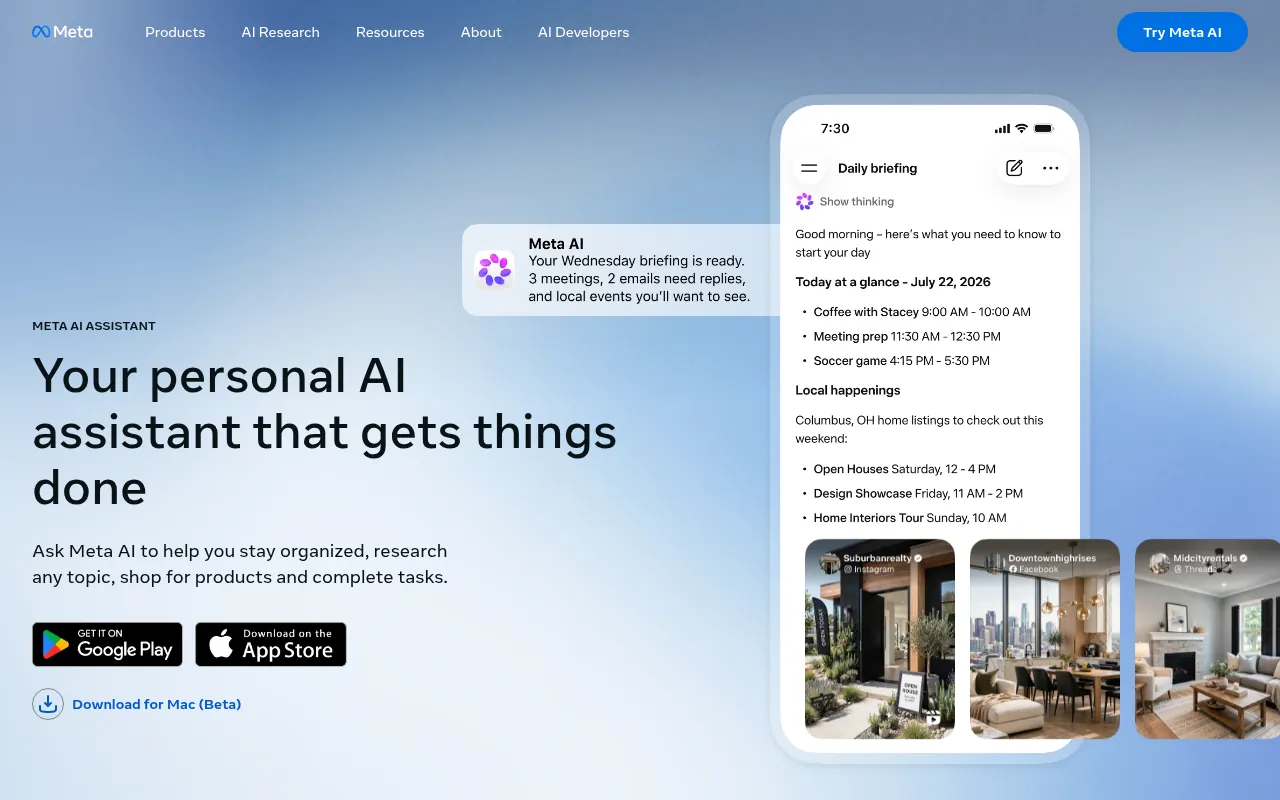
My take: Meta AI is the easiest AI to start with in India, because it lives inside WhatsApp. No new app needed.
Meta AI is available inside WhatsApp, Instagram, Facebook and Messenger, and as its own app.
What you can do for free: Ask questions, get quick ideas, create images and chat in group conversations by mentioning Meta AI.
Price: Free.
Pros:
- No new app needed
- Works in group chats
Cons:
- Basic compared to ChatGPT or Claude
- Not ideal for long documents
Best for: First-time AI users and anyone who lives in WhatsApp.
7) NotebookLM: Best for Students
My take: NotebookLM is the most underrated free AI tool on this list. It answers only from the files you give it, which means far fewer made-up answers.
NotebookLM is a Google tool for studying and research. You upload PDFs, notes, Google Docs, websites or YouTube links, and then ask questions about them.
What you can do for free: Summarise your sources, create study guides and FAQs, and generate Audio Overviews, which turn your notes into a podcast-style discussion.
Paid option: Higher limits come with Google AI plans.
Pros:
- Answers only from your sources
- Audio Overviews are great for revision
Cons:
- Not a general chatbot
- You must upload good sources first
Best for: Students, teachers, researchers and professionals with lots of documents.
8) Canva: Best AI App for Design
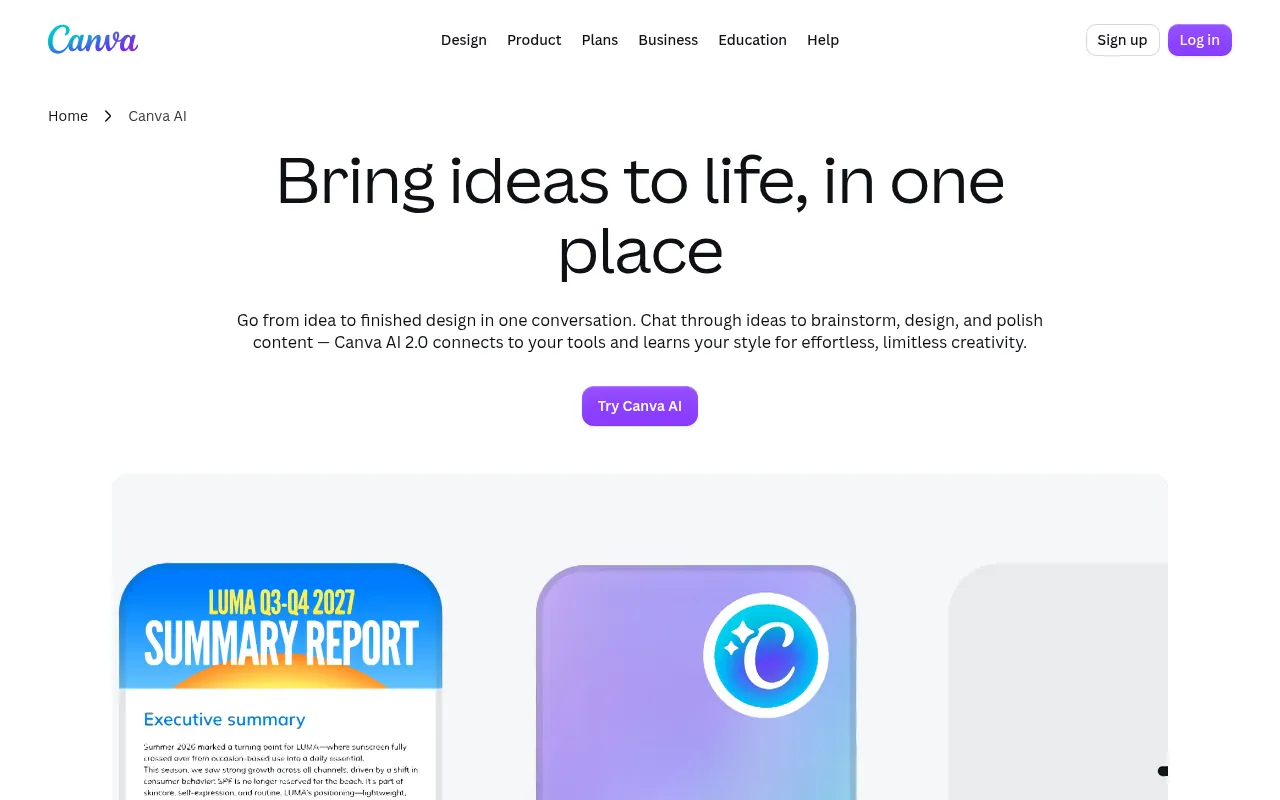
My take: Canva is the AI design tool I would give to any small business owner. You get templates, AI writing and AI image tools in one place.
Canva is an online design platform with strong AI features. You can make social posts, thumbnails, presentations and videos.
What you can do for free: Use thousands of templates, AI text tools and basic AI image features, and export videos up to 1080p.
Paid plans in India: Canva Pro costs ₹4,000 per year for one person on Canva’s India pricing page. Pro Lite costs ₹1,590 per year.
Pros:
- Templates for everything
- Clear rupee pricing
Cons:
- Best AI tools are on Pro
- Pro elements show a watermark on free
Best for: Creators, small businesses, students and social media managers.
9) Adobe Firefly: Best for Safe AI Images
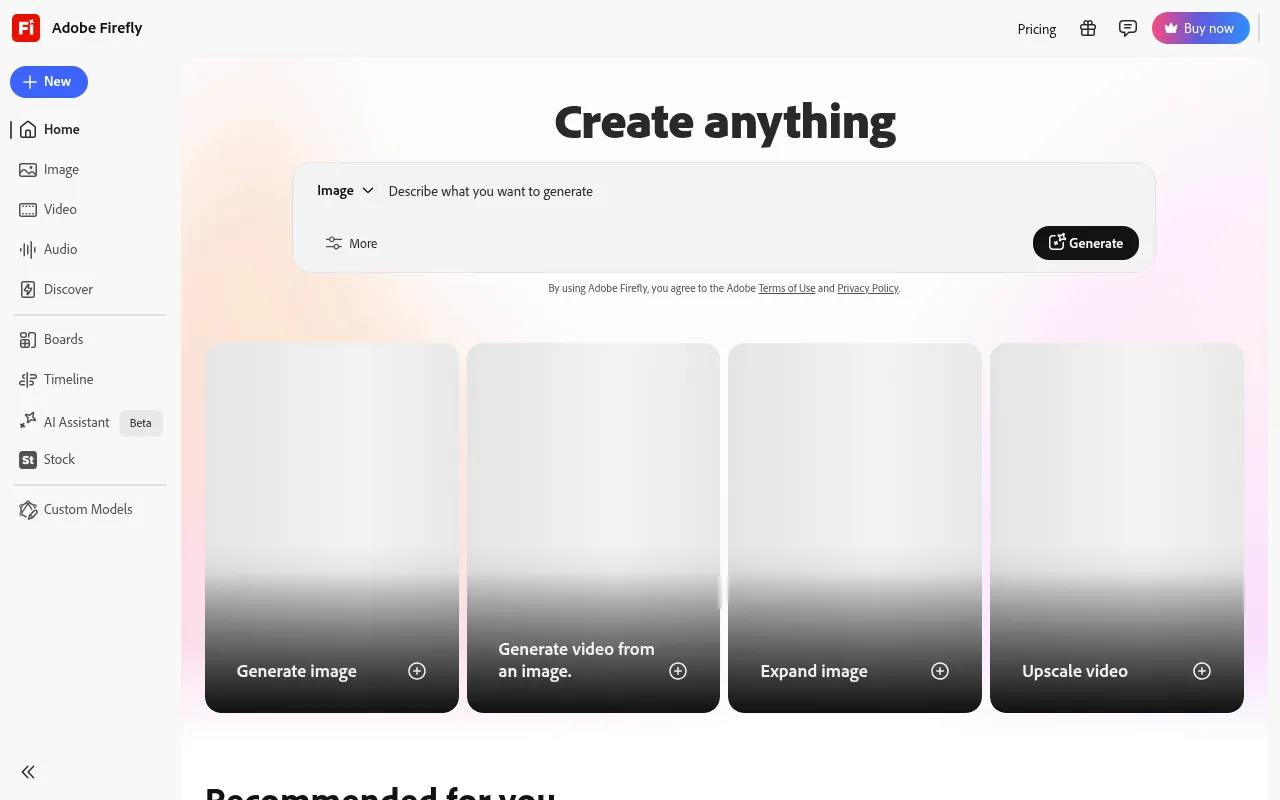
My take: If you need AI images for business, Firefly is the safest bet. Adobe trains its models on licensed content, which matters for commercial use.
Adobe Firefly is Adobe’s AI tool for creating images and short videos from text prompts.
What you can do for free: Generate images with a limited number of monthly generative credits.
Paid plans: Firefly plans and Creative Cloud plans add more credits and premium features.
Pros:
- Trained on licensed content
- Adobe-quality results
Cons:
- Few free credits
- Credits run out quickly with video
Best for: Marketers, designers and businesses that need commercially safe images.
10) Suno: Best for AI Music
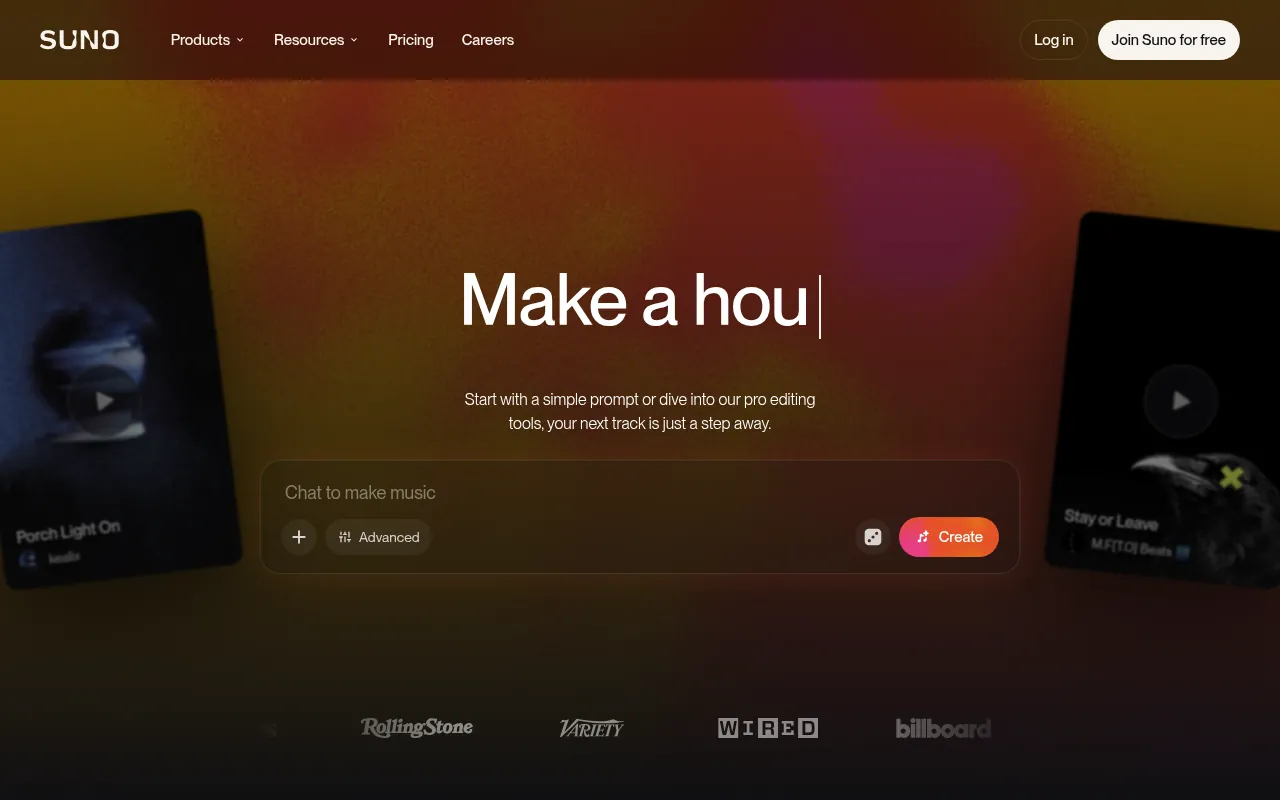
My take: Suno is the most fun app on this list. Type an idea, and you get a full song with vocals in under a minute.
Suno creates songs from text prompts. You can choose a genre, mood and lyrics.
What you can do for free: The free plan gives 50 credits a day, which is about 10 songs. Credits reset daily.
Important: Free-plan songs are for personal, non-commercial use. If you want to use songs in monetised content, check Suno’s paid plan terms first.
Pros:
- Full songs with vocals
- Daily free credits
Cons:
- Free songs are non-commercial only
- Lyrics can need editing
Best for: Hobbyists, content creators testing ideas and anyone who wants a custom birthday song.
11) Otter.ai: Best for Meeting Notes
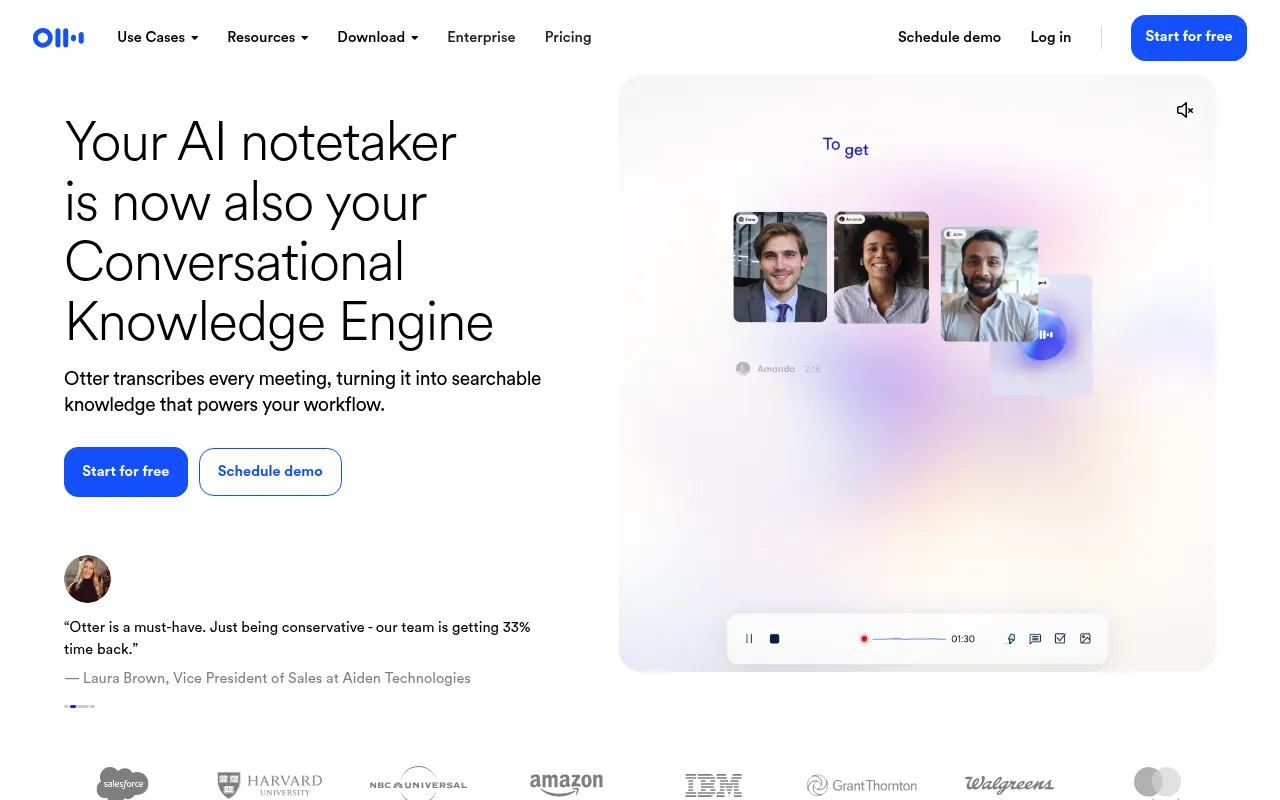
My take: Otter saves me from typing notes in meetings. The free plan is enough for most freelancers and students.
Otter.ai records meetings and creates live transcripts and summaries. It joins Zoom, Google Meet and Microsoft Teams calls.
What you can do for free: The free Basic plan includes 300 transcription minutes per month.
Paid plans: Otter Pro and Business add more minutes and longer meetings.
Pros:
- Joins Zoom, Meet and Teams
- Summaries plus transcripts
Cons:
- Free minutes run out for heavy users
- Accents and Hinglish can reduce accuracy
Best for: Freelancers, students in online classes, and remote teams.
12) ElevenLabs: Best Free AI Voice
My take: ElevenLabs makes the most realistic AI voices I have heard. Great for YouTube voiceovers and audio versions of blog posts.
ElevenLabs turns text into speech in many voices and languages. It also offers voice cloning and dubbing on paid plans.
What you can do for free: The free plan includes 10,000 credits per month. ElevenLabs says that is about 10 minutes of standard text-to-speech.
Paid plans: Paid tiers add more credits, commercial rights and voice cloning.
Pros:
- Very realistic voices
- Many languages
Cons:
- Only about 10 minutes free a month
- Commercial rights need a paid plan
Best for: YouTubers, podcasters and course creators.
13) Google Lens: Best for Visual Search
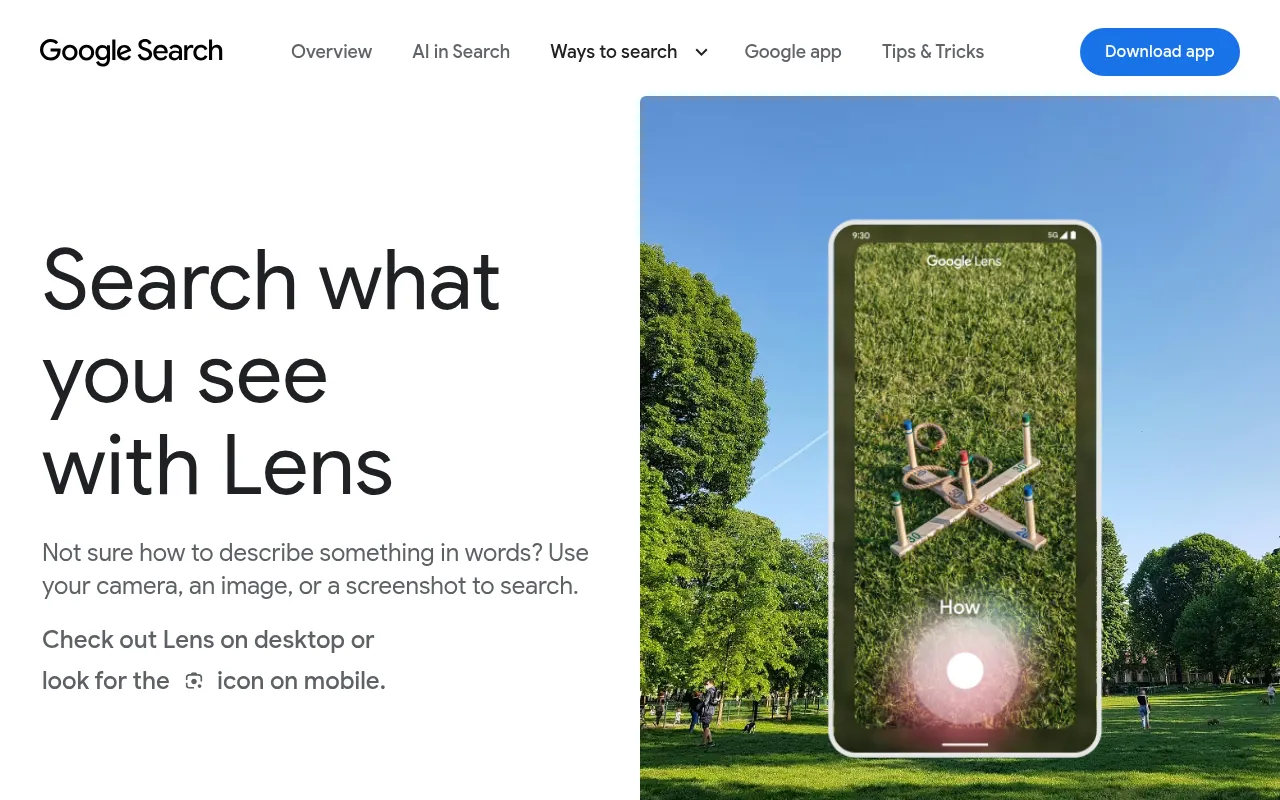
My take: Google Lens is the AI app most people already have and do not use enough. Point your camera, and it tells you what you are looking at.
Google Lens is built into the Google app, Google Photos and many Android cameras. On many Android phones, Circle to Search brings the same power to anything on your screen.
What you can do for free: Identify plants and products, translate signs and menus, copy text from photos, and solve homework problems step by step.
Price: Free.
Pros:
- Already on most Android phones
- Translation and homework help
Cons:
- Needs a good camera shot
- Not a chatbot
Best for: Travellers, students and shoppers.
Free AI Offers in India (October 2026)
India gets some of the best AI deals in the world, but they change fast. Here is the current status.
| Offer | Status in October 2026 | Details |
|---|---|---|
| Google AI Pro free for 18 months (Jio) | Live | For eligible Jio users aged 18+, with an eligible plan kept active |
| Adobe Express Premium free for 12 months (Airtel) | Live | Airtel’s replacement for the Perplexity offer |
| ChatGPT Go free for 12 months | Closed to new users on January 21, 2026 | Existing redemptions run 12 months from redemption |
| Perplexity Pro free for 12 months (Airtel) | Closed to new claims on January 16, 2026 | Existing users keep Pro for 1 year from activation |
If you want the top AI apps in India with the best free deals right now, Gemini (through Jio) and Adobe Express (through Airtel) are the two offers still live.
Sources: Jio’s offer page, OpenAI Help Center, Perplexity Help Center, Adobe Help Center and Indian news reports.
Best Free AI App by Use Case
| You want to… | Use this |
|---|---|
| Write emails, posts and essays | ChatGPT or Claude |
| Get answers with sources | Perplexity |
| Study from your own notes | NotebookLM |
| Use AI inside Gmail and Docs | Gemini |
| Chat with AI inside WhatsApp | Meta AI |
| Design posts and thumbnails | Canva |
| Make business-safe AI images | Adobe Firefly |
| Create a song | Suno |
| Get meeting notes | Otter.ai |
| Make a voiceover | ElevenLabs |
| Search with your camera | Google Lens |
Free AI Apps for Students
The free AI apps for students I recommend most are NotebookLM for studying from your own notes, Perplexity for research with sources and Google Lens for homework help. For English speaking practice, try the free voice modes in these free AI apps. ChatGPT gives free users limited voice chats (OpenAI Help Center), and Gemini Live is free in the Gemini app on Android and iPhone (Gemini Apps Help). Talk for five minutes and ask it to correct your mistakes.
Free AI Apps for Photo Editing and Image Generation
The best free AI app for image generation, if you need images for business, is Adobe Firefly, because Adobe trains it on licensed content. For a free AI app for photo editing, I use Canva, since its AI tools sit in the same app where you design your posts.
Free AI App for Video Making
There is no perfect free AI app for video making yet. Canva is the easiest start for short videos with AI help. For more options, see my guide to the best free online video editors.
Free AI Apps Like ChatGPT
If you want free AI apps like Chat GPT (yes, many people type it that way), Gemini, Claude, Copilot and Meta AI are the closest matches. The best AI apps for Android like ChatGPT are Gemini, because it is built into most Android phones, and Copilot.
If you create content, also try my free AI tools on jitendra.co, like the hook generator and the AI quote generator. You can see the full list on my AI tools page.
Free vs Paid AI Apps: When Should You Upgrade?
Free plans are enough for most people. Upgrade only when a limit costs you real time or money.
| Upgrade if you… | Good paid option in India |
|---|---|
| Hit ChatGPT limits every day | ChatGPT Go at ₹399/month |
| Use Gmail and Docs for work | Google AI Pro (free for 18 months for eligible Jio users) |
| Design for clients every week | Canva Pro at ₹4,000/year |
| Need commercial rights for AI voice | An ElevenLabs paid plan |
| Use AI music in monetised videos | A Suno paid plan |
| Record many long meetings | Otter Pro |
My simple rule: if an app saves you more than two hours a month, the paid plan usually pays for itself.
Do Free AI Apps Work in Hindi and Other Indian Languages?
Yes, the big assistants like ChatGPT, Gemini, Copilot and Meta AI understand Hindi and several other Indian languages. You can type in Hindi, Hinglish or English and get a reply in the same style.
Quality varies by language and topic. For important work, ask the app to answer in English first, then translate, and have a native speaker check the final text.
AI Apps I Left Out (and Why)
Some popular AI apps did not make my list.
AI companion apps. Apps built around virtual friends or partners can be fun, but they collect very personal data. I would not recommend them as a first AI app.
Face-changing filter apps. They are entertaining, but you upload your face to a company’s servers. Read the privacy policy before you use them.
AI mental health chatbots. Some can help with daily stress, but they are not a replacement for a trained professional. If you are struggling, please talk to a doctor or counsellor.
Unknown “Pro” AI apps. Many Play Store apps use ChatGPT’s name or logo without being made by OpenAI. Always check the developer name before you install.
Is There a Completely Free AI App With No Limits?
Not really, at least not from the big companies. Running AI models costs money, so every major app limits free use in some way. Some limit messages, some limit advanced models, and some limit images or files.
The closest you get to “no limits” is running open-source models on your own computer. That needs a powerful machine and some technical skill. For most people, using two or three free apps together is the smarter move. When one hits its limit, switch to the next.
Are Free AI Apps Safe to Use?
The apps on this list come from established companies with published privacy policies. Still, follow these simple rules.
- Do not share passwords, bank details or Aadhaar numbers with any AI chatbot.
- Check data settings. Many apps let you turn off the use of your chats for training.
- Download from official stores only. Fake AI apps with similar names are common.
- Double-check facts. AI can be confidently wrong. Verify important numbers and medical, legal or money advice.
- Be careful with client data. Read the app’s business terms before uploading anything confidential.
If you want the bigger picture on online risks, see my report on how many data breaches happen and my chatbot statistics.
How to Get the Most From Free AI Apps
Write clear prompts. Tell the app who you are, what you want and the format you need. “Write a 100-word Instagram caption for a Pune cafe, friendly tone” beats “write a caption”.
Use the right tool for the job. Perplexity for facts, Claude for long writing, Canva for design. One app does not do everything best.
Stack free plans. Use ChatGPT, Gemini and Claude side by side. You get more free usage and better answers by comparing them.
Save good prompts. Keep a notes file of prompts that work. It saves time every week.
Check the output. Always read, edit and fact-check before you publish anything AI wrote.
Why Should You Trust Me?
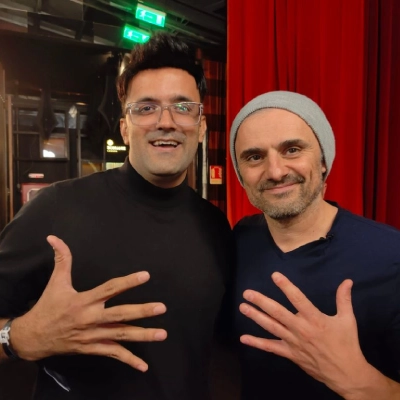
I am Jitendra Vaswani, an SEO consultant with 12 years in search. I founded the digital marketing agency Digiexe and AffiliateBooster, and I am an author and international speaker.
AI is now part of how I work on SEO, content and marketing every day. I also interview AI founders and creators on my podcast, Inside a Hustler’s Brain. I picked these apps based on what is actually useful for Indian creators, students and business owners, and I checked every price and offer against official pages in October 2026.
Conclusion
You do not need to pay for AI to get real value from it in 2026. ChatGPT is the best free all-rounder. Gemini is the best pick for Android and Google users, especially if you are on Jio. Claude is my favourite for long writing, and Perplexity and NotebookLM are the best for research.
For creative work, Canva, Adobe Firefly, Suno and ElevenLabs give you surprising power for free. Start with two or three apps, learn them well, and only pay when a free limit starts slowing you down.
FAQs
Which is the best free AI app in 2026?
ChatGPT is the best free AI app for most people because it handles writing, questions, files and images well. Gemini is a close second for Android and Google users.
Is ChatGPT free in India?
Yes. ChatGPT has a free plan in India. The paid ChatGPT Go plan costs ₹399 per month. The 12-month free Go offer closed to new users on January 21, 2026.
Which free AI app is best for students?
NotebookLM is best for studying from your own notes and PDFs. Perplexity is great for research with sources, and Google Lens helps with homework problems. Jio users can also get Google AI Pro free for 18 months if eligible.
Can I get Google Gemini Pro for free in India?
Eligible Jio users can get 18 months of Google AI Pro free, according to Jio’s offer page. You need to be 18 or older and keep an eligible Jio plan active. Activate it through the MyJio app.
Is there a free AI app for making images?
Yes. Adobe Firefly, Canva, ChatGPT, Gemini, Copilot and Meta AI can all create images for free with limits. For business use, Firefly is the safest because Adobe trains it on licensed content.
Which free AI app can make songs?
Suno is the best free AI app for songs. Its free plan gives 50 credits a day, which is about 10 songs, for personal non-commercial use.
Are free AI apps safe?
Apps from established companies like OpenAI, Google, Microsoft, Adobe and Canva are generally safe if you download them from official stores. Never share passwords, bank details or ID numbers, and turn off chat training in settings if you prefer.

Jitendra Vaswani is a well-known expert in SEO and AI-driven digital marketing. He has spoken at international events and founded Digiexe, a digital marketing agency, and AffiliateBooster, WordPress plugin designed specifically for affiliate marketers. With over 10 years of experience, Jitendra has helped many businesses succeed online. His bestselling book, Inside A Hustler’s Brain: In Pursuit of Financial Freedom, with over 20,000 copies sold globally, underscores his influence and commitment to empowering digital marketers.