
- Free
- No sign-up
- AI-powered
- Updated November 12, 2026
How to use the Hashtag Generator
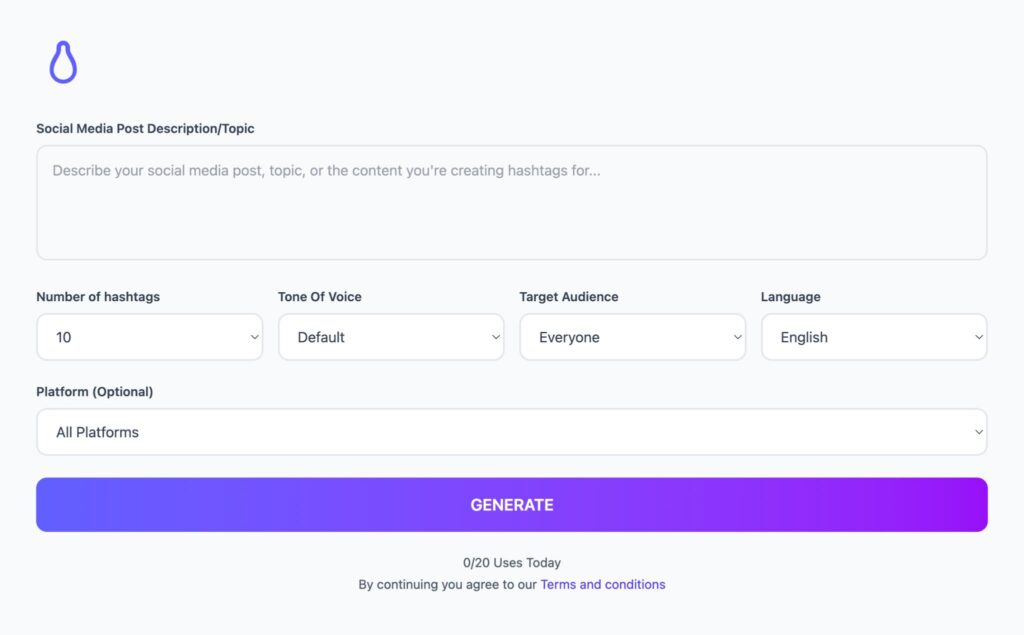
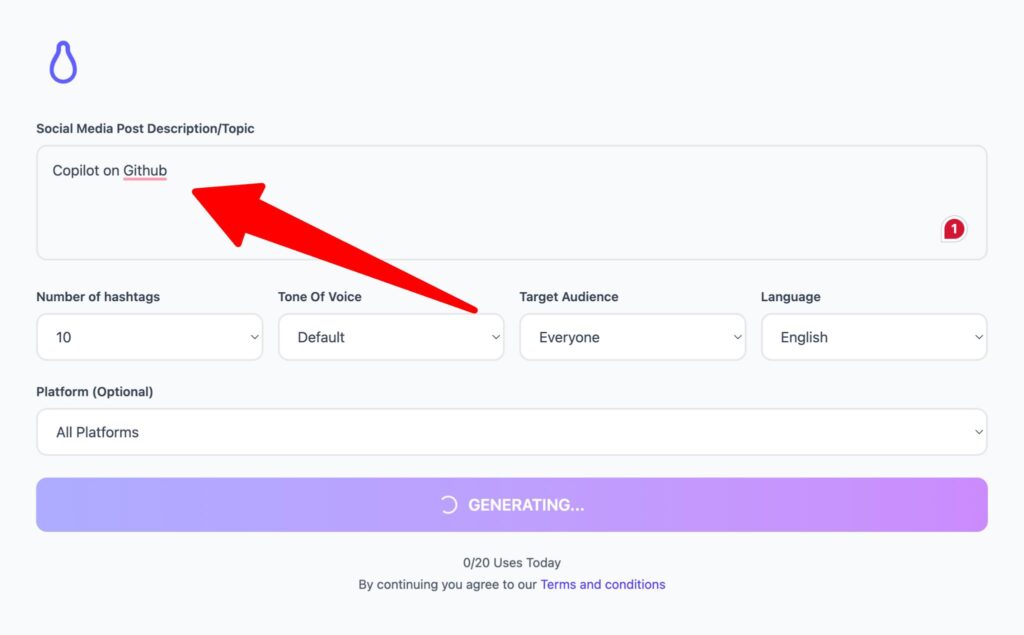
- Describe what your post is about.
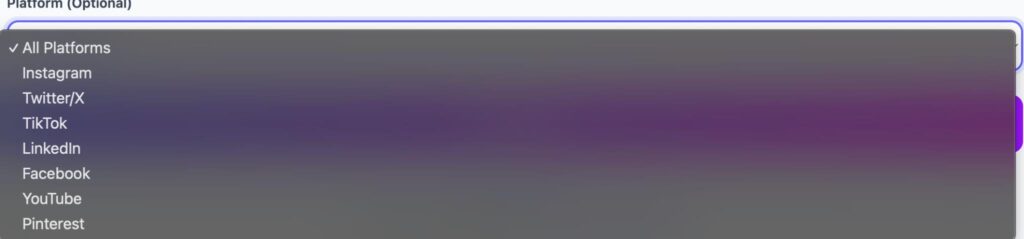
- Choose the platform: Instagram, TikTok, LinkedIn, X, YouTube or Pinterest.
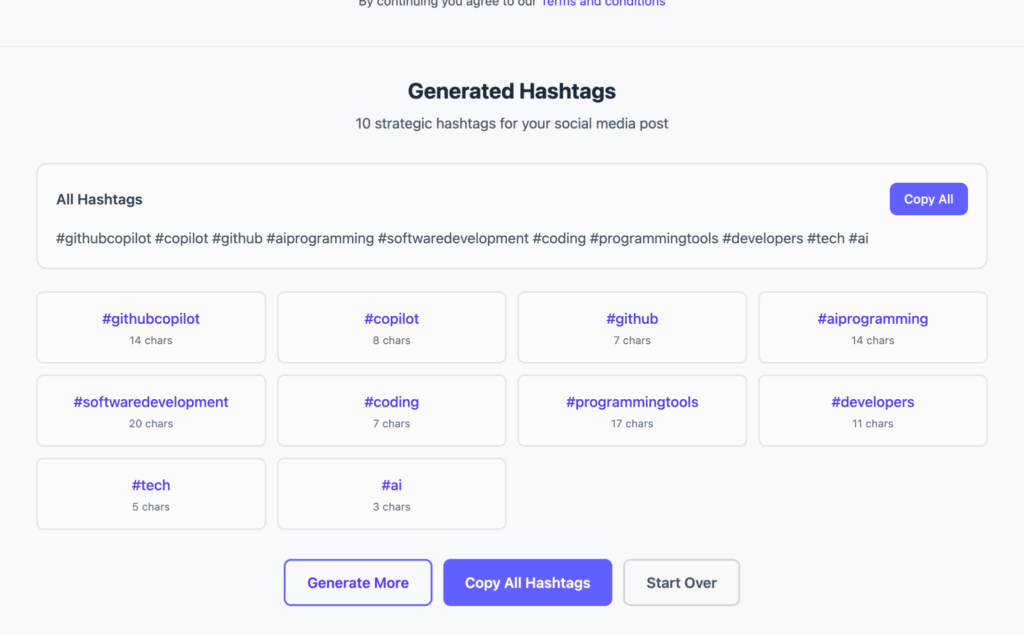
- Press Generate hashtags and pick the most relevant ones for your post.
What happens to your text
When you press the button, what you entered is sent over an encrypted connection to our API on Cloudflare, processed by Meta's Llama model on Cloudflare Workers AI, and the result comes straight back to your browser. This tool does not save your text or link it to an account.
Free fair use is about 12 requests a minute per visitor. Please do not paste passwords or sensitive personal data.
FAQ
Hashtag Generator FAQs
How many hashtags should I use on Instagram?
Instagram now limits posts and Reels to five hashtags. The generator gives you a larger pool grouped into popular, niche and branded ideas, so pick the five that describe your post most precisely. Specific tags usually help more than broad ones like #love or #reels.
How many hashtags work on TikTok, LinkedIn and X?
On TikTok, three to six relevant hashtags is a common practice. On LinkedIn, three to five is typical, and on X one or two per post is enough, because hashtags eat into the character count. Platforms change their rules, so check their help pages if you post at scale.
What is the difference between popular and niche hashtags?
Popular hashtags have huge volumes, so your post can disappear in minutes. Niche hashtags are smaller and more specific, such as a location, community or subtopic, so the people browsing them are more likely to care. The tool groups them so you can mix one or two broad tags with specific ones.
Do hashtags still help reach in 2026?
They help platforms understand what your post is about and help people browsing a topic find it, but they will not rescue weak content. Search keywords in captions, on-screen text and spoken words matter as much on TikTok and Instagram now. Use a few accurate hashtags and write a descriptive caption.
Can I trust every generated hashtag?
Check them before posting. AI suggestions are based on language patterns, not live platform data, so a tag may be inactive, unrelated or used by a different community. Tap the hashtag in the app to see recent posts, and skip any that do not match your content.

Built by Jitendra Vaswani. AI SEO and digital marketing consultant, founder of Digiexe and AffiliateBooster, best-selling author and international speaker. More about Jitendra