


- Free
- No sign-up
- Runs in your browser
- Updated November 12, 2026
How to use the Random Word Generator
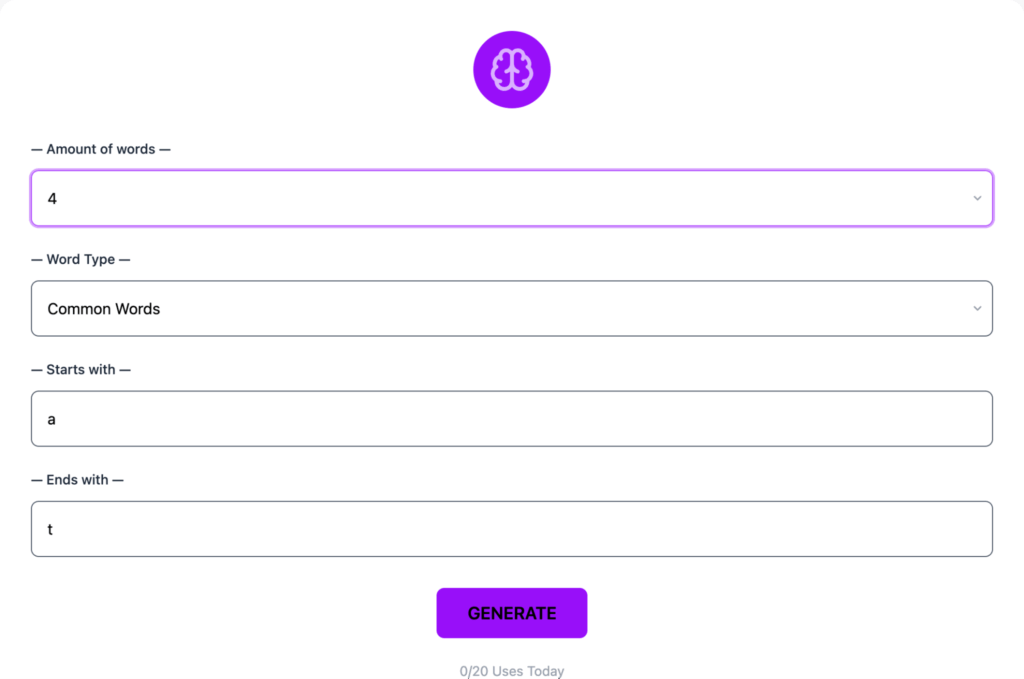
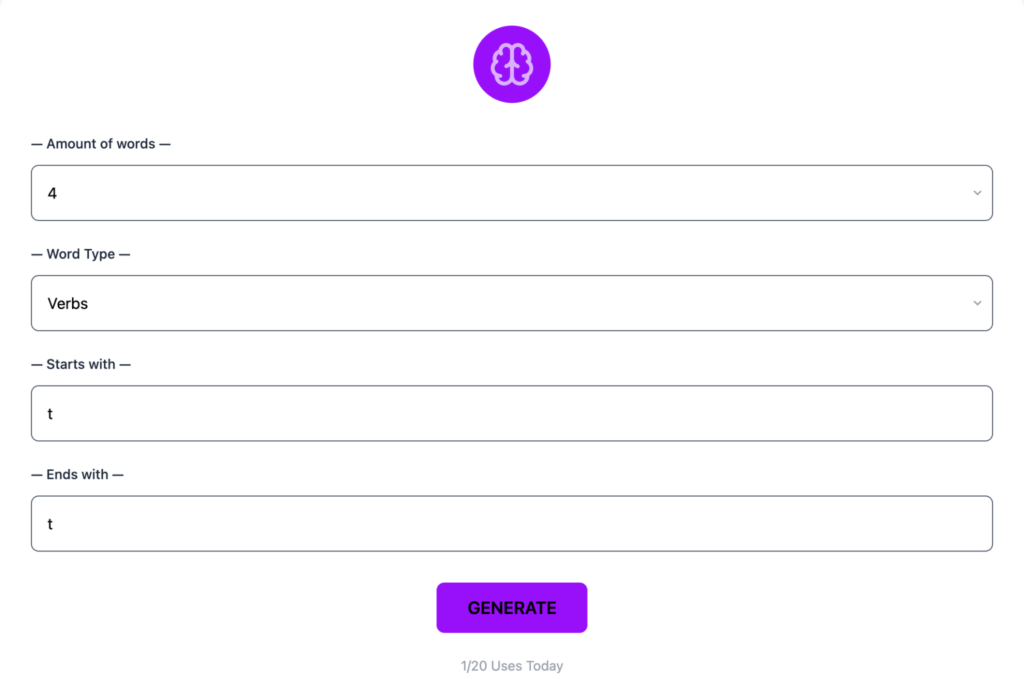
- Choose a word type: any, nouns, verbs, adjectives or adverbs.
- Pick how many words you want, and optionally a starting letter.
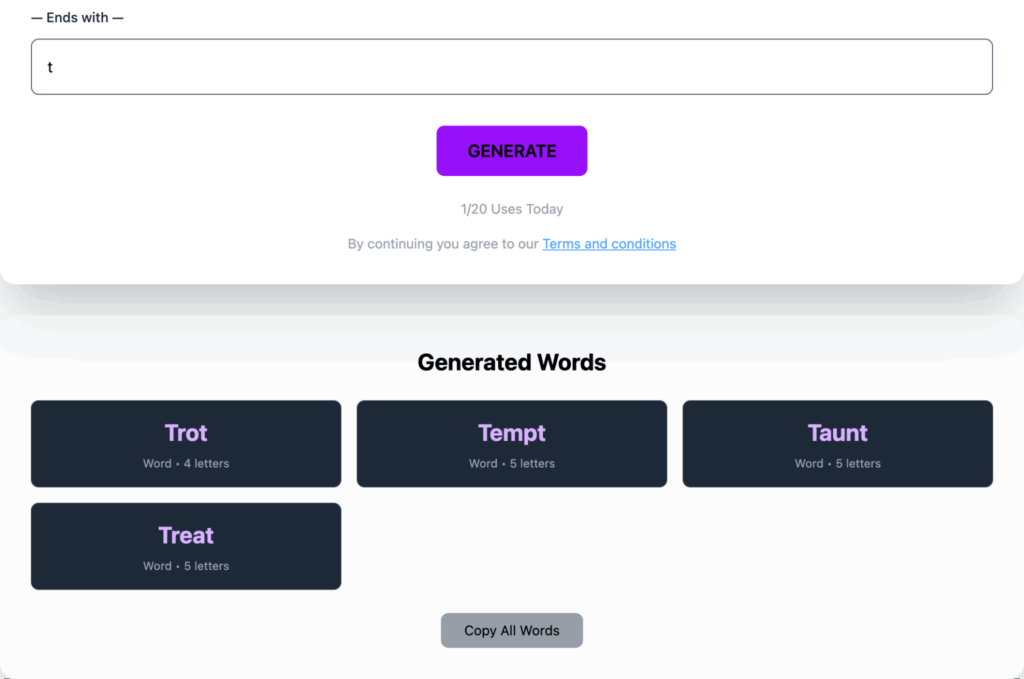
- Generate, then copy the list or click again for a fresh set.
What happens to your text
Your text never leaves your device. This tool runs entirely in your browser with JavaScript, so nothing you type is uploaded, saved or shared with anyone.
Refresh or close the page and it is gone.
FAQ
Random Word Generator FAQs
What can I use a random word generator for?
Writers use random words as prompts to break writer's block, teachers use them for vocabulary games and spelling practice, and teams use them for Pictionary, charades, icebreakers and brainstorming product or brand names. Picking a word you did not choose yourself pushes your brain toward ideas it would not reach on its own.
Can I get only nouns, verbs or adjectives?
Yes. Choose Nouns, Verbs, Adjectives or Adverbs in the Word type menu, or leave it on Any for a mix. Nouns are handy for drawing games and story prompts, adjectives for describing characters, and verbs for action-based prompts. Each list contains common, family-friendly English words.
How many random words can I generate at once?
You can generate 5, 10, 20 or 50 words in one click, and generate again as often as you like. There is no sign-up and no daily limit, because the words are picked in your browser rather than on a server.
Can I get words that start with a specific letter?
Yes. Type one to three letters into the "Starts with" box and the tool only returns words beginning with them. That is useful for alphabet games, alliteration, or naming projects that need a certain initial. If few words match, you may get fewer than you asked for.
Are the words truly random?
They are picked with your browser's built-in random function from curated word lists, which is plenty random for games, writing prompts and brainstorming. It is not designed for security uses such as passphrases. For passwords, use a password manager's generator instead.

Built by Jitendra Vaswani. AI SEO and digital marketing consultant, founder of Digiexe and AffiliateBooster, best-selling author and international speaker. More about Jitendra