


- Free
- No sign-up
- Runs in your browser
- Updated November 12, 2026
How to use the Bold Text Generator
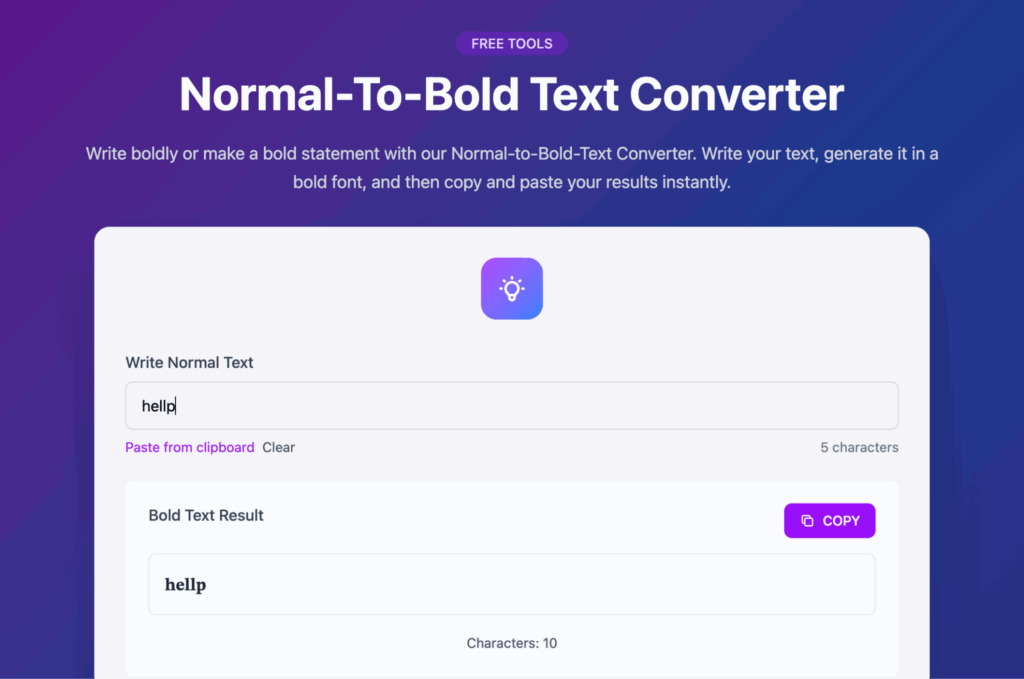
- Type or paste the words you want in bold.
- Look through the serif, sans, italic, script and fraktur bold styles.
- Press Copy on your favourite and paste it into your post or bio.
What happens to your text
Your text never leaves your device. This tool runs entirely in your browser with JavaScript, so nothing you type is uploaded, saved or shared with anyone.
Refresh or close the page and it is gone.
FAQ
Bold Text Generator FAQs
How can I write bold text on LinkedIn, Instagram or X?
Those apps have no bold button in posts. This tool converts your letters into characters from the Unicode Mathematical Alphanumeric Symbols block that look bold, so they keep their look wherever you paste them. Type your text, copy the style you like and paste it into a LinkedIn post, Instagram caption, X post or bio.
Is this real bold formatting?
No. It is not formatting like Ctrl+B in Word. Each letter is a different Unicode character that happens to look bold. That is why it works in apps with no formatting options, and also why it behaves differently: search, spell check and screen readers treat the styled letters as symbols rather than normal words.
Can screen readers read bold Unicode text?
Not reliably. Depending on the screen reader, styled letters are skipped or read one by one as names such as "mathematical bold capital H", which is confusing for blind and low-vision readers. Use bold Unicode for a word or short heading, not whole paragraphs, and never for information people must understand.
Will people find my bold words in search?
Usually not. To a computer, a bold Unicode "SEO" is a different string from plain "SEO", so platform search, hashtags and recruiter searches on LinkedIn will not match it. Keep your name, job title, skills, product names and hashtags in plain text and use bold only for emphasis around them.
Why are some characters not bold?
The bold Unicode alphabets cover A to Z, a to z and the digits 0 to 9. Accented letters such as é or ü, most punctuation and emoji have no bold version, so they stay in the normal font. If a word mixes styled and plain characters, try rewriting it without the accent or keep that word plain.
Does bold text count as more characters on X?
Often, yes. X weighs many characters outside the basic Latin range as two, so a post written fully in bold Unicode can run out of room roughly twice as fast. Bold a few key words instead of the whole post. Other platforms count differently, so check the counter before you publish.

Built by Jitendra Vaswani. AI SEO and digital marketing consultant, founder of Digiexe and AffiliateBooster, best-selling author and international speaker. More about Jitendra