


- Free
- No sign-up
- Runs in your browser
- Updated November 12, 2026
How to use the Italic Text Generator
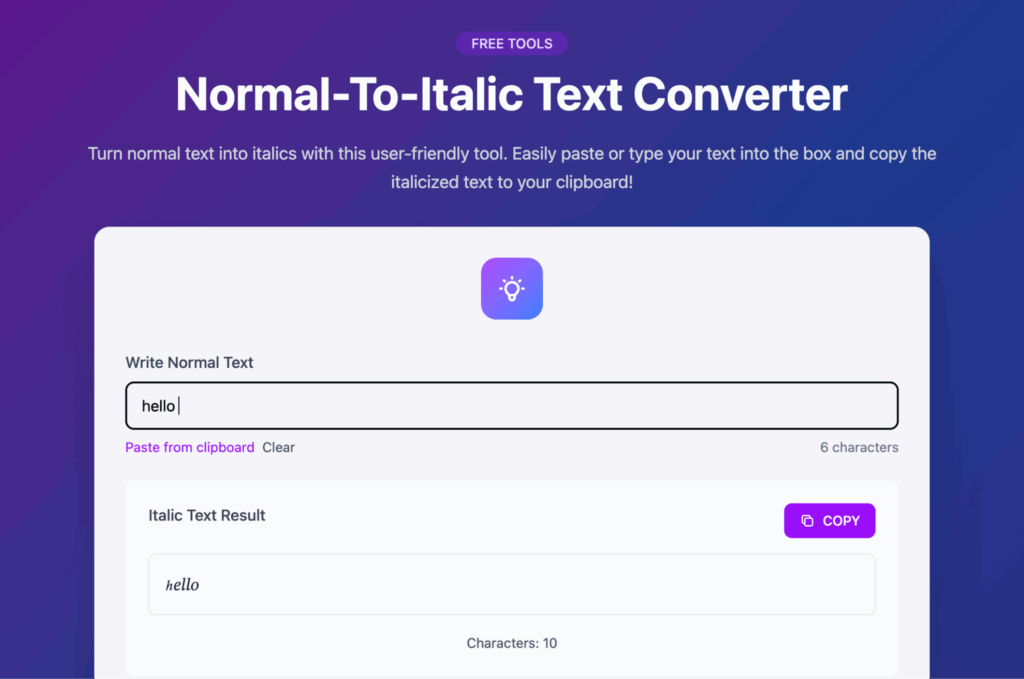
- Type or paste your text.
- Choose serif italic, bold italic or sans italic.
- Copy the result and paste it into your post, bio or message.
What happens to your text
Your text never leaves your device. This tool runs entirely in your browser with JavaScript, so nothing you type is uploaded, saved or shared with anyone.
Refresh or close the page and it is gone.
FAQ
Italic Text Generator FAQs
How do I make italic text on Instagram or LinkedIn?
Neither app has an italic button in posts or bios. This tool swaps your letters for italic-looking characters from Unicode's mathematical alphabets, which display as italic in almost any app. Type your text, copy the italic style you like and paste it into your caption, post, headline or bio.
Which italic styles does this tool make?
It creates three: a classic serif italic, a heavier bold italic and a cleaner sans-serif italic. Serif italic suits quotes and book titles, bold italic works for short emphasis, and sans italic matches the look of most social apps. All three are generated at once, so you can compare them side by side.
Why does the italic h look different?
The serif italic alphabet in Unicode has no separate italic small h, because that slot was already taken by the Planck constant symbol ℎ. Generators use ℎ instead, which can look slightly different in some fonts. The sans italic style has its own h, so switch to it if the letter looks off.
Is italic Unicode text accessible?
Only partly. Screen readers may skip the styled letters or read each one as a math symbol, and search engines do not match them to normal words. Italic Unicode is fine for a short quote or a single emphasised word, but keep names, links, hashtags and important instructions in normal text.
Can I use italic text in WhatsApp, Discord or email?
You can paste it, but these apps have better options. WhatsApp uses _underscores_ for real italics, Discord supports Markdown italics, and email editors have an italic button. Native formatting stays searchable and readable by screen readers, so use Unicode italics mainly in apps with no formatting at all, like Instagram or LinkedIn posts.

Built by Jitendra Vaswani. AI SEO and digital marketing consultant, founder of Digiexe and AffiliateBooster, best-selling author and international speaker. More about Jitendra