


- Free
- No sign-up
- Runs in your browser
- Updated November 12, 2026
How to use the Underline Text Generator
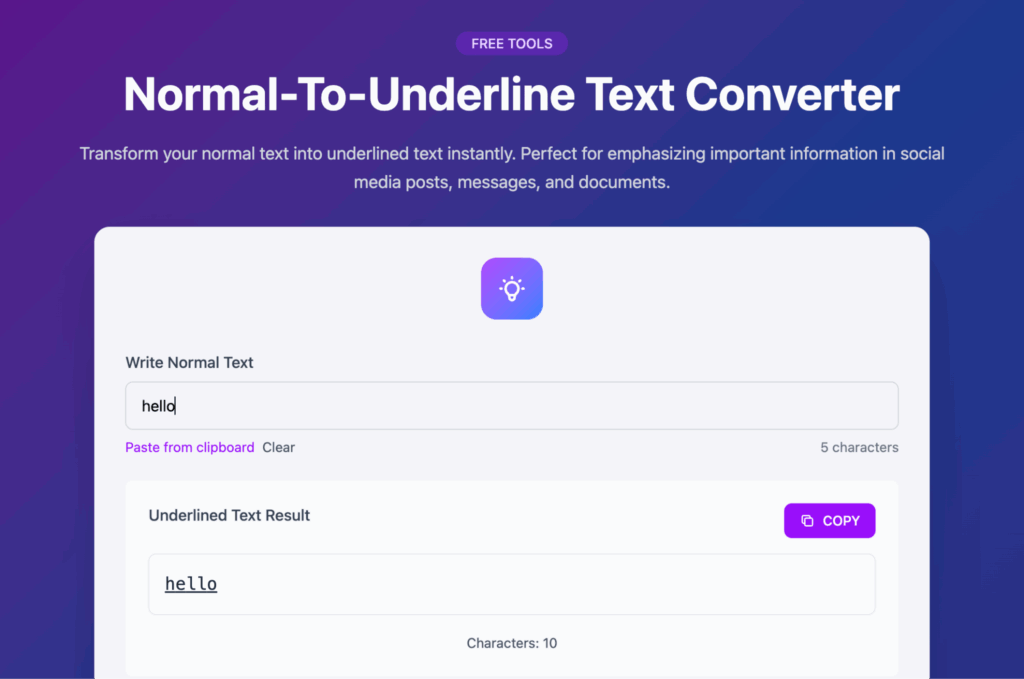
- Type the text you want underlined.
- Pick single, double, low line or dotted underline.
- Copy it and paste it into your post or message.
What happens to your text
Your text never leaves your device. This tool runs entirely in your browser with JavaScript, so nothing you type is uploaded, saved or shared with anyone.
Refresh or close the page and it is gone.
FAQ
Underline Text Generator FAQs
How can I underline text on Instagram, X or Facebook?
These apps have no underline button, so the tool adds a Unicode combining underline mark after every character. The mark attaches to the letter before it and draws a line under it. Type your text, copy the underline style you like and paste it into your caption, post or bio.
What underline styles can I make?
There are four: a single underline, a double underline, a low line that sits slightly lower, and a dotted underline. All of them are made with combining marks, so how they look depends a little on the font of the app. Try two styles and see which one renders more cleanly where you plan to post.
Why is my underline broken between letters?
Each letter gets its own small underline, and some fonts leave tiny gaps between them or position the mark differently. Spaces are underlined too, which keeps the line mostly continuous. If gaps look bad in one app, switch between the single and low line styles, since fonts handle them differently.
Does underlined Unicode text affect character limits?
Yes. Every letter becomes two characters, the letter plus the underline mark, so underlined text uses about twice the space in apps that count characters. On X, long underlined sentences can hit the limit quickly. Underline a few words rather than a full post.
Can screen readers and search read underlined text?
Combining marks usually leave the base letters readable, so search and screen readers do better with underlined text than with fancy alphabets. Some screen readers still announce the marks, though, and search may fail to match the words. Keep links, names and key details in plain text and use underlining for light emphasis.

Built by Jitendra Vaswani. AI SEO and digital marketing consultant, founder of Digiexe and AffiliateBooster, best-selling author and international speaker. More about Jitendra