

- Free
- No sign-up
- AI-powered
- Updated November 12, 2026
How to use the Grammar Checker
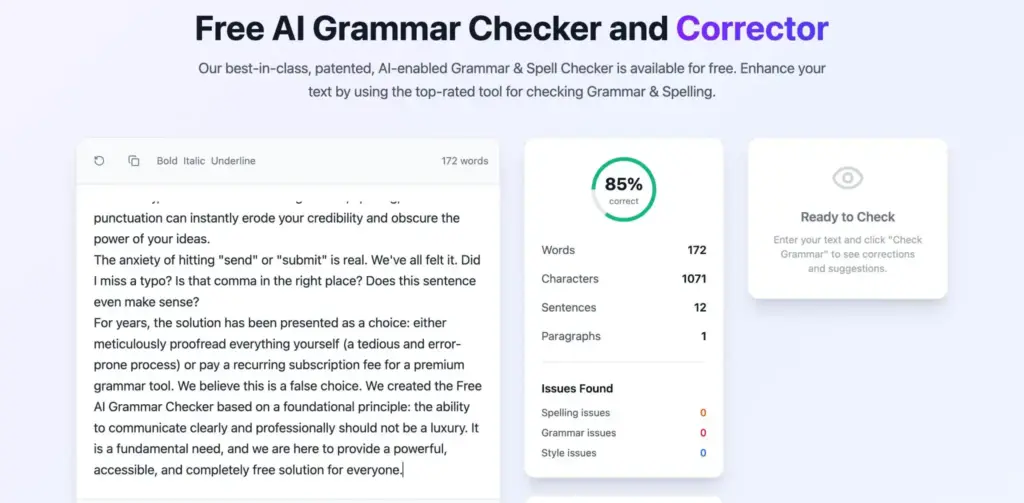
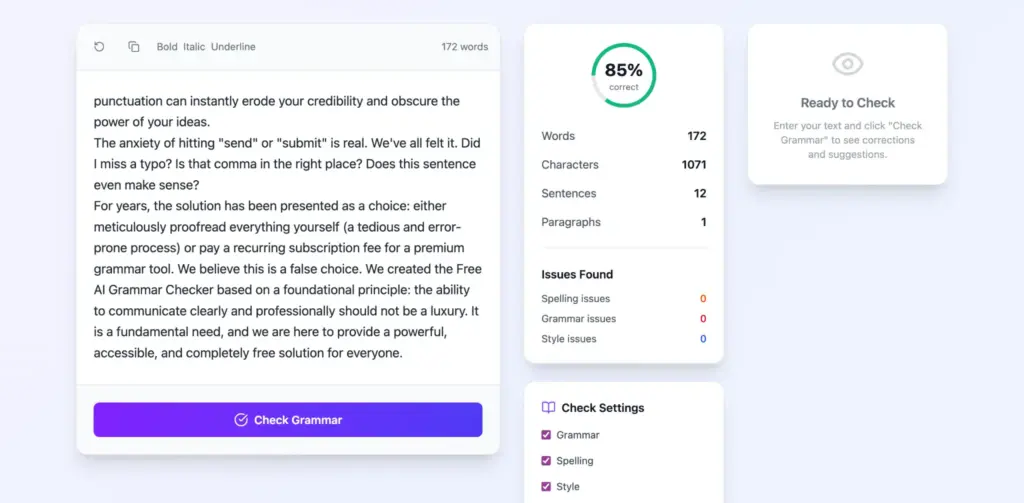
- Paste an email, essay or paragraph (up to 6,000 characters).
- Press Check grammar.
- Read the corrected text and the list of what changed, then copy it.
What happens to your text
When you press the button, what you entered is sent over an encrypted connection to our API on Cloudflare, processed by Meta's Llama model on Cloudflare Workers AI, and the result comes straight back to your browser. This tool does not save your text or link it to an account.
Free fair use is about 12 requests a minute per visitor. Please do not paste passwords or sensitive personal data.
FAQ
Grammar Checker FAQs
What does this grammar checker fix?
It corrects grammar, spelling, punctuation and clumsy word choice, such as subject-verb agreement, wrong pronouns, missing commas and common misspellings. It keeps your voice and meaning instead of rewriting your style. You get the full corrected text plus a short list showing each change and why it was made.
Is this grammar checker really free?
Yes. There is no account, no trial and no premium tier on this page. You paste text, press Check grammar and copy the result. To keep it free for everyone there is a fair-use limit of about 12 requests per minute per visitor, which normal use will not reach.
How is this different from Grammarly?
Grammarly underlines issues as you type inside apps and offers extra paid features. This tool works on a block of pasted text: it returns a cleaned-up version and explains the changes in one go, with no extension or sign-up. It suits quick checks of emails, posts and short essays.
Can it check British English and other languages?
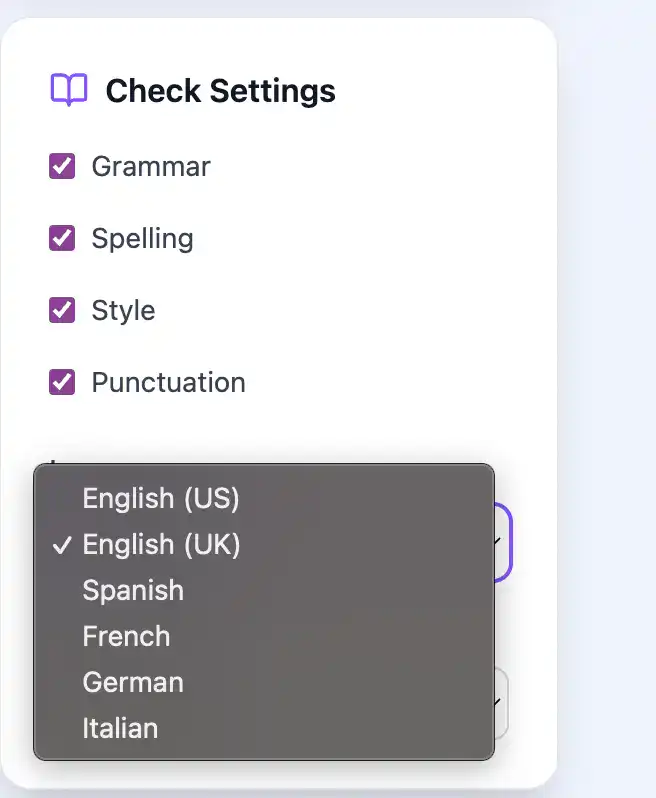
It works best with English. The model usually keeps the spelling style already in your text, but it can switch a word like "colour" to "color", so check the change list if you write British English. Results in other languages are less reliable, so use a checker built for that language.
Should I accept every correction?
No. Read the "What changed" list and make sure each fix matches what you meant, especially in technical, legal or creative writing where unusual phrasing can be deliberate. AI models occasionally change a correct sentence or miss an error, so treat this as a careful second pair of eyes, not the final word.

Built by Jitendra Vaswani. AI SEO and digital marketing consultant, founder of Digiexe and AffiliateBooster, best-selling author and international speaker. More about Jitendra