

- Free
- No sign-up
- AI-powered
- Updated November 12, 2026
How to use the Question Answer Tool
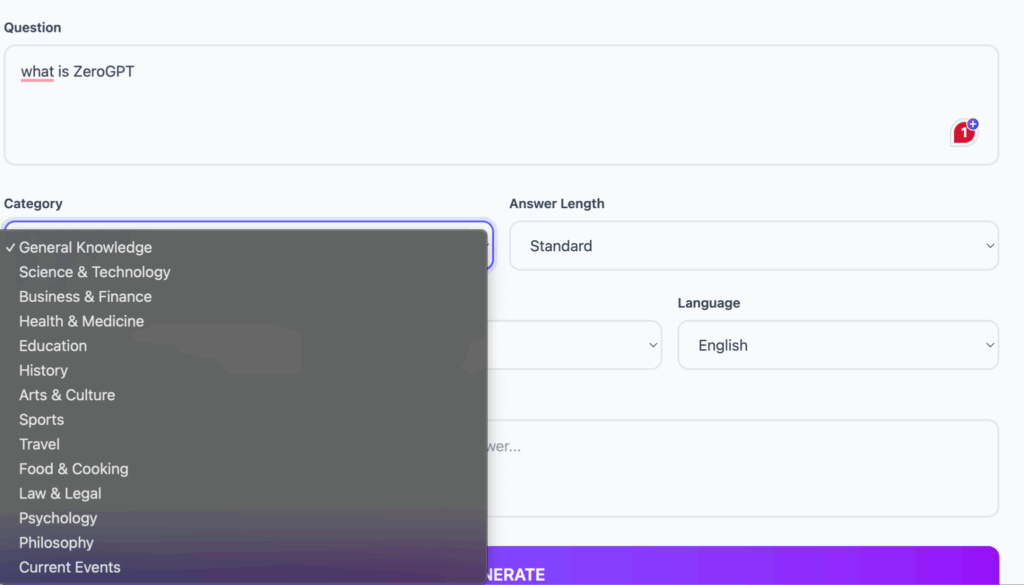
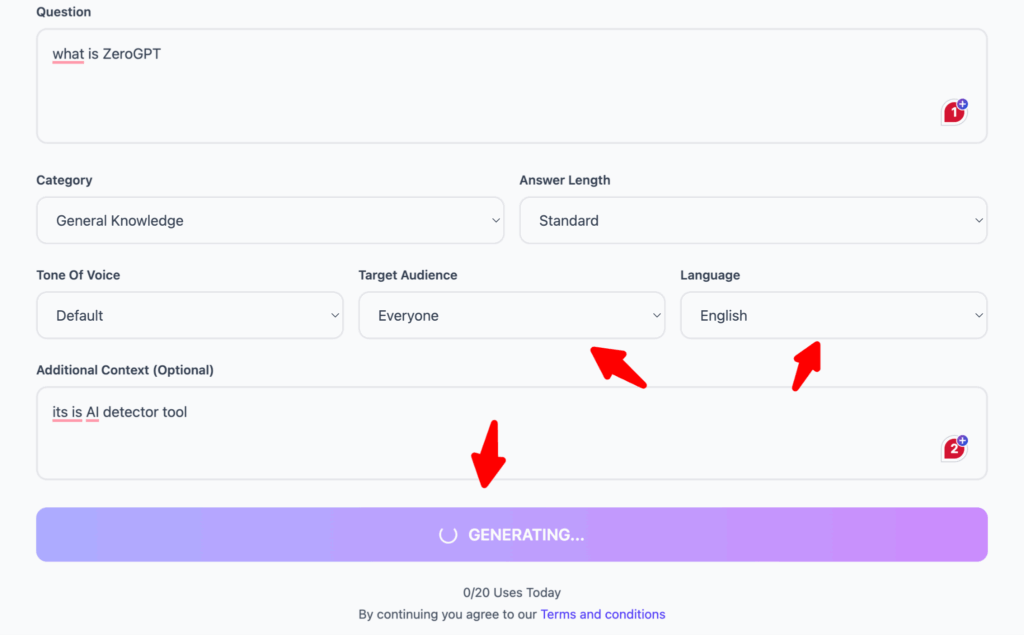
- Type your question.
- Optionally paste a passage if the answer should come from that text.
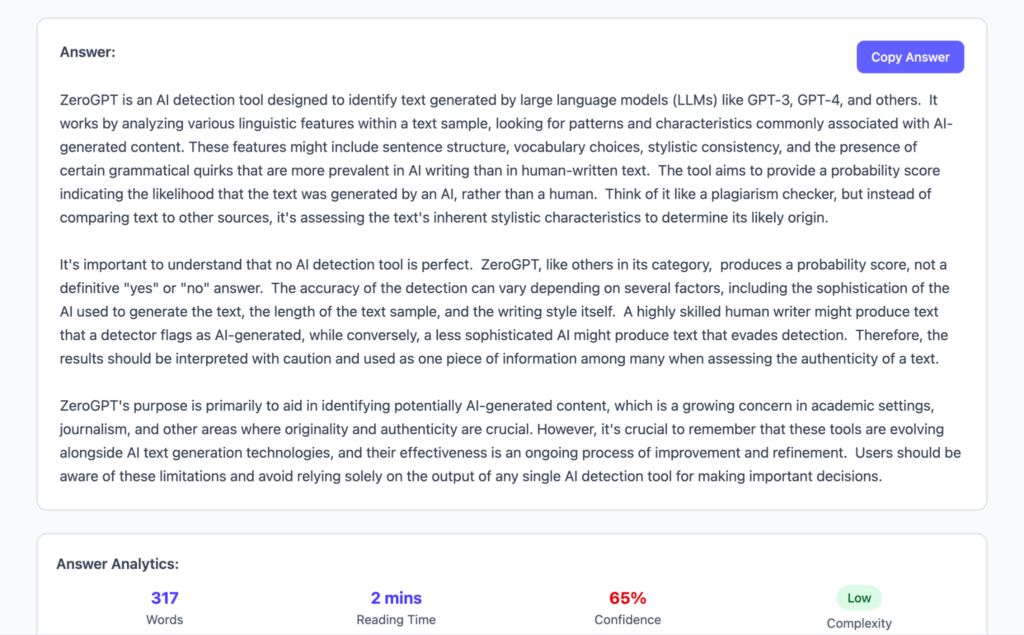
- Press Get answer and check important facts against a trusted source.
What happens to your text
When you press the button, what you entered is sent over an encrypted connection to our API on Cloudflare, processed by Meta's Llama model on Cloudflare Workers AI, and the result comes straight back to your browser. This tool does not save your text or link it to an account.
Free fair use is about 12 requests a minute per visitor. Please do not paste passwords or sensitive personal data.
FAQ
Question Answer Tool FAQs
What kind of questions can I ask?
Factual, how-to and explain-this questions work best, such as the difference between two marketing terms, how a process works or what a word means. The tool leads with a direct answer in a sentence or two and then explains briefly. It is not a search engine, so it cannot browse the web.
How do I get answers from my own text?
Paste a passage, notes or an article into the optional Context box and ask your question. The tool will use that text to answer, which is useful for study notes, policies or long emails. You can paste up to about 2,000 characters of context per question.
Can the answers be wrong?
Yes. AI models can state wrong facts confidently, and they do not know events newer than their training data. The tool is told to say plainly when it is unsure or when a question needs current data. Always check medical, legal, financial and other important answers with a qualified source.
Does it know current news and prices?
No. The model has no live internet access, so questions about today's news, stock prices, sports results or recently launched products may get outdated or no answer. For anything time-sensitive, use a news site or search engine and treat this tool as a way to understand concepts.
Is it free and private?
It is free with no sign-up, with a fair-use limit of about 12 requests per minute per visitor. Your question is sent over HTTPS to our API, answered by an AI model and returned to your browser. The tool does not save your questions, but avoid pasting passwords or sensitive personal information into any online tool.

Built by Jitendra Vaswani. AI SEO and digital marketing consultant, founder of Digiexe and AffiliateBooster, best-selling author and international speaker. More about Jitendra