Best AI photo editor, the short answer: For most people in 2026, Canva and Google Gemini are the easiest AI photo editors to start with for free. For a professional headshot without a studio, HeadshotPro and Magic Hour give you free results from one selfie, and Aragon is the paid upgrade. Photoshop with Generative Fill is still the pro pick. On Android, Snapseed is free with no ads or watermarks. And Katalist AI? It is a storyboard and AI video studio with an AI image editor on its Pro plan, not a pure photo editor. I explain where it fits below.
I edit thumbnails, blog images and profile photos every week, and I get asked which ai app for photos is worth installing. This list sticks to facts from each tool’s official site, checked on October 17, 2026. No made-up quality scores.
Best AI Photo Editors: Quick Comparison
| Tool | Best for | Free option (official site) | Platform |
|---|---|---|---|
| Canva AI Headshot Generator | Quick headshots inside a design tool | 2 free credits, more after 24 hours | Web, mobile |
| Google Gemini (Nano Banana) | Prompt-based photo edits | Nano Banana 2 free of charge | Gemini |
| Adobe Photoshop Generative Fill | Pro-level AI editing | Free trial | Desktop, web, mobile |
| Adobe Firefly | AI image editing and generation | Limited free daily generations | Web |
| HeadshotPro | One free HD headshot | 1 HD headshot (1024×1024), no sign-up | Web |
| Magic Hour | Daily free headshots | 3 headshots per day, no watermark | Web |
| Aragon AI | Paid studio-style headshot packs | Paid (local pricing) | Web |
| LightX | All-in-one AI photo editor | Free to start | Web, iPhone, Android |
| Picsart | Free online editor with AI tools | Free editor | Web, app |
| Snapseed | Best photo editor for Android | Free, no ads or watermarks | Android |
| Photoroom | Product photos and batch edits | Start for free | Web, API, iPhone, Android |
| Generated Photos | AI faces and avatars | Gallery and generators | Web |
| Katalist AI | Storyboards with consistent characters | Free credits on sign-up, 7-day trial | Web |
What Are AI Photo Editors and AI Headshot Generators?
An AI photo editor lets you change an image by describing what you want or by tapping one button. Think background removal, object removal, relighting or expanding a canvas. AI software for photo editing used to mean Photoshop only. Now it is built into free apps.
An AI headshot generator is a narrower tool. You upload one or more selfies, and the AI makes professional-looking headshots with clean backgrounds and better lighting. People search for this as “headshots ai”, “ai make a headshot” or “free headshot maker”.
How I Picked These Tools
- Free access you can verify on the official site today.
- Output you can actually use, like LinkedIn, a CV or a thumbnail.
- Privacy, especially for face photos.
- Ease for non-designers.
- Honest positioning. If a tool is not really a photo editor, I say so.
Best AI Photo Editors and Headshot Tools in 2026
1) Canva AI Headshot Generator: Best Free Starting Point
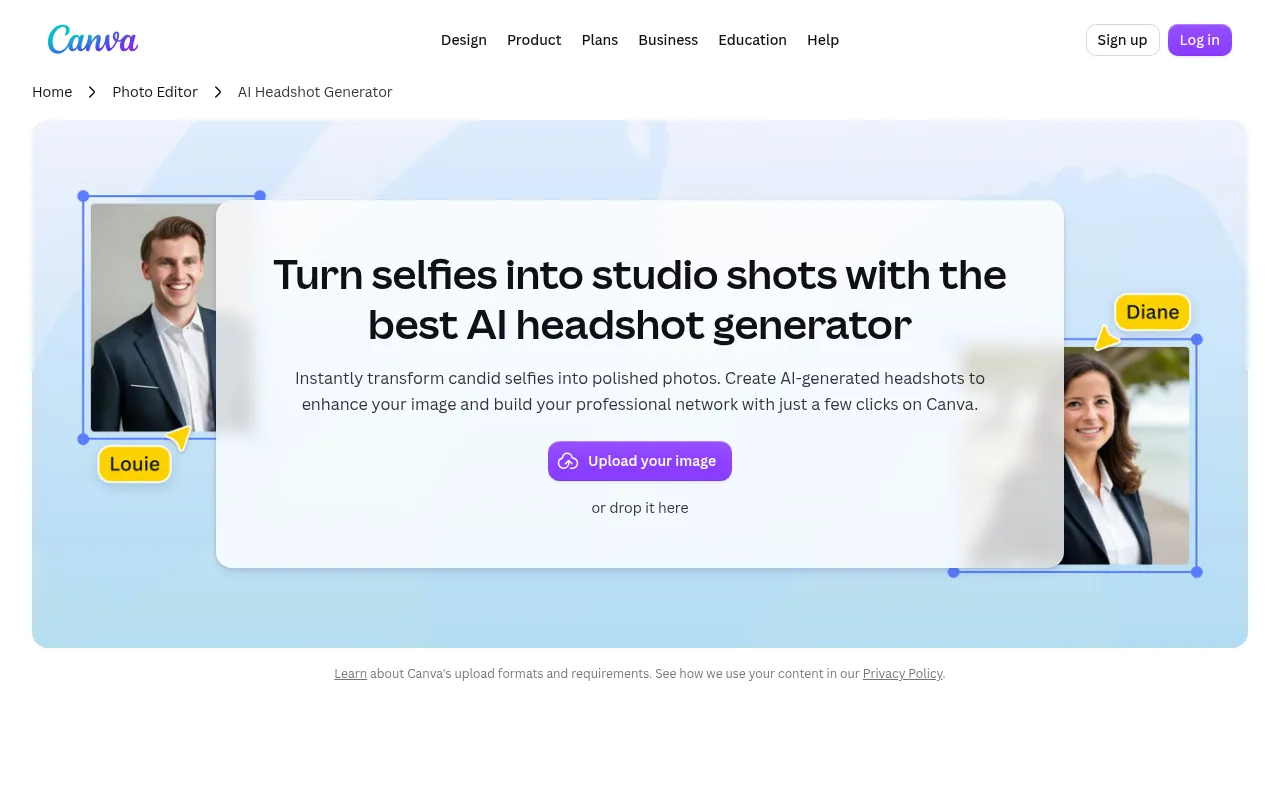
Canva’s AI headshot generator turns a selfie into a polished headshot inside the editor you may already use. The official FAQ says you get two free credits. After that, you wait 24 hours for more free headshots or buy extra credits. Canva’s photo editor also has AI tools like Generative Fill and a face editor.
Canva’s page also mentions making fun avatars with its photo tools, so it doubles as an AI avatar generator free to try.
My take: if you need a headshot ai generator free and you live in Canva already, start here.
2) Google Gemini (Nano Banana): Best Prompt-Based Photo Editing
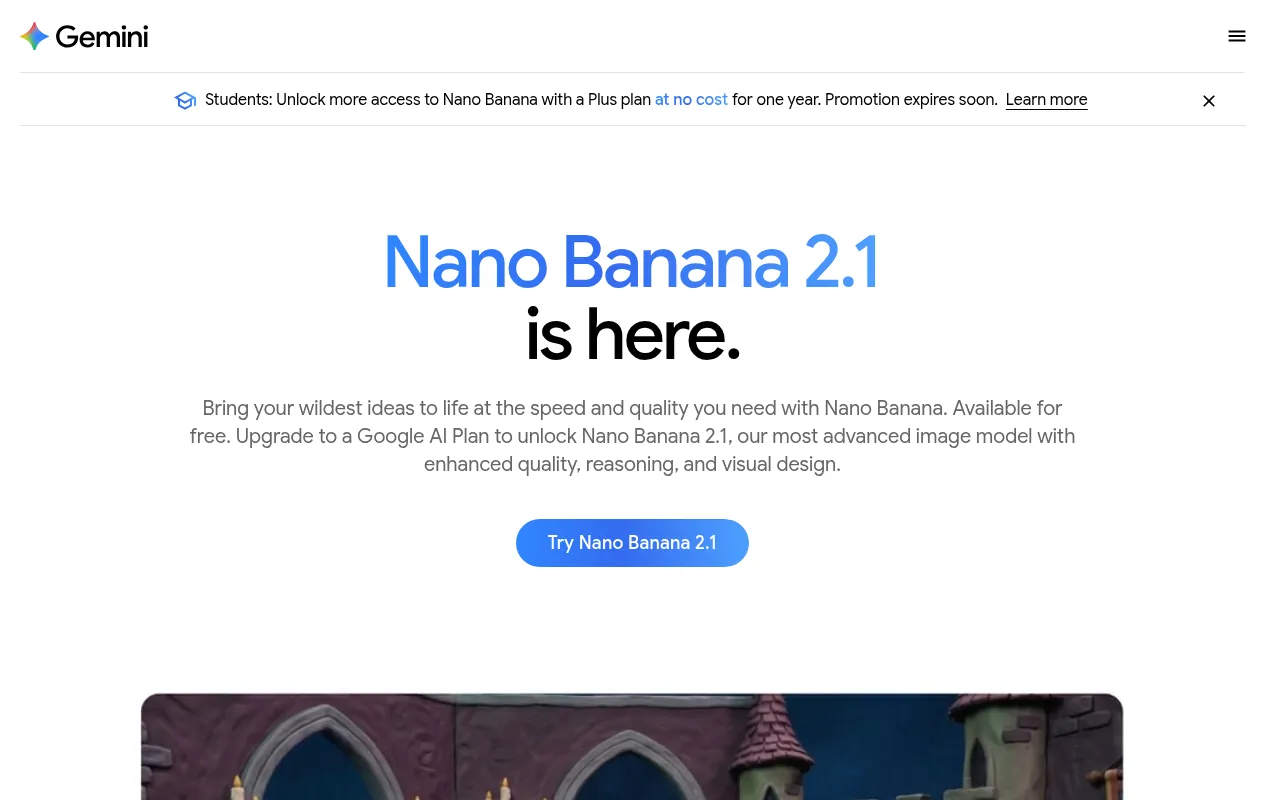
Gemini’s image model, Nano Banana, edits photos from a plain-English prompt. Google’s official page lists Nano Banana 2 as free of charge, and Nano Banana 2.1 with a Google AI plan, which also unlocks higher limits. You can add things to a selfie, change styles or fine-tune lighting and angles.
This is my default ai app for photos when I need a quick creative edit. As an AI photo editing app, it is the easiest way to try prompt-based edits. For more free AI picks, see my best free AI apps list.
3) Adobe Photoshop Generative Fill: Best Pro AI Editor
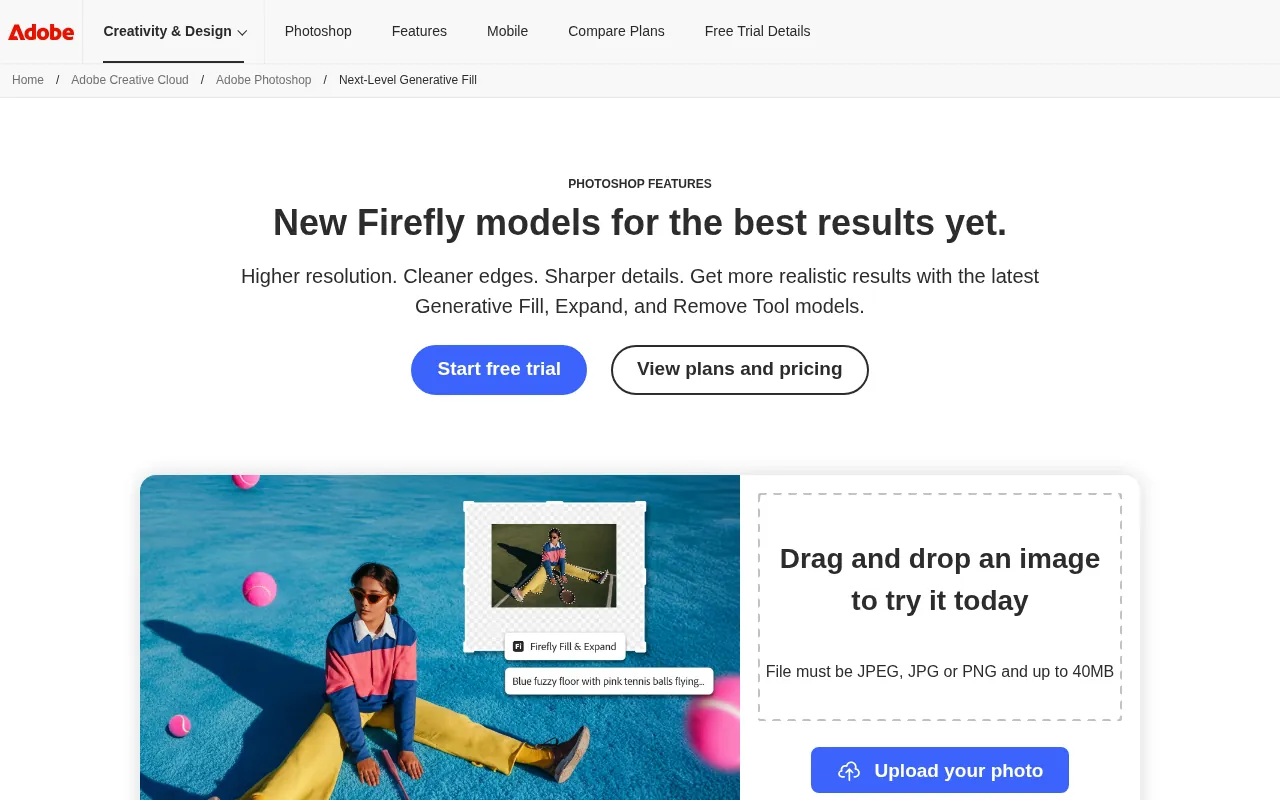
Photoshop’s Generative Fill lets you select an area, type a description and add or remove content. Generative Expand extends your canvas. Adobe says the latest version runs on its newest Firefly Image Model. You get a free trial, then a paid plan.
Pick this if you edit client work and need full control with layers. It is the best photo ai editor for precision, but it is overkill for a profile photo.
4) Adobe Firefly: Best Free Adobe Option
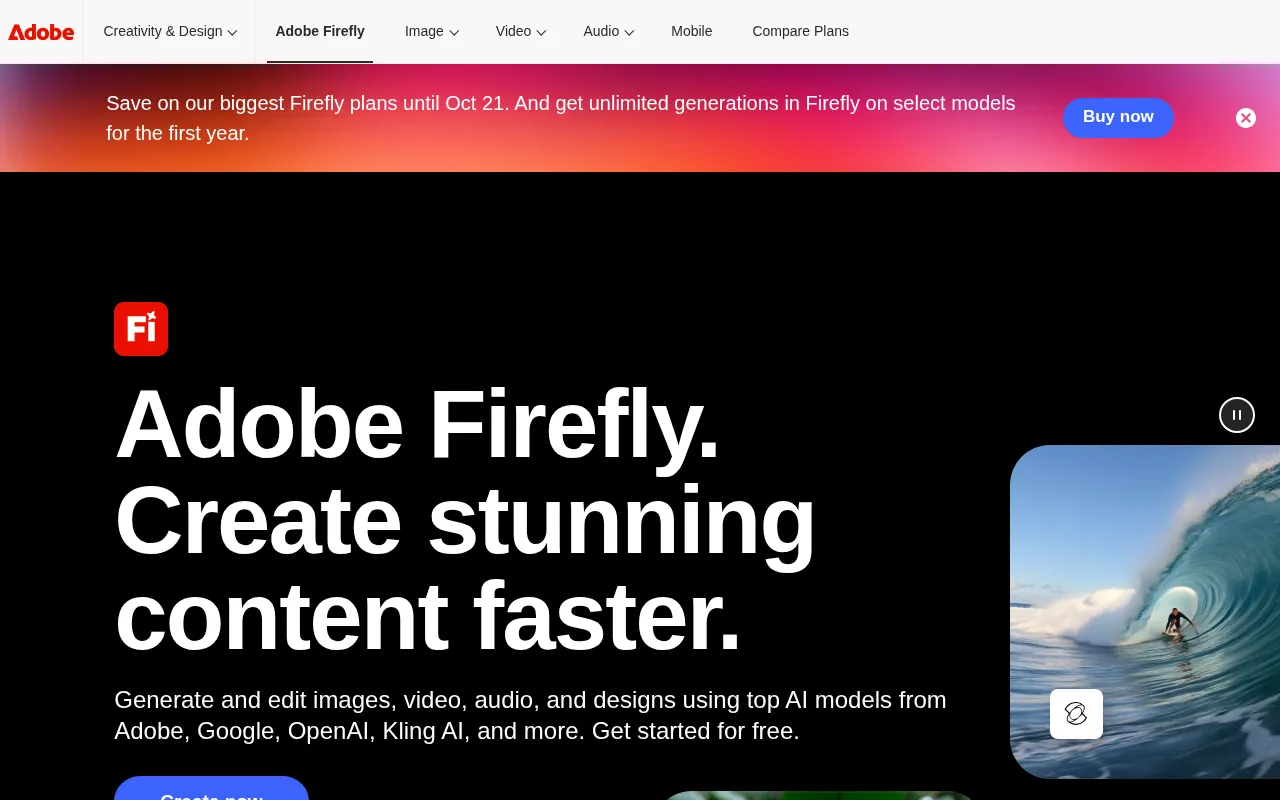
Firefly is Adobe’s AI app for images, video and audio. The official page lists a Firefly Free plan with limited free daily generations. A paid plan with 2,000 monthly generative credits was shown at ₹797.68/mo including GST, with a free trial. On my check, Adobe was also running an offer on its bigger Firefly plans until October 21.
5) HeadshotPro: Best Free Professional Headshot
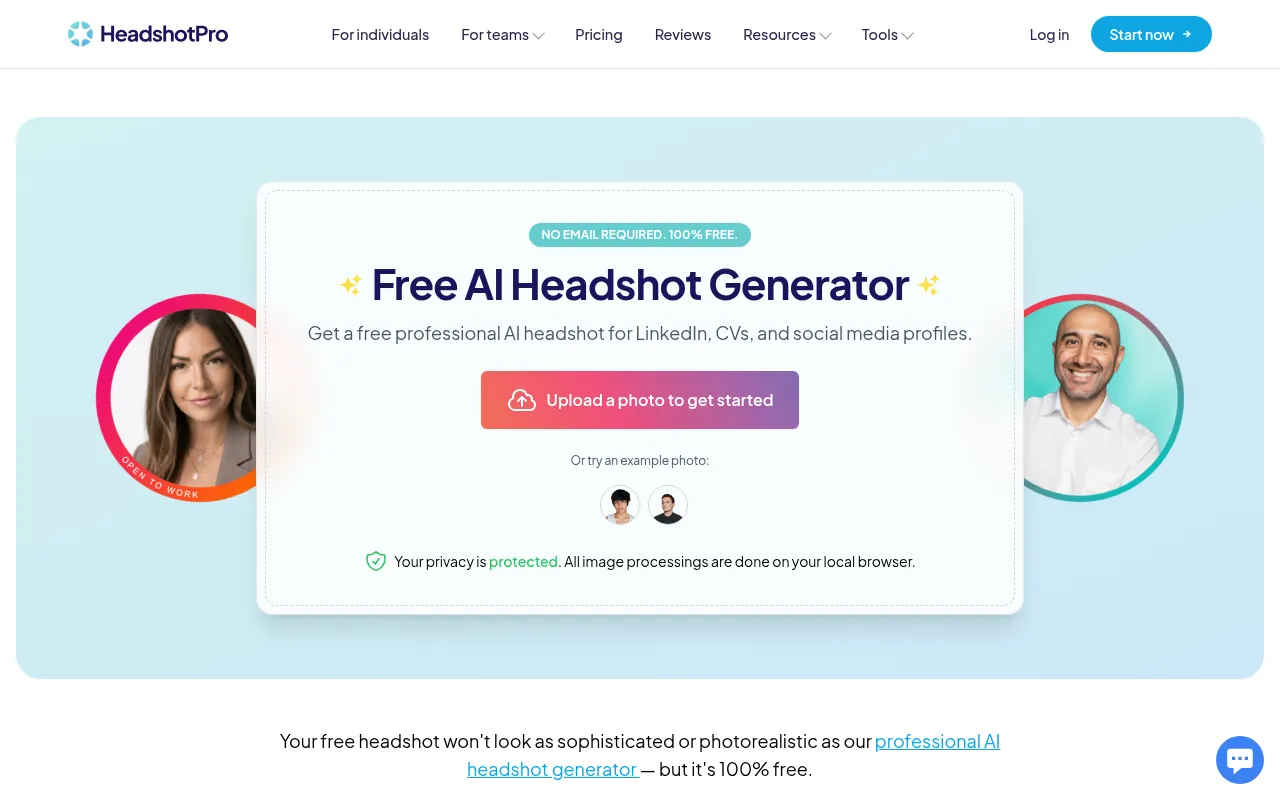
HeadshotPro’s free tool is the cleanest “ai photo editor professional headshot free” option I found. Upload one selfie, and you can download one HD headshot (1024×1024) free, with no sign-up and no credit card. The rest stay as previews. The paid version starts at $29 and unlocks them all plus 40 more credits. HeadshotPro says free uploads are deleted within 24 hours.
6) Magic Hour: Best for Daily Free Headshots
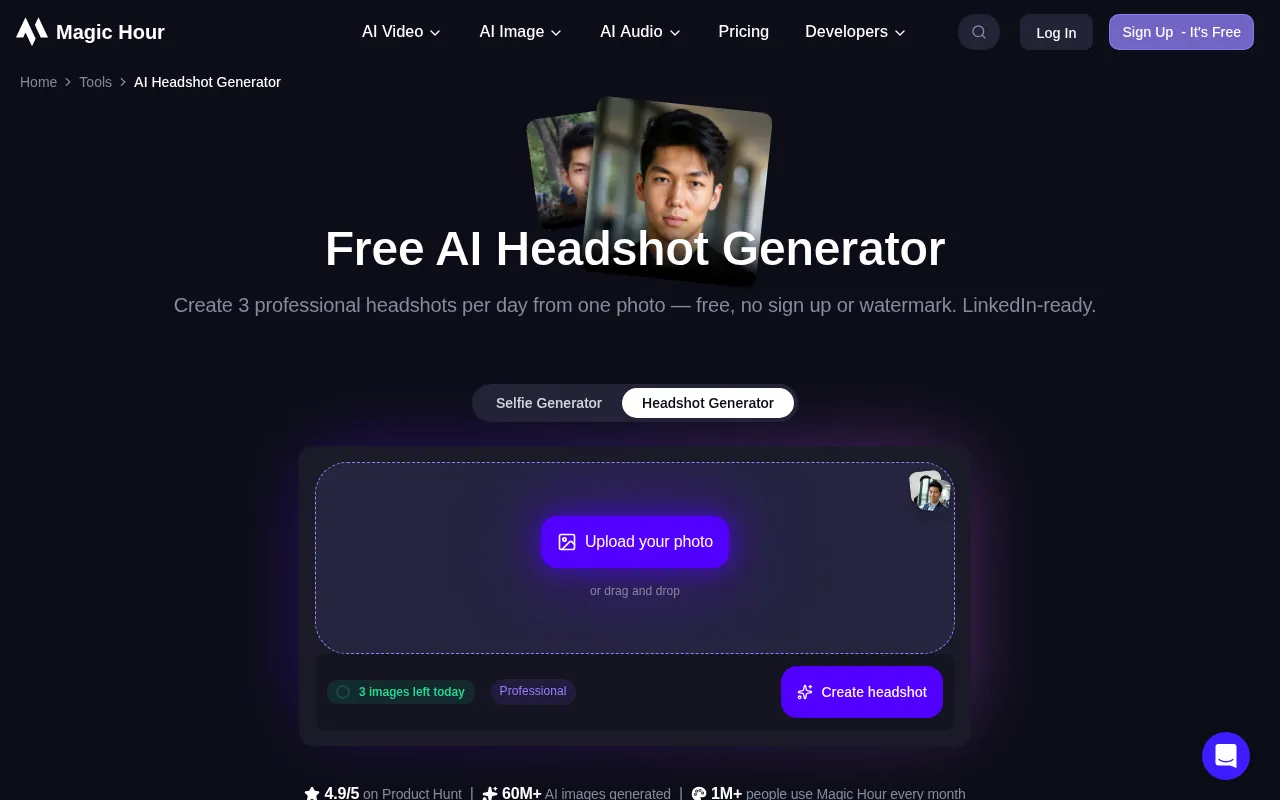
Magic Hour’s official page says you can create 3 professional headshots per day from one photo, free, with no sign-up and no watermark. That makes it the best free headshot maker if you want to try a few looks over a few days.
7) Aragon AI: Best Paid Headshot Pack
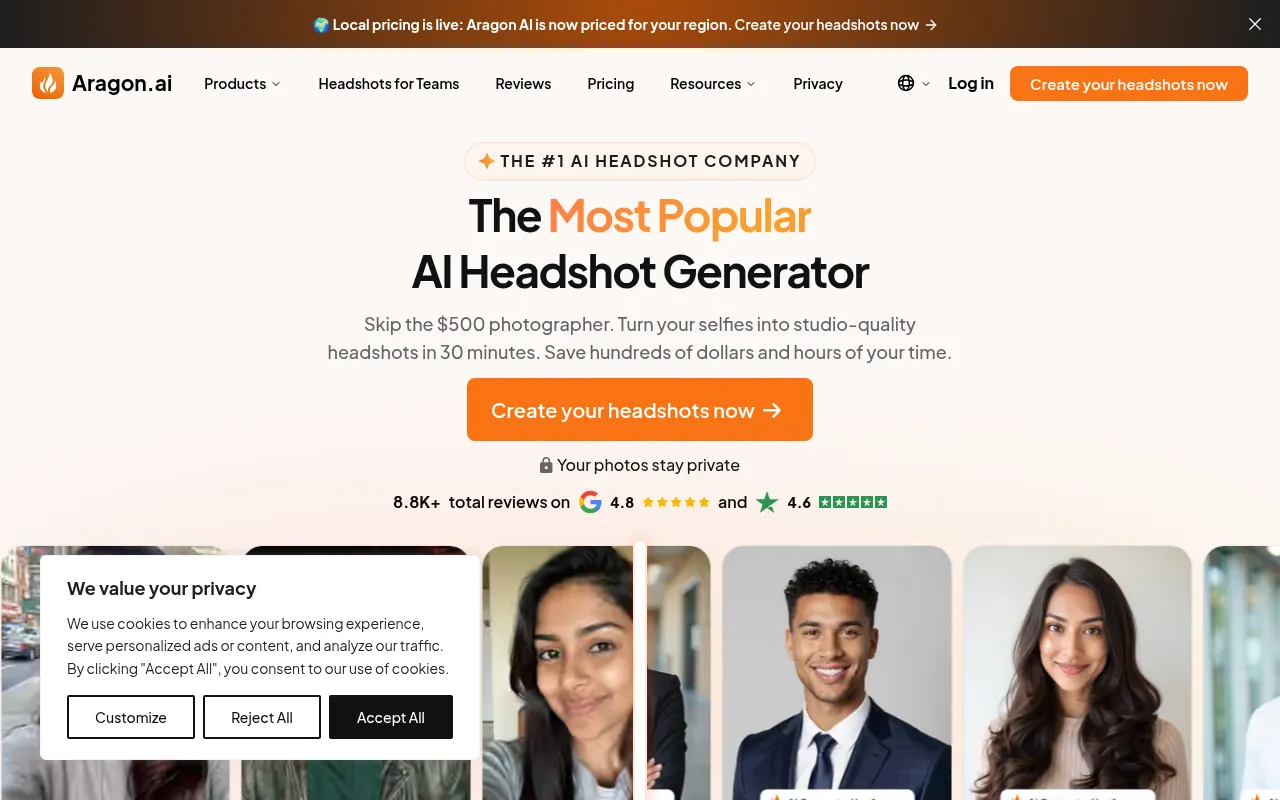
Aragon positions itself as an AI headshot company. Its homepage says you get up to 100 high-quality headshots in about 30 minutes, and it now shows local pricing for your region. Use it when a free single headshot is not enough, for example a team page or a speaker kit.
8) LightX: Best All-in-One AI Photo Editor
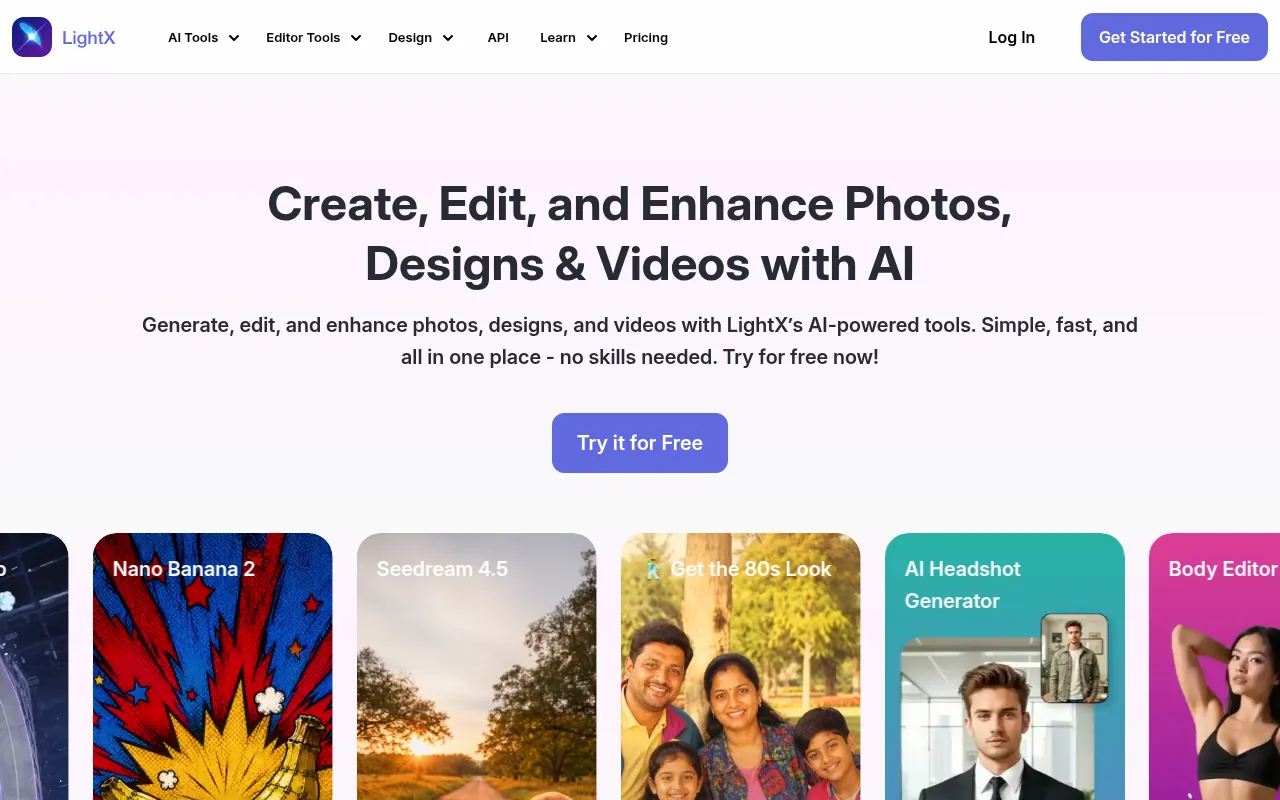
LightX bundles many AI tools in one place: an AI headshot generator, Nano Banana-powered edits, a body editor and old-photo restoration. You can start for free, and LightX says its mobile app is available on iPhone and Android. It is a good fit if you want one application for photo AI work instead of five separate sites.
9) Picsart: Best Free Online Photo Editor With AI Tools
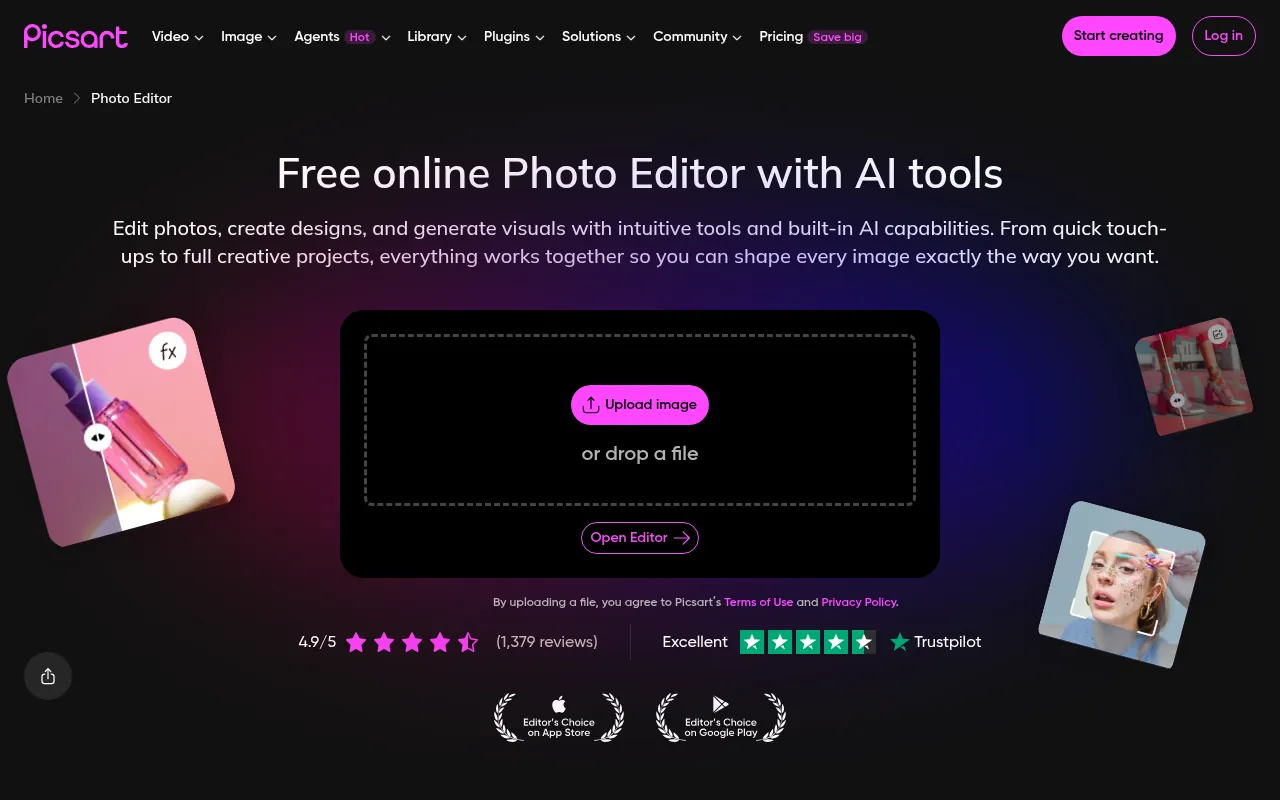
Picsart’s official page calls it a free online photo editor with AI tools. It covers background removal, image enhancement and text-to-image in one editor. There is also a Picsart app, so it is handy for creators who edit on the go.
10) Snapseed: Best Photo Editor for Android (No Watermark)
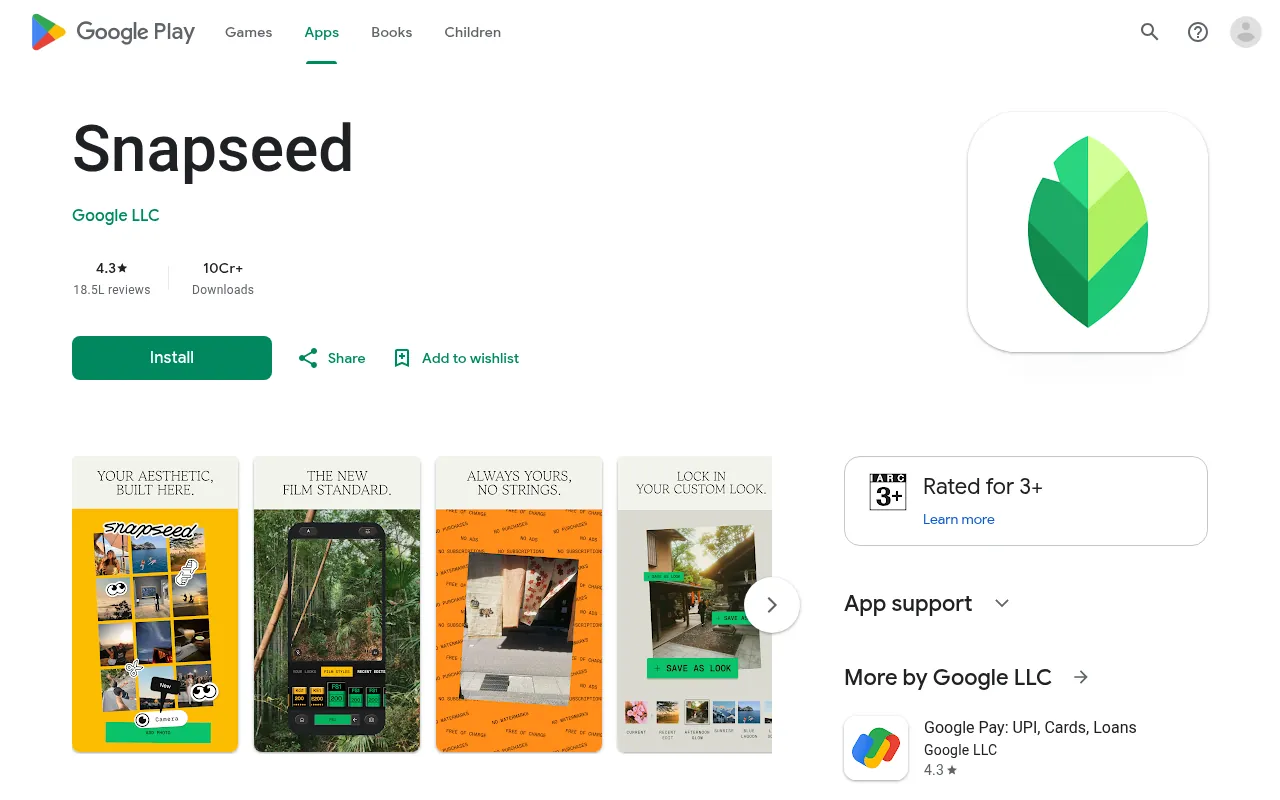
If you want the best photo editor android users can install free, this is it. Snapseed is made by Google. Its Play Store listing promises 30+ pro tools and filters with no subscriptions, purchases, ads or watermarks. It adds smart masking, batch editing, RAW support and non-destructive edits.
So for anyone searching the best photo editing app for android without watermark, Snapseed is my first answer. Among the other best photo editing apps for Android phone users, LightX and Photoroom also list Android apps on their official sites. Skip any “best photo editor apk” from random sites. Install from the Play Store to stay safe.
11) Photoroom: Best for Product Photos
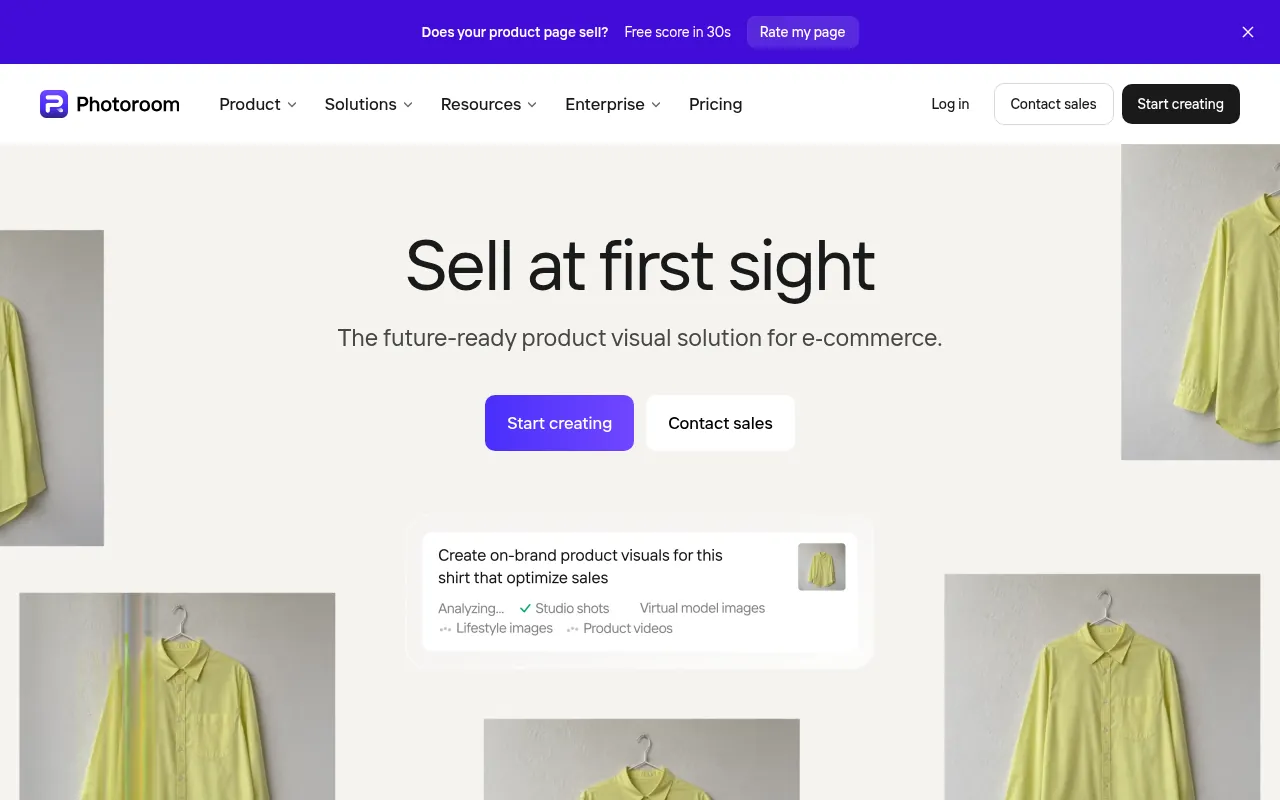
Photoroom is built for e-commerce. It removes backgrounds, generates product scenes and batch edits thousands of images through the web app or API. You can start for free. If you sell on Shopify or marketplaces, this saves hours.
12) Generated Photos: Best for AI Faces and Avatars
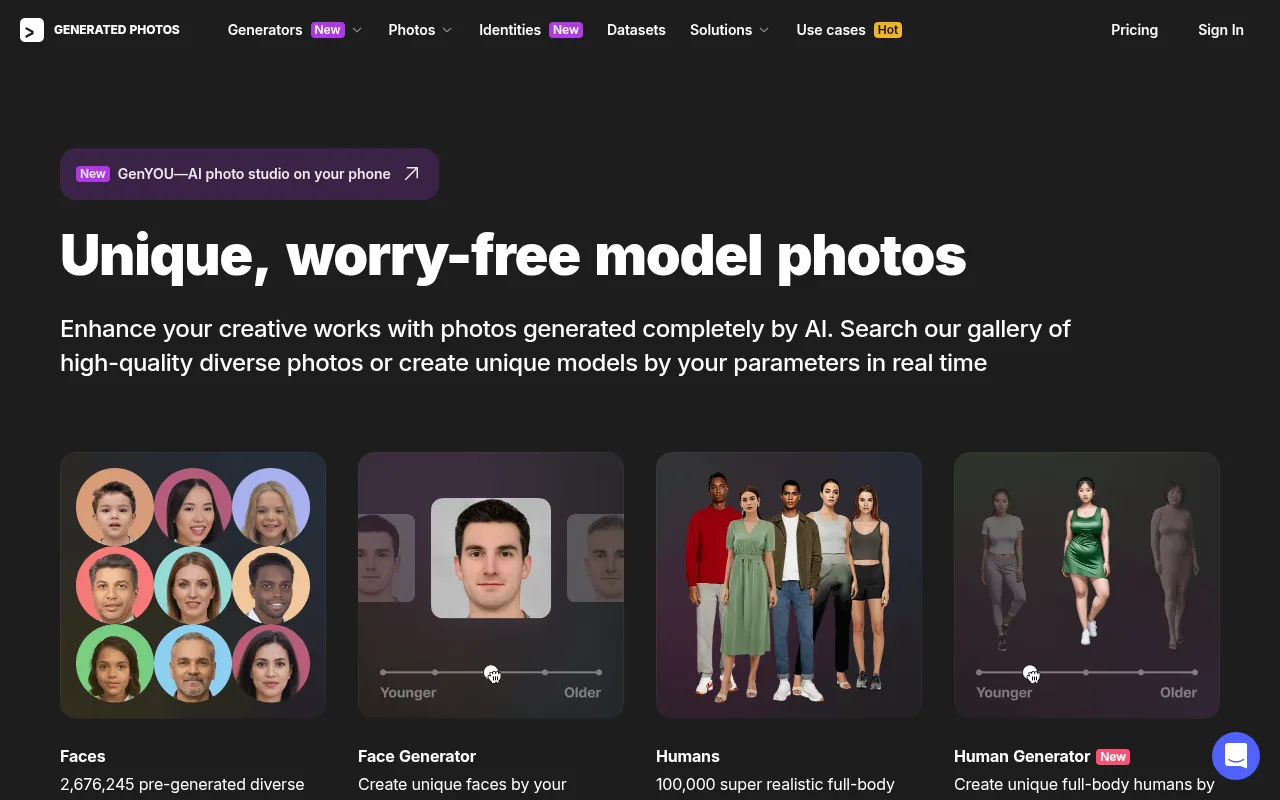
Need an ai avatar generator or a model photo for a mockup? Generated Photos offers a gallery of AI-made faces and full-body humans, plus Face and Human Generators where you set the parameters. It also has a phone app called GenYOU. Read the licence terms before using faces in ads.
13) Katalist AI: Storyboards and Consistent Characters
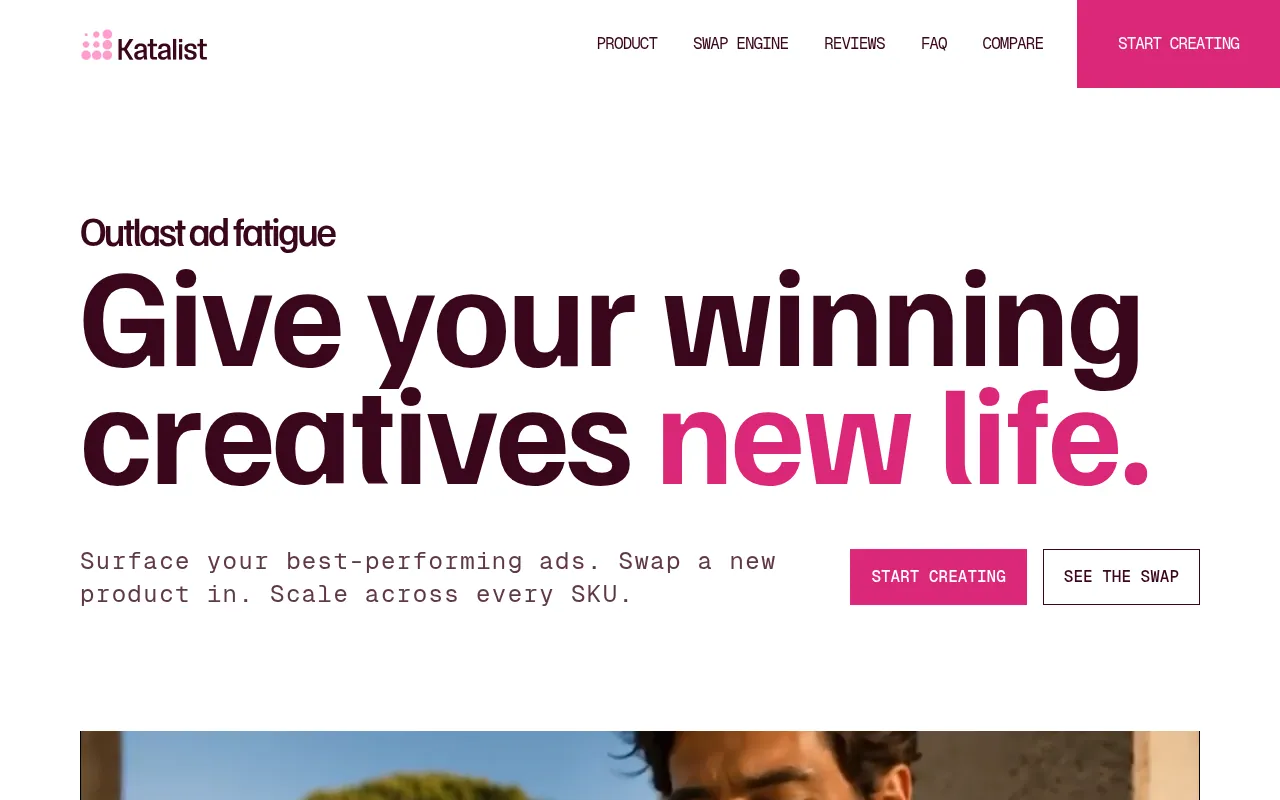
Katalist AI is an AI creative studio. You write or import a script, and it builds a storyboard and video with consistent characters. It can also swap your product into existing creatives. You can sign up free and get credits for your first storyboard, with no credit card.
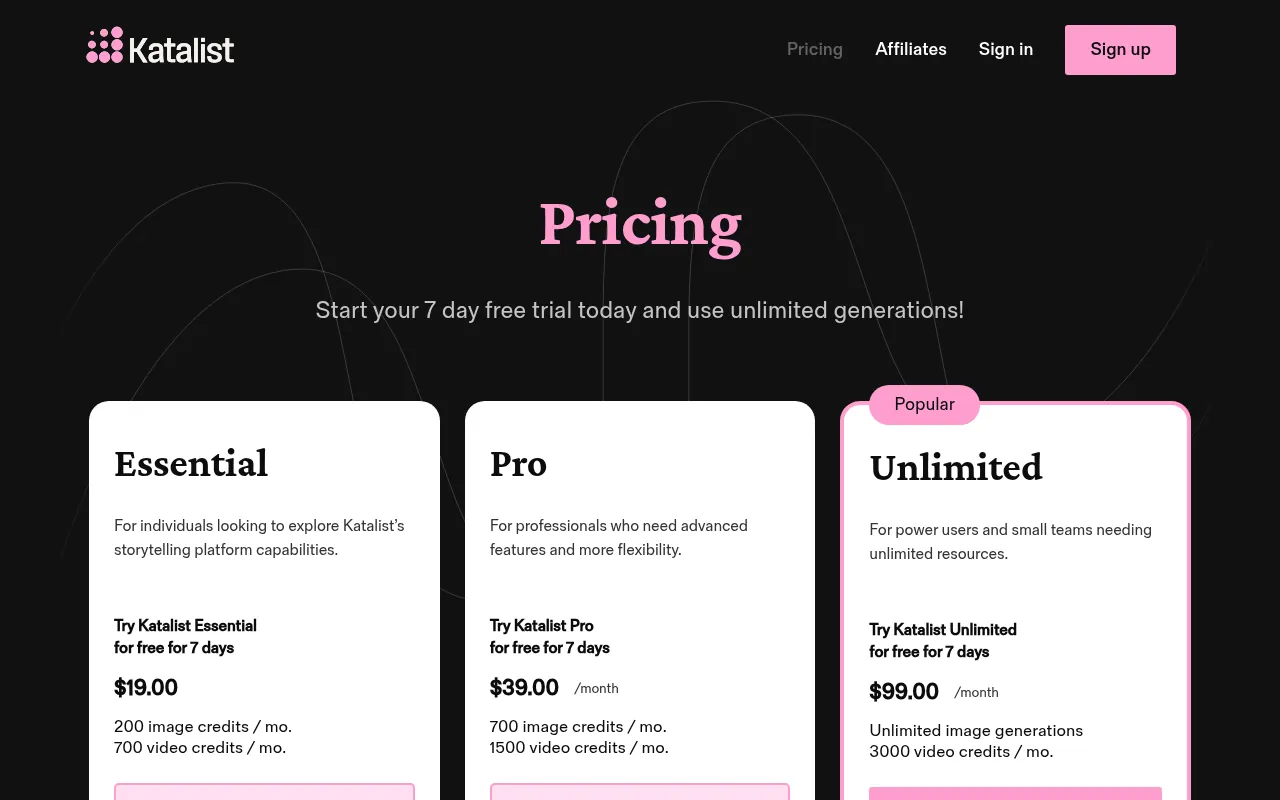
Pricing from the official page: Essential at $19, Pro at $39/month and Unlimited at $99/month, each with a 7-day free trial. Pro is the plan that lists the AI image editor. My view: choose Katalist for ad storyboards and short AI videos, not for fixing a selfie.
Katalist guide: how to make your first project
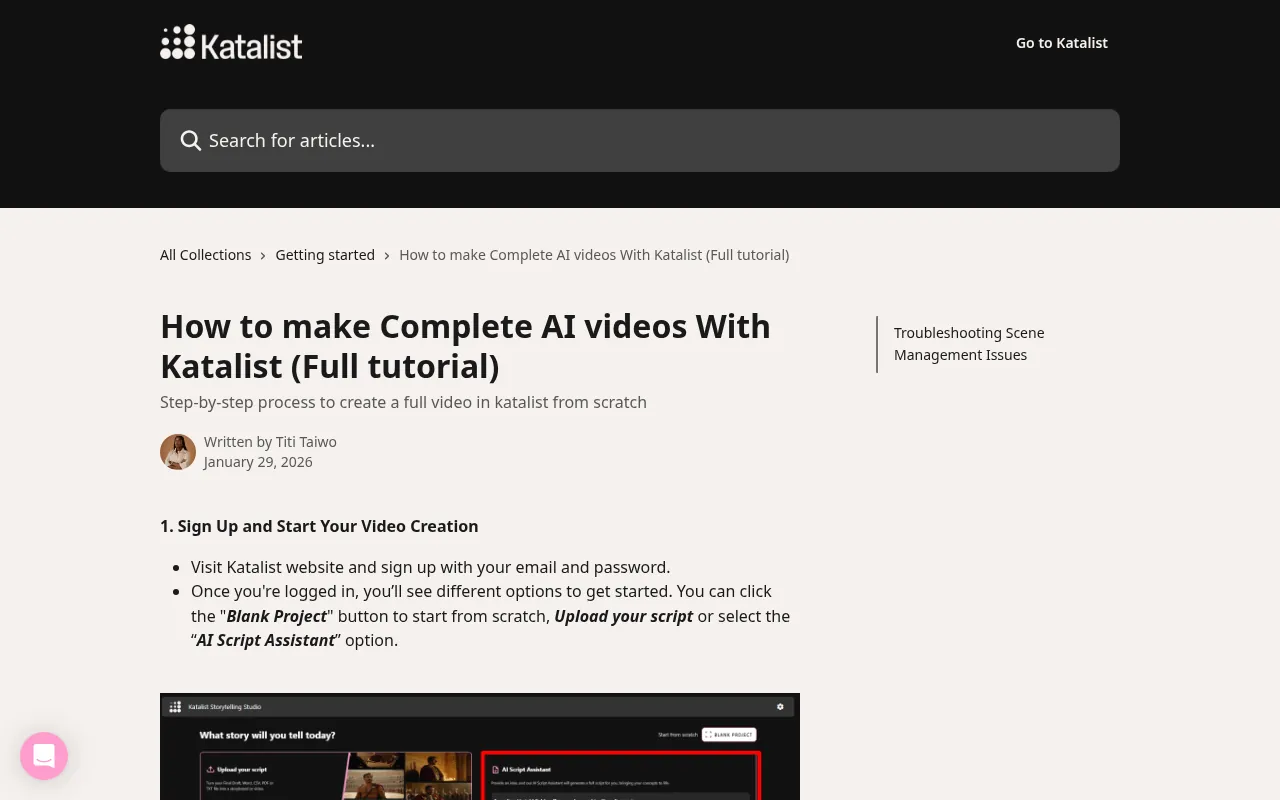
Based on Katalist’s own help center tutorial:
- Sign up and pick Blank Project, upload a script or use the AI Script Assistant.
- Generate or edit your script, then choose a style such as Cinematic, Sketch or Cartoon.
- Pick or customise characters, choose an aspect ratio and create the project.
- Review the storyboard, which Katalist says takes 1 to 2 minutes, and fix scenes.
- Switch to the Timeline, refine shots with the edit tools and generate the videos.
Free vs Paid AI Photo Editors
If you want a free AI photo editor, free is enough for most people. Canva, Gemini, Firefly Free, Magic Hour, HeadshotPro’s free headshot, Picsart and Snapseed cover profile photos, thumbnails and quick edits.
Pay when you need volume, commercial control or a full set of headshots. Photoshop, Aragon, Katalist and paid Canva plans make sense for client work or teams.
How to Choose the Right Tool
- Need one LinkedIn photo today? HeadshotPro or Magic Hour.
- Already design in Canva? Canva’s headshot generator.
- Want prompt-based creative edits? Gemini.
- Doing client retouching? Photoshop.
- Edit only on an Android phone? Snapseed.
- Selling products online? Photoroom.
- Making ad storyboards? Katalist AI.
One rule for any face tool: read how long it keeps your photos. HeadshotPro states 24 hours for free uploads. If a tool says nothing, assume the worst and use a different selfie.
For video next to your photos, see best free online video editors and CapCut in India. If your edited photos are filling up your phone, compare Google One plans in India for extra storage.
Why Should You Trust Me?
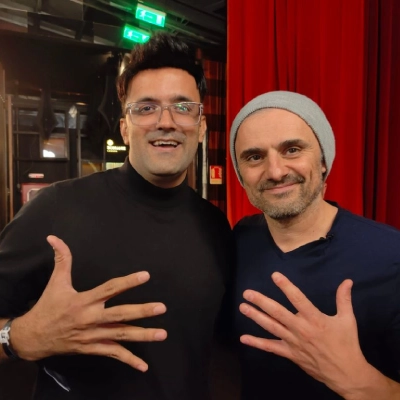
I am Jitendra Vaswani, an SEO consultant with 12 years in search. I founded Digiexe and AffiliateBooster, and I am an author and international speaker.
I make blog graphics, thumbnails and profile images every week. For this guide, every free limit and price comes from the tool’s official site, checked on October 17, 2026. I have not invented scores or test results.
FAQs
What is the best AI photo editor for free?
Canva and Google Gemini are the easiest free starting points. Snapseed is the best free option on Android, with no ads or watermarks according to its Play Store listing.
Is there a free AI headshot generator?
Yes. HeadshotPro gives one free HD headshot with no sign-up, Magic Hour gives 3 free headshots per day, and Canva gives two free credits that refill after 24 hours.
What is Katalist AI used for?
Katalist AI turns scripts into storyboards and short AI videos with consistent characters. It also does product swaps for ads. Its Pro plan includes an AI image editor.
Which is the best photo editing app for Android without watermark?
Snapseed by Google. Its official listing says it has no subscriptions, purchases, ads or watermarks.
Is there an AI avatar generator free to use?
Canva mentions making fun avatars with its photo tools, and Gemini’s Nano Banana 2 is free of charge for stylised edits like figurine-style images. For AI-made faces, Generated Photos has a gallery and generators. Check each tool’s licence before commercial use.
Can AI make a headshot from one selfie?
Yes. HeadshotPro and Magic Hour both work from one photo. Paid tools like Aragon may produce more variety.
Is it safe to upload my face to AI headshot tools?
Check the privacy policy first. HeadshotPro says free uploads are deleted within 24 hours. Avoid tools that do not state a retention period.
Final Verdict
For most readers, start with Canva or Gemini for free AI edits, and HeadshotPro or Magic Hour for a free headshot. Move to Photoshop or Aragon only when the work pays for it. Use Snapseed on Android. And treat Katalist AI as a storyboard tool for ads and videos, not your everyday photo editor.
Sources
Facts in this article were checked on October 17, 2026 against the official sites of Canva, Google Gemini, Adobe (Photoshop and Firefly), HeadshotPro, Magic Hour, Aragon AI, LightX, Picsart, Google Play (Snapseed), Photoroom, Generated Photos and Katalist (website, pricing page and help center). Free limits and prices change, so confirm on the vendor’s site.

Jitendra Vaswani is a well-known expert in SEO and AI-driven digital marketing. He has spoken at international events and founded Digiexe, a digital marketing agency, and AffiliateBooster, WordPress plugin designed specifically for affiliate marketers. With over 10 years of experience, Jitendra has helped many businesses succeed online. His bestselling book, Inside A Hustler’s Brain: In Pursuit of Financial Freedom, with over 20,000 copies sold globally, underscores his influence and commitment to empowering digital marketers.