Best AI tools for students, the short answer: Looking for the best AI for students? For most students, the best free starting kit is ChatGPT or Google Gemini for explanations, Gemini Notebook (the new name for NotebookLM) for studying from your own notes, Perplexity for research with sources, and Grammarly or QuillBot for cleaning up your writing. Add Wolfram|Alpha for maths, Otter.ai for lectures, Gamma for presentations and GitHub Copilot if you code. All of them have a free plan, and several offer student deals.
AI has quietly become part of how students study. You can ask a chatbot to explain a chapter in simpler words, turn your notes into a quiz, or get feedback on an essay before you submit it. Used well, these tools save hours. Used badly, they can get you into trouble with your school.
In this guide I list the best AI tools for students in 2026, from school students preparing for board exams to college students writing research papers. For each tool I show what it does, what the free plan really includes and what the paid plan costs, all taken from each tool’s official website. No made-up test scores.
What Are AI Tools for Students?
AI tools for students are apps and websites that use artificial intelligence to help you learn, write, research, revise and create. Most of them run on large language models, the same kind of technology behind ChatGPT. You type a question or upload a file, and the tool answers, summarises, explains or generates something for you.
They fall into a few groups:
- AI chatbots like ChatGPT, Gemini, Copilot and Claude, which answer almost anything.
- Study and note tools like Gemini Notebook, Quizlet and Khanmigo, which turn material into lessons, quizzes and flashcards.
- Research tools like Perplexity, Elicit and Consensus, which find and cite sources.
- Writing tools like Grammarly and QuillBot, which fix grammar and improve clarity.
- Creative and career tools like Gamma, Canva and Kickresume, which help with presentations, posters and resumes.
The best AI for education is not one app. It is a small set of tools that each do one job well.
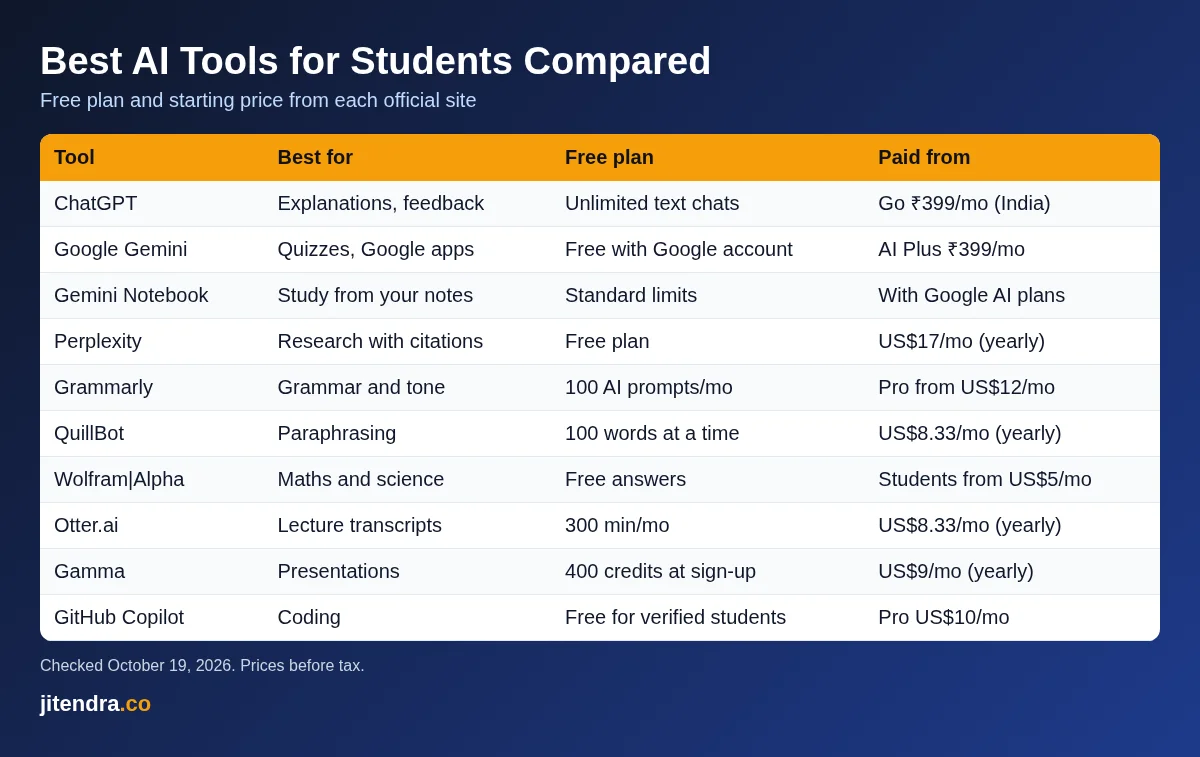
20 Best AI Tools for Students at a Glance
| AI tool | Use it for | Free version (official site) | Paid from |
|---|---|---|---|
| ChatGPT | Explanations, writing help, study plans | Unlimited text chats, limited uploads and images | Go ₹399/month in India |
| Google Gemini | Study notebooks, quizzes, Google apps | Free with a Google account | Google AI Plus ₹399/month |
| Gemini Notebook (NotebookLM) | Studying from your own notes and PDFs | Free with standard limits | Higher limits with Google AI plans |
| Perplexity | Research with citations | Free plan | Pro US$17/month (billed yearly) |
| Grammarly | Grammar, tone and clarity | Basic checks, 100 AI prompts a month | Pro from US$12/month |
| QuillBot | Paraphrasing and summaries | 100-word paraphrasing, 2 modes | Premium US$8.33/month (billed yearly) |
| Microsoft Copilot | Chat, Word, PowerPoint help | Free with a Microsoft account | Microsoft 365 plans |
| Claude | Long reading and writing feedback | Free plan | Pro US$17/month (billed yearly) |
| Wolfram|Alpha | Maths and science problems | Free answers | Pro for Students from US$5/month |
| Khanmigo | AI tutor from Khan Academy | Free for teachers | US$4/month for learners |
| Otter.ai | Lecture transcription | 300 minutes a month | Pro US$8.33/month (billed yearly) |
| Quizlet | Flashcards and mock tests | Free study sets | Paid plan in app |
| Gamma | AI presentations | 400 credits at sign-up | Plus US$9/month (billed yearly) |
| Canva | Posters, slides, videos | Free plan; Canva Education free for K-12 | Pro plans |
| ChatPDF | Chat with PDFs | Free, no sign-up needed | Paid plan on site |
| NaturalReader | Text to speech | Free to start, Indian voices | Paid plans on site |
| GitHub Copilot | Coding help | Free for verified students | Pro US$10/month |
| Elicit | Searching research papers | Unlimited search across 138 million papers | Pro US$49/month (billed yearly) |
| Consensus | Evidence from peer-reviewed studies | Basic search, 10 Pro messages a month | Pro US$12/month |
| Kickresume | AI resume builder | Free plan; up to 180 days Premium for verified students | Premium US$8/month (billed yearly) |
Source: each tool’s official website and pricing page, checked on October 19, 2026. US dollar prices are what the sites showed from my connection, before tax. Rupee prices are shown where the official site lists them.
How I Picked These AI Tools for Students
I did not invent scores or run fake tests. I chose these tools using facts you can check on each official site:
- A usable free plan. Most students do not want another subscription, so every pick has a free tier or a free student offer.
- Clear student value. The tool must help with real school work: understanding, revising, writing, research, maths, coding, presenting or job hunting.
- Accuracy safeguards. I gave extra weight to tools that show sources or work only from your own files.
- Price transparency. The official site must show what the paid plan costs.
- Availability. Web access or an app on Google Play or the App Store, so it works for students in India too.
I also kept academic honesty in mind. Several of these tools can write whole essays, but I recommend them for learning and feedback, not for submitting AI work as your own. For quick jobs like a grammar pass or a first-draft abstract, you can also use my free AI writing tools, which need no sign-up.
20 Best AI Tools for Students in 2026
1) ChatGPT
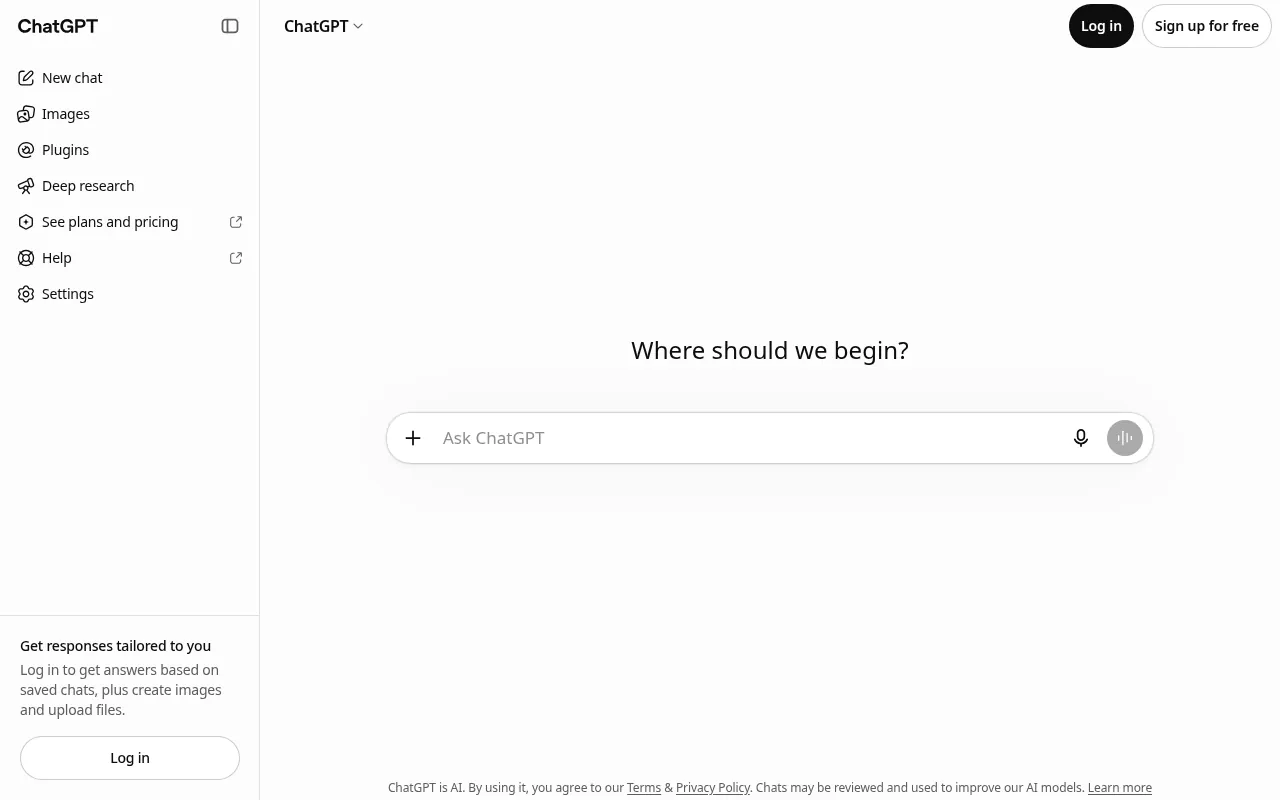
ChatGPT is still the first AI app most students try, and for good reason. You can ask it to explain photosynthesis like you are 12, give you five practice questions on quadratic equations, or check whether your essay answers the question. It handles almost every subject and works in Hindi and many other Indian languages.
The way I use it with students is simple: ask it to teach, not to do. “Explain where I went wrong in this solution” is a far better prompt than “solve this”. You learn faster, and you stay on the right side of your school’s rules.
How students can use it:
- Paste a paragraph from your textbook and ask: “Explain this in simple words, then give me three questions to test myself.”
- Share your essay and ask: “Which of my arguments is weakest, and why?” Then fix it yourself.
- Ask for a seven-day revision timetable for your exam dates, with short breaks built in.
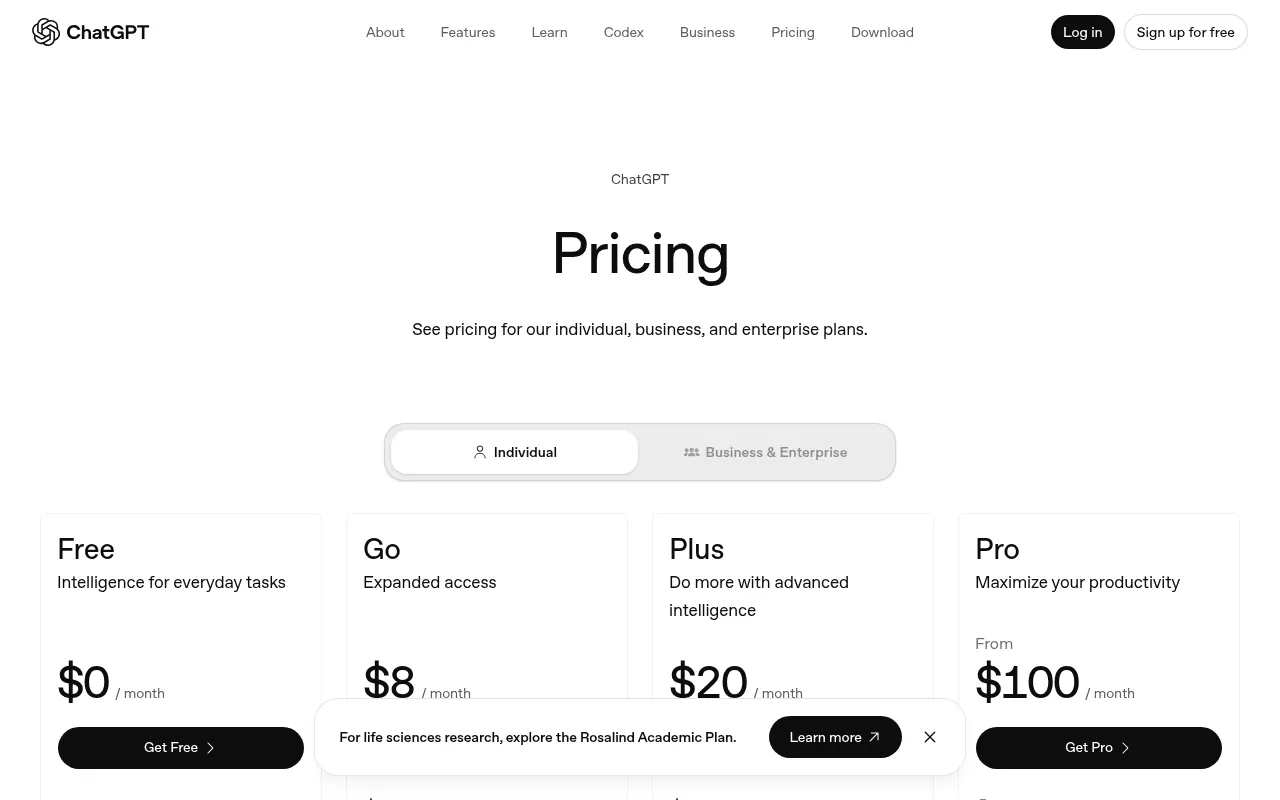
Free plan: OpenAI’s pricing page says the Free plan includes unlimited text chats with its GPT-6 model (within abuse guardrails), with limited file uploads, image creation, voice chats and deep research.
Pricing: Go costs US$8 a month, Plus US$20 and Pro from US$100 on the US page. In India, ChatGPT’s pricing page showed Go at ₹399, Plus at ₹1,999 and Pro from ₹10,699 a month when I checked earlier in October 2026. OpenAI notes the Go plan may include ads.
Best for: Explanations, study plans, essay feedback and quick doubts.
Watch out: It can sound confident and still be wrong. Check facts, dates and formulas against your textbook.
2) Google Gemini
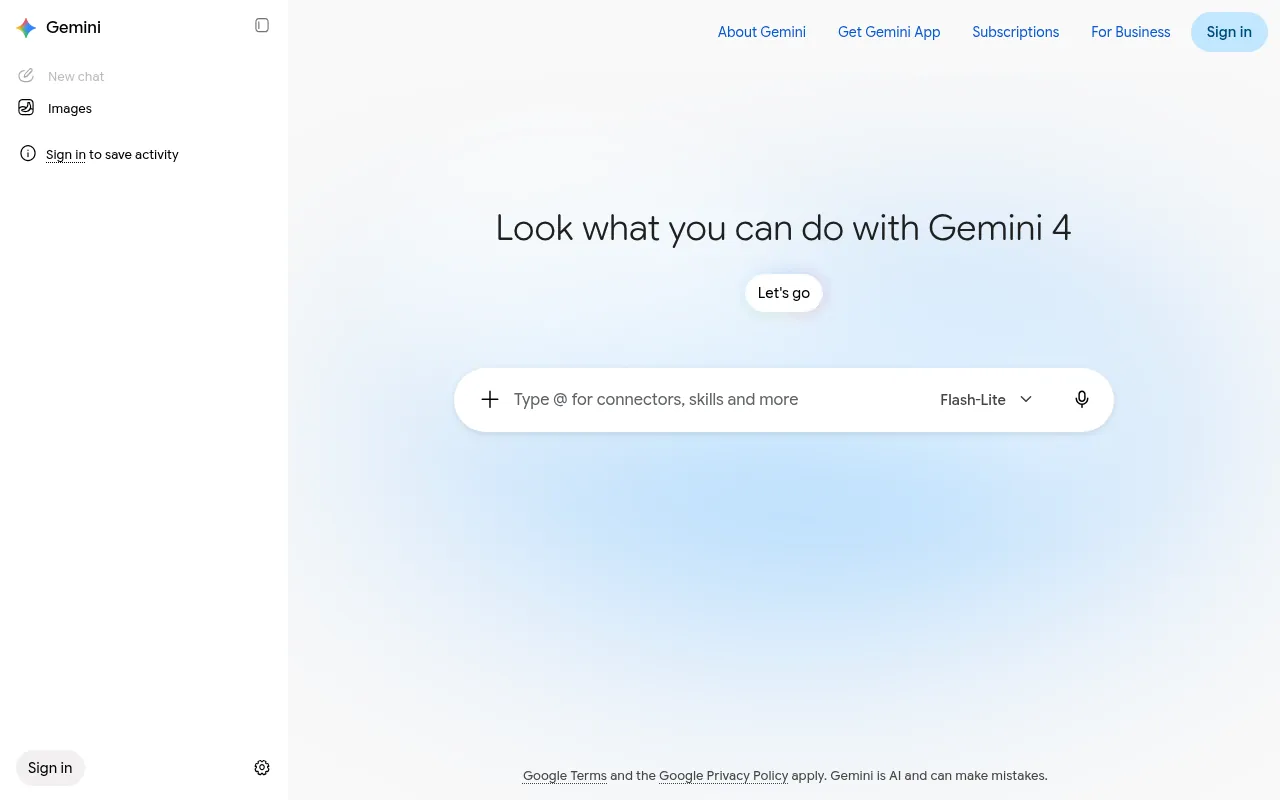
Gemini is Google’s AI assistant, and it has become one of the best AI apps for students because of how well it fits with Gmail, Drive, Docs and YouTube. If your notes already live in Google Drive, Gemini can work with them directly.
Google now has a dedicated student experience in Gemini. Its students page describes study notebooks for each course, personalised quizzes made from your notes, a performance tracker that shows weak areas, and interactive visualisations that help you see how a concept works.
How students can use it:
- Upload last semester’s notes to a study notebook and ask for a practice quiz before the internal exam.
- Ask Gemini Live to talk you through a concept out loud while you walk, like a study partner.
- Use it inside Google Docs to tighten a group project report before you submit it.
Free plan: Free with a Google account. Google’s India plans page lists Deep Research, Gemini Live, Canvas, Gems, image generation, Gemini Notebook and 15 GB of storage on the free tier.
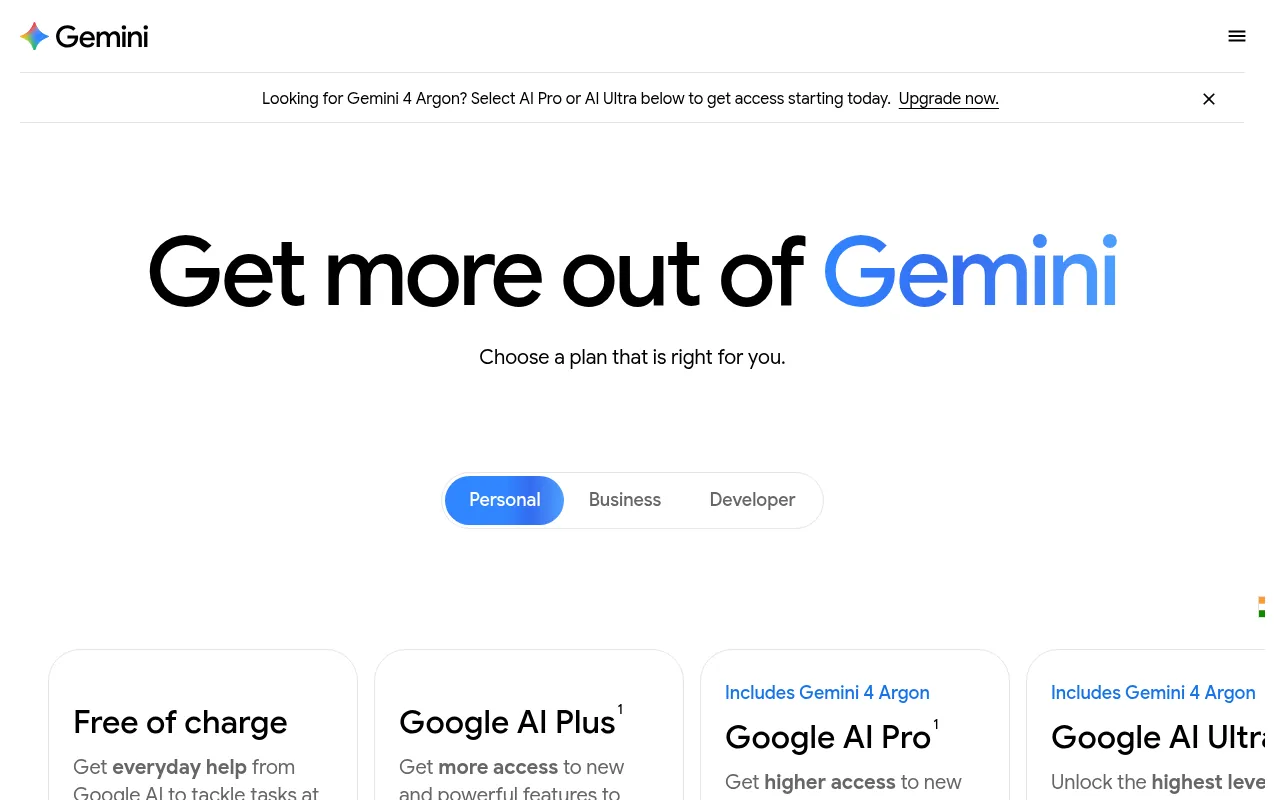
Pricing in India: Google AI Plus costs ₹399 a month (400 GB storage, 2x usage), Google AI Pro ₹1,950 a month (4x usage) and Google AI Ultra starts at ₹6,500 a month, according to Google’s India subscriptions page.
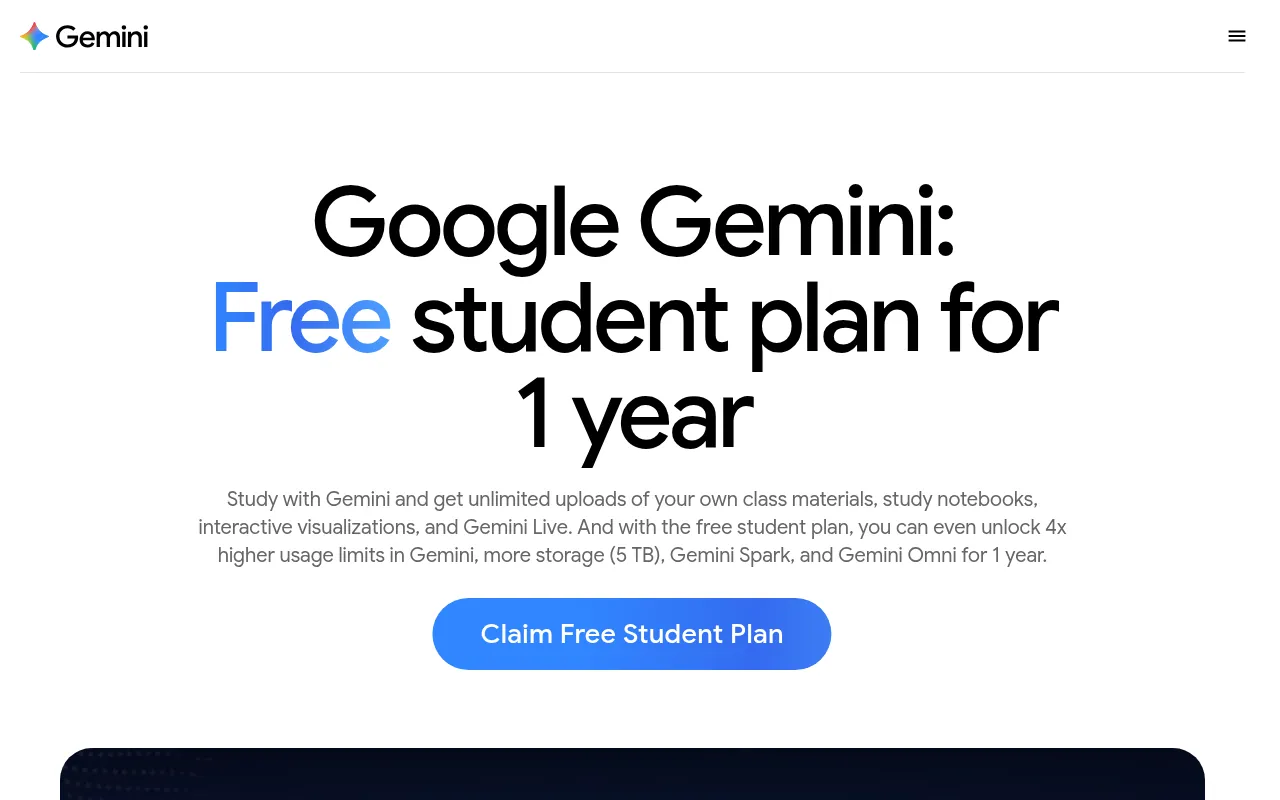
Student offer: Google’s students page advertises a free student plan for one year for eligible students, to be redeemed by December 31, 2026, with higher limits and 5 TB of storage. The terms say a payment method is needed and the plan renews at the paid price after the trial. Eligibility varies by country, so check whether your Indian college email qualifies when you sign up. Separately, Jio has been offering 18 months of Google AI Pro to eligible users on unlimited 5G plans of ₹349 or more, with an offer window that Jio’s terms said runs until October 29, 2026.
Best for: Students who live in Google’s apps and want quizzes and study guides from their own material.
3) Gemini Notebook (formerly NotebookLM)
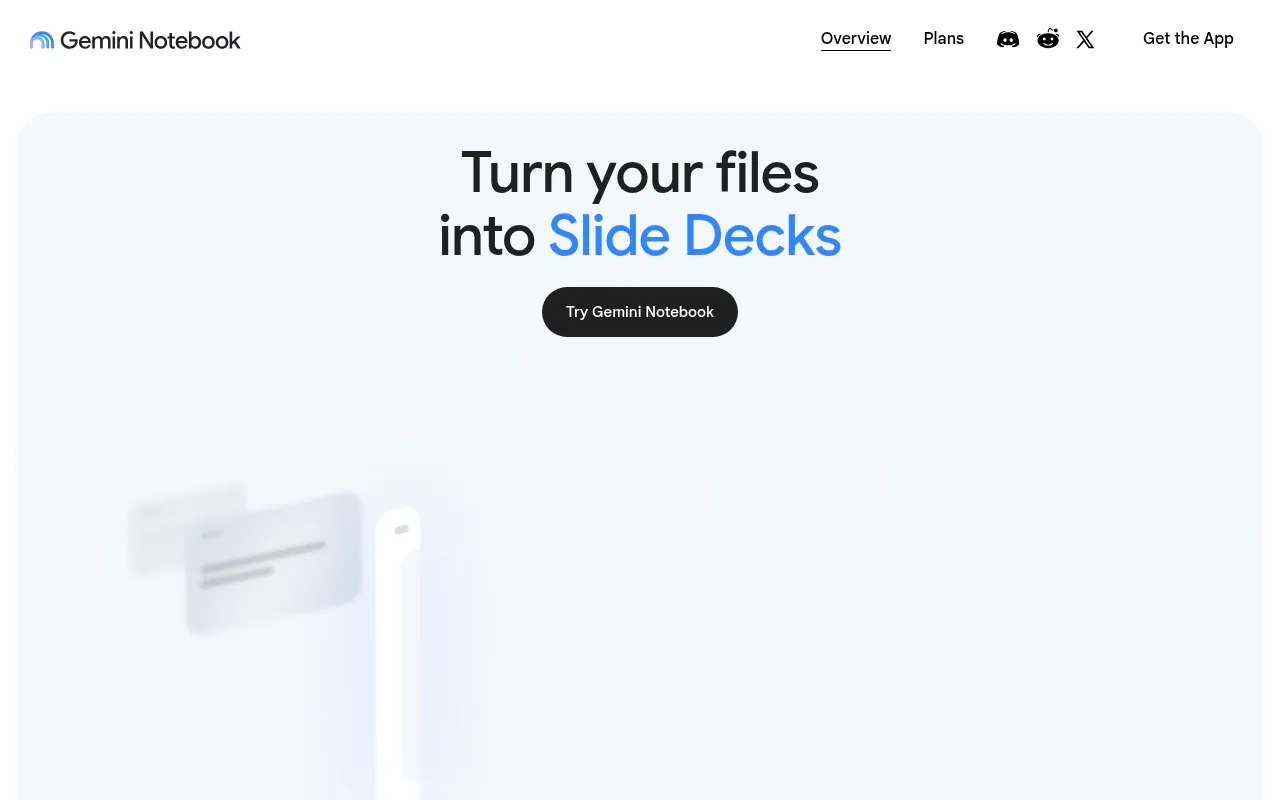
If I had to pick one AI study tool for exam season, it would be this one. Google renamed NotebookLM to Gemini Notebook, but the idea is the same: you upload your own sources (PDFs, Google Docs, slides, web links or YouTube videos), and every answer is grounded in that material.
That matters because the biggest risk with AI chatbots is made-up facts. Here the tool works from your class notes and textbook chapters, so answers stay close to what your teacher will test. You can ask questions, get summaries, make mind maps, turn files into slide decks and create podcast-style audio overviews to listen to on the bus.
How students can use it:
- Add every PDF from one subject and ask: “What are the ten ideas most likely to appear in the exam?”
- Generate an audio overview of a long chapter and listen to it on the way to college.
- Create a mind map to see how topics in a unit connect before you start writing answers.
Free plan: Free with standard limits for chat and for creating slides, audio overviews and other outputs.
Pricing: Google’s Gemini Notebook plans page lists higher limits on paid tiers: double the standard limits, four times, and 5 to 20 times more than Pro on the top tier. These come with Google AI subscriptions.
Privacy: Google says it does not use individual users’ data in Gemini Notebook for training unless you share feedback.
Best for: Revising from your own notes, understanding long chapters and research papers.
4) Perplexity
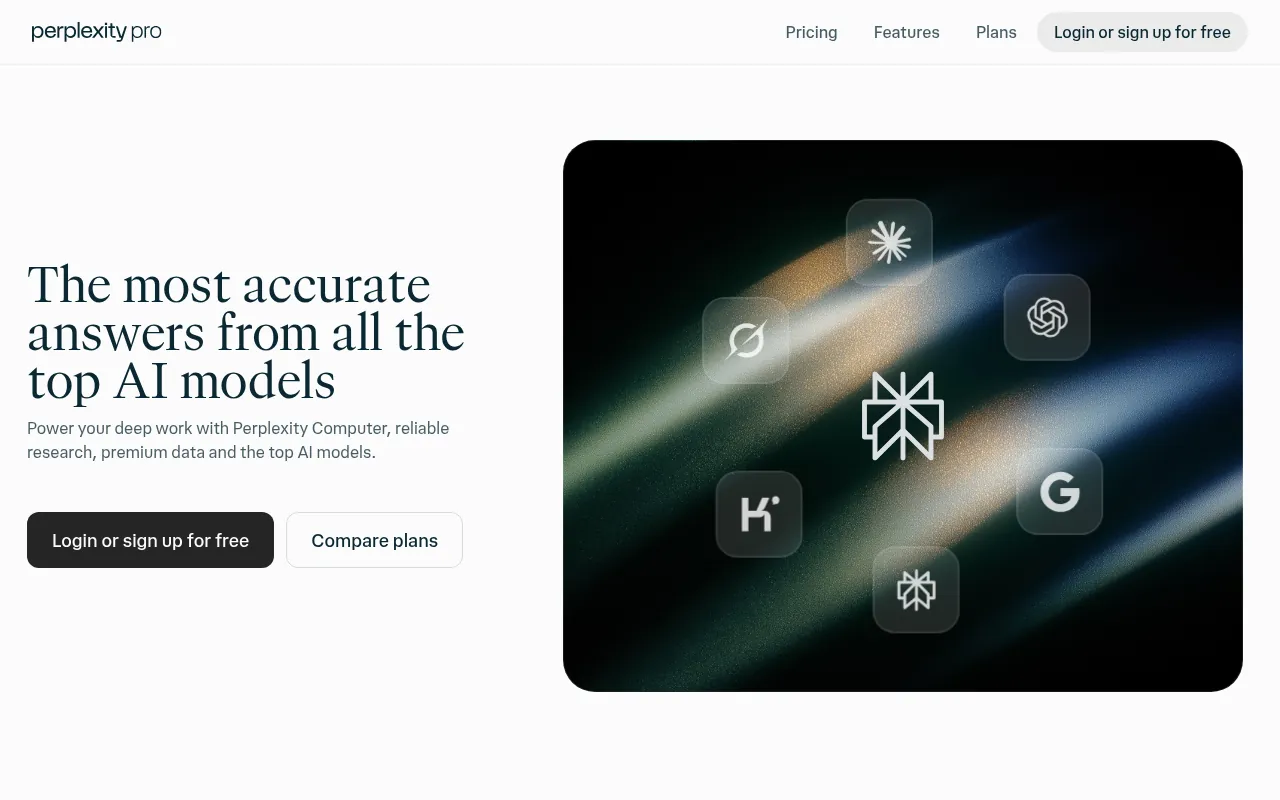
Perplexity is an AI search engine. Instead of ten blue links, it gives you a written answer with numbered citations, so you can click through and check the source. For school projects and college assignments, that habit of showing sources is exactly what you want.
I use Perplexity when I need recent facts, like a new government policy or a current statistic, that a chatbot might not know.
How students can use it:
- Ask: “What changed in India’s National Education Policy this year? Cite official sources.” Then open each citation.
- Use it to find three recent studies for your project, then read the abstracts yourself.
- Compare two viewpoints on a debate topic and note which sources each side uses.
Free plan: Free to use with a login.
Pricing: Perplexity’s pricing page lists Pro at US$17 a month billed yearly and Max at US$167 a month billed yearly. Pro adds deep research, a choice of top AI models and higher limits.
Best for: Research with sources and current events.
Watch out: Always open the cited source. Sometimes the summary does not match what the page actually says.
5) Grammarly
Grammarly checks your spelling, grammar, punctuation and tone as you type, in Google Docs, Word, Gmail and most websites. For students who write in English as a second language, it is one of the most useful tools on this list.
How students can use it:
- Run your statement of purpose through it and accept only the fixes you understand.
- Check the tone of an email to a professor so it sounds polite but direct.
- Use the free plan as a final proofread before you upload an assignment.
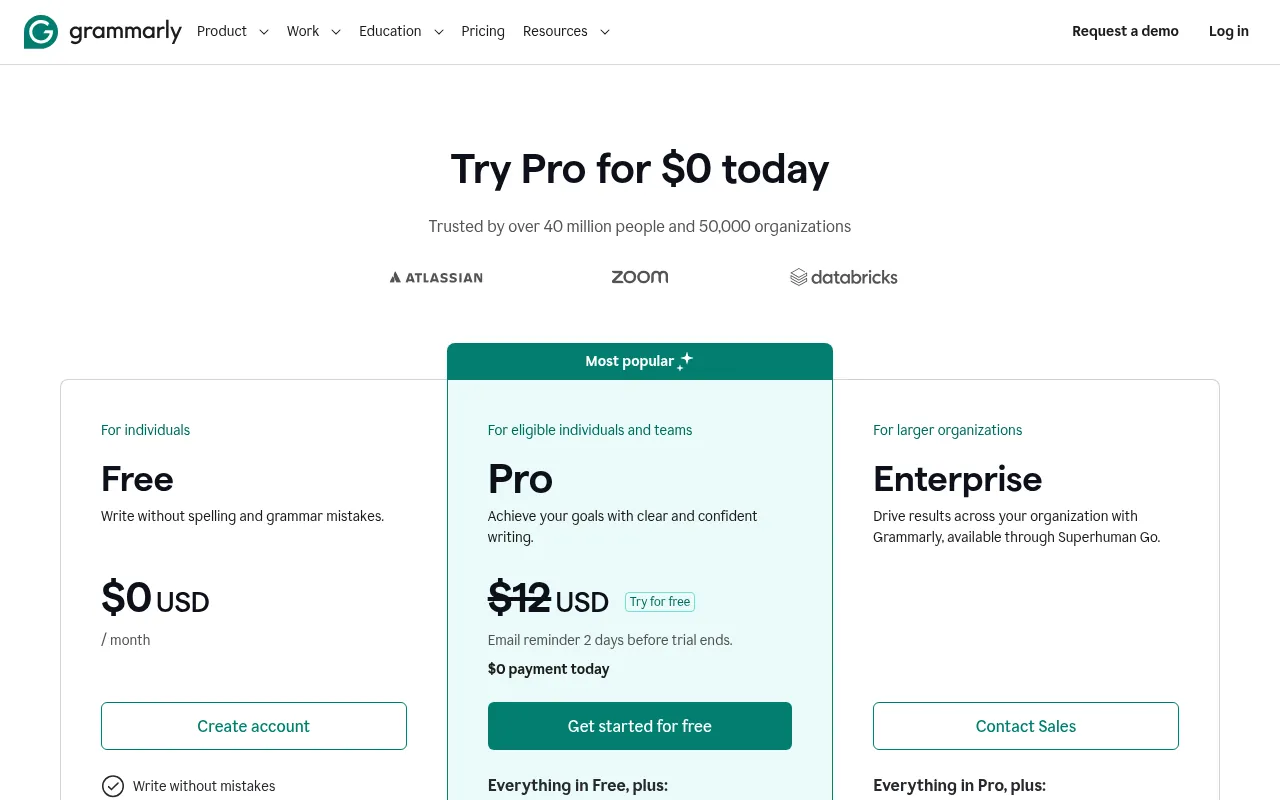
Free plan: Grammarly’s plans page says the free plan fixes spelling and grammar, shows your writing tone and includes 100 AI prompts a month.
Pricing: Pro is listed from US$12 a month. It adds full-sentence rewrites, tone adjustments, fluency suggestions, plagiarism and AI-text detection, citation consistency and 2,000 AI prompts a month.
Best for: Essays, emails to professors, SOPs and resumes.
Watch out: Do not accept every suggestion. Grammarly can flatten your own voice, and teachers notice when an essay suddenly sounds like a corporate brochure.
6) QuillBot
QuillBot is best known for paraphrasing, but it also has a grammar checker, summariser, plagiarism checker and AI detector. Students use it to understand dense text by rewording it more simply, or to check that their own sentences read clearly.
How students can use it:
- Paste a difficult sentence from a research paper to see a simpler version, then cite the original.
- Use the summariser to get the gist of a long article before you read it properly.
- Run your own draft through the grammar checker as a second opinion after Grammarly.
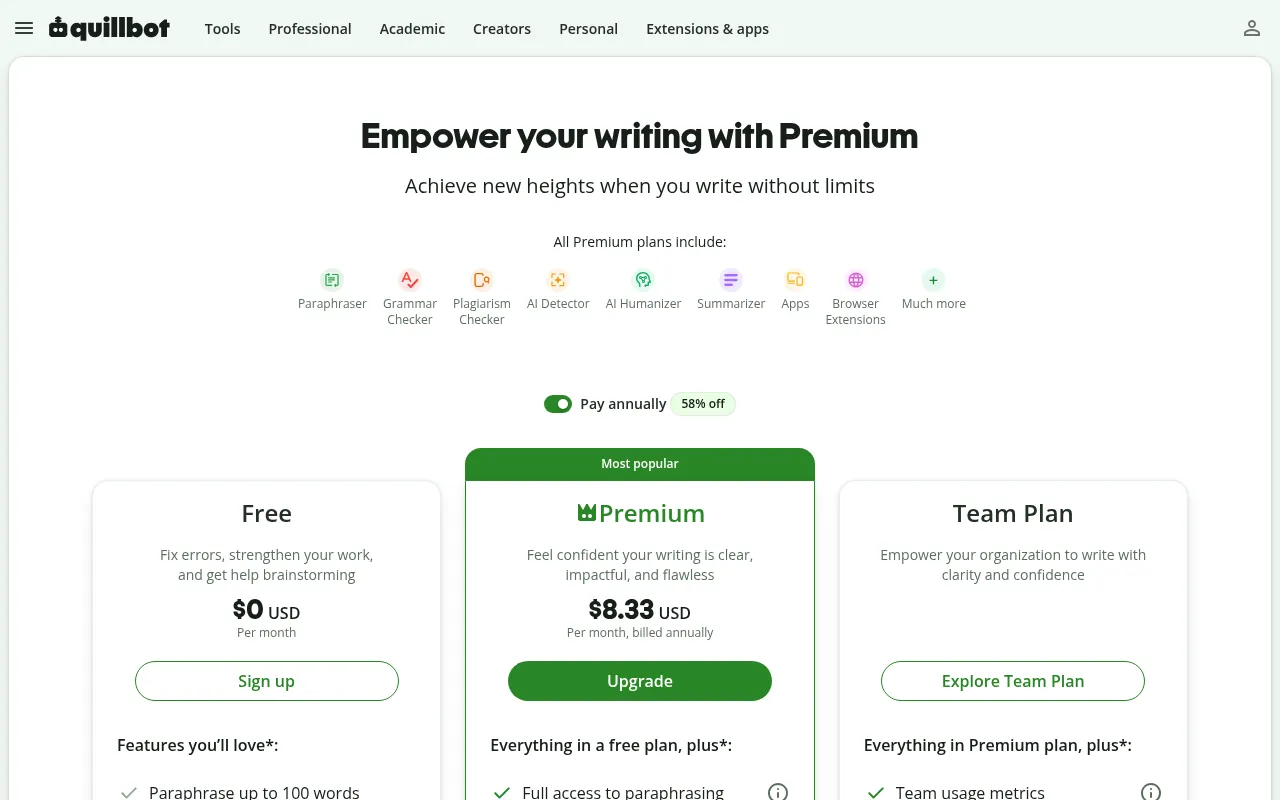
Free plan: QuillBot’s premium page lists paraphrasing up to 100 words at a time in 2 modes, basic grammar fixes, basic summaries, limited humanising and limited AI detection.
Pricing: Premium costs US$8.33 a month when billed yearly. It unlocks unlimited paraphrasing modes, advanced grammar, full AI detection, custom summaries and plagiarism checks. The page also links to separate plans for students.
Best for: Simplifying hard passages and polishing your own drafts.
Watch out: Paraphrasing someone else’s work without citing it is still plagiarism. Use it on your own writing.
7) Microsoft Copilot
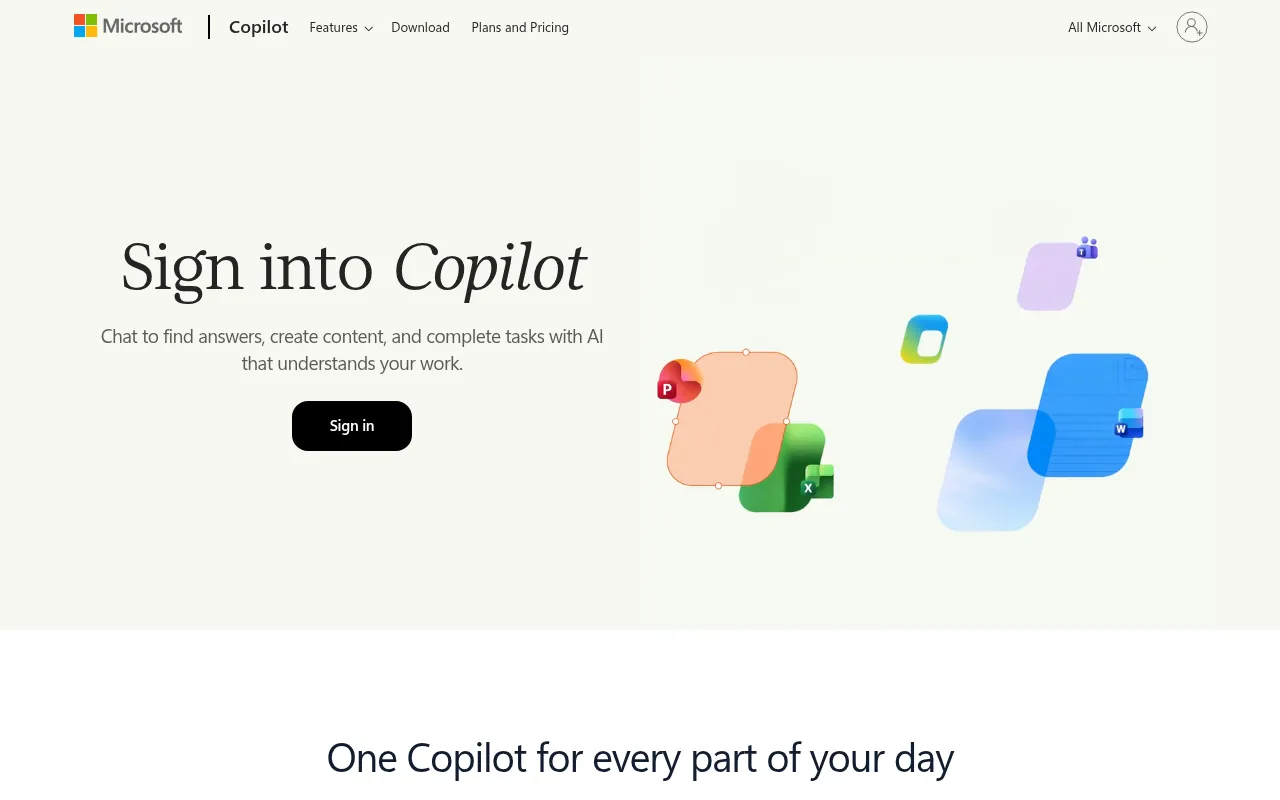
Copilot is Microsoft’s AI assistant. The free version works in the browser, in Edge and in the Windows and mobile apps. Where it really helps students is inside Microsoft 365: drafting in Word, summarising long documents and building PowerPoint slides from an outline.
How students can use it:
- In PowerPoint, ask Copilot to turn your outline into a first set of slides, then edit them.
- Ask it to summarise a long Word document from your faculty into five bullet points.
- Use the free web version to quiz yourself on a topic before a viva.
Free plan: Free with a Microsoft account at copilot.microsoft.com.
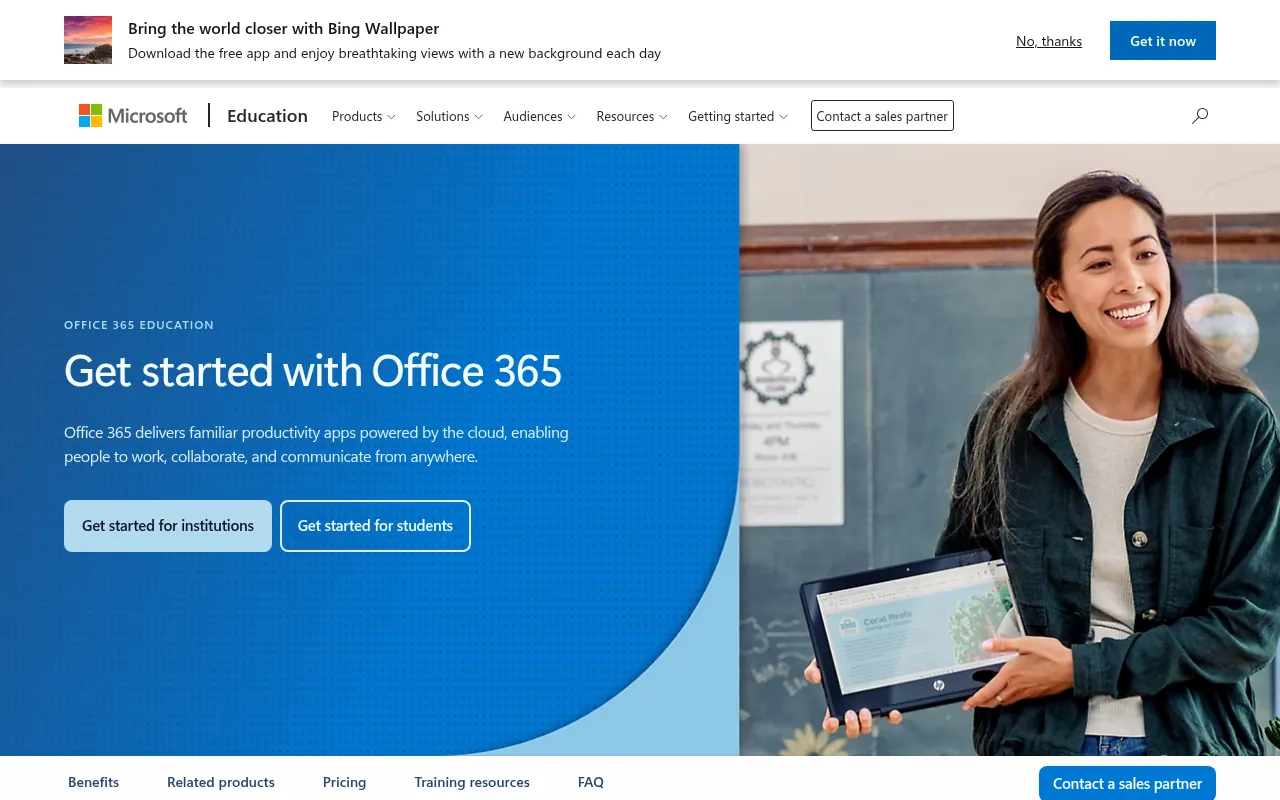
Student access: Microsoft’s education page says Office 365 A1 is free for eligible schools and colleges, for both teachers and students. Ask your institution whether you already have a licence. Paid student licences on that page start at ₹270 per user a month.
Best for: Students whose college uses Microsoft 365 and Teams.
8) Claude
Claude, made by Anthropic, is the chatbot I reach for when I need to work through a long document. You can paste a long reading or upload a PDF and ask for a summary, a list of arguments or the weak points in your own essay. Its writing feedback tends to be thoughtful rather than generic.
How students can use it:
- Upload a long journal article and ask for the main argument, the evidence and the limitations.
- Ask it to play an examiner and question you on your project, one question at a time.
- Share your essay outline and ask what a strong counter-argument would be.
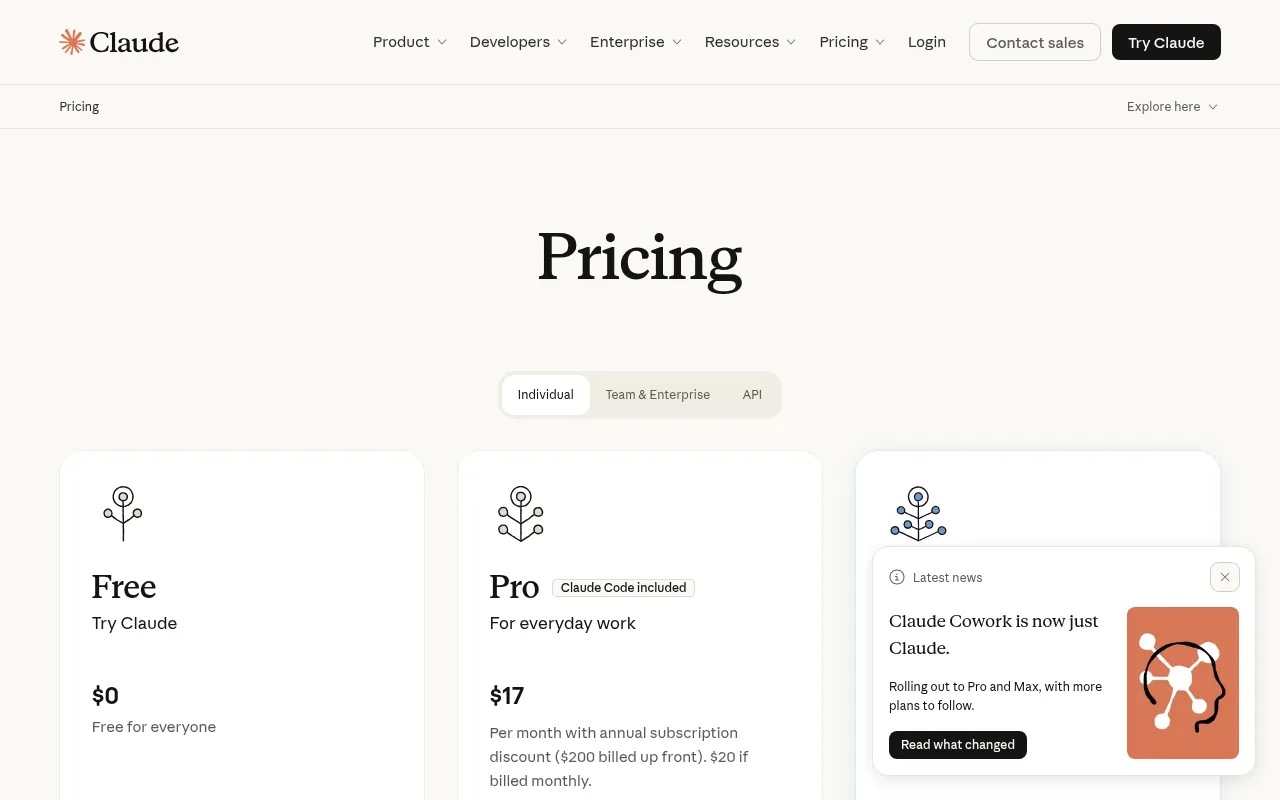
Free plan: Free for everyone, with usage limits that reset in rolling five-hour windows.
Pricing: Claude’s pricing page lists Pro at US$17 a month with annual billing (US$200 up front) or US$20 billed monthly. Max starts from US$100 a month.
Best for: Long readings, essay feedback and structured explanations.
9) Wolfram|Alpha
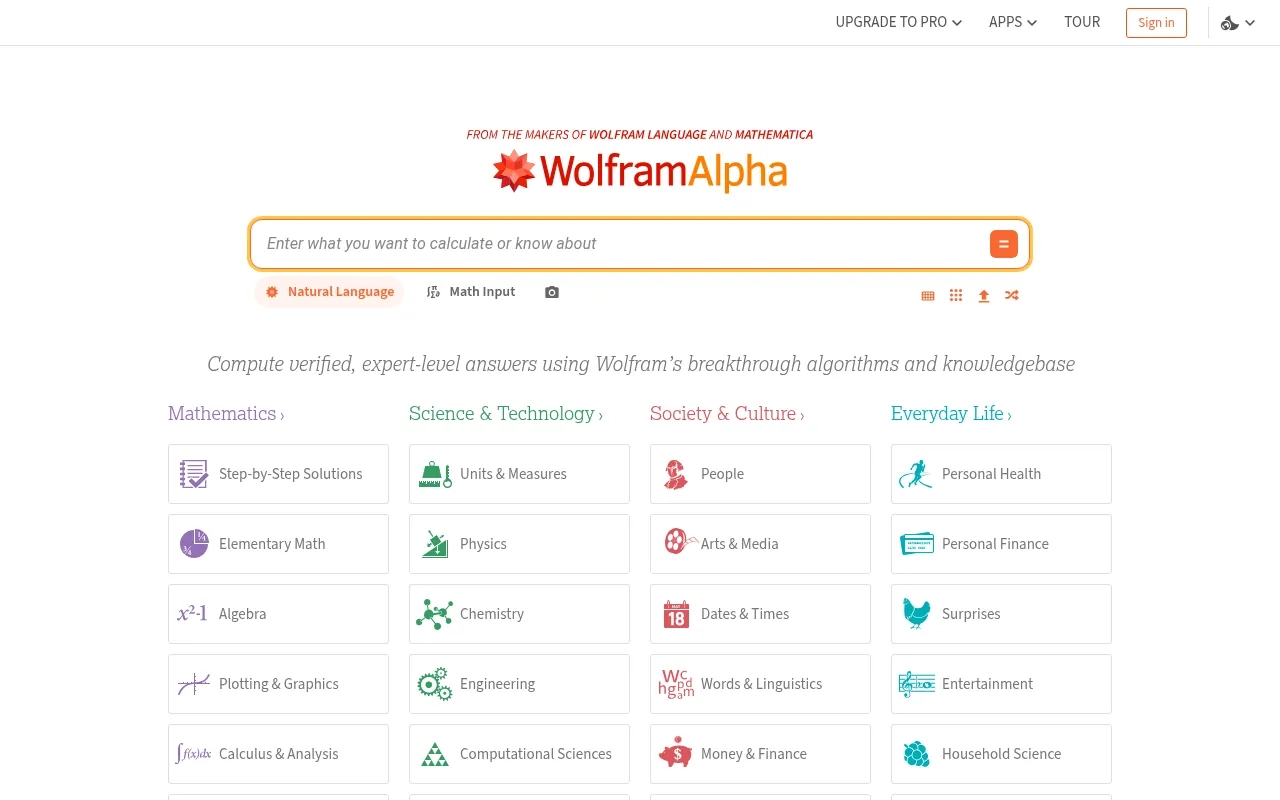
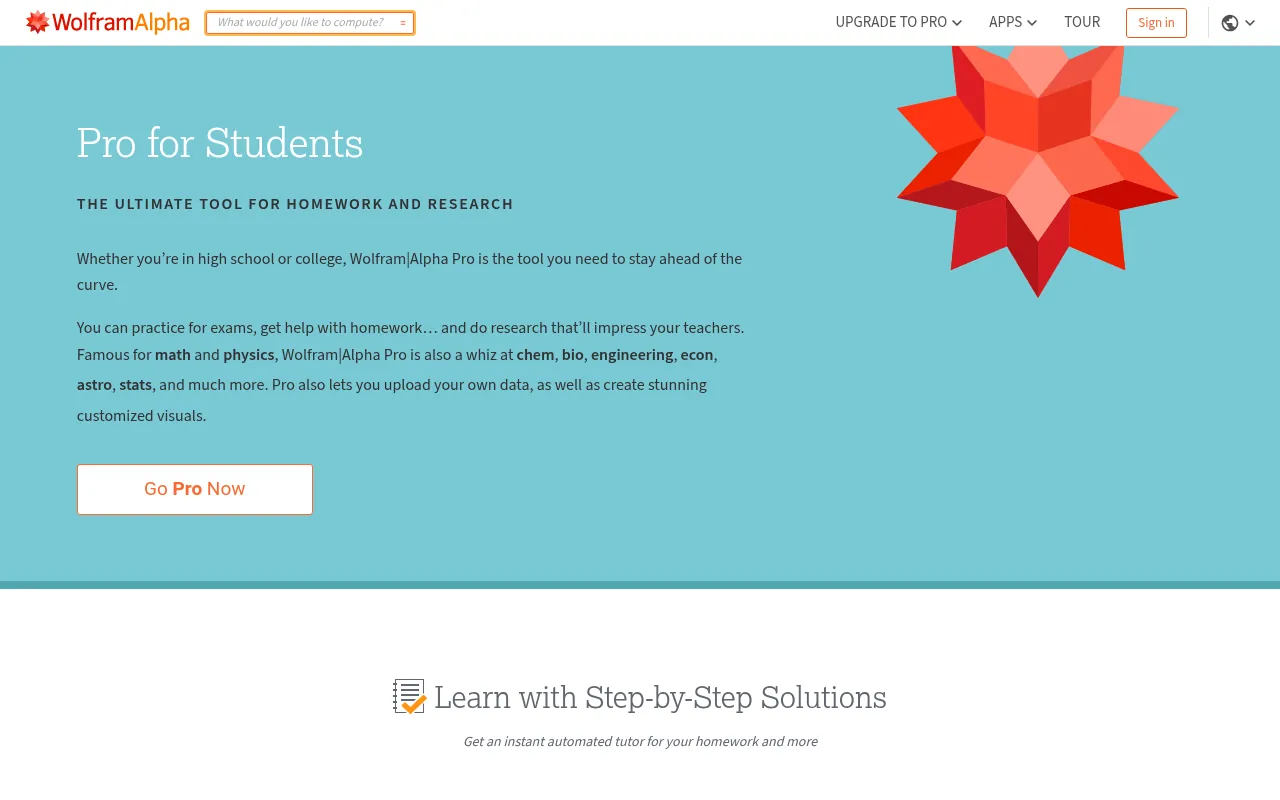
Chatbots are still shaky at maths. Wolfram|Alpha is not a chatbot; it is a computational engine with more than 35 years of research behind it, according to its homepage. Type an equation, a chemistry formula or a physics problem, and it calculates the answer instead of guessing.
How students can use it:
- Type an integral or a differential equation and compare its steps with your own working.
- Plot a function to see how changing a value affects the graph.
- Check unit conversions and constants in physics numericals.
Free plan: Free answers to most questions on the website.
Pricing: Pro for Students starts at US$5 a month, according to Wolfram’s student page. Pro unlocks step-by-step solutions, and Pro users get photo input and step-by-step solutions in the mobile apps too.
Best for: Maths, physics, chemistry and engineering students, including JEE aspirants who want to check their working.
Watch out: Use the steps to understand the method. Copying final answers will not help you in an exam hall.
10) Khanmigo
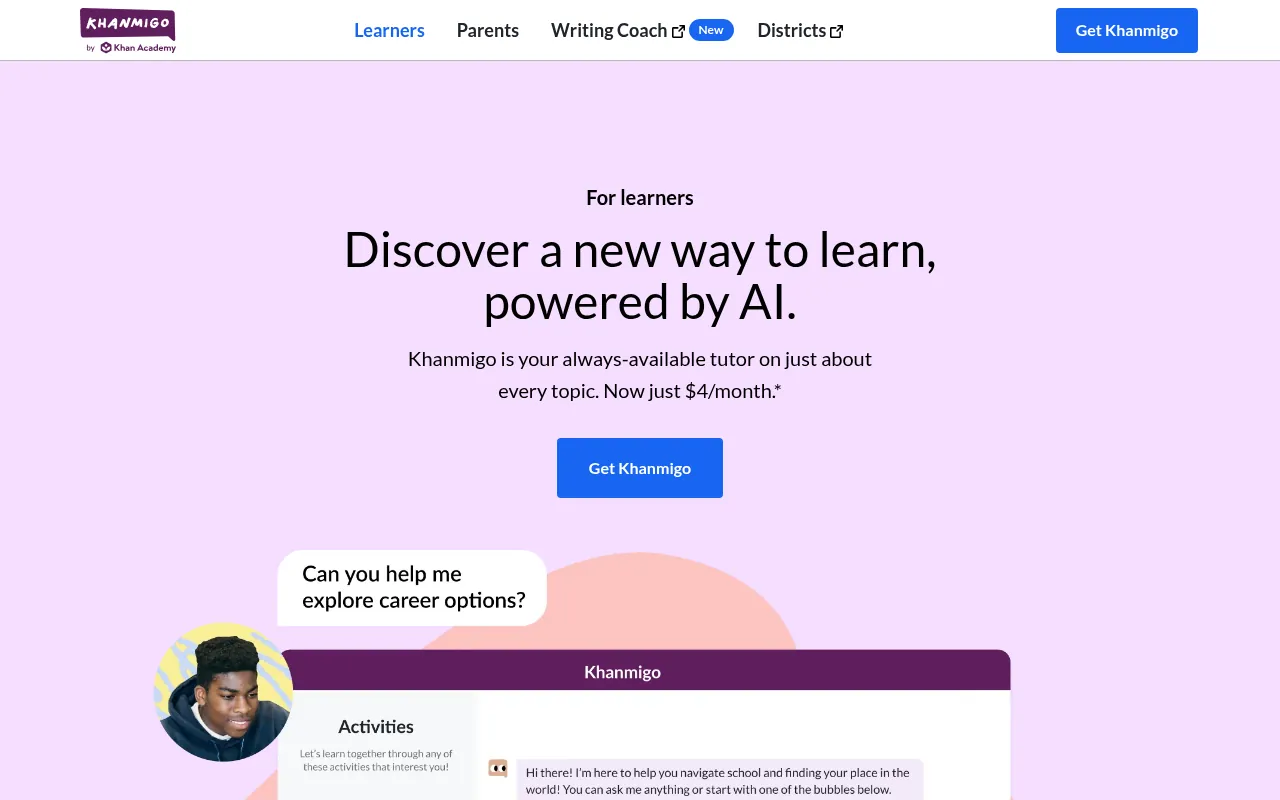
Khanmigo is the AI tutor from Khan Academy, the non-profit that many Indian students already know from its free maths and science videos. What makes Khanmigo different is that it is designed to guide you with questions rather than hand over answers.
How students can use it:
- Ask it to guide you through a maths problem without giving the answer.
- Use it to practise writing by asking for feedback on structure, not for a finished essay.
- Have it quiz you on a Khan Academy lesson you just watched.
Pricing: Khanmigo’s learners page lists it at US$4 a month or US$44 a year. It is free for teachers.
Availability: I could not confirm on the official site whether learner sign-up is open in India, so check when you register.
Best for: School students who want a patient tutor that pushes them to think.
11) Otter.ai
Otter records and transcribes speech in real time. Students use it to capture lectures, group discussions and interviews for projects, then search the transcript or ask Otter’s AI chat questions about what was said.
How students can use it:
- Record a guest lecture, then search the transcript for the exact moment a topic came up.
- Ask Otter’s AI chat for a summary of a group meeting and the tasks each person agreed to.
- Transcribe interviews for a research project instead of typing them by hand.
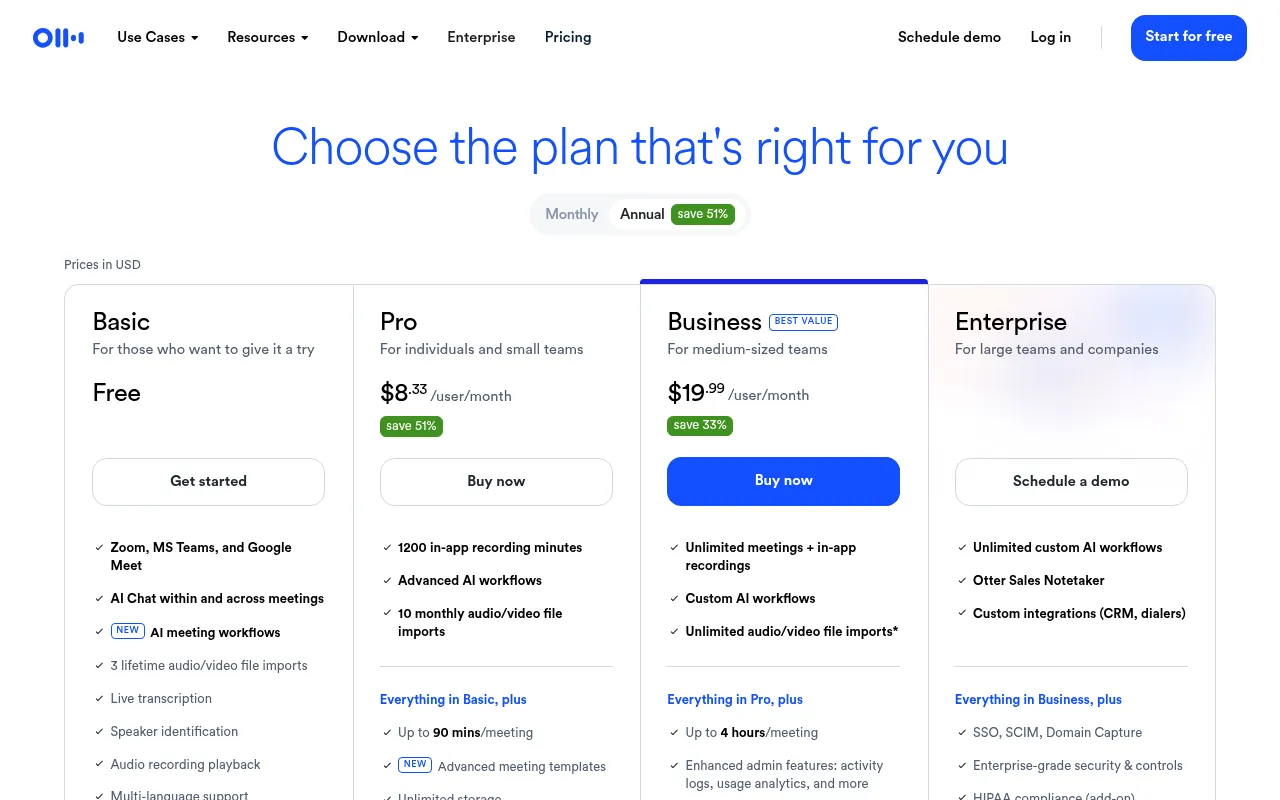
Free plan: Otter’s pricing page lists 300 transcription minutes a month on the free Basic plan, with a 30-minute limit per conversation and three lifetime file imports.
Pricing: Pro costs US$8.33 per user a month billed yearly. Otter offers a 20% student and teacher discount, but only for email addresses ending in .edu, so most Indian college emails will not qualify.
Best for: Recording lectures and seminars.
Watch out: Ask your teacher before recording a class.
12) Quizlet
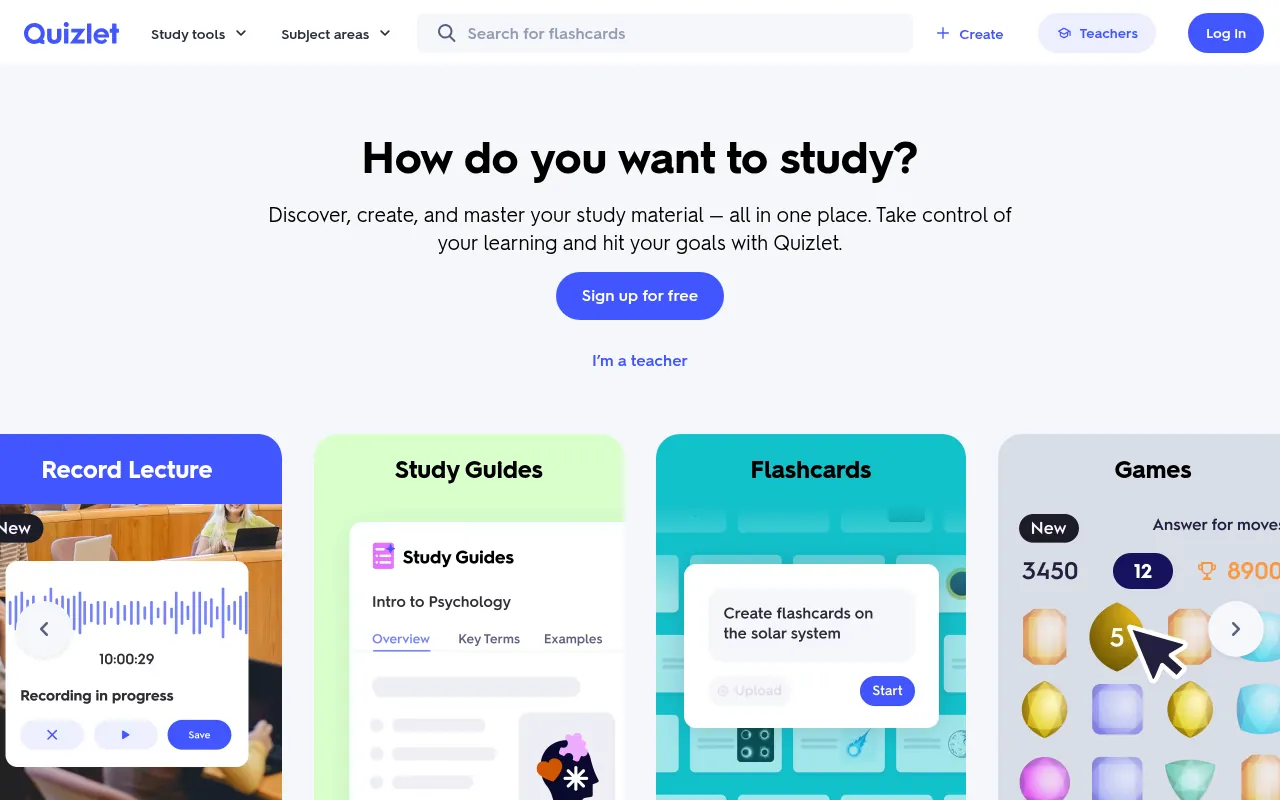
Quizlet turns notes into flashcards, quizzes and practice tests. Its Google Play listing in India talks directly to Indian students, mentioning JEE, NEET, CBSE, ICSE and IELTS preparation, and lets you turn class notes into study guides and practice questions.
How students can use it:
- Turn your biology notes into flashcards and review them in short daily sessions.
- Use practice tests a week before the exam to find your weak chapters.
- Search existing study sets for your syllabus before making your own.
Free plan: Free to use with millions of existing study sets; teachers can use it free too.
Pricing: Quizlet sells a paid plan inside its app. Its upgrade page blocked my automated check, so I could not verify the current price.
Best for: Memorising definitions, formulas, vocabulary and dates.
13) Gamma
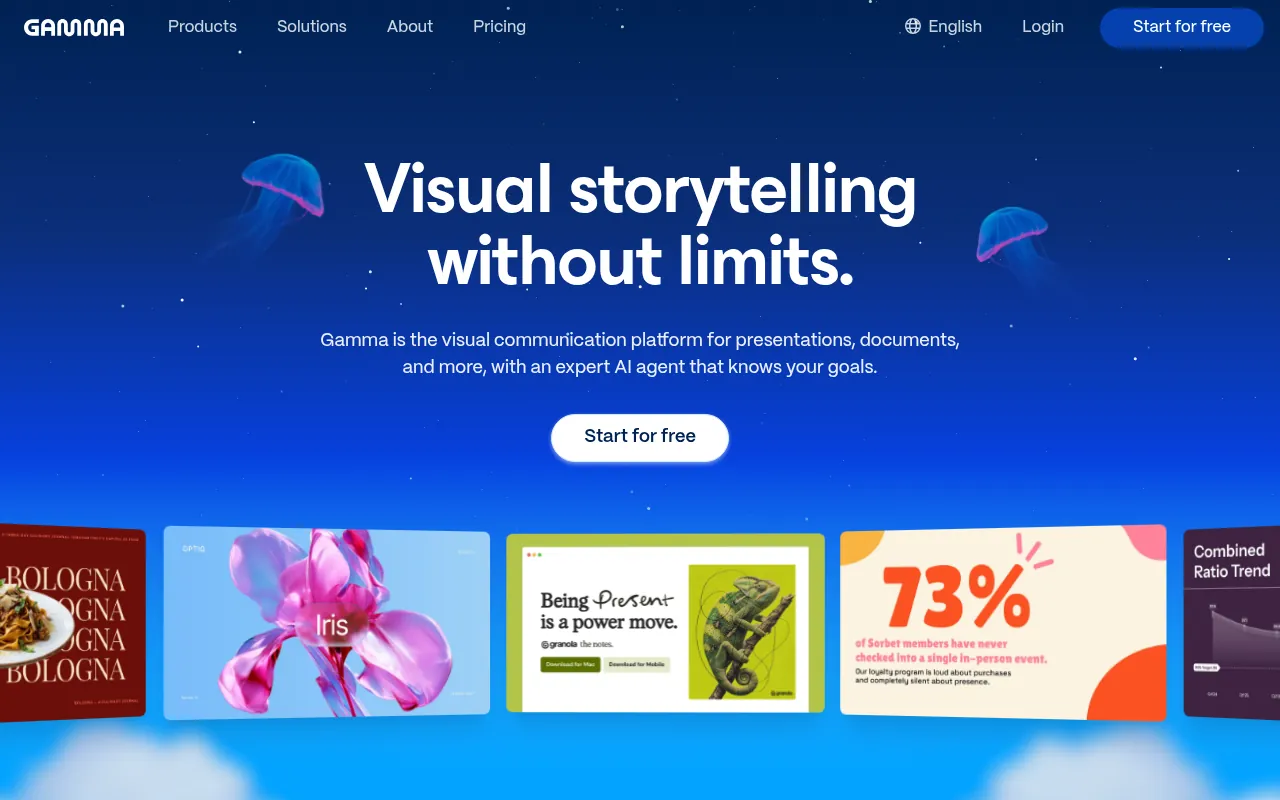
Gamma makes presentations, documents and simple websites from a prompt or an outline. For students, it is the fastest way to go from “I have notes” to “I have a clean deck” for a class presentation.
How students can use it:
- Paste your project summary and let Gamma draft a ten-slide deck, then rewrite every slide in your own words.
- Turn a report into a one-page web document to share with your group.
- Use the free credits for your most important presentation of the term.
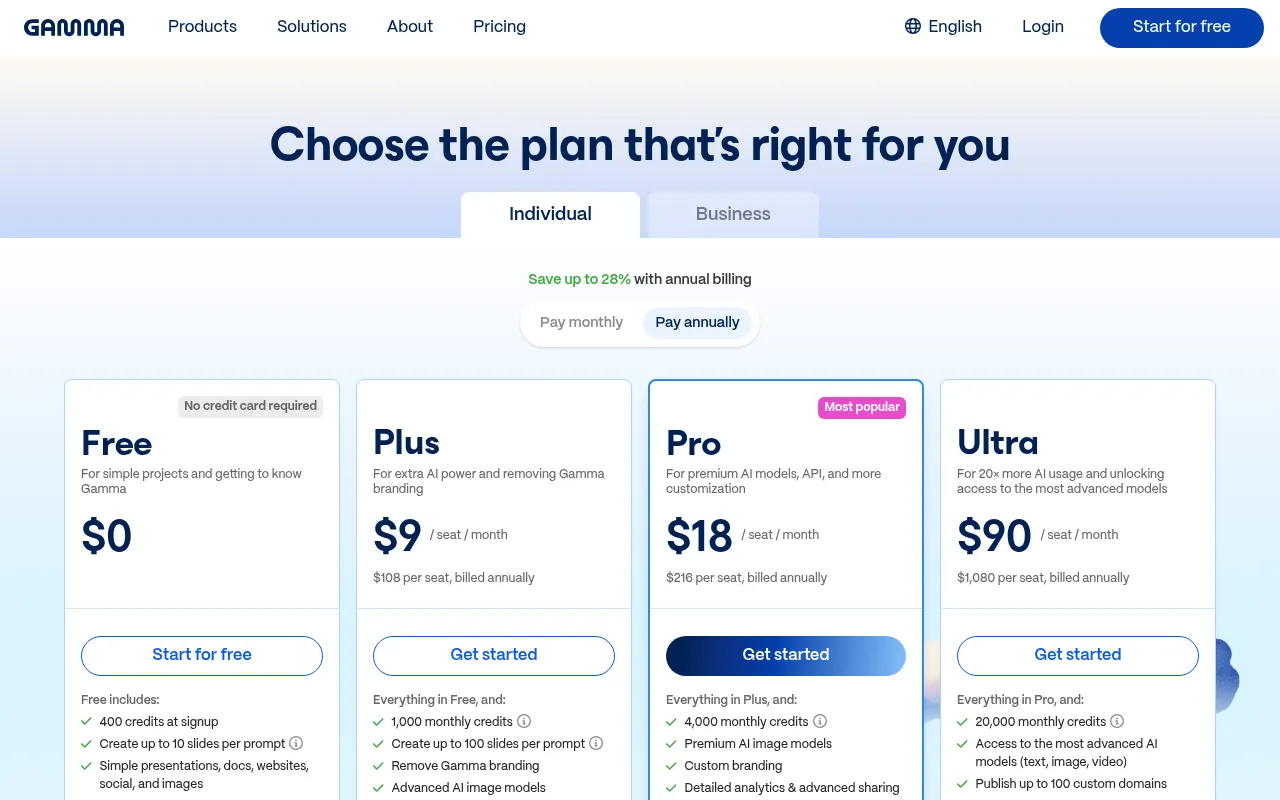
Free plan: Gamma’s pricing page lists 400 AI credits at sign-up, with no credit card required.
Pricing: Plus costs US$9 a month per seat when billed yearly (US$108 a year) with 1,000 monthly credits. Pro costs US$18 a month billed yearly with 4,000 monthly credits.
Best for: Class presentations and project reports.
Watch out: Rewrite the AI text in your own words before you present. Teachers can tell when a student cannot explain their own slides.
14) Canva
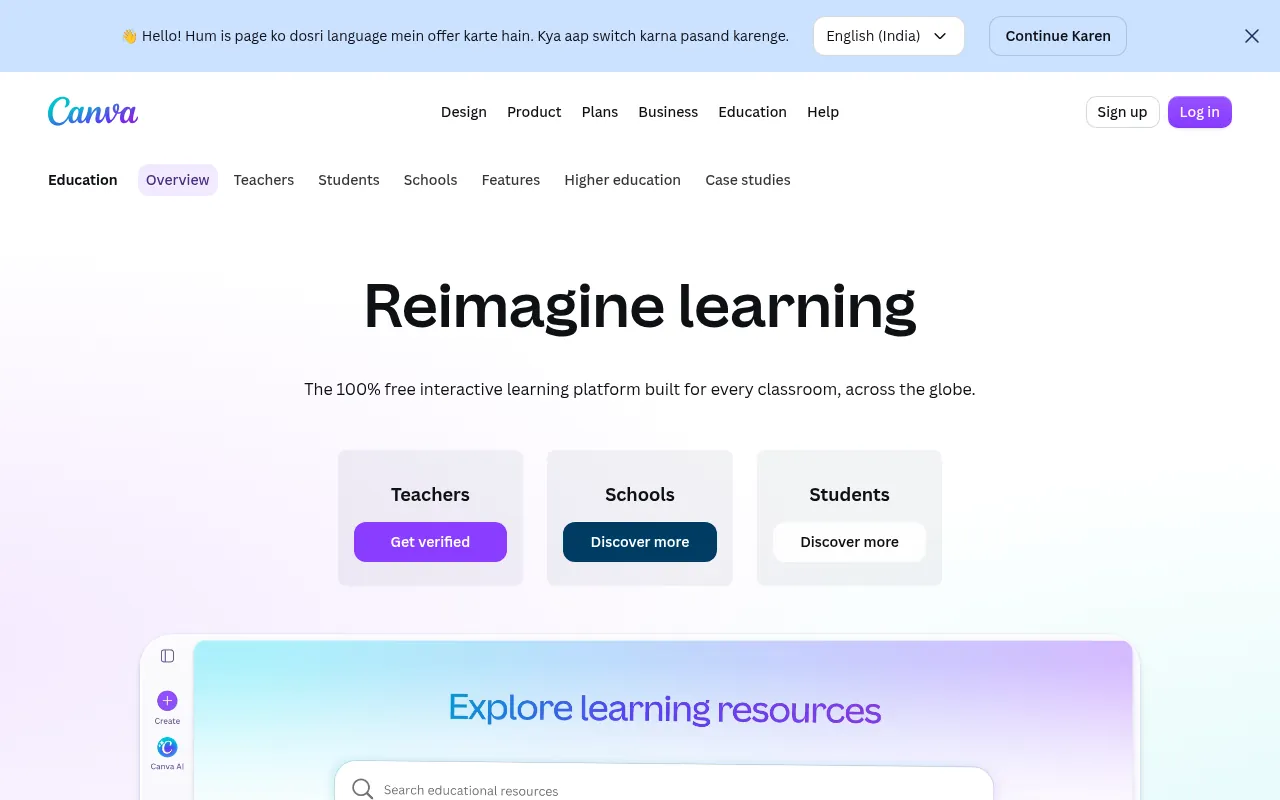
Canva is the design tool many students already use for posters, infographics, presentations and short videos. Its Magic Studio adds AI tools for writing, image generation and quick edits.
How students can use it:
- Design a poster for a college fest from a template in minutes.
- Make an infographic that summarises a chapter for quick revision.
- Edit a short video for a class project with free music and text.
Free plan: Canva has a free plan for everyone.
Canva Education: Canva’s education page says Canva Education is 100% free for K-12 (primary and secondary) teachers, their students and qualified schools. College students are not covered by that programme, so they would use the free plan or pay for Pro.
Best for: School projects, posters, club events and social media for student groups.
15) ChatPDF
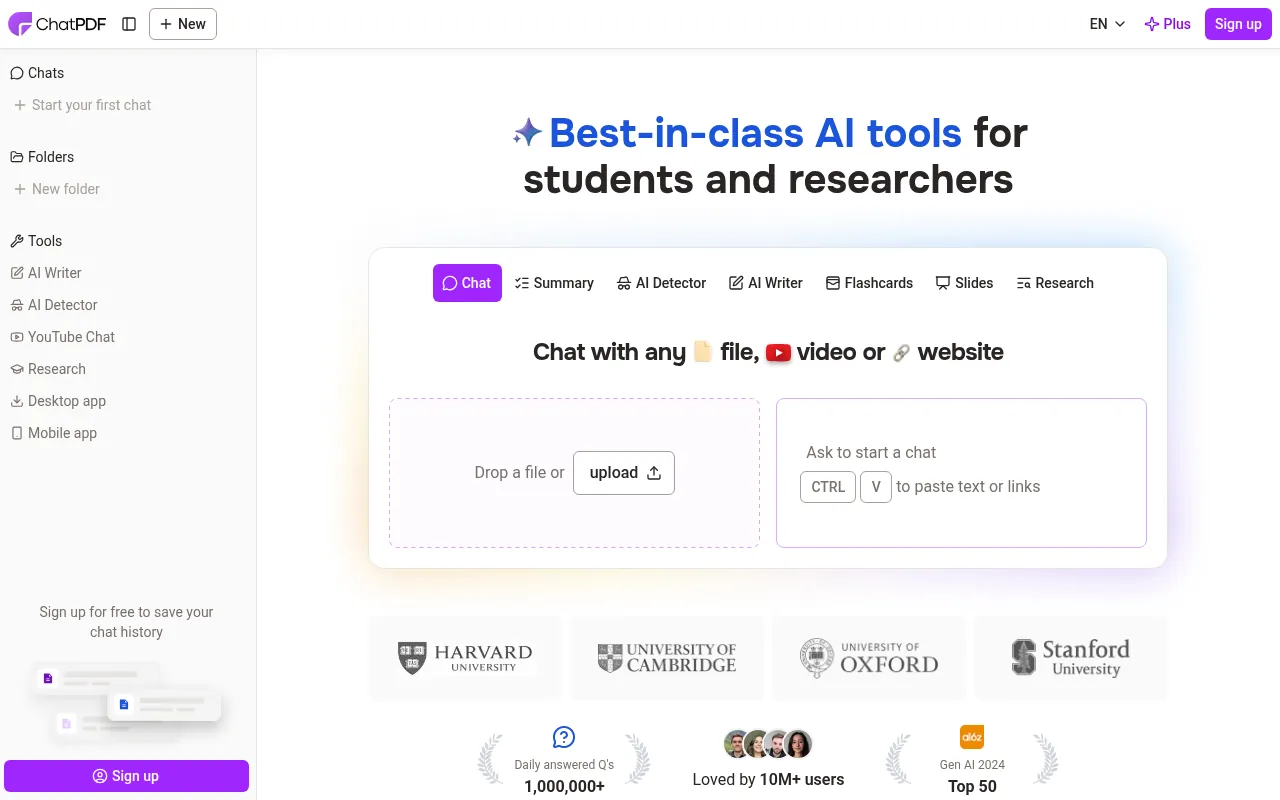
ChatPDF does one thing: you upload a PDF and ask it questions. It answers with citations that point back to the page, which makes it handy for research papers, long reports and textbook chapters. You can also group files in folders and chat with several PDFs in one conversation.
How students can use it:
- Upload a research paper and ask which page explains the method.
- Load all PDFs for one subject into a folder and ask questions across them.
- Ask for a short summary of each section before you read the paper in full.
Free plan: ChatPDF’s homepage says it is fast, free and needs no sign-up, and that it works with PDFs in any language.
Pricing: A paid plan exists for heavier use, but the pricing page did not load for me, so I could not verify the current price.
Best for: Quickly finding answers inside long PDFs.
16) NaturalReader
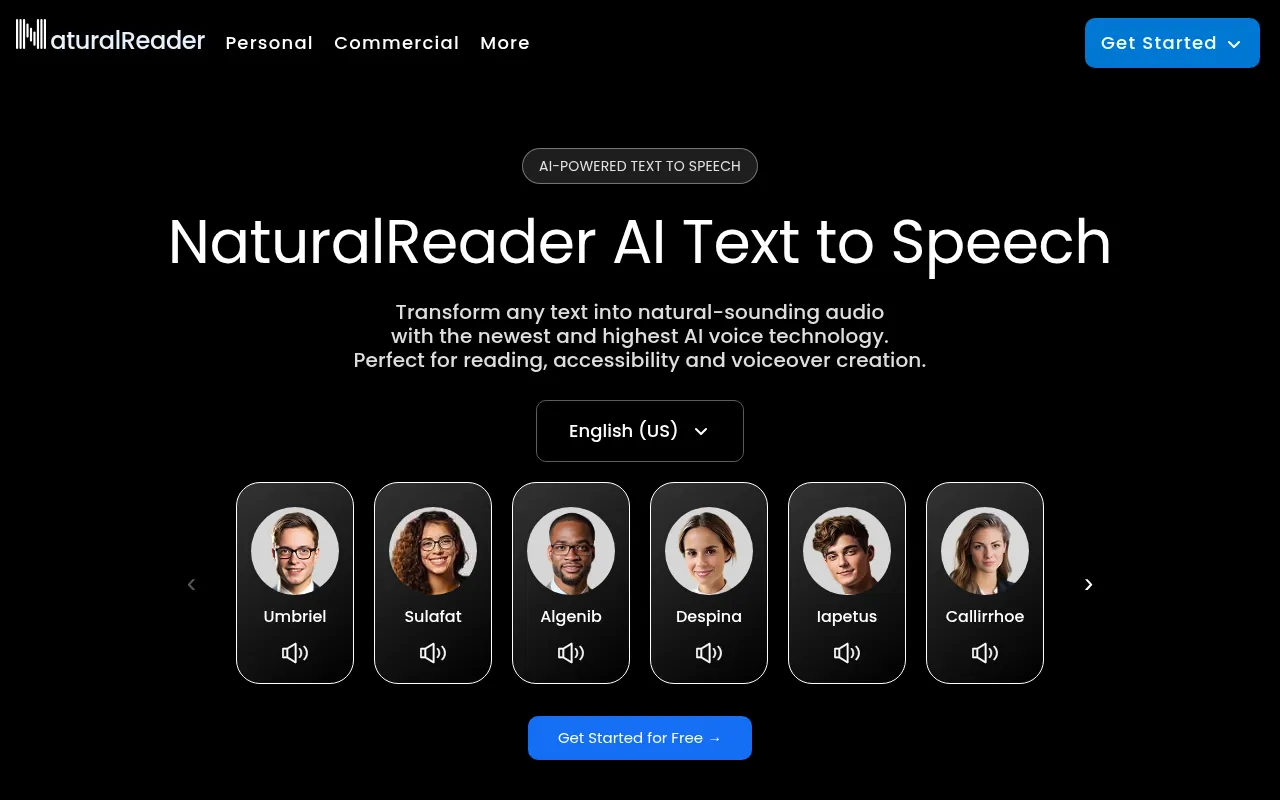
NaturalReader reads text aloud with AI voices. It converts PDFs, Word files, images, web pages and even photos of printed books into audio. Auditory learners and students with reading difficulties often find this the most helpful tool on the list.
It also offers voices in Indian languages and Indian English. When I checked its voice page, it listed Hindi, Bengali, Kannada, Malayalam, Tamil, Telugu and Urdu voices.
How students can use it:
- Listen to your notes at 1.25x speed during a commute.
- Convert a scanned page into audio when your eyes are tired.
- Use an Indian-English or Hindi voice so pronunciation feels familiar.
Free plan: Free to start.
Pricing: Paid plans and discounted education licences are offered on the site. I could not confirm the current individual price.
Best for: Listening to notes while travelling and making reading more accessible.
17) GitHub Copilot (Student)
If you study computer science or learn coding on your own, GitHub Copilot is the AI pair programmer to try. It suggests code as you type, explains errors and helps you write tests in editors like VS Code.
How students can use it:
- Ask it to explain an error message in your Python assignment.
- Write a function yourself, then ask Copilot to suggest test cases for it.
- Use it to understand someone else’s code in a group project.
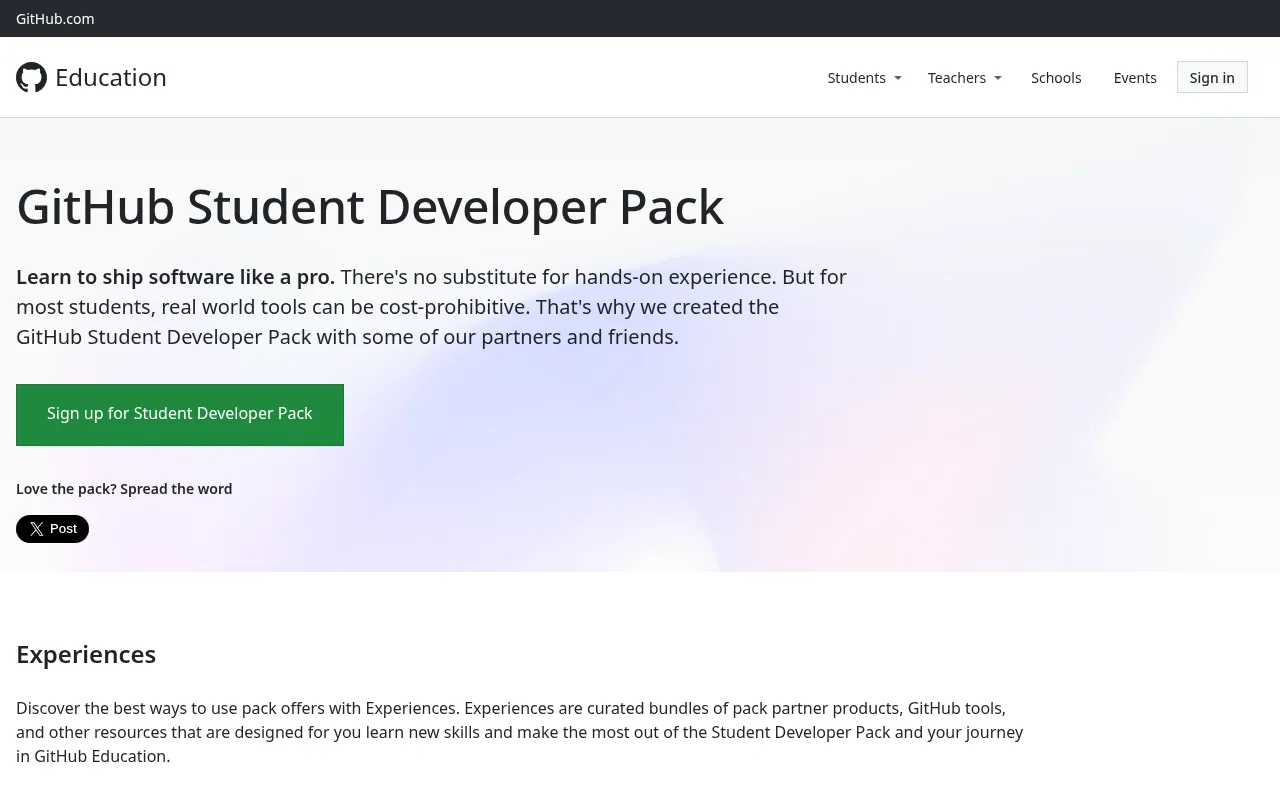
Student access: GitHub’s plans page says verified students get the GitHub Copilot Student plan. GitHub Education describes it as unlimited code completions plus an allowance of AI credits, with limited chat and agent use.
Student pack extras: The GitHub Student Developer Pack also includes free GitHub Pro while you study, Microsoft Azure credit of US$100 for students aged 18 and over, and free domains from partners.
Pricing for everyone else: Pro costs US$10 a month.
Best for: BTech, BCA and MCA students and self-taught coders.
Watch out: Read every line it writes. Generated code can be wrong or insecure.
18) Elicit
Elicit is built for academic research. You ask a research question, and it finds relevant papers, summarises them and pulls key details into a table. For a dissertation or literature review, it saves days.
How students can use it:
- Ask a research question and export the table of papers with their key findings.
- Use the summaries to decide which papers deserve a full read.
- Chat with a paper to understand a method you have not seen before.
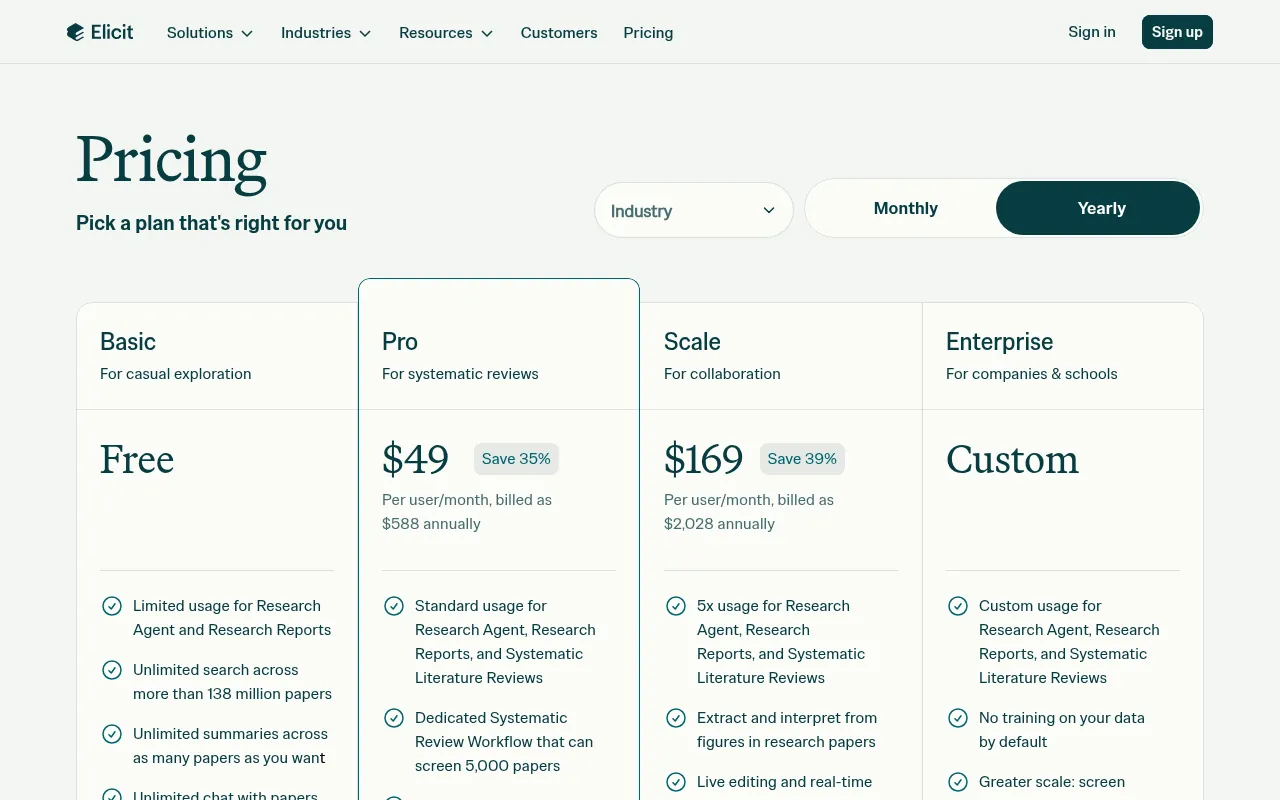
Free plan: Elicit’s free Basic plan includes unlimited search across more than 138 million papers, unlimited summaries and unlimited chat with papers, with limited research reports.
Pricing: Pro costs US$49 per user a month billed yearly (US$588 a year), mainly for systematic reviews.
Best for: Postgraduate students, researchers and final-year projects.
19) Consensus
Consensus searches peer-reviewed research and gives you a cited summary of what studies say. It is useful when you need evidence, not opinions, for a question like “Does sleep affect memory?”.
Its homepage says more than 170 university libraries partner with Consensus, so check whether your college has access.
How students can use it:
- Ask a yes-or-no research question and see how many studies support each side.
- Use it to find peer-reviewed sources for a psychology or health assignment.
- Check whether a popular claim is backed by research before you use it in an essay.
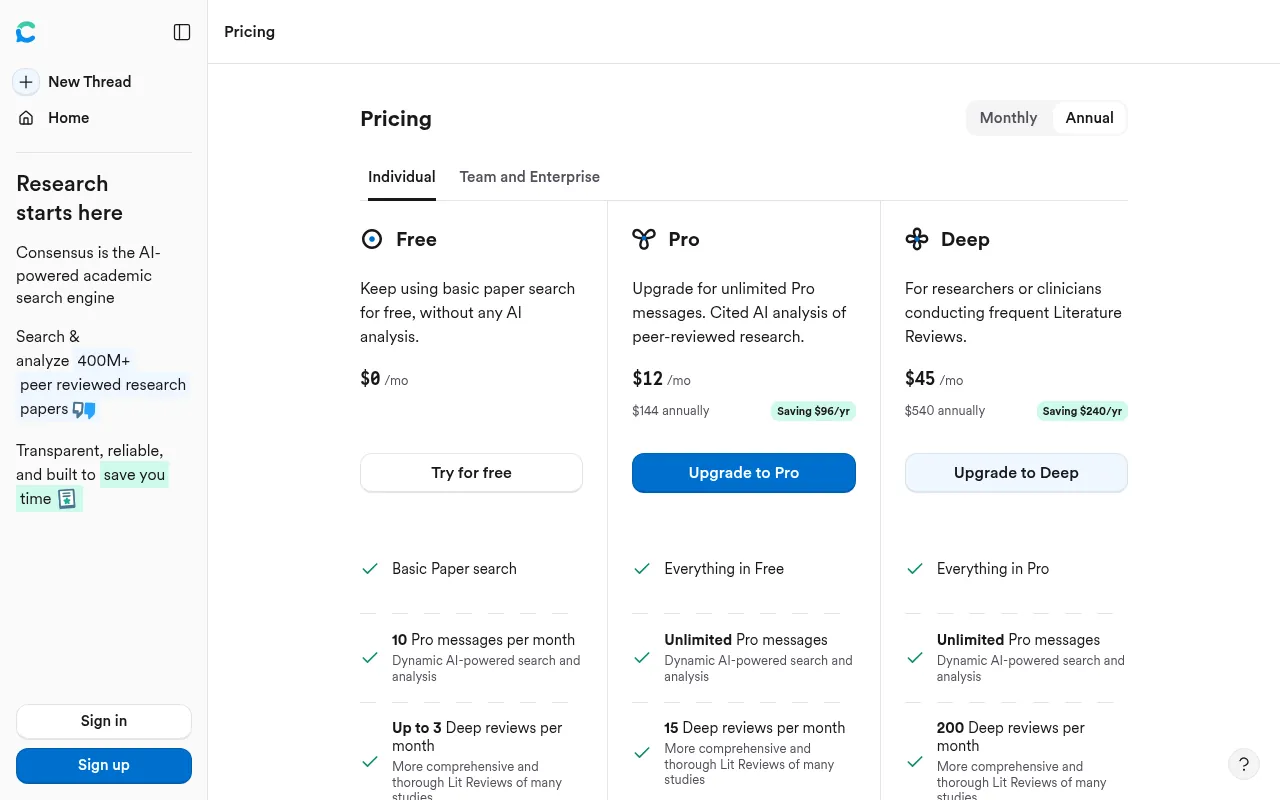
Free plan: Basic paper search, 10 Pro messages a month and up to 3 deep reviews a month.
Pricing: Pro costs US$12 a month, or US$144 a year.
Best for: Science, psychology, health and social science assignments.
20) Kickresume
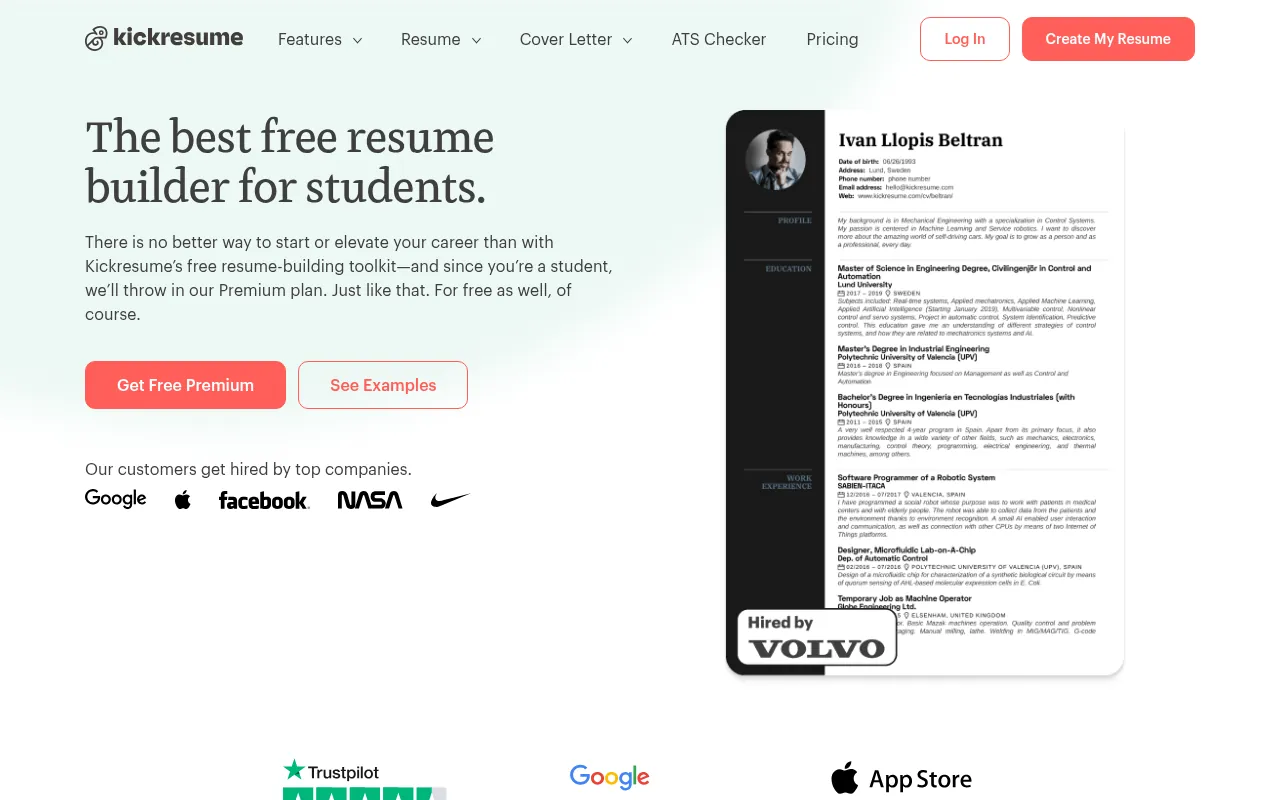
When you start applying for internships and placements, Kickresume helps you build an ATS-friendly resume and cover letter with AI. It can write a summary for your target role, check your resume for mistakes and turn it into a simple personal website.
How students can use it:
- Build a one-page resume from a template and let the AI suggest a summary for an internship role.
- Run the resume checker before you apply to campus placements.
- Import your LinkedIn profile to create a first draft quickly.
Student offer: Kickresume’s student page says students and teachers can get up to 180 days of Premium free after verifying with ISIC, ITIC or UNiDAYS.
Pricing: Its pricing page lists Premium at US$8 a month on the yearly plan (US$96 a year), with a free plan available.
Best for: Internship and placement applications.
Benefits of AI Tools for Students
1) Learn at Your Own Pace
AI tutors do not get tired of the same question. You can ask for a simpler explanation five times, or ask for a harder problem once you understand the basics. That kind of patient, one-to-one help used to cost money.
2) Better Revision
AI study tools like Gemini Notebook and Quizlet turn your own notes into quizzes and flashcards. Testing yourself is one of the most effective ways to remember things, and AI makes it quick to set up.
3) Faster, Better-Sourced Research
Perplexity, Elicit and Consensus show where information comes from. That saves hours of searching and builds the habit of checking sources.
4) Clearer Writing
Grammarly and QuillBot catch errors and suggest clearer sentences. For students writing in English as a second language, that feedback is valuable.
5) Accessibility
Text-to-speech tools like NaturalReader and transcription tools like Otter help students with dyslexia, hearing difficulties or different learning styles.
6) Career Skills
Knowing how to use AI well is now a job skill. GitHub Copilot, Gamma and Kickresume give you practice with tools you will meet at work.
Best AI Tools by Subject
Different subjects need different tools. This is how I would match them:
| Subject | Best AI tools | Why |
|---|---|---|
| Maths | Wolfram|Alpha, Khanmigo | Calculated answers and guided steps |
| Physics and chemistry | Wolfram|Alpha, Gemini Notebook | Formulas checked, notes turned into quizzes |
| Biology | Quizlet, Gemini Notebook | Lots of terms to memorise and diagrams to explain |
| English and humanities | Grammarly, Claude, QuillBot | Writing feedback and help with long readings |
| Social sciences | Perplexity, Consensus | Current facts and research evidence |
| Computer science | GitHub Copilot, ChatGPT | Code suggestions and error explanations |
| Languages | ChatGPT, NaturalReader | Conversation practice and listening |
| Business and commerce | Gamma, Copilot, Perplexity | Presentations, spreadsheets and market facts |
| Research and dissertations | Elicit, Consensus, ChatPDF | Finding, summarising and citing papers |
A Simple Weekly Study Routine With AI
Tools are only useful if you build them into a routine. Here is a simple weekly plan that uses only free plans:
- After each class (10 minutes): Add your notes or slides to a Gemini Notebook for that subject. If the class was recorded with permission, add the Otter transcript too.
- Same evening (20 minutes): Ask the notebook for the five key points from the class and write them in your own words without looking.
- Twice a week (20 minutes): Turn the week’s notes into Quizlet flashcards or a Gemini quiz and test yourself.
- For assignments: Research with Perplexity or Elicit, write your own draft, then use Grammarly for a final check. Ask Claude or ChatGPT what a strong counter-argument would be.
- For maths practice: Solve problems on paper first, then check your steps with Wolfram|Alpha.
- Before exams: Ask ChatGPT or Gemini to build a revision timetable from your exam dates, and use audio overviews for quick review.
This routine keeps you doing the thinking while AI handles the repetitive parts: organising, quizzing and proofreading.
AI Tools for School Students vs College Students
School and college students need different things from AI, so I would not give them the same list.
School students (Class 6 to 12) mostly need clear explanations, practice and revision. A chatbot like ChatGPT or Gemini, Quizlet for flashcards and Wolfram|Alpha for checking maths cover nearly everything. Khanmigo is designed to guide rather than give answers. Parents should keep an eye on which apps younger students use, as many AI services set minimum ages in their terms.
College students deal with long readings, research papers, presentations and placements. Gemini Notebook, Perplexity, Elicit or Consensus, Grammarly, Gamma and Kickresume fit that stage better. Coding students should claim GitHub Copilot Student.
Competitive exam aspirants (JEE, NEET, CAT, UPSC) benefit most from tools that work from their own material, like Gemini Notebook, plus Quizlet for memorisation and Wolfram|Alpha for maths and physics. Always verify answers against standard textbooks and official syllabus material, because AI tools can be wrong on exam-specific details.
Free vs Paid AI Tools for Students
What are free AI tools for students good for? Honestly, most of your needs. The free plans of ChatGPT, Gemini, Gemini Notebook, Perplexity, Grammarly, Copilot and Wolfram|Alpha cover everyday study.
| Need | Free option that is enough | When paying makes sense |
|---|---|---|
| Explanations and doubts | ChatGPT Free, Gemini Free, Copilot | You hit daily limits often |
| Study from your notes | Gemini Notebook | You have dozens of large sources |
| Research with sources | Perplexity Free, Elicit Basic, Consensus Free | Dissertation or systematic review |
| Grammar | Grammarly Free | Long essays, SOPs, theses |
| Maths steps | Wolfram|Alpha website | You need step-by-step solutions regularly |
| Lectures | Otter Basic (300 minutes) | Many long lectures each week |
| Coding | GitHub Copilot Student | Not needed while you are verified |
My advice: pay for one tool at most, and only after you have hit the free limit several times. Before paying, check student offers like Gemini’s free student plan, GitHub Copilot Student, Kickresume’s student Premium and your college’s Microsoft 365 licence.
A lot of students search for the Grammarly premium price for students in India. Here is what I found on Grammarly’s official plans page on October 19, 2026:
- Grammarly no longer calls its paid plan “Premium”. It is now Pro, and the page explains what happens to existing Premium subscriptions after the switch.
- Pro was listed from US$12 a month from my connection. The page did not show a separate rupee price, so the amount you see in India may differ at checkout.
- There is no separate individual student plan on the plans page. Grammarly’s discounts are for educational institutions, through Grammarly for Education.
So if you are a student in India, ask your college whether it has a Grammarly for Education licence. If not, the free plan plus QuillBot’s free grammar checker covers most needs. You can also try the free grammar checker on my site.
Chrome Extensions for Students
Many of these tools also work as browser extensions, so help appears right where you study:
- Grammarly checks writing in Google Docs, Gmail and online forms.
- QuillBot adds paraphrasing and grammar checks in the browser.
- ChatGPT, Gemini and Perplexity offer browser extensions or sidebars for quick questions.
- Otter.ai can join and transcribe Google Meet classes.
Keep the list short. Every extension can read the pages you visit, so install only from the official Chrome Web Store and only what you actually use.
How to Choose the Best AI for School Work
Pick by the job you need done:
- “I don’t understand this chapter.” ChatGPT, Gemini or Khanmigo.
- “I have to revise 10 PDFs before the exam.” Gemini Notebook.
- “I need sources for my project.” Perplexity, Elicit or Consensus.
- “My English is not polished.” Grammarly or QuillBot.
- “Maths and physics problems.” Wolfram|Alpha.
- “I keep missing points in lectures.” Otter.ai.
- “Presentation due tomorrow.” Gamma or Canva.
- “I’m learning to code.” GitHub Copilot Student.
- “Placement season is here.” Kickresume.
For the best AI for college students, I would start with Gemini Notebook, Perplexity, Grammarly and Claude or ChatGPT. For school students, ChatGPT or Gemini plus Quizlet and Wolfram|Alpha is a strong, free combination.
AI Tools for Indian Students: What Works Locally
A few points matter more for students in India:
- Language support. ChatGPT, Gemini and Copilot understand Hindi and several Indian languages, and NaturalReader has Indian-language voices.
- Exam preparation. Quizlet’s Indian Play Store listing mentions JEE, NEET, CBSE, ICSE and IELTS. Wolfram|Alpha helps you check maths and physics working.
- Rupee pricing. ChatGPT and Google show rupee prices in India. Many others bill in US dollars, so your card may charge a foreign transaction fee.
- Telecom offers. Jio’s Google AI Pro offer is worth checking if you are eligible.
- Data use. On mobile data, Gemini Notebook’s audio overviews and Otter’s recordings are large files, so download them on Wi-Fi.
If you want more free apps, see my list of the best free AI apps. For editing project photos, my guide to the best AI photo editors helps, and for project videos see the best free online video editors.
Student Discounts and Free Offers Worth Claiming
Before you pay for anything, check these official student offers. All details are from each company’s site in October 2026:
| Tool | Student offer | Who qualifies | Catch |
|---|---|---|---|
| Google Gemini | Free student plan for 1 year, redeem by December 31, 2026 | Eligible students (varies by country) | Card needed; renews at the paid price |
| GitHub Copilot | Copilot Student plan, free | Verified students via GitHub Education | Chat and agent use are limited |
| GitHub Student Developer Pack | Free GitHub Pro, US$100 Azure credit and partner offers | Verified students; Azure credit for 18+ | Offers vary by partner |
| Kickresume | Up to 180 days of Premium free | Students and teachers verified via ISIC, ITIC or UNiDAYS | Time-limited |
| Otter.ai | 20% off Pro | Students and teachers with a .edu email | Most Indian college emails do not end in .edu |
| Wolfram|Alpha | Pro for Students from US$5 a month | Students | Paid, but cheaper than standard Pro |
| Microsoft 365 | Office 365 A1 free | Students at eligible institutions | Your college must sign up |
| Canva Education | Free | K-12 teachers and their students | Not for college students |
Set a calendar reminder a few days before any free trial ends. Many student offers renew automatically at full price.
Mistakes Students Make With AI Tools
I see the same mistakes again and again when students start using AI:
- Trusting the first answer. AI tools are often right, but not always. Cross-check anything that will appear in an exam or an assignment.
- Asking for answers instead of explanations. You might finish homework faster, but you will struggle in the exam hall where there is no chatbot.
- Using fake citations. Chatbots sometimes invent book titles and paper names. If you cannot find a source yourself, do not cite it.
- Pasting private data. Do not upload ID cards, marksheets with personal details or someone else’s work into free AI tools.
- Installing too many apps. Five tools you use well beat fifteen you forget about.
- Ignoring the rules. One flagged assignment can cost far more time than the AI saved.
How to Use AI Without Cheating
Every school and university now has an AI policy, and they differ. Some allow AI for brainstorming and grammar, some ban it for graded work. These rules keep you safe:
- Read your school’s AI policy and your teacher’s instructions for each assignment.
- Use AI to learn, not to submit. Ask it to explain, quiz you or give feedback.
- Write in your own words. If you cannot explain a paragraph, do not submit it.
- Check every fact and citation. AI tools can invent references that do not exist.
- Declare AI use when your institution asks you to.
- Do not rely on AI detectors. They make mistakes in both directions. Your best protection is your own drafts and notes.
Online learning keeps growing, as my online learning statistics show, and AI will only become more common in classrooms. Learning to use it honestly now is a real advantage.
Why Should You Trust Me?

I am Jitendra Vaswani, an SEO consultant with 12 years in search. I founded Digiexe and AffiliateBooster, and I am an author and international speaker. I have given talks and workshops to students, including a workshop at Università Cattolica in Milan.
I use AI tools every day for research and writing, and I see both their power and their mistakes. Every feature, free limit and price in this guide comes from each tool’s official website or app store listing, checked in October 2026. I have not invented test results or scores.
Conclusion
The best AI tools for students in 2026 are the ones that help you understand, not the ones that do your homework for you. Start with a free chatbot (ChatGPT or Gemini), add Gemini Notebook for revision, Perplexity for research and Grammarly for writing. Bring in Wolfram|Alpha for maths, Otter for lectures, Gamma for presentations and GitHub Copilot if you code.
You do not need all twenty. Pick three or four that match how you study, use the free plans first, and claim student offers before paying for anything. Most importantly, follow your school’s rules and keep your own voice in your work.
FAQs
What are the best AI tools for students?
ChatGPT, Google Gemini, Gemini Notebook, Perplexity, Grammarly, QuillBot, Wolfram|Alpha and Otter.ai are among the best AI tools for students. All have free plans.
What are free AI tools for students?
Gemini Notebook, ChatGPT Free, Gemini Free, Microsoft Copilot, Perplexity Free, Grammarly Free, Wolfram|Alpha, Elicit Basic and ChatPDF are free. GitHub Copilot Student is free for verified students.
Which is the best AI for college students?
Among AI tools for college students, I recommend Gemini Notebook for studying from your own readings, Perplexity or Elicit for research, Claude or ChatGPT for feedback, and Grammarly for writing.
What is the best AI for school work?
For school work, ChatGPT or Gemini for explanations, Quizlet for revision and Wolfram|Alpha for maths are a strong free set. Use them to understand topics, not to copy answers.
Which AI app for students works best on a phone?
ChatGPT, Gemini, Quizlet, Otter.ai and Wolfram|Alpha all have Android and iPhone apps. ChatGPT’s Android app had a 4.5 rating on Google Play in India when I checked.
Is it allowed to use AI for assignments?
It depends on your school or university. Many allow AI for brainstorming, grammar and feedback but not for writing graded work. Always check the policy and declare AI use when asked.
Can AI tools replace teachers?
No. AI tools can explain, quiz and give feedback at any hour, but they make mistakes and cannot replace a teacher’s judgement, mentoring and understanding of each student.
Is there a Grammarly student discount in India?
Grammarly’s plans page did not list an individual student discount when I checked. Its education discounts are for institutions, so ask your college whether it has a Grammarly for Education licence.
Which AI is best for maths?
Wolfram|Alpha is the most reliable for maths because it calculates answers instead of predicting text. Pro for Students, from US$5 a month, adds step-by-step solutions.
Is ChatGPT free for students in India?
Yes. ChatGPT’s Free plan is open to everyone. Paid plans in India started at ₹399 a month for Go when I checked in October 2026.
What is the best AI for education overall?
There is no single winner. For learning from your own material, Gemini Notebook is the strongest free tool. For general help, ChatGPT and Gemini lead, and for research, Perplexity and Elicit.
Sources
Facts in this article were checked on October 19, 2026 against the official websites, pricing pages and app store listings of ChatGPT (OpenAI), Google Gemini and Gemini Notebook, Perplexity, Grammarly, QuillBot, Microsoft Copilot and Microsoft Education, Claude (Anthropic), Wolfram|Alpha, Khanmigo (Khan Academy), Otter.ai, Quizlet, Gamma, Canva, ChatPDF, NaturalReader, GitHub, Elicit, Consensus and Kickresume. ChatGPT India prices were checked on its pricing page earlier in October 2026, and Jio’s Google AI Pro offer on Jio’s offer page on October 11, 2026. Plans and prices change often, so confirm on each official site before you pay.

Jitendra Vaswani is a globally recognized expert in SEO and AI-driven digital marketing. He has spoken at leading international events and is the founder of Digiexe, a results-driven digital marketing agency; Venuelabs, a platform that helps brands amplify their voice with expert PR and marketing solutions; and AffiliateBooster, an affiliate marketing news site. With over a decade of hands-on experience, Jitendra has empowered countless businesses to thrive online. His bestselling book, Inside A Hustler’s Brain: In Pursuit of Financial Freedom, has sold more than 20,000 copies worldwide, reflecting his influence and dedication to helping digital marketers achieve success. Follow Jitendra on Instagram, X/Twitter, Facebook, and LinkedIn.