Best Firefox extensions, the short answer: If you install only one Firefox addon, make it uBlock Origin. It blocks ads and trackers and is used by about 11.4 million people. Add Bitwarden for free password management, Dark Reader for dark mode on every site, and Firefox Multi-Account Containers to keep work and personal logins apart. YouTube fans should add SponsorBlock, and writers should add Grammarly.
I have used Firefox next to Chrome for years, mainly for research and for keeping client accounts separate. The browser is fast on its own, but the right add ons for Firefox turn it into a proper work tool. The wrong ones slow it down or quietly collect your data.
So this list sticks to Firefox extensions that are listed on Mozilla’s official store, addons.mozilla.org. For each pick I note the user count and rating shown there on October 19, 2026, the price, and who it suits. No invented test scores.
What Are Firefox Extensions?
Firefox extensions are small programs that add features to the Firefox browser. One blocks ads, another fills in passwords, another turns every website dark. Mozilla calls them “add-ons”, and on its store the word covers both extensions and themes. In everyday use, people say firefox add ons, firefox extensions and firefox addons to mean the same thing.
You will also see the phrase firefox plugins. Strictly speaking, plugins were an older technology (think Flash or Java) that ran outside the browser. Mozilla removed support for those old plugins, and Firefox dropped Flash completely in 2021. Today almost everything people call plugins Firefox can run is really an extension.
Every add on Firefox lists on addons.mozilla.org (often searched as “mozilla add ons”) has a public page with its user count, rating, permissions and version history. That page is the first thing I check before I install anything.
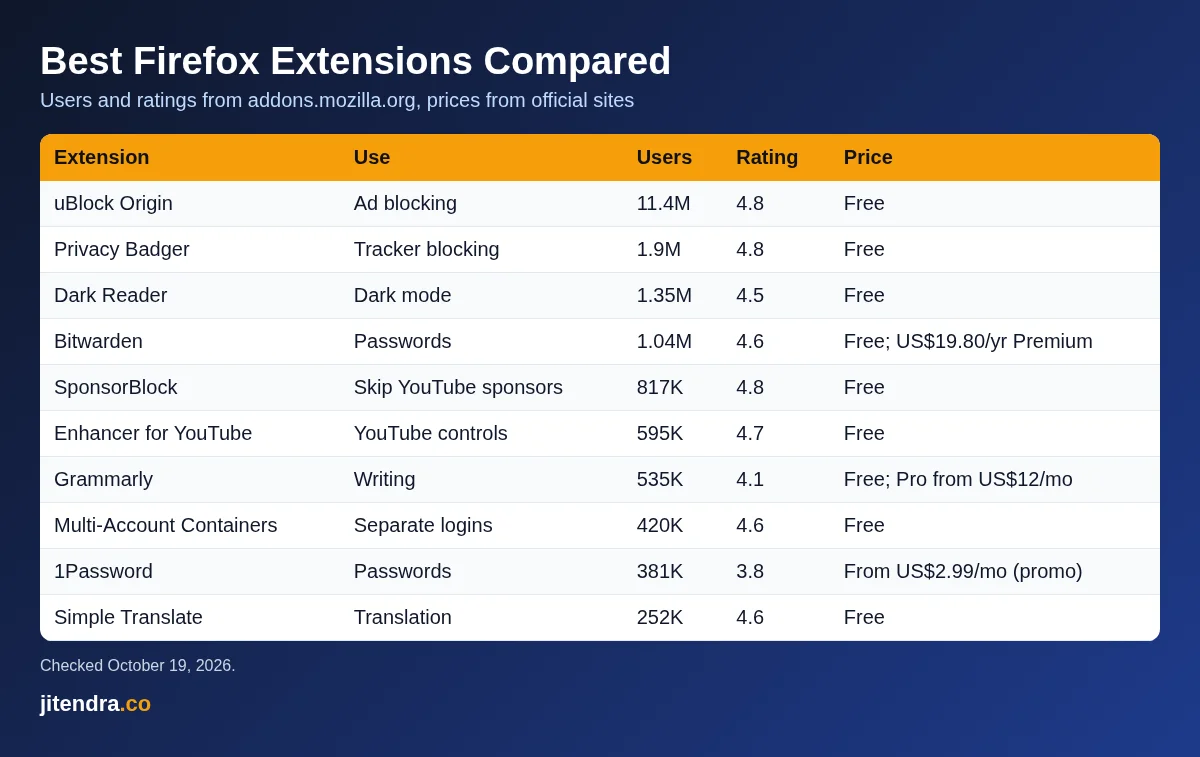
Best Firefox Extensions: Quick Comparison Table
| Extension | Core use | Users on Mozilla Add-ons | Rating | Price | Ideal for |
|---|---|---|---|---|---|
| uBlock Origin | Ad and tracker blocking | About 11.4 million | 4.8 | Free | Everyone |
| Privacy Badger | Tracker blocking | About 1.9 million | 4.8 | Free | Privacy-minded users |
| Bitwarden | Free password manager | About 1.04 million | 4.6 | Free; Premium US$19.80 a year | Budget users |
| 1Password | Paid password manager | About 381,000 | 3.8 | From US$2.99 a month (promo) | Families and professionals |
| Dark Reader | Dark mode for every site | About 1.35 million | 4.5 | Free | Night-time readers |
| Multi-Account Containers | Separate logins in one window | About 420,000 | 4.6 | Free | Freelancers and marketers |
| SponsorBlock | Skip YouTube sponsor segments | About 817,000 | 4.8 | Free | YouTube viewers |
| Enhancer for YouTube | Control YouTube playback | About 595,000 | 4.7 | Free | Heavy YouTube users |
| Grammarly | Grammar and writing help | About 535,000 | 4.1 | Free; Pro from US$12 a month | Writers and students |
| Simple Translate | Translate selected text | About 252,000 | 4.6 | Free | Multilingual readers |
| Tree Style Tab | Vertical tab tree | About 142,000 | 4.5 | Free | People with 30+ tabs |
| Awesome Screenshot | Screenshots and screen recording | About 131,000 | 4.4 | Free core features | Bloggers and support teams |
| Tomato Clock | Pomodoro timer | About 34,000 | 4.5 | Free | Students and focus seekers |
| Todoist for Firefox | Quick task capture | About 13,000 | 4.7 | Free core features | To-do list users |
Source: user counts and ratings from each extension’s page on addons.mozilla.org, checked on October 19, 2026. Prices from the official developer sites.
How I Picked These Firefox Add-ons
I did not run lab tests or give made-up scores. To choose the extensions Firefox users should install first, I used facts anyone can check:
- Listed on addons.mozilla.org. I avoided add-ons that are only offered as files on random websites.
- Mozilla’s Recommended badge. Most picks carry it, which means Mozilla reviews them for security and quality. Two are made by Mozilla itself.
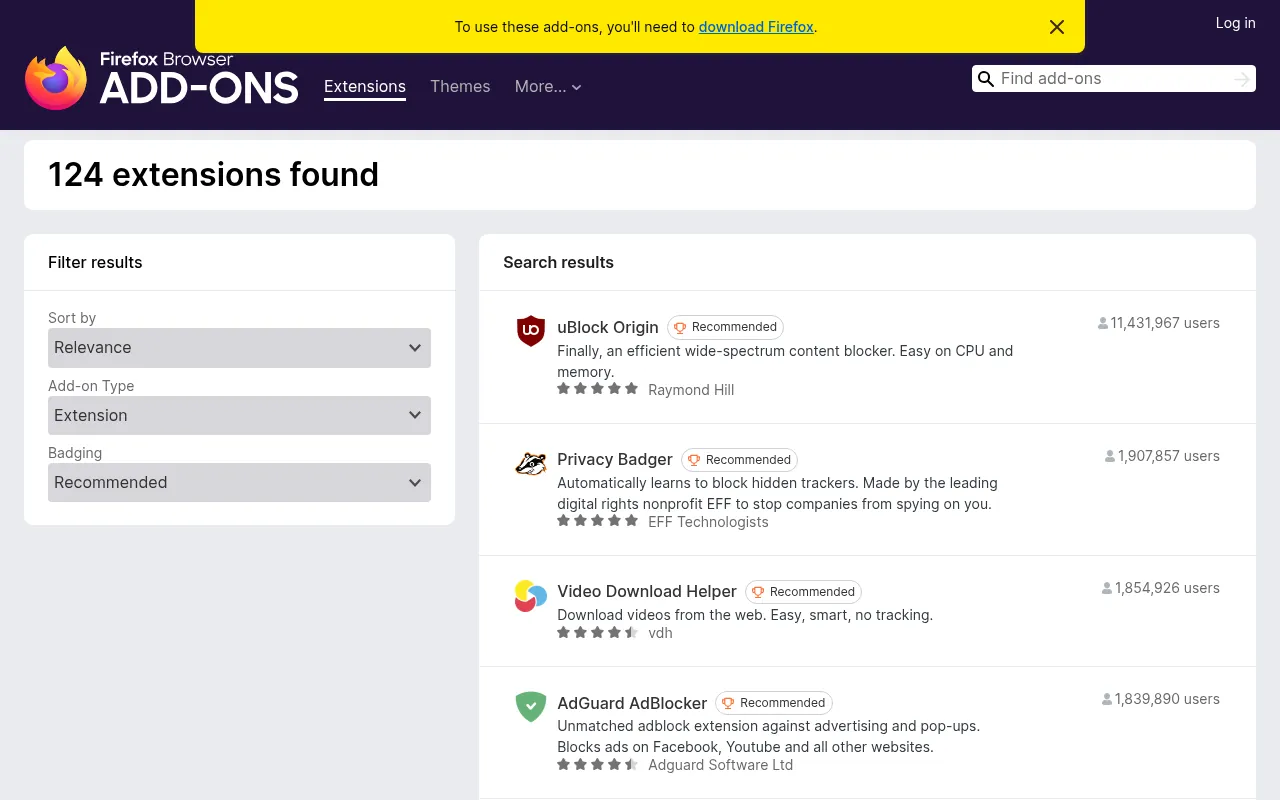
- Real usage. The user count and rating on the official page.
- Recent updates. Most picks were updated in 2026. I flag the ones that were not.
- A clear job. One extension per problem, so you do not end up with three ad blockers fighting each other.
14 Best Firefox Extensions by Category
1) uBlock Origin: Best for Ad and Tracker Blocking
| Users | About 11.4 million |
|---|---|
| Rating | 4.8 out of 5 |
| Price | Free, open source |
| Badge | Recommended by Mozilla |
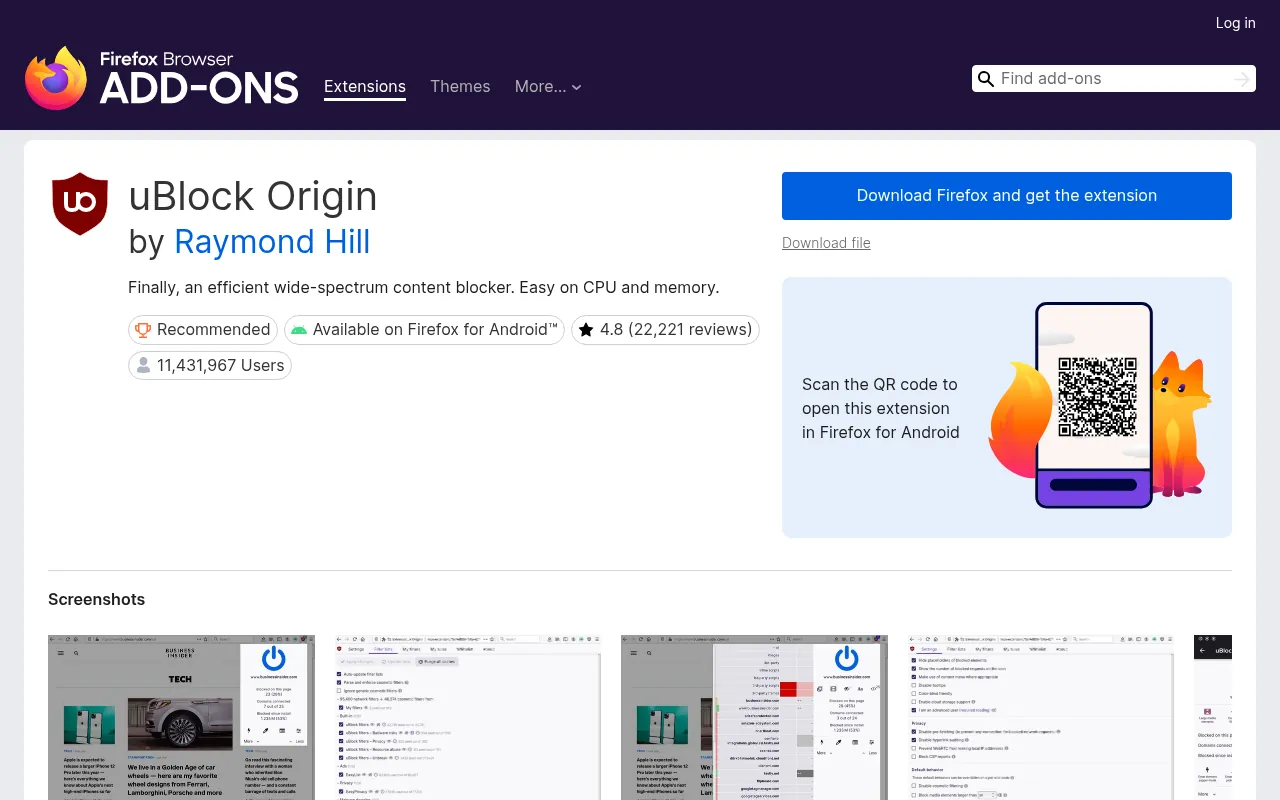
uBlock Origin is the most used extension on the Firefox store, and it earns that spot. If you search for uBlock Origin Firefox, install the version by Raymond Hill, the original developer. It blocks ads, pop-ups, trackers and many malware domains using filter lists, and its developer describes it as easy on CPU and memory.
What I like most is that it works well out of the box. You install it, and pages simply load cleaner and faster. Advanced users can add more filter lists, block page elements with a right-click, or turn it off for sites they want to support. It also runs on Firefox for Android, which matters because Chrome on Android does not support extensions at all.
Limitations
The advanced settings look technical. Leave them alone unless you know what a filter list is.
Ideal Users
Anyone who uses Firefox. This is the one add-on I install on every machine.
| Users | About 1.9 million |
|---|---|
| Rating | 4.8 out of 5 |
| Price | Free |
| Badge | Recommended by Mozilla |
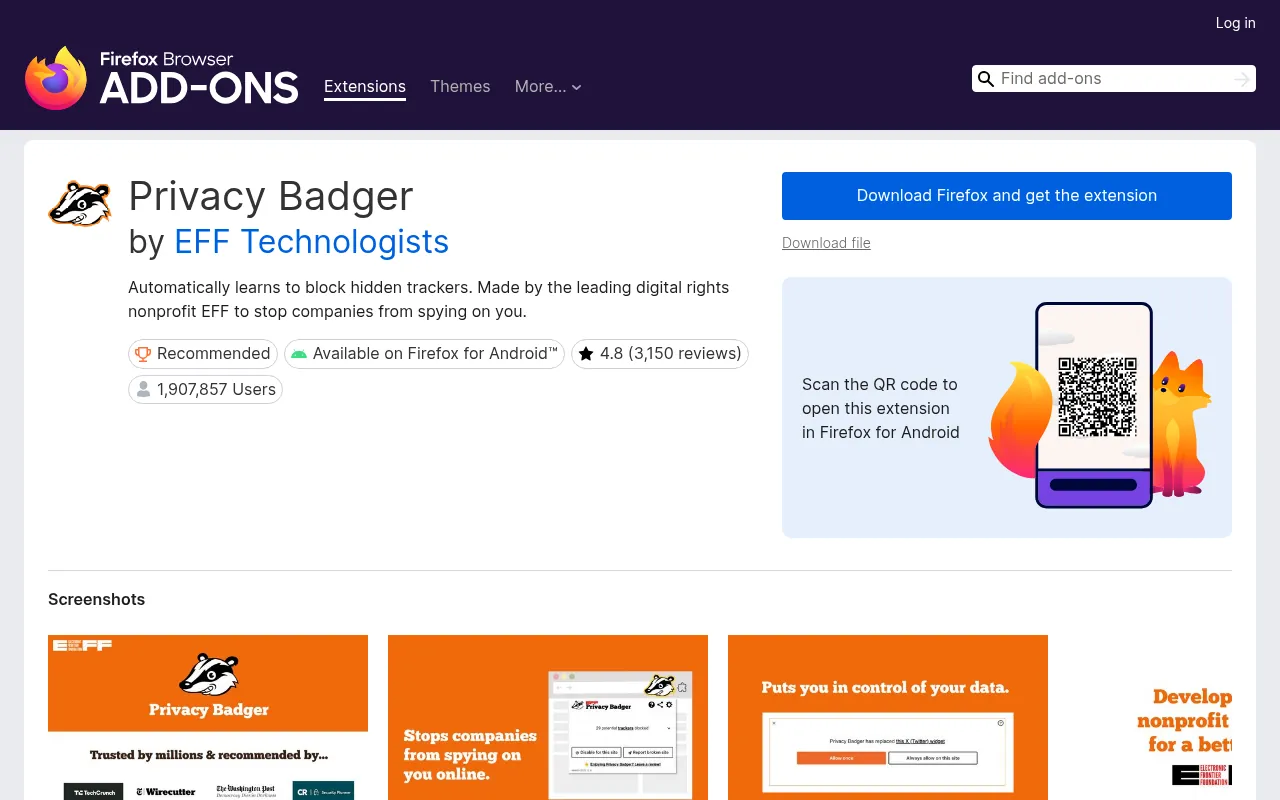
Privacy Badger comes from the Electronic Frontier Foundation, a non-profit digital rights group. Instead of using a fixed list, it watches which third-party domains seem to follow you from site to site and starts blocking them.
Together with uBlock Origin, it is one of the two Firefox privacy extensions I recommend to everyone. It is a “set it and forget it” tool. Its toolbar icon shows what it has found on the current page, and you can adjust any blocked domain with a slider. It works on Firefox for Android too.
Limitations
It is not an ad blocker. You will still see ads that do not track you, so pair it with uBlock Origin if you want both.
Ideal Users
People who want better privacy without touching any settings.
3) Bitwarden: Best Free Password Manager
| Users | About 1.04 million |
|---|---|
| Rating | 4.6 out of 5 |
| Price | Free; Premium US$1.65 a month (US$19.80 a year) |
| Badge | Recommended by Mozilla |
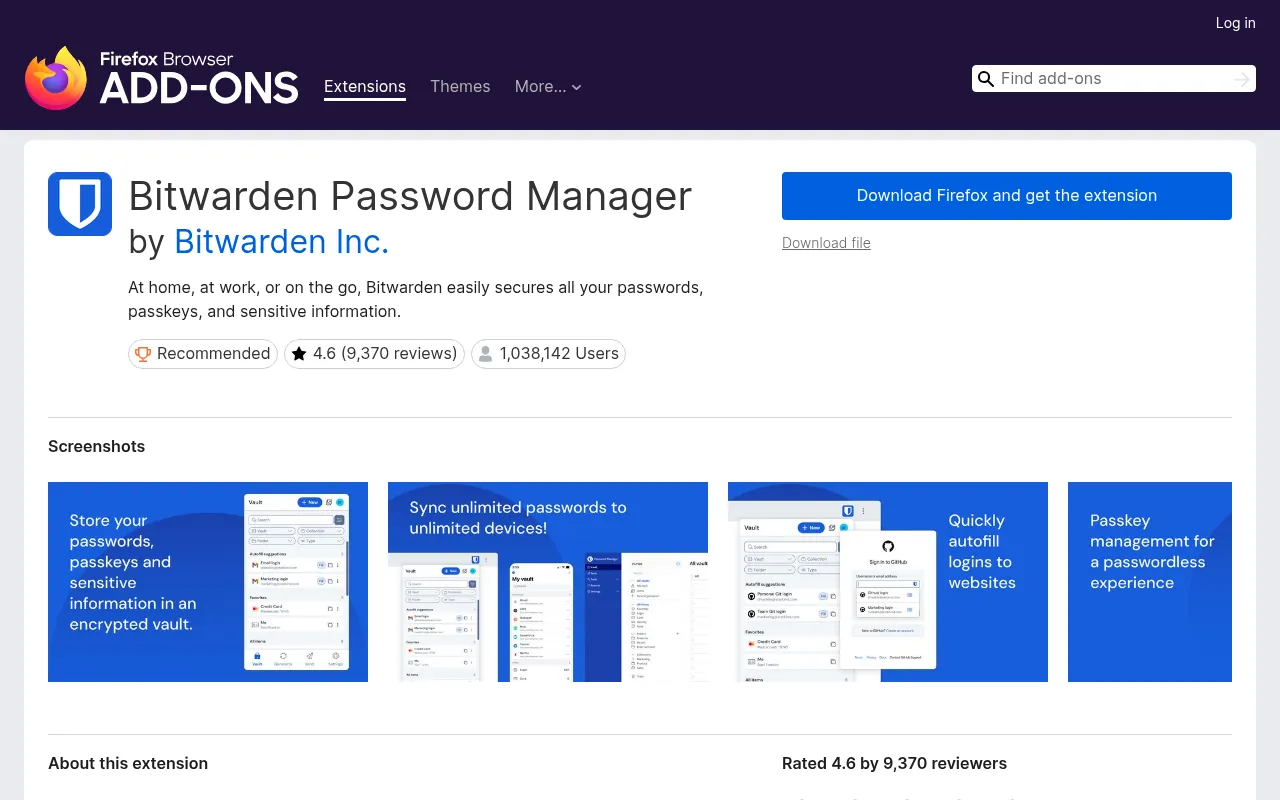
Bitwarden stores your passwords and passkeys in an encrypted vault and fills them in when you log in. The free plan already gives you unlimited passwords on unlimited devices, which is rare.
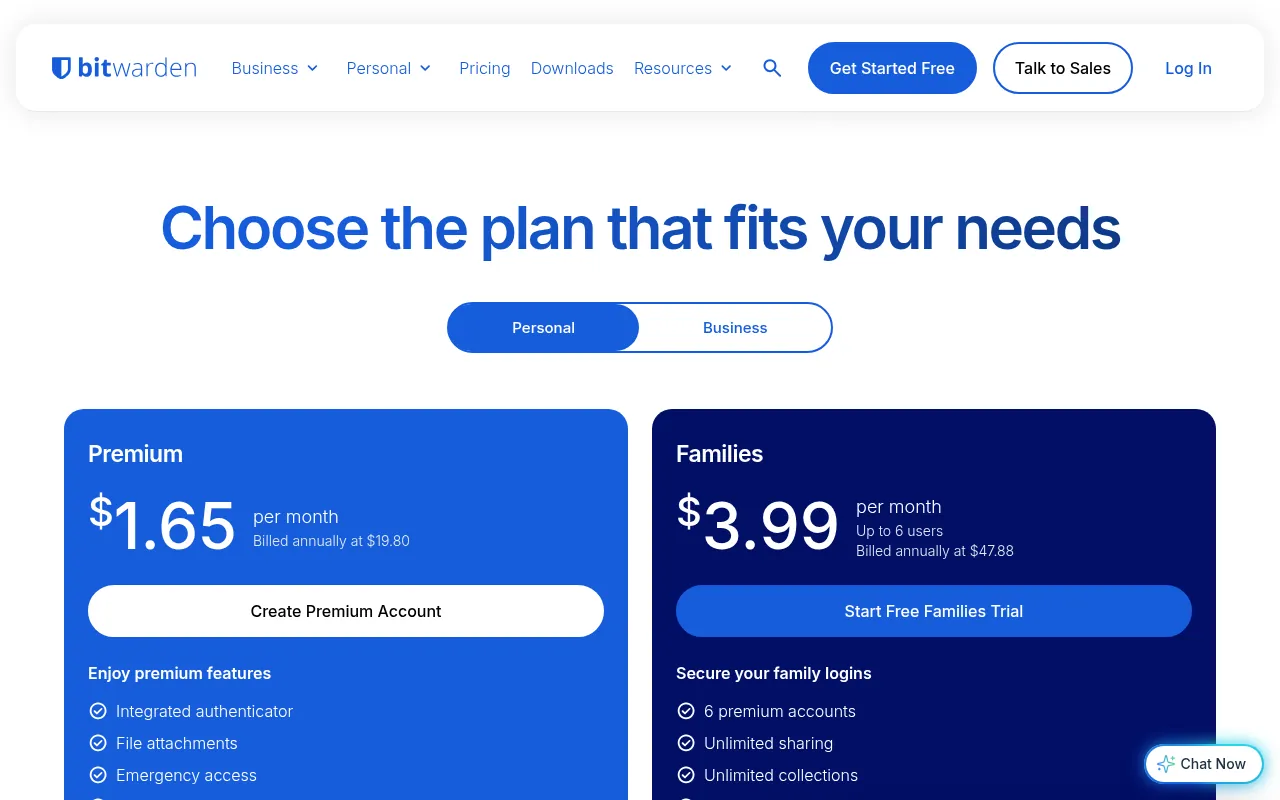
If you want extras, Bitwarden’s pricing page lists Premium at US$1.65 a month, billed yearly at US$19.80, and Families at US$3.99 a month (US$47.88 a year) for six premium accounts. That is still far cheaper than most rivals.
Limitations
The interface is plain, and autofill can need an extra click on some login pages.
Ideal Users
Students, freelancers and anyone who wants a solid password manager without a monthly bill.
4) 1Password: Best Paid Password Manager
| Users | About 381,000 |
|---|---|
| Rating | 3.8 out of 5 |
| Price | Individual US$3.99 a month billed yearly (promo US$2.99) |
| Badge | Featured by Mozilla (Spotlight) |
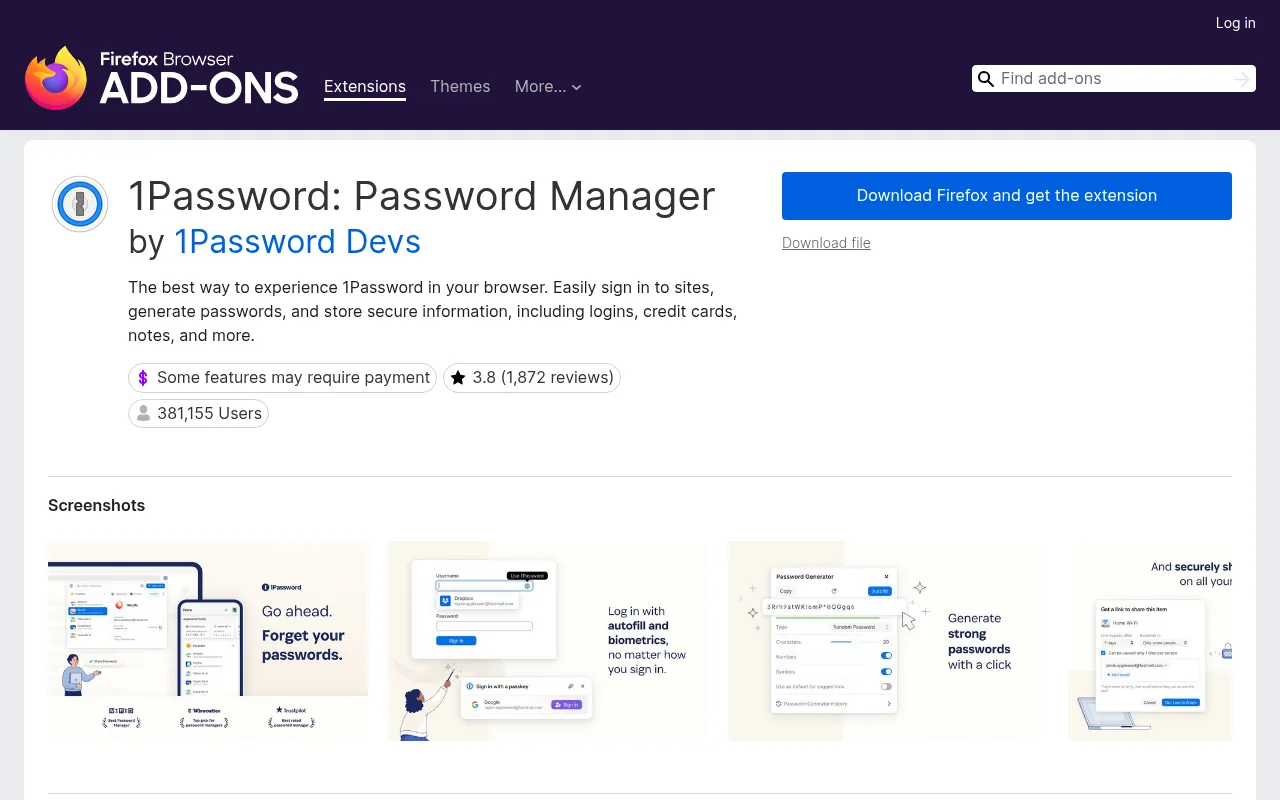
1Password is the polished, paid alternative. The Firefox extension fills logins, creates strong passwords and saves passkeys, and the app also stores cards, documents and notes.
On October 19, 2026, 1Password’s pricing page showed the Individual plan at US$3.99 a month billed yearly, discounted to US$2.99 under a running promotion. Families was US$5.99 a month, or US$4.49 on promotion. There is no free plan.
Limitations
No free tier, and its Firefox rating (3.8) is lower than Bitwarden’s.
Ideal Users
Families and professionals who want the smoothest experience and do not mind paying.
5) Dark Reader: Best for Eye Comfort at Night
| Users | About 1.35 million |
|---|---|
| Rating | 4.5 out of 5 |
| Price | Free, open source |
| Badge | Recommended by Mozilla |
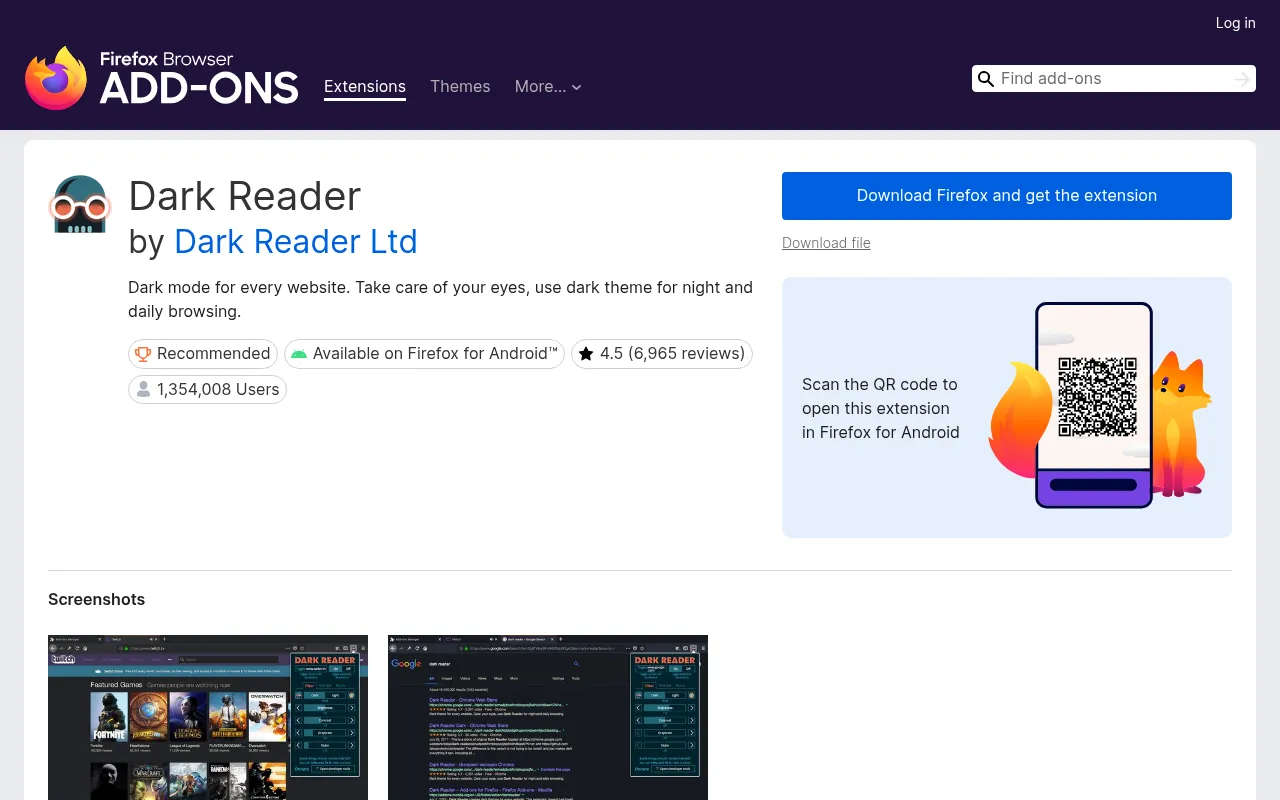
Dark Reader creates a dark theme for websites that do not have one. You can tweak brightness, contrast and sepia, or turn it off for specific sites.
I use it every night when I read long research pages. It works on Firefox for Android as well.
Limitations
Some image-heavy pages can look odd, and you may need to add a few sites to its ignore list.
Ideal Users
Night readers, coders and anyone with tired eyes.
6) Firefox Multi-Account Containers: Best for Separate Logins
| Users | About 420,000 |
|---|---|
| Rating | 4.6 out of 5 |
| Price | Free |
| Badge | Made by Mozilla (By Firefox) |
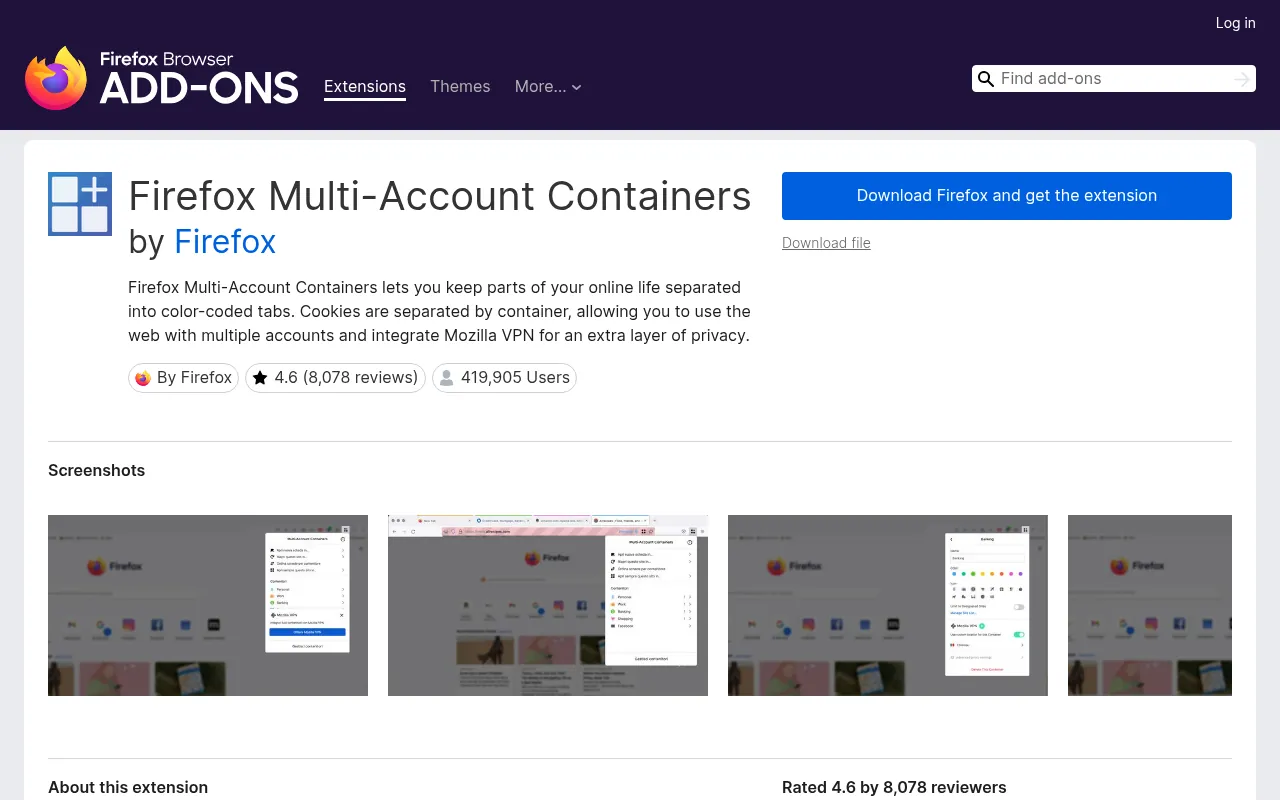
This is the reason many marketers stay on Firefox. Multi-Account Containers puts tabs into colour-coded containers, each with its own cookies. You can be logged into two Gmail accounts, or a personal and a client Facebook account, side by side in one window.
You can also tell certain sites to always open in a certain container, so your banking stays in one box and shopping in another.
Limitations
It takes ten minutes to set up properly. It is not available for Firefox on Android.
Ideal Users
Freelancers, agencies and social media managers who juggle several accounts.
7) SponsorBlock: Best for Skipping YouTube Sponsors
| Users | About 817,000 |
|---|---|
| Rating | 4.8 out of 5 |
| Price | Free, open source |
| Badge | Recommended by Mozilla |
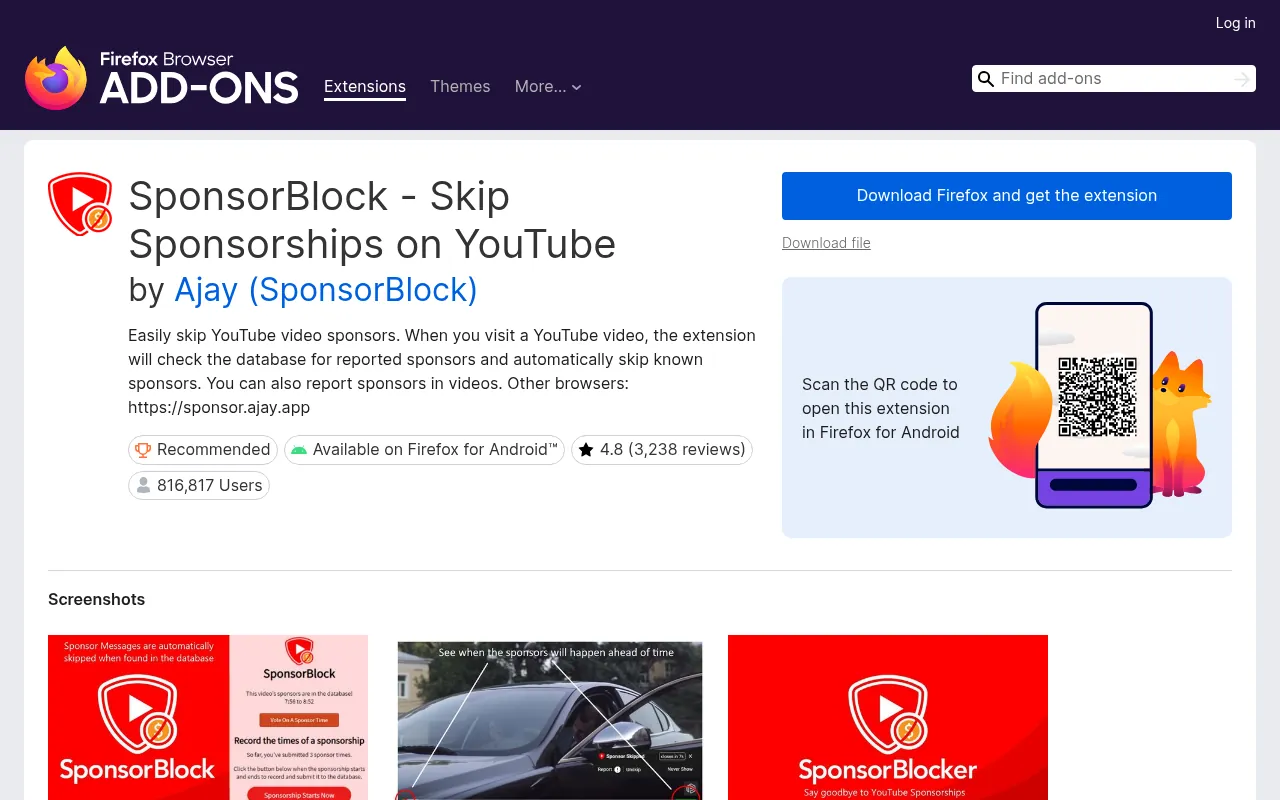
SponsorBlock checks a crowd-sourced database when you open a YouTube video and skips the parts users marked as sponsor reads, intros or reminders to subscribe. You can choose which segment types to skip.
Limitations
It depends on other viewers marking segments, so new or small videos may not have data yet.
Ideal Users
Anyone who watches a lot of long YouTube videos.
8) Enhancer for YouTube: Best for YouTube Playback Control
| Users | About 595,000 |
|---|---|
| Rating | 4.7 out of 5 |
| Price | Free |
| Badge | Recommended by Mozilla |
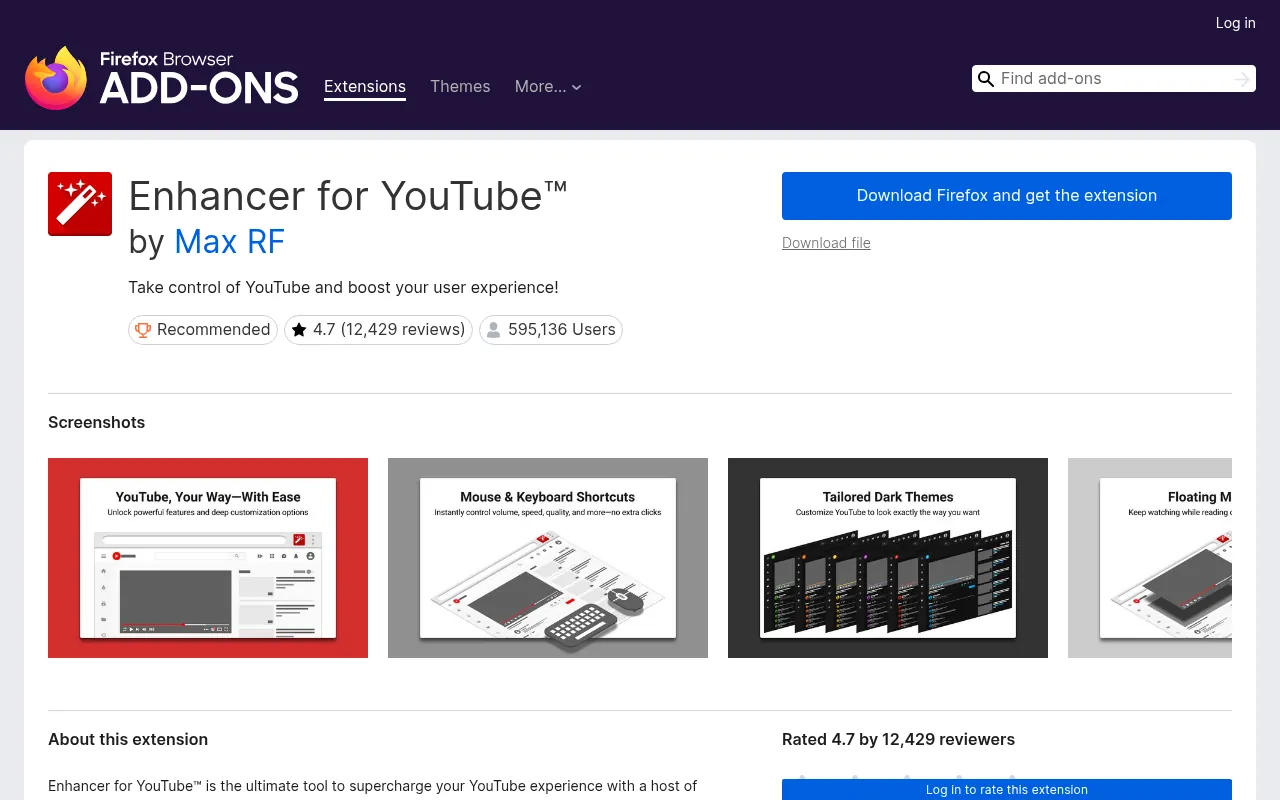
Enhancer for YouTube adds controls YouTube does not give you. Its Mozilla listing mentions a default playback speed (adjustable from 0.07x to 16x), a default video quality, a volume booster of up to 10x, a loop mode for repeating parts of a video, autoplay control and mouse-wheel or keyboard shortcuts.
Limitations
YouTube changes its site often, so some features can break for a few days until the add-on updates.
Ideal Users
Students watching lectures at 1.5x and anyone who wants YouTube to behave the same way every time.
9) Grammarly: Best for Grammar and Writing
| Users | About 535,000 |
|---|---|
| Rating | 4.1 out of 5 |
| Price | Free; Pro from US$12 a month |
| Badge | None |
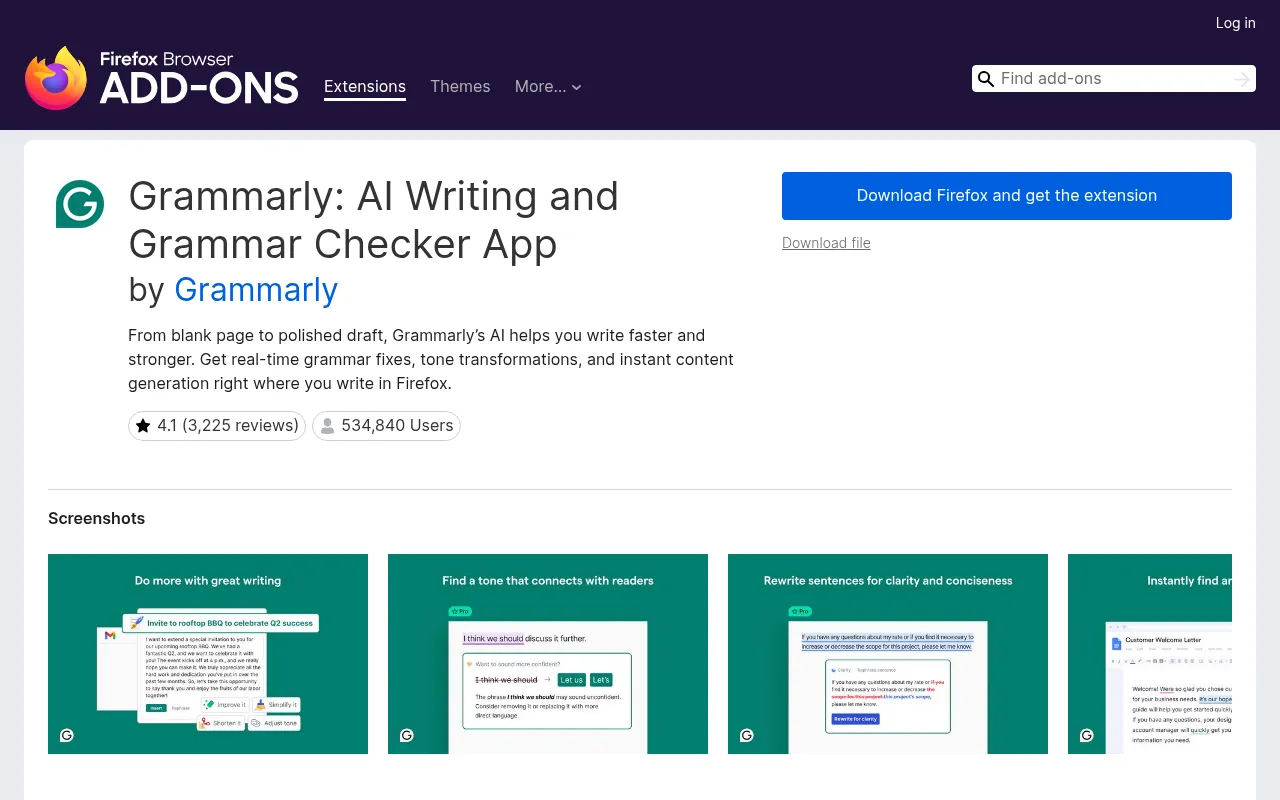
Grammarly checks spelling, grammar and tone as you type in Gmail, Google Docs, WordPress and most text boxes. The free plan covers basic corrections and 100 AI prompts a month. Grammarly’s plans page lists Pro from US$12 a month, with full-sentence rewrites, tone changes, plagiarism and AI-text detection, and 2,000 prompts.
If you only need quick checks, you can also try the free grammar checker on my site, linked below.
Limitations
It reads what you type, so turn it off on sensitive pages. It does not carry Mozilla’s Recommended badge.
Ideal Users
Bloggers, students and professionals who write in English every day.
10) Simple Translate: Best for Quick Translations
| Users | About 252,000 |
|---|---|
| Rating | 4.6 out of 5 |
| Price | Free |
| Badge | Recommended by Mozilla |
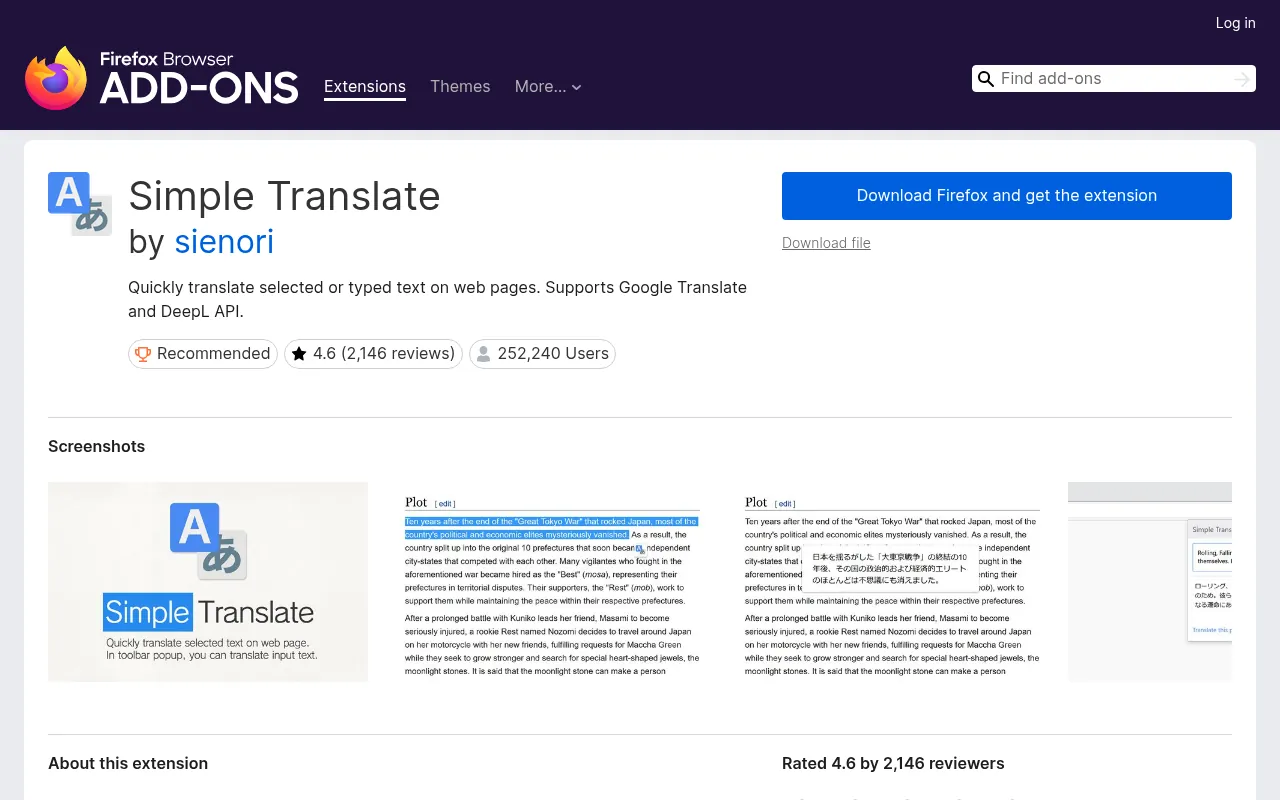
Select a word or a paragraph, and Simple Translate shows the translation in a small pop-up. It supports Google Translate and the DeepL API. I find it handy for reading Hindi or Arabic sources without leaving the page.
Limitations
It sends the selected text to the translation service you choose, so avoid it for private documents.
Ideal Users
Students and researchers who read sources in more than one language.
11) Tree Style Tab: Best for Tab Management
| Users | About 142,000 |
|---|---|
| Rating | 4.5 out of 5 |
| Price | Free |
| Badge | Recommended by Mozilla |
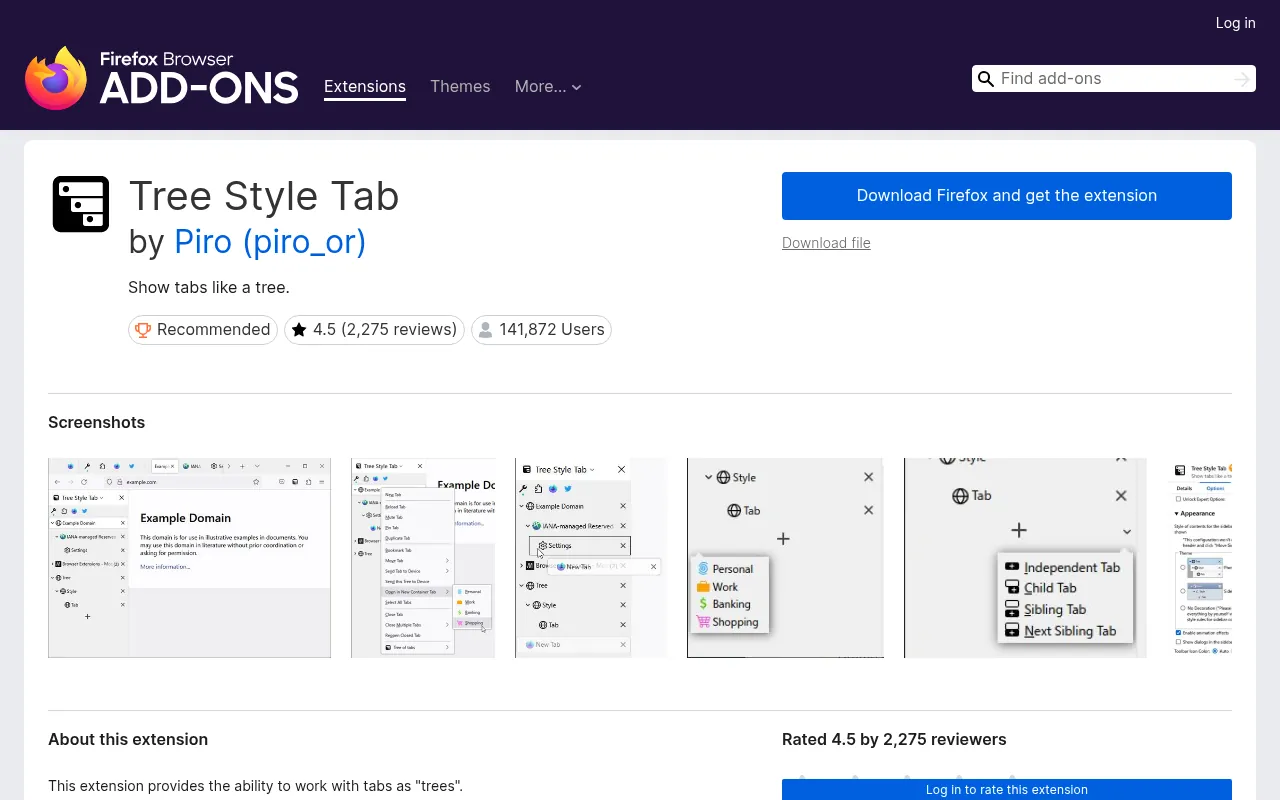
Tree Style Tab shows your tabs in a sidebar as a tree. Tabs you open from a page appear under it, so a research session stays grouped. You can collapse branches and close a whole group at once.
Limitations
It takes time to get used to, and you may want to hide the normal tab bar with extra settings.
Ideal Users
Researchers and SEO folks who regularly have 30 or more tabs open.
12) Awesome Screenshot & Screen Recorder: Best for Screenshots
| Users | About 131,000 |
|---|---|
| Rating | 4.4 out of 5 |
| Price | Free core features; paid plans on the developer’s site |
| Badge | Recommended by Mozilla |
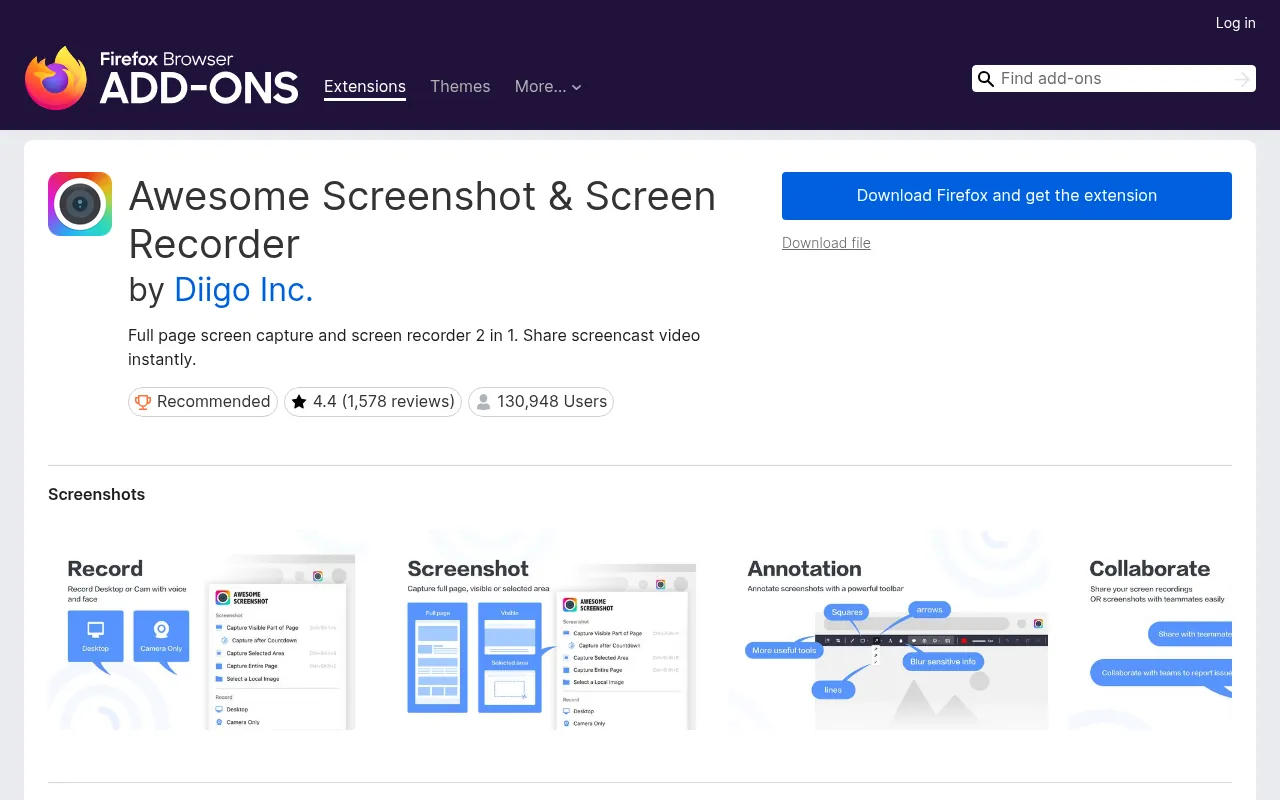
Awesome Screenshot captures the visible area, a selected area or a full scrolling page, and it can record your screen. You can annotate, blur private details and share a link.
Firefox also has a built-in screenshot tool (right-click and choose “Take Screenshot”), so try that first. Install Awesome Screenshot when you need recording or annotation.
Limitations
Its last update on Mozilla Add-ons was in November 2025, and the best sharing features sit behind an account.
Ideal Users
Bloggers, teachers and support teams who explain things with screenshots.
13) Tomato Clock: Best for Focus Sessions
| Users | About 34,000 |
|---|---|
| Rating | 4.5 out of 5 |
| Price | Free, open source |
| Badge | Recommended by Mozilla |
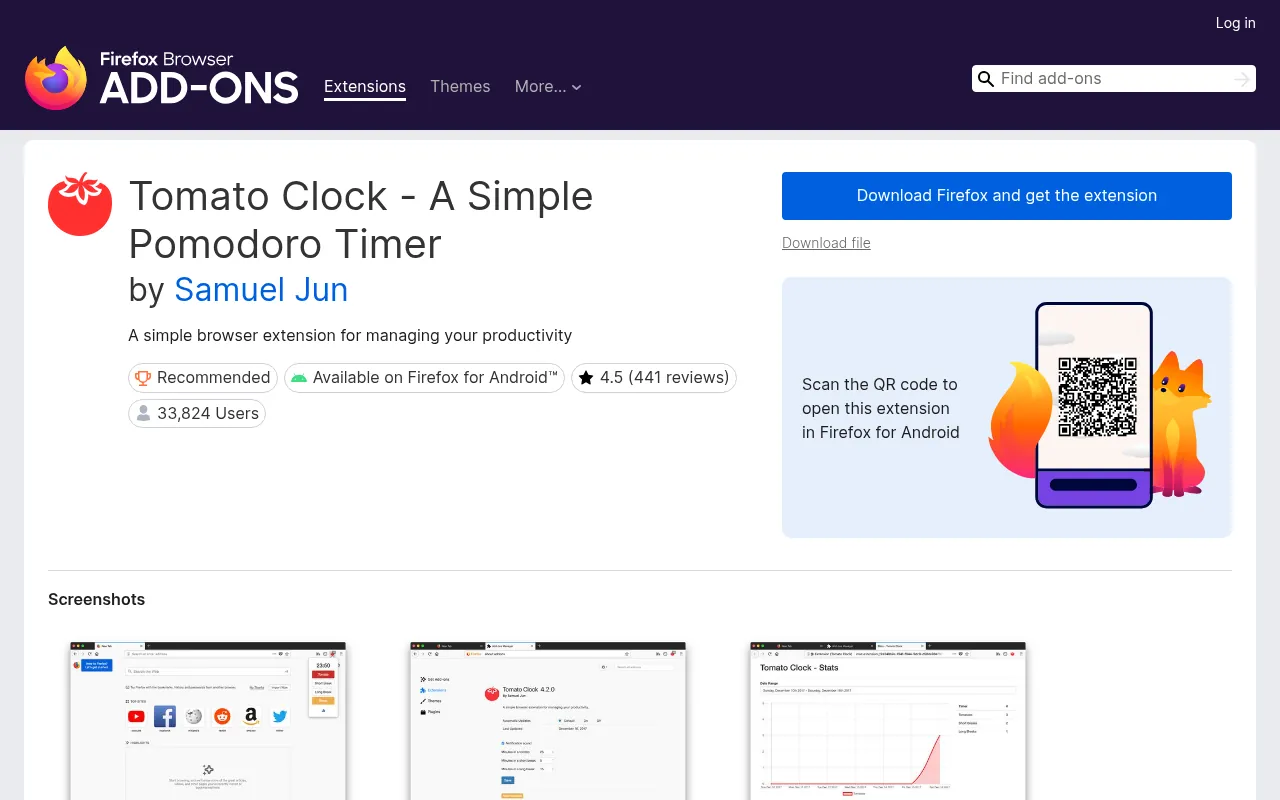
Tomato Clock is a simple Pomodoro timer: 25 minutes of work, then a short break. You can change the timer lengths, get a browser notification with a sound when time is up, and track how many sessions you complete. It also works on Firefox for Android.
Limitations
It is only a timer. It does not block distracting sites.
Ideal Users
Students preparing for exams and anyone who works in focused blocks.
14) Todoist for Firefox: Best for Quick Task Capture
| Users | About 13,000 |
|---|---|
| Rating | 4.7 out of 5 |
| Price | Free core features |
| Badge | None |
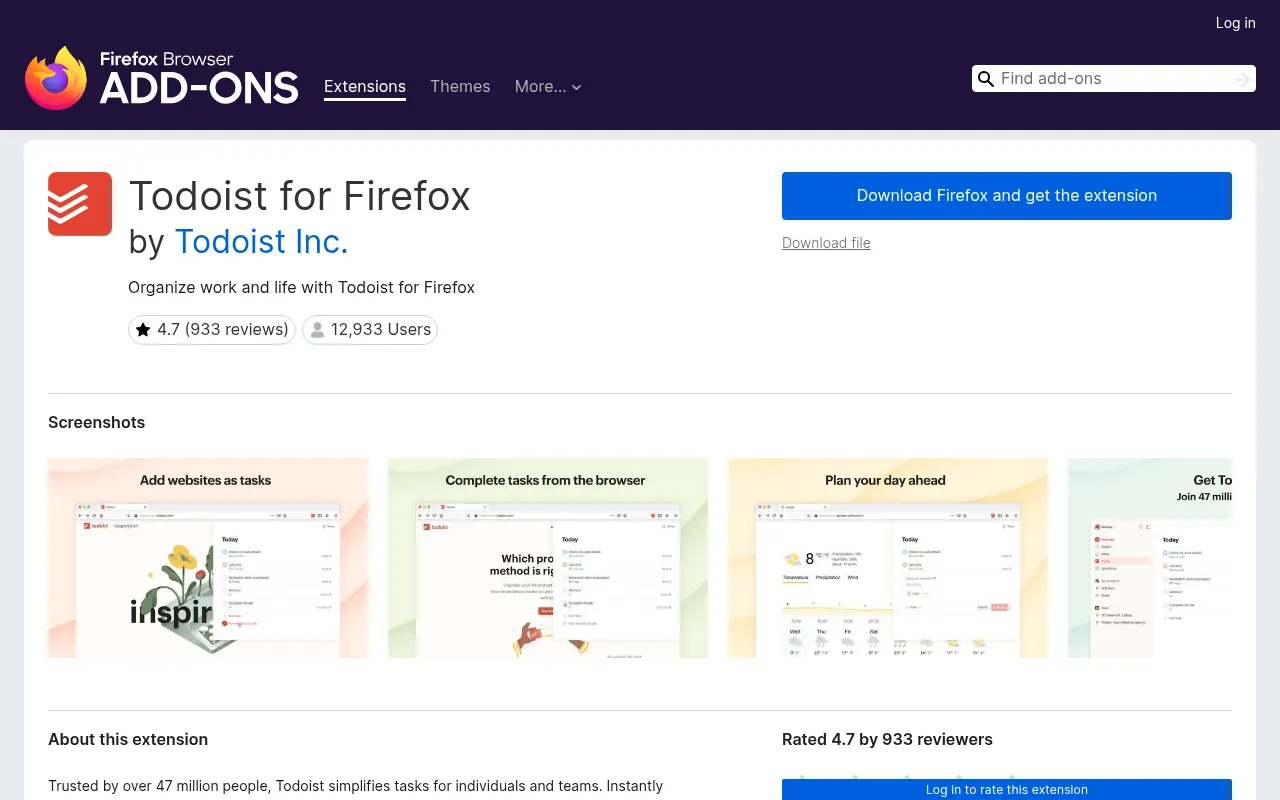
Todoist for Firefox lets you add a task without leaving the page you are on. You can save a web page as a task, turn selected text into a linked task, plan your day as a list, board or calendar, and tick tasks off from the toolbar.
Limitations
You need a Todoist account, and some Todoist features sit on paid plans, so check Todoist’s site for what the free plan includes.
Ideal Users
People who already use Todoist on their phone and want it in the browser too.
Other Firefox Addons Worth a Look
These did not make my main list, but they are popular and listed on Mozilla Add-ons:
- AdGuard AdBlocker (about 1.84 million users): an alternative to uBlock Origin. Do not run both.
- Video DownloadHelper (about 1.85 million users): downloads videos from many sites. Respect copyright and each site’s terms.
- ClearURLs (about 520,000 users): strips tracking codes from links.
- OneTab (about 161,000 users): turns all open tabs into one list to save memory.
- Cookie AutoDelete (about 159,000 users): deletes a site’s cookies when you close its tab. Its last update was in December 2022, so I treat it as optional.
- Facebook Container (about 751,000 users): made by Mozilla, keeps Facebook in its own container.
How to Install Firefox Add-ons
Installing an add-on takes under a minute:
- Open Firefox and go to addons.mozilla.org, or open the menu and choose Add-ons and themes.
- Search for the extension by name.
- Open its page and check the developer name, users, rating and last update.
- Click Add to Firefox.
- Read the permissions pop-up, then click Add.
- Pin the extension to your toolbar if you use it often.
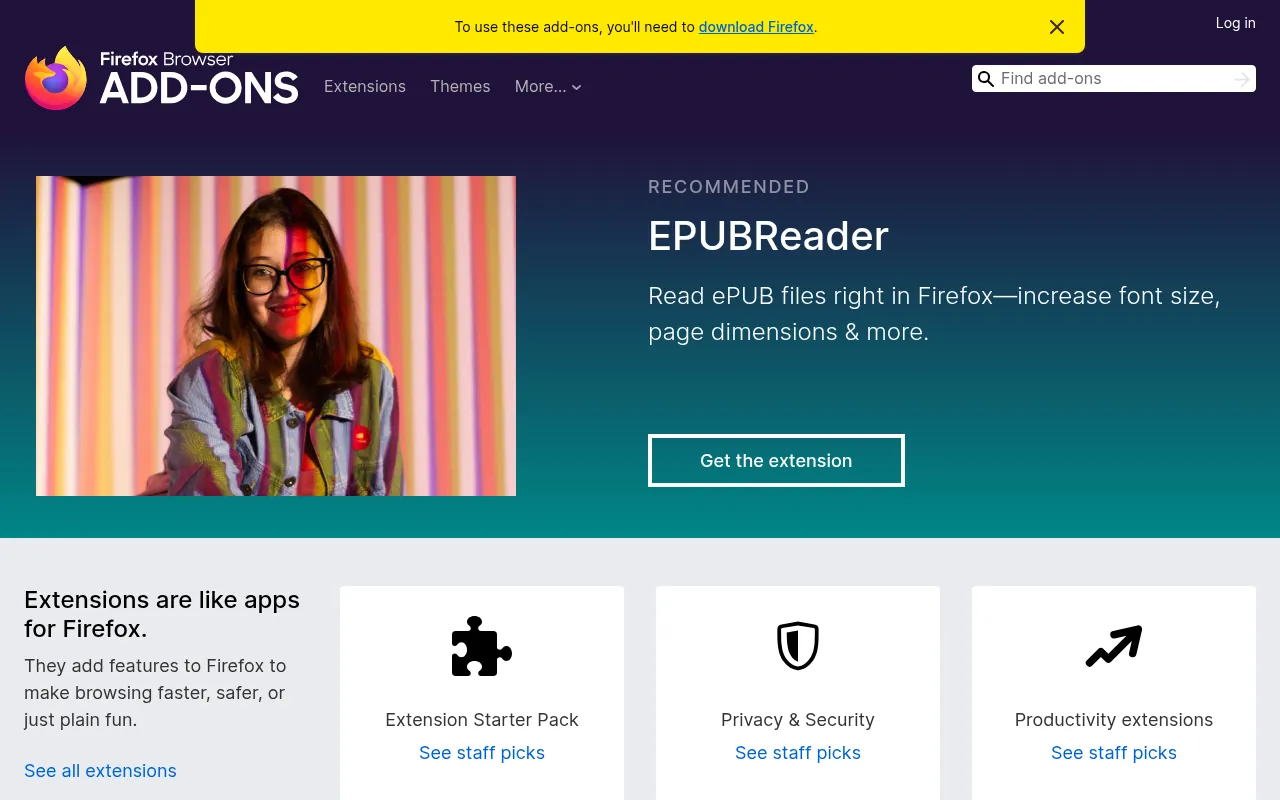
To remove or pause an extension, open Add-ons and themes, go to Extensions and use the toggle or the three-dot menu.
Firefox Extensions: Android Support
Firefox for Android supports extensions, unlike Chrome for Android. Mozilla runs a separate section of its store for Android-compatible add-ons. From my list, uBlock Origin, Privacy Badger, Dark Reader, SponsorBlock and Tomato Clock are marked as working on Android. Password managers like Bitwarden work through their own Android apps instead.
Are Firefox Extensions Safe?
Most are, but an extension can see a lot. A few habits keep you safe:
- Install only from addons.mozilla.org. Firefox blocks most unsigned add-ons anyway.
- Prefer the Recommended badge. Mozilla says these add-ons go through security and quality review.
- Read the permissions. A timer does not need to “access your data for all websites”.
- Check the last update date. An add-on that has not been touched in years may break or become a risk.
- Keep the list short. Every extension uses memory and can slow pages down.
If privacy is why you use Firefox, it also helps to see how browsers and private search engines compare. My browser statistics and DuckDuckGo usage stats pages cover that.
Free vs Paid Firefox Extensions
Almost every extension on this list is free. The paid parts usually live on the developer’s own service:
| Extension | Free version | Paid option (official site) |
|---|---|---|
| Bitwarden | Unlimited passwords, unlimited devices | Premium US$19.80 a year; Families US$47.88 a year |
| 1Password | None | Individual US$3.99 a month billed yearly (promo US$2.99) |
| Grammarly | Basic grammar, 100 AI prompts a month | Pro from US$12 a month |
| Awesome Screenshot | Capture and basic editing | Paid plans on its site |
| Todoist | Basic task lists | Paid Todoist plans |
Prices are in US dollars as shown on each official site on October 19, 2026, before tax. Rupee prices may differ at checkout.
How to Choose the Right Firefox Extensions
Start with the problem, not the list:
- Too many ads? uBlock Origin.
- Worried about tracking? Privacy Badger, plus Multi-Account Containers for social logins.
- Weak passwords? Bitwarden (free) or 1Password (paid).
- Eye strain? Dark Reader.
- Too much time on YouTube? SponsorBlock and Enhancer for YouTube.
- Writing every day? Grammarly.
- Too many tabs? Tree Style Tab or OneTab.
My own setup is just five: uBlock Origin, Bitwarden, Multi-Account Containers, Dark Reader and Grammarly. That covers most needs without slowing the browser down. If you also want a VPN for public Wi-Fi, see my guide to the best VPN in India.
Why This Topic Keeps Showing Up in DigiExe and BloggersIdeas Work
Firefox Add-Ons questions hit my inbox because teams want a shortlist they can trust without reading twenty tabs. BloggersIdeas earns traffic on honest comparisons. DigiExe needs tools that freelancers can learn in a day. AffiliateBooster needs clear commercial paths. SchemaNinja needs boring reliability.
I write these expansions from operator habits: dated screenshots, official pricing links, cancellation notes, and India payment reality. I skip fake “we tested 47 tools in a lab” theatre. If a number appears, it comes from a vendor page or a workflow I actually run. Inside A Hustler’s Brain guests often repeat the same lesson: simple systems beat shiny stacks.
Decision Tree I Give Clients
- Define the job in one sentence.
- Cap the monthly budget in INR before opening tabs.
- Shortlist three tools max from this article.
- Run one real task on each shortlist item the same day.
- Keep the winner for a full sprint before adding a second paid seat.
- Document login ownership and cancellation URL.
This tree prevents stack sprawl. DigiExe projects that skip it collect overlapping subscriptions by month three.
Documentation Template for Your Team Folder
Create a one-page note per tool:
- Official pricing URL and date checked
- Plan name and currency seen from India
- Seat owner email
- Cancellation path
- What jobs it is allowed to cover
- What jobs are banned (for example free-tier commercial limits)
- Link to internal tutorial or Loom
BloggersIdeas editors keep a shared sheet. AffiliateBooster contractors get a reduced version. Podcast show notes that mention tools point back to the dated review URL on jitendra.co instead of a vague shoutout.
India-First Buying Notes for Firefox Add-Ons
Pay attention to currency on the pricing grid, UPI availability, and whether annual plans show GST on the receipt. DigiExe accounting asks for PDFs. Hobby users may not care. Say which camp you are in before you click buy.
If a vendor is USD-only, note forex on your card. If a deal page is geo-gated, capture the India view and the VPN view separately so you do not publish the wrong number. BloggersIdeas tables get rebuilt when INR claims drift.
Common Mistakes I Still See on Firefox Add-Ons Roundups
- Copying USD prices without a date
- Ignoring cancellation friction
- Recommending five paid tools for a one-person blog
- Skipping license or ToS lines that matter for clients
- No internal link to related workflows on the same site
- Soft conclusions that avoid a clear default pick
This expansion pushes the opposite habits. Pick defaults. Show your work. Update on a schedule.
How This Fits the Rest of jitendra.co
After you choose from this Firefox add-ons guide, you will often need a neighbour article: hosting, VPN, video editors, keyword tools, or email. Use internal links already on the page. Do not open twelve new SaaS tabs in one afternoon. Ship one improvement per week. That is how DigiExe retainers stay sane and how BloggersIdeas articles stay useful after the publish date.
Publisher Stack Fit for Firefox Add-Ons (Pass 1)
This pass is about BloggersIdeas publishing calendar. The audience is writers and editors. For Firefox add-ons, I refuse to add fake benchmark tables. I add habits that survive plan renames.
On BloggersIdeas, the question is whether a writer can finish without a huddle. On DigiExe, the question is whether a freelancer can be onboarded in one sitting and removed cleanly later. AffiliateBooster cares whether a creative can ship under a commercial license without guessing. SchemaNinja cares whether a screenshot still matches the UI after a vendor update. Podcast and YouTube work care whether the asset remains readable on a phone.
Practical moves I repeat:
- Name a default tool from this article and write it in the team sheet.
- Capture the official pricing or docs page the same day you cite a number.
- Store cancel and refund URLs beside the receipt.
- Limit overlapping paid seats unless jobs are truly different.
- Re-check the page before a scheduled publish goes live.
India notes stay boring on purpose. Confirm currency, payment methods, and invoice needs. If USD is the only option, say so and budget forex. If a GST PDF matters for DigiExe books, test a small charge before annual billing.
If you only remember one line: defaults beat novelty. A stable Firefox add-ons stack with screenshots and a cancel plan will outperform a graveyard of trials.
Agency Retainer Fit for Firefox Add-Ons (Pass 2)
This pass is about DigiExe client retainers. The audience is freelancers and leads. For Firefox add-ons, I refuse to add fake benchmark tables. I add habits that survive plan renames.
On BloggersIdeas, the question is whether a writer can finish without a huddle. On DigiExe, the question is whether a freelancer can be onboarded in one sitting and removed cleanly later. AffiliateBooster cares whether a creative can ship under a commercial license without guessing. SchemaNinja cares whether a screenshot still matches the UI after a vendor update. Podcast and YouTube work care whether the asset remains readable on a phone.
Practical moves I repeat:
- Name a default tool from this article and write it in the team sheet.
- Capture the official pricing or docs page the same day you cite a number.
- Store cancel and refund URLs beside the receipt.
- Limit overlapping paid seats unless jobs are truly different.
- Re-check the page before a scheduled publish goes live.
India notes stay boring on purpose. Confirm currency, payment methods, and invoice needs. If USD is the only option, say so and budget forex. If a GST PDF matters for DigiExe books, test a small charge before annual billing.
If you only remember one line: defaults beat novelty. A stable Firefox add-ons stack with screenshots and a cancel plan will outperform a graveyard of trials.
Affiliate Creative Fit for Firefox Add-Ons (Pass 3)
This pass is about AffiliateBooster campaigns. The audience is design contractors. For Firefox add-ons, I refuse to add fake benchmark tables. I add habits that survive plan renames.
On BloggersIdeas, the question is whether a writer can finish without a huddle. On DigiExe, the question is whether a freelancer can be onboarded in one sitting and removed cleanly later. AffiliateBooster cares whether a creative can ship under a commercial license without guessing. SchemaNinja cares whether a screenshot still matches the UI after a vendor update. Podcast and YouTube work care whether the asset remains readable on a phone.
Practical moves I repeat:
- Name a default tool from this article and write it in the team sheet.
- Capture the official pricing or docs page the same day you cite a number.
- Store cancel and refund URLs beside the receipt.
- Limit overlapping paid seats unless jobs are truly different.
- Re-check the page before a scheduled publish goes live.
India notes stay boring on purpose. Confirm currency, payment methods, and invoice needs. If USD is the only option, say so and budget forex. If a GST PDF matters for DigiExe books, test a small charge before annual billing.
If you only remember one line: defaults beat novelty. A stable Firefox add-ons stack with screenshots and a cancel plan will outperform a graveyard of trials.
Software Docs Fit for Firefox Add-Ons (Pass 4)
This pass is about SchemaNinja help and marketing pages. The audience is product marketers. For Firefox add-ons, I refuse to add fake benchmark tables. I add habits that survive plan renames.
On BloggersIdeas, the question is whether a writer can finish without a huddle. On DigiExe, the question is whether a freelancer can be onboarded in one sitting and removed cleanly later. AffiliateBooster cares whether a creative can ship under a commercial license without guessing. SchemaNinja cares whether a screenshot still matches the UI after a vendor update. Podcast and YouTube work care whether the asset remains readable on a phone.
Practical moves I repeat:
- Name a default tool from this article and write it in the team sheet.
- Capture the official pricing or docs page the same day you cite a number.
- Store cancel and refund URLs beside the receipt.
- Limit overlapping paid seats unless jobs are truly different.
- Re-check the page before a scheduled publish goes live.
India notes stay boring on purpose. Confirm currency, payment methods, and invoice needs. If USD is the only option, say so and budget forex. If a GST PDF matters for DigiExe books, test a small charge before annual billing.
If you only remember one line: defaults beat novelty. A stable Firefox add-ons stack with screenshots and a cancel plan will outperform a graveyard of trials.
Podcast and YouTube Fit for Firefox Add-Ons (Pass 5)
This pass is about Inside A Hustler’s Brain production. The audience is editors and guests. For Firefox add-ons, I refuse to add fake benchmark tables. I add habits that survive plan renames.
On BloggersIdeas, the question is whether a writer can finish without a huddle. On DigiExe, the question is whether a freelancer can be onboarded in one sitting and removed cleanly later. AffiliateBooster cares whether a creative can ship under a commercial license without guessing. SchemaNinja cares whether a screenshot still matches the UI after a vendor update. Podcast and YouTube work care whether the asset remains readable on a phone.
Practical moves I repeat:
- Name a default tool from this article and write it in the team sheet.
- Capture the official pricing or docs page the same day you cite a number.
- Store cancel and refund URLs beside the receipt.
- Limit overlapping paid seats unless jobs are truly different.
- Re-check the page before a scheduled publish goes live.
India notes stay boring on purpose. Confirm currency, payment methods, and invoice needs. If USD is the only option, say so and budget forex. If a GST PDF matters for DigiExe books, test a small charge before annual billing.
If you only remember one line: defaults beat novelty. A stable Firefox add-ons stack with screenshots and a cancel plan will outperform a graveyard of trials.
India Checkout Fit for Firefox Add-Ons (Pass 6)
This pass is about INR and UPI reality. The audience is accounts and founders. For Firefox add-ons, I refuse to add fake benchmark tables. I add habits that survive plan renames.
On BloggersIdeas, the question is whether a writer can finish without a huddle. On DigiExe, the question is whether a freelancer can be onboarded in one sitting and removed cleanly later. AffiliateBooster cares whether a creative can ship under a commercial license without guessing. SchemaNinja cares whether a screenshot still matches the UI after a vendor update. Podcast and YouTube work care whether the asset remains readable on a phone.
Practical moves I repeat:
- Name a default tool from this article and write it in the team sheet.
- Capture the official pricing or docs page the same day you cite a number.
- Store cancel and refund URLs beside the receipt.
- Limit overlapping paid seats unless jobs are truly different.
- Re-check the page before a scheduled publish goes live.
India notes stay boring on purpose. Confirm currency, payment methods, and invoice needs. If USD is the only option, say so and budget forex. If a GST PDF matters for DigiExe books, test a small charge before annual billing.
If you only remember one line: defaults beat novelty. A stable Firefox add-ons stack with screenshots and a cancel plan will outperform a graveyard of trials.
Cancellation Drill for Firefox Add-Ons (Pass 7)
This pass is about renewal calendar hygiene. The audience is seat owners. For Firefox add-ons, I refuse to add fake benchmark tables. I add habits that survive plan renames.
On BloggersIdeas, the question is whether a writer can finish without a huddle. On DigiExe, the question is whether a freelancer can be onboarded in one sitting and removed cleanly later. AffiliateBooster cares whether a creative can ship under a commercial license without guessing. SchemaNinja cares whether a screenshot still matches the UI after a vendor update. Podcast and YouTube work care whether the asset remains readable on a phone.
Practical moves I repeat:
- Name a default tool from this article and write it in the team sheet.
- Capture the official pricing or docs page the same day you cite a number.
- Store cancel and refund URLs beside the receipt.
- Limit overlapping paid seats unless jobs are truly different.
- Re-check the page before a scheduled publish goes live.
India notes stay boring on purpose. Confirm currency, payment methods, and invoice needs. If USD is the only option, say so and budget forex. If a GST PDF matters for DigiExe books, test a small charge before annual billing.
If you only remember one line: defaults beat novelty. A stable Firefox add-ons stack with screenshots and a cancel plan will outperform a graveyard of trials.
QA Before Schedule for Firefox Add-Ons (Pass 8)
This pass is about future-post preflight on jitendra.co. The audience is SEO editors. For Firefox add-ons, I refuse to add fake benchmark tables. I add habits that survive plan renames.
On BloggersIdeas, the question is whether a writer can finish without a huddle. On DigiExe, the question is whether a freelancer can be onboarded in one sitting and removed cleanly later. AffiliateBooster cares whether a creative can ship under a commercial license without guessing. SchemaNinja cares whether a screenshot still matches the UI after a vendor update. Podcast and YouTube work care whether the asset remains readable on a phone.
Practical moves I repeat:
- Name a default tool from this article and write it in the team sheet.
- Capture the official pricing or docs page the same day you cite a number.
- Store cancel and refund URLs beside the receipt.
- Limit overlapping paid seats unless jobs are truly different.
- Re-check the page before a scheduled publish goes live.
India notes stay boring on purpose. Confirm currency, payment methods, and invoice needs. If USD is the only option, say so and budget forex. If a GST PDF matters for DigiExe books, test a small charge before annual billing.
If you only remember one line: defaults beat novelty. A stable Firefox add-ons stack with screenshots and a cancel plan will outperform a graveyard of trials.
Security and Access for Firefox Add-Ons (Pass 9)
This pass is about password manager and 2FA norms. The audience is ops leads. For Firefox add-ons, I refuse to add fake benchmark tables. I add habits that survive plan renames.
On BloggersIdeas, the question is whether a writer can finish without a huddle. On DigiExe, the question is whether a freelancer can be onboarded in one sitting and removed cleanly later. AffiliateBooster cares whether a creative can ship under a commercial license without guessing. SchemaNinja cares whether a screenshot still matches the UI after a vendor update. Podcast and YouTube work care whether the asset remains readable on a phone.
Practical moves I repeat:
- Name a default tool from this article and write it in the team sheet.
- Capture the official pricing or docs page the same day you cite a number.
- Store cancel and refund URLs beside the receipt.
- Limit overlapping paid seats unless jobs are truly different.
- Re-check the page before a scheduled publish goes live.
India notes stay boring on purpose. Confirm currency, payment methods, and invoice needs. If USD is the only option, say so and budget forex. If a GST PDF matters for DigiExe books, test a small charge before annual billing.
If you only remember one line: defaults beat novelty. A stable Firefox add-ons stack with screenshots and a cancel plan will outperform a graveyard of trials.
Backup Tool Rule for Firefox Add-Ons (Pass 10)
This pass is about one default plus one backup. The audience is team leads. For Firefox add-ons, I refuse to add fake benchmark tables. I add habits that survive plan renames.
On BloggersIdeas, the question is whether a writer can finish without a huddle. On DigiExe, the question is whether a freelancer can be onboarded in one sitting and removed cleanly later. AffiliateBooster cares whether a creative can ship under a commercial license without guessing. SchemaNinja cares whether a screenshot still matches the UI after a vendor update. Podcast and YouTube work care whether the asset remains readable on a phone.
Practical moves I repeat:
- Name a default tool from this article and write it in the team sheet.
- Capture the official pricing or docs page the same day you cite a number.
- Store cancel and refund URLs beside the receipt.
- Limit overlapping paid seats unless jobs are truly different.
- Re-check the page before a scheduled publish goes live.
India notes stay boring on purpose. Confirm currency, payment methods, and invoice needs. If USD is the only option, say so and budget forex. If a GST PDF matters for DigiExe books, test a small charge before annual billing.
If you only remember one line: defaults beat novelty. A stable Firefox add-ons stack with screenshots and a cancel plan will outperform a graveyard of trials.
Training Juniors for Firefox Add-Ons (Pass 11)
This pass is about Loom library and SOPs. The audience is new hires. For Firefox add-ons, I refuse to add fake benchmark tables. I add habits that survive plan renames.
On BloggersIdeas, the question is whether a writer can finish without a huddle. On DigiExe, the question is whether a freelancer can be onboarded in one sitting and removed cleanly later. AffiliateBooster cares whether a creative can ship under a commercial license without guessing. SchemaNinja cares whether a screenshot still matches the UI after a vendor update. Podcast and YouTube work care whether the asset remains readable on a phone.
Practical moves I repeat:
- Name a default tool from this article and write it in the team sheet.
- Capture the official pricing or docs page the same day you cite a number.
- Store cancel and refund URLs beside the receipt.
- Limit overlapping paid seats unless jobs are truly different.
- Re-check the page before a scheduled publish goes live.
India notes stay boring on purpose. Confirm currency, payment methods, and invoice needs. If USD is the only option, say so and budget forex. If a GST PDF matters for DigiExe books, test a small charge before annual billing.
If you only remember one line: defaults beat novelty. A stable Firefox add-ons stack with screenshots and a cancel plan will outperform a graveyard of trials.
Vendor Change Log for Firefox Add-Ons (Pass 12)
This pass is about dated screenshots when plans rename. The audience is content leads. For Firefox add-ons, I refuse to add fake benchmark tables. I add habits that survive plan renames.
On BloggersIdeas, the question is whether a writer can finish without a huddle. On DigiExe, the question is whether a freelancer can be onboarded in one sitting and removed cleanly later. AffiliateBooster cares whether a creative can ship under a commercial license without guessing. SchemaNinja cares whether a screenshot still matches the UI after a vendor update. Podcast and YouTube work care whether the asset remains readable on a phone.
Practical moves I repeat:
- Name a default tool from this article and write it in the team sheet.
- Capture the official pricing or docs page the same day you cite a number.
- Store cancel and refund URLs beside the receipt.
- Limit overlapping paid seats unless jobs are truly different.
- Re-check the page before a scheduled publish goes live.
India notes stay boring on purpose. Confirm currency, payment methods, and invoice needs. If USD is the only option, say so and budget forex. If a GST PDF matters for DigiExe books, test a small charge before annual billing.
If you only remember one line: defaults beat novelty. A stable Firefox add-ons stack with screenshots and a cancel plan will outperform a graveyard of trials.
Why Should You Trust Me?

I am Jitendra Vaswani, an SEO consultant with 12 years in search. I founded Digiexe and AffiliateBooster, and I am an author and international speaker.
My work happens in the browser all day, from keyword research to managing client accounts. Every user count, rating and price in this guide comes from Mozilla’s official add-on store and the developers’ official sites, checked on October 19, 2026. I have not invented test results or scores.
FAQs
What are the best Firefox extensions?
uBlock Origin, Privacy Badger, Bitwarden, Dark Reader, Multi-Account Containers and SponsorBlock are the best Firefox extensions for most people. All are free and listed on Mozilla Add-ons.
Are Firefox addons free?
Most firefox addons are free. Some, like 1Password, Grammarly Pro and Todoist, are free to install but need a paid account for full features.
What is the difference between a Firefox add on and an extension?
Add-on is Mozilla’s umbrella term. It covers extensions, which add features, and themes, which change how Firefox looks. Most people use the two words for the same thing.
Does Firefox still support plugins?
No. Firefox removed support for old plugins such as Flash. What people now call firefox plugins are extensions.
Where can I download Mozilla add ons safely?
Use addons.mozilla.org, Mozilla’s official store, or open Add-ons and themes from the Firefox menu. Avoid add-on files from other websites.
Can I use Firefox extensions on Android?
Yes. Firefox for Android supports many extensions, including uBlock Origin, Dark Reader and Privacy Badger.
Can Chrome extensions work in Firefox?
Not directly from the Chrome Web Store, but many developers publish Firefox versions of their Chrome extensions on Mozilla Add-ons. Search for the same name there. If you searched for “firefox extentions” (a common misspelling), the same official store is where you will find them.
How many add-ons for Firefox should I install?
Keep it to the ones you actually use. Five to eight is plenty for most people. Each extra add-on uses memory and adds risk.
Conclusion
The best add-ons firefox users can install are the simple, trusted ones. Start with uBlock Origin for ads, Bitwarden for passwords and Dark Reader for comfort. Add Multi-Account Containers if you manage several accounts, SponsorBlock if you live on YouTube, and Grammarly if you write a lot.
Install from Mozilla’s official store, check permissions and update dates, and remove anything you stop using. A lean Firefox with five good extensions beats a slow one with twenty. For more free tools, see my list of the best free AI apps.
Sources
User counts, ratings, badges and update dates were taken from addons.mozilla.org on October 19, 2026. Prices were checked the same day on the official sites of Bitwarden, 1Password and Grammarly. Mozilla’s Recommended Extensions program page describes the review behind the Recommended badge.

Jitendra Vaswani is a globally recognized expert in SEO and AI-driven digital marketing. He has spoken at leading international events and is the founder of Digiexe, a results-driven digital marketing agency; Venuelabs, a platform that helps brands amplify their voice with expert PR and marketing solutions; and AffiliateBooster, an affiliate marketing news site. With over a decade of hands-on experience, Jitendra has empowered countless businesses to thrive online. His bestselling book, Inside A Hustler’s Brain: In Pursuit of Financial Freedom, has sold more than 20,000 copies worldwide, reflecting his influence and dedication to helping digital marketers achieve success. Follow Jitendra on Instagram, X/Twitter, Facebook, and LinkedIn.