Best AI Chrome extensions, the short answer: Monica and Sider are the best all-in-one AI Chrome extensions if you want a sidebar that works on almost any page. Merlin is the best free-leaning pick for quick summaries and research on the pages you already have open. Compose AI is the best for typing faster in Gmail and docs. If you already pay for ChatGPT or Claude, start with the official vendor extension or sidebar before installing five third-party tools.
I live in Chrome for SEO audits, content reviews, outreach and research. An AI Chrome extension is useful only when it removes a real step: summarising a long page, drafting a reply, paraphrasing a paragraph, or turning a workflow into a checklist. This guide compares the best AI extensions for Chrome in 2026 using official product pages and clear free vs paid limits. I am not inventing daily query counts or star ratings.
Best AI Chrome Extensions: Quick Comparison Table
| Extension | Best for | Free plan | Paid from (official / typical) | Standout feature |
|---|---|---|---|---|
| Monica | All-in-one AI sidebar | Limited free | Paid Pro plans (see Monica pricing) | Multi-model chat on any page |
| Merlin | Fast research and summaries | Free tier with limits | About US$19/month billed annually (Merlin site) | One-click help on search results and pages |
| Compose AI | Faster typing and email drafts | Free extension tier | Paid upgrades if offered on site | Autocomplete where you write |
| QuillBot | Paraphrasing and fluency | Free basic | QuillBot Premium | Rewrite modes and grammar help |
| Grammarly | Grammar and tone | Free browser extension | Grammarly Premium / Business | Underline fixes as you type |
| Sider | All-in-one sidebar alternative | Free with credits | Higher credit plans | Chat, tools and browser helpers |
| ChatGPT (OpenAI) | Users already on ChatGPT | Depends on ChatGPT plan | ChatGPT Plus / Team / Enterprise | First-party ChatGPT in the browser |
| Perplexity | Cited research answers | Free web + extension options | Perplexity Pro | Answer-engine style research |
| Glasp | Highlighting and social learning | Generous free features | Paid if listed | Save highlights with AI notes |
| Scribe | Auto documentation of workflows | Free / trial options | About US$23–25 per seat/month annual (Scribe pricing) | Turns clicks into how-to guides |
| Speechify | Listening to pages and PDFs | Free tier | Speechify Premium | Text-to-speech reading |
| AI Blaze | Snippets and prompt automation | Free / freemium | Paid Blaze plans | Reusable prompts and text expanders |
| Fireflies | Meeting notes from the browser | Free plan limits | Paid Fireflies plans | Transcripts and action items |
Sources: vendor homepages and pricing pages checked in October 2026. Chrome Web Store availability can differ by country. Always install from the vendor’s official listing.
What Are AI Chrome Extensions?
An AI Chrome extension is a small program that adds AI features inside Google Chrome: a sidebar chat, inline rewrite buttons, autocomplete, page summaries, YouTube summaries, or meeting assistants. People search for them as “ai chrome extension”, “ai extensions for chrome”, “chrome ai extension”, “best chatgpt chrome extensions”, or “free ai extension for chrome”.
They are powerful because Chrome is where the work already happens. They are also risky if you install unknown extensions that can read every page. Prefer well-known vendors and first-party tools, and remove extensions you no longer use. If you would rather not install anything, my free AI tools run in a normal browser tab with no account.
How I Picked These AI Extensions for Chrome
I ranked tools on practical criteria you can verify:
- Job clarity: does it solve one painful job well?
- Free limits: enough for weekly use, or a 10-minute demo?
- Permission caution: powerful extensions need broad access; that is a trade-off.
- Model access: one model vs many.
- Writing vs research vs meetings: different jobs need different tools.
- Official pricing: published plans, not rumour screenshots.
- Overlap: I would rather install three sharp tools than twelve mediocre ones.
I also lean toward tools that help SEO and marketing workflows: research, rewriting, outreach and process docs.
Best Useful AI Chrome Extensions for 2026
1) Monica: Best All-in-One AI Assistant
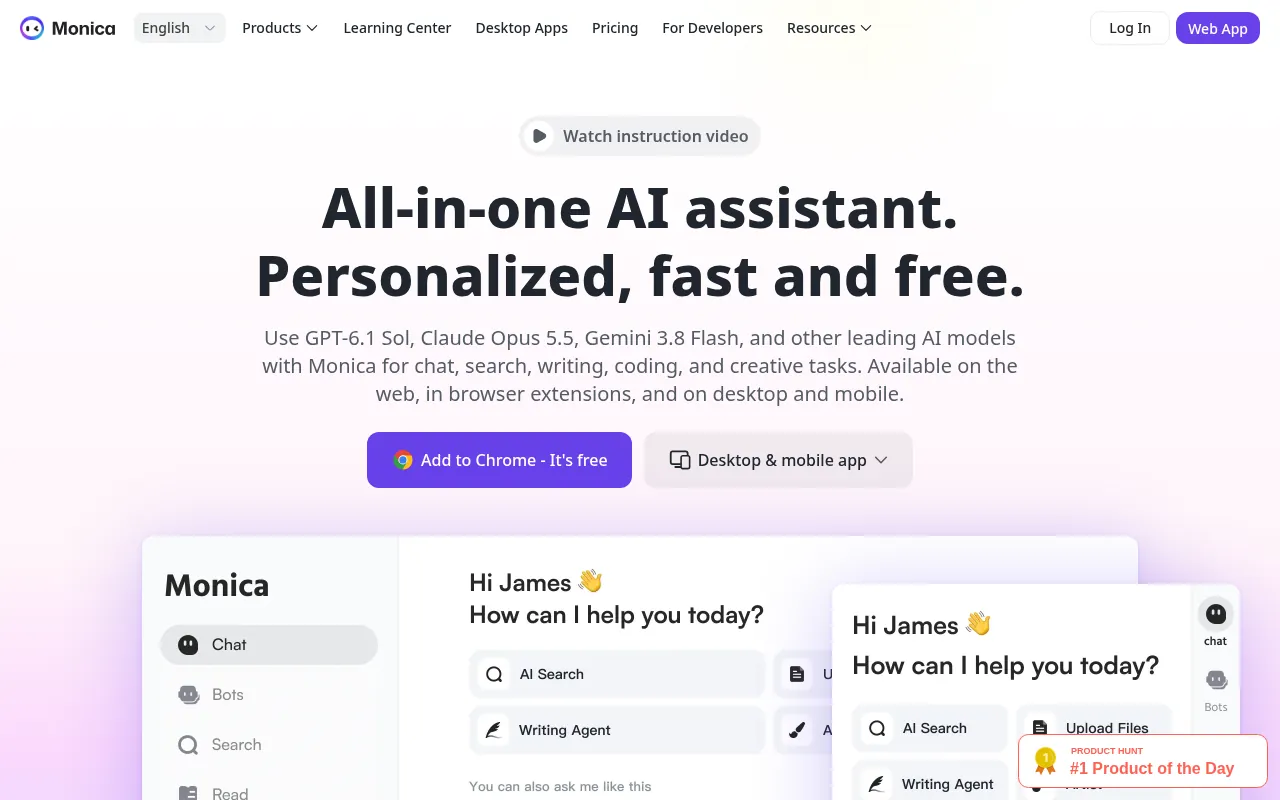
Monica is a sidebar-style AI assistant for Chrome that helps with chat, writing, summarizing and more across websites. If you want one AI Google Chrome extension that follows you from Gmail to Docs to random articles, Monica is the type of tool to evaluate first.
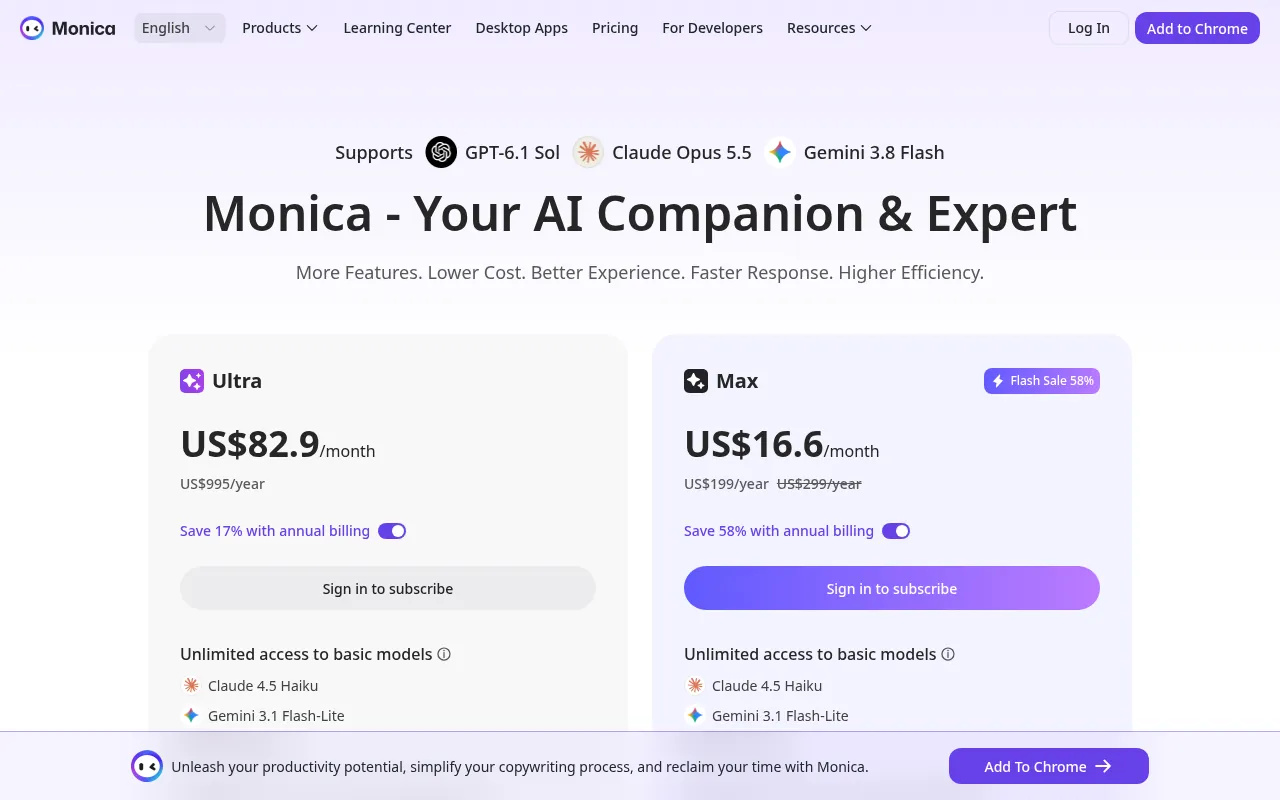
Why I like it: fewer tabs. You stay on the page you are reading.
What to watch out for: all-in-one tools can feel crowded. Start with the free tier and learn two features before paying.
My verdict: best AI chrome extension for people who want one sidebar instead of five single-purpose apps.
2) Merlin: Best for Research and Page Summaries
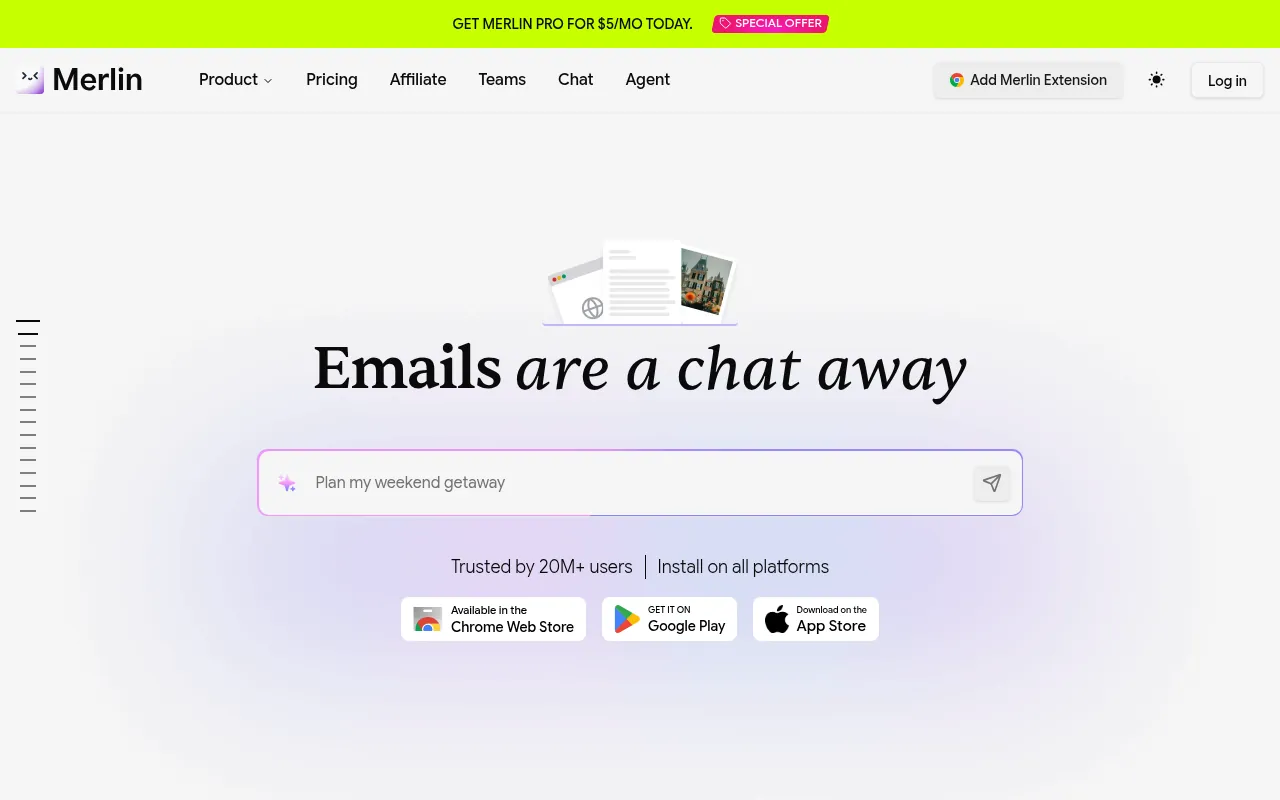
Merlin focuses on asking AI about the page you are on, summarising content and speeding up search-style research. Merlin’s site markets a value bundle around US$19 per month billed annually versus buying several model subscriptions separately. Free use exists with limits, so confirm the current free allowance in the product before you rely on it daily.
Why I like it: excellent when you are reading long blogs, docs or SERP results and need a quick brief.
What to watch out for: free limits can feel tight for heavy research days. For deeper academic work, pair Merlin with dedicated research tools from my best AI tools for research guide.
My verdict: one of the best free AI Chrome extension starting points for researchers and SEOs.
3) Compose AI: Best Email and Writing Autocomplete
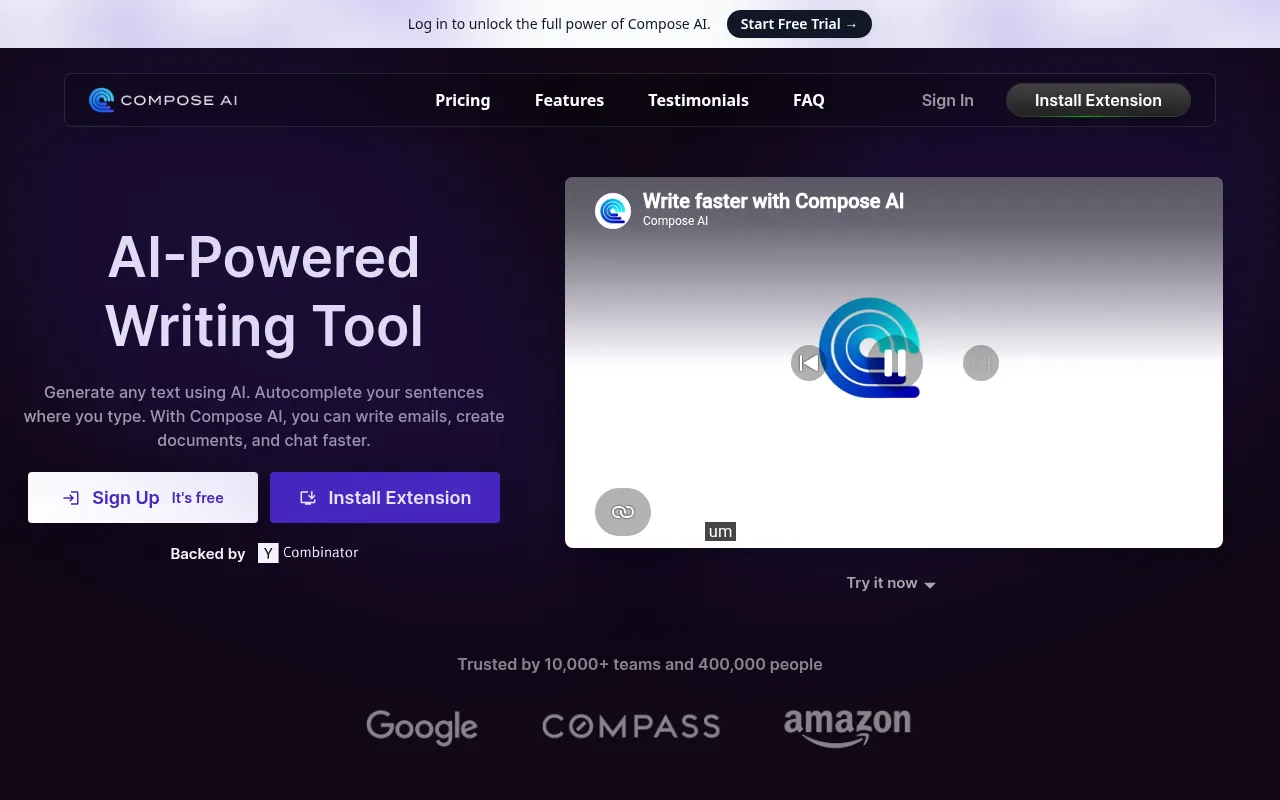
Compose AI is built for writing faster: autocomplete sentences, draft emails and reduce repetitive typing. If your day is Gmail, LinkedIn messages and docs, this is more useful than a giant chatbot sidebar.
My verdict: best AI extension for Chrome when your bottleneck is typing speed, not research.
4) QuillBot: Best for Paraphrasing and Clarity
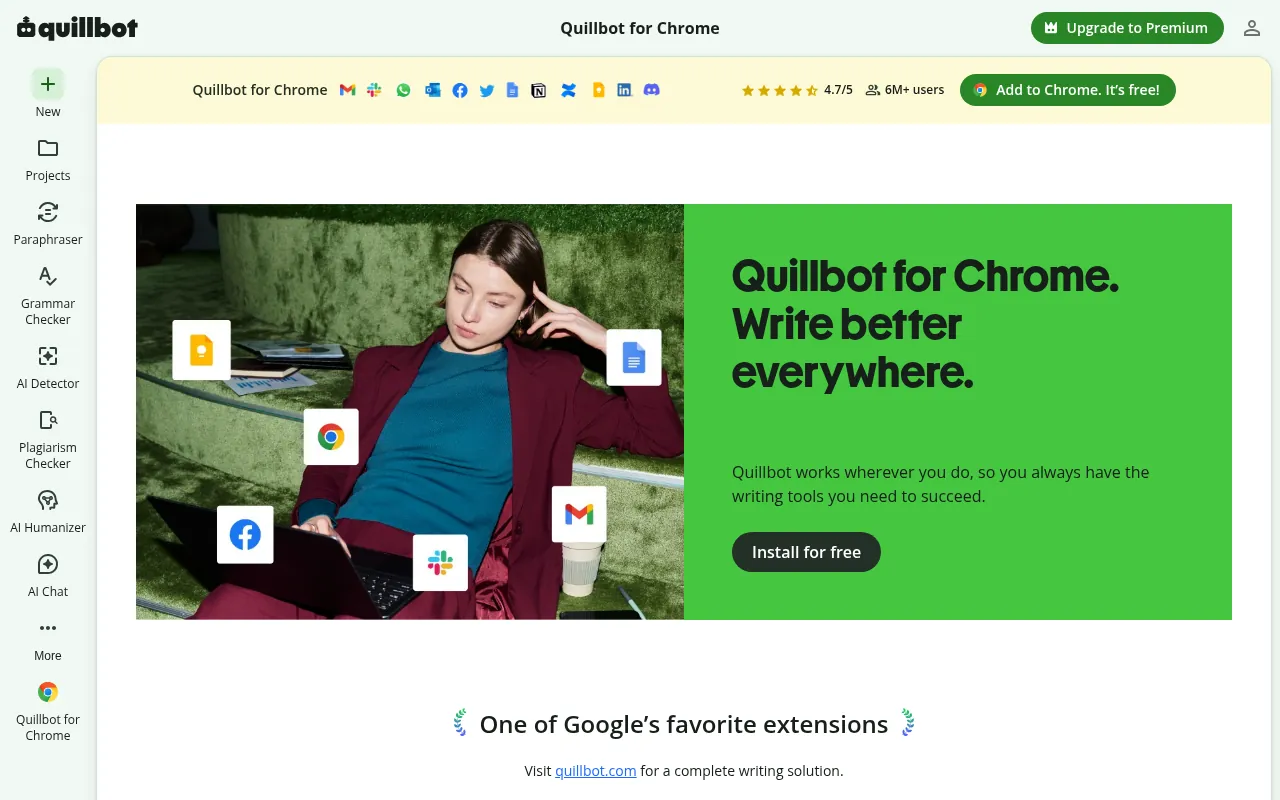
QuillBot is the extension I recommend when the job is “make this paragraph clearer” rather than “write from scratch”. The free tier handles light rewriting; Premium unlocks higher limits and modes. It is popular with students and content teams, and it pairs well with a separate fact-checking pass.
My verdict: best paraphrasing-focused AI chrome extension. Do not use it to spin copyrighted articles.
5) Grammarly: Best Everyday Writing Safety Net
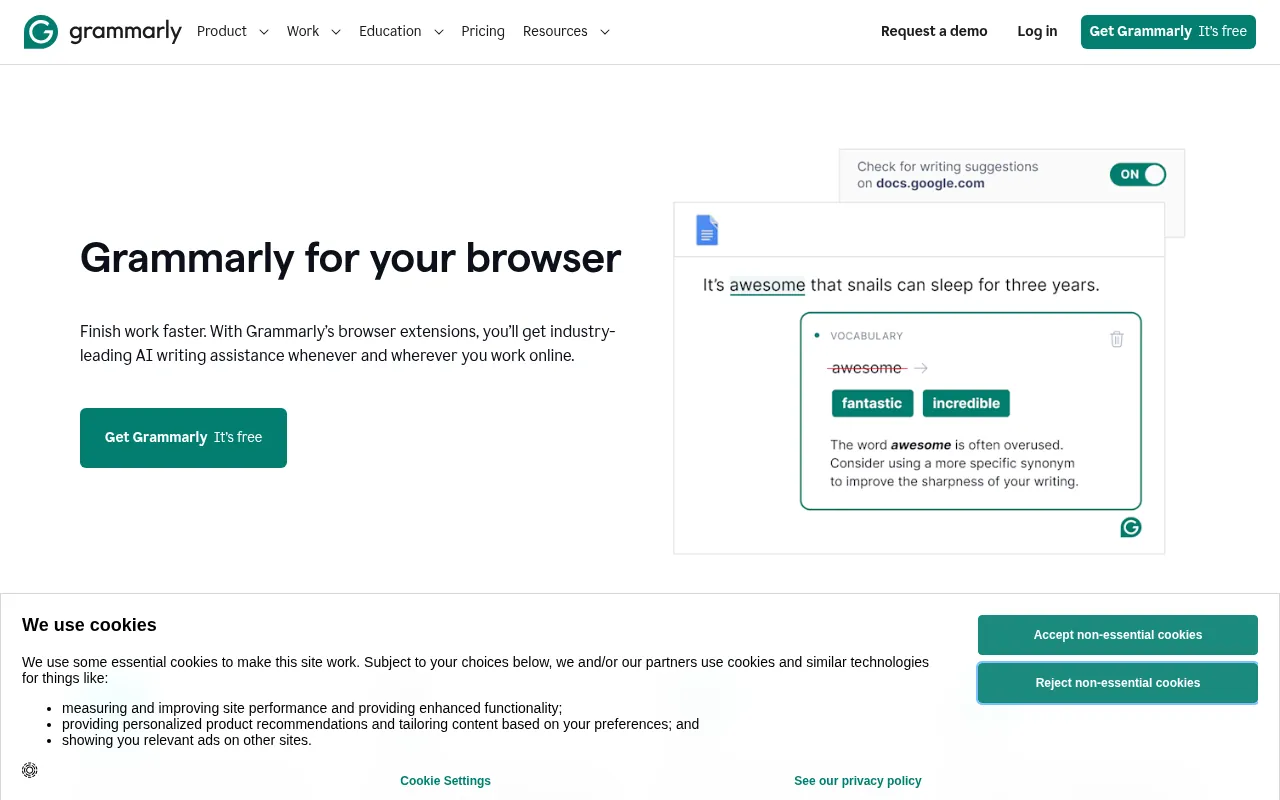
Grammarly is not a chatbot, but it is still one of the most useful AI-assisted Chrome tools. The free extension catches clear grammar issues; Premium adds tone and rewriting help. For client emails and proposal copy, it prevents embarrassing typos.
My verdict: install this even if you also use Monica or Compose. They solve different layers of writing.
6) Sider: Best Monica-Style Alternative
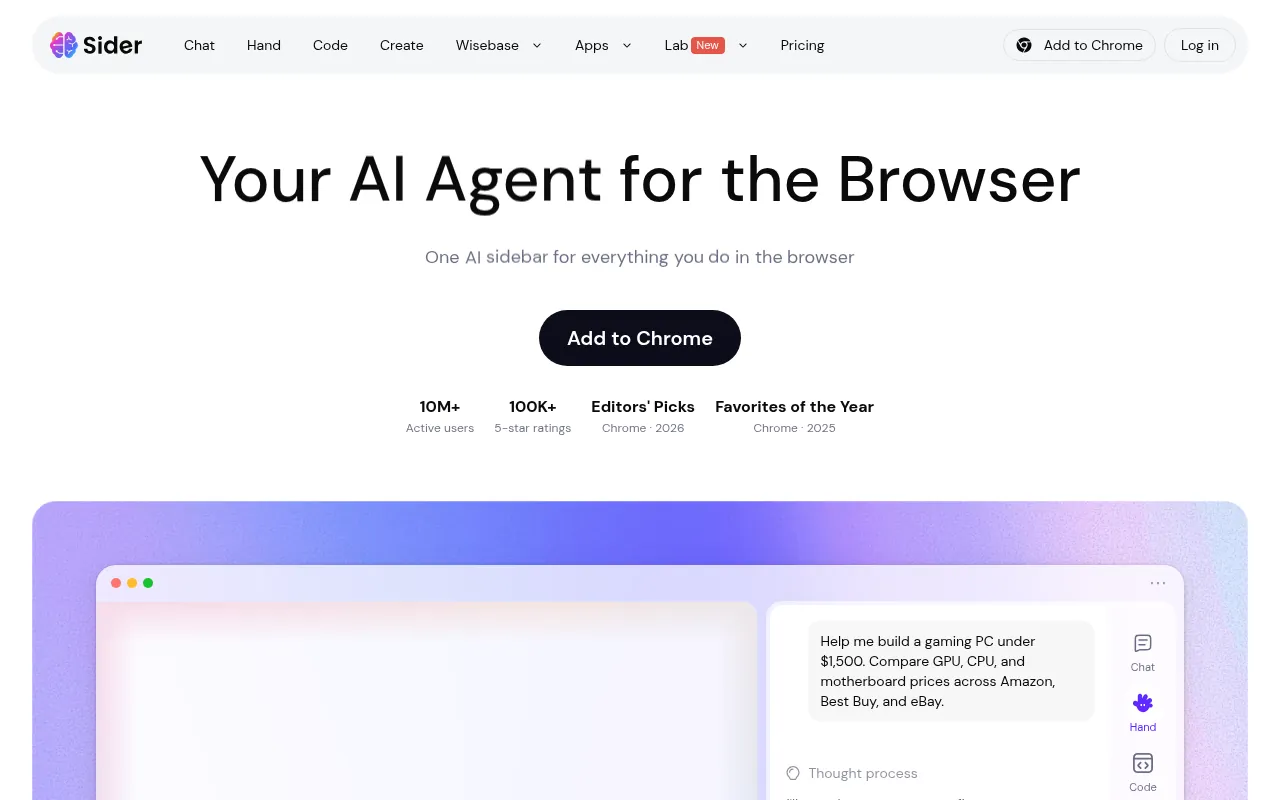
Sider is another all-in-one sidebar with chat across frontier models, page understanding and extra tools. Its pricing page emphasises credit-based plans. If Monica’s UI does not click for you, trial Sider next rather than stacking both.
My verdict: strong alternative in the “best AI extensions for Chrome” all-in-one category.
7) ChatGPT Official Experience: Best If You Already Pay for ChatGPT
Before you install a third-party “ChatGPT extension”, check what OpenAI offers directly for browser use and which features your ChatGPT plan includes. First-party tools reduce the risk of shady copycat extensions that ask for full-site permissions.
Keyword searches like “best chatgpt chrome extensions” and “chatgpt extensions” often lead people to third-party wrappers. Some are fine. Many are unnecessary if you already have ChatGPT Plus or Team.
My verdict: if ChatGPT is your main model, start first-party. Add Merlin or Monica only for page-context workflows ChatGPT does not cover well.
8) Perplexity: Best Answer-Engine Style Research
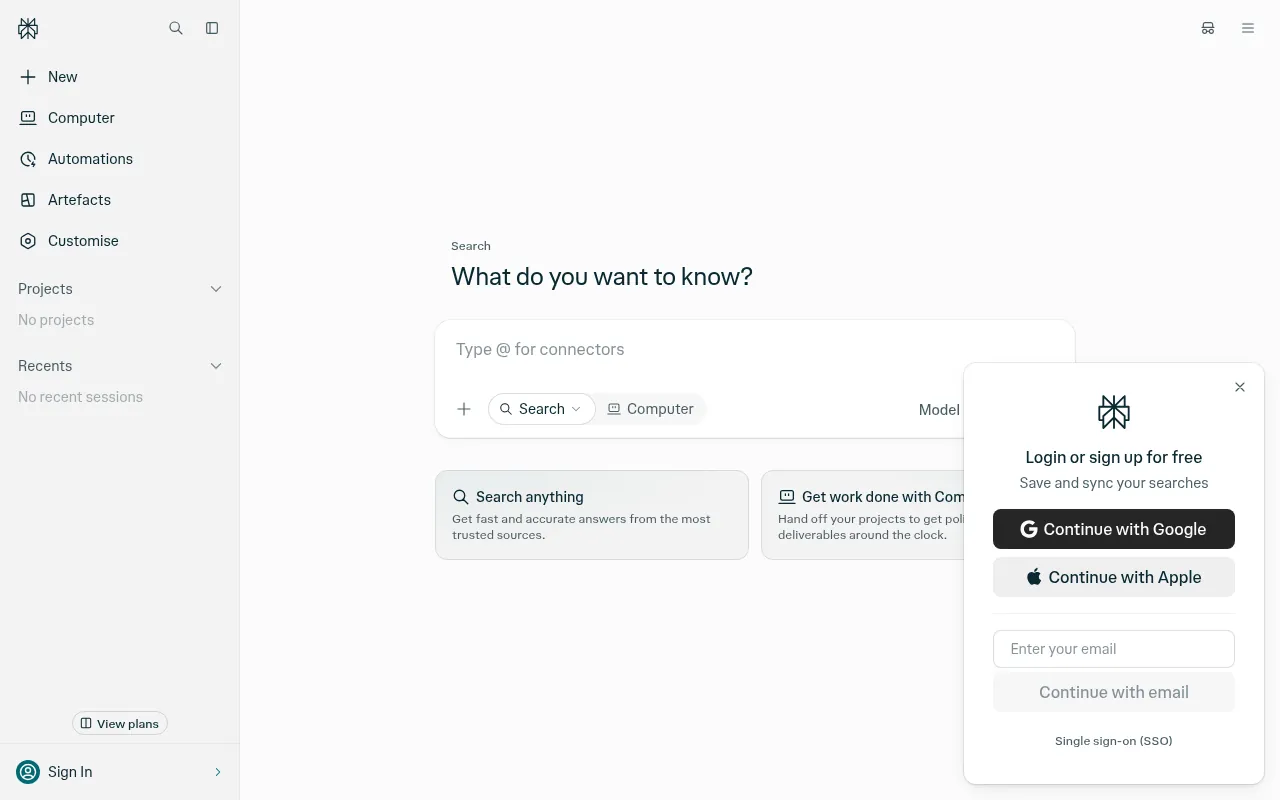
Perplexity behaves more like an answer engine with sources than a blank chatbot. Use the official site or extension options when your job is research with citations, then move findings into your draft. For serious literature review, still verify primary sources.
My verdict: excellent companion to Merlin when the question is factual and current.
9) Glasp: Best for Highlighting and Knowledge Capture
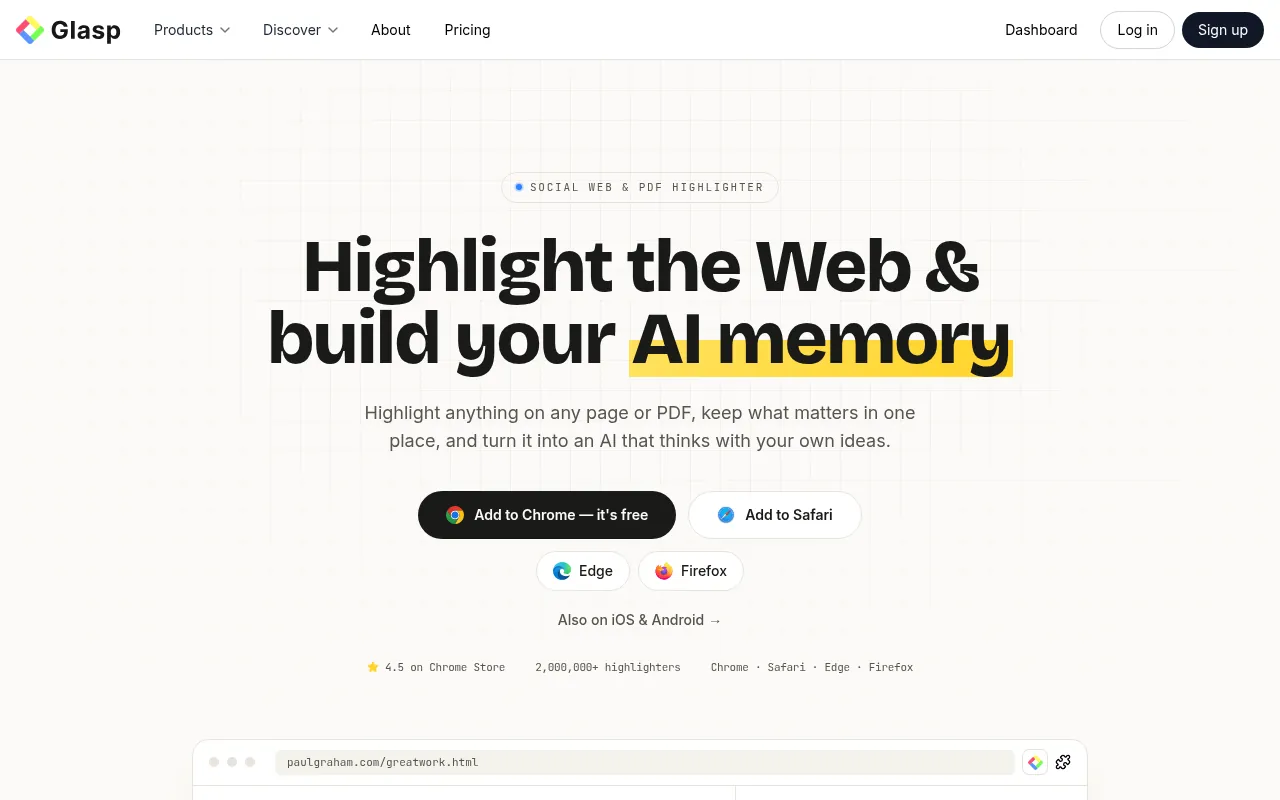
Glasp lets you highlight pages, save notes and lean on AI summaries of what you saved. It is ideal for SEOs collecting SERP examples, quotes and competitor angle notes without dumping everything into a messy doc.
My verdict: best AI chrome extension for readers who research first and write later.
10) Scribe: Best for Process Documentation
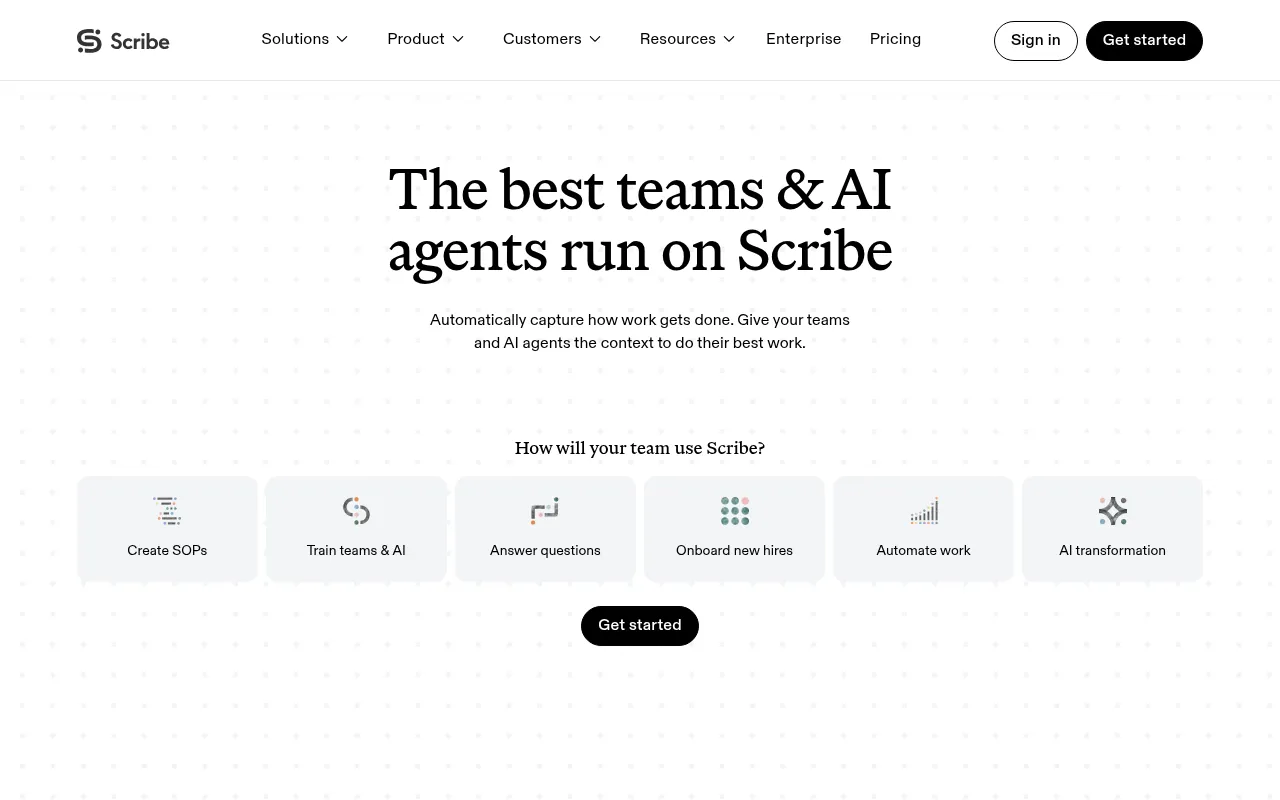
Scribe watches your clicks and turns them into step-by-step guides with screenshots. Official pricing around October 2026 shows paid seats roughly in the US$23–35 per seat per month range depending on plan and billing, with discounts on annual billing. Free or trial options exist for light use.
Why I like it: agencies need SOPs. Scribe is faster than writing “click here, then here” manually.
My verdict: best AI extension when your job is training teammates, not writing blog posts.
11) Speechify: Best for Listening to Long Pages
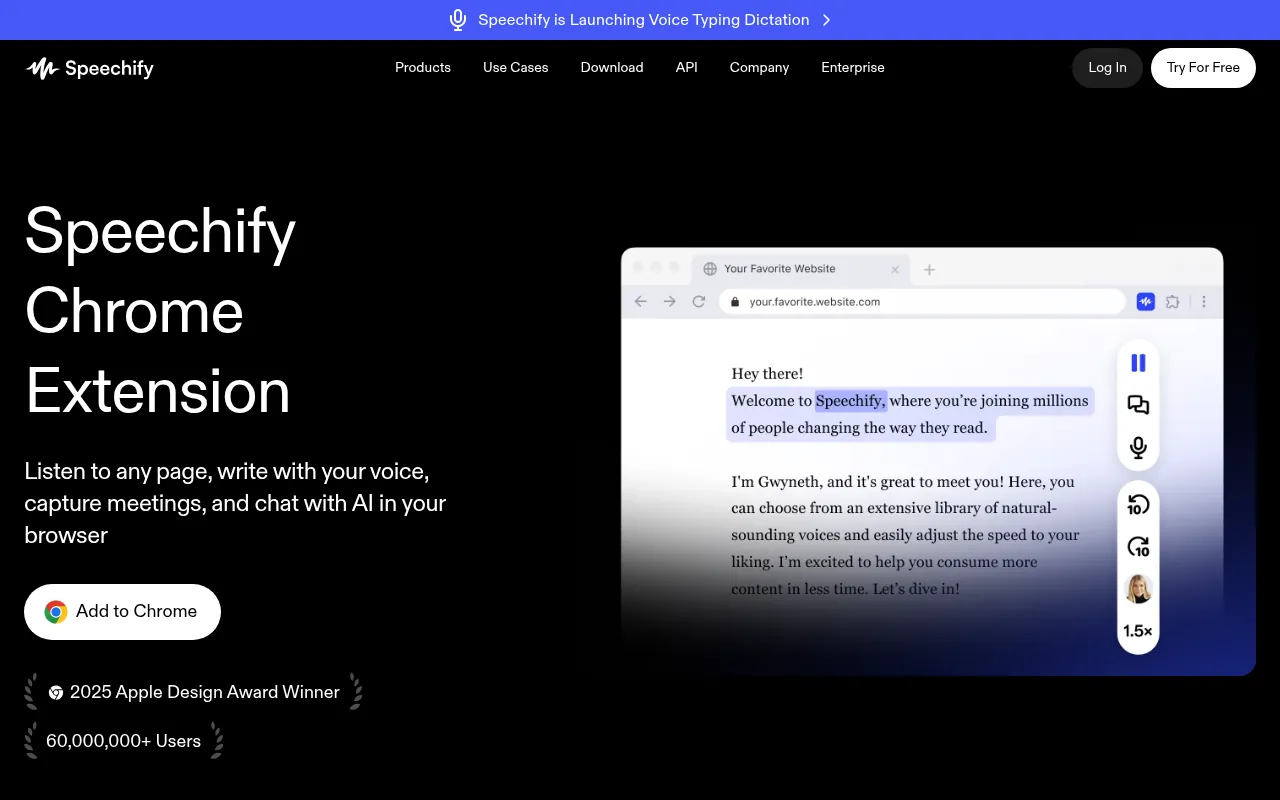
Speechify reads pages and documents aloud. If you review long strategy docs or research PDFs while commuting (where safe) or while doing light admin work, it is a productivity unlock.
My verdict: best listening-focused AI chrome extension, especially for long-form reading fatigue.
12) AI Blaze: Best for Snippets and Prompt Libraries
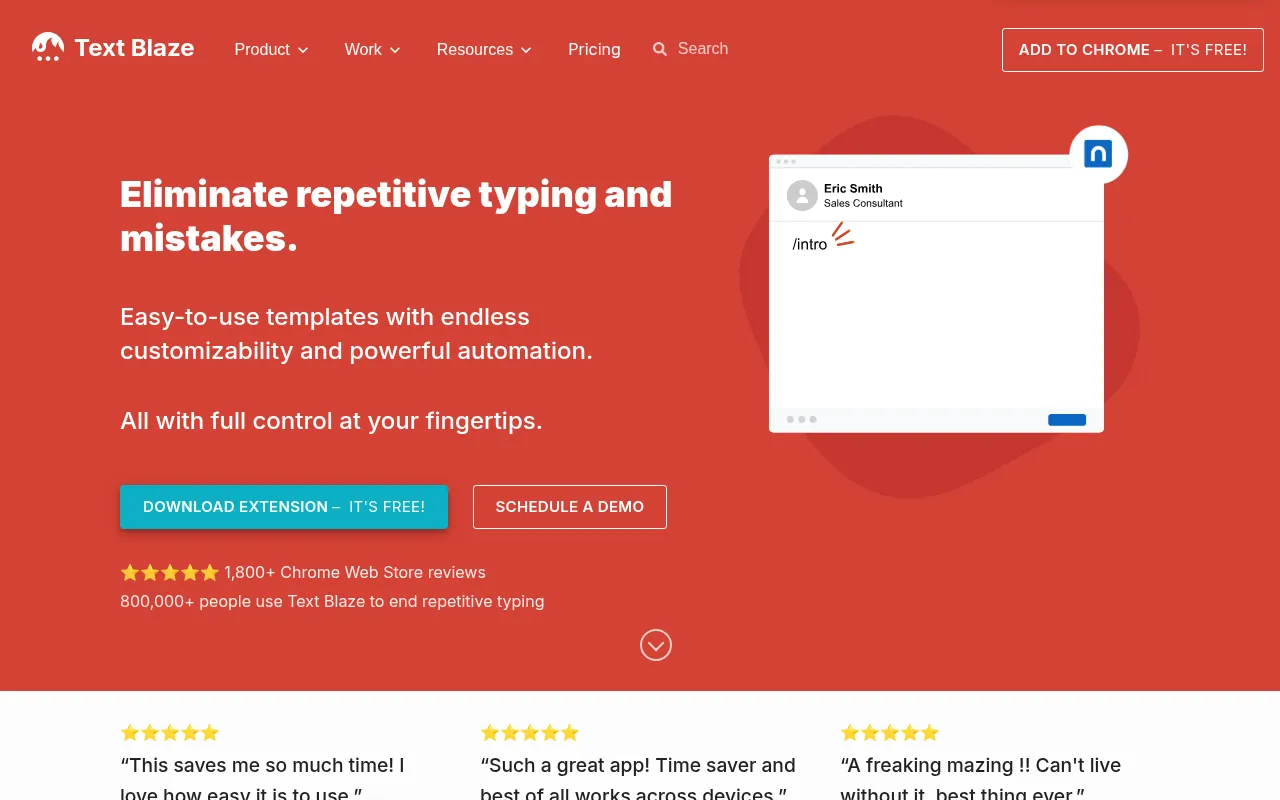
AI Blaze (and similar text-expander style AI tools) help when you reuse the same prompts and replies all day: outreach templates, brief rewrites, FAQ answers. If Compose is autocomplete, Blaze is reusable workflows.
My verdict: worth it for ops-heavy marketers who paste the same instructions fifty times a week.
13) Fireflies: Best Meeting Notes Companion
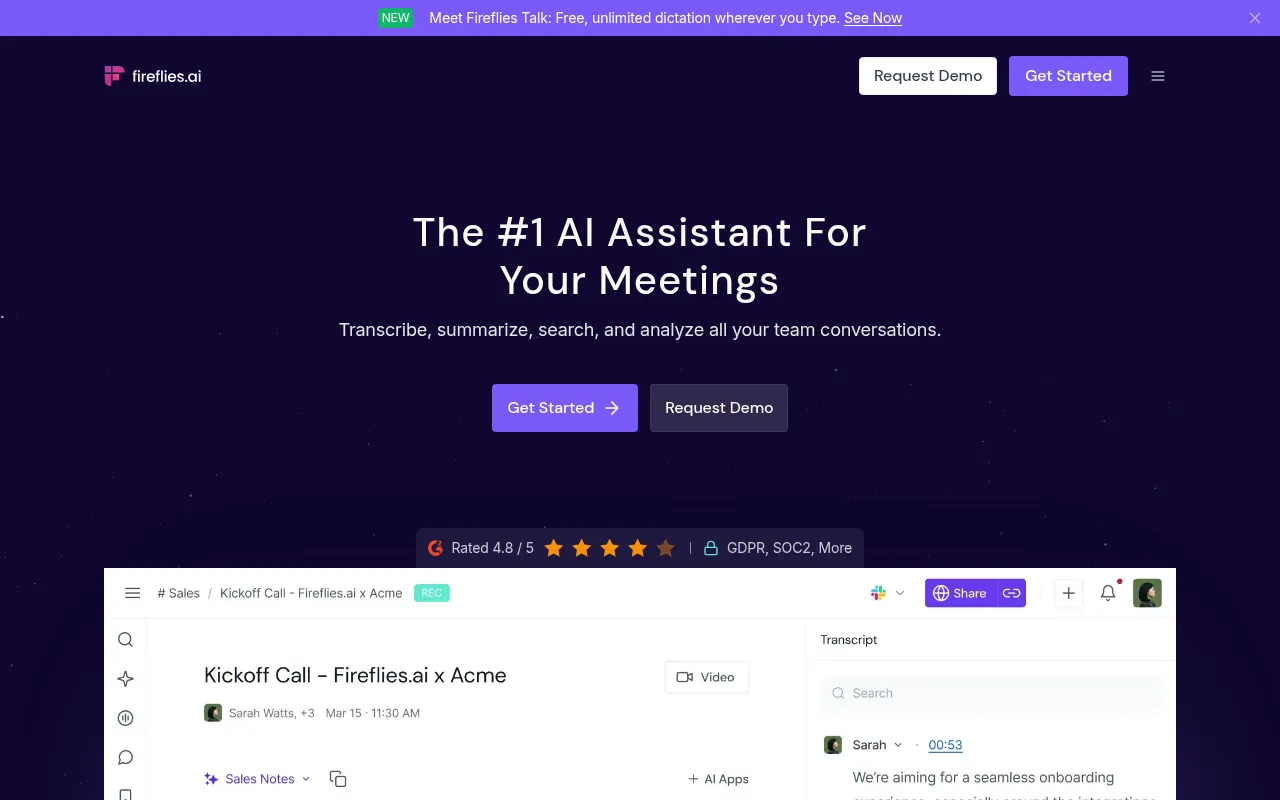
Fireflies joins meetings, transcribes and summarises. The Chrome side matters when your workday is Meet or Zoom plus follow-up emails. Free plans usually cap transcriptions; paid plans unlock more history and features.
My verdict: best when meetings, not webpages, are your biggest time sink. Pair summaries with a clear action list or nothing changes.
Best ChatGPT Chrome Extensions (and When You Do Not Need One)
Searches for best chatgpt chrome extensions, chatgpt extensions, best chat gpt chrome extension and gpt extensions usually mean one of two things: a wrapper around ChatGPT, or a page-aware assistant that can see the tab you are on.
If you already pay for ChatGPT, start with official ChatGPT browser features on your plan. Extra chatgpt chrome extension clones rarely beat first-party access. Add Merlin or Monica when you need summaries on any website without copying text into a chat box.
Avoid random “best chrome extensions for chat gpt” installs that ask for full-site permissions without a known brand. Prefer a short list: official ChatGPT access, one research sidebar, one writing helper.
Google AI extension / Google AI plugin style searches often overlap with Gemini features in Chrome or Workspace. Check what your Google account already includes before paying for a duplicate google AI chrome extension.
Free vs Paid AI Chrome Extensions
Most people should start free:
| Need | Free-friendly picks |
|---|---|
| Page summaries | Merlin free tier, Monica free tier, Perplexity free |
| Writing cleanup | Grammarly Free, QuillBot Free |
| Autocomplete | Compose AI free tier |
| Highlights | Glasp |
| Docs of workflows | Scribe free/trial |
Pay when you hit daily caps, need team shared prompt libraries, or depend on meeting transcription every day. Do not pay for three all-in-one sidebars at once. Pick Monica or Sider, not both.
How to Choose the Best AI Extensions for Chrome
1. Name the job. Research, writing, meetings, or SOPs. One job, one primary tool.
2. Check permissions. If an unknown extension wants to read all sites, walk away unless you trust the vendor.
3. Prefer official listings. Use the vendor site link to the Chrome Web Store.
4. Avoid copycat ChatGPT wrappers unless they add a clear page-context feature you need.
5. Uninstall quarterly. Unused AI extensions are a security and speed cost.
For broader free AI apps beyond Chrome, see best free AI apps. For research workflows, see best AI tools for research. Browser market context is in my browser statistics roundup.
Safety Tips Before You Install Any AI Google Chrome Extension
- Install from the official Chrome Web Store link on the vendor website.
- Read recent reviews for phishing or sudden permission changes.
- Use a separate Chrome profile for risky testing.
- Never paste passwords, OTP codes or banking pages into an AI sidebar.
- Disable the extension on sensitive admin sites (ads accounts, payment dashboards).
- Keep Chrome updated.
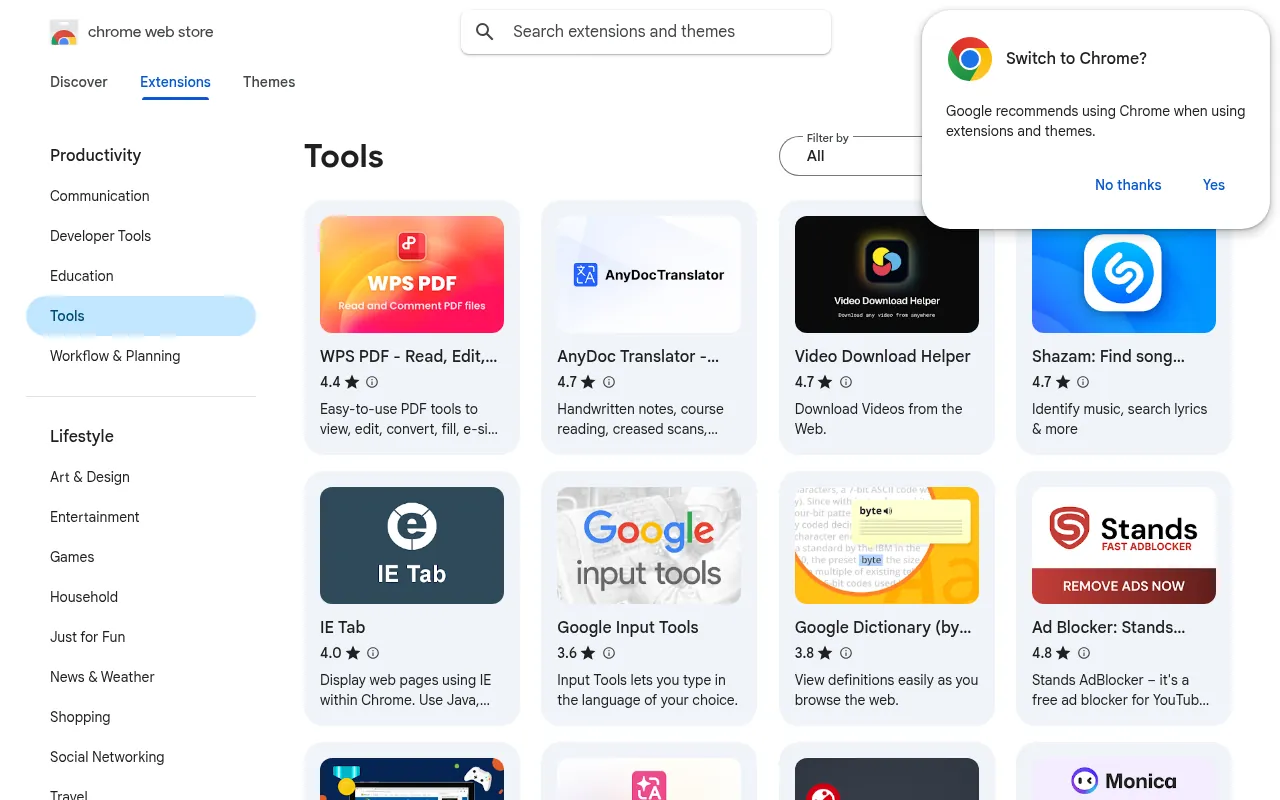
AI Chrome Extensions for SEO and Marketing Workflows
Here is how I actually use these tools in marketing work:
- Brief competitor pages: Merlin or Monica summary, then my own notes in Glasp.
- Outreach emails: Compose AI draft, Grammarly pass, human personalisation last.
- Refreshing thin paragraphs: QuillBot for clarity, then fact check.
- Client SOP handoff: Scribe a click-path once, share the guide.
- Meeting follow-ups: Fireflies summary turned into a checklist in Notion or Docs.
- Long Google docs: Speechify when my eyes are tired but I still need to review.
If you create on-page content after research, keep a clean editor workflow and avoid stacking five rewrite tools on the same paragraph. Quality drops when text is paraphrased too many times.
AI Extensions vs Built-In Browser AI
Chrome and other browsers are shipping more built-in AI help over time, and Google surfaces Gemini features in more products. Built-in tools are convenient, but dedicated extensions still win for specialised jobs like SOP capture (Scribe) or multi-model sidebars (Monica, Sider). Revisit your stack twice a year; a paid extension can become unnecessary when the browser catches up.
Productivity Chrome Extensions vs AI Chrome Extensions
Not every useful Chrome tool is an AI tool. Ad blockers, tab managers, password managers and SEO crawlers still matter. This article focuses on AI chrome extensions. If you later want a broader productivity list, that is a separate guide from this AI-focused roundup.
Common Mistakes With AI Extensions for Chrome
- Installing ten ChatGPT wrappers that all do the same thing.
- Letting an extension read your banking or ads-manager tabs.
- Trusting AI summaries of legal or medical pages without opening the source.
- Paying annually for unused Pro seats across Monica, Sider and Merlin at once.
- Forgetting to turn off auto-insert features that post drafts before you review them.
A Minimal Starter Pack (Free First)
If you want a simple setup today:
- Grammarly Free for safety.
- Merlin or Monica free for page help.
- Compose AI for typing speed.
- Glasp if you research for hours.
Use that pack for two weeks. Only then buy a single Pro upgrade for the tool you opened every day.
Best AI Chrome Extensions by Job (Cheat Sheet)
| Job | First pick | Second pick |
|---|---|---|
| Summarise any page | Merlin | Monica / Sider |
| Write emails faster | Compose AI | ChatGPT official |
| Fix grammar | Grammarly | QuillBot |
| Paraphrase clearly | QuillBot | Monica |
| Research with sources | Perplexity | Merlin |
| Save highlights | Glasp | built-in notes |
| Create SOPs | Scribe | screenshots + docs |
| Meeting notes | Fireflies | your meeting app’s native AI |
| Listen to articles | Speechify | system screen reader |
| Reuse prompts | AI Blaze | text expander + ChatGPT |
How Students Can Use AI Extensions Without Cheating
Students search for free AI extension for Chrome to summarise PDFs and improve English. That is fine for understanding and editing. It is not fine to submit AI text as original coursework when your college forbids it. Use extensions to learn faster, then write in your own words and cite sources.
When You Should Uninstall an AI Extension Immediately
Uninstall if:
- The Chrome Web Store listing changes owner suddenly.
- It asks for new permissions unrelated to its job.
- It injects ads or affiliate spam into pages.
- Support goes dark and reviews report account theft.
- You have not clicked it in 30 days.
Unused AI plugins for Chrome are pure risk.
Testing Parameters I Care About for AI Extensions
When I trial an AI Chrome extension for a week, I score it on:
- Time to first useful result on a real work page.
- Whether it pollutes the UI with permanent bubbles I cannot hide.
- Credit or query honesty (does free mean five uses?).
- Quality of citations for research answers.
- Writing quality on Indian English business emails.
- Crash rate on heavy tabs (Sheets with big sheets, WP admin, Analytics).
- Logout / privacy behaviour on shared computers.
An extension can have beautiful marketing and still fail item 2 or 6. That is enough reason to uninstall.
Deep Dive: Writing Stack That Actually Works
My default writing stack inside Chrome:
- Compose AI to beat blank-box paralysis in Gmail.
- Grammarly to catch agreement and punctuation errors.
- QuillBot only when I need a clarity rewrite of a muddy paragraph.
- Human final pass for voice, especially for anything with my name on it.
If you skip the human pass, your site starts sounding like every other AI blog. That hurts trust more than it saves time.
Deep Dive: Research Stack for SEO
- Open the SERP for the keyword.
- Use Merlin or Monica to summarise the top pages into notes, not into finished articles.
- Capture quotes and URLs in Glasp or a doc.
- Ask Perplexity for contested facts that need sources.
- Write the outline yourself.
- Only then draft.
This prevents the worst SEO failure mode: publishing a paraphrase of the same three listicles Google already ranks.
Deep Dive: Meeting and Documentation Stack
- Fireflies for calls you cannot fully note-take.
- Scribe for tools training (WordPress, Search Console clickpaths, reporting SOPs).
- Store outputs in your company wiki the same day or they disappear.
If your team already pays for a meeting tool with native AI summaries, try that before adding Fireflies.
AI Chrome Extensions for Developers and No-Code Builders
Some sidebars can explain code on a page, rewrite scripts or help with regex. Useful, but never paste production secrets into a sidebar. Use redacted examples. For serious coding, a dedicated IDE assistant is usually better than a generic Chrome AI extension.
AI Chrome Extensions for YouTube and Long Videos
Many AI extensions summarise YouTube videos. That is useful for research triage. It is a poor substitute for watching a tutorial you must implement. Use summaries to decide what to watch fully.
Permissions Explained Without Scare Tactics
Chrome will show permission prompts like “read and change site data”. For a page-summary extension, that permission is often required. It does not automatically mean malware. It does mean you must trust the vendor. Prefer companies with a public brand, clear privacy policy and a real support channel.
Offline and Low-Connectivity Reality in India
AI extensions need connectivity to model APIs. On flaky cafe Wi-Fi they fail. Keep offline-capable writing habits (local drafts) so a downed API does not freeze your workday. This is another reason not to make ChatGPT the only place your article lives.
Budget Guide in Rupees (Approximate)
Exact rupee charges depend on dollar pricing and forex, but directionally:
- Free tiers: ₹0, with caps
- Typical Pro AI sidebars: often in the low thousands of rupees per year
- Meeting transcription Pro plans: can cost more than a sidebar
- Scribe seats: priced per seat for teams
Start free for 14 days with two tools maximum. Pay for the one that removed at least one hour of work per week.
Internal Linking for Your Wider AI Stack
AI Chrome extensions are only one layer. Pair them with:
- Best free AI apps for mobile and web apps
- Best AI tools for research for academic and desk research
- Best AI presentation makers when your notes need to become a deck
- Browser statistics for market context on Chrome usage
- Free AI grammar checker for a quick grammar pass without another extension
- AI prompt generator when you need a clearer prompt before you open ChatGPT
Example Weekly Routine Using AI Chrome Extensions
Monday: Merlin summaries of three competitor posts, highlights saved in Glasp. Tuesday: Compose AI drafts outreach, Grammarly cleans them, I personalise the first lines. Wednesday: Scribe a new WordPress SOP for a teammate. Thursday: Fireflies notes from client calls become task lists. Friday: QuillBot clarity pass on one newsletter paragraph, then human voice edit. Weekend: uninstall anything I did not open.
A routine beats a giant tools graveyard.
Feature Comparison Mindset (Avoid Spreadsheet Paralysis)
Do not build a 40-row feature matrix. Ask:
- Did it save me 30 minutes this week?
- Did it create cleanup work?
- Did it ask for scary new permissions?
If the answers are no / yes / yes, uninstall.
For Agencies: Team Policy Template
Write a one-page policy:
- Approved AI extensions list (max five).
- Forbidden data (client passwords, payment data, unpublished legal docs).
- Who pays for Pro seats.
- Quarterly access review.
- Mandatory uninstall when someone leaves the team.
This prevents shadow IT where every intern installs a different ChatGPT wrapper.
India Network Reality Check
On congested coffee-shop Wi-Fi, multi-model sidebars feel slow. Have a fallback: paste into the official ChatGPT or Gemini web app on a lighter connection. Extensions are accelerators, not the only door to AI.
Quick Install Order (So You Do Not Break Chrome)
- Grammarly
- One sidebar only (Monica or Sider or Merlin)
- Compose AI if you write all day
- Optional specialist: Scribe or Fireflies or Speechify
Restart Chrome after installs. If startup feels slow, disable extensions on chrome://extensions and re-enable one by one.
What “Best AI Extensions” Lists Get Wrong
They rank by feature count. Real users rank by habit. A 3-feature extension you open daily beats a 30-feature suite you ignore. That is why this guide is organised by job, not by hype score.
Connecting Extensions to Content Workflows on jitendra.co
After research in Chrome, you may need:
- decks → best AI presentation makers
- video edits → best free online video editors
- mobile AI apps → best free AI apps
Keep the toolchain intentional.
Why Should You Trust Me?

I am Jitendra Vaswani. I have worked in SEO and digital marketing since 2013. That year I founded BloggersIdeas. DigiExe, my agency, has worked with more than 1,400 clients in 28 countries. I also run AffiliateBooster and SchemaNinja, wrote Inside A Hustler’s Brain (more than 20,000 copies), and speak at Affiliate Summit and Affiliate World.
I test and write about tools like these the way an operator does: what you get on the free plan, what you pay, and whether it saves real time for content and SEO work. Every price and limit in this guide comes from the brand’s official site or help pages. I do not invent lab scores or income claims.
FAQs
What is the best AI Chrome extension in 2026?
For an all-in-one sidebar, start with Monica or Sider. For research summaries, start with Merlin. For writing speed, use Compose AI plus Grammarly. There is no single best AI chrome extension for every job.
What are the best free AI Chrome extensions?
Merlin, Compose AI, Grammarly Free, QuillBot Free, Glasp and Perplexity’s free tier are strong free starting points. Free AI extension for Chrome plans usually throttle heavy daily use.
What are the best ChatGPT Chrome extensions?
First check official ChatGPT browser features on your plan. Then add a page-context tool like Merlin or Monica if you need summaries on any tab. Be careful with third-party wrappers that only embed ChatGPT.
Are AI Chrome extensions safe?
Reputable vendors are reasonably safe if installed from official listings, but any extension with broad permissions can see page content. Limit installs, review permissions and avoid unknown clones.
Do AI Google Chrome extensions work on other browsers?
Many Chromium browsers can install Chrome extensions, but support varies. Check the vendor’s documentation for Edge or Brave. Firefox usually needs a separate add-on.
What is the difference between Monica and Merlin?
Monica aims to be an all-in-one assistant. Merlin is especially strong for quick research and page/search summaries. Try both free tiers for a week and keep the one you open more often.
Can AI extensions replace Grammarly?
Not fully. Chat sidebars draft text; Grammarly polishes it in place. I use both roles, sometimes in one stack.
How many AI extensions should I install?
Two to four is plenty for most people: one sidebar, one writing helper, optional meeting or SOP tool. More than that usually means overlap and slower browsing.
What is an AI plugin for Chrome?
People say AI plugin for Chrome, AI google extension, or chrome AI plugin when they mean a Chrome extension that adds AI features. Install only from trusted vendors.
Does Google have built-in AI extensions?
Google ships AI features through Gemini and Chrome experiments over time. You may not need a third-party tool for basic summarisation if your Google account already includes those features. Check what your account offers before paying for duplicates.
Can I use these extensions for client SEO audits?
Yes for summarising documentation and drafting notes. No for inventing crawl findings. Your audit still needs Search Console, crawl data and human judgement. Browser AI is an assistant, not an auditor.
Final Verdict: Which AI Chrome Extensions Should You Use?
My practical stack for 2026:
- All-in-one sidebar: Monica or Sider.
- Research summaries: Merlin, with Perplexity for cited answers.
- Writing: Compose AI for speed, Grammarly and QuillBot for cleanup.
- Knowledge capture: Glasp.
- SOPs: Scribe.
- Meetings: Fireflies if your calendar is meeting-heavy.
Install slowly. Measure whether each extension saves time in the first week. The best AI extensions for Chrome are the ones you actually use, not the longest list.
Sources
Product features and prices were checked in October 2026 on the official sites of Monica, Merlin, Compose AI, QuillBot, Grammarly, Sider, OpenAI ChatGPT, Perplexity, Glasp, Scribe, Speechify, AI Blaze and Fireflies, plus the Chrome Web Store category pages. Limits and store availability can change; confirm inside each product before you subscribe.

Jitendra Vaswani is a globally recognized expert in SEO and AI-driven digital marketing. He has spoken at leading international events and is the founder of Digiexe, a results-driven digital marketing agency; Venuelabs, a platform that helps brands amplify their voice with expert PR and marketing solutions; and AffiliateBooster, an affiliate marketing news site. With over a decade of hands-on experience, Jitendra has empowered countless businesses to thrive online. His bestselling book, Inside A Hustler’s Brain: In Pursuit of Financial Freedom, has sold more than 20,000 copies worldwide, reflecting his influence and dedication to helping digital marketers achieve success. Follow Jitendra on Instagram, X/Twitter, Facebook, and LinkedIn.