Best AI tools for research in 2026, the short answer: Perplexity is the best AI tool for fast everyday research with cited sources, and ChatGPT and Gemini Deep Research are the best for long, multi-source reports. For academic research, Elicit, Consensus and SciSpace search real peer-reviewed papers, Semantic Scholar and ResearchRabbit help you find and map literature for free, and NotebookLM is the best free assistant for working with your own PDFs. Zotero, which is free, keeps every citation organised.
Research is a big part of my job. Before I write a statistics roundup, plan an SEO strategy for a client or prepare a talk, I spend hours collecting sources, reading reports and checking numbers. AI tools have cut that time a lot, but only when I use the right tool for each step, and only when I check the sources myself.
That is the problem with most lists of AI research tools: they treat ChatGPT and a literature-review tool as if they do the same job. They do not. In this guide, I split the best AI tools for research by job: finding answers, writing deep reports, searching academic papers, mapping literature, reading PDFs and managing citations. Every plan detail and price comes from each tool’s official pricing page, checked in October 2026. I have not invented accuracy scores or test results.
Best AI Tools for Research: Quick Comparison Table
| AI tool | Best for | Searches | Free plan | Paid from |
|---|---|---|---|---|
| Perplexity | Fast answers with citations | The web, plus academic sources | Yes | US$17/month (annual) |
| ChatGPT | Deep research reports | The web and your files | Yes (limited) | ₹399/month (Go) |
| Gemini Deep Research | Long reports, Google users | The web, plus Gmail and Drive if you allow it | Yes (limited) | Google AI plans |
| Claude | Reading long documents and analysis | The web and your files | Yes | US$17/month (annual) |
| NotebookLM | Researching your own sources | Only the sources you add | Yes | Higher limits on Google AI plans |
| Elicit | Literature reviews and data extraction | 138M+ academic papers | Yes | US$49/user/month (annual) |
| Consensus | Evidence-based answers from studies | Peer-reviewed research | Yes | US$12/month (annual) |
| SciSpace | Reading and explaining papers | Academic papers | Yes | ₹700/month (annual) |
| Semantic Scholar | Free academic search | 238M+ papers | Fully free | Free |
| ResearchRabbit | Mapping related papers | 310M+ papers | Yes | Free to start |
| Connected Papers | Visual graphs of a field | Academic papers | Yes (limited graphs) | Paid plans |
| Scite | Checking how papers are cited | Citation statements | 7-day trial | US$12/month (annual) |
| Zotero | Managing citations | Your library | Fully free | Optional storage |
| Microsoft Copilot | Free research inside Microsoft apps | The web | Yes | Microsoft 365 plans |
| Grok | Real-time news and X posts | The web and X | Yes | Paid plans |
Sources: each tool’s official website and pricing page (October 2026). Prices are as listed by the provider and may exclude GST.
What Are AI Tools for Research?
AI research tools use large language models to help you find, read, summarise and organise information. They fall into three groups:
- General AI assistants like ChatGPT, Gemini, Claude, Copilot and Grok. They search the web, read files and write summaries on almost any topic.
- AI search engines like Perplexity that answer questions with numbered citations, so you can check each claim.
- Academic AI tools like Elicit, Consensus, SciSpace, Semantic Scholar, ResearchRabbit and Scite. They search databases of peer-reviewed papers instead of the open web, which is what you need for a thesis, a literature review or any serious claim.
The best results come from combining them: an AI search engine to get oriented, an academic tool to find real studies, and a citation manager to keep track of everything.
How I Picked These AI Research Tools
I judged each tool on things you can verify:
- Where it searches: the open web, peer-reviewed papers, or only your own files.
- Citations: does every answer link to a source you can open?
- Free plan limits: how much research you can do without paying.
- Price: the cheapest paid plan, in rupees where shown.
- Who it suits: students, academics, marketers, journalists or business users.
I did not run benchmark tests or score accuracy. AI tools change every few weeks, and any accuracy score would be out of date before you read it. Instead, I explain where each tool fits in a real research workflow, from my own experience researching statistics articles and client strategies.
Best AI Tools for Everyday and Business Research
1) Perplexity: Best AI Research Tool for Fast Cited Answers
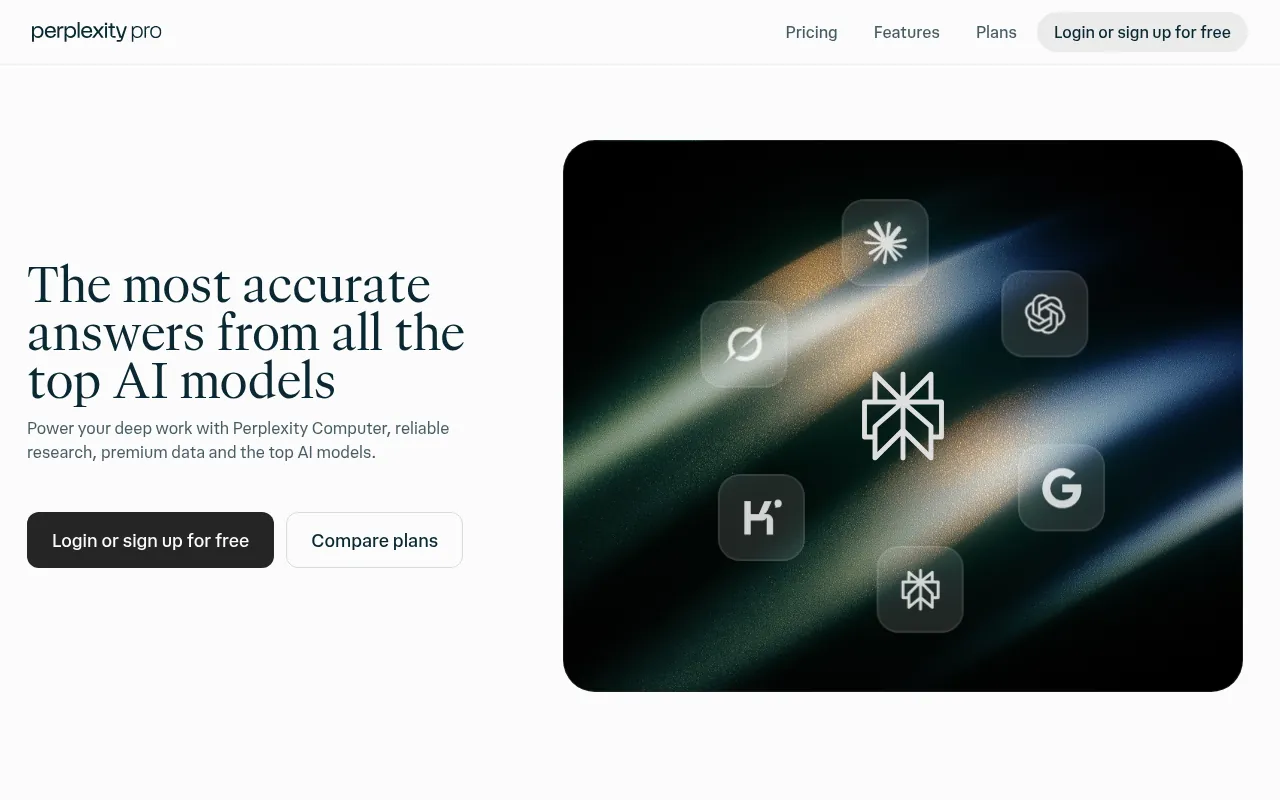
Key facts: searches: Web and academic sources, with numbered citations. Price: Free plan; Pro from US$17/month (annual). Best for: Anyone who wants fast, checkable answers.
Perplexity is my starting point for most research questions. Ask anything, and it searches the web and replies with a short answer and numbered citations. Click any number to open the source. Its Pro page puts it simply: every answer includes inline citations so you can verify claims.
For research, the useful features are: – Source focus: limit searches to academic papers, social discussions or specific sites. – Follow-up questions: keep digging without starting over. – File uploads: ask questions about a PDF or spreadsheet. – Deep research mode: longer reports from many sources.
Pricing: there is a free plan. Perplexity Pro is listed at US$17 a month when billed annually, with a higher Max tier.
Watch out for: Perplexity sometimes cites a weak blog when a primary source exists. Always open the citation and check the original.
My verdict: the best AI tool for research when you need a fast, cited overview of any topic.
2) ChatGPT: Best for Deep Research Reports
Key facts: searches: Web, uploaded files and deep research agent. Price: Free; Go ₹399, Plus ₹1,999, Pro from ₹10,699 a month. Best for: Long reports and file analysis.
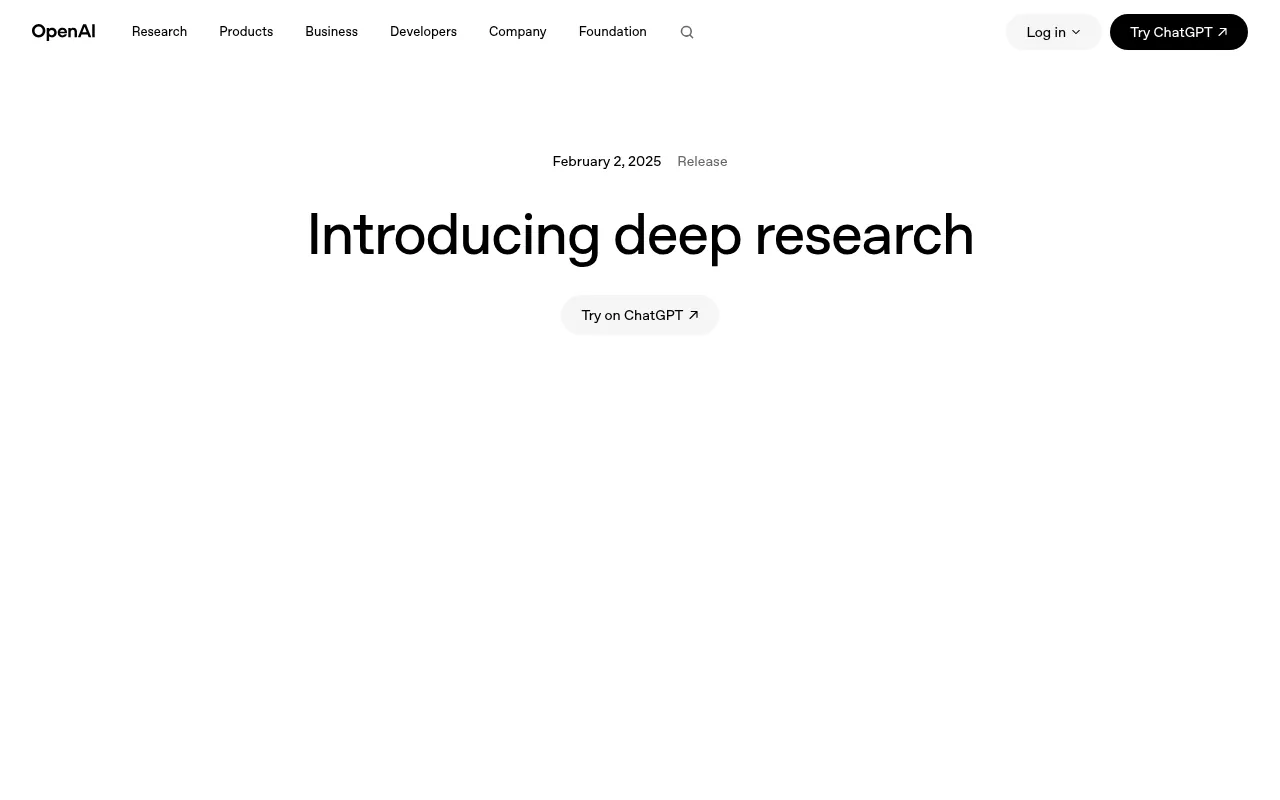
ChatGPT is the most popular AI assistant, and its deep research feature turns it into a serious research tool. OpenAI describes deep research as an agent that searches, reads and analyses many online sources over several minutes, then writes a report with citations.
I use it when I need a broad first draft of the research landscape: market sizes, competitor lists, definitions and the main debates. You can also upload PDFs and spreadsheets and ask it to compare them.
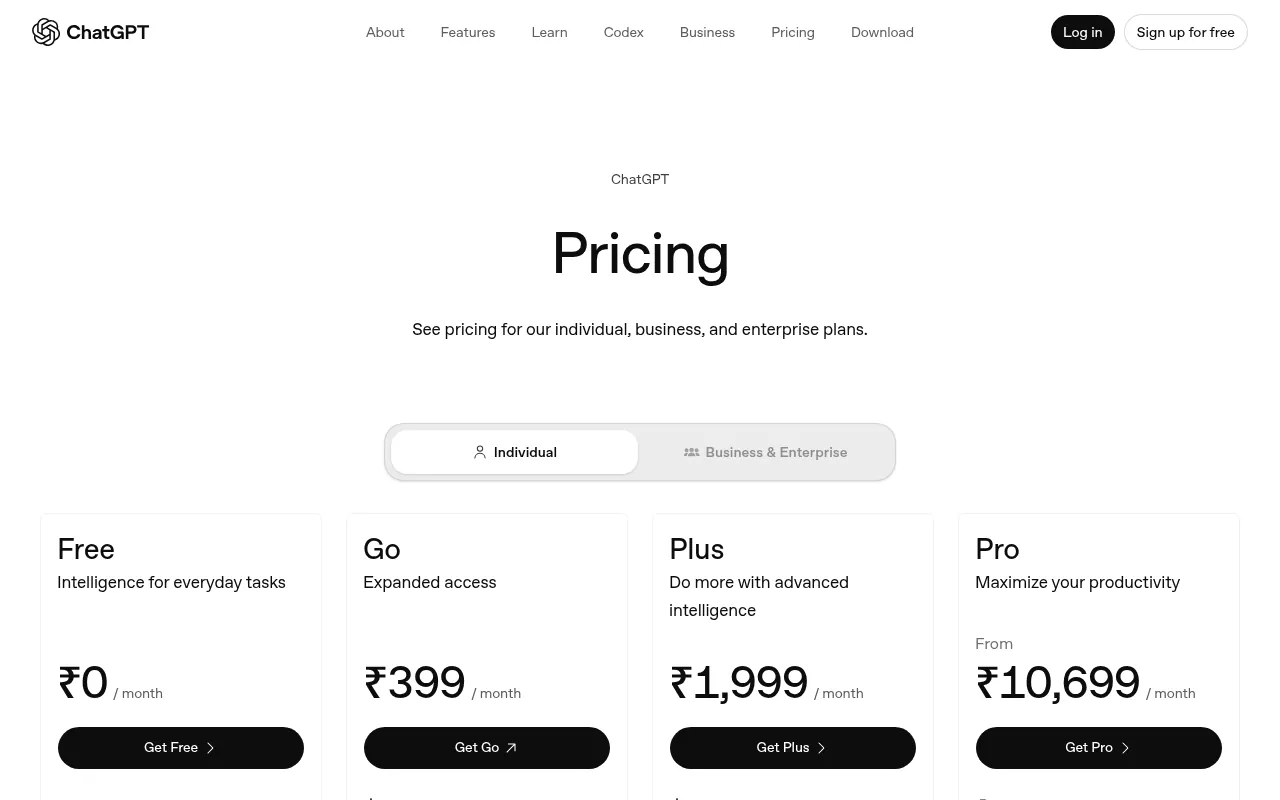
Pricing in India: ChatGPT’s pricing page shows Free at ₹0, Go at ₹399 a month, Plus at ₹1,999 a month and Pro from ₹10,699 a month. Deep research limits are higher on paid plans.
Watch out for: deep research reports read well, which makes errors easy to miss. Check every number against the cited source before you use it.
My verdict: the best general AI for research reports, especially on Plus.
3) Gemini Deep Research: Best for Google Users
Key facts: searches: Web, plus Gmail, Drive and Docs if you allow it. Price: Free with limits; higher limits on Google AI plans. Best for: Google Workspace users.
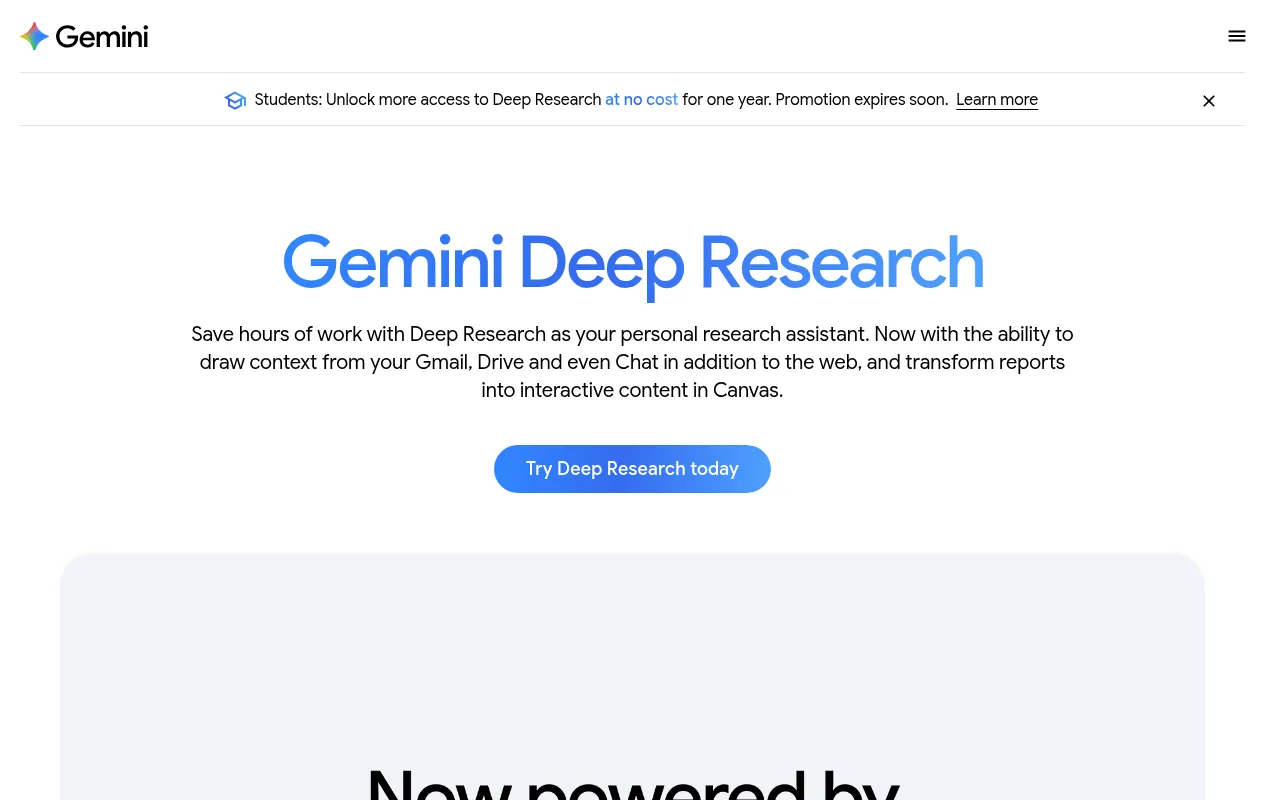
Google’s Gemini has its own Deep Research feature. Google says it breaks complex research tasks into steps, explores sources like websites and, if you choose, your Google Workspace content (Gmail, Drive and Docs), then writes a report. It uses Gemini’s very large context window, so it can handle a lot of material at once.
The advantage for Google users is that reports can be exported straight into Google Docs. If you already pay for a Google AI plan, you also get higher Deep Research limits. I explain Google’s AI plan prices in India in my Google One plans guide.
My verdict: a strong alternative to ChatGPT deep research, and the natural pick if your work lives in Google Drive.
4) Claude: Best for Reading Long Documents
Key facts: searches: Web search and your uploaded documents. Price: Free; Pro US$17/month (annual); Max from US$100. Best for: Reading and analysing long documents.
Claude from Anthropic is the assistant I use when I need to read and analyse long documents carefully: annual reports, research papers, contracts or long interview transcripts. It can also search the web and run its own research mode.
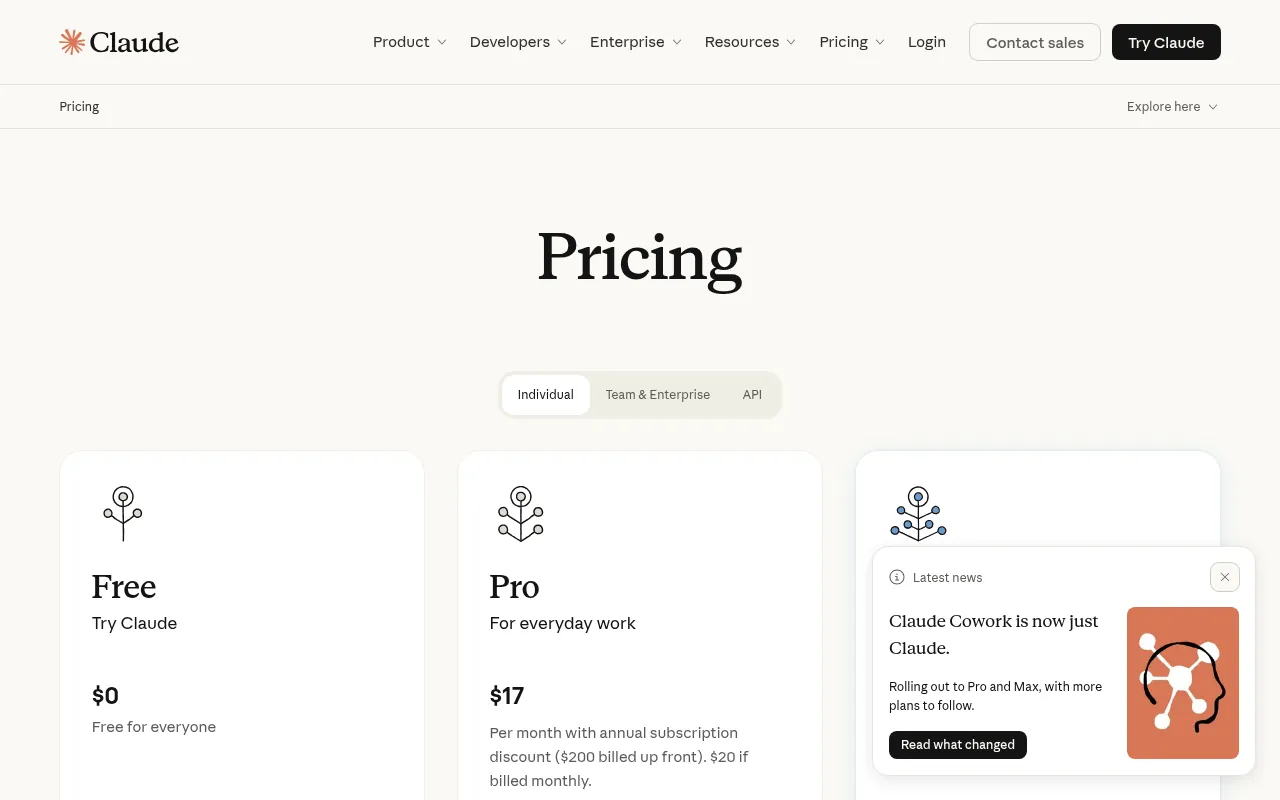
Pricing: Claude’s pricing page lists a Free plan, Pro at US$17 a month with an annual subscription (US$20 if billed monthly), and Max from US$100 a month. Usage on each plan depends on the model and features you use, rather than a fixed message count.
My verdict: the best AI for analysing documents you already have, and great for summarising long papers in plain English.
5) Microsoft Copilot: Best Free Option Inside Microsoft Apps
Key facts: searches: Web, plus Microsoft 365 apps for business users. Price: Free; more inside Microsoft 365 plans. Best for: Windows and Office users.
Microsoft Copilot is free to use on the web, Windows and mobile, and it answers with links to its web sources. If your organisation uses Microsoft 365, Copilot can also work inside Word, Excel and Outlook, which is handy for turning research into documents.
My verdict: a good free AI research assistant for Windows users, but Perplexity and ChatGPT go deeper.
Key facts: searches: Live web and posts on X. Price: Free plan with paid tiers. Best for: News, trends and public reaction.
Grok can search the live web and posts on X, which makes it useful for researching breaking news, public reactions and trends that have not reached articles yet. I use it to see what people are saying about a new product launch or Google algorithm update.
My verdict: use Grok for “what is happening right now” research, and confirm important facts in primary sources.
Best AI Tools for Academic Research
If you are a student, a PhD scholar or anyone who needs peer-reviewed evidence, general chatbots are not enough. They can invent references. These tools search real academic papers, which is why they are the best AI for academic research.
7) Elicit: Best for Literature Reviews
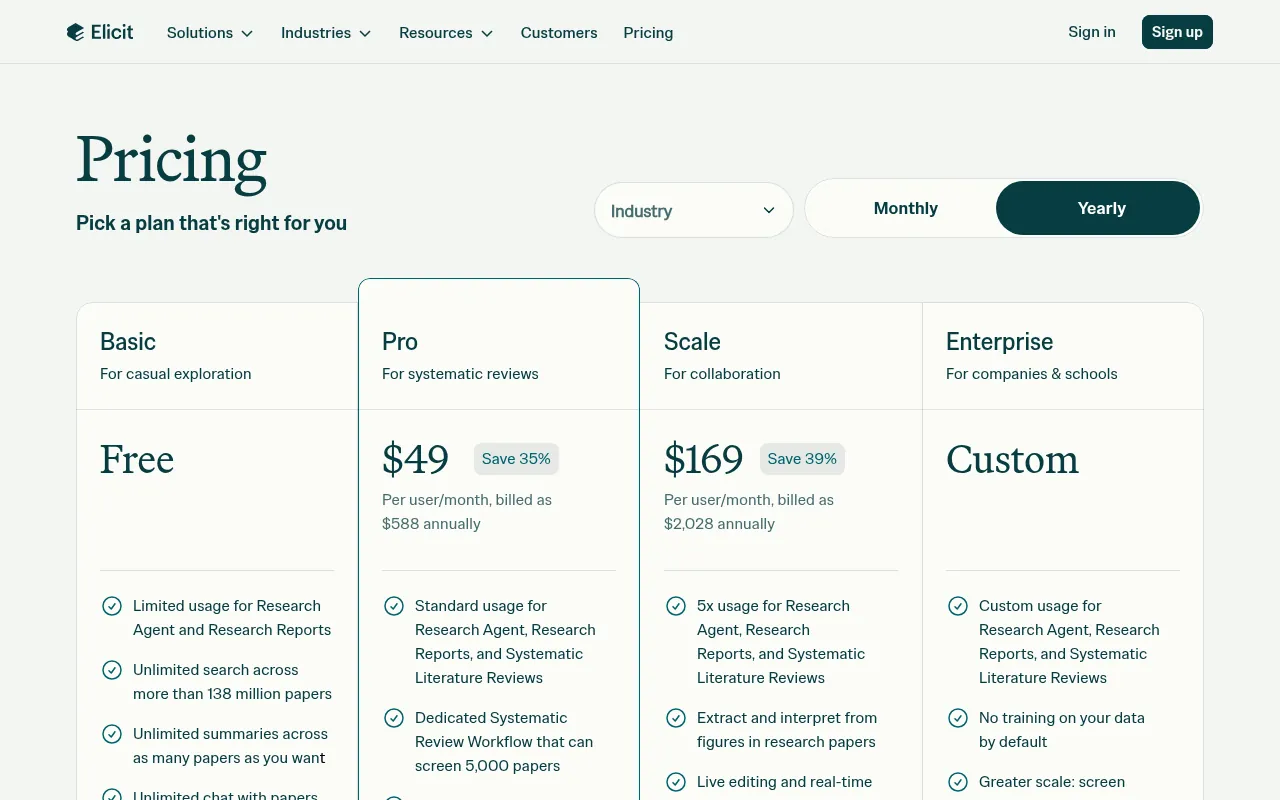
Key facts: searches: 138M+ academic papers. Price: Free; paid from US$49/user/month (annual). Best for: Literature reviews and data extraction.
Elicit is built for literature reviews. You ask a research question, it finds relevant papers, summarises them and pulls key details into a table: sample size, methods, outcomes and more. That extraction table is what saves real time.
Free plan: Elicit’s free plan includes unlimited search across more than 138 million papers, unlimited summaries, unlimited chat with papers, and limited use of its Research Agent and Research Reports. You can import from Zotero.
Paid plans: listed at US$49 per user per month (billed US$588 annually) and US$169 per user per month (billed US$2,028 annually), with systematic review workflows that screen thousands of papers.
My verdict: the best AI tool for academic research when you need to review many papers quickly.
8) Consensus: Best for Evidence-Based Answers
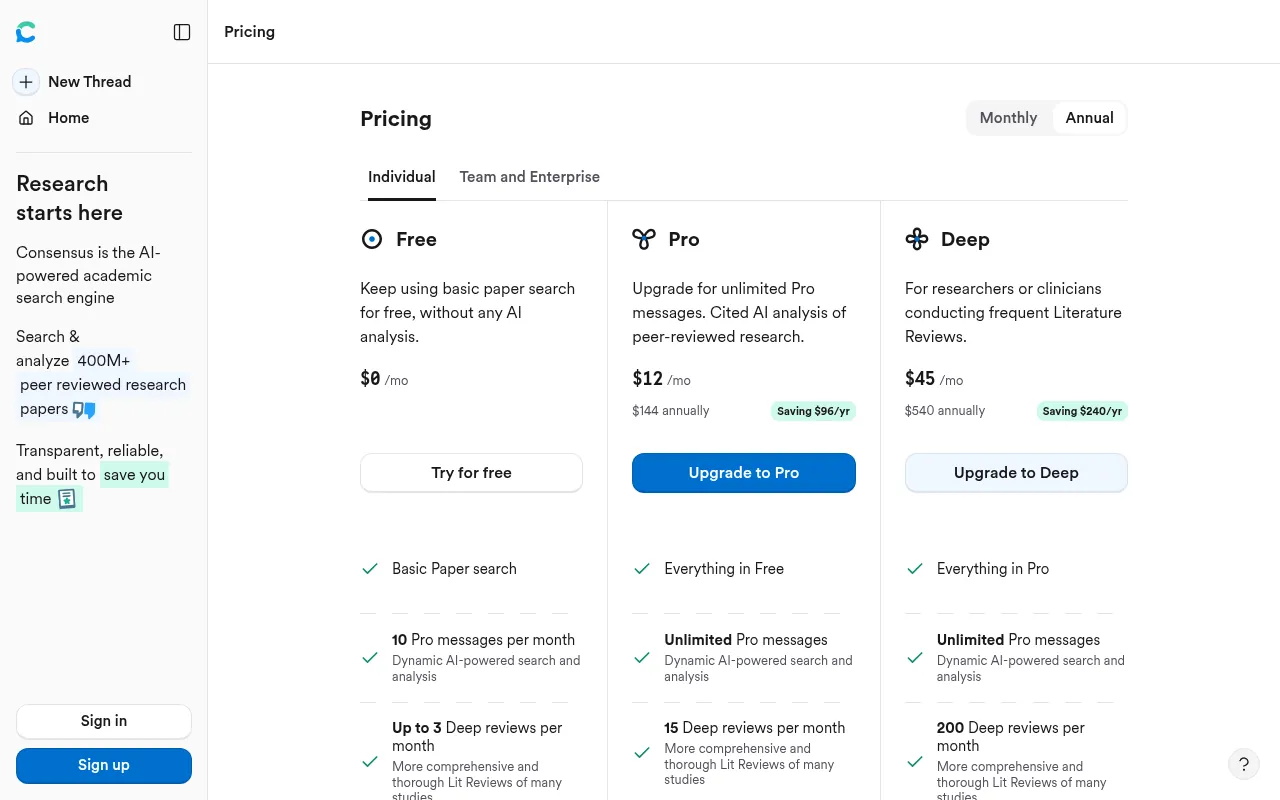
Key facts: searches: Peer-reviewed research papers. Price: Free; Pro US$12/month (annual). Best for: Checking scientific claims.
Consensus answers questions using only peer-reviewed research. Ask something like “does intermittent fasting improve focus?” and it shows what the studies say, with links to each paper. It is my favourite tool for checking whether a popular claim actually has scientific support.
Free plan: basic paper search for free, 10 Pro messages a month and up to 3 Deep reviews a month.
Paid plan: Pro is listed at US$12 a month (US$144 billed annually), with a higher US$45 tier for heavy users.
My verdict: the best AI for academic research questions with a yes or no answer.
9) SciSpace: Best for Reading and Understanding Papers
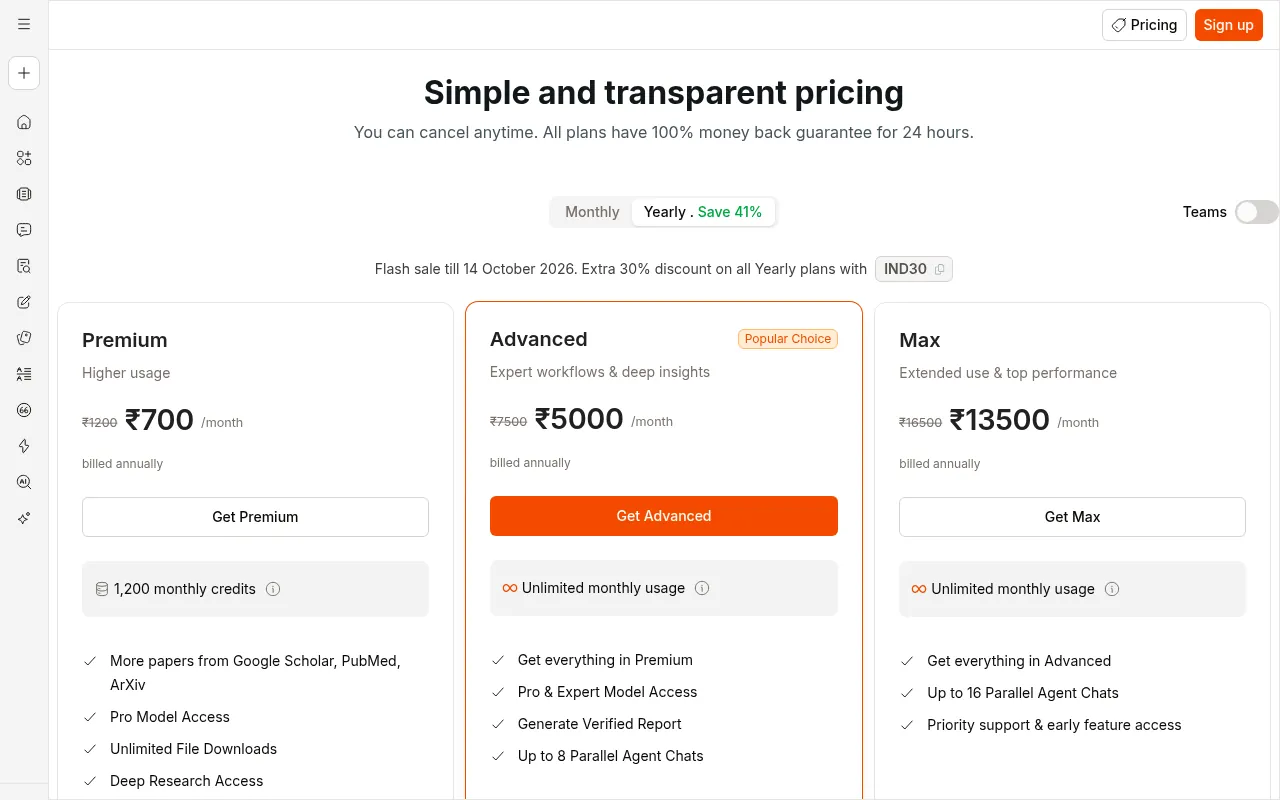
Key facts: searches: Academic papers and your PDFs. Price: Free Basic; Premium ₹700/month (annual). Best for: Understanding difficult papers.
SciSpace helps you understand dense papers. Highlight any paragraph, equation or table, and it explains it in simple words. It also has literature search, PDF chat and writing tools. Its pricing page says more than a million researchers use it.
Pricing in India: SciSpace shows Premium at ₹700 a month billed annually (discounted from ₹1,200 at the time I checked) and Advanced at ₹5,000 a month billed annually. There is a free Basic plan.
My verdict: the best AI tool for students reading research papers outside their comfort zone.
10) Semantic Scholar: Best Free Academic Search Engine
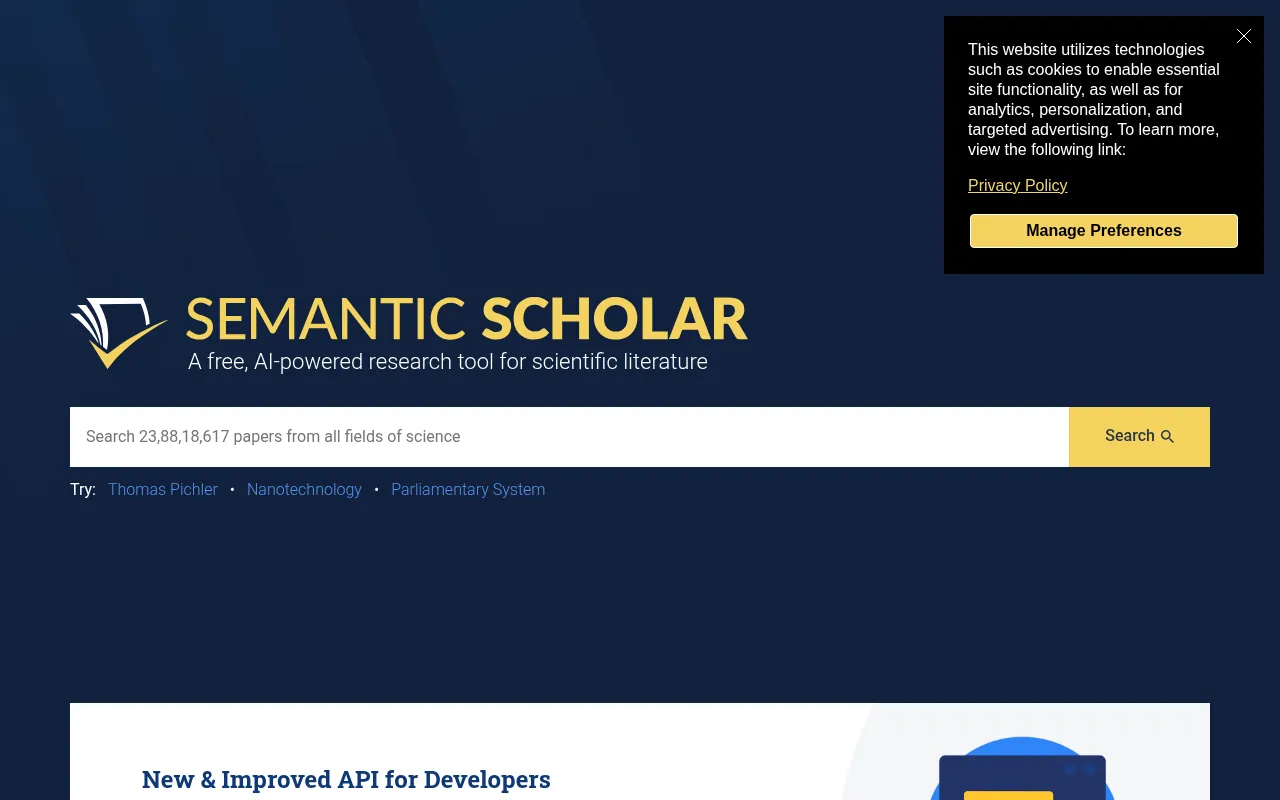
Key facts: searches: 238M+ papers across all fields. Price: Completely free. Best for: Free academic search.
Semantic Scholar, from the non-profit Ai2, is completely free. Its homepage shows a search across more than 238 million papers from all fields of science. It adds AI features like one-line TLDR summaries and highlights the most influential citations of each paper.
My verdict: start every academic search here or on Google Scholar. It costs nothing and covers almost every field.
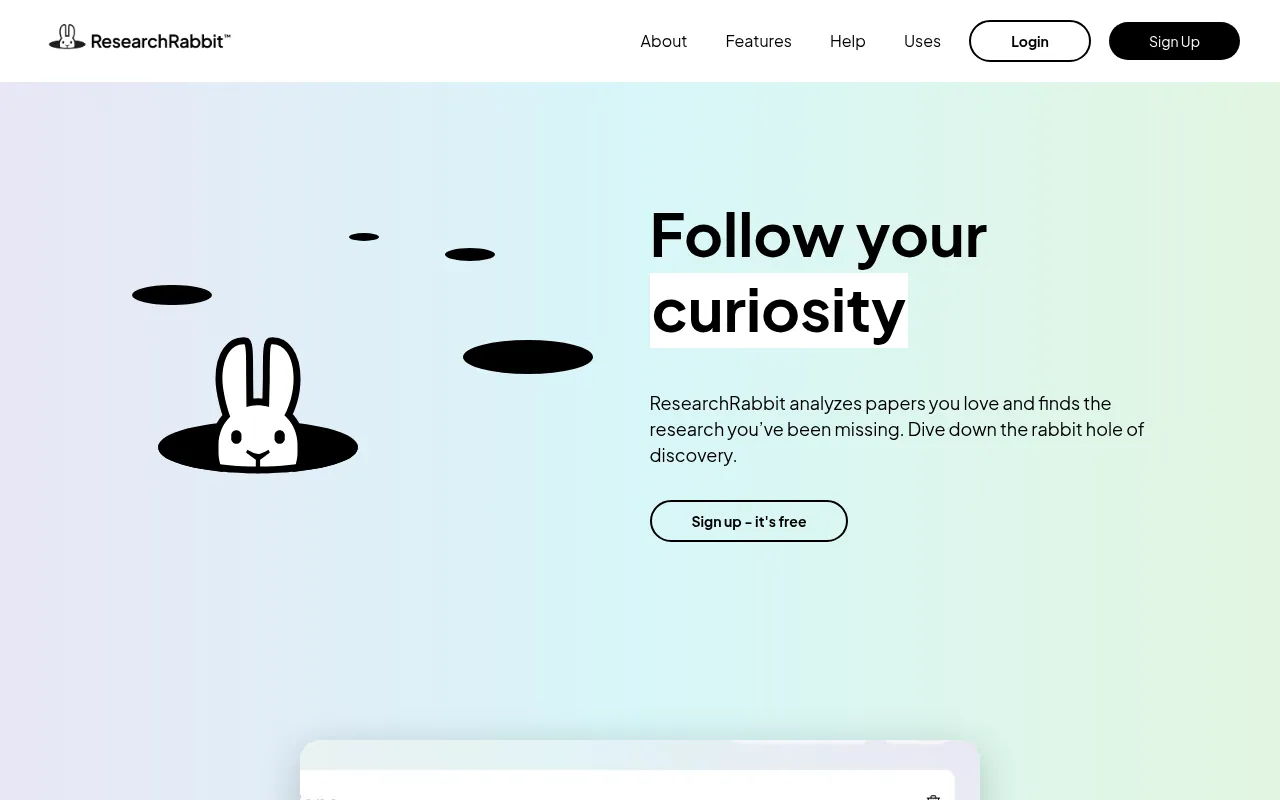
Key facts: searches: 310M+ academic papers. Price: Free to sign up. Best for: Finding related papers from a few seeds.
ResearchRabbit works differently. You add a few papers you like as “seeds”, and it shows earlier work, later work, similar papers and connected authors. Its site says it gives access to over 310 million academic papers, and signup is free.
My verdict: the best way to find papers you did not know to search for.
12) Connected Papers: Best Visual Map of a Research Field
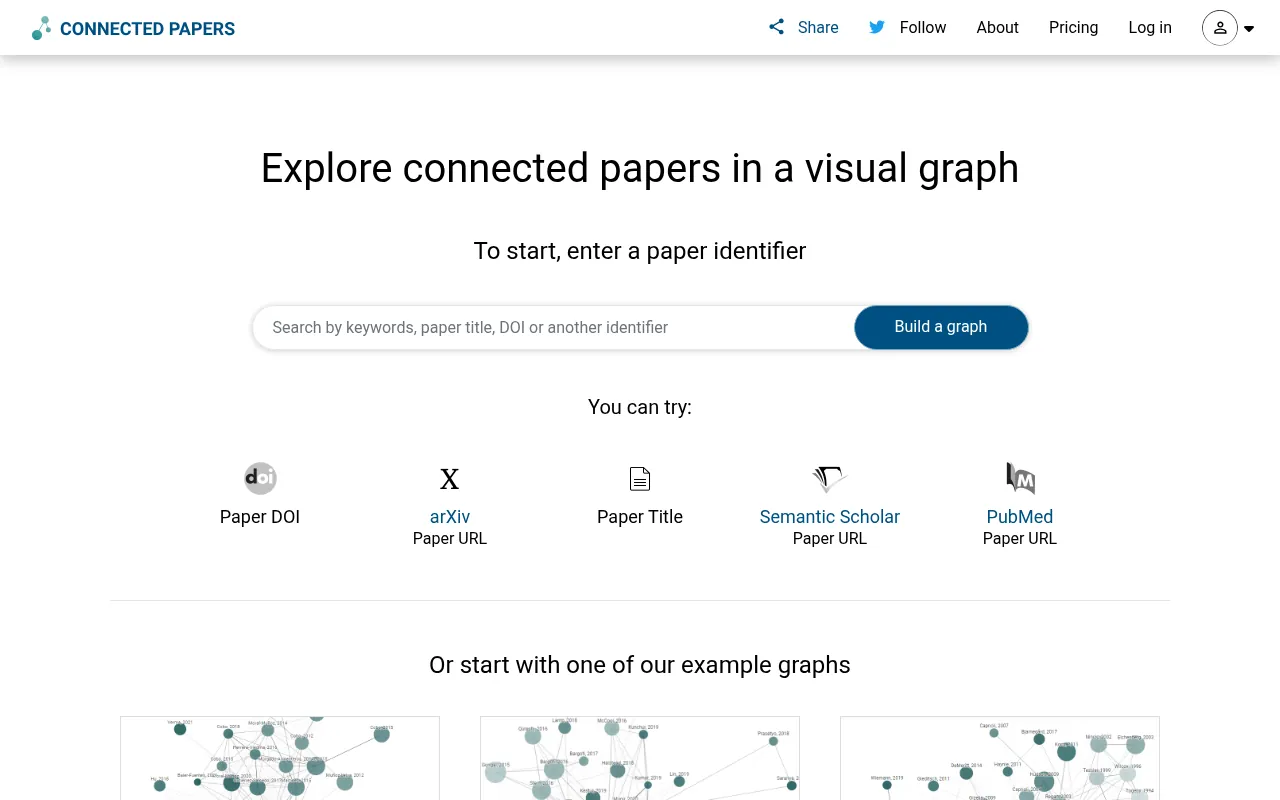
Key facts: searches: Academic papers, shown as a graph. Price: Limited free graphs; paid plans. Best for: Visualising a research field.
Connected Papers builds a visual graph around one paper, showing similar papers as connected bubbles. Bigger bubbles have more citations, and darker ones are more recent. It is a quick way to see the shape of a field before you start reading.
My verdict: great at the start of a thesis. The free plan allows a limited number of graphs a month.
13) Scite: Best for Checking How a Paper Is Cited
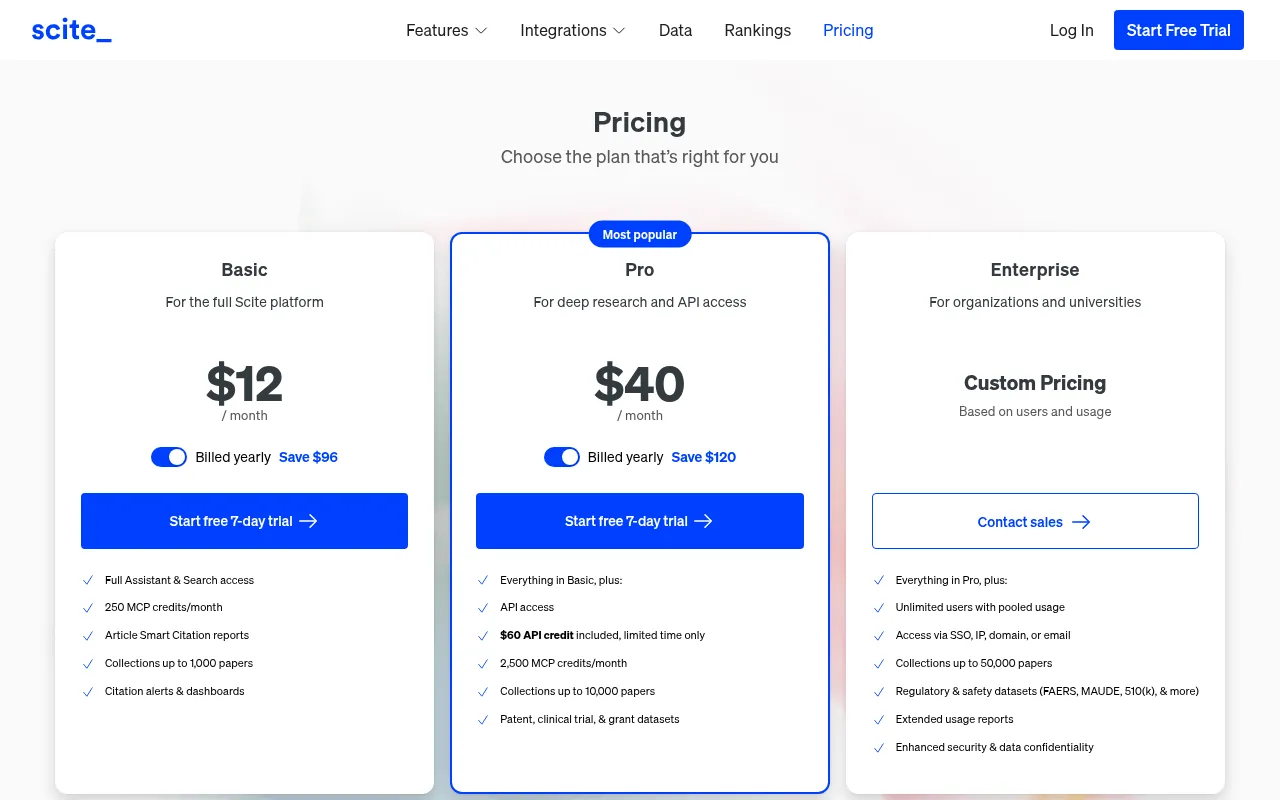
Key facts: searches: Citation statements from papers. Price: 7-day trial; Basic US$12/month (yearly). Best for: Checking how studies were cited.
Scite shows whether later research supported, contradicted or simply mentioned a paper. That is very useful before you build an argument on one study. Its assistant answers questions with references to specific sentences in papers.
Pricing: Basic is listed at US$12 a month billed yearly, with a 7-day free trial.
My verdict: a smart add-on for academics and anyone writing evidence-heavy content.
14) NotebookLM: Best Free AI Research Assistant for Your Own Sources
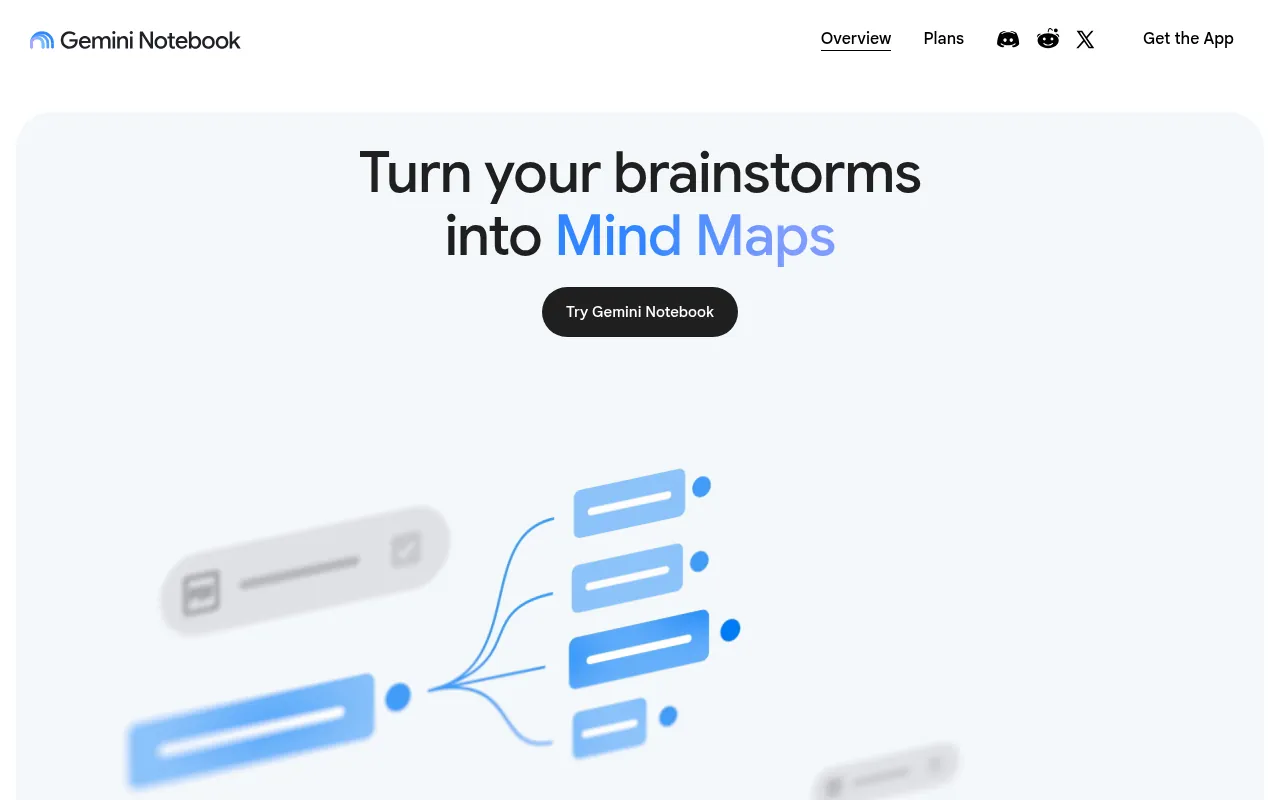
Key facts: searches: Only the sources you upload. Price: Free; higher limits on Google AI plans. Best for: Researching your own documents.
NotebookLM is Google’s AI notebook, and its site now presents it as Gemini Notebook. You upload your own sources (PDFs, Google Docs, websites, YouTube videos) and ask questions. Google says its answers stay grounded in the information you provide, with citations back to your sources. It can also create mind maps, slide decks and audio overviews.
This is the tool I use most once I have collected sources. I load 20 to 30 reports into one notebook and ask it to compare numbers or summarise each one.
My verdict: the best free AI research assistant for working with documents you trust.
15) Zotero: Best Free Citation Manager
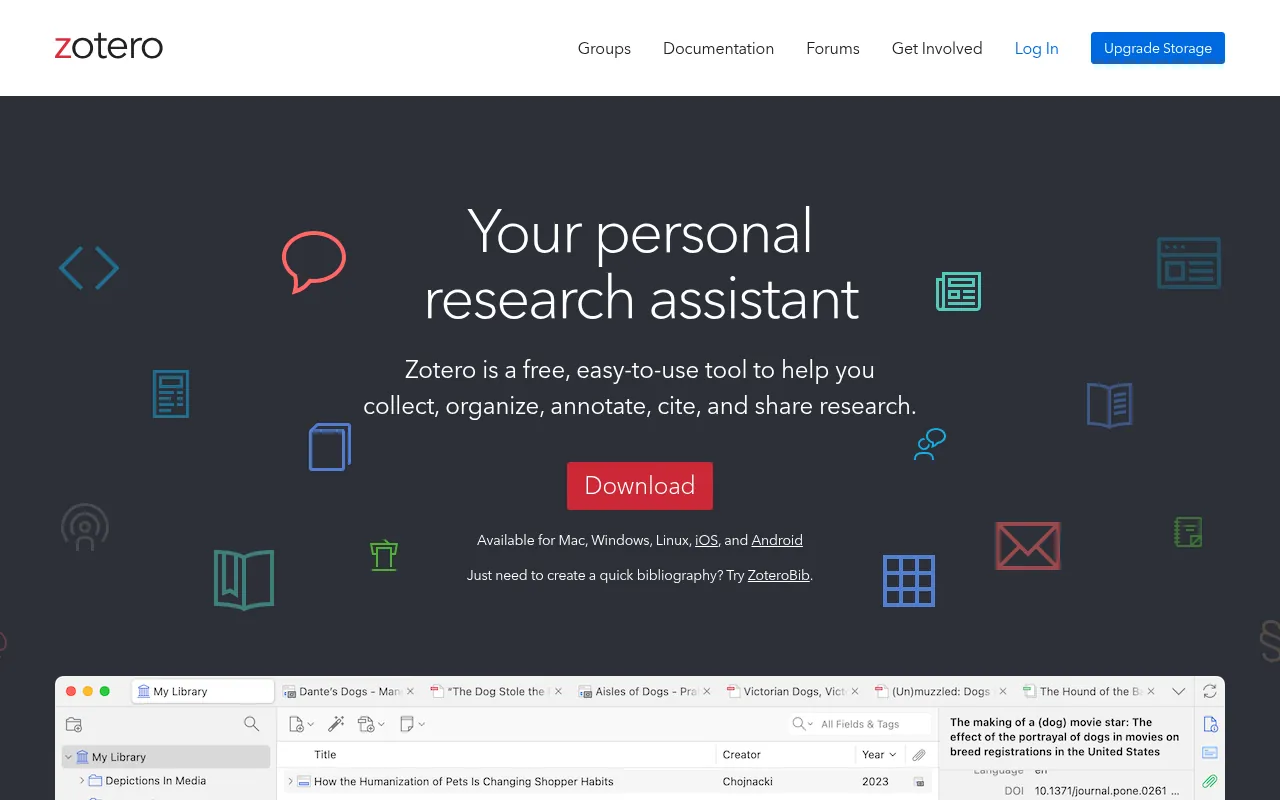
Key facts: searches: Your own research library. Price: Free and open source. Best for: Collecting and citing sources.
Zotero is not an AI tool, but no research setup is complete without it. It is free and open source. It saves papers from your browser in one click, organises them in folders, and creates citations and bibliographies in APA, MLA and thousands of other styles inside Word or Google Docs. Elicit and many other tools import from Zotero.
My verdict: install it on day one of any research project.
Free vs Paid AI Research Tools
You can do serious research for free. A free setup that works well:
- Perplexity (free) for quick cited answers.
- Semantic Scholar and ResearchRabbit for finding papers.
- Elicit (free) for paper summaries and limited reports.
- NotebookLM for questions about your own PDFs.
- Zotero for citations.
Paying makes sense when you hit limits every day. In my experience:
- ChatGPT Plus, Claude Pro or Perplexity Pro are worth it if you research daily for work.
- Elicit’s paid plans are worth it for systematic reviews and large extraction tables.
- Consensus Pro is cheap if you constantly check scientific claims.
For a broader list, see my roundup of the best free AI apps and my full AI tools directory.
How to Choose the Best AI Tool for Research
Match the tool to the job:
| If you need to… | Use |
|---|---|
| Get a fast overview with sources | Perplexity |
| Write a long report from many sources | ChatGPT or Gemini Deep Research |
| Analyse a long document | Claude or NotebookLM |
| Find peer-reviewed studies | Elicit, Consensus or Semantic Scholar |
| Understand a difficult paper | SciSpace |
| Discover related papers | ResearchRabbit or Connected Papers |
| Check if a study is supported | Scite |
| Track what is happening right now | Grok |
| Manage citations | Zotero |
My AI Research Workflow
Here is the exact process I follow when I research a data-heavy article like my chatbot statistics roundup:
- Orient. I ask Perplexity a broad question to see the main sources and terms.
- Go deep. I run a deep research report in ChatGPT or Gemini to collect more sources.
- Collect primary sources. I open every cited source and save the original reports, not the blogs quoting them.
- Analyse. I load the originals into NotebookLM and ask it to extract the numbers I need, with page references.
- Verify. I check every number manually in the original document before it goes into the article.
- Cite. I save sources in Zotero and link to the original report.
The AI saves me hours in steps 1, 2 and 4. Steps 3 and 5 are still on me, and that is the part that keeps the content accurate.
Best AI Tools for Research by Type of User
The best AI tools for research depend a lot on who you are and what you produce at the end. Here is how I would set things up for different people.
For School and College Students
Keep it simple and free. Use Perplexity or ChatGPT’s free plan to understand a topic, then Semantic Scholar or Google Scholar to find proper sources for your assignment. Load your class notes and readings into NotebookLM and ask it to make a study guide or quiz you. Use Zotero for the bibliography so you never lose marks on citation format. Most importantly, check your college’s rules on AI use before you submit anything.
For PhD Scholars and Academics
Your work depends on peer-reviewed evidence, so the academic tools do the heavy lifting. Start with ResearchRabbit or Connected Papers to map the field from a few key papers. Use Elicit to screen papers and build an extraction table, Consensus to check specific claims, and Scite to see whether key studies have been supported or disputed. SciSpace helps when you have to read papers outside your discipline. Zotero holds it all together.
For Marketers, Bloggers and SEO Professionals
This is my own group. I use Perplexity and ChatGPT deep research to collect statistics and industry reports, then NotebookLM to pull numbers from the original PDFs. Every number in my statistics articles goes back to a primary source, because a wrong number damages trust and rankings. For content ideas around a topic, Grok helps me see what people are discussing right now.
For Journalists and Content Researchers
Speed and verification matter most. Grok and Perplexity help with breaking stories and live reactions, while Claude is excellent for reading long court documents, reports or transcripts. Treat every AI answer as a lead, not a fact, and confirm it with the original source or a person.
For Business Analysts and Founders
Use ChatGPT or Gemini Deep Research for market overviews, competitor lists and pricing comparisons. Upload your own spreadsheets to ChatGPT or Claude for analysis. If your company is on Microsoft 365, Copilot can turn research into Word documents and Excel tables quickly. Check data policies before uploading anything confidential.
Copy-Paste Prompts for AI Research
Good prompts make a huge difference. These are prompts I actually use, adapted so you can copy them.
For a quick cited overview (Perplexity):
Give me an overview of [topic] with the 5 most important facts. Cite a primary source (official report, study or government data) for each fact, not a blog.
For a deep research report (ChatGPT or Gemini):
Research [topic] for an audience of [who]. Cover the main definitions, the latest data, the key players and the main debates. Use primary sources where possible, include the publication date for each source, and list all sources at the end.
For academic evidence (Consensus or Elicit):
What does peer-reviewed research say about [question]? Summarise the main findings, sample sizes and limitations.
For your own documents (NotebookLM or Claude):
From these sources only, list every statistic about [topic] with the exact figure, the source name and the page number. Do not add anything that is not in the sources.
For checking a claim:
Here is a claim: “[claim]”. Find the original source of this claim and tell me whether the original data supports it.
AI Research Tools vs Google Scholar
Google Scholar is still one of the best free places to find academic papers, and I use it alongside the AI tools in this list. The difference is what happens after the search:
- Google Scholar gives you a list of papers. You read and summarise them yourself.
- Elicit and Consensus read the papers for you and summarise what they found.
- Semantic Scholar sits in between, with search plus short AI summaries.
- ResearchRabbit and Connected Papers show how papers relate to each other.
If you are writing a thesis, use Google Scholar or Semantic Scholar to make sure you have not missed key papers, and use the AI tools to speed up reading and organising them.
How to Cite AI Tools in Your Research
If you use an AI tool in academic work, check your university or journal’s rules first. In general:
- Cite the original sources, not the AI tool, for any fact you use.
- Disclose AI use where required, usually in the methods or acknowledgements section.
- Major style guides like APA and MLA now publish formats for citing generative AI output when you quote it directly.
- Never cite a reference an AI gave you without opening it. Fake references are still the most common AI research mistake.
For business and blog content, the same rule applies: link to the original report or study, not to an AI conversation.
A Real Example: Researching One Question With Five Tools
To show how these tools fit together, here is how I would research a typical question: “Does remote work improve productivity?”
Step 1: Perplexity for the overview. I ask the question with the academic focus turned on. In a minute, I have a summary of the main positions, the names of a few well-known studies and the key terms researchers use, like “work from home”, “telework” and “hybrid work”.
Step 2: Consensus for the evidence. I ask Consensus the same question. It shows what peer-reviewed studies found, with links to each paper. This tells me quickly whether the research mostly agrees or is split.
Step 3: ResearchRabbit to fill gaps. I add the three most relevant papers as seeds. ResearchRabbit shows earlier and later work, so I find studies that did not appear in my first searches.
Step 4: Elicit for the table. I run the question in Elicit and export a table of papers with their sample sizes, methods and main findings. This is the step that used to take me a full day.
Step 5: NotebookLM for my own reading. I download the open-access papers and the original reports, load them into one notebook, and ask detailed questions with citations back to each source.
Step 6: Verify and cite. Before anything goes into an article, I check each figure in the original paper and save it to Zotero.
Total time: a few hours instead of a few days. And every claim at the end points to a real source.
Mistakes to Avoid When Using AI for Research
I have made most of these myself, so learn from me:
- Trusting a confident answer. AI tools sound sure even when they are wrong. Confidence is not evidence.
- Citing the AI instead of the source. Always link to or cite the original study, report or dataset.
- Using a chatbot for references. General chatbots can still produce references that do not exist. Get references from academic databases.
- Stopping at the abstract. Many tools only read abstracts. Read the methods and results of the papers you rely on.
- Ignoring dates. A 2015 statistic presented as current misleads readers. Check the publication date of every source.
- Uploading confidential files. Read each tool’s data policy before uploading client or unpublished work.
- Using one tool for everything. Each tool has a strength. Combine two or three for better results.
Limitations of AI Research Tools
AI research tools are powerful, but they have real limits:
- Hallucinations: general chatbots can still invent facts and references. Academic tools reduce this but do not remove it.
- Paywalls: many tools only read abstracts when the full paper is paywalled, so summaries can miss details.
- Outdated information: some tools rely on older data unless they search the web.
- Bias toward popular sources: heavily cited or highly ranked pages show up more, even when they are not the best source.
- Privacy: do not upload confidential client data or unpublished research without checking each tool’s data policy.
- Academic integrity: many universities have rules on using AI for assignments. Use AI to find and understand sources, and do your own writing and thinking.
Tips to Get Better Results From AI Research Tools
- Ask specific questions. “What did studies from 2020 onwards find about remote work and productivity?” beats “remote work research”.
- Ask for sources first. Tell the AI to list sources before summarising them.
- Use the academic filter in Perplexity or go straight to Elicit and Consensus for scientific claims.
- Cross-check with a second tool. If two tools disagree, read the original source.
- Keep a research log. Save prompts and sources so you can repeat or update the research later.
- Try a dedicated Q&A tool for quick questions. My free question answerer AI tool is handy for short factual questions.
Why Should You Trust Me?

I am Jitendra Vaswani, an SEO consultant with 12 years in search. I founded the digital marketing agency Digiexe and AffiliateBooster, and I am an author and international speaker.
Research is the base of everything I publish, from statistics roundups to client SEO strategies and conference talks. For this guide, every plan and price comes from each tool’s official website or pricing page (October 2026). I have not invented accuracy tests or scores. My opinions come from using these tools in my own research workflow.
FAQs
What is the best AI tool for research?
Perplexity is the best AI tool for everyday research because every answer includes citations. For long reports, use ChatGPT or Gemini Deep Research. For academic research, use Elicit, Consensus and Semantic Scholar.
What is the best AI for academic research?
Elicit is the best AI for academic research and literature reviews, with free search across more than 138 million papers. Consensus is best for evidence-based answers, SciSpace for understanding papers, and Semantic Scholar is a fully free academic search engine.
Are there free AI tools for research?
Yes. Semantic Scholar, ResearchRabbit and Zotero are free, and Perplexity, ChatGPT, Claude, Elicit, Consensus, SciSpace and NotebookLM all have free plans with usage limits.
Can ChatGPT be used for research?
Yes, especially with its deep research feature, which searches many sources and writes a cited report. But always check every fact and reference in the original source, because ChatGPT can make mistakes.
Perplexity vs ChatGPT for research: which is better?
Perplexity is better for quick answers with citations. ChatGPT is better for long, structured reports and working with your own files. Many researchers use both.
Can AI write a literature review?
AI tools like Elicit can find papers, summarise them and extract key data, which speeds up a literature review a lot. You still need to read the key papers, judge their quality and write the analysis yourself.
Which AI tool is best for reading research papers?
SciSpace is best for explaining difficult papers in simple language. NotebookLM and Claude are great for asking questions across several PDFs at once.
Is NotebookLM free?
Yes. NotebookLM, which Google now also presents as Gemini Notebook, has a free version. You add your own sources and ask questions, and answers cite those sources. Google AI plans add higher limits.
Is Elicit free to use?
Yes. Elicit’s free plan includes unlimited search across more than 138 million papers, unlimited summaries and paper chat, with limited use of its Research Agent and reports. Paid plans add systematic review workflows.
What is the best free AI tool for research papers?
Semantic Scholar is the best fully free tool for finding research papers. For summaries and questions about papers, Elicit, SciSpace and NotebookLM all have useful free plans.
Can AI tools give fake references?
General chatbots can produce references that look real but do not exist. Academic tools like Elicit, Consensus and Semantic Scholar link to real papers, but you should still open every paper before citing it.
Which AI tools are best for students?
Students should start with free tools: Perplexity or ChatGPT to understand a topic, Semantic Scholar to find sources, NotebookLM to study their own notes, and Zotero to create citations. Always follow your college’s AI policy.
Final Verdict: The Best AI Tools for Research in 2026
- Best overall for everyday research: Perplexity.
- Best for deep research reports: ChatGPT, with Gemini Deep Research close behind.
- Best for academic research: Elicit, with Consensus for quick evidence checks.
- Best free academic search: Semantic Scholar.
- Best for your own documents: NotebookLM.
- Best citation manager: Zotero.
No single tool does everything. Start with the free plans, combine two or three tools for your workflow, and always verify facts in the original source. That is how you research faster without losing accuracy.

Jitendra Vaswani is a globally recognized expert in SEO and AI-driven digital marketing. He has spoken at leading international events and is the founder of Digiexe, a results-driven digital marketing agency; Venuelabs, a platform that helps brands amplify their voice with expert PR and marketing solutions; and AffiliateBooster, an affiliate marketing news site. With over a decade of hands-on experience, Jitendra has empowered countless businesses to thrive online. His bestselling book, Inside A Hustler’s Brain: In Pursuit of Financial Freedom, has sold more than 20,000 copies worldwide, reflecting his influence and dedication to helping digital marketers achieve success. Follow Jitendra on Instagram, X/Twitter, Facebook, and LinkedIn.