Best AI logo generator, the short answer: Logo Diffusion is my top pick for original AI logo concepts, because it runs on a model trained on logos and exports vectors on paid plans from US$24 a month. Ideogram is best for wordmarks with clean text, Recraft is best when you need a true SVG file, and Namecheap Logo Maker is the best free option, with PNG and SVG downloads and no watermark.
I have helped launch dozens of blogs, affiliate sites and small brands, and the logo question always comes up in week one. Nobody wants to wait two weeks or spend ₹20,000 on a designer before the site has even earned its first rupee. That is where the best AI tools for logo design come in.
In this guide I compare 13 AI logo generators in 2026, from dedicated tools like Logo Diffusion AI and Looka to general AI image apps like ChatGPT and Gemini. For each one I note what it is best for, what the free plan really gives you, and the price shown on its official site on October 20, 2026. I have not invented scores or test results, so you will see facts you can check and my honest opinion on each.
What Is an AI Logo Generator?
An AI logo generator is a tool that creates logo designs from a text prompt, your brand name, a sketch or an uploaded image. Some tools, like Logo Diffusion, Ideogram and Recraft, generate new artwork with an image model. Others, like Looka, Brandmark and Namecheap, mix AI with a library of icons, fonts and layouts, then let you customize the result.
The difference matters. Image-model tools give you more original ideas, but the output can be a raster image (PNG) that needs cleaning up. Template-style tools are faster and give you tidy files, but your logo may look similar to others made with the same icons.
Before you pick a tool, keep two things in mind:
- You need a vector file eventually. A logo has to work on a favicon and on a banner. Vector formats (SVG, EPS, PDF) scale without blurring. Several tools below only give vectors on paid plans.
- Check commercial rights. Free plans on Logo Diffusion and Recraft do not allow commercial use. If the logo is for a business, read the licence before you download.
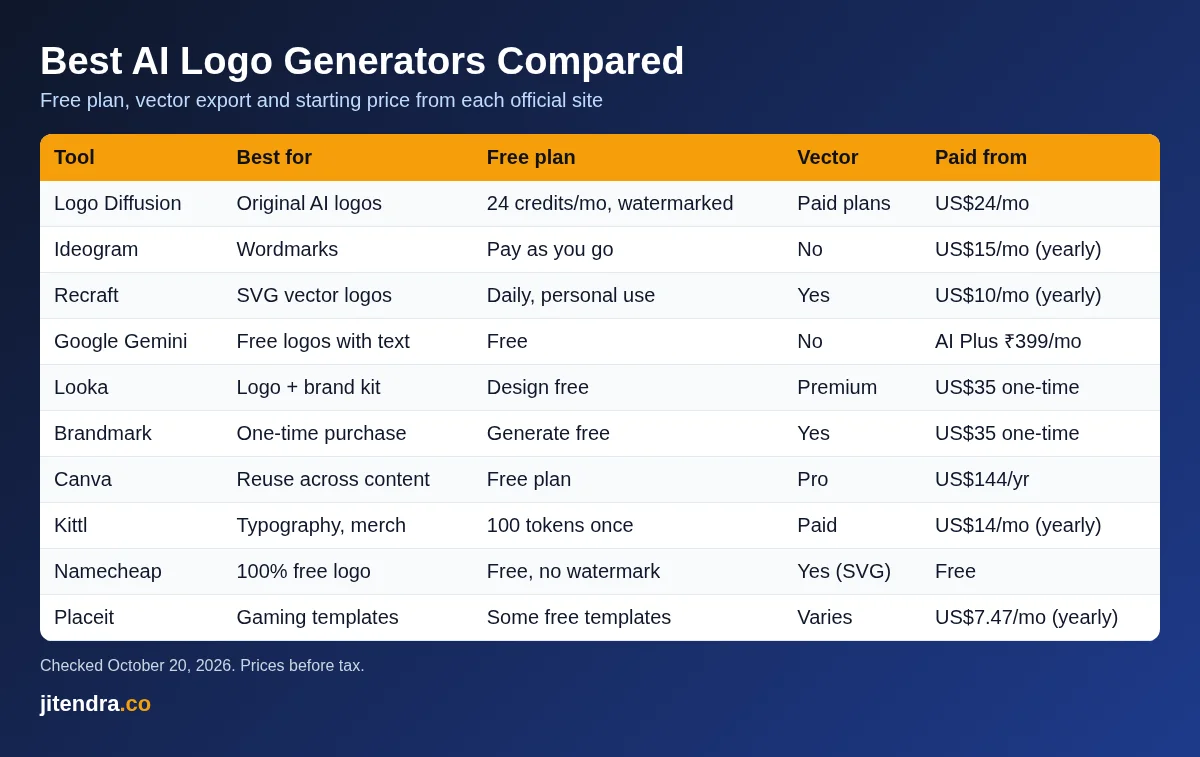
Best AI Logo Generators: Quick Comparison Table
| Tool | Best for | Free plan | Vector export | Paid from |
|---|---|---|---|---|
| Logo Diffusion | Original AI logo concepts | 24 credits a month, watermarked 512×512, no commercial use | Paid plans | US$24 a month |
| Ideogram | Wordmarks and text-heavy logos | No free plan listed; pay as you go at 1 cent per credit | No (image output) | US$15 a month billed yearly |
| Recraft | True SVG vector logos | Daily free generations, personal use only | Yes | US$10 a month billed yearly |
| ChatGPT | Quick concepts from a chat | Free plan with image generation (limits apply) | No | Go ₹399 a month in India |
| Google Gemini | Logos with clear text, free | Free with a Google account | No | Google AI Plus ₹399 a month |
| Looka | Logo plus full brand kit | Free to design and preview | Premium package | US$35 one-time |
| Brandmark | One-time purchase, no subscription | Free to generate, no account | Yes, all packages | US$35 one-time |
| Canva | Logos you will reuse in social posts | Free plan | Pro plan | US$144 a year |
| Adobe Express | Free logo maker with Adobe Fonts | Free plan, PNG and JPG | No | US$9.99 a month |
| Kittl | Typography and merch-style logos | 100 AI tokens one-time, commercial licence | Paid plans | US$14 a month billed yearly |
| Namecheap Logo Maker | Best 100% free logo | Free, no watermark | Yes (SVG) | Free |
| Wix Logo Maker | Free logo with SVG download | Free with a Wixel account | Yes (SVG) | Free download |
| Placeit | Logo templates and mockups | Free templates (limited) | Template-dependent | US$7.47 a month billed yearly |
Source: each tool’s official website and pricing page, checked October 20, 2026. Prices are in US dollars unless marked, and exclude tax.
How I Picked These AI Logo Tools
I did not run lab tests or give made-up scores. To choose the best AI logo generator options, I looked at things you can verify on each official site:
- Free plan value. What can you download without paying, and is there a watermark?
- File formats. Does it give you SVG or another vector format, and on which plan?
- Commercial rights. Can you use the logo for a business on the plan you are paying for?
- Pricing model. Subscription, credits or one-time purchase.
- Range. A mix of dedicated logo tools, general AI image tools and free logo makers, so there is something for every budget.
13 Best AI Logo Generators in 2026
1) Logo Diffusion: Best AI Logo Generator for Original Concepts
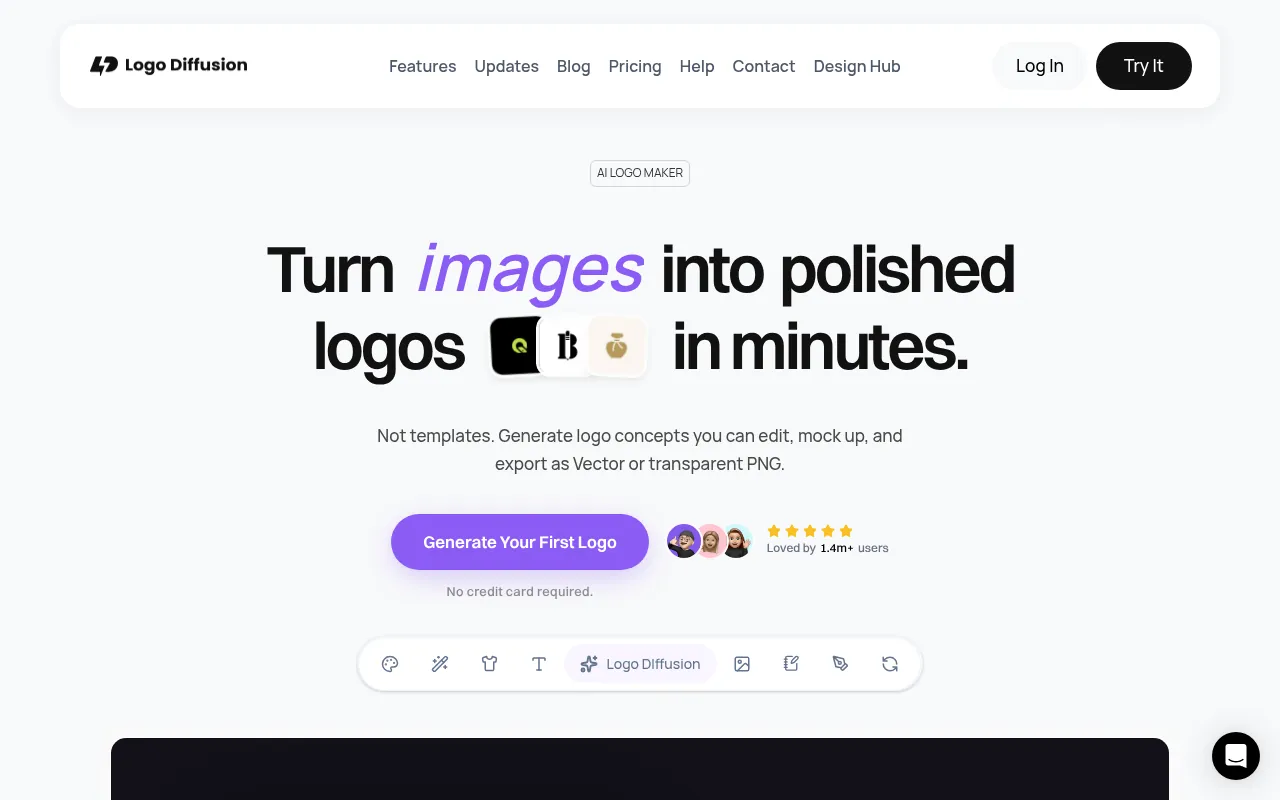
Logo Diffusion is the reason many people search for “logo diffusion” directly. It is a dedicated AI logo maker that says it runs on its own model trained specifically for logo design, rather than a general image model. You can start in three ways: Text to Logo (describe your idea), Sketch to Logo (draw on the canvas) or Image to Logo (upload a rough idea). The homepage lists 11 logo styles, including pictorial, logotype, mascot, monogram, line art, badge and abstract.
Beyond generation, Logo Diffusion AI includes a Magic Editor for changes in plain language, a vectorizer, a background remover, a creative upscaler and a mockup generator, all paid with one pool of credits. The site claims 1.4 million+ users.
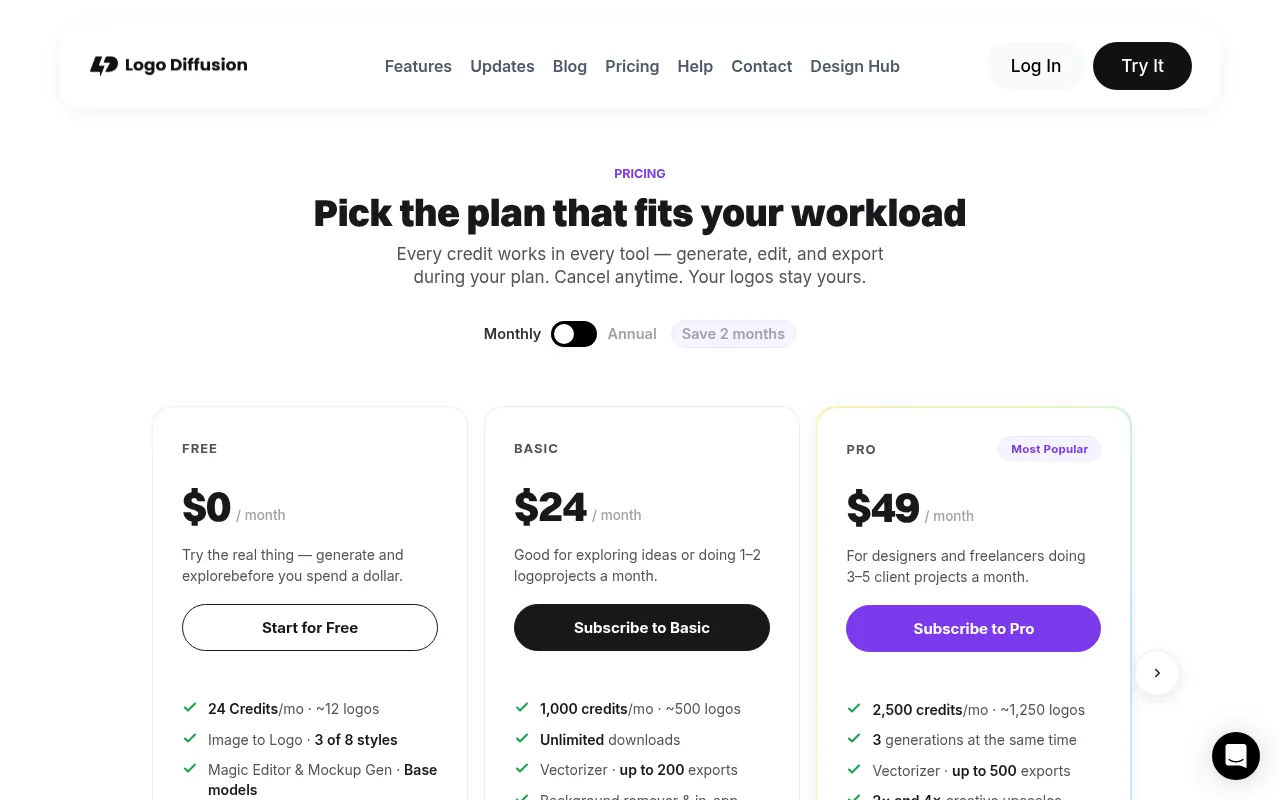
Logo Diffusion pricing (official site):
| Plan | Price | Credits | Key limits |
|---|---|---|---|
| Free | US$0 | 24 credits a month (about 12 logos) | Watermarked 512×512 downloads, public generations, no commercial rights, 2 vector exports a month |
| Basic | US$24 a month | 1,000 credits (about 500 logos) | Unlimited downloads, up to 200 vector exports, commercial licence, private generation |
| Pro | US$49 a month | 2,500 credits (about 1,250 logos) | Up to 500 vector exports, 2x and 4x upscales, 3 generations at once |
| Elite | US$99 a month | 6,000 credits (about 3,000 logos) | Up to 1,200 vector exports, 4 generations at once |
| Starter Pack | US$59 one-time | 1,500 credits | 6 downloads, all tools, valid 90 days |
Annual billing saves two months. Logo Diffusion’s help centre says logos made on a paid plan carry a permanent commercial licence that stays valid even after you cancel, while free-plan logos are for testing and personal use only.
My take: If you want a logo that does not look like a template, Logo Diffusion is the most logo-focused option here. The free plan is fine for exploring ideas, but you will need Basic for a usable, commercial file. The Starter Pack is a smart choice if you only need one logo.
2) Ideogram: Best for Text and Wordmark Logos
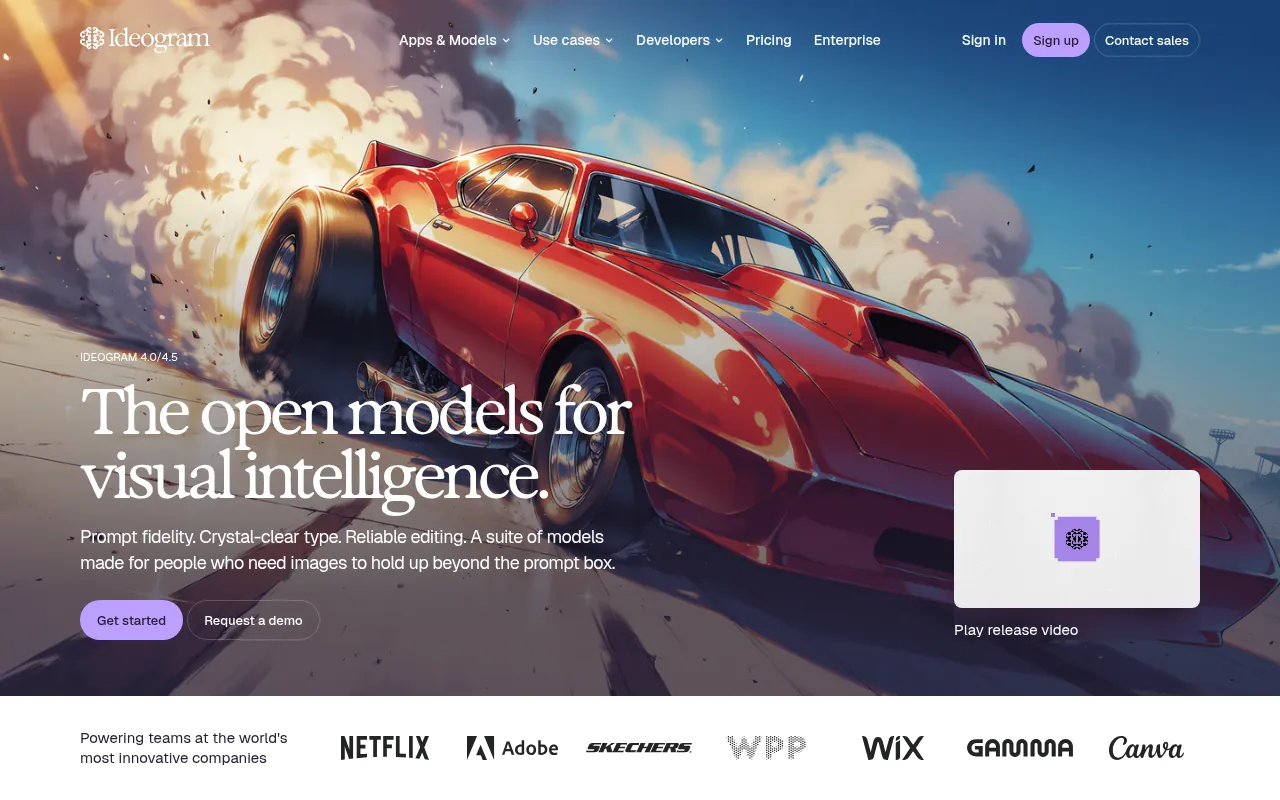
Ideogram is an AI image platform best known for rendering text cleanly, which is exactly what a wordmark or lettermark logo needs. Many image models still misspell brand names; Ideogram’s homepage pitches “crystal-clear type” and “prompt fidelity”.
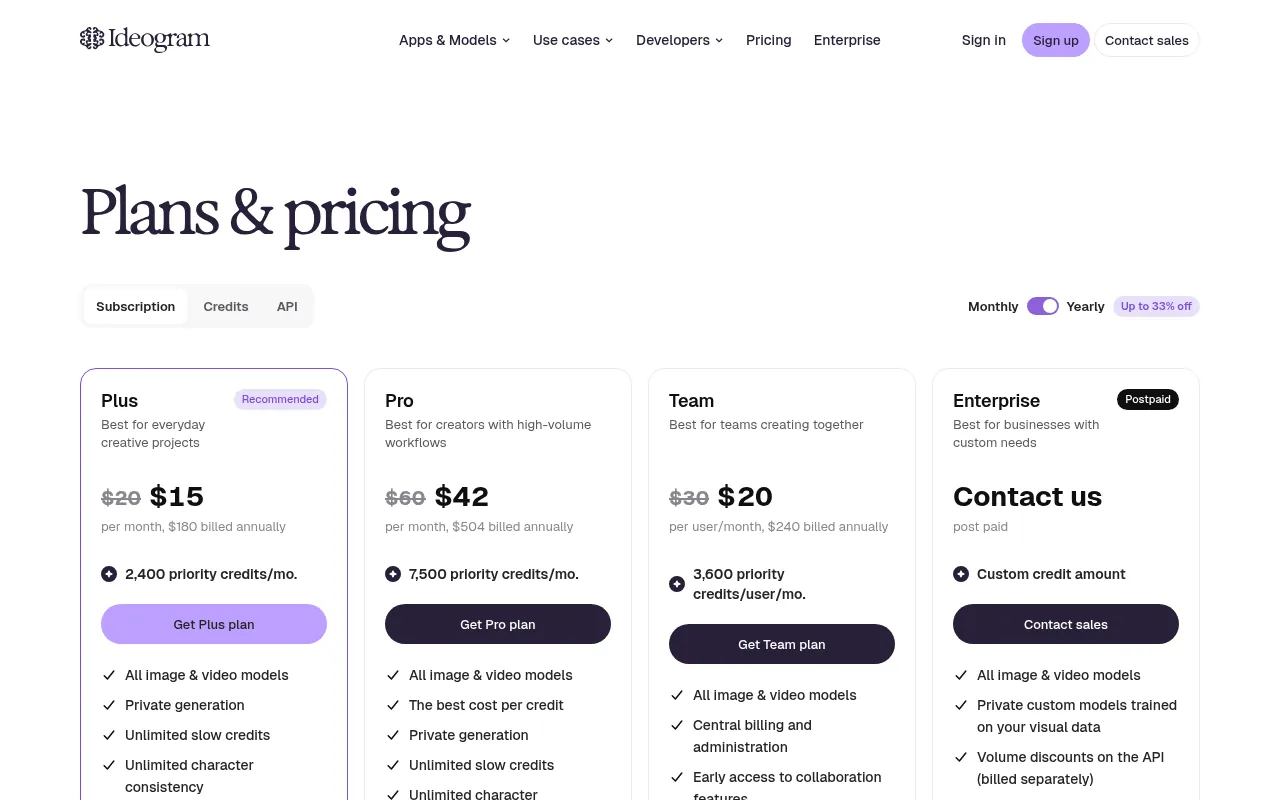
Pricing: Ideogram’s pricing page lists Plus at US$20 a month (US$15 a month billed yearly, US$180 a year) with 2,400 priority credits, Pro at US$60 a month (US$42 a month billed yearly) with 7,500 priority credits, Team at US$30 per user a month (US$20 billed yearly), and pay-as-you-go credits at 1 cent each. Paid plans include private generation and unlimited slow credits. I did not see a free plan listed on the pricing page when I checked.
My take: Use Ideogram to explore wordmark ideas, then rebuild the final logo as a vector in a design tool or with Recraft. The output is an image, not an editable vector.
3) Recraft: Best for SVG Vector Logos
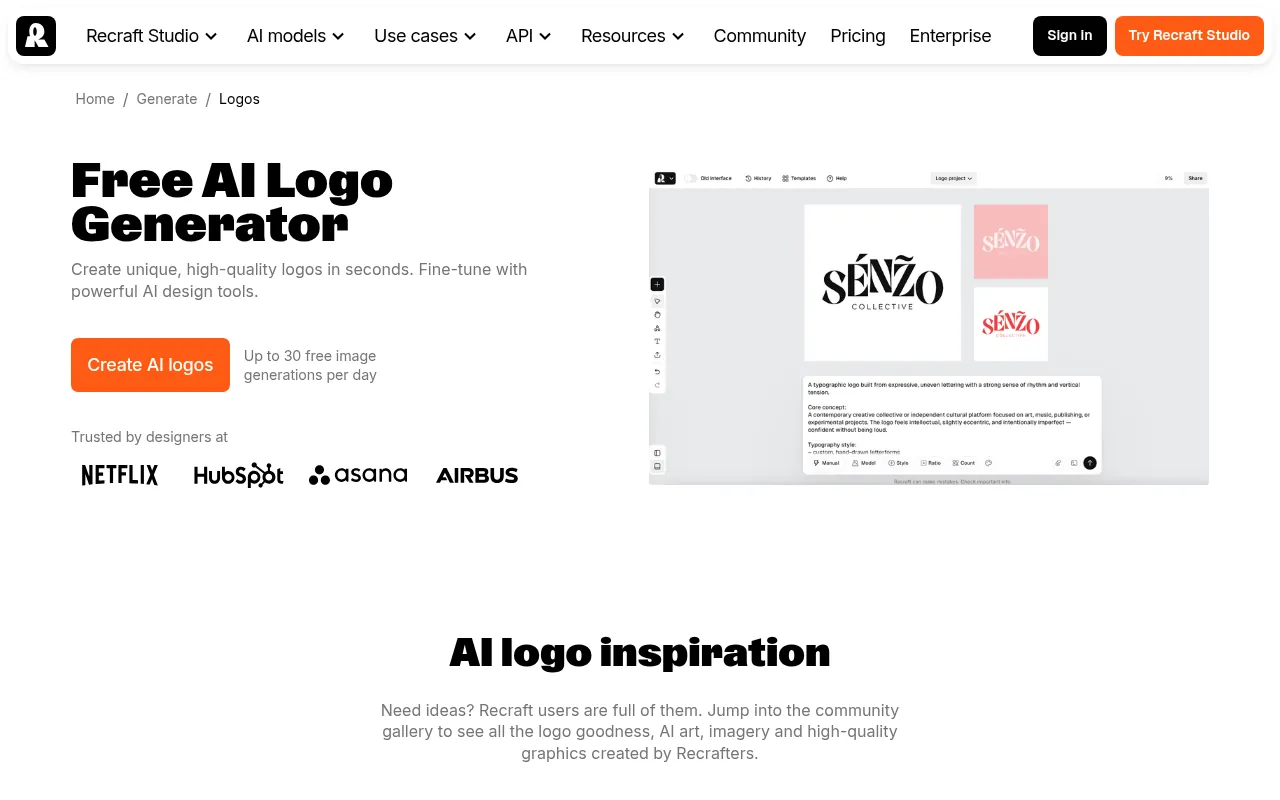
Recraft is the tool I suggest when someone tells me, “I need a file my printer can use.” It can generate vector graphics, which means you get editable SVG paths rather than a flat picture. It also has a dedicated AI logo generator page and a style library.
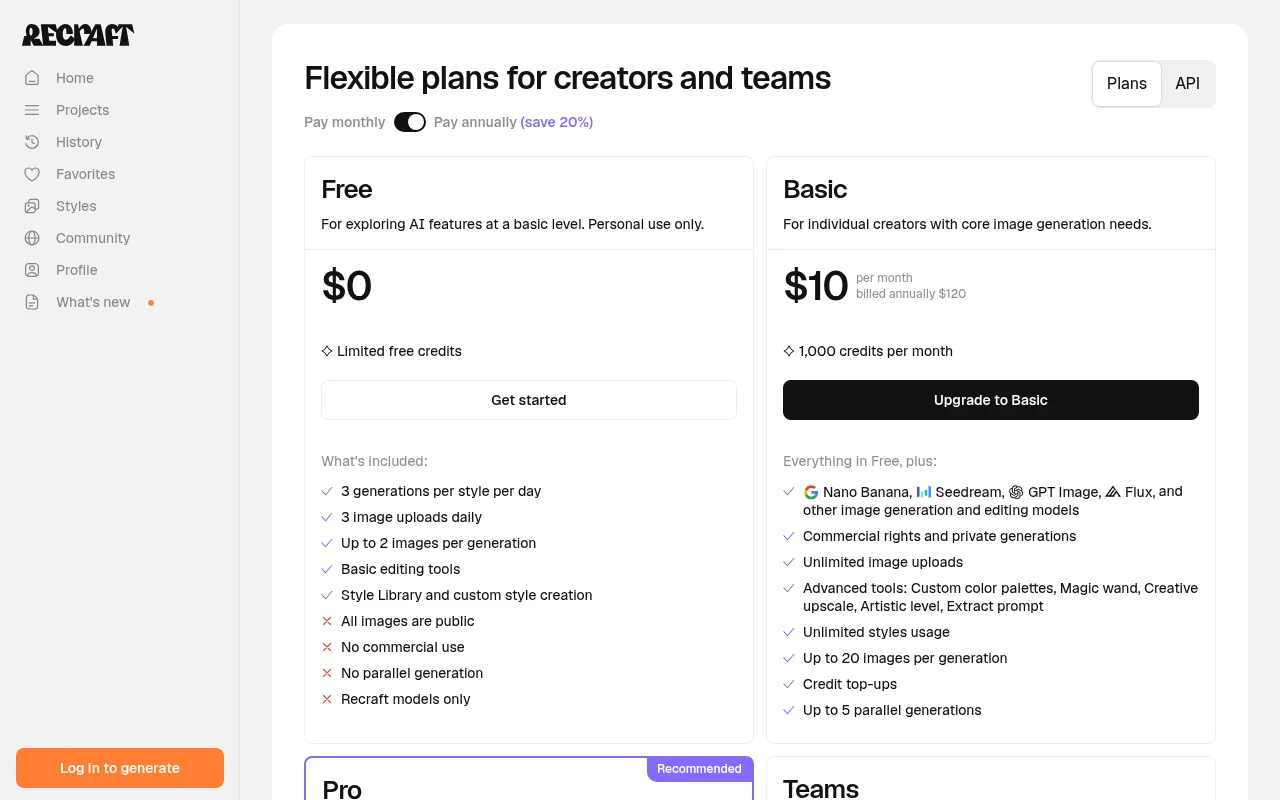
Pricing: The Free plan gives 3 generations per style per day and 3 image uploads daily, but images are public, Recraft owns them, and there is no commercial use. Basic costs US$10 a month billed annually (US$120 a year) with 1,000 credits, commercial rights and private generations. Pro costs US$16 a month billed annually (US$192 a year) with 2,000 credits, and Teams costs US$18 per seat a month billed annually. Prices exclude VAT.
My take: For a business logo, Recraft Basic is one of the best-value paid options here, because it combines vector output with commercial rights for about US$10 a month.
4) ChatGPT: Best for Quick Logo Ideas in a Chat
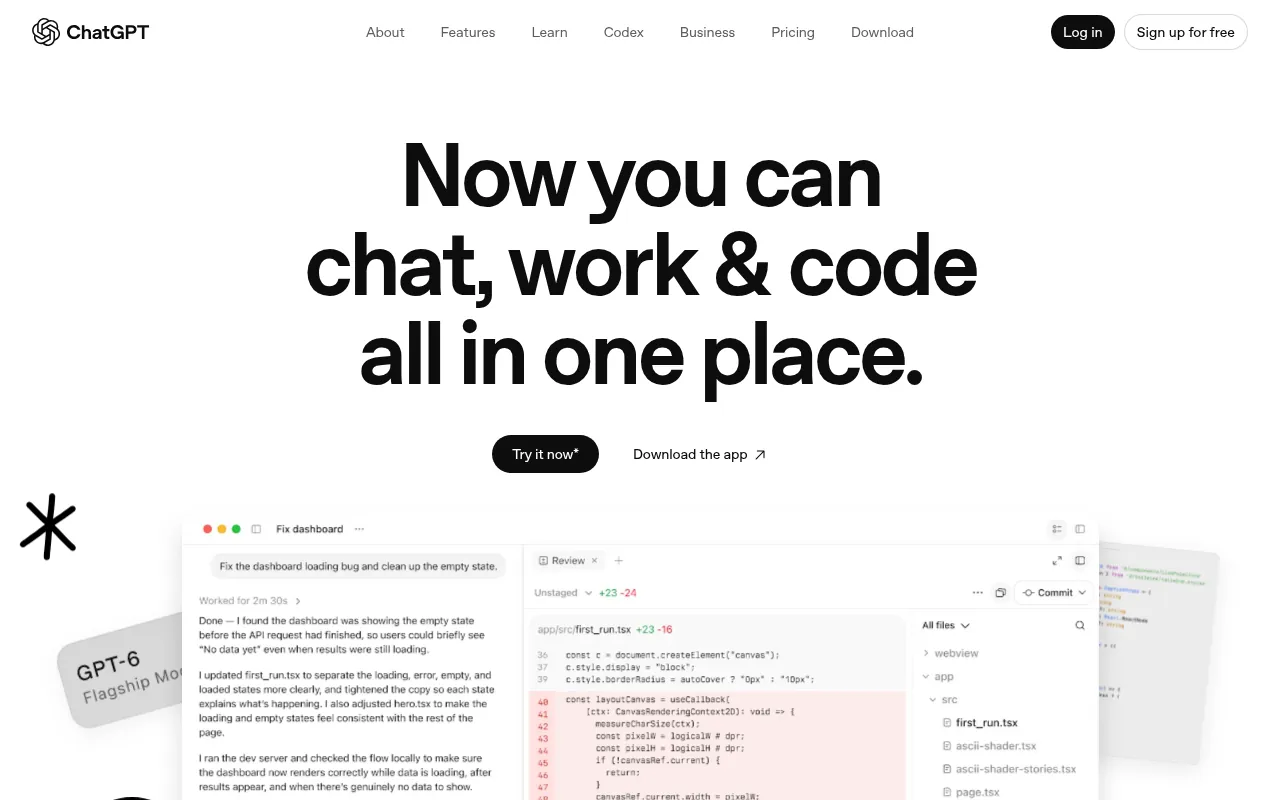
ChatGPT can create images from a prompt, and OpenAI’s overview page lists “graphic designs for flyers, branding, and more” as a use. It is handy for brainstorming: describe your brand, ask for five directions, then refine the one you like by chatting.
Pricing: ChatGPT’s Free plan includes image generation with limits. In India, ChatGPT’s pricing page showed Go at ₹399 a month and Plus at ₹1,999 a month when I checked earlier in October 2026. OpenAI does not publish an exact free image limit on the pages I checked, so treat it as limited.
My take: Great for ideas, weaker as a final logo. You get a raster image that you will usually want to trace or rebuild as a vector.
5) Google Gemini: Best Free AI Logo Generator With Clear Text
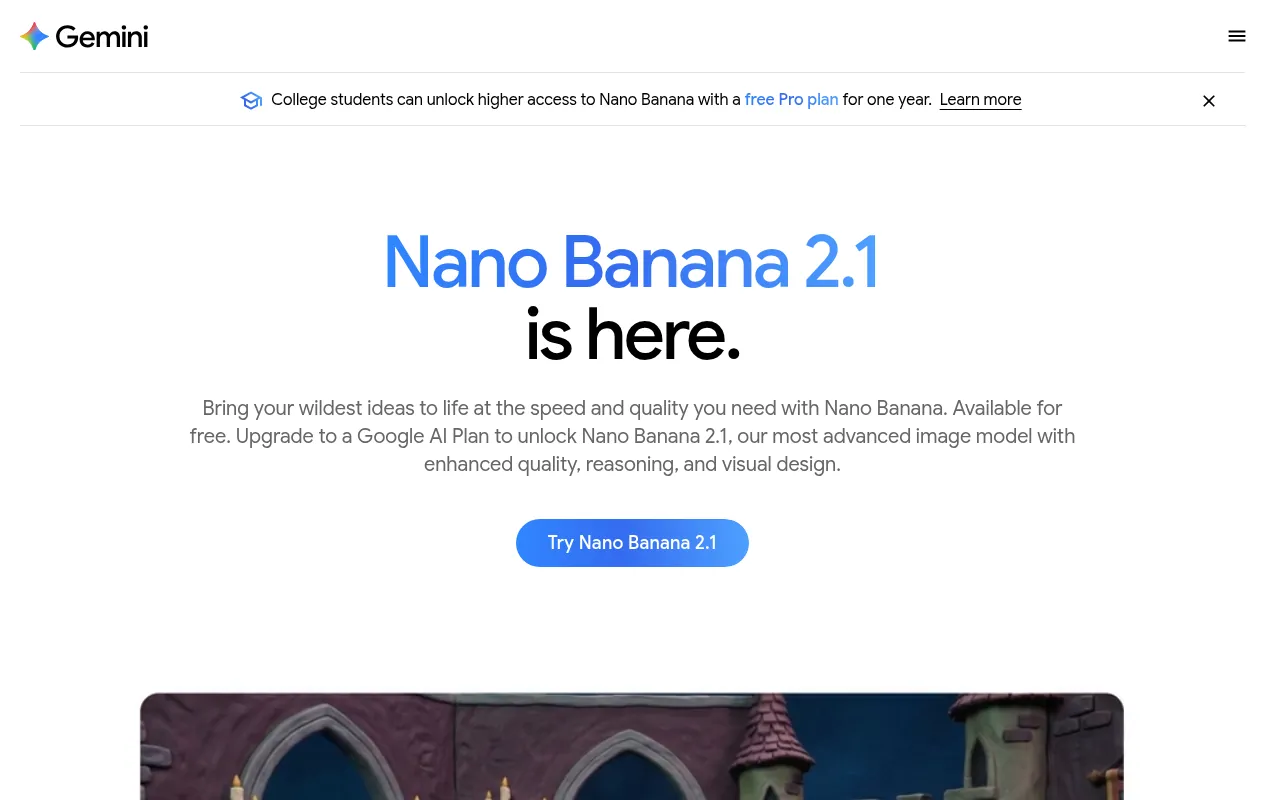
Gemini’s image model, Nano Banana, is free to use with a Google account, and Google’s own page says you can create “logos, invites, posters, comics” with clear text in many languages. Paid Google AI plans unlock the newer Nano Banana 2.1 model and higher limits.
Pricing in India: Google AI Plus costs ₹399 a month and Google AI Pro ₹1,950 a month, according to Google’s India subscriptions page in October 2026. Google also says college students can get the Pro plan free for a year; check eligibility on Google’s page.
My take: If you want a free AI logo generator from text without signing up for another service, Gemini is a strong start. As with ChatGPT, plan to vectorize the final design.
6) Looka: Best for a Logo Plus Brand Kit
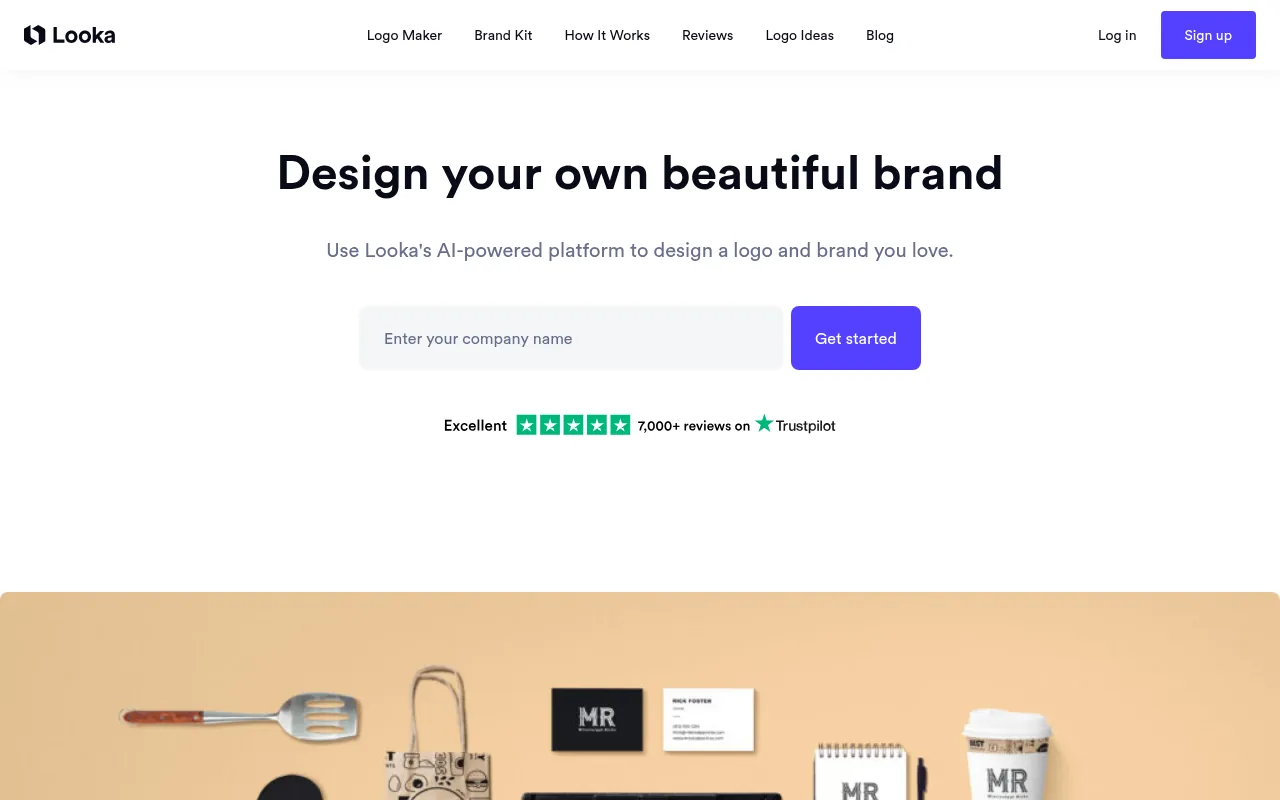
Looka asks a few questions about your business, style and colours, then generates logo options you can edit. Its strength is everything around the logo: business cards, social profiles, email signatures, letterheads, invoices and brand guidelines.
Pricing: Making logos is free. To download, the Basic Logo Package costs US$35 one-time for one low-resolution PNG, and the Premium Logo Package costs US$72 one-time with PNG, EPS, SVG and PDF files, colour variations and unlimited post-purchase changes. The Brand Kit Subscription is US$96 a year, and Brand Kit Web (with an AI website) is US$129 a year.
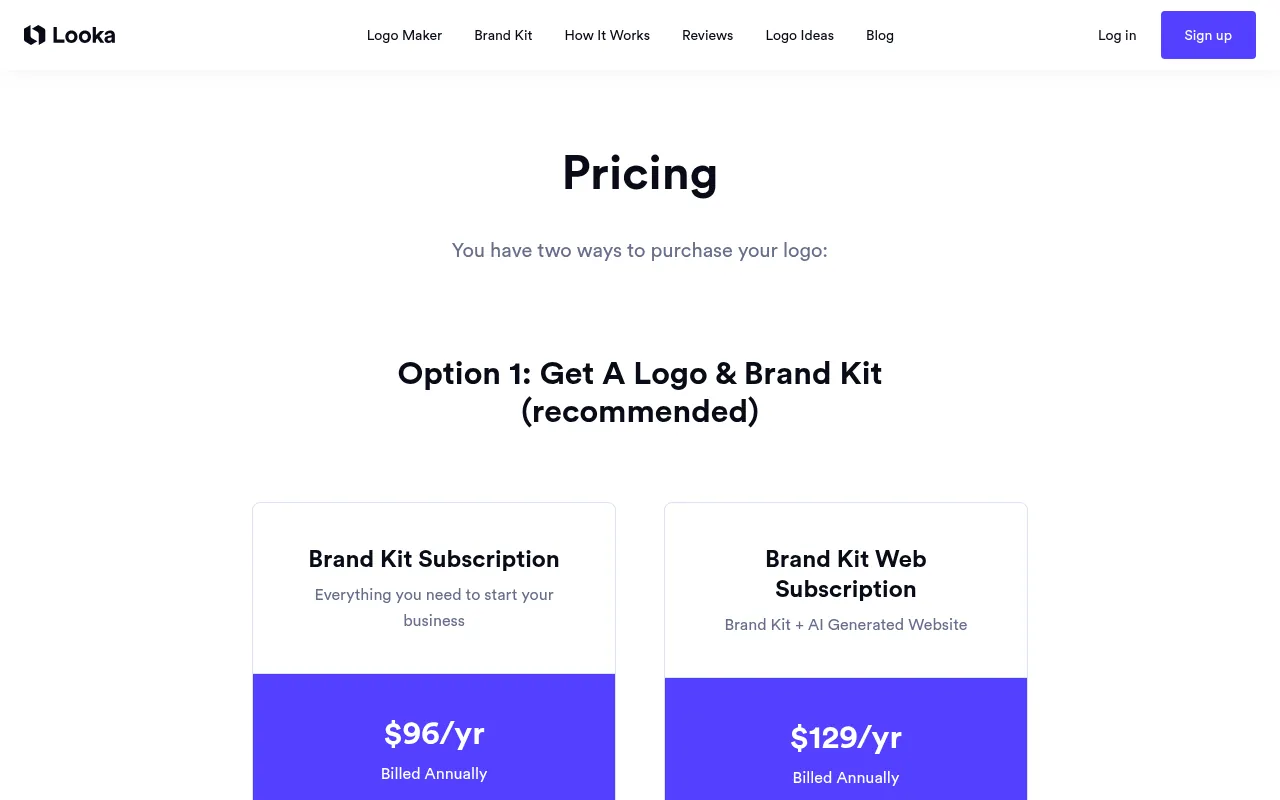
My take: Skip the US$35 Basic package, since a single low-res PNG is not enough for a real brand. Premium at US$72 is the sensible one-time buy. Some reviewers report that Looka restricts access from certain countries, including India; I could not confirm this on Looka’s site, so try it before you plan around it.
7) Brandmark: Best One-Time Purchase AI Logo Maker
Brandmark generates logos from your brand name and keywords, and you can try it free without an account. What I like is the pricing model: pay once, no monthly charges.
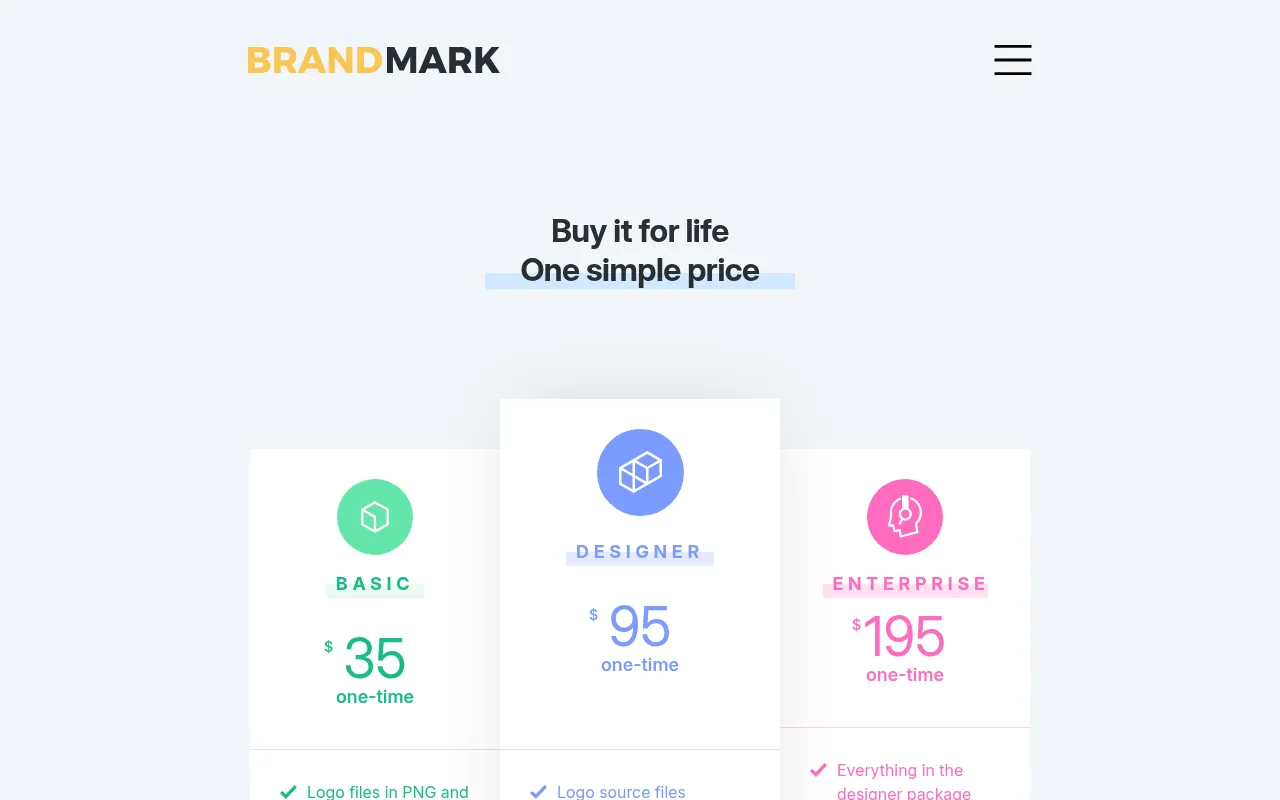
Pricing: Basic costs US$35 one-time with logo files in PNG and vector format. Designer costs US$95 one-time and adds source files, unlimited revisions, brand guidelines and social, business card and presentation designs. Enterprise costs US$195 one-time and adds up to 10 hand-crafted original concepts. Brandmark says full copyright is included.
My take: If you hate subscriptions, Brandmark Basic at US$35 with vector files is better value than Looka’s US$35 package.
8) Canva: Best for Logos You Will Reuse Everywhere
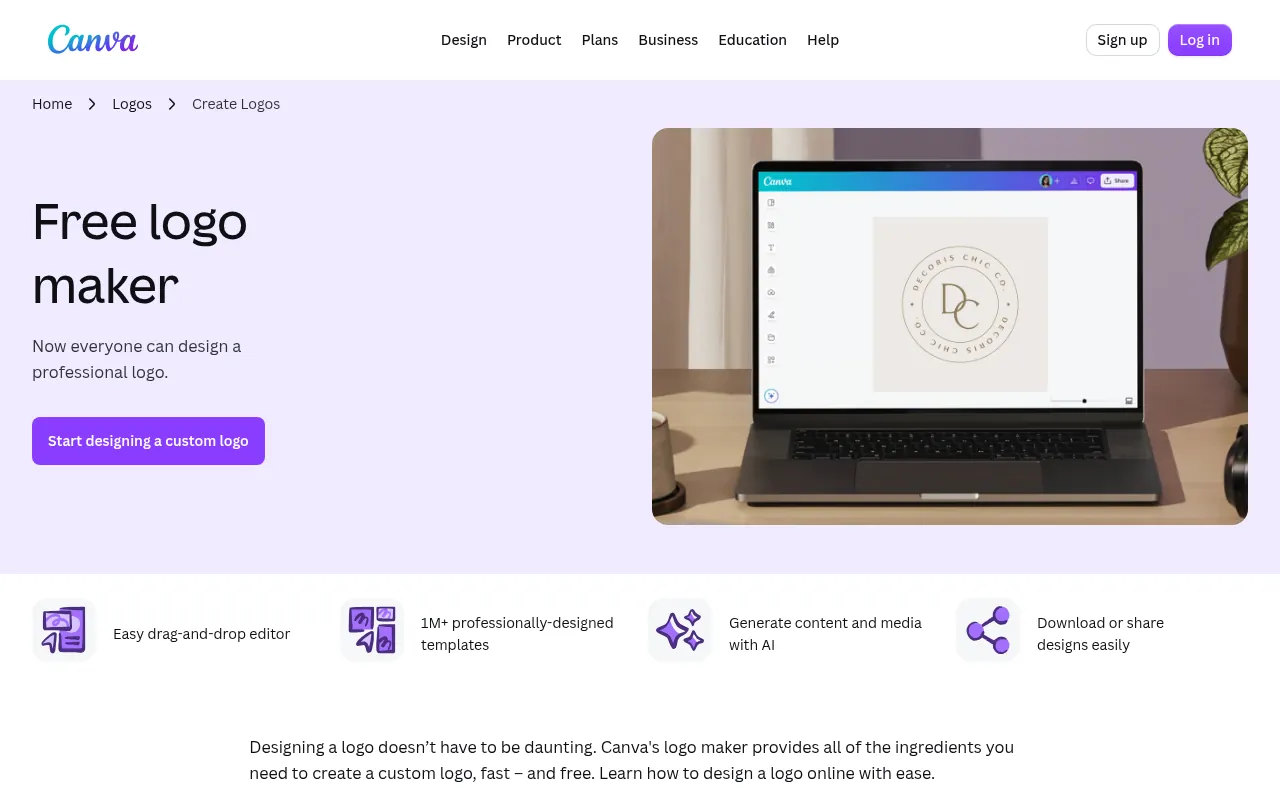
Canva’s free logo maker lets you start from templates, edit fonts and colours, and use Canva’s AI tools. The big advantage is that your logo sits next to your social posts, thumbnails and presentations in one account.
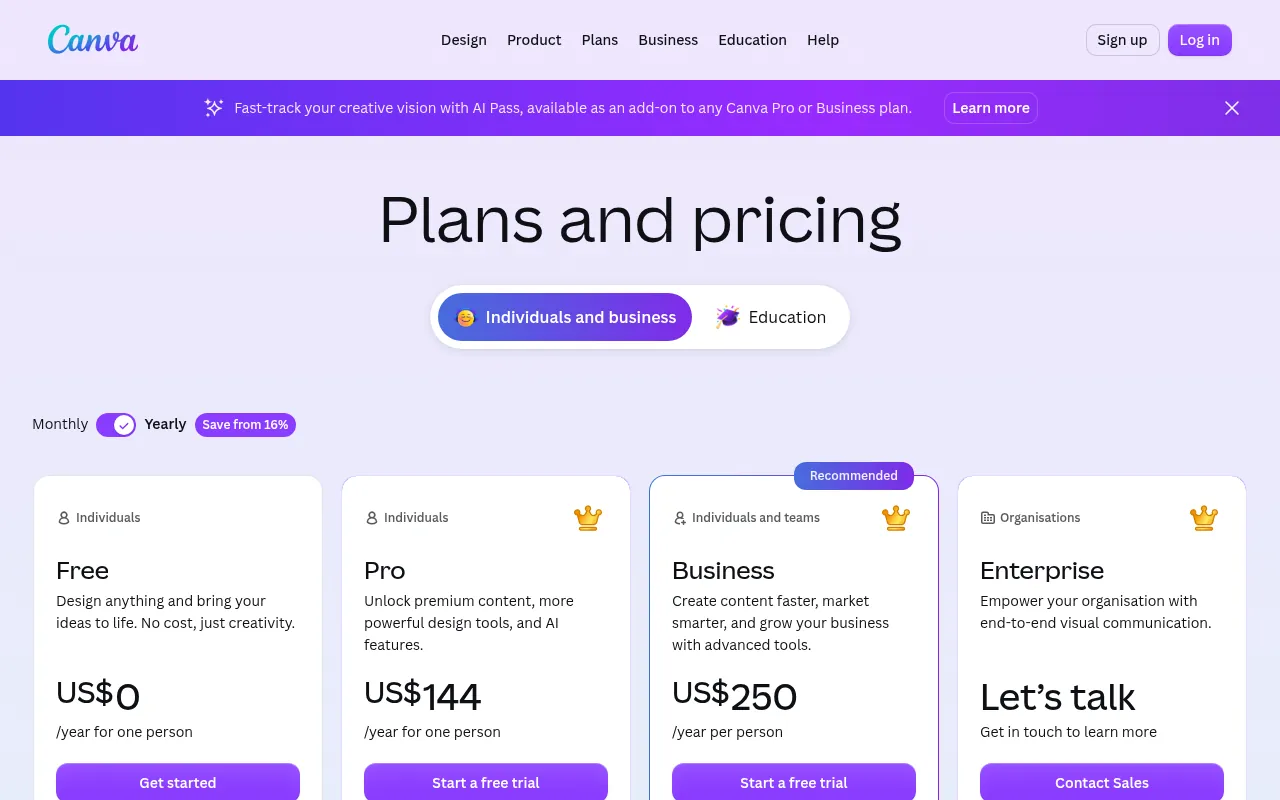
Pricing: Canva Free costs nothing and includes up to 20 AI uses. Canva Pro was listed at US$144 a year for one person on the page I saw, and Business at US$250 a year per person. My box showed US dollar prices, so I could not confirm Canva’s rupee price for India; check it when signed in from India.
My take: Canva is perfect if you already use it for content. Remember that template-based logos can look like others, so customize heavily and avoid common icons.
9) Adobe Express: Best Free Logo Maker With Adobe Fonts
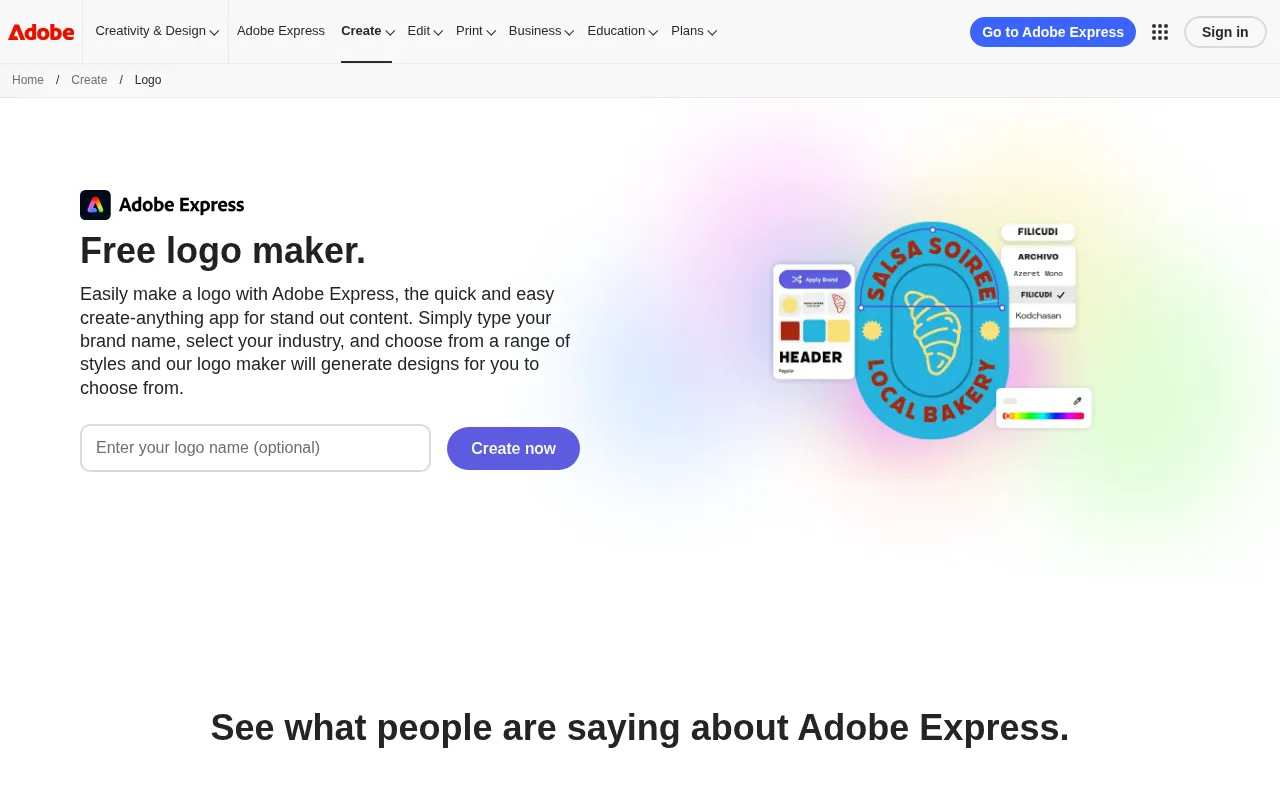
Adobe Express has a free logo maker with thousands of templates, free Adobe Fonts and the option to animate your logo and export it as an MP4. Adobe says you can download the finished logo as high-quality PNG and JPG files for free.
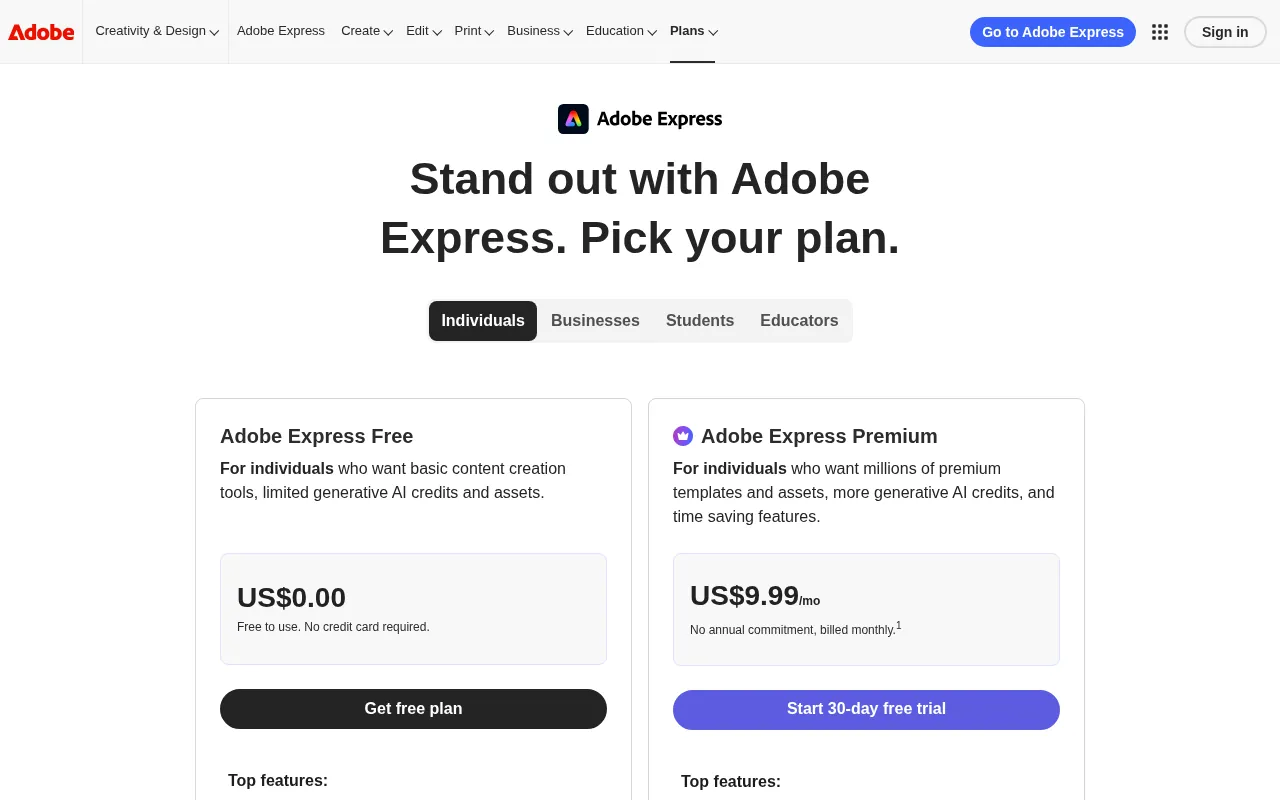
Pricing: Adobe Express Free costs US$0. Premium costs US$9.99 a month with 250 generative credits a month and a 30-day free trial. Adobe Firefly Pro costs US$19.99 a month with 4,000 monthly generative credits.
My take: A solid free choice, especially for animated logo intros on YouTube. It does not give you an SVG on the logo maker page, so it is better for social use than for print.
10) Kittl: Best for Typography and Merch-Style Logos
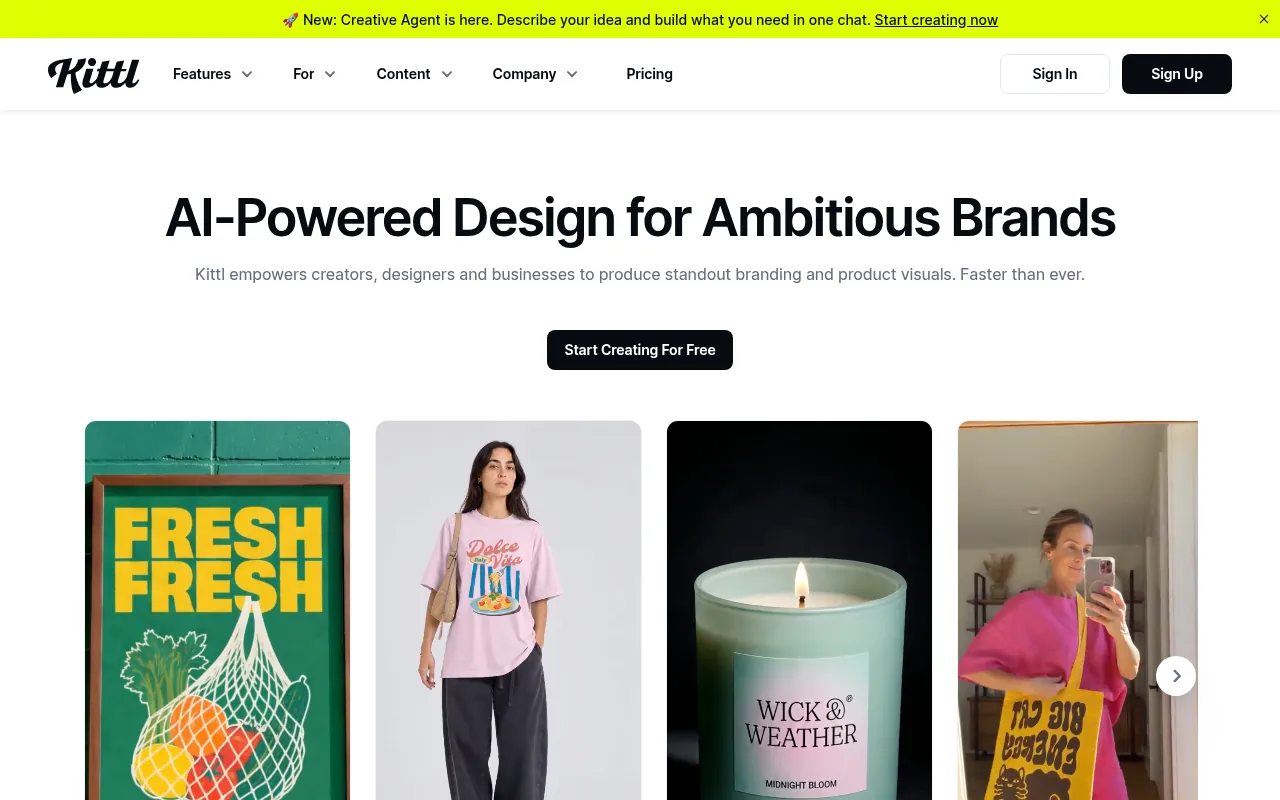
Kittl is a design platform with strong typography tools, templates and AI image models, popular with print-on-demand sellers and creators who want vintage, badge and lettering styles.
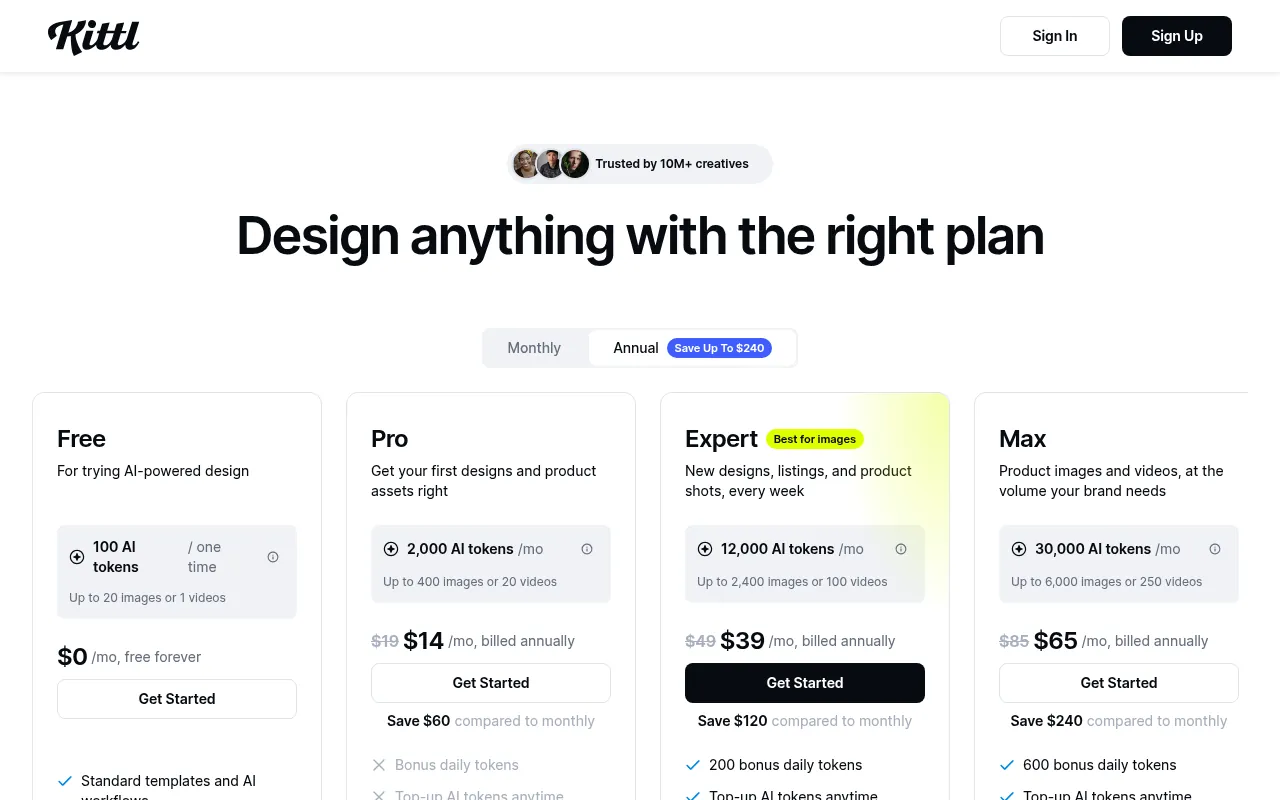
Pricing: Free costs US$0 with 100 AI tokens one-time and a full commercial licence. Pro costs US$19 a month or US$14 a month billed annually with 2,000 tokens a month and high-resolution exports. Expert costs US$49 a month (US$39 billed annually) and Max costs US$85 a month (US$65 billed annually).
My take: Kittl’s free plan is unusual because it includes a commercial licence. It is more of a design tool than a one-click logo maker, so expect to spend some time.
11) Namecheap Logo Maker: Best 100% Free Logo Maker
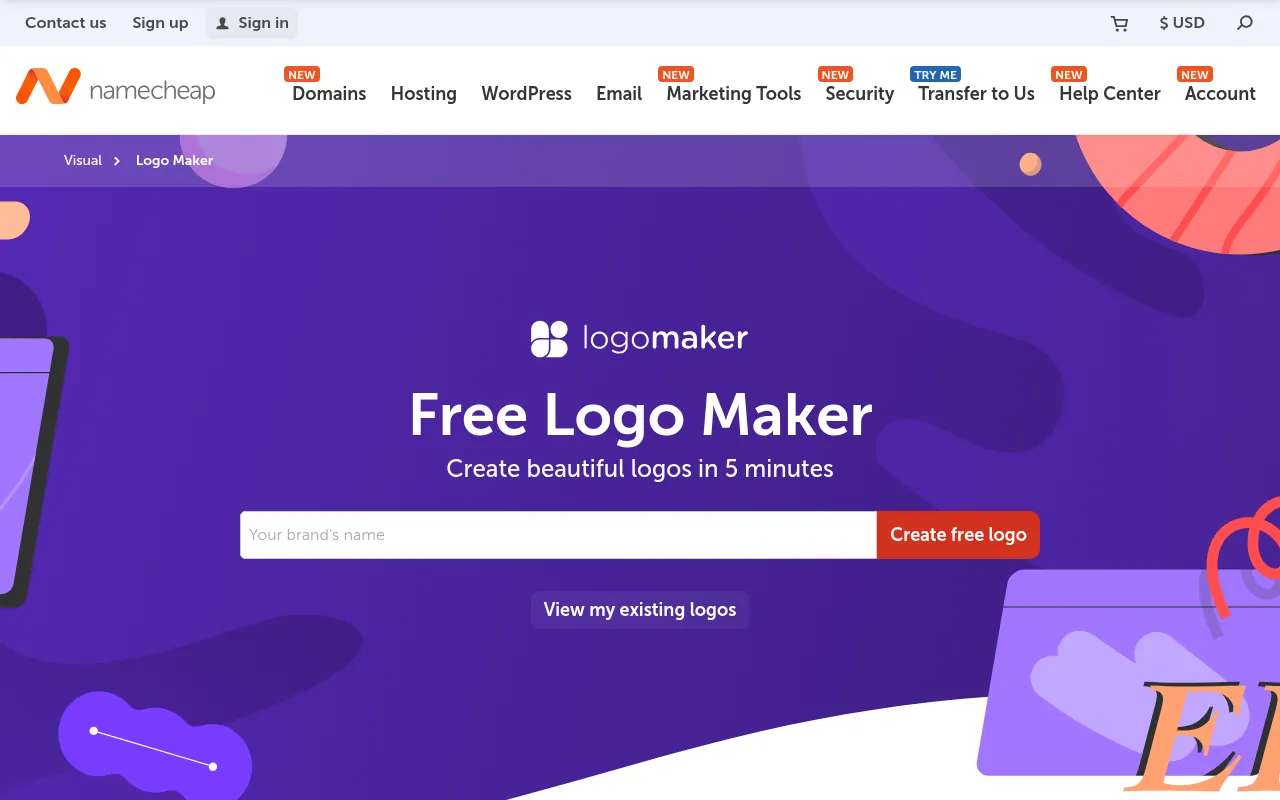
Namecheap’s Logo Maker is the free option I recommend most to new bloggers. Namecheap calls it a “100% free logo generator”, says it never adds watermarks, and includes PNG and SVG files with every download. It also has a large free icon library.
Pricing: Free.
My take: For a first logo on a new blog, this is hard to beat. The designs are simpler than Logo Diffusion’s, but you get a clean vector file at zero cost.
12) Wix Logo Maker: Free Logo With SVG Download
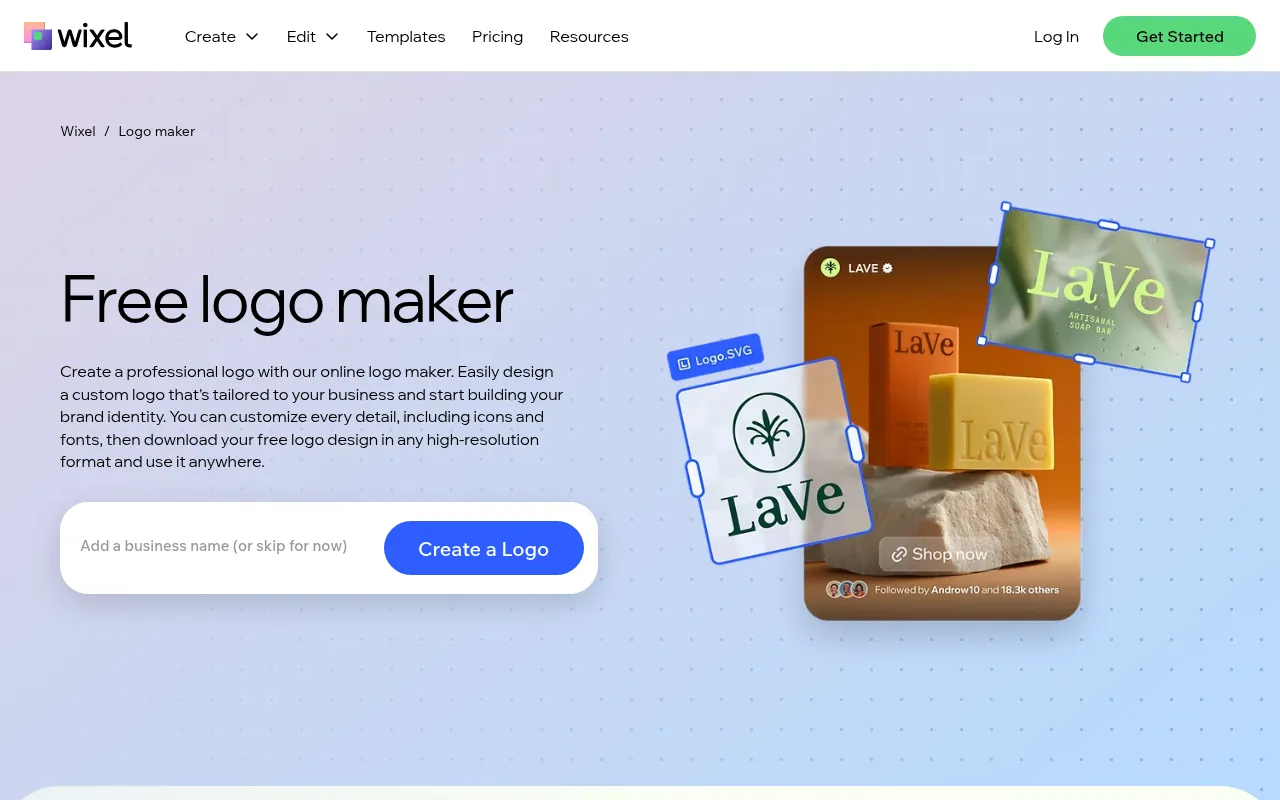
Wix’s logo maker now runs through Wixel. You sign in or create a free Wixel account, answer a few questions, customize the design, and download it. Wix says you can download your logo for free in SVG, transparent PNG and JPG formats.
Pricing: Free download, according to the logo maker page.
My take: A good free alternative to Namecheap if you want more layout options. You need an account, unlike Brandmark’s free generator.
13) Placeit: Best for Logo Templates and Mockups
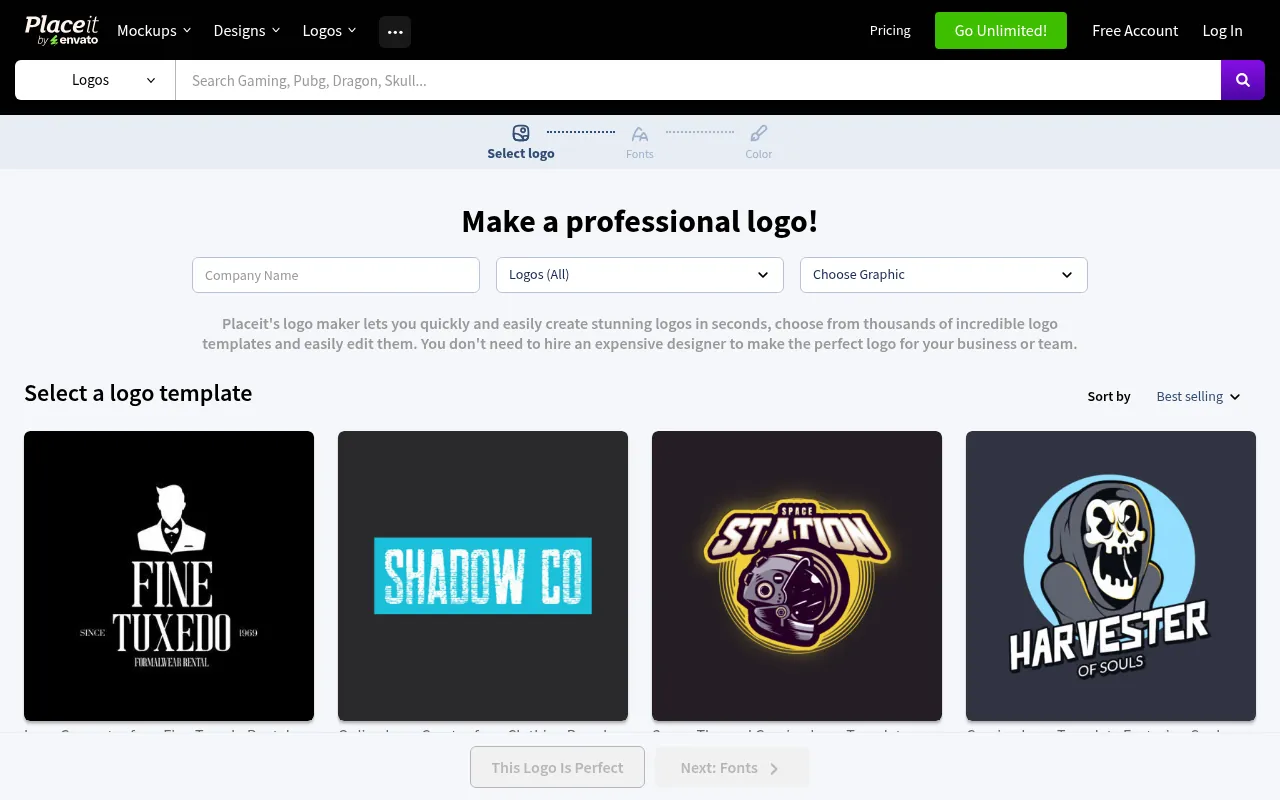
Placeit (placeit.net) is Envato’s template platform, and the Placeit logo maker is one of its most popular tools. Its logo maker has thousands of logo templates by niche, such as gaming, clothing brands and food, which you edit in the browser. People who search “placeit net logo” usually want this gaming-style or esports logo library. Placeit also has mockups, so you can see your logo on a t-shirt or mug.
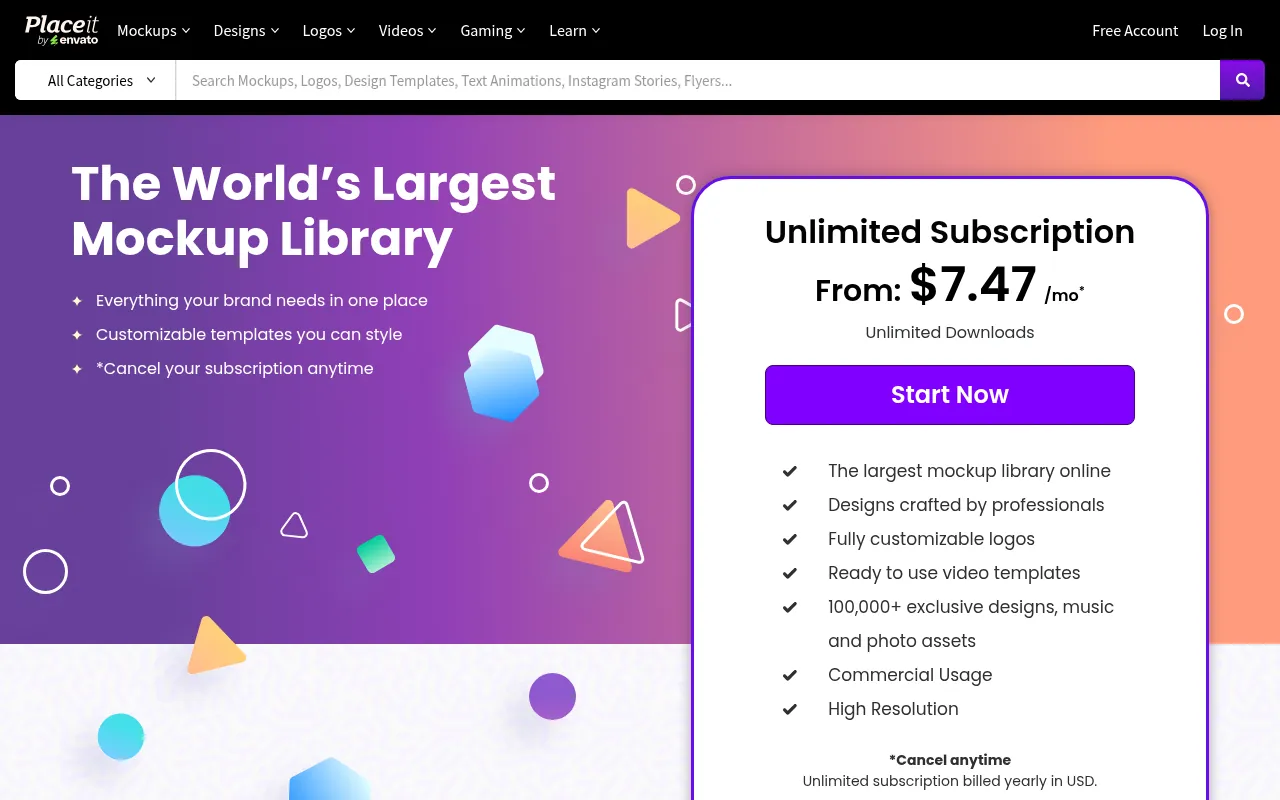
Pricing: Placeit’s Unlimited subscription starts from US$7.47 a month billed yearly in US dollars, with unlimited downloads and commercial usage. Some templates are free with a free account.
My take: Ideal for gaming channels, Discord servers and merch brands. It is template-based, so it is less original than an AI-first tool.
Free vs Paid AI Logo Generators
If you want an AI logo generator free of charge, free tools can absolutely give you a usable logo. The best AI logo generator free without watermark downloads, in my view, is Namecheap Logo Maker. Namecheap and Wix give you free SVG downloads, and Gemini and Adobe Express are free to use. The catch is usually one of three things:
- Watermarks or low resolution. Logo Diffusion’s free downloads are watermarked at 512×512.
- No commercial rights. Logo Diffusion’s and Recraft’s free plans are personal use only.
- No vector file. Image-model tools like ChatGPT, Gemini and Ideogram give raster images.
Paying makes sense when you need a commercial licence, private generation, vector files and many variations. For a single logo, a one-time purchase (Brandmark, Looka Premium or the Logo Diffusion Starter Pack) often costs less than months of a subscription.
How to Choose the Best AI Logo Generator
Ask yourself these questions:
- Is it for a real business? Then you need commercial rights. Choose a paid plan on Logo Diffusion, Recraft or Ideogram, or a tool whose licence covers business use.
- Will you print it? You need a vector file. Recraft, Namecheap, Wix, Brandmark and Looka Premium are the safest routes.
- Is text the main part of the logo? Try Ideogram or Gemini first.
- Do you want a full brand kit? Looka or Canva.
- Zero budget? Namecheap Logo Maker, Wix or Gemini.
One more thing: AI-generated designs may be hard to protect with copyright in some countries. If your logo is central to your brand, speak to a trademark professional before you invest heavily in it.
Tips for Better AI Logo Prompts
These prompt habits work across Logo Diffusion, Ideogram, Recraft, ChatGPT and Gemini:
- Name the logo type: “minimal monogram”, “flat icon with wordmark”, “mascot logo”, “badge logo”.
- Spell out the brand name in quotes, for example: a minimal wordmark logo for “Rupee Notes”.
- Limit colours: “two colours, navy and orange, on a white background”.
- Say what to avoid: “no gradients, no 3D effects, no small details”.
- Ask for variations, then pick one and refine it rather than starting over.
- Test the result at favicon size. If it is unreadable at 32 pixels, simplify it.
Why This Topic Keeps Showing Up in DigiExe and BloggersIdeas Work
Ai Logo Generators questions hit my inbox because teams want a shortlist they can trust without reading twenty tabs. BloggersIdeas earns traffic on honest comparisons. DigiExe needs tools that freelancers can learn in a day. AffiliateBooster needs clear commercial paths. SchemaNinja needs boring reliability.
I write these expansions from operator habits: dated screenshots, official pricing links, cancellation notes, and India payment reality. I skip fake “we tested 47 tools in a lab” theatre. If a number appears, it comes from a vendor page or a workflow I actually run. Inside A Hustler’s Brain guests often repeat the same lesson: simple systems beat shiny stacks.
Decision Tree I Give Clients
- Define the job in one sentence.
- Cap the monthly budget in INR before opening tabs.
- Shortlist three tools max from this article.
- Run one real task on each shortlist item the same day.
- Keep the winner for a full sprint before adding a second paid seat.
- Document login ownership and cancellation URL.
This tree prevents stack sprawl. DigiExe projects that skip it collect overlapping subscriptions by month three.
Documentation Template for Your Team Folder
Create a one-page note per tool:
- Official pricing URL and date checked
- Plan name and currency seen from India
- Seat owner email
- Cancellation path
- What jobs it is allowed to cover
- What jobs are banned (for example free-tier commercial limits)
- Link to internal tutorial or Loom
BloggersIdeas editors keep a shared sheet. AffiliateBooster contractors get a reduced version. Podcast show notes that mention tools point back to the dated review URL on jitendra.co instead of a vague shoutout.
India-First Buying Notes for Ai Logo Generators
Pay attention to currency on the pricing grid, UPI availability, and whether annual plans show GST on the receipt. DigiExe accounting asks for PDFs. Hobby users may not care. Say which camp you are in before you click buy.
If a vendor is USD-only, note forex on your card. If a deal page is geo-gated, capture the India view and the VPN view separately so you do not publish the wrong number. BloggersIdeas tables get rebuilt when INR claims drift.
Publisher Stack Fit for Ai Logo Generators (Pass 1)
This pass is about BloggersIdeas publishing calendar. The audience is writers and editors. For AI logo generators, I refuse to add fake benchmark tables. I add habits that survive plan renames.
On BloggersIdeas, the question is whether a writer can finish without a huddle. On DigiExe, the question is whether a freelancer can be onboarded in one sitting and removed cleanly later. AffiliateBooster cares whether a creative can ship under a commercial license without guessing. SchemaNinja cares whether a screenshot still matches the UI after a vendor update. Podcast and YouTube work care whether the asset remains readable on a phone.
Practical moves I repeat:
- Name a default tool from this article and write it in the team sheet.
- Capture the official pricing or docs page the same day you cite a number.
- Store cancel and refund URLs beside the receipt.
- Limit overlapping paid seats unless jobs are truly different.
- Re-check the page before a scheduled publish goes live.
India notes stay boring on purpose. Confirm currency, payment methods, and invoice needs. If USD is the only option, say so and budget forex. If a GST PDF matters for DigiExe books, test a small charge before annual billing.
If you only remember one line: defaults beat novelty. A stable AI logo generators stack with screenshots and a cancel plan will outperform a graveyard of trials.
Agency Retainer Fit for Ai Logo Generators (Pass 2)
This pass is about DigiExe client retainers. The audience is freelancers and leads. For AI logo generators, I refuse to add fake benchmark tables. I add habits that survive plan renames.
On BloggersIdeas, the question is whether a writer can finish without a huddle. On DigiExe, the question is whether a freelancer can be onboarded in one sitting and removed cleanly later. AffiliateBooster cares whether a creative can ship under a commercial license without guessing. SchemaNinja cares whether a screenshot still matches the UI after a vendor update. Podcast and YouTube work care whether the asset remains readable on a phone.
Practical moves I repeat:
- Name a default tool from this article and write it in the team sheet.
- Capture the official pricing or docs page the same day you cite a number.
- Store cancel and refund URLs beside the receipt.
- Limit overlapping paid seats unless jobs are truly different.
- Re-check the page before a scheduled publish goes live.
India notes stay boring on purpose. Confirm currency, payment methods, and invoice needs. If USD is the only option, say so and budget forex. If a GST PDF matters for DigiExe books, test a small charge before annual billing.
If you only remember one line: defaults beat novelty. A stable AI logo generators stack with screenshots and a cancel plan will outperform a graveyard of trials.
Affiliate Creative Fit for Ai Logo Generators (Pass 3)
This pass is about AffiliateBooster campaigns. The audience is design contractors. For AI logo generators, I refuse to add fake benchmark tables. I add habits that survive plan renames.
On BloggersIdeas, the question is whether a writer can finish without a huddle. On DigiExe, the question is whether a freelancer can be onboarded in one sitting and removed cleanly later. AffiliateBooster cares whether a creative can ship under a commercial license without guessing. SchemaNinja cares whether a screenshot still matches the UI after a vendor update. Podcast and YouTube work care whether the asset remains readable on a phone.
Practical moves I repeat:
- Name a default tool from this article and write it in the team sheet.
- Capture the official pricing or docs page the same day you cite a number.
- Store cancel and refund URLs beside the receipt.
- Limit overlapping paid seats unless jobs are truly different.
- Re-check the page before a scheduled publish goes live.
India notes stay boring on purpose. Confirm currency, payment methods, and invoice needs. If USD is the only option, say so and budget forex. If a GST PDF matters for DigiExe books, test a small charge before annual billing.
If you only remember one line: defaults beat novelty. A stable AI logo generators stack with screenshots and a cancel plan will outperform a graveyard of trials.
Software Docs Fit for Ai Logo Generators (Pass 4)
This pass is about SchemaNinja help and marketing pages. The audience is product marketers. For AI logo generators, I refuse to add fake benchmark tables. I add habits that survive plan renames.
On BloggersIdeas, the question is whether a writer can finish without a huddle. On DigiExe, the question is whether a freelancer can be onboarded in one sitting and removed cleanly later. AffiliateBooster cares whether a creative can ship under a commercial license without guessing. SchemaNinja cares whether a screenshot still matches the UI after a vendor update. Podcast and YouTube work care whether the asset remains readable on a phone.
Practical moves I repeat:
- Name a default tool from this article and write it in the team sheet.
- Capture the official pricing or docs page the same day you cite a number.
- Store cancel and refund URLs beside the receipt.
- Limit overlapping paid seats unless jobs are truly different.
- Re-check the page before a scheduled publish goes live.
India notes stay boring on purpose. Confirm currency, payment methods, and invoice needs. If USD is the only option, say so and budget forex. If a GST PDF matters for DigiExe books, test a small charge before annual billing.
If you only remember one line: defaults beat novelty. A stable AI logo generators stack with screenshots and a cancel plan will outperform a graveyard of trials.
Podcast and YouTube Fit for Ai Logo Generators (Pass 5)
This pass is about Inside A Hustler’s Brain production. The audience is editors and guests. For AI logo generators, I refuse to add fake benchmark tables. I add habits that survive plan renames.
On BloggersIdeas, the question is whether a writer can finish without a huddle. On DigiExe, the question is whether a freelancer can be onboarded in one sitting and removed cleanly later. AffiliateBooster cares whether a creative can ship under a commercial license without guessing. SchemaNinja cares whether a screenshot still matches the UI after a vendor update. Podcast and YouTube work care whether the asset remains readable on a phone.
Practical moves I repeat:
- Name a default tool from this article and write it in the team sheet.
- Capture the official pricing or docs page the same day you cite a number.
- Store cancel and refund URLs beside the receipt.
- Limit overlapping paid seats unless jobs are truly different.
- Re-check the page before a scheduled publish goes live.
India notes stay boring on purpose. Confirm currency, payment methods, and invoice needs. If USD is the only option, say so and budget forex. If a GST PDF matters for DigiExe books, test a small charge before annual billing.
If you only remember one line: defaults beat novelty. A stable AI logo generators stack with screenshots and a cancel plan will outperform a graveyard of trials.
India Checkout Fit for Ai Logo Generators (Pass 6)
This pass is about INR and UPI reality. The audience is accounts and founders. For AI logo generators, I refuse to add fake benchmark tables. I add habits that survive plan renames.
On BloggersIdeas, the question is whether a writer can finish without a huddle. On DigiExe, the question is whether a freelancer can be onboarded in one sitting and removed cleanly later. AffiliateBooster cares whether a creative can ship under a commercial license without guessing. SchemaNinja cares whether a screenshot still matches the UI after a vendor update. Podcast and YouTube work care whether the asset remains readable on a phone.
Practical moves I repeat:
- Name a default tool from this article and write it in the team sheet.
- Capture the official pricing or docs page the same day you cite a number.
- Store cancel and refund URLs beside the receipt.
- Limit overlapping paid seats unless jobs are truly different.
- Re-check the page before a scheduled publish goes live.
India notes stay boring on purpose. Confirm currency, payment methods, and invoice needs. If USD is the only option, say so and budget forex. If a GST PDF matters for DigiExe books, test a small charge before annual billing.
If you only remember one line: defaults beat novelty. A stable AI logo generators stack with screenshots and a cancel plan will outperform a graveyard of trials.
Cancellation Drill for Ai Logo Generators (Pass 7)
This pass is about renewal calendar hygiene. The audience is seat owners. For AI logo generators, I refuse to add fake benchmark tables. I add habits that survive plan renames.
On BloggersIdeas, the question is whether a writer can finish without a huddle. On DigiExe, the question is whether a freelancer can be onboarded in one sitting and removed cleanly later. AffiliateBooster cares whether a creative can ship under a commercial license without guessing. SchemaNinja cares whether a screenshot still matches the UI after a vendor update. Podcast and YouTube work care whether the asset remains readable on a phone.
Practical moves I repeat:
- Name a default tool from this article and write it in the team sheet.
- Capture the official pricing or docs page the same day you cite a number.
- Store cancel and refund URLs beside the receipt.
- Limit overlapping paid seats unless jobs are truly different.
- Re-check the page before a scheduled publish goes live.
India notes stay boring on purpose. Confirm currency, payment methods, and invoice needs. If USD is the only option, say so and budget forex. If a GST PDF matters for DigiExe books, test a small charge before annual billing.
If you only remember one line: defaults beat novelty. A stable AI logo generators stack with screenshots and a cancel plan will outperform a graveyard of trials.
QA Before Schedule for Ai Logo Generators (Pass 8)
This pass is about future-post preflight on jitendra.co. The audience is SEO editors. For AI logo generators, I refuse to add fake benchmark tables. I add habits that survive plan renames.
On BloggersIdeas, the question is whether a writer can finish without a huddle. On DigiExe, the question is whether a freelancer can be onboarded in one sitting and removed cleanly later. AffiliateBooster cares whether a creative can ship under a commercial license without guessing. SchemaNinja cares whether a screenshot still matches the UI after a vendor update. Podcast and YouTube work care whether the asset remains readable on a phone.
Practical moves I repeat:
- Name a default tool from this article and write it in the team sheet.
- Capture the official pricing or docs page the same day you cite a number.
- Store cancel and refund URLs beside the receipt.
- Limit overlapping paid seats unless jobs are truly different.
- Re-check the page before a scheduled publish goes live.
India notes stay boring on purpose. Confirm currency, payment methods, and invoice needs. If USD is the only option, say so and budget forex. If a GST PDF matters for DigiExe books, test a small charge before annual billing.
If you only remember one line: defaults beat novelty. A stable AI logo generators stack with screenshots and a cancel plan will outperform a graveyard of trials.
Security and Access for Ai Logo Generators (Pass 9)
This pass is about password manager and 2FA norms. The audience is ops leads. For AI logo generators, I refuse to add fake benchmark tables. I add habits that survive plan renames.
On BloggersIdeas, the question is whether a writer can finish without a huddle. On DigiExe, the question is whether a freelancer can be onboarded in one sitting and removed cleanly later. AffiliateBooster cares whether a creative can ship under a commercial license without guessing. SchemaNinja cares whether a screenshot still matches the UI after a vendor update. Podcast and YouTube work care whether the asset remains readable on a phone.
Practical moves I repeat:
- Name a default tool from this article and write it in the team sheet.
- Capture the official pricing or docs page the same day you cite a number.
- Store cancel and refund URLs beside the receipt.
- Limit overlapping paid seats unless jobs are truly different.
- Re-check the page before a scheduled publish goes live.
India notes stay boring on purpose. Confirm currency, payment methods, and invoice needs. If USD is the only option, say so and budget forex. If a GST PDF matters for DigiExe books, test a small charge before annual billing.
If you only remember one line: defaults beat novelty. A stable AI logo generators stack with screenshots and a cancel plan will outperform a graveyard of trials.
Backup Tool Rule for Ai Logo Generators (Pass 10)
This pass is about one default plus one backup. The audience is team leads. For AI logo generators, I refuse to add fake benchmark tables. I add habits that survive plan renames.
On BloggersIdeas, the question is whether a writer can finish without a huddle. On DigiExe, the question is whether a freelancer can be onboarded in one sitting and removed cleanly later. AffiliateBooster cares whether a creative can ship under a commercial license without guessing. SchemaNinja cares whether a screenshot still matches the UI after a vendor update. Podcast and YouTube work care whether the asset remains readable on a phone.
Practical moves I repeat:
- Name a default tool from this article and write it in the team sheet.
- Capture the official pricing or docs page the same day you cite a number.
- Store cancel and refund URLs beside the receipt.
- Limit overlapping paid seats unless jobs are truly different.
- Re-check the page before a scheduled publish goes live.
India notes stay boring on purpose. Confirm currency, payment methods, and invoice needs. If USD is the only option, say so and budget forex. If a GST PDF matters for DigiExe books, test a small charge before annual billing.
If you only remember one line: defaults beat novelty. A stable AI logo generators stack with screenshots and a cancel plan will outperform a graveyard of trials.
Training Juniors for Ai Logo Generators (Pass 11)
This pass is about Loom library and SOPs. The audience is new hires. For AI logo generators, I refuse to add fake benchmark tables. I add habits that survive plan renames.
On BloggersIdeas, the question is whether a writer can finish without a huddle. On DigiExe, the question is whether a freelancer can be onboarded in one sitting and removed cleanly later. AffiliateBooster cares whether a creative can ship under a commercial license without guessing. SchemaNinja cares whether a screenshot still matches the UI after a vendor update. Podcast and YouTube work care whether the asset remains readable on a phone.
Practical moves I repeat:
- Name a default tool from this article and write it in the team sheet.
- Capture the official pricing or docs page the same day you cite a number.
- Store cancel and refund URLs beside the receipt.
- Limit overlapping paid seats unless jobs are truly different.
- Re-check the page before a scheduled publish goes live.
India notes stay boring on purpose. Confirm currency, payment methods, and invoice needs. If USD is the only option, say so and budget forex. If a GST PDF matters for DigiExe books, test a small charge before annual billing.
If you only remember one line: defaults beat novelty. A stable AI logo generators stack with screenshots and a cancel plan will outperform a graveyard of trials.
Why Trust Me
I am Jitendra Vaswani, an SEO consultant with 12 years in search. I founded Digiexe and AffiliateBooster, and I am an author and international speaker.
I launch and grow websites for a living, and every new site needs a logo, a favicon and social images on day one. Every price, free limit and licence detail in this guide comes from each tool’s official website, checked on October 20, 2026. Where I could not confirm something, I say so. I have not invented test results or scores.
FAQs
What is Logo Diffusion?
Logo Diffusion is an AI logo generator that creates logos from text, sketches or images using its own model trained on logos. It includes editing, vectorizing, background removal, upscaling and mockups, paid with credits.
Is Logo Diffusion free?
Yes, there is a free plan with 24 credits a month (about 12 logos), but downloads are watermarked at 512×512 and you get no commercial rights. Paid plans start at US$24 a month.
What is the best AI logo generator?
Logo Diffusion is my pick for original AI logos, Recraft for vector files, Ideogram for text-heavy logos and Namecheap Logo Maker for a completely free option.
Which AI logo generator is free without a watermark?
Namecheap Logo Maker says it never adds watermarks and gives PNG and SVG files for free. Wix’s logo maker also offers free downloads, including SVG.
Can I use an AI-generated logo for my business?
Usually yes on paid plans, but check each tool’s licence. Free plans on Logo Diffusion and Recraft do not allow commercial use, while Kittl’s free plan includes a commercial licence.
Can ChatGPT make a logo?
Yes. ChatGPT can generate logo concepts from a prompt, and free users get limited image generation. You get an image file, so you may need to convert it into a vector for print.
What is Placeit’s logo maker?
Placeit, at placeit.net, is a template platform with thousands of editable logo templates, popular for gaming and esports logos. Its Unlimited plan starts from US$7.47 a month billed yearly.
Do AI logo generators give SVG files?
Some do. Recraft generates vectors, Namecheap and Wix give free SVG downloads, Brandmark includes vector files in every package, and Looka includes SVG in its Premium package. Logo Diffusion offers vector exports on paid plans.
Conclusion
The best AI logo generator depends on what you need the logo for. Logo Diffusion is my top choice for original, logo-specific AI designs, with a free plan to explore and paid plans from US$24 a month. Recraft is the pick for real vector files, Ideogram for wordmarks, Looka and Brandmark for one-time packages, and Namecheap Logo Maker for a completely free logo with an SVG.
Start with a free plan, generate plenty of options, and only pay when you find a direction you love. Then make sure you download a vector file with the right licence. If you are building out the rest of your visuals, see my list of the best AI photo editors, my roundup of the best free AI apps, and these logo statistics and graphic design statistics.
Sources
Features, free-plan limits, licences and prices were taken on October 20, 2026 from the official websites and pricing pages of Logo Diffusion (including its help centre article on commercial rights), Ideogram, Recraft, OpenAI’s ChatGPT overview page, Google Gemini, Looka, Brandmark, Canva, Adobe Express, Kittl, Namecheap Logo Maker, Wix Logo Maker and Placeit. ChatGPT and Google AI rupee prices come from their India pricing pages as captured earlier in October 2026.

Jitendra Vaswani is a globally recognized expert in SEO and AI-driven digital marketing. He has spoken at leading international events and is the founder of Digiexe, a results-driven digital marketing agency; Venuelabs, a platform that helps brands amplify their voice with expert PR and marketing solutions; and AffiliateBooster, an affiliate marketing news site. With over a decade of hands-on experience, Jitendra has empowered countless businesses to thrive online. His bestselling book, Inside A Hustler’s Brain: In Pursuit of Financial Freedom, has sold more than 20,000 copies worldwide, reflecting his influence and dedication to helping digital marketers achieve success. Follow Jitendra on Instagram, X/Twitter, Facebook, and LinkedIn.