Best CapCut alternative in India, the short answer: On a phone, VN Video Editor is the closest match to CapCut. It is free, adds no watermark and exports up to 4K at 60fps. Instagram’s Edits app and Adobe Premiere on mobile are excellent free picks for Reels and Shorts. If you want a CapCut alternative for PC, start with Microsoft Clipchamp for easy edits, then move to DaVinci Resolve when you want professional tools. All of these are available legally in India.
CapCut was the default editor for Indian creators until 2020. It is a ByteDance app, and it has not been available through India’s official app stores since the government’s action against Chinese apps that year. When I checked on October 19, 2026, its Google Play listing still returned “not found” for India.
So creators keep asking me for a CapCut alternative for India, or simply apps like CapCut that actually work here. I went through the official websites and app store pages of the most popular editors and picked the ones that match what people loved about CapCut: quick edits, trendy templates, auto captions and clean exports. Every price, export limit and watermark rule below comes from official sources. No invented test scores.
Why Look for CapCut Alternatives?
There are three practical reasons to switch:
- It is not available in India. CapCut is not on the Indian Play Store or App Store, and its server features like templates, cloud sync and AI tools are region-locked. I explain the full background in my guide to CapCut in India.
- Workarounds are risky. Modded “CapCut Pro” APK files come from unofficial sources and can carry malware. Using a VPN to get around a restriction does not make the app’s servers reliable either.
- The alternatives have caught up. Free editors from Meta, Adobe, Microsoft and others now offer 4K exports, auto captions and no watermark, things that used to be CapCut’s selling points.
My view is simple: build your content workflow on tools that work in India officially. Then a sudden block or a failed export never stops your posting schedule.
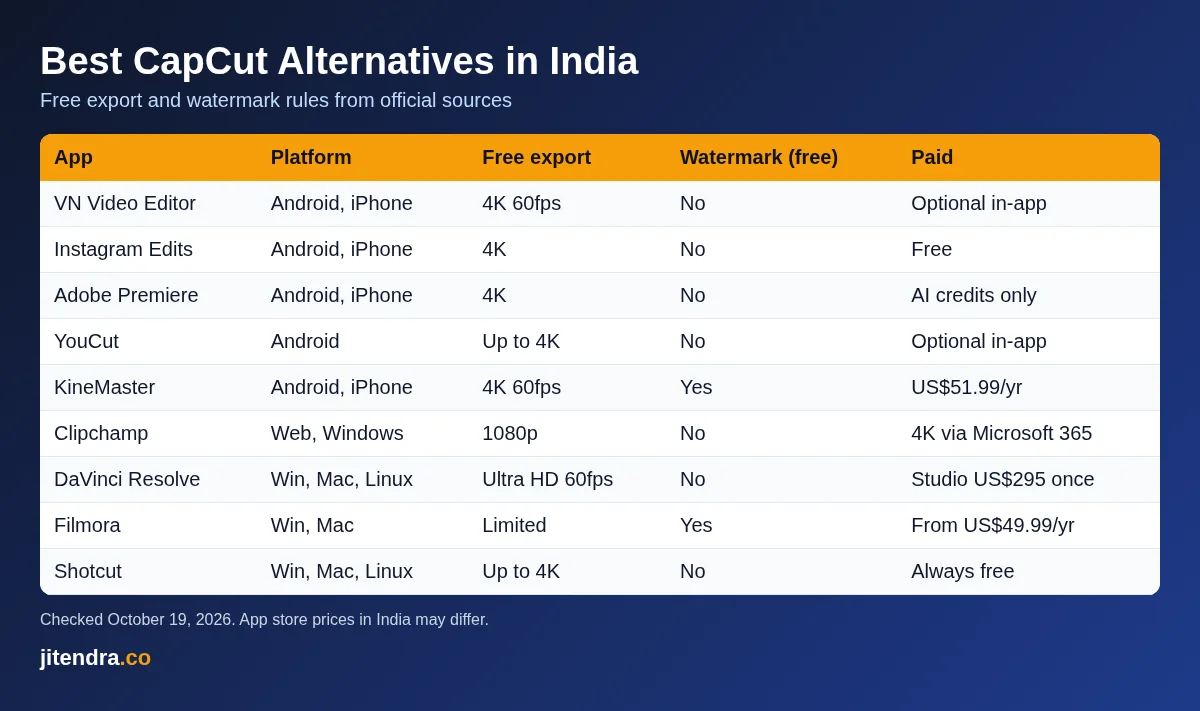
Best CapCut Alternative in India: Quick Comparison
| App | Platform | Price (official source) | Learning curve | Free export | Watermark on free |
|---|---|---|---|---|---|
| VN Video Editor | Android, iPhone | Free; in-app purchases | Beginner to intermediate | Up to 4K 60fps | No |
| YouCut | Android | Free; in-app purchases | Beginner | Up to 4K | No |
| Instagram Edits | Android, iPhone | Free | Beginner | 4K | No |
| KineMaster | Android, iPhone | Free; Premium US$7.99/month or US$51.99/year | Intermediate | Up to 4K 60fps | Yes |
| InShot | Android, iPhone | Free; Pro in app | Beginner | Up to 4K | See note |
| Adobe Premiere (mobile) | Android, iPhone | Free; pay only for generative AI credits | Beginner to intermediate | 4K | No |
| Filmora (mobile) | Android, iPhone | Free; Pro subscription in app | Beginner | Limited | Yes |
| Filmora (desktop) | Windows, Mac | From US$49.99/year | Intermediate | Limited | Yes |
| DaVinci Resolve | Windows, Mac, Linux | Free; Studio US$295 one-time | Advanced | Up to Ultra HD 60fps | No |
| PowerDirector | Windows, Mac, Android, iPhone | Free Essential; paid 365 or lifetime licence | Beginner to intermediate | Restricted on free | Yes on free |
| Microsoft Clipchamp | Web, Windows | Free; 4K with Microsoft 365 Personal or Family | Beginner | Up to 1080p | No |
| Shotcut | Windows, Mac, Linux | Free, open source | Intermediate | Up to 4K | No |
Source: official websites, pricing pages and Google Play (India) listings, checked on October 19, 2026. US dollar prices are as shown on the official sites, before tax. App store prices in India may differ.
Best CapCut Alternatives on Mobile (Android and iPhone)
1. VN Video Editor
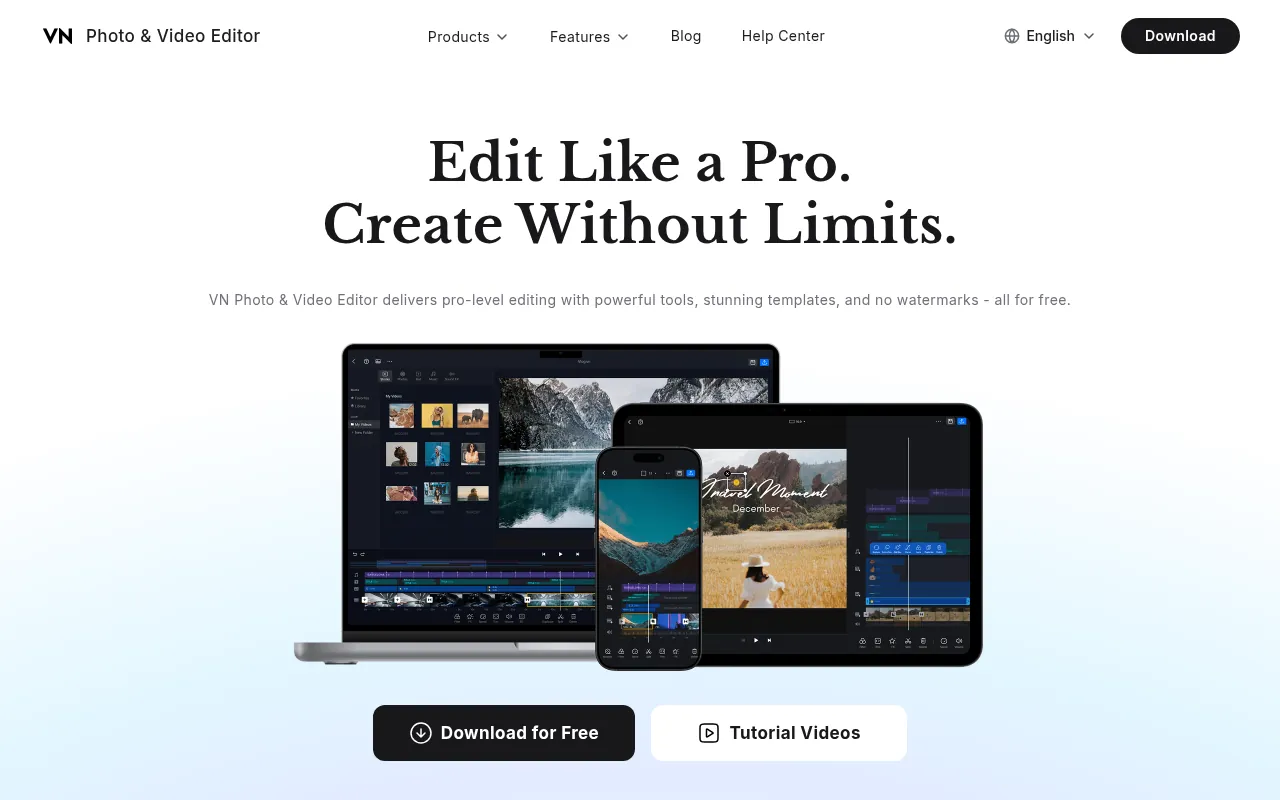
If you want the app that feels most like CapCut, this is it. VN uses the same kind of multi-track timeline, has template-based editing and is built around TikTok-style short videos, Reels and Shorts. Its official site promises pro-level tools, templates and no watermarks, all for free.
Key Features
According to VN’s Google Play listing, you get:
- A multi-track timeline for video, music, text and stickers
- AutoCut and beat-synced templates for quick edits to music
- Auto captions
- AI tools for photo enhancement, image generation and video generation
- Keyframes, reverse, zoom and freeze frame
- A teleprompter for talking-head videos
- Built-in filters plus support for importing LUTs
- Export up to 4K at 60fps
- A secure mode to protect drafts with a password
Pricing
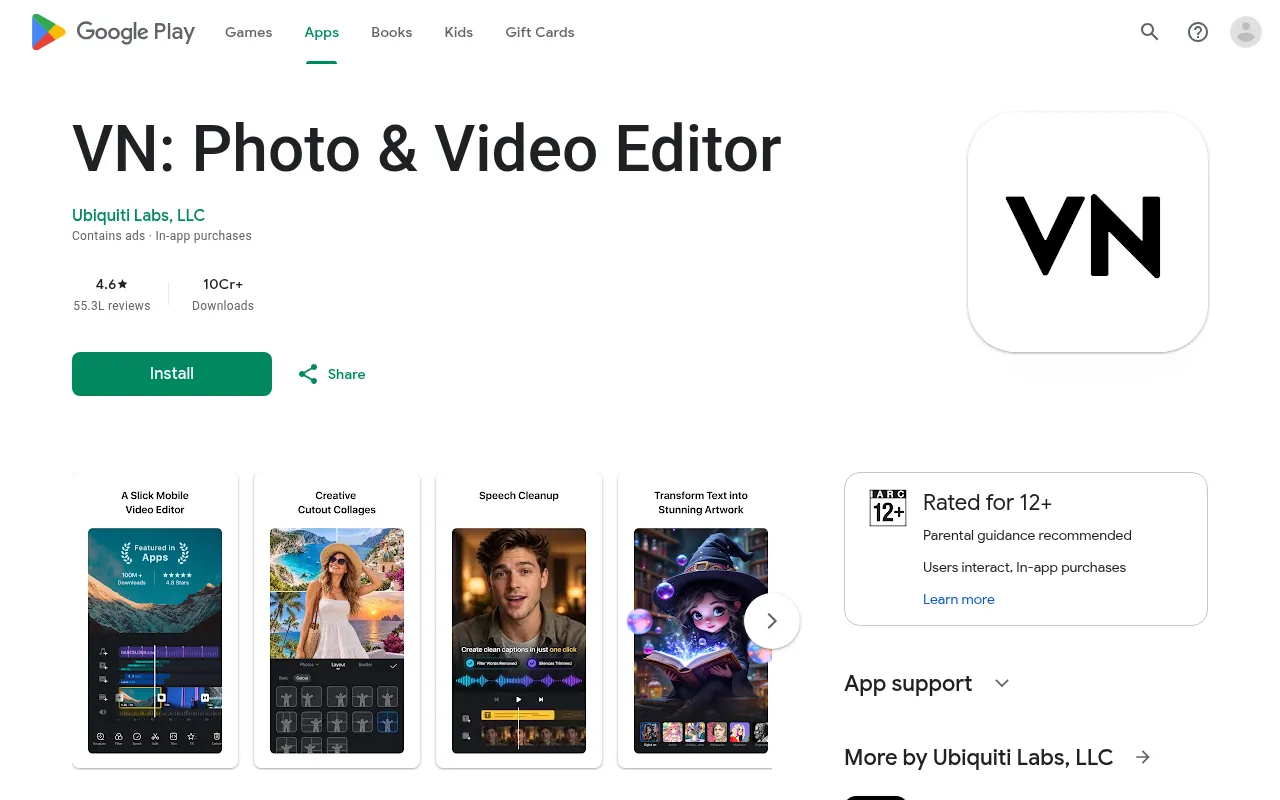
VN is free to download. The Google Play listing shows that it contains ads and offers in-app purchases. When I checked, it had a 4.6 rating from about 55 lakh reviews and more than 10 crore downloads on Google Play in India. The developer listed is Ubiquiti Labs, LLC.
Pros and Cons
Pros
- Closest workflow to CapCut, including templates
- No watermark on free exports
- 4K 60fps export
- Auto captions and AI tools in one app
Cons
- Contains ads
- Some Play Store reviewers report lag on heavy projects with many overlays
Verdict
VN is my first pick for anyone switching from CapCut on a phone. Give it an evening to learn the timeline and you will not miss CapCut much.
2. YouCut
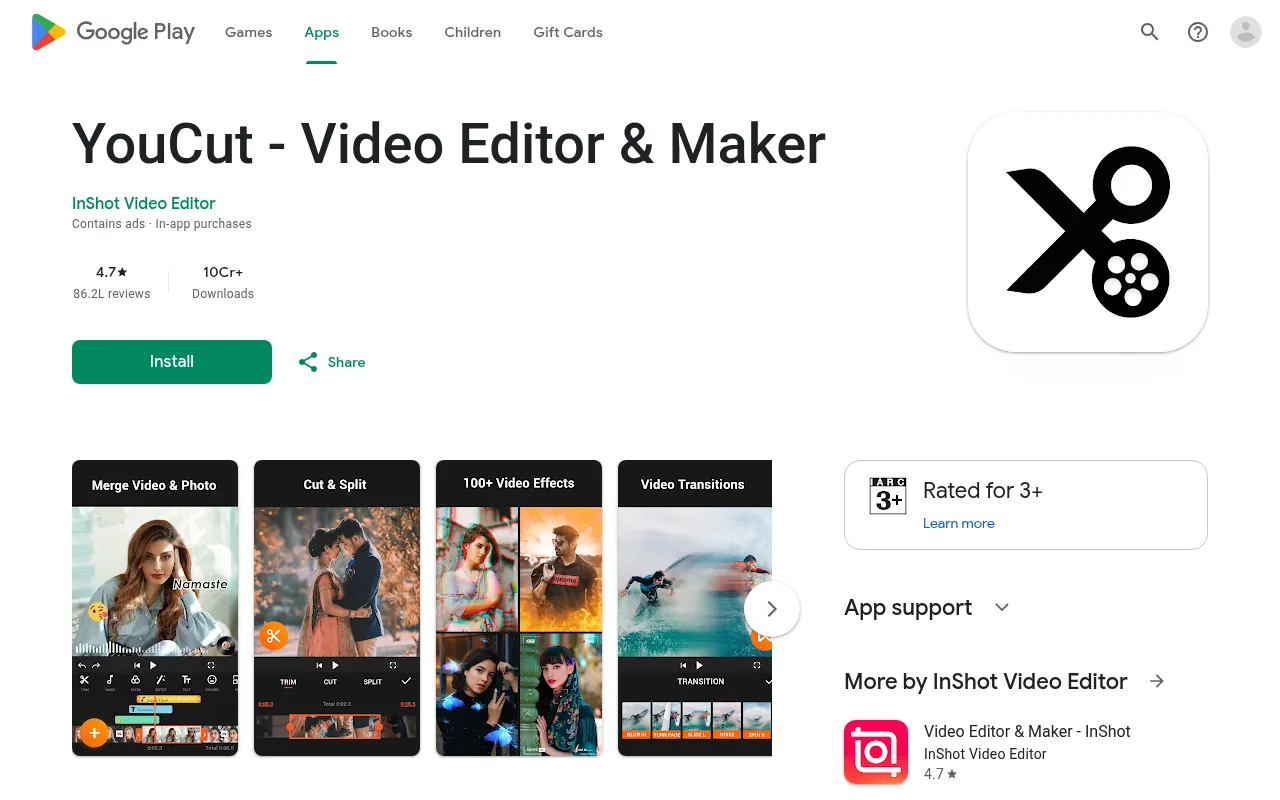
YouCut is a lighter editor from the team behind InShot. It is ideal when you only need to trim, merge, add music and export without any fuss.
Key Features
- Trim, split and merge clips
- Music, filters, glitch effects and transitions
- Speed control and video compression
- Fit videos into any aspect ratio, such as 1:1 or 16:9
- Resolution up to 4K
Pricing
YouCut is free with in-app purchases. Its Google Play listing says it will never add a watermark to your video and has no banner ads. It had a 4.7 rating from about 86 lakh reviews and more than 10 crore downloads in India when I checked. Several reviewers mention a one-time Pro purchase rather than a subscription, but I could not confirm the price on an official page.
Pros and Cons
Pros
- No watermark, ever, according to the developer
- Very easy to learn
- Works well on budget Android phones
Cons
- Android only on Google Play
- Fewer advanced features like keyframes or chroma key than VN or KineMaster
Verdict
Choose YouCut for quick, clean edits. If you want CapCut-style effects and templates, VN is better.
3. Instagram Edits
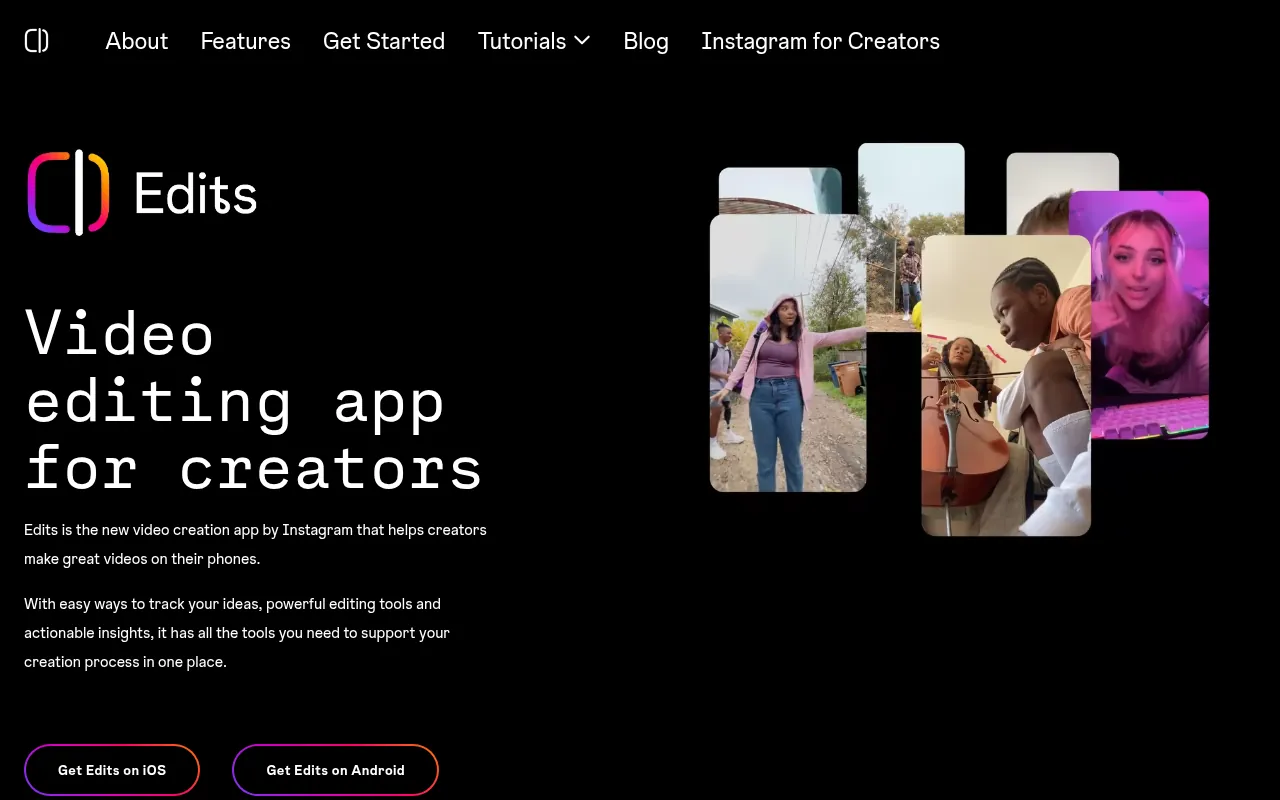
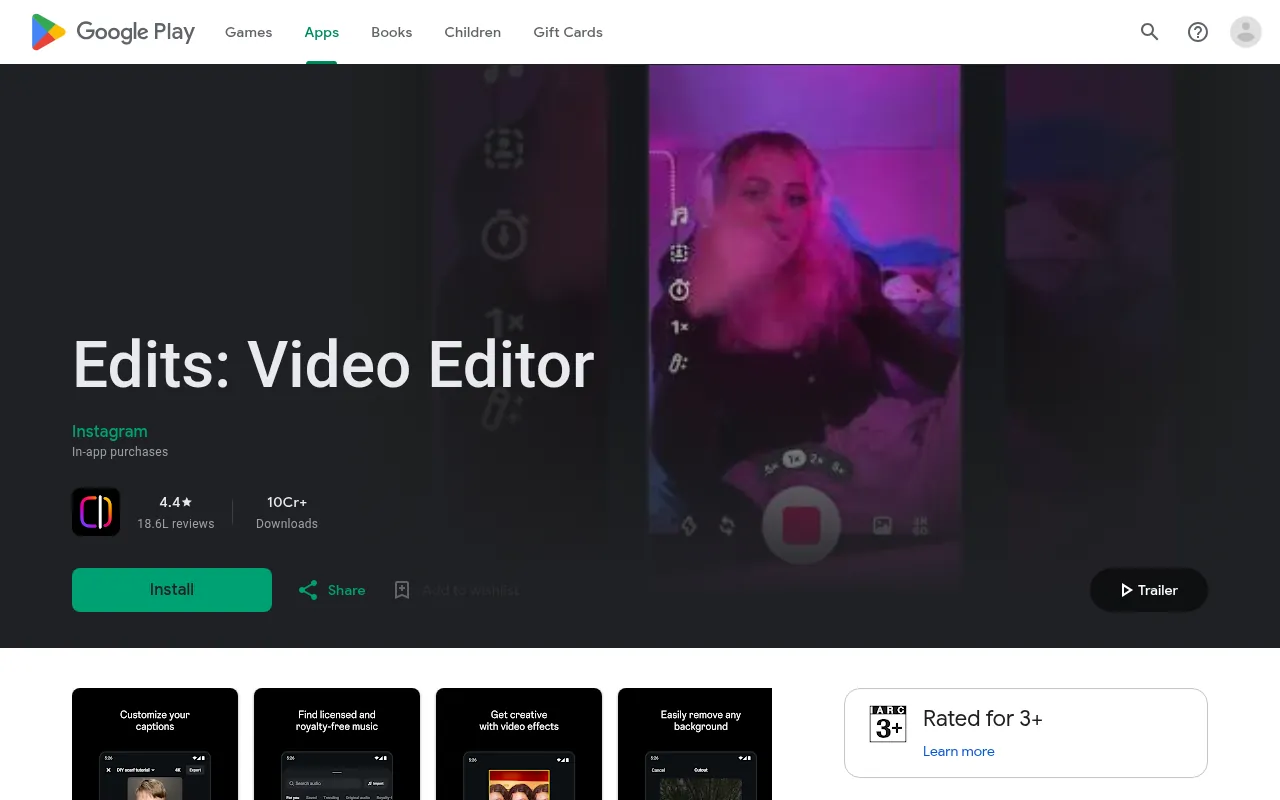
Edits is Meta’s own video editing app, built for creators who post on Instagram. If most of your CapCut work ended up as Reels, this is the most natural replacement.
Key Features
According to Meta’s official page and the Google Play listing:
- Export videos in 4K with no watermark and share to any platform
- Capture clips up to 10 minutes long inside the app
- A timeline editor with effects, text and audio
- Tools to track ideas and manage projects
- Insights on how your content performs
Pricing
Edits is free. The Google Play listing mentions in-app purchases. You log in with an existing Instagram account. It had a 4.4 rating from about 18.6 lakh reviews and more than 10 crore downloads in India when I checked.
Pros and Cons
Pros
- Free, 4K, no watermark
- Made by Meta, so it fits Instagram well
- No separate account needed if you use Instagram
Cons
- Needs an Instagram account
- Some Play Store reviewers report stability problems after updates, so back up important projects
Verdict
For Reels creators, Edits is the easiest free switch. Keep your raw clips saved on your phone in case a project fails to open.
4. KineMaster
KineMaster has been around for years and offers some of the most detailed editing tools on a phone: layers, chroma key, keyframes and blend modes.
Key Features
- Multiple video, image, text and audio layers
- Keyframe animation for size, position and rotation
- Chroma key for green screen
- Stock videos, images and green screen effects
- Export in 4K at 60fps
Pricing
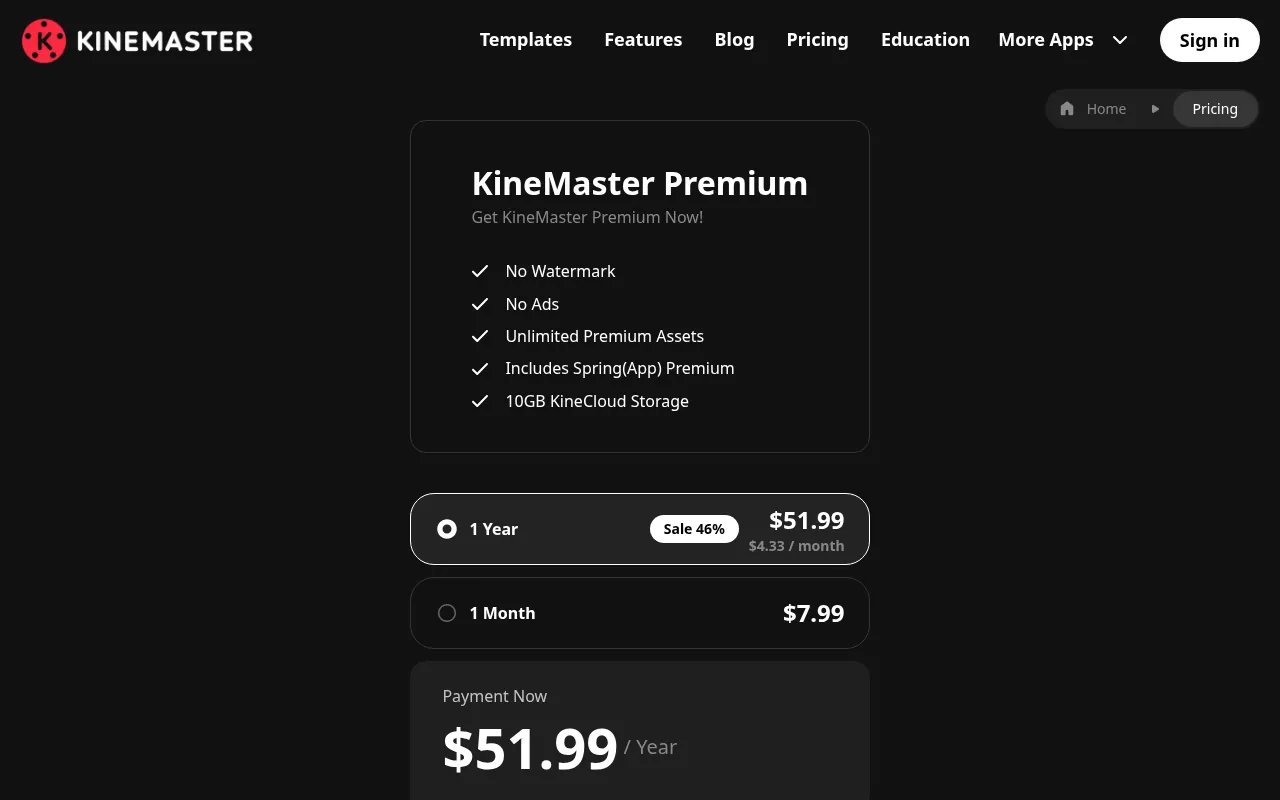
The app is free, but the free version adds a KineMaster watermark and shows ads. KineMaster’s official payment page lists Premium at US$7.99 a month or US$51.99 a year (about US$4.33 a month). Premium removes the watermark, unlocks premium assets and includes Spring app Premium. Prices on the Indian app stores may differ.
Pros and Cons
Pros
- Very detailed control for a phone app
- 4K 60fps exports
- Large asset library
Cons
- Watermark on free exports
- Contains ads on the free version
Verdict
KineMaster is for creators who want desktop-style control on a phone and are willing to pay to remove the watermark.
5. InShot
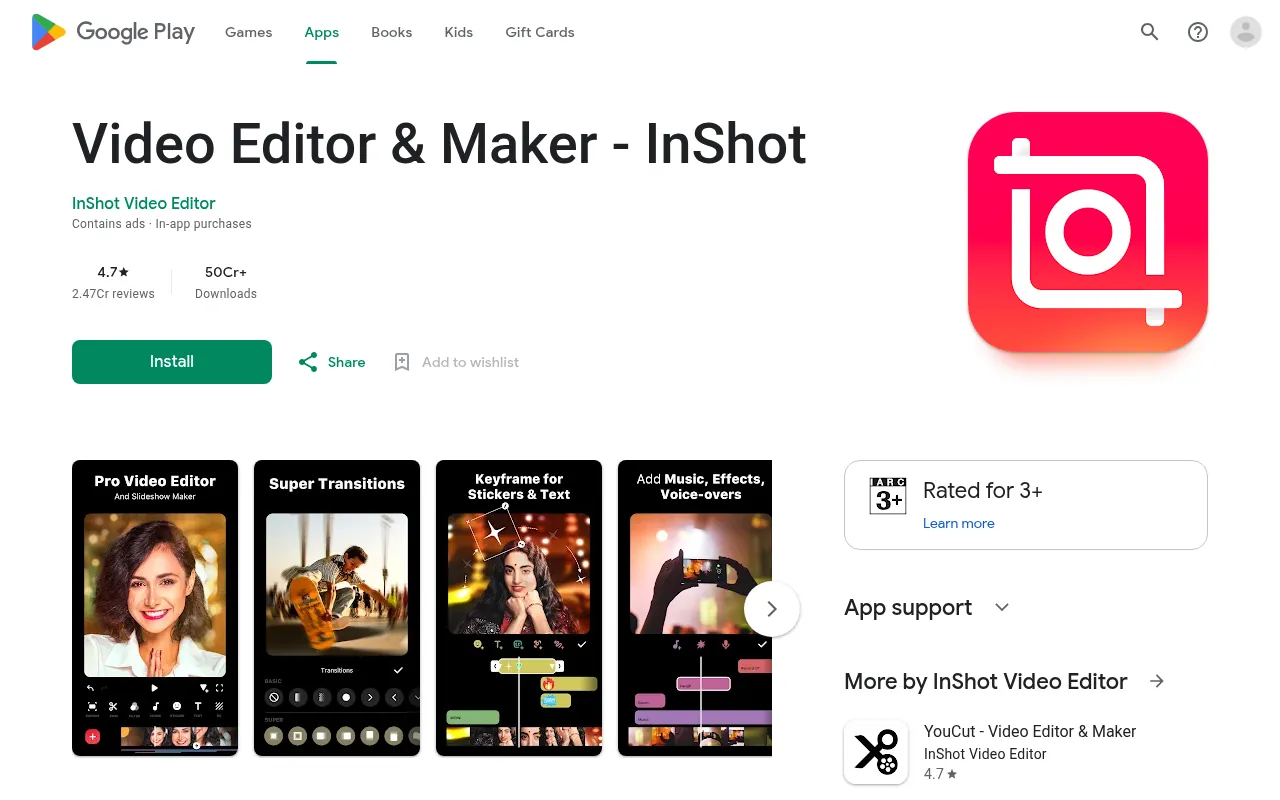
InShot is one of the most downloaded editors in India, with more than 50 crore downloads on Google Play. It is simple, quick and full of music, stickers and text styles.
Key Features
- Trim, cut, merge and crop video in any ratio
- Music, sound effects and voiceover
- Text, stickers, filters and transitions
- Speed control and blur background
- Export in 1080p or 4K, which the Play listing says you can do for free
Pricing
InShot is free with ads and in-app purchases, and it offers a paid Pro tier inside the app. It had a 4.7 rating from about 2.47 crore reviews in India. I could not confirm the current Pro price or the official watermark rules on InShot’s own site. Reviewers on Google Play describe removing the watermark from free exports by watching a short ad.
Pros and Cons
Pros
- Very easy for beginners
- Huge user base and lots of tutorials
- 4K export available
Cons
- Ads on the free version
- Watermark rules and Pro prices are not clearly stated on the official site
Verdict
InShot is great for quick social edits, photo slideshows and status videos.
6. Adobe Premiere (Mobile)
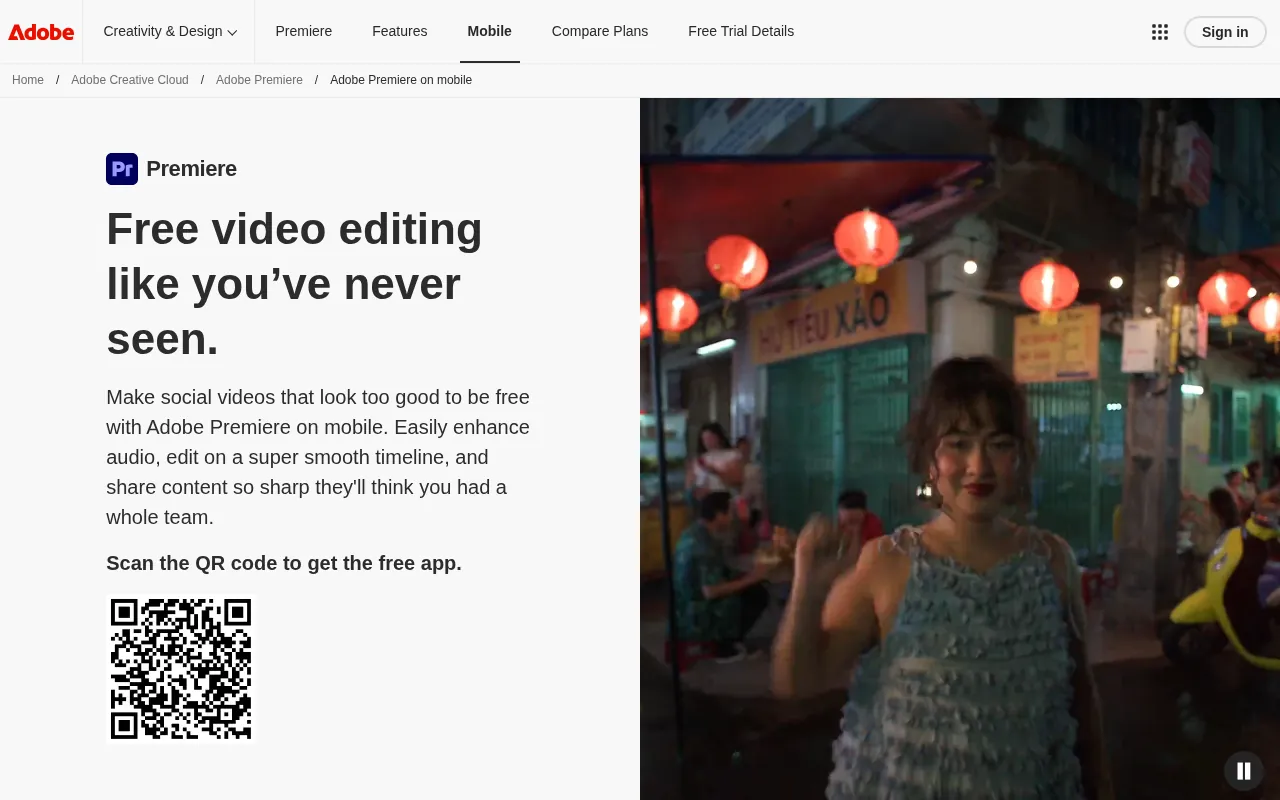
Adobe replaced Premiere Rush with a free Premiere app for phones. It arrived on iPhone first and launched on Android in September 2026. For a free app from Adobe, it is surprisingly generous.
Key Features
According to Adobe’s official page and the Google Play listing:
- A precise multi-track timeline
- One-tap background removal and free unlimited captions
- Studio-quality audio enhancement and voiceovers
- AI sound effects and Adobe Firefly generative tools
- Speed effects, transitions and a free asset library
- 4K export
Pricing
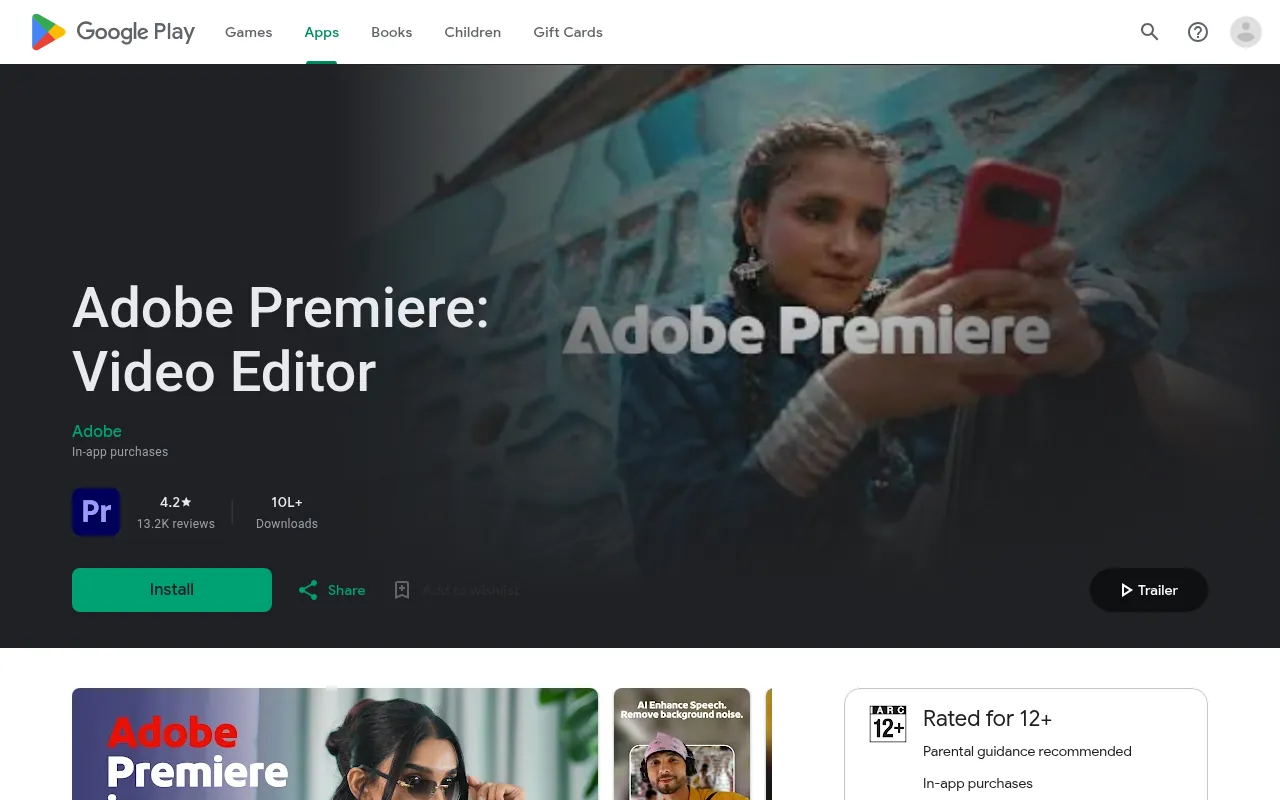
Adobe says exports and editing features are free, with no watermarks and no pop-up ads. You only pay if you want generative AI credits. On Android, Google Play says it needs a device with 5 GB of RAM or more. It had a 4.2 rating from about 13,200 reviews in India when I checked.
Pros and Cons
Pros
- Free 4K exports with no watermark and no ads
- Adobe-quality audio tools
- Free unlimited captions
Cons
- Needs a phone with at least 5 GB of RAM on Android
- Generative AI features cost extra
Verdict
If your phone meets the requirements, this is one of the best free CapCut replacements available today, especially for YouTube creators who also use Adobe tools on a PC.
7. Filmora (Mobile)
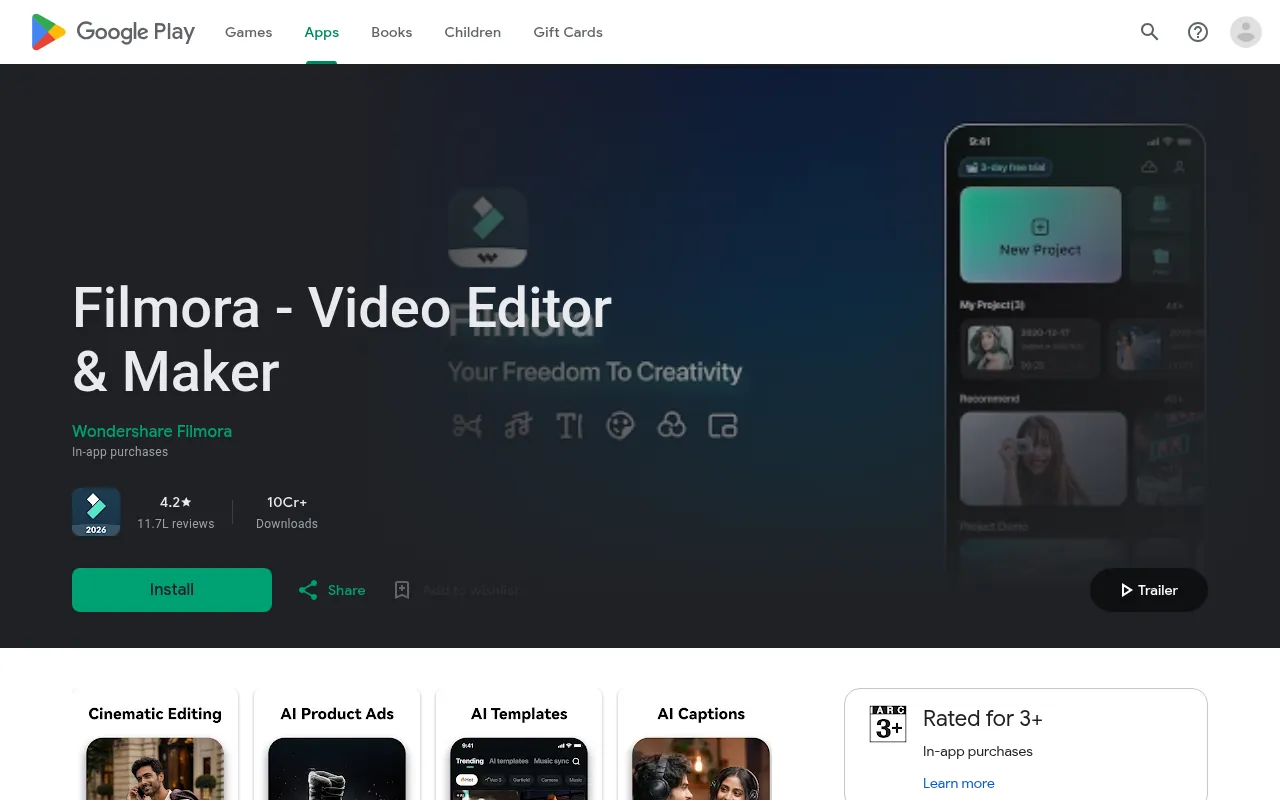
Wondershare’s Filmora app brings templates, AI tools and keyframes to your phone. It also connects to Filmora on the desktop if you edit on both.
Key Features
- Keyframe control and speed curves
- Built-in royalty-free music and AI-generated music
- Beat sync, speed ramps and reframing
- AI tools, including AI story and short-drama creation
- One-tap sharing in the right format for TikTok, Instagram and YouTube
Pricing
Filmora is free to download with in-app purchases. Its Google Play listing says the Pro subscription removes the watermark and logo roll, which means free exports carry them. It had a 4.2 rating from about 11.7 lakh reviews in India.
Pros and Cons
Pros
- Lots of AI features
- Works alongside the desktop version
Cons
- Watermark and logo roll on free exports
- Some reviewers complain about AI credit limits on paid plans
Verdict
Filmora mobile makes sense if you already use or plan to buy Filmora on your computer.
Best CapCut Alternatives for PC (Windows and Mac)
Many people search for a CapCut alternative for PC because CapCut’s desktop app was their main editor. These are the apps like CapCut for PC that I would recommend.
1. Filmora (Desktop)
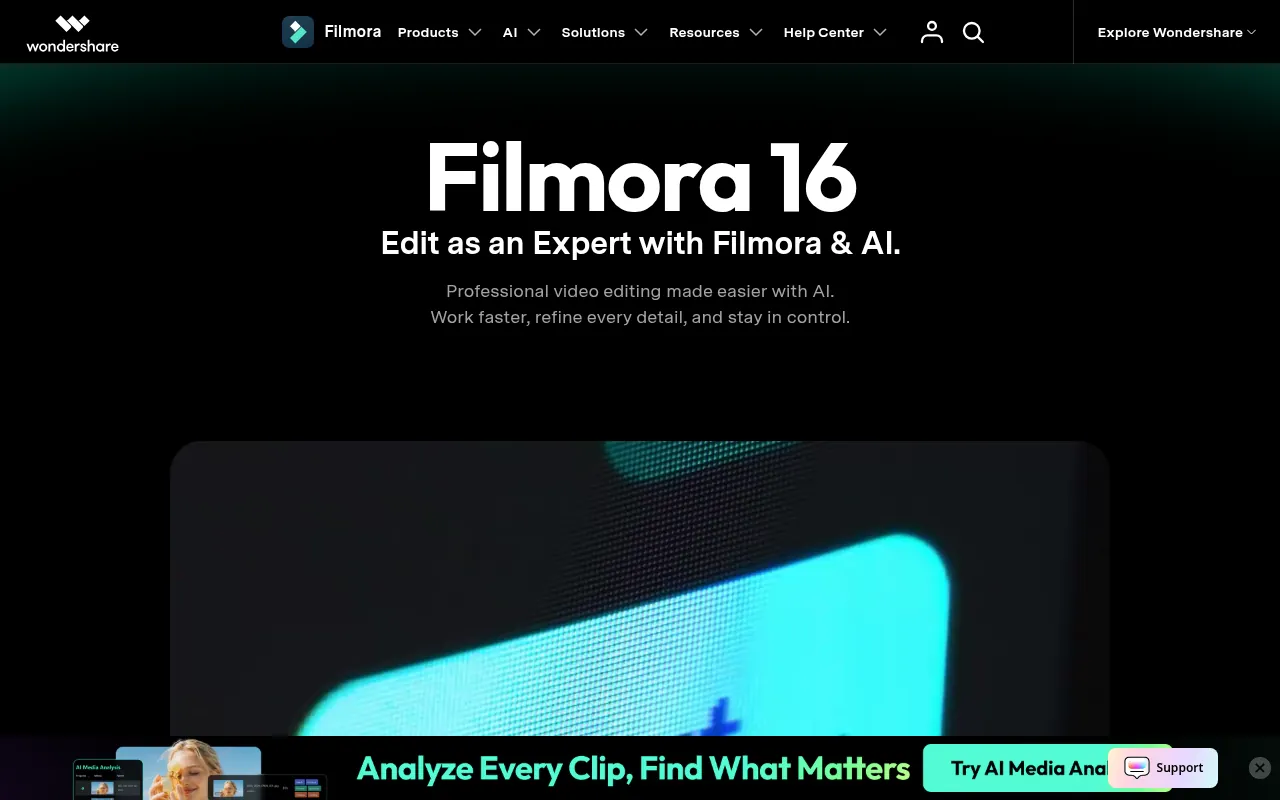
Filmora is the desktop editor that feels closest to CapCut’s desktop app: templates, effects, AI tools and a friendly timeline, without the complexity of professional software.
Key Features
- Drag-and-drop timeline with effects, titles and transitions
- AI features, including an AI assistant called AI Mate
- More than 2.9 million creative assets (with the Creative Assets subscription)
- 4K export without watermark on paid plans
- Windows and Mac versions
Pricing
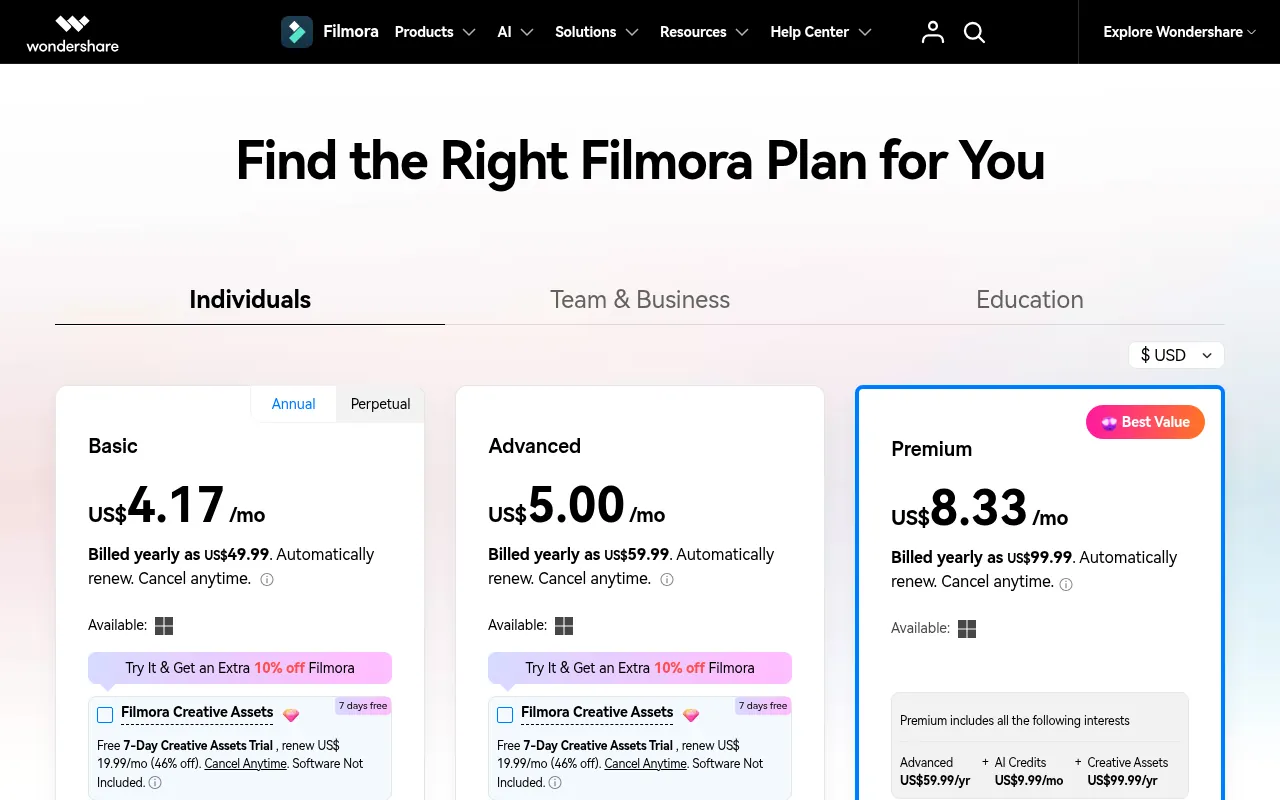
The free version adds a watermark. Filmora’s official pricing page listed these annual plans on October 19, 2026:
- Basic: US$49.99 a year (shown as US$4.17 a month), with watermark-free 4K export and 1 GB cloud storage
- Advanced: US$59.99 a year (US$5.00 a month), adding 1,000 AI credits a month and 10 GB cloud storage
- Premium: US$99.99 a year (US$8.33 a month), bundling Advanced, AI credits and creative assets
The page also has a perpetual (one-time) option. Plans renew automatically.
Pros and Cons
Pros
- Easiest move from CapCut desktop
- Lots of templates and AI tools
- Reasonable yearly price
Cons
- Watermark on free exports
- AI features use credits, which can run out
Verdict
Filmora is the best paid CapCut alternative for PC users who want speed and templates more than professional colour work.
2. DaVinci Resolve
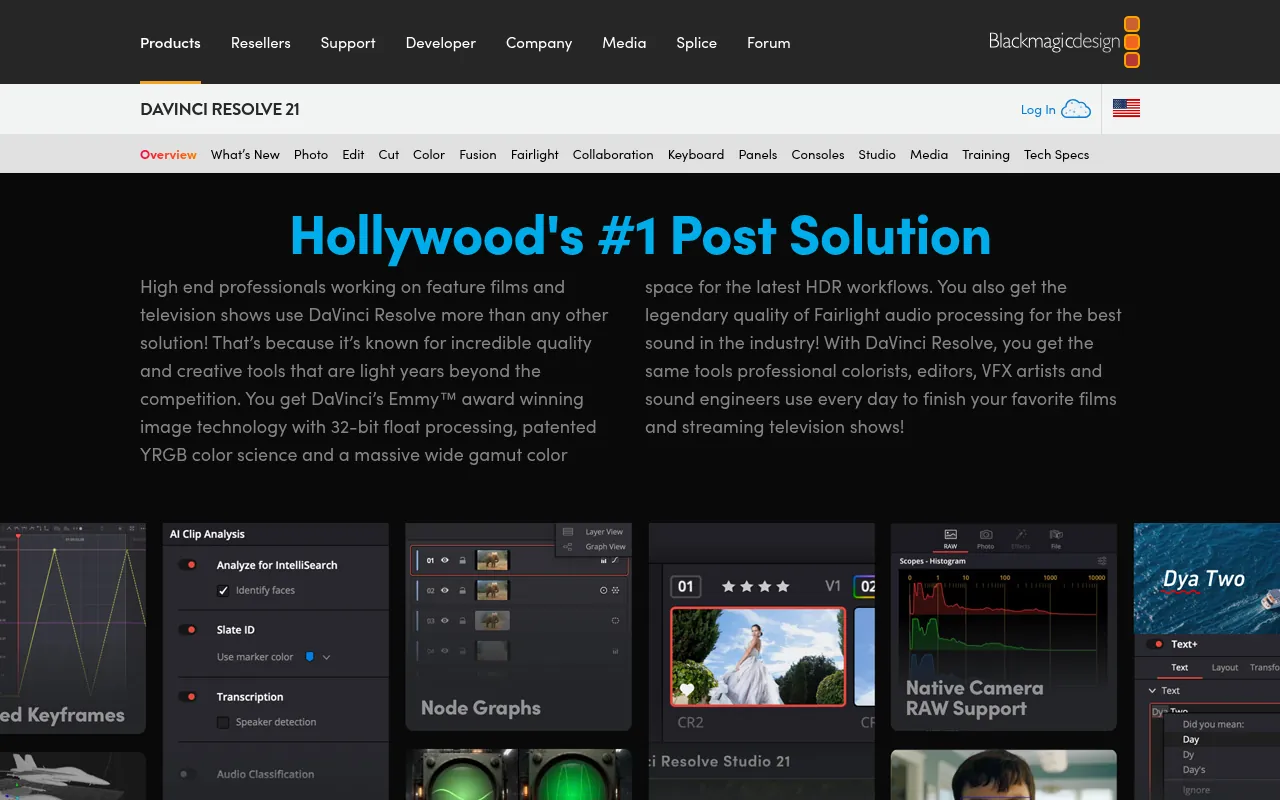
DaVinci Resolve is the most powerful free editor you can download. Hollywood colourists use it, and the free version is far more capable than most paid editors.
Key Features
According to Blackmagic Design’s official page:
- Editing, colour correction, visual effects, motion graphics and audio post-production in one app
- The free version works with most 8-bit video formats up to 60fps, in resolutions up to Ultra HD 3840 x 2160
- Multi-user collaboration and HDR grading in the free version
- Mac, Windows and Linux support
Pricing
DaVinci Resolve is free with no watermark. DaVinci Resolve Studio costs US$295 as a one-time purchase. Studio adds the DaVinci AI Neural Engine, more Resolve FX, AI noise reduction, text-based editing, Magic Mask and support for 10-bit video, up to 120fps and resolutions beyond 4K.
Pros and Cons
Pros
- Professional tools for free
- No watermark
- One-time price for Studio instead of a subscription
Cons
- Steep learning curve
- Needs a capable computer; budget laptops can struggle
Verdict
If you are serious about YouTube or filmmaking, learn DaVinci Resolve. It is the editor you will not outgrow.
3. PowerDirector
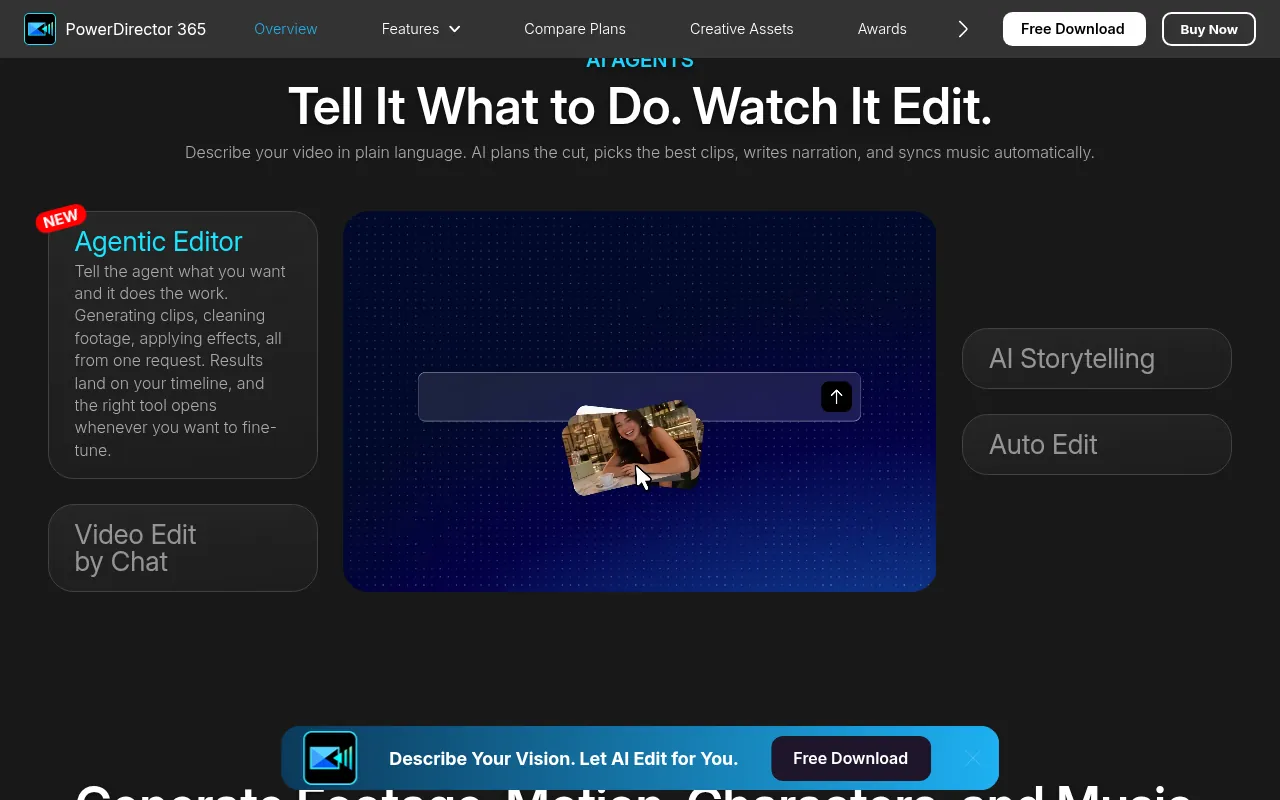
CyberLink’s PowerDirector sits between beginner apps and professional suites. It has many AI tools and runs on Windows, Mac and phones.
Key Features
- AI editing tools and templates
- A royalty-free stock library powered by Getty Images and Meta
- Multi-track timeline with keyframes, chroma key, masks and blend modes on mobile
- Up to 4K output
- Windows 11 and 10, macOS, Android and iPhone versions
Pricing
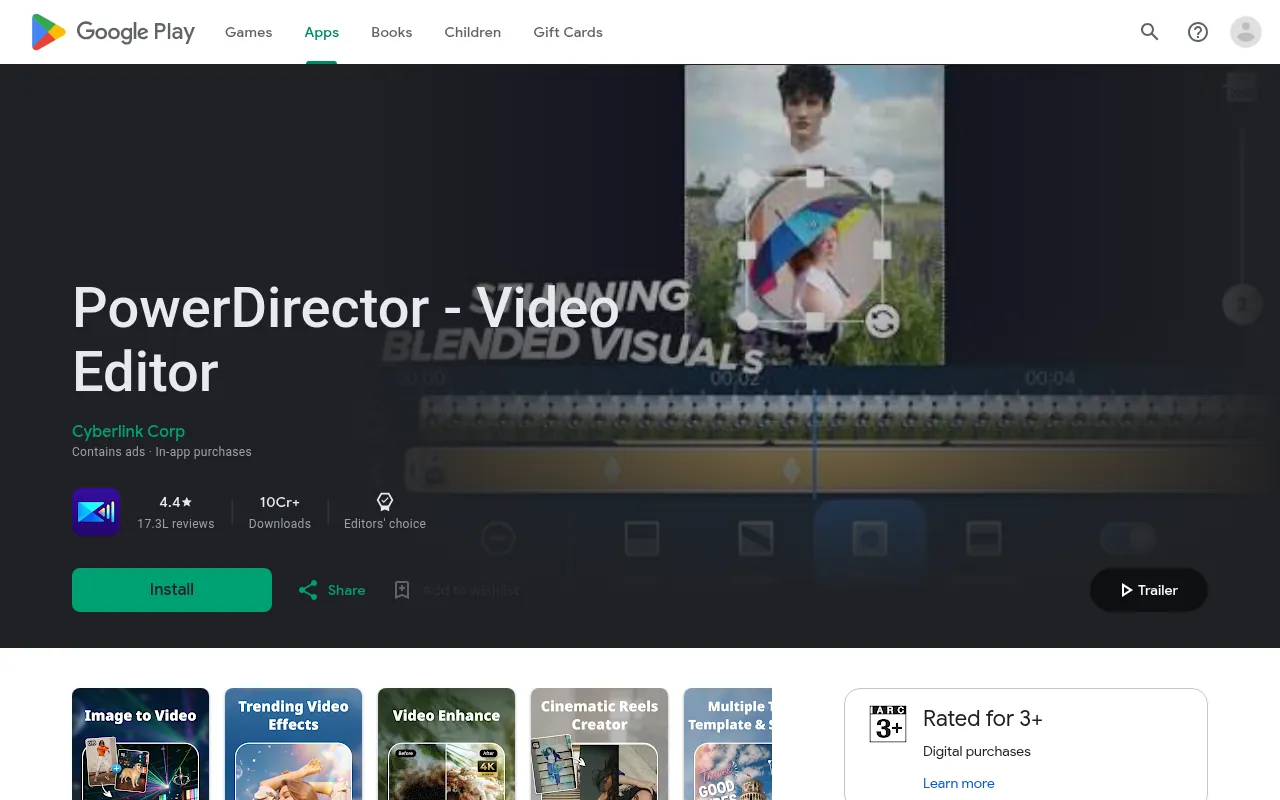
CyberLink’s FAQ says PowerDirector Essential is free with no time limit, though advanced AI tools and some export options are restricted. You can buy a PowerDirector 2027 lifetime licence or a PowerDirector 365 subscription, and CyberLink offers a 30-day money-back guarantee. The exact price did not load on the official page when I checked, so confirm it at checkout. On Android, the app had a 4.4 rating from about 17.3 lakh reviews and an Editors’ Choice badge on Google Play in India.
Pros and Cons
Pros
- Choice of lifetime licence or subscription
- Strong AI tools
- Available on both computer and phone
Cons
- Free version is restricted
- Prices are not shown clearly until checkout
Verdict
PowerDirector is a good middle ground for Windows users who want more than Clipchamp but less complexity than DaVinci Resolve.
4. Microsoft Clipchamp
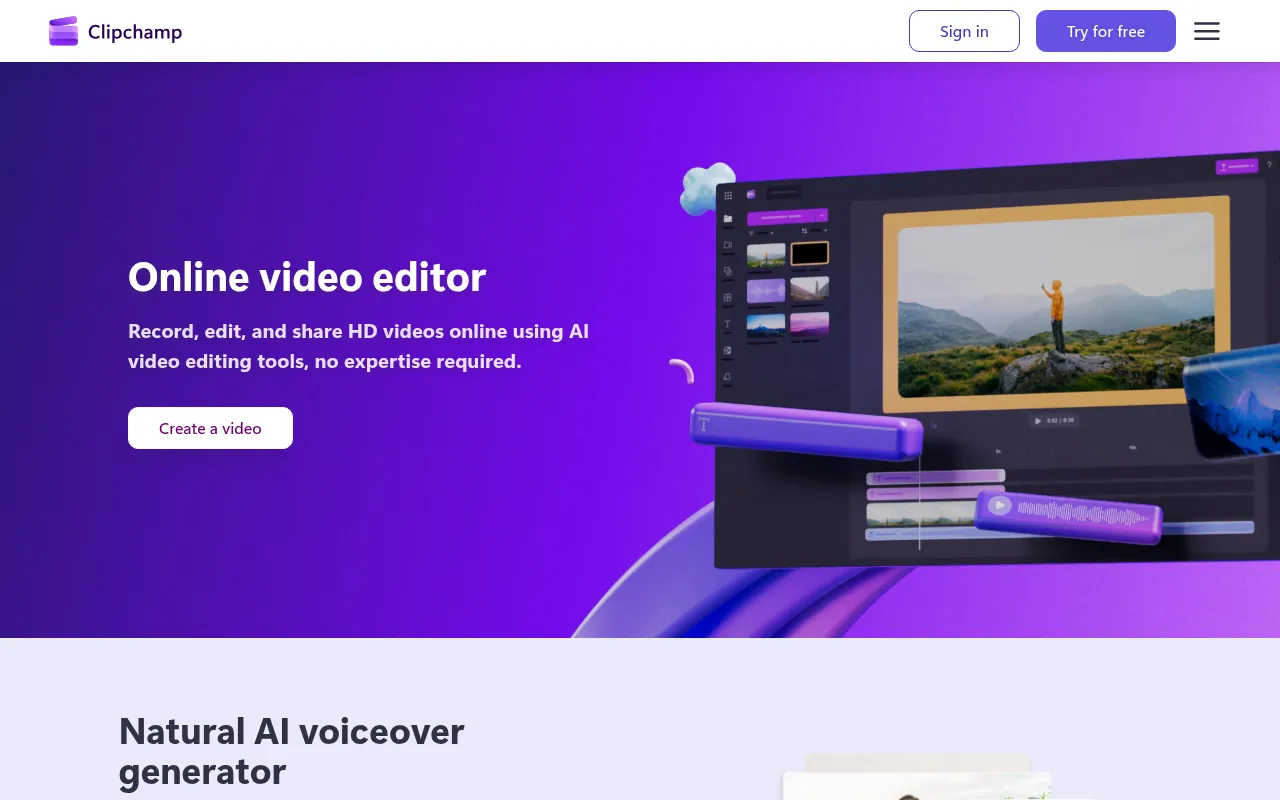
Clipchamp is Microsoft’s video editor. It runs in the browser and comes as an app on Windows. For most CapCut desktop users who made simple social videos, Clipchamp is the easiest switch.
Key Features
According to Clipchamp’s pricing page:
- AI video and audio editing tools
- Trim, crop, resize and rotate
- Screen, camera and voice recorder
- Animated text and titles
- Watermark-free exports, even on the free plan
- Free stock videos, images, music and effects
Pricing
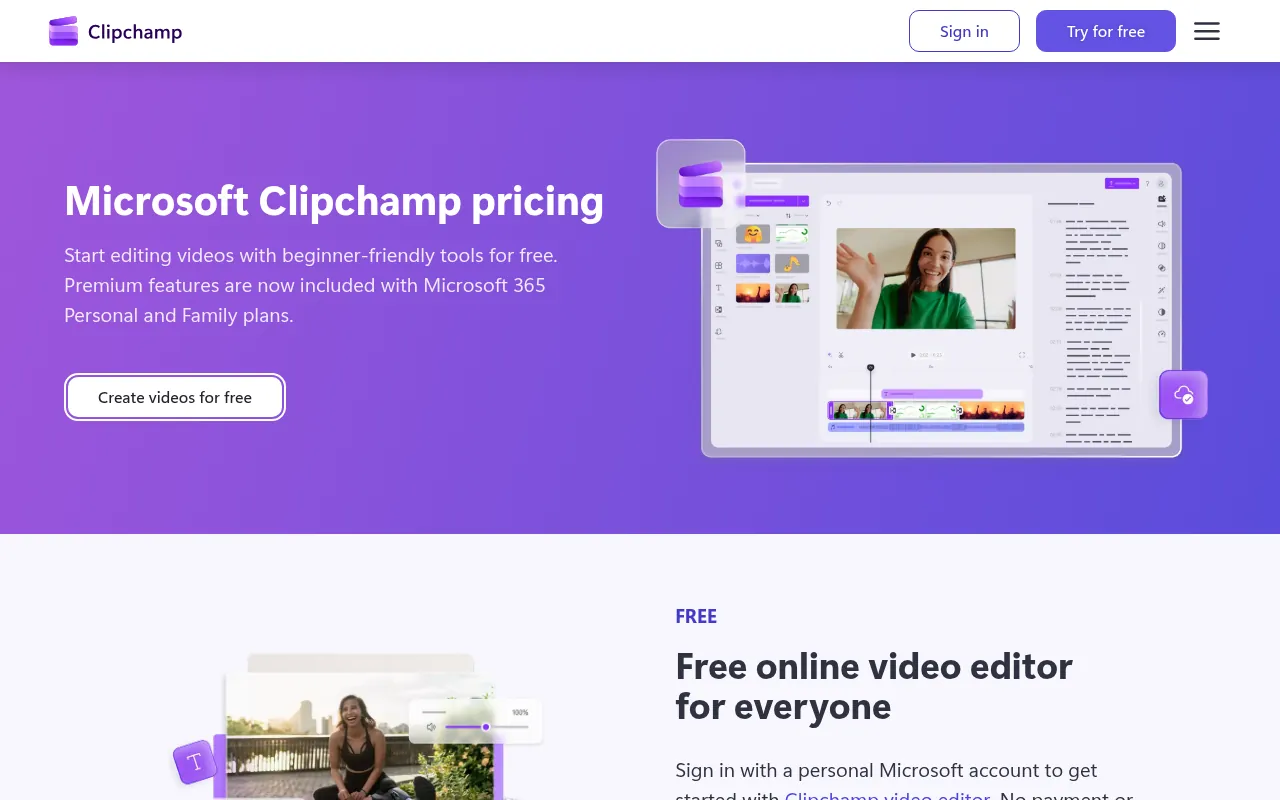
The free plan exports up to 1080p HD with no watermark. Premium features, including 4K exports, premium stock and the brand kit, come with a Microsoft 365 Personal or Family subscription.
Pros and Cons
Pros
- No watermark on the free plan
- Runs in a browser, so it works on modest laptops
- Built into Windows
Cons
- Free exports stop at 1080p
- Fewer creative effects than CapCut
Verdict
Clipchamp is the best free CapCut alternative for PC beginners. If you need more, see my wider list of free online video editors.
5. Shotcut
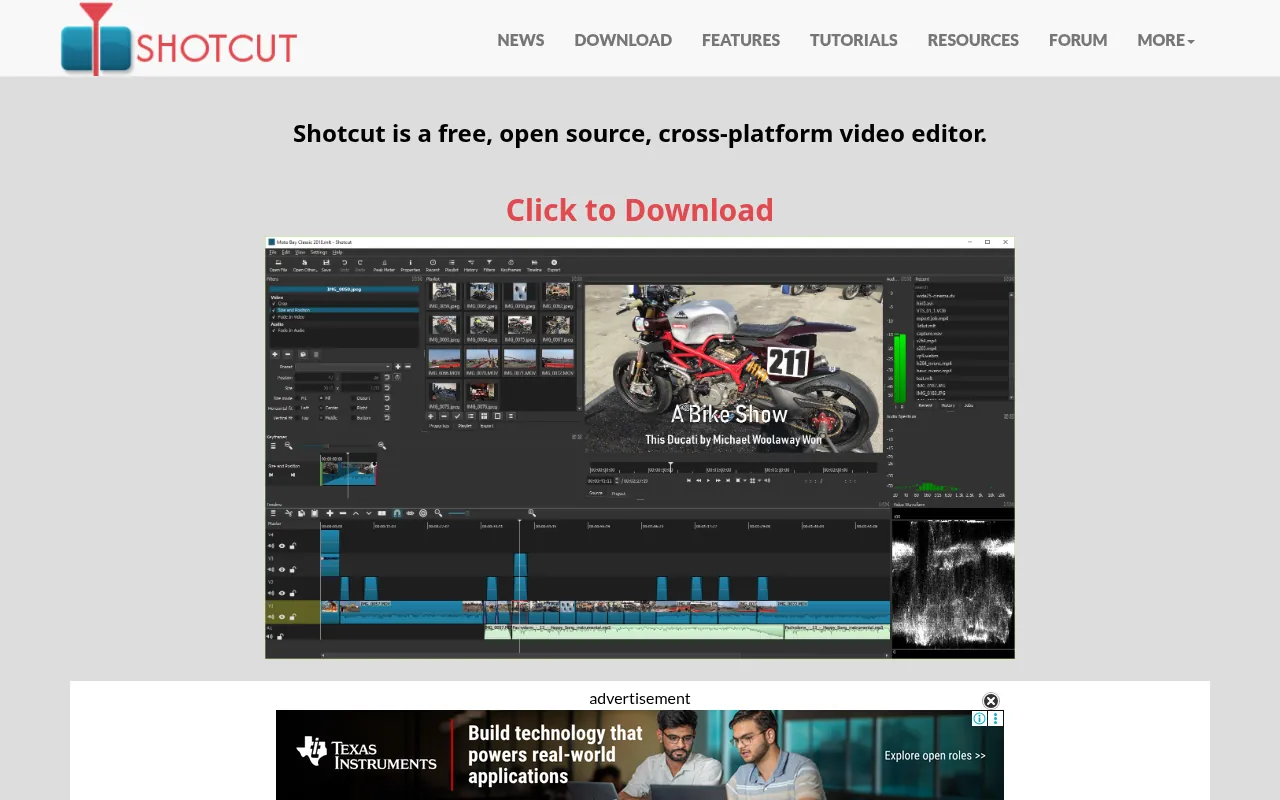
Shotcut is a free, open-source, cross-platform editor for Windows, Mac and Linux. It replaces HitFilm Express, which some older lists still recommend even though it is no longer offered.
Key Features
- Native timeline editing with no import step
- Wide format support
- Resolution support up to 4K
- Screen, webcam and audio capture
- New versions roughly every two months
Pricing
Shotcut is completely free, with no watermark and no paid tier.
Pros and Cons
Pros
- Free forever, open source
- Runs on Windows, Mac and Linux
- Light enough for older computers
Cons
- Interface looks dated
- No templates or AI features like CapCut’s
Verdict
Choose Shotcut if you want a free, no-strings desktop editor and do not need templates.
CapCut vs VN: Which Is Better in India?
“CapCut vs VN” is one of the most common questions I get. Here is an honest comparison:
| Point | CapCut | VN Video Editor |
|---|---|---|
| Available on Indian app stores | No (Google Play India listing not found on October 19, 2026) | Yes |
| Price | Not officially sold in India | Free, with in-app purchases |
| Watermark on free exports | Not applicable in India | No |
| Templates | Yes, but server features are region-locked in India | Yes, including AutoCut and beat-sync templates |
| Maximum export | Not applicable in India | 4K at 60fps |
| Auto captions | Server-based, not reliable in India | Yes |
| AI tools | Region-locked in India | Photo enhancement, image and video generation |
For anyone in India, VN wins by default because it is officially available and does most of what CapCut did.
Which App Replaces Which CapCut Feature?
Most people did not use every CapCut feature. They relied on two or three. This table maps the features I hear about most often to apps that offer them, based on each app’s official listing:
| CapCut feature you used | Alternatives that offer it |
|---|---|
| Auto captions | VN, Adobe Premiere mobile (free unlimited captions) |
| Templates and beat sync | VN (AutoCut and BeatsClips), Filmora (beat sync) |
| Background removal | Adobe Premiere mobile (one-tap) |
| Keyframe animation | VN, KineMaster, Filmora mobile, PowerDirector mobile |
| Green screen (chroma key) | KineMaster, PowerDirector mobile |
| Speed ramps and slow motion | Filmora mobile (speed curves), PowerDirector (AI super slow motion), VN |
| Free music library | YouCut, Filmora, Clipchamp, KineMaster (stock assets) |
| AI image and video generation | VN (AI kits), Adobe Premiere mobile (Firefly, paid credits), Filmora |
| Teleprompter | VN |
| Screen recording on PC | Clipchamp, Shotcut (screen capture) |
| Professional colour grading | DaVinci Resolve |
If auto captions were your main reason for using CapCut, start with VN or Premiere mobile. If you mostly used templates, VN and Filmora are the closest.
Mobile or PC: Where Should You Edit?
CapCut made it easy to edit on a phone and finish on a laptop. You can still work that way, but it helps to decide where most of your editing will happen.
Edit on your phone if you post Reels and Shorts several times a week, shoot on your phone, and your videos are under three minutes. VN, Edits and Premiere mobile are fast, and you can post straight from the app.
Edit on a PC if you make longer YouTube videos, use footage from a camera, record your screen, or need precise audio work. Clipchamp handles simple projects in a browser, while DaVinci Resolve and Filmora handle complex ones.
Use both if you want a quick vertical cut for Reels and a longer horizontal version for YouTube. Filmora and PowerDirector have both mobile and desktop apps, which can make this easier.
Free vs Paid: What You Actually Pay
Most creators do not need to pay anything. Here is the real cost of each pick, from the official sources:
| App | What free gives you | When you would pay |
|---|---|---|
| VN | Full editor, no watermark, 4K 60fps | Optional in-app purchases |
| YouCut | Full basic editor, no watermark | Optional in-app purchases |
| Instagram Edits | 4K, no watermark | Optional in-app purchases |
| Adobe Premiere mobile | Full editor, 4K, no watermark, no ads | Generative AI credits only |
| KineMaster | Full editor with watermark and ads | US$7.99/month or US$51.99/year to remove the watermark |
| Filmora (desktop) | Editor with watermark | From US$49.99/year |
| DaVinci Resolve | Professional editor up to Ultra HD 60fps | US$295 one-time for Studio |
| Clipchamp | 1080p, no watermark | Microsoft 365 Personal or Family for 4K |
| Shotcut | Everything | Never |
Paying makes sense only when a free limit actually blocks your work, such as needing 4K on Clipchamp or watermark-free exports from KineMaster.
Common Problems After Switching (and Fixes)
“My exports look blurry on Instagram.” Export at 1080 x 1920 for vertical videos and make sure the app’s export resolution is set to 1080p or higher. Uploading very large 4K files over mobile data can also trigger extra compression.
“The app lags on my phone.” Close other apps, clear cache, and use fewer overlay layers. Lighter apps like YouCut handle budget phones better. On Android, Premiere mobile needs at least 5 GB of RAM.
“I lost a project after an update.” Some Edits reviewers report this. Keep raw clips in your gallery or cloud storage, and export important drafts before updating the app.
“I can’t find CapCut’s trending templates.” Templates came from CapCut’s servers. Use VN’s templates, or recreate the effect once and save it as your own template.
“My video got muted.” That is usually music copyright. Use the royalty-free music inside your editor or the platform’s own audio library.
Best CapCut Alternatives for Different Creators
For Instagram Reels creators: Instagram Edits is the obvious pick because it is made by Meta, exports in 4K without a watermark and lets you capture clips of up to 10 minutes. Pair it with VN when you want templates or beat-synced edits.
For YouTube creators: Edit long videos on a PC with DaVinci Resolve or Filmora, then make Shorts on your phone with Adobe Premiere mobile or VN. Premiere’s free captions and audio enhancement are especially useful for talking-head videos.
For gamers: Game footage is long and heavy. A desktop editor is better. Shotcut runs on modest PCs and includes screen capture, while DaVinci Resolve suits powerful gaming PCs with a good graphics card.
For teachers and students: Clipchamp runs in the browser, records your screen and webcam, and exports 1080p without a watermark, which is perfect for lessons and project videos. For more student-friendly apps, see my list of the best free AI apps.
For small businesses: Filmora’s templates and stock assets help you make product videos and ads quickly. Canva-style ease matters more here than professional colour grading.
For WhatsApp status and family videos: YouCut and InShot are quick, light and full of music and stickers.
Export Settings for Reels, Shorts and YouTube
Every app on this list lets you choose an export size. These are the common settings I use:
| Where you post | Aspect ratio | Resolution | Tip |
|---|---|---|---|
| Instagram Reels | 9:16 vertical | 1080 x 1920 | Keep text away from the bottom, where captions and buttons appear |
| YouTube Shorts | 9:16 vertical | 1080 x 1920 | Add captions; many people watch without sound |
| YouTube (regular) | 16:9 horizontal | 1920 x 1080 or 3840 x 2160 | Export in 4K if your footage is 4K |
| WhatsApp status | 9:16 vertical | 1080 x 1920 | Keep clips short |
| Instagram feed post | 4:5 vertical | 1080 x 1350 | Takes more screen space than a square post |
Export at the frame rate you shot at, usually 30fps or 60fps. Changing it can cause choppy motion.
How I Compared These CapCut Alternatives
I did not run lab tests or invent scores. I compared each app on facts I could check on official pages:
- Legal availability in India: listed on Google Play India or the official site.
- Watermark on free exports: as stated by the developer.
- Maximum free export quality: 1080p, 4K or higher.
- Price: taken from the official pricing page or app listing.
- CapCut-like features: templates, auto captions, multi-track timeline, keyframes and AI tools.
- Platform: Android, iPhone, Windows, Mac or web.
- User feedback: Google Play India ratings and recurring complaints in recent reviews.
I also removed apps that older lists still recommend but that are no longer offered, such as Premiere Rush and HitFilm Express.
Which CapCut Alternative Should You Choose?
| If you… | Choose |
|---|---|
| Want the closest thing to CapCut on a phone | VN Video Editor |
| Mostly post Instagram Reels | Instagram Edits |
| Want Adobe-quality audio and captions for free | Adobe Premiere (mobile) |
| Need quick trims on a budget Android phone | YouCut |
| Want layers and chroma key on a phone | KineMaster (Premium for no watermark) |
| Need a simple CapCut alternative for PC | Microsoft Clipchamp |
| Want templates on PC and can pay | Filmora |
| Want professional results for free | DaVinci Resolve |
| Use an older computer or Linux | Shotcut |
My personal setup for short videos would be VN or Edits on the phone and Clipchamp or DaVinci Resolve on the laptop.
How to Move From CapCut to a New Editor
You cannot export a CapCut project file into another app, but you can keep your work:
- Save your raw footage. Keep original clips in a folder on your phone or Google Drive, not just inside CapCut.
- Export finished videos you might reuse at the highest quality you can.
- Note your styles. Write down fonts, colours and caption styles so you can recreate them.
- Pick one new editor. Learn one app properly instead of trying five at once.
- Rebuild your favourite templates once in the new app and save them for reuse. VN, for example, lets you create custom templates and reuse them across projects.
If you also edit photos for thumbnails, my guide to the best AI photo editors has free options that pair well with these video apps.
Tips for Indian Creators Switching From CapCut
- Check your phone’s RAM. Adobe Premiere needs 5 GB on Android. On budget phones, YouCut and VN are lighter choices.
- Watch the watermark. KineMaster and Filmora add watermarks on free exports; VN, YouCut, Edits, Premiere mobile and Clipchamp do not.
- Use licensed music. Free editors include royalty-free tracks. Using film songs can get your Reels muted or your YouTube video claimed.
- Export for each platform. Use 9:16 vertical for Reels and Shorts and 16:9 for regular YouTube.
- Avoid modded APKs. “Pro unlocked” files are a common way malware gets onto phones.
Short-form video keeps growing in India, as my Instagram statistics show, so the time you spend learning a reliable editor pays off.
Publisher Stack Fit for Capcut Alternatives (Pass 1)
This pass is about BloggersIdeas publishing calendar. The audience is writers and editors. For CapCut alternatives, I refuse to add fake benchmark tables. I add habits that survive plan renames.
On BloggersIdeas, the question is whether a writer can finish without a huddle. On DigiExe, the question is whether a freelancer can be onboarded in one sitting and removed cleanly later. AffiliateBooster cares whether a creative can ship under a commercial license without guessing. SchemaNinja cares whether a screenshot still matches the UI after a vendor update. Podcast and YouTube work care whether the asset remains readable on a phone.
Practical moves I repeat:
- Name a default tool from this article and write it in the team sheet.
- Capture the official pricing or docs page the same day you cite a number.
- Store cancel and refund URLs beside the receipt.
- Limit overlapping paid seats unless jobs are truly different.
- Re-check the page before a scheduled publish goes live.
India notes stay boring on purpose. Confirm currency, payment methods, and invoice needs. If USD is the only option, say so and budget forex. If a GST PDF matters for DigiExe books, test a small charge before annual billing.
If you only remember one line: defaults beat novelty. A stable CapCut alternatives stack with screenshots and a cancel plan will outperform a graveyard of trials.
Agency Retainer Fit for Capcut Alternatives (Pass 2)
This pass is about DigiExe client retainers. The audience is freelancers and leads. For CapCut alternatives, I refuse to add fake benchmark tables. I add habits that survive plan renames.
On BloggersIdeas, the question is whether a writer can finish without a huddle. On DigiExe, the question is whether a freelancer can be onboarded in one sitting and removed cleanly later. AffiliateBooster cares whether a creative can ship under a commercial license without guessing. SchemaNinja cares whether a screenshot still matches the UI after a vendor update. Podcast and YouTube work care whether the asset remains readable on a phone.
Practical moves I repeat:
- Name a default tool from this article and write it in the team sheet.
- Capture the official pricing or docs page the same day you cite a number.
- Store cancel and refund URLs beside the receipt.
- Limit overlapping paid seats unless jobs are truly different.
- Re-check the page before a scheduled publish goes live.
India notes stay boring on purpose. Confirm currency, payment methods, and invoice needs. If USD is the only option, say so and budget forex. If a GST PDF matters for DigiExe books, test a small charge before annual billing.
If you only remember one line: defaults beat novelty. A stable CapCut alternatives stack with screenshots and a cancel plan will outperform a graveyard of trials.
Affiliate Creative Fit for Capcut Alternatives (Pass 3)
This pass is about AffiliateBooster campaigns. The audience is design contractors. For CapCut alternatives, I refuse to add fake benchmark tables. I add habits that survive plan renames.
On BloggersIdeas, the question is whether a writer can finish without a huddle. On DigiExe, the question is whether a freelancer can be onboarded in one sitting and removed cleanly later. AffiliateBooster cares whether a creative can ship under a commercial license without guessing. SchemaNinja cares whether a screenshot still matches the UI after a vendor update. Podcast and YouTube work care whether the asset remains readable on a phone.
Practical moves I repeat:
- Name a default tool from this article and write it in the team sheet.
- Capture the official pricing or docs page the same day you cite a number.
- Store cancel and refund URLs beside the receipt.
- Limit overlapping paid seats unless jobs are truly different.
- Re-check the page before a scheduled publish goes live.
India notes stay boring on purpose. Confirm currency, payment methods, and invoice needs. If USD is the only option, say so and budget forex. If a GST PDF matters for DigiExe books, test a small charge before annual billing.
If you only remember one line: defaults beat novelty. A stable CapCut alternatives stack with screenshots and a cancel plan will outperform a graveyard of trials.
Software Docs Fit for Capcut Alternatives (Pass 4)
This pass is about SchemaNinja help and marketing pages. The audience is product marketers. For CapCut alternatives, I refuse to add fake benchmark tables. I add habits that survive plan renames.
On BloggersIdeas, the question is whether a writer can finish without a huddle. On DigiExe, the question is whether a freelancer can be onboarded in one sitting and removed cleanly later. AffiliateBooster cares whether a creative can ship under a commercial license without guessing. SchemaNinja cares whether a screenshot still matches the UI after a vendor update. Podcast and YouTube work care whether the asset remains readable on a phone.
Practical moves I repeat:
- Name a default tool from this article and write it in the team sheet.
- Capture the official pricing or docs page the same day you cite a number.
- Store cancel and refund URLs beside the receipt.
- Limit overlapping paid seats unless jobs are truly different.
- Re-check the page before a scheduled publish goes live.
India notes stay boring on purpose. Confirm currency, payment methods, and invoice needs. If USD is the only option, say so and budget forex. If a GST PDF matters for DigiExe books, test a small charge before annual billing.
If you only remember one line: defaults beat novelty. A stable CapCut alternatives stack with screenshots and a cancel plan will outperform a graveyard of trials.
Podcast and YouTube Fit for Capcut Alternatives (Pass 5)
This pass is about Inside A Hustler’s Brain production. The audience is editors and guests. For CapCut alternatives, I refuse to add fake benchmark tables. I add habits that survive plan renames.
On BloggersIdeas, the question is whether a writer can finish without a huddle. On DigiExe, the question is whether a freelancer can be onboarded in one sitting and removed cleanly later. AffiliateBooster cares whether a creative can ship under a commercial license without guessing. SchemaNinja cares whether a screenshot still matches the UI after a vendor update. Podcast and YouTube work care whether the asset remains readable on a phone.
Practical moves I repeat:
- Name a default tool from this article and write it in the team sheet.
- Capture the official pricing or docs page the same day you cite a number.
- Store cancel and refund URLs beside the receipt.
- Limit overlapping paid seats unless jobs are truly different.
- Re-check the page before a scheduled publish goes live.
India notes stay boring on purpose. Confirm currency, payment methods, and invoice needs. If USD is the only option, say so and budget forex. If a GST PDF matters for DigiExe books, test a small charge before annual billing.
If you only remember one line: defaults beat novelty. A stable CapCut alternatives stack with screenshots and a cancel plan will outperform a graveyard of trials.
India Checkout Fit for Capcut Alternatives (Pass 6)
This pass is about INR and UPI reality. The audience is accounts and founders. For CapCut alternatives, I refuse to add fake benchmark tables. I add habits that survive plan renames.
On BloggersIdeas, the question is whether a writer can finish without a huddle. On DigiExe, the question is whether a freelancer can be onboarded in one sitting and removed cleanly later. AffiliateBooster cares whether a creative can ship under a commercial license without guessing. SchemaNinja cares whether a screenshot still matches the UI after a vendor update. Podcast and YouTube work care whether the asset remains readable on a phone.
Practical moves I repeat:
- Name a default tool from this article and write it in the team sheet.
- Capture the official pricing or docs page the same day you cite a number.
- Store cancel and refund URLs beside the receipt.
- Limit overlapping paid seats unless jobs are truly different.
- Re-check the page before a scheduled publish goes live.
India notes stay boring on purpose. Confirm currency, payment methods, and invoice needs. If USD is the only option, say so and budget forex. If a GST PDF matters for DigiExe books, test a small charge before annual billing.
If you only remember one line: defaults beat novelty. A stable CapCut alternatives stack with screenshots and a cancel plan will outperform a graveyard of trials.
Cancellation Drill for Capcut Alternatives (Pass 7)
This pass is about renewal calendar hygiene. The audience is seat owners. For CapCut alternatives, I refuse to add fake benchmark tables. I add habits that survive plan renames.
On BloggersIdeas, the question is whether a writer can finish without a huddle. On DigiExe, the question is whether a freelancer can be onboarded in one sitting and removed cleanly later. AffiliateBooster cares whether a creative can ship under a commercial license without guessing. SchemaNinja cares whether a screenshot still matches the UI after a vendor update. Podcast and YouTube work care whether the asset remains readable on a phone.
Practical moves I repeat:
- Name a default tool from this article and write it in the team sheet.
- Capture the official pricing or docs page the same day you cite a number.
- Store cancel and refund URLs beside the receipt.
- Limit overlapping paid seats unless jobs are truly different.
- Re-check the page before a scheduled publish goes live.
India notes stay boring on purpose. Confirm currency, payment methods, and invoice needs. If USD is the only option, say so and budget forex. If a GST PDF matters for DigiExe books, test a small charge before annual billing.
If you only remember one line: defaults beat novelty. A stable CapCut alternatives stack with screenshots and a cancel plan will outperform a graveyard of trials.
Why Should You Trust Me?

I am Jitendra Vaswani, an SEO consultant with 12 years in search. I founded Digiexe and AffiliateBooster, and I am an author and international speaker.
I run a YouTube podcast, so video editing tools are part of my daily work. Every price, export limit and watermark rule in this guide comes from each app’s official website or its Google Play India listing, checked on October 19, 2026. I have not invented test results or scores.
Conclusion
You do not need CapCut to make great short videos in India. On a phone, VN Video Editor is the closest replacement, Instagram Edits is ideal for Reels, and Adobe Premiere mobile gives you free 4K exports with Adobe’s audio tools. On a computer, Clipchamp is the easiest CapCut alternative for PC, Filmora is the best paid option with templates, and DaVinci Resolve is the free professional choice.
Pick one phone app and one desktop app, learn them well, and keep your raw footage backed up. That setup is legal, reliable and good enough for any creator.
FAQs
What is the best CapCut alternative in India?
VN Video Editor is the best CapCut alternative in India for phones. It is free, has no watermark and exports up to 4K at 60fps. For Reels, Instagram Edits is also excellent.
What is the best CapCut alternative for PC?
Microsoft Clipchamp is the easiest free CapCut alternative for PC, with watermark-free 1080p exports. DaVinci Resolve is the most powerful free option, and Filmora is the closest paid match.
Is CapCut banned in India?
CapCut has not been available on Indian app stores since 2020, after the government’s action against Chinese apps. It is not named in the June 2020 list of 59 apps, but in practice it remains unavailable.
Which is better, CapCut or VN?
In India, VN is better because it is officially available, free and adds no watermark. It offers templates, auto captions and 4K exports, which covers most of what CapCut users need.
Are there apps like CapCut for PC that are free?
Yes. Clipchamp, DaVinci Resolve and Shotcut are free on PC with no watermark. VN is also popular as a free CapCut-style editor on phones.
What is the best CapCut alternative without watermark?
VN, YouCut, Instagram Edits, Adobe Premiere mobile, Clipchamp, DaVinci Resolve and Shotcut do not add a watermark on free exports, according to their official pages.
Is it safe to download a CapCut APK in India?
I do not recommend it. APK files from unofficial websites can contain malware, and CapCut’s server features do not work reliably in India anyway.
What is the best free CapCut alternative for iPhone?
VN Video Editor, Instagram Edits and Adobe Premiere are all free on iPhone and add no watermark on free exports.
Which CapCut alternative is best for YouTube Shorts?
VN and Adobe Premiere mobile are great for Shorts because both offer free captions and watermark-free exports. On PC, Clipchamp is a simple option.
Sources
Facts in this article were checked on October 19, 2026 against the official websites, pricing pages and Google Play (India) listings of VN Video Editor, YouCut, Instagram Edits, KineMaster, InShot, Adobe Premiere, Wondershare Filmora, Blackmagic Design (DaVinci Resolve), CyberLink PowerDirector, Microsoft Clipchamp and Shotcut, plus CapCut’s Google Play listing for India. Prices and features change, so confirm on each official site before you buy.

Jitendra Vaswani is a globally recognized expert in SEO and AI-driven digital marketing. He has spoken at leading international events and is the founder of Digiexe, a results-driven digital marketing agency; Venuelabs, a platform that helps brands amplify their voice with expert PR and marketing solutions; and AffiliateBooster, an affiliate marketing news site. With over a decade of hands-on experience, Jitendra has empowered countless businesses to thrive online. His bestselling book, Inside A Hustler’s Brain: In Pursuit of Financial Freedom, has sold more than 20,000 copies worldwide, reflecting his influence and dedication to helping digital marketers achieve success. Follow Jitendra on Instagram, X/Twitter, Facebook, and LinkedIn.