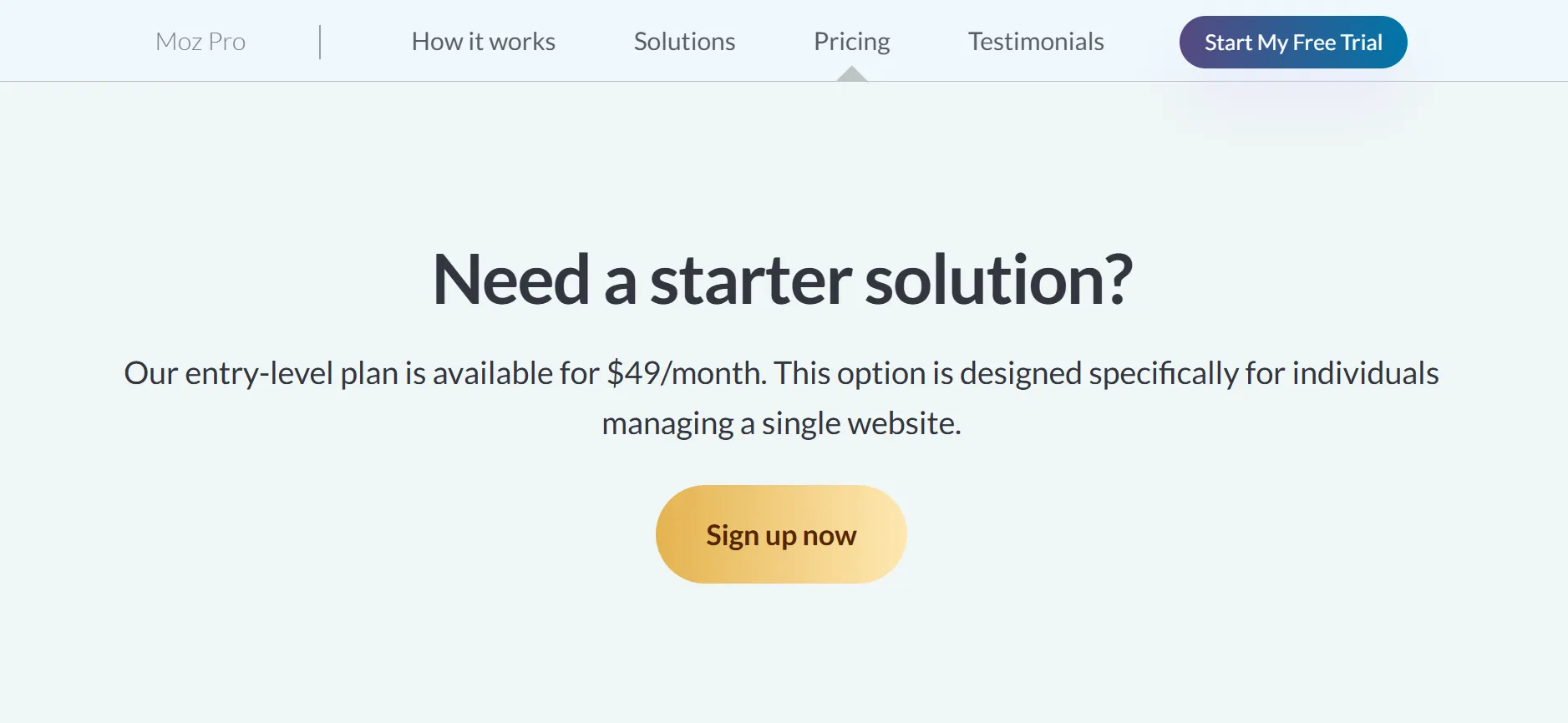
Moz gives users several entry points, beginning with the $49-per-month Starter option and extending to Moz Pro plans aimed at businesses and SEO teams.
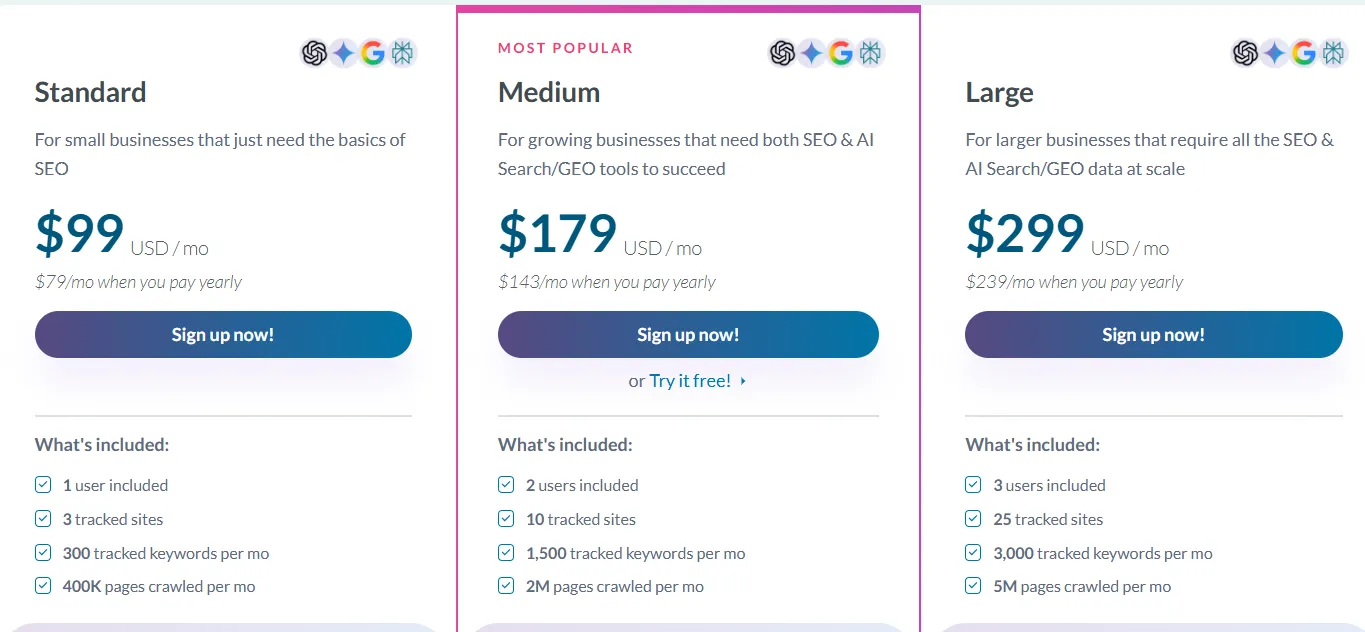
Standard is priced at $99 per month, Medium at $179, and Large at $299 with monthly billing. Choosing annual billing reduces the effective monthly cost of the three primary Pro plans. Enterprise pricing is handled through the sales team.
In this guide, we’ll examine Moz pricing, go through what each plan includes, review the main subscription features, and help you determine whether Moz Pro is worth purchasing.
Moz Pricing at a Glance
Moz Pro offers three primary self-service plans, plus the lower-priced Starter option and a custom Enterprise plan. The published monthly and annual pricing for the three main Pro plans is shown below.
Plan | Monthly billing | Effective monthly price with annual billing | Annual billing amount shown |
Starter | $49/month | Not confirmed on the main pricing page | Check at signup |
Standard | $99/month | $79/month | $950 for the first year |
Medium | $179/month | $143/month | $1,719 for the first year |
Large | $299/month | $239/month | $2,868 for the first year |
Enterprise | Custom | Custom | Contact sales |
Moz promotes a 20% discount on the base price of eligible Moz Pro plans when customers choose yearly payment. The choice is fairly simple: annual billing can bring the effective rate down, but it also means committing to a longer payment period in advance.
If you are only evaluating the platform, monthly billing or an available trial can make more sense as an initial option.
What Does Each Moz Pricing Plan Cost?
The most suitable Moz subscription will depend on the number of websites you oversee, the amount of keyword data you require, and whether you are working independently or as part of a team. Here is a closer look at every option.
1. Moz Starter: $49 Per Month
Moz Starter is designed as the entry point for users managing one website. At $49 per month, it is priced below the three primary Moz Pro plans and can work for website owners who need capabilities beyond free SEO tools without requiring extensive research limits.
It can make sense for a small business website, personal blog, or niche content project. If you do not need multiple users or the ability to monitor a large number of websites, paying for a smaller package can prevent you from spending on capacity you currently do not use.
Before selecting Starter, review the specific allowances for keyword tracking, website campaigns, crawling, and research queries. Moz presents Starter separately from its primary pricing cards, so its limits should not automatically be assumed to match Standard.
You should also confirm the billing options during checkout. The public pricing page shows Starter at $49 per month, but an annual price is not clearly displayed beside the main Pro plans.
2. Moz Standard: $99 Per Month
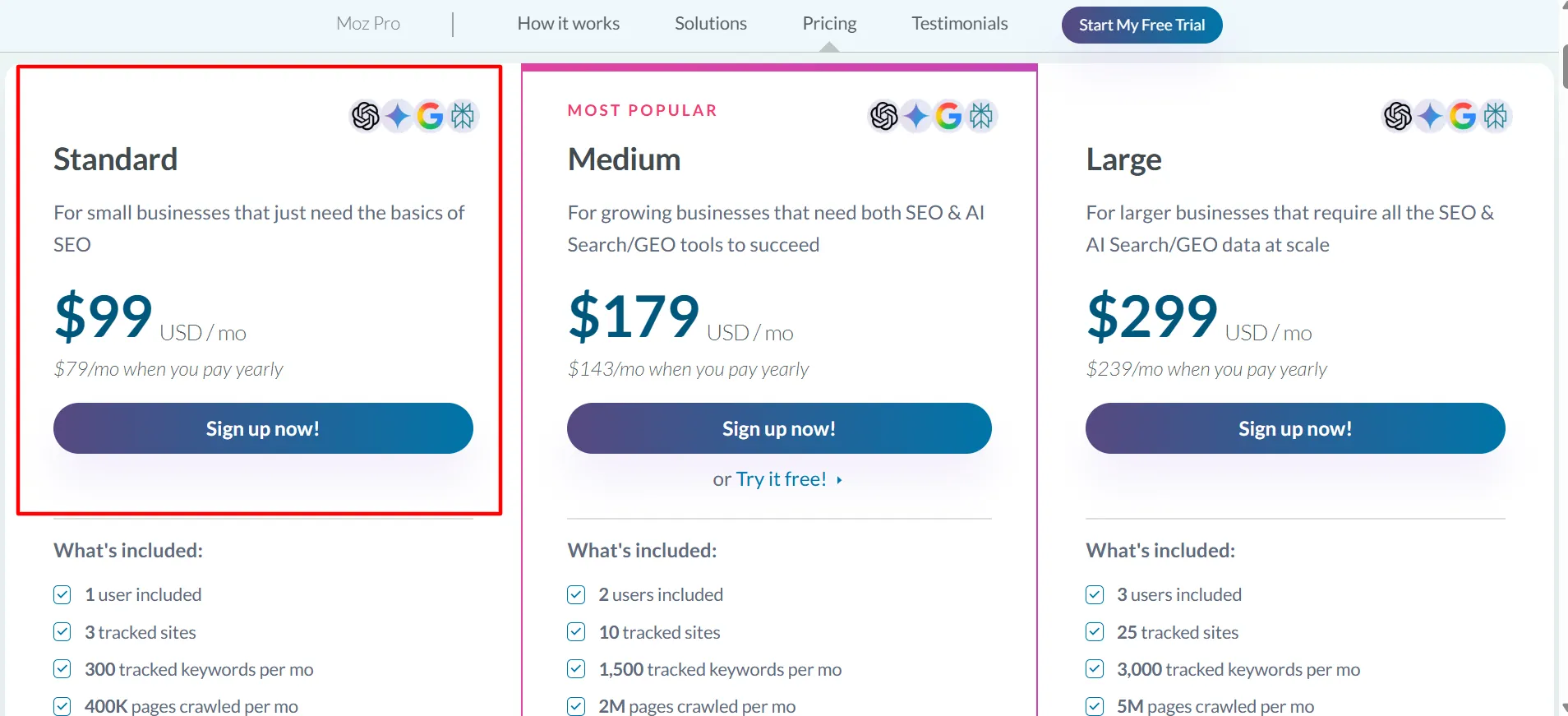
Standard is the first plan among the three core Moz Pro options. Monthly billing costs $99, while annual billing brings the effective monthly price to $79. Moz shows the first-year annual payment as $950.
Standard comes with one user, three tracked sites, 300 tracked keywords per month, and an allowance of 400,000 crawled pages each month. Core SEO tools are included, along with selected AI and generative engine optimization features.
For solo marketers, small businesses, and website owners monitoring a handful of sites, Standard can be a sensible entry point. It allows you to perform keyword research, track rankings, review backlinks, and uncover technical SEO issues without immediately moving to a higher-priced package.
Its biggest consideration is capacity. Someone managing multiple client sites or maintaining a large keyword database could run into the limits relatively quickly. Instead of selecting Standard solely because it is the least expensive main Pro plan, compare its included allowances against the work you actually perform.
3. Moz Medium: $179 Per Month
Medium is priced at $179 per month with monthly billing and $143 per month with annual billing. Moz lists the first-year annual payment at $1,719 and identifies Medium as its most popular plan.
It provides two user accounts, ten tracked sites, 1,500 tracked keywords per month, and a monthly crawl allowance of up to two million pages. Compared with Standard, it also provides additional AI visibility dashboards, tracked prompts, and AI content briefs.
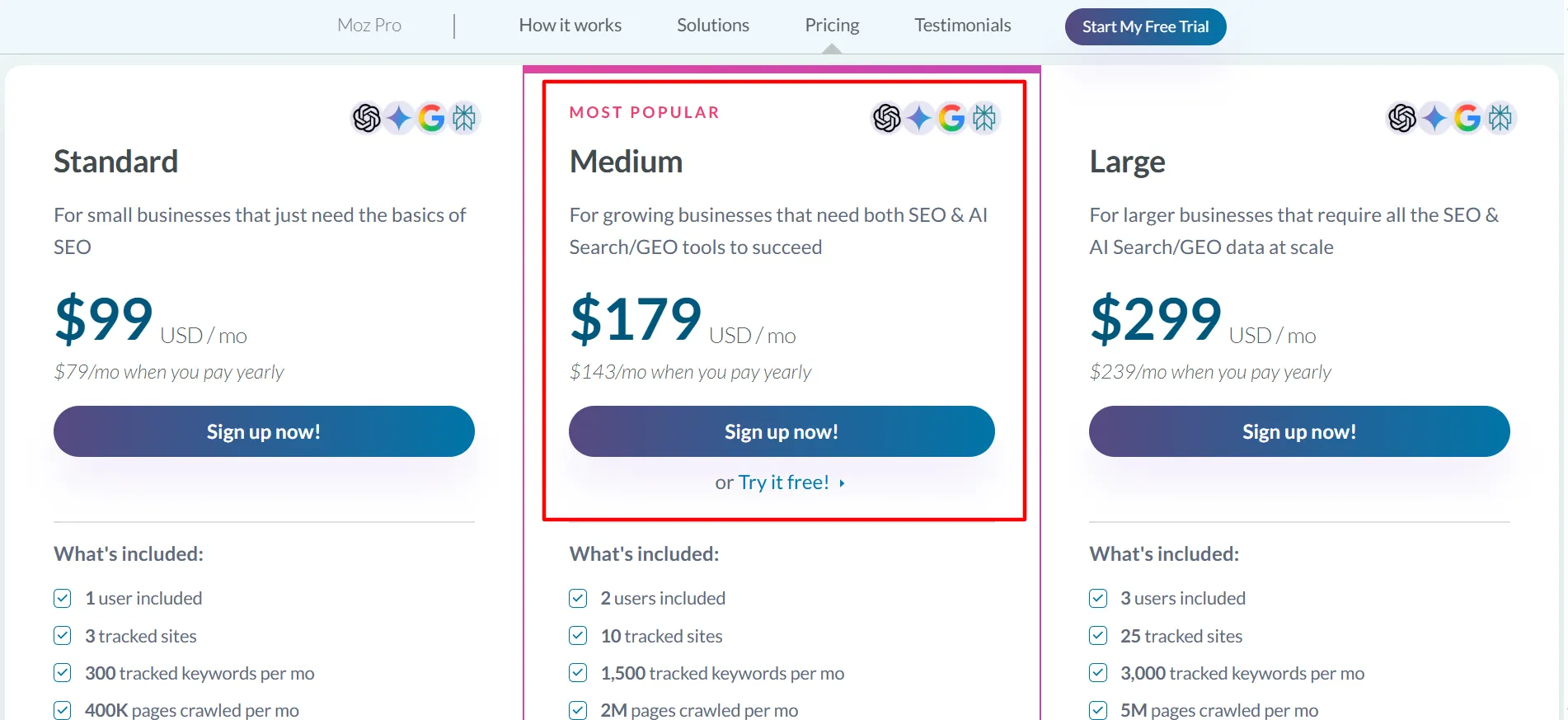
The increased capacity makes Medium more suitable for growing companies, in-house marketing departments, and agencies managing several websites. Two user accounts allow a small team to divide responsibilities, while the expanded keyword and crawl limits provide greater flexibility for continuing SEO campaigns.
However, the higher subscription only makes sense when that additional capacity is needed. If you handle a single small website with a limited keyword set, Standard may be sufficient. Teams managing multiple projects and monitoring visibility in both traditional search and AI-powered search environments may find Medium more appropriate.
Moz’s pricing page also provides a free trial for Medium. Review the current signup conditions to verify eligibility and determine whether any payment information is required before starting the trial.
4. Moz Large: $299 Per Month
Large targets businesses and SEO teams that require substantially higher usage limits. It costs $299 per month on monthly billing or $239 per month with annual billing. The listed first-year annual amount is $2,868.
The plan includes three users, 25 tracked sites, 3,000 tracked keywords per month, and as many as five million crawled pages each month. It also expands the allowances available for AI visibility dashboards, tracked prompts, and AI content briefs.
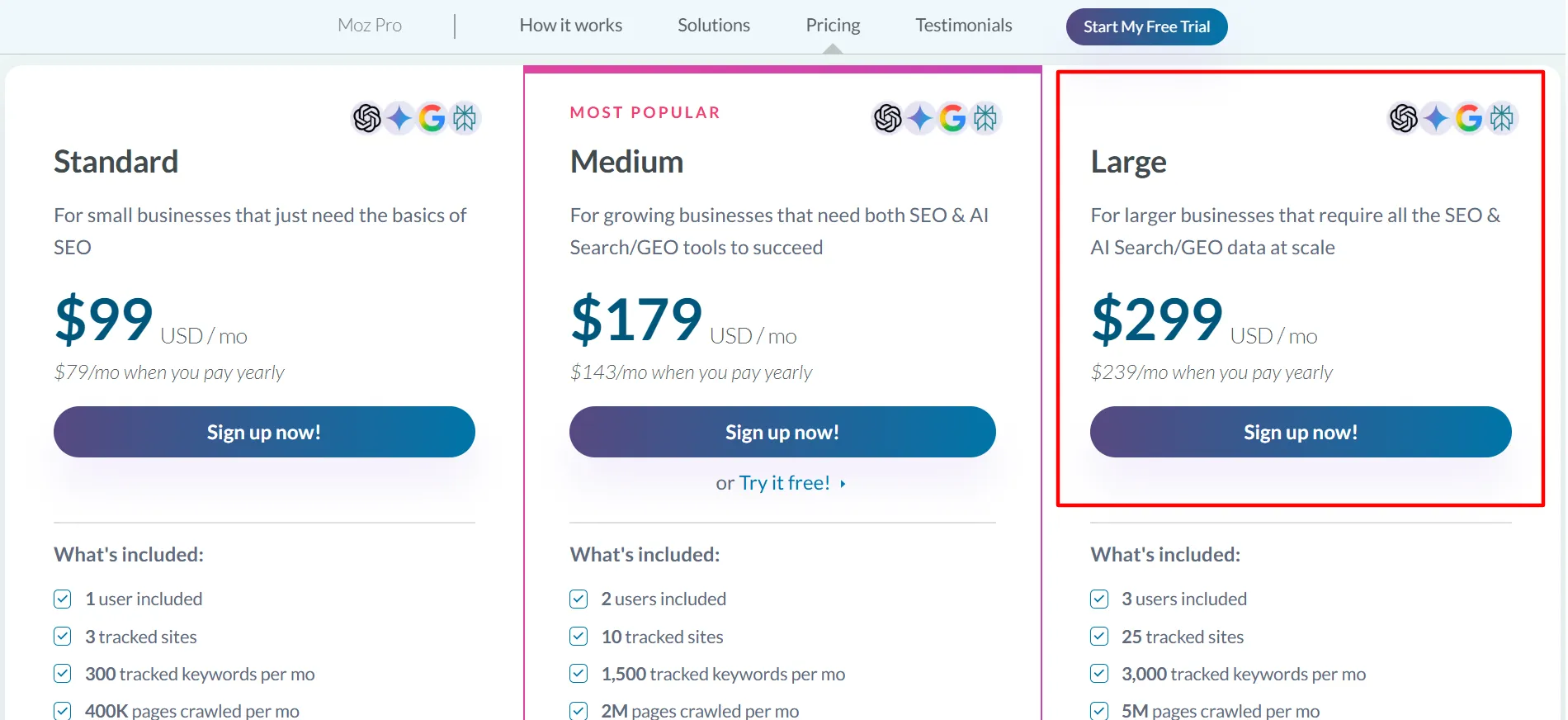
Large can be a useful option for agencies with numerous clients, companies operating several websites, and teams that conduct technical audits frequently. Having more capacity can make it easier to manage projects without dividing work between separate accounts or repeatedly checking whether usage is close to the plan limits.
For a small business with only one website, however, Large is likely to provide more capacity than necessary. Before moving up, calculate the number of sites, keywords, and pages you genuinely need to monitor. If your requirements exceed Large by a significant margin, speak with Moz about Enterprise rather than assuming the self-service plan will meet every need.
5. Moz Enterprise: Custom Pricing
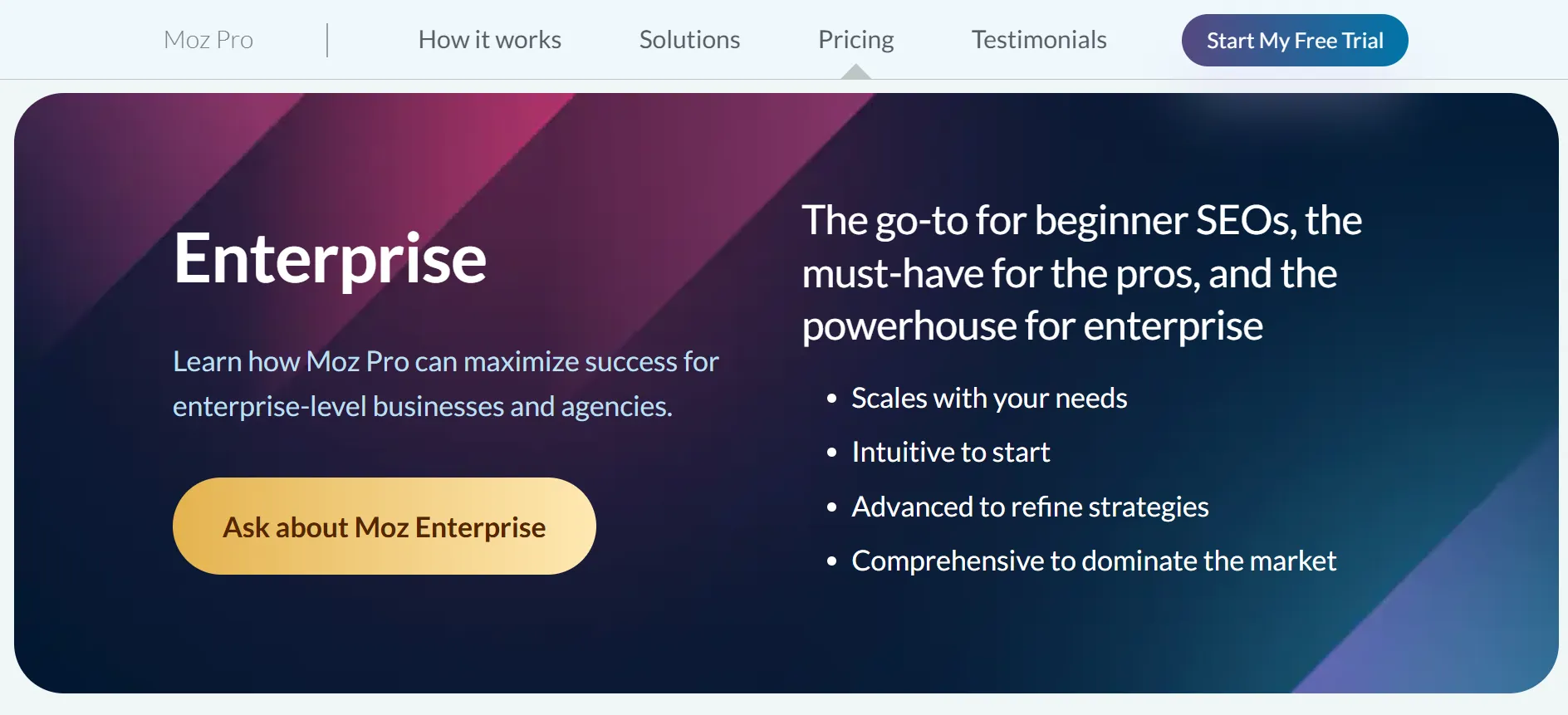
Moz also has an Enterprise option for organizations that require a more extensive or customized setup. Instead of publishing a fixed price, the pricing page directs prospective customers to the sales team.
Enterprise may be relevant to organizations with large SEO departments, numerous websites, or specialized data and reporting requirements. The final price depends on the package and requirements discussed with Moz.
If Enterprise is under consideration, request a written explanation of the included features, usage limits, user seats, onboarding, and contract terms. Then compare that proposal with the price of a self-service plan and any additional capacity your organization would otherwise require.
What Do You Get With Moz Pro?
Moz Pro is not limited to keyword research. Its subscription combines multiple SEO activities that might otherwise have to be handled through separate processes. Exact limits differ between plans, but these are the primary features to evaluate.
1. Keyword Research
Keyword research allows you to identify the phrases people enter when searching for products, services, and information. Moz’s Keyword Explorer offers data for comparing opportunities, assessing keyword difficulty, and building content plans around relevant searches.
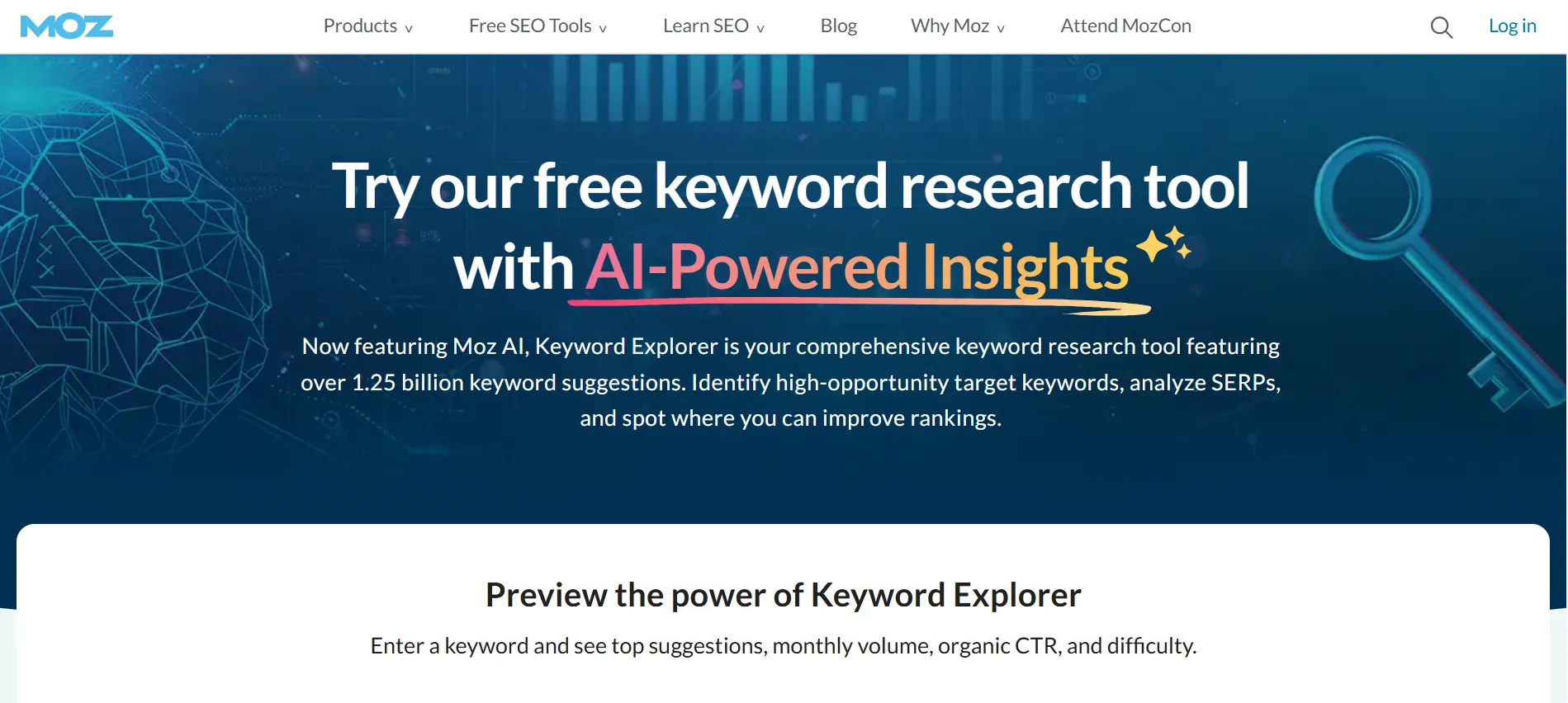
For instance, an accounting software company could investigate searches connected to invoicing, tax reporting, and bookkeeping. Those findings could help the team determine which subjects should receive dedicated landing pages or blog content.
Keyword metrics should still be viewed as estimates rather than guarantees. Consider them alongside search results, audience understanding, and your own website data when determining what content to create.
2. Rank Tracking
Rank tracking shows how chosen keywords change in search results over time. This can be useful when evaluating what happens after launching a new page, refreshing existing content, or strengthening internal links.
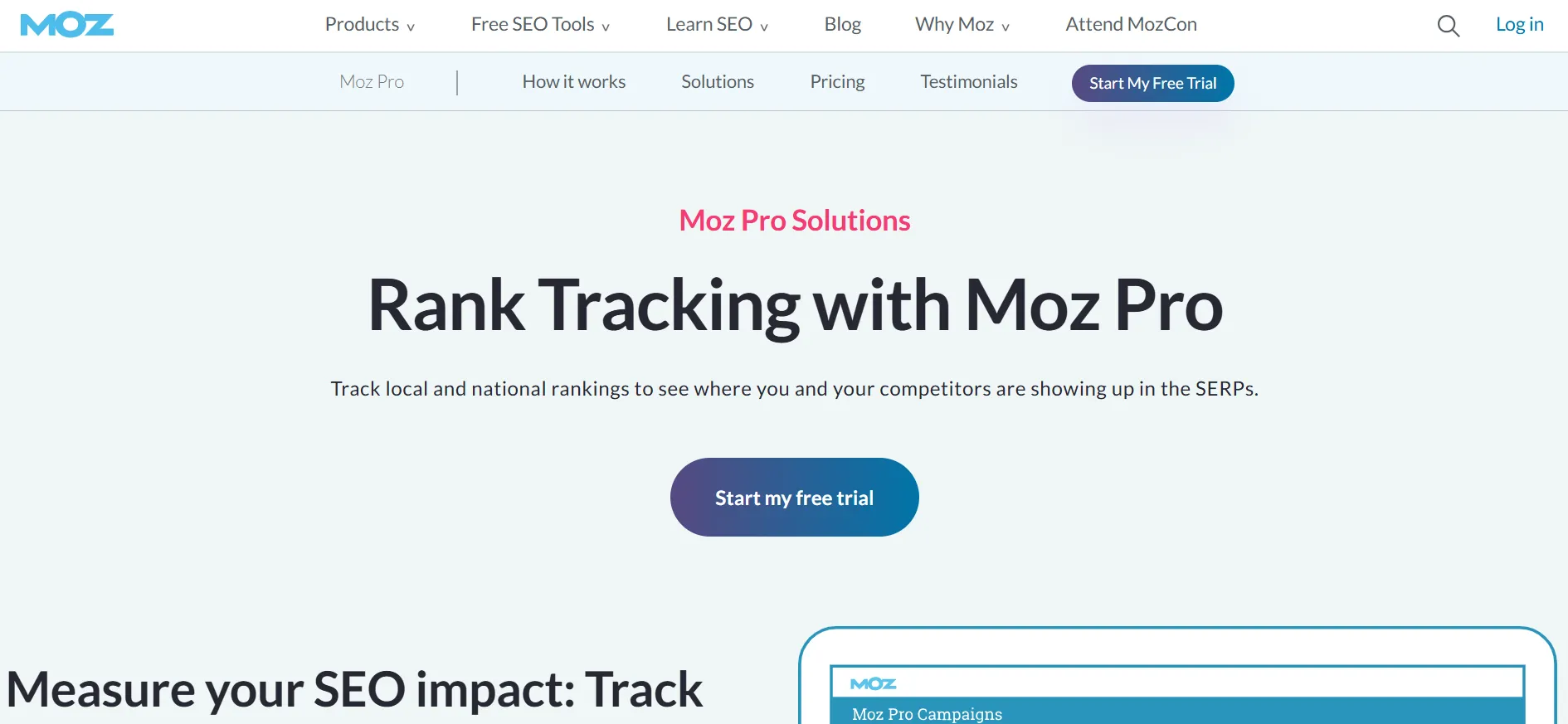
It also allows you to compare progress against competitors. Search rankings can fluctuate for many reasons, so one daily movement should not automatically be treated as evidence that an SEO change worked or failed. Focus on larger patterns and evaluate them alongside traffic and conversion information.
3. Site Audits and Crawling
Technical SEO issues can make it difficult for search engines to discover, understand, or index website pages correctly. Moz Pro’s crawling and site analysis capabilities can help surface problems that require attention.
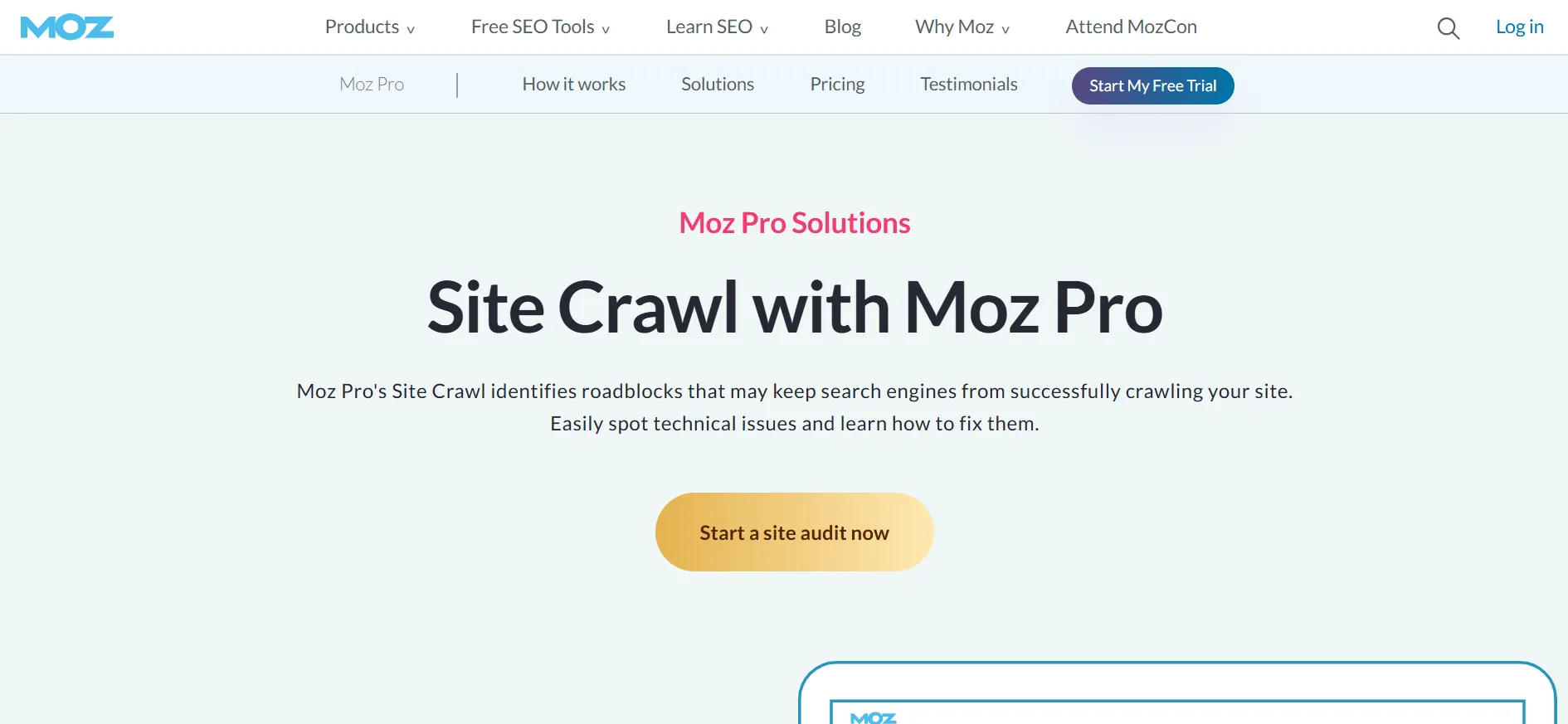
Depending on the selected plan, monthly crawl allowances extend from hundreds of thousands of pages to several million. This becomes particularly important for websites with extensive product catalogs, large content libraries, or many pages requiring recurring checks.
A crawl report should be treated as the beginning of the process rather than a complete solution. Examine the findings, address issues affecting important pages first, and make sure recommended changes do not introduce additional problems.
4. Backlink Analysis
Backlinks continue to be useful in SEO analysis because links can help search engines understand relationships between websites. Moz provides link research tools for examining backlink profiles and investigating websites that link to competitors.
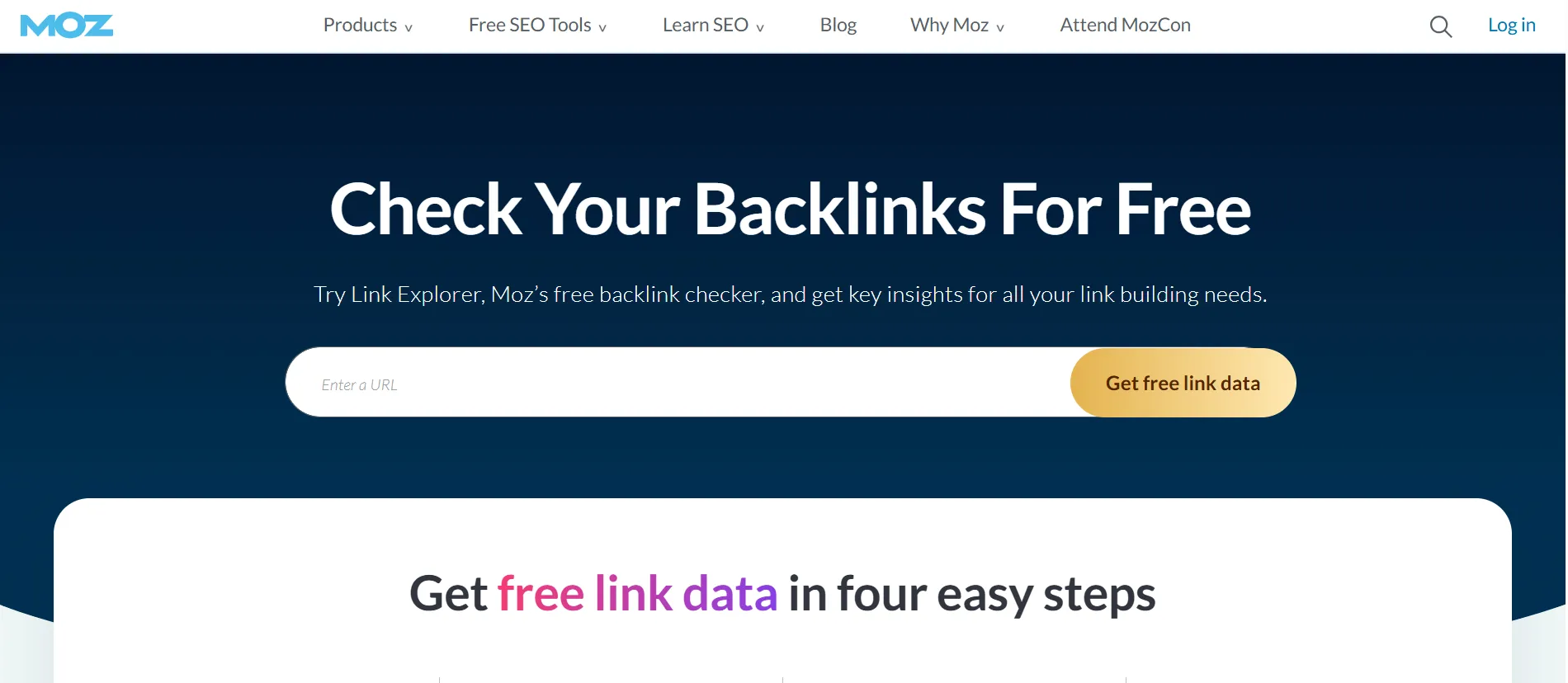
This information can support outreach and help you discover links that deserve further investigation. It can also highlight patterns, including links from relevant industry publications or pages that previously linked to your website but no longer do.
Avoid evaluating a backlink using only one metric. Relevance, placement, page quality, and the surrounding context are all important.
Moz is widely associated with Domain Authority, a score that estimates a website’s ability to rank using its link profile and other data. SEO professionals commonly use it to compare websites and develop a broad understanding of relative link strength.
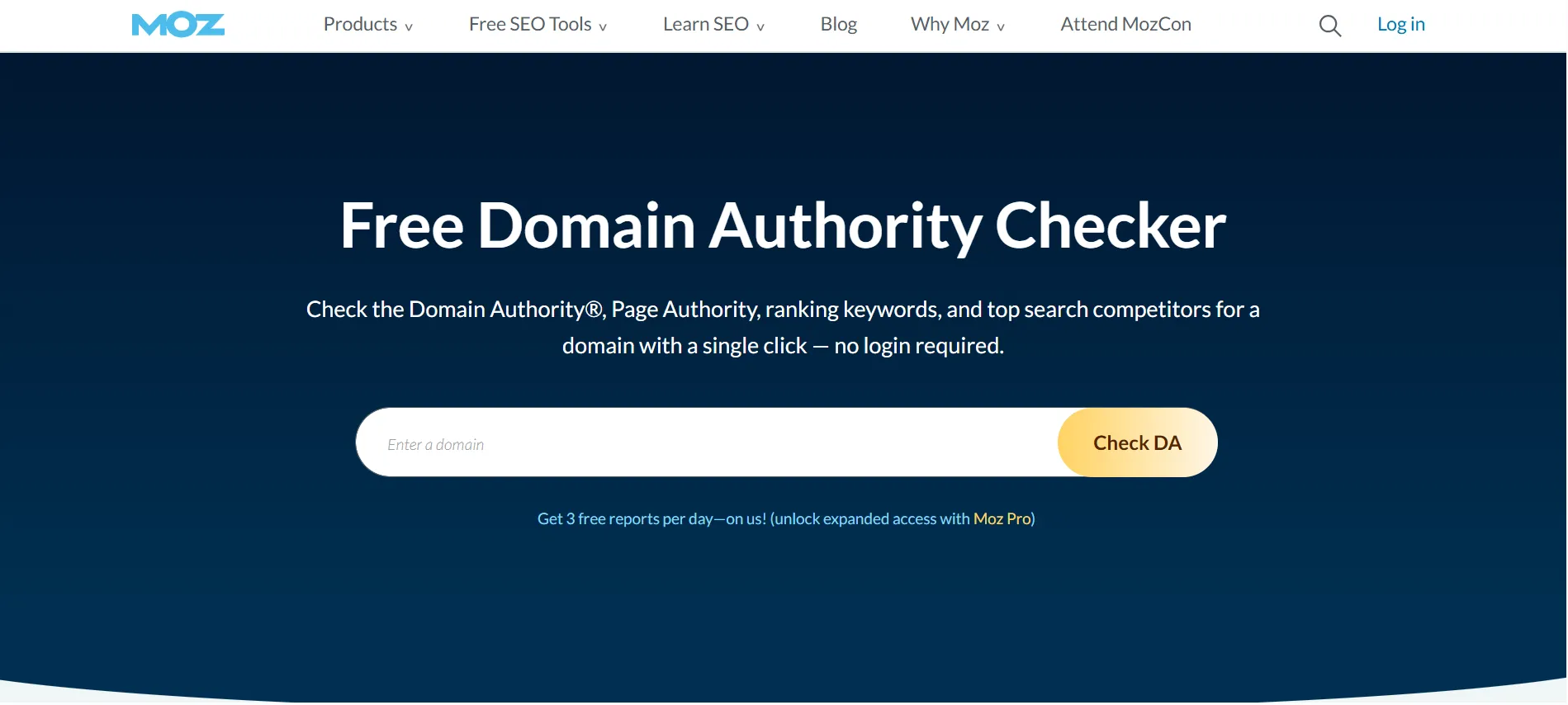
Domain Authority is not a Google ranking factor, and an increase in the score does not guarantee higher search rankings. It is better used as a comparison metric rather than something that must rise every month.
6. AI Search Visibility Features
Moz’s current Pro plans also contain AI and generative engine optimization capabilities. These include areas such as AI Overviews by keyword, AI visibility dashboards, tracked prompts, supported AI models, and AI content briefs. Availability depends on the selected plan.
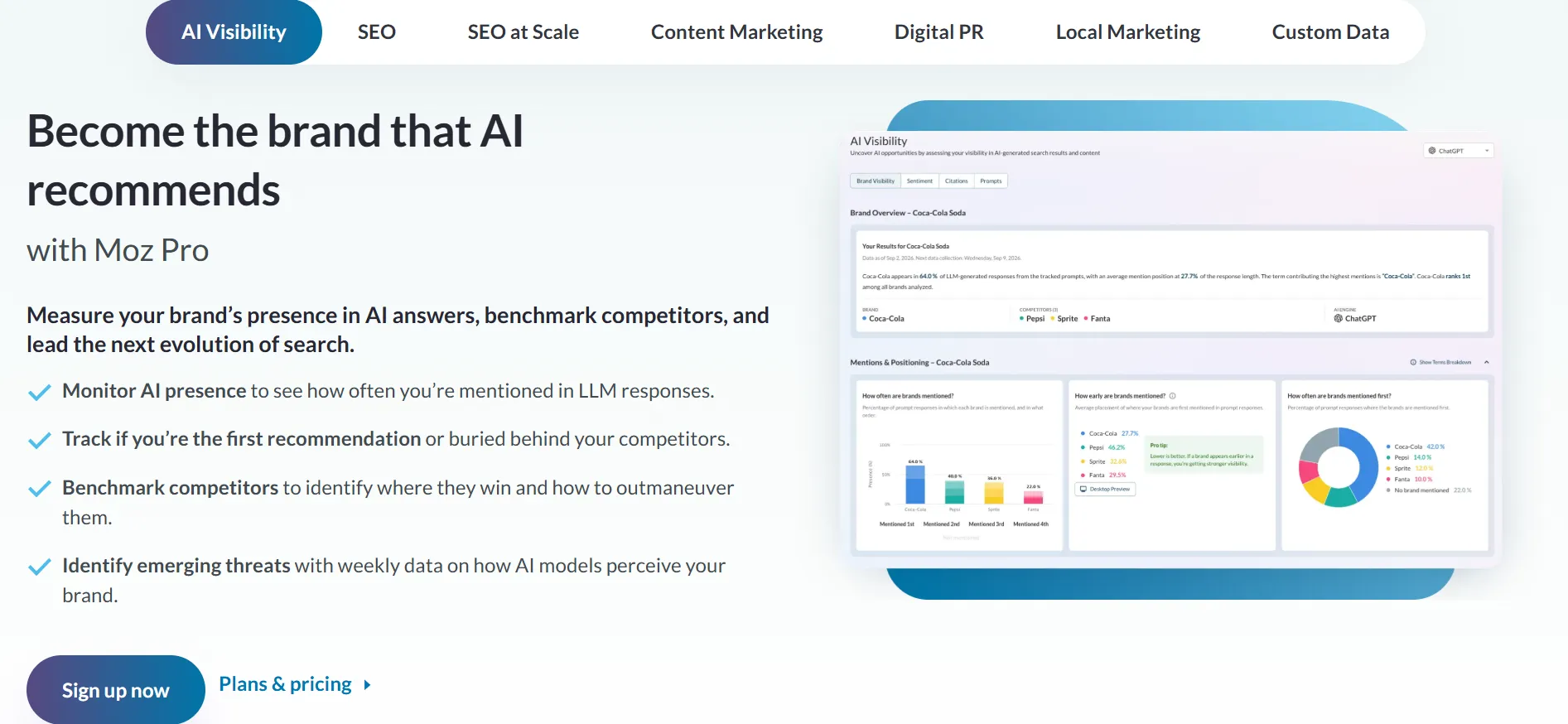
These features can help marketers investigate how their brands appear across supported AI search experiences. Because this area continues to change rapidly, verify which models and reporting capabilities Moz currently supports before purchasing primarily for AI visibility.
Is Moz Pricing Worth It?
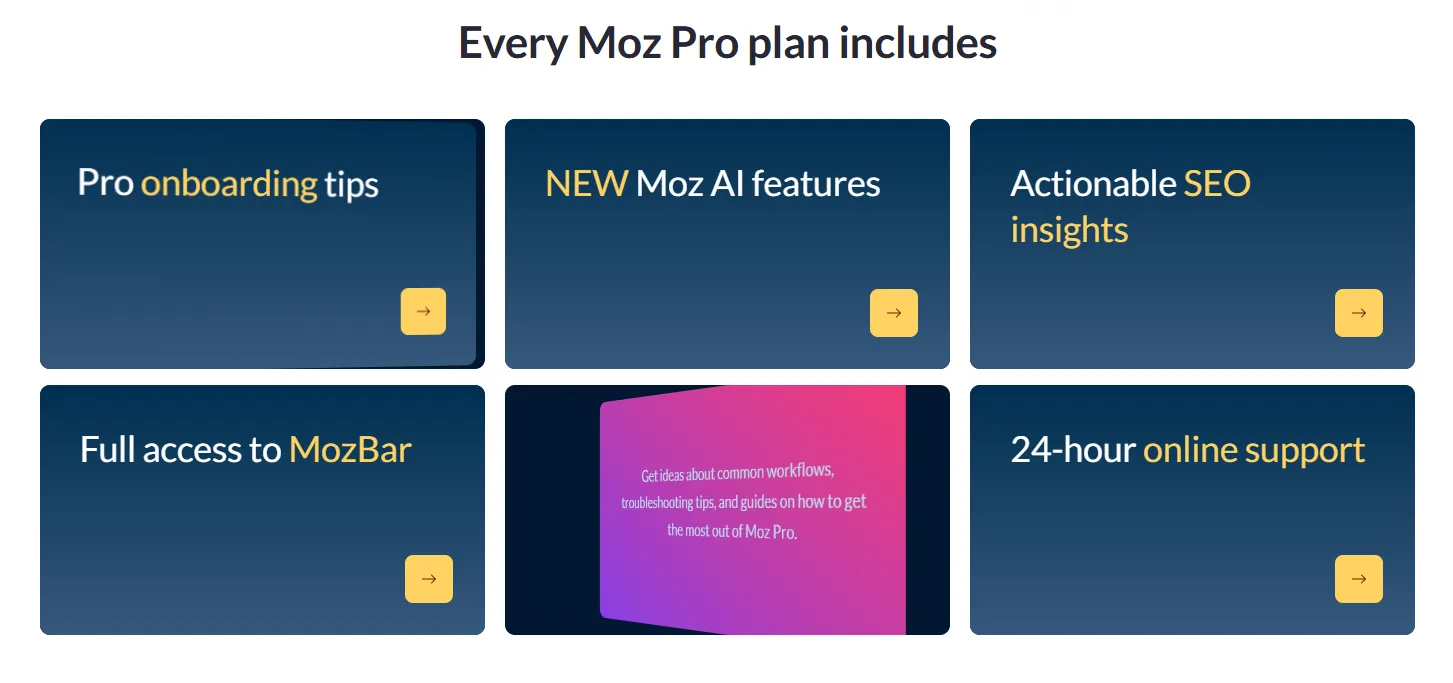
Moz can justify its price when you use its features consistently and the information helps you make stronger SEO decisions. Its value comes from combining keyword research, rank tracking, backlink analysis, technical auditing, and AI visibility within one subscription.
For a business publishing content every week, monitoring competitors, and following important search terms, the time saved can make a paid plan worthwhile. Agencies can also benefit from handling multiple client websites through a single account.
The subscription is more difficult to justify when you only research a few keywords occasionally. New bloggers and smaller site owners may be able to get enough information from Moz’s free tools and Google Search Console before they need to pay.
Consider the subscription in relation to your monthly SEO workflow. If you will rely on Moz for content planning, technical checks, progress reporting, and backlink opportunities, a paid plan may deserve a place in your budget. If you only need one particular feature, a specialized tool or free alternative could make more sense.
Moz Pro vs. Free Moz Tools
Moz also offers free SEO tools that provide limited access to selected capabilities without requiring a Pro subscription. These include limited versions of tools such as Keyword Explorer, Link Explorer, and MozBar through a free Moz Community account.
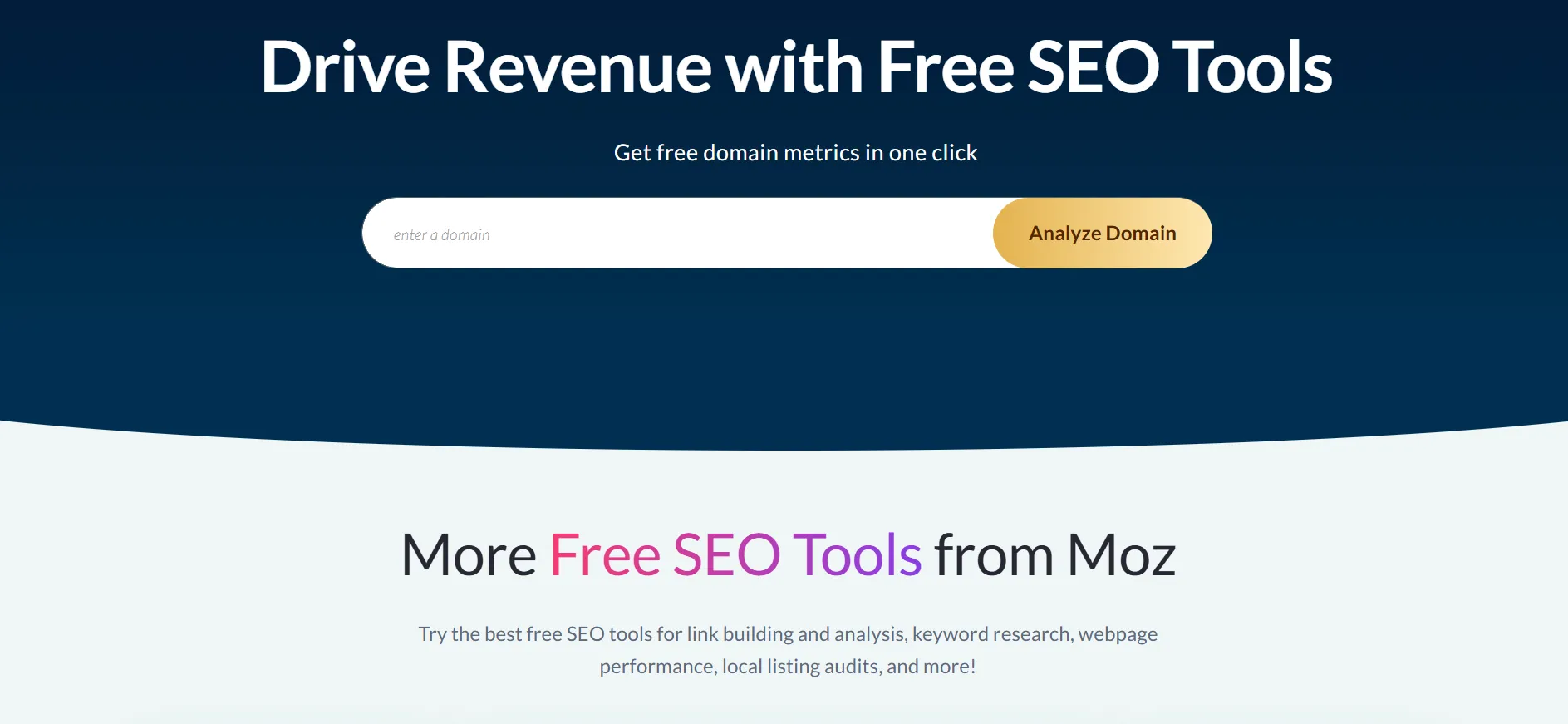
Free tools are a reasonable starting point for people learning SEO or running smaller websites. They let you become familiar with the interface, investigate keyword ideas, and examine backlink information before deciding whether a paid subscription provides enough extra capacity.
The major difference is the quantity and depth of data. Paid plans offer larger allowances, continuous tracking, crawling capacity, and additional reporting and AI visibility features. If you need ongoing monitoring for several websites, the free tools may not provide enough coverage.
How to Choose the Right Moz Pricing Plan
Let your existing SEO workload determine the plan rather than selecting the most expensive package within your budget.
Choose Starter if you manage one website and want an entry-level paid plan.
Choose Standard if you operate a small business or manage a few websites with a moderate keyword list.
Choose Medium if you oversee multiple websites, require additional keyword tracking, or share SEO responsibilities with another person.
Choose Large if your team manages numerous sites and needs greater crawl and research allowances.
Ask about Enterprise if your organization requires specialized or large-scale capabilities.
Before subscribing, note the websites you manage, how many keywords you monitor, how frequently you perform audits, and which people need account access. Compare those requirements with each plan’s limits.
Billing also deserves consideration. Annual pricing reduces the effective monthly cost of Standard, Medium, and Large, but it requires a higher upfront payment. If you are not yet certain that Moz fits your workflow, review the available trial and free tools before committing.
Pro & Cons of Moz
Pros
- Comprehensive SEO toolkit covering keyword research, rankings, links, and technical SEO.
- Strong combination of traditional SEO and newer AI/GEO features.
- 20% savings available with annual billing.
- Offers a free trial and a free account with limited SEO tools
- Well-known SEO metrics such as Domain Authority and Page Authority.
- Scalable plans for small businesses, growing teams, and larger organizations.
Cons
- Higher-tier plans can become expensive for smaller users.
- Some features and usage limits vary significantly between plans.
Quick Links:
- WebinarJam Pricing & plans
- Jungle Scout Pricing 2026
- Teachable Pricing
- MasterClass Pricing
- Hostinger Pricing 2026
FAQs: Moz Pricing October 2026
Moz Pro is an all-in-one SEO platform that provides tools for keyword research, rank tracking, site crawling, backlink analysis, and SEO performance monitoring. It also includes AI-powered SEO features and AI Visibility tools on its current plans.
Moz Pro offers Standard at $99/month, Medium at $179/month, and Large at $299/month when billed monthly. Annual billing reduces the prices to $79, $143, and $239 per month, respectively.
Yes. Moz provides a free trial for eligible Moz Pro plans. A free Moz Community account is also available with limited access to tools such as Keyword Explorer, Link Explorer, and MozBar.
Yes. Moz allows users to cancel their Moz Pro subscription at any time through their account. Cancellation stops future renewals, while access continues through the paid billing period.
Yes. Moz offers a 20% discount on the base Moz Pro plan when you choose yearly billing.
Moz Pro includes keyword research, rank tracking, site crawling, backlink research, SERP analysis, Domain Authority, Page Authority, and AI-powered SEO features. The available limits depend on the selected plan.
Yes. The Standard plan is designed for small businesses that need core SEO tools, with support for multiple tracked sites, keyword rankings, site crawling, and AI/GEO features.
Yes. Moz allows customers to change their plan, and additional limits such as campaigns, tracked keywords, and pages crawled can also be added through available add-ons.
Final Verdict: Moz Pricing October 2026
Moz pricing begins at $49 per month for Starter, while the main Pro plans are $99, $179, and $299 per month when paid monthly. Annual billing lowers the effective monthly rates for Standard, Medium, and Large. The appropriate plan ultimately depends on how many websites you manage and the volume of SEO data your work requires.
Moz Pro is worth considering for businesses, content teams, and agencies that regularly need keyword research, rank tracking, backlink analysis, site audits, and AI search visibility. Its established SEO metrics and combination of tools make it a useful option for teams that prefer to manage multiple SEO activities from one platform.
It may not be the best purchase for a new blogger or someone who only researches keywords occasionally. Begin with the free tools, review the available trial, and match the plan limits to your actual workload before paying.

Jitendra Vaswani is a well-known figure in the SEO and affiliate marketing communities. He is regarded as a legitimate authority due to his deep knowledge and game-changing contributions to the field. He is the founder of Digiexe.com, a digital marketing agency, and VenueLabs.com, a full-service PR marketing agency. His strategic acquisition of AffiliateBooster.com has further solidified his status as a leader, bringing forth groundbreaking solutions that are revolutionizing affiliate marketing. Follow Jitendra on Instagram, Facebook, and LinkedIn