Best AI presentation makers, the short answer: Gamma is the best AI presentation maker for most people in 2026. It turns a short prompt into a polished, web-native deck in about a minute, and the free plan is enough to try it with real work. If you need traditional PowerPoint or Google Slides files that stay editable without a messy export, use Plus AI inside those apps. For brand-consistent team decks, Beautiful.ai is the safer pick. Canva remains the best free AI presentation option if you already live in Canva for marketing creative.
I build decks for client pitches, webinars and internal SEO reviews almost every week. Most “best AI presentation software” lists either copy feature tables or invent scorecards. This guide does neither. Every price and limit below comes from each tool’s official website or help page, checked in October 2026. I am not claiming secret lab tests. I am telling you what the tools actually offer, plus my honest opinion on who each one suits.
Best AI Presentation Makers: Quick Comparison Table
| Tool | Best for | Free plan | Paid from (official) | Works in PPT / Slides? | Export notes |
|---|---|---|---|---|---|
| Gamma | Fastest prompt-to-deck | Yes (400 credits at signup) | Plus about ₹400/seat/month annual | Via PPTX / Google Slides export | Free exports may carry branding; check current free terms |
| Beautiful.ai | Brand-consistent Smart Slides | 14-day Pro/Team trial | Pro about US$14.50/month annual | PPT import/export on paid plans | Strong traditional slide output |
| Plus AI | Native Google Slides and PowerPoint | 7-day trial (1,000 credits) | Basic US$10/user/month annual | Yes, native add-in | No export step; slides stay in your file |
| Canva | Free marketing decks | Yes (Canva Free) | Canva Pro / Business (see Canva pricing) | Export to PPTX and PDF | Magic Design / Magic Studio AI features |
| Pitch | Team collaboration | Free (€0, 100 one-time AI credits) | Plus about €10/month annual | Exports available on plans | Strong sharing and analytics |
| Prezi AI | Non-linear zoom presentations | Limited free / trials | Paid Prezi plans (see Prezi pricing) | Prezi format first | Different presentation style |
| SlidesAI | Docs and prompts inside Slides/PPT | Basic free (12 presentations/year) | Pro about US$10/month annual | Google Slides, PowerPoint, web | Text-to-slides workflow |
| Visme AI | Infographic-heavy decks | Free starter | Paid Visme plans | Export options on paid | Strong visuals and charts |
| Slidesgo AI | Template-first free decks | Free templates + AI tools | Freemium / Freepik plans | Google Slides / PPTX | Good for students |
| Presentations.AI | Prompt-to-deck alternative | Trial / freemium | Paid plans (check site) | Export to PPTX | Similar job to Gamma |
| Gemini in Google Slides | Already in Google Workspace | Included with eligible Google plans | Google One / Workspace | Native Google Slides | Best zero-extra-tool option |
| Copilot in PowerPoint | Microsoft 365 users | Needs eligible Microsoft 365 | Microsoft 365 Copilot licensing | Native PowerPoint | Best if your company already pays for Copilot |
Sources: each tool’s official homepage or pricing page (October 2026). Rupee prices shown where the vendor displayed INR to an India visitor. Dollar and euro prices are as published. GST, VAT and forex may apply.
What Are AI Presentation Makers?
An AI presentation maker (also called an AI PPT generator or AI presentation software) uses generative AI to turn a prompt, outline, document or URL into slides. Instead of starting from a blank PowerPoint file, you describe the topic, paste notes, or upload a PDF, and the tool drafts structure, copy and layout.
People search for this in different ways: “presentation AI free”, “ppt ai tool”, “best ai to make ppt”, “best free ai powerpoint generator”, or “best ai tools for creating presentations”. They all point to the same job: get from idea to a presentable deck faster.
That does not mean the AI replaces your judgment. The best results still need you to fix facts, tighten the story and match your brand. Think of these tools as a strong first draft, not a finished client deliverable.
How I Picked These AI Presentation Makers
I did not invent quality scores. I judged each tool on things you can verify on the official site:
- Speed to first draft: how quickly you get something usable from a prompt.
- Where the file lives: a new web app, or inside PowerPoint / Google Slides.
- Export fidelity: whether PPTX or PDF export keeps the design.
- Free limits: credits, slide caps, branding and watermark rules.
- Team and brand controls: themes, fonts, shared libraries.
- Price clarity: published monthly or annual seat prices.
- Fit for Indian users: INR pricing where shown, and whether you can present offline.
I also weighed my own daily work. For SEO and marketing decks, I care more about a clean narrative and export that clients can open than about flashy animations.
Best AI Presentation Makers for 2026
1) Gamma: Best AI Presentation Maker Overall
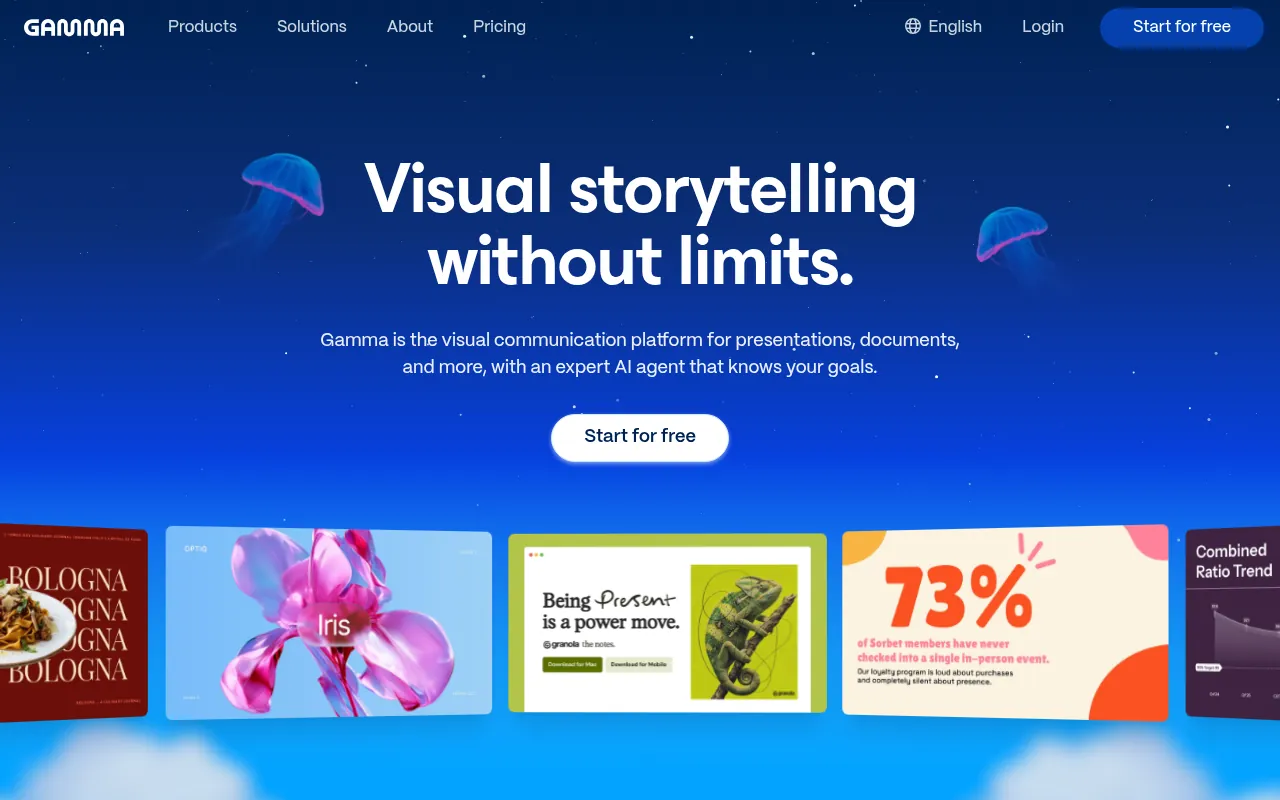
Gamma is my default recommendation when someone asks for the best AI presentation maker in 2026. It builds card-based, web-native decks from a prompt, outline or imported PDF/PPTX. You can share a link, present in the browser, or export to PDF, PPTX, PNG and Google Slides.
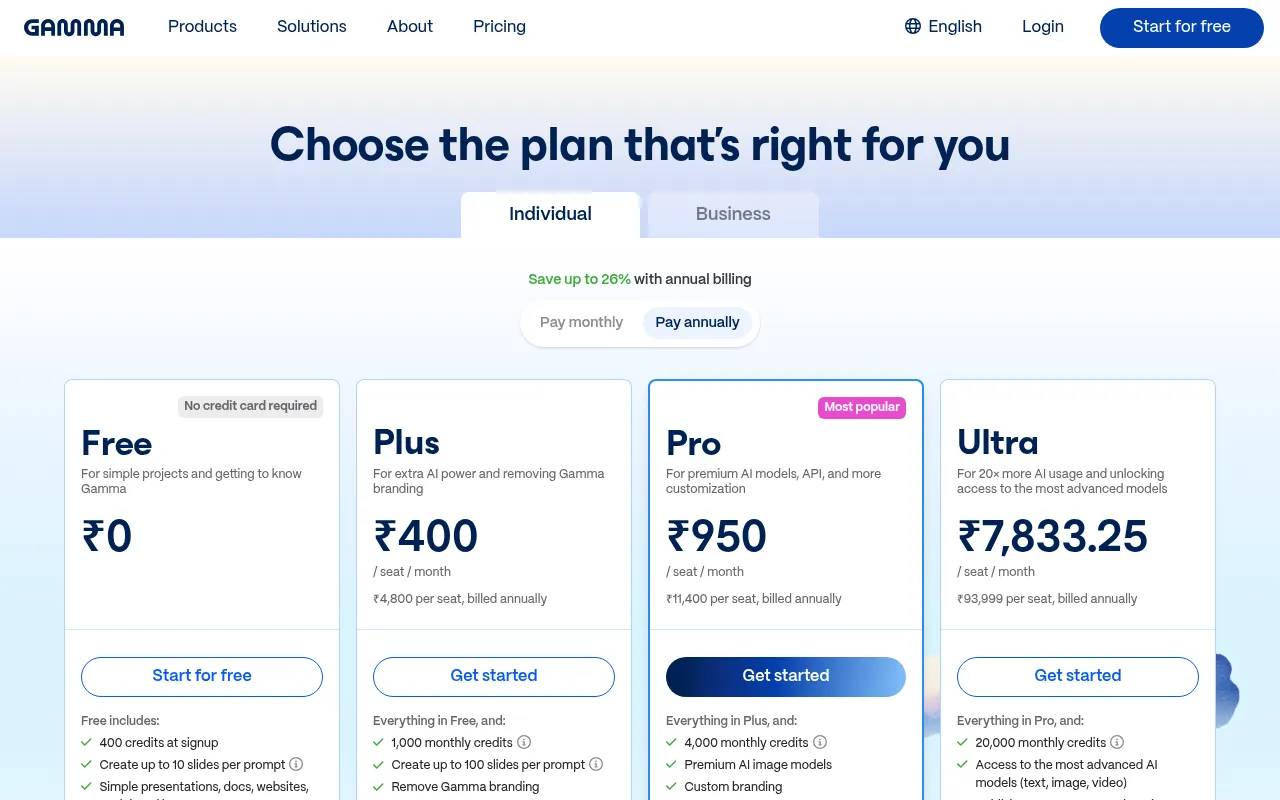
On Gamma’s India pricing page in October 2026, the Free plan starts at ₹0 with 400 credits at signup and up to 10 slides per prompt. Plus is about ₹400 per seat per month when billed annually (₹4,800 per seat yearly). Pro is about ₹950 per seat per month annual (₹11,400 yearly). Ultra is a high-usage tier around ₹7,833 per seat per month annual. Prices may include tax depending on location.
Why I like it: the speed from prompt to a shareable deck is hard to beat. It is also useful for docs and simple sites, not only slides.
What to watch out for: Gamma’s card format does not always translate perfectly to traditional PowerPoint. If your client demands a pixel-perfect .pptx, test the export early. Free-plan branding and credit limits also mean power users will hit Plus quickly.
My verdict: best overall AI presentation software for founders, marketers and consultants who want a fast first draft and a web share link.
2) Beautiful.ai: Best for Brand-Consistent Traditional Slides
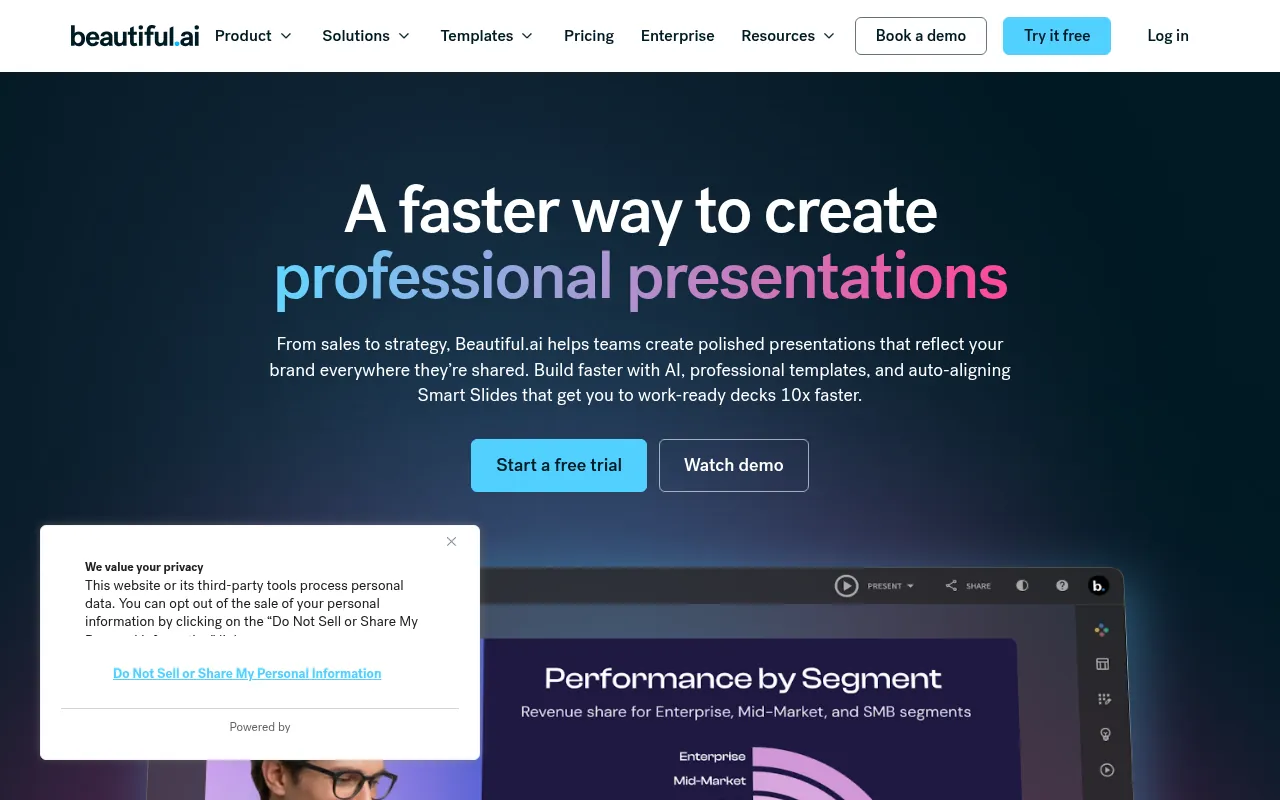
Beautiful.ai is built around Smart Slides that auto-align as you edit. That makes it the best pick when a team of non-designers must ship client-ready decks that look the same every time.
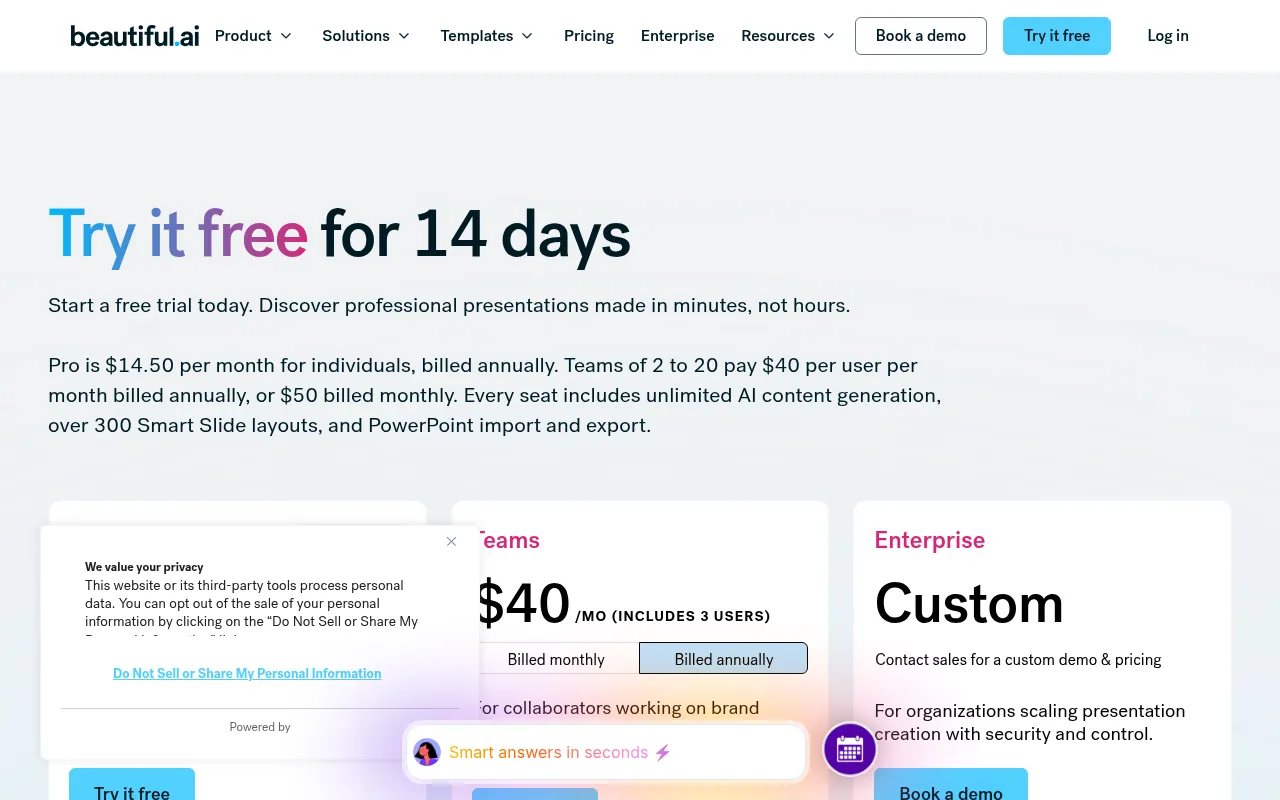
Official pricing (October 2026) lists Pro at about US$14.50 per month billed annually for individuals, with unlimited AI content generation, 300+ Smart Slide layouts, and PowerPoint import/export. Team plans for 2–20 users are about US$40 per user per month billed annually (US$50 monthly). Both Pro and Team offer a 14-day free trial that requires a card.
Why I like it: design guardrails save hours of “nudge this box left” work.
What to watch out for: less creative freedom than a blank Canva or Classic Slide canvas. Students can check Beautiful.ai’s education offer for a free year with a valid .edu email.
My verdict: best AI presentation maker for sales and marketing teams that care about brand consistency more than experimental layouts.
3) Plus AI: Best When You Refuse to Leave PowerPoint or Google Slides
Plus AI is an add-in that generates and edits slides inside Google Slides and PowerPoint. That is a big deal. Most AI PPT generators create a new file format and then ask you to export. Plus AI skips that step.
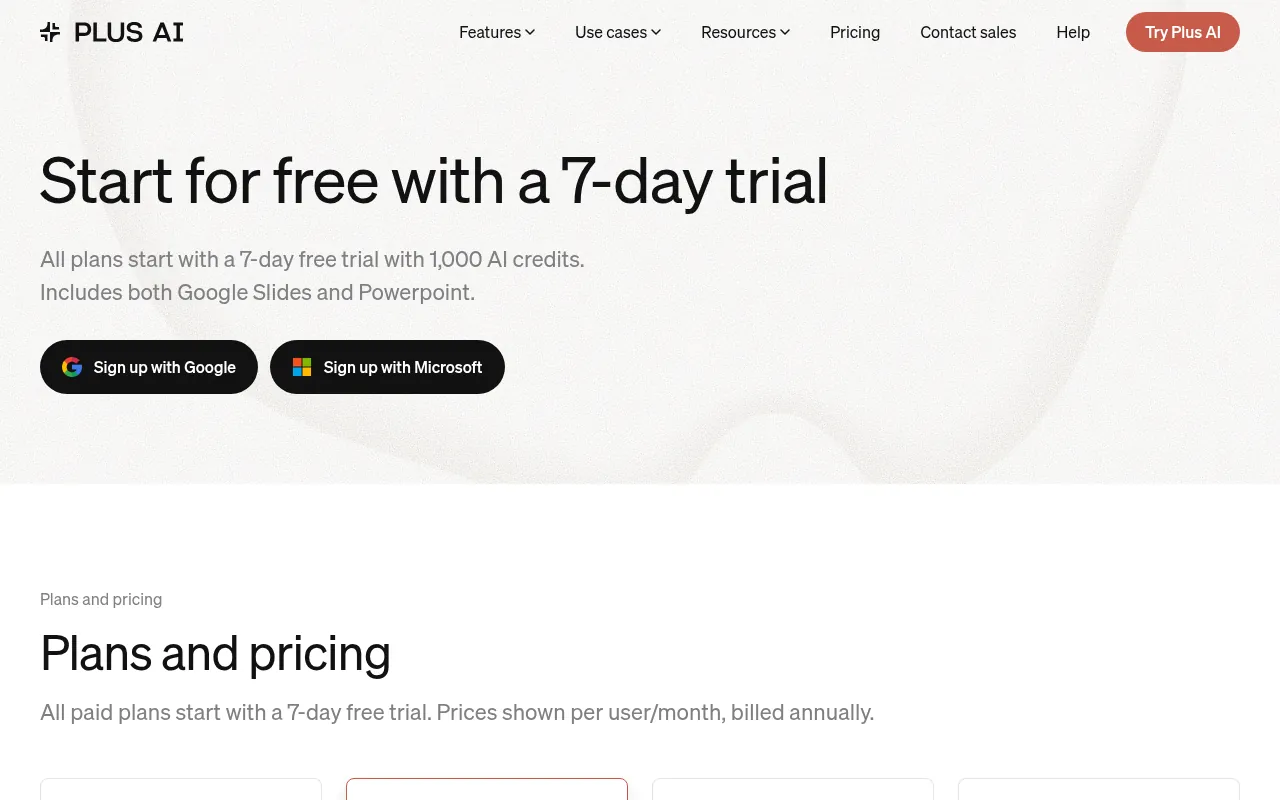
Official pricing (October 2026) starts with a 7-day free trial that includes 1,000 AI credits. Paid plans (per user/month, billed annually): Basic at US$10, Pro at US$20, Team at US$30, and Max at US$200 for unlimited credits. Monthly billing costs more. Pro adds document uploads and AI images; Team adds branding controls.
Why I like it: if your company already lives in Microsoft 365 or Google Workspace, this is the least disruptive AI PPT tool.
What to watch out for: credit usage varies by task (the site notes typical tasks use roughly 40–170 credits). Heavy users should watch the meter.
My verdict: the best AI tool for PowerPoint presentations and Google Slides when the deck must stay native.
4) Canva: Best Free AI Presentation Option for Marketers
Canva is not only an AI presentation maker, but its Magic Design / Magic Studio features make it one of the best free ways to get from an idea to a deck, especially if you also need social graphics from the same brand kit.
Canva Free is enough for many personal and student decks. Paid Canva Pro and Business plans unlock more AI usage, Brand Kit controls and team features. Always check Canva’s current pricing page for India, because AI feature limits change.
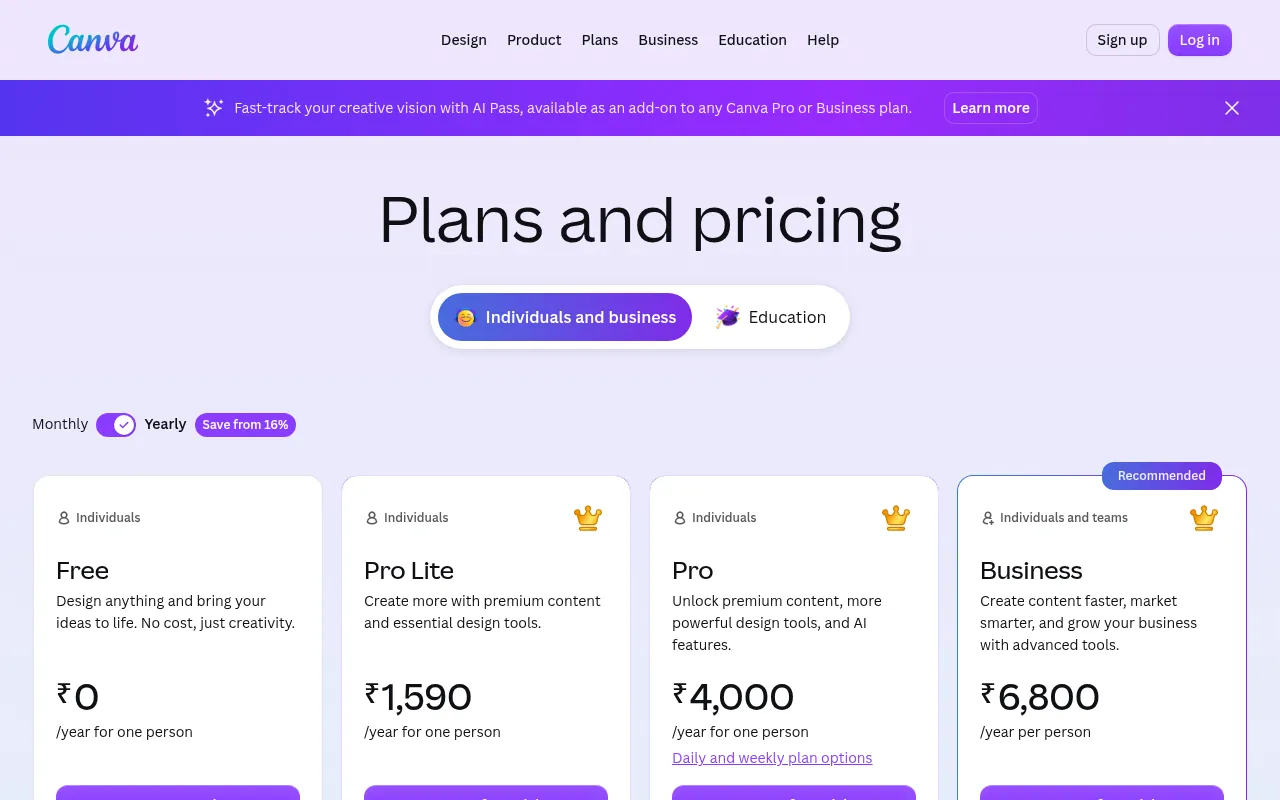
Why I like it: one tool for decks, reels covers, blog graphics and pitch one-pagers.
What to watch out for: corporate clients sometimes prefer PowerPoint masters. Export and check fonts before a big meeting.
My verdict: best free-leaning pick for creators and marketers. Pair it with my notes on best free AI apps if you want a wider free AI stack.
5) Pitch: Best for Collaborative Startup Decks
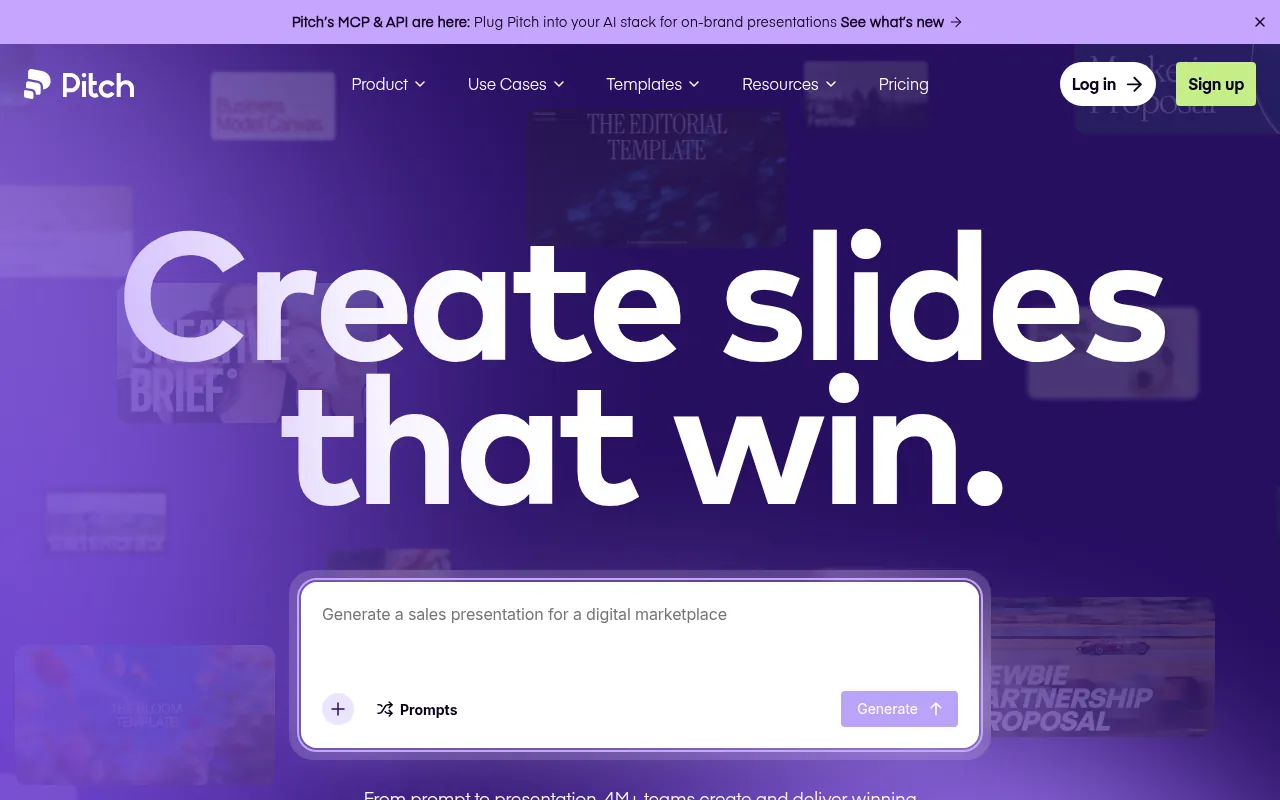
Pitch focuses on modern team presentations with strong sharing links and engagement analytics. Its Free plan (official pricing, October 2026) is €0 for personal projects, with 100 one-time AI credits and unlimited presentations. Plus is about €10 per month when paying yearly and renews AI credits monthly (500 credits). Higher Team and Business tiers add seats, roles and more AI credits.
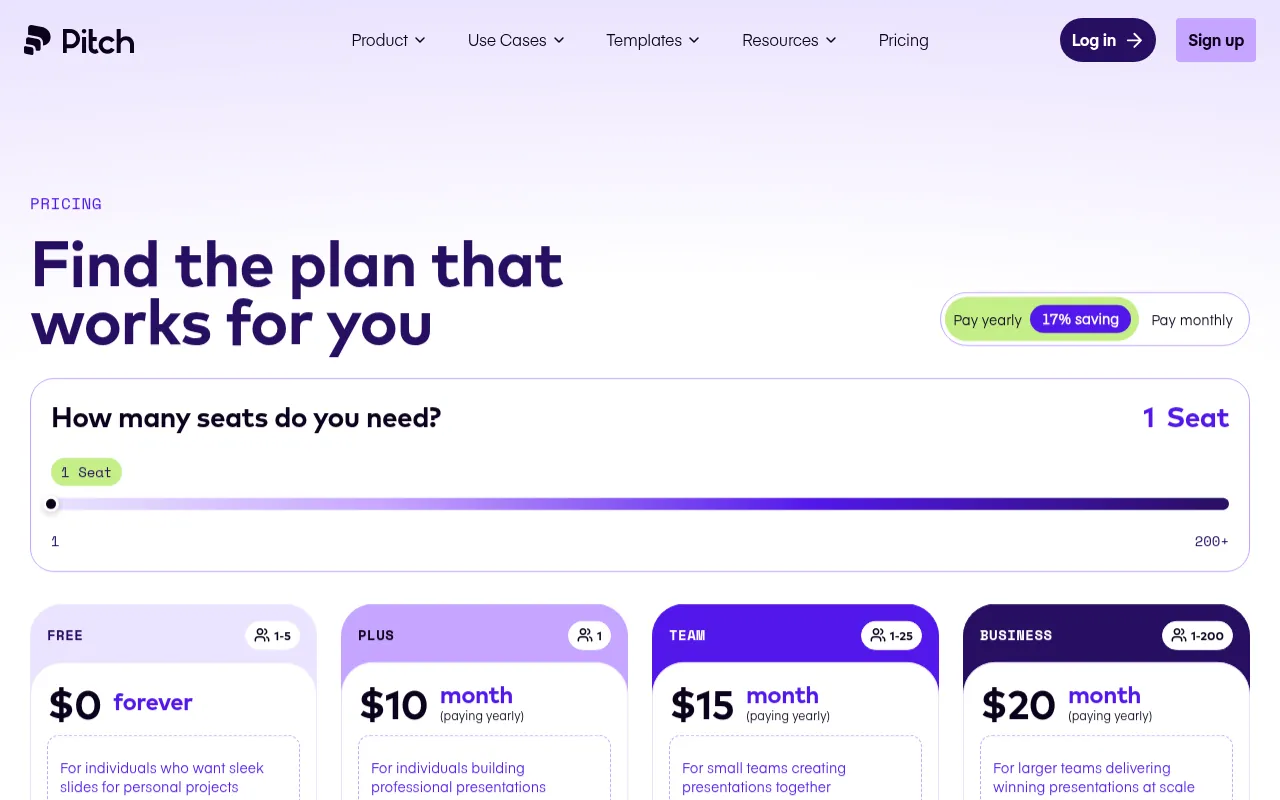
Why I like it: clean templates and guest editing make it good for startup fundraising and weekly all-hands decks.
What to watch out for: Free AI credits do not renew. Serious AI use needs Plus or above.
6) Prezi AI: Best for Non-Linear Zoom Presentations
Prezi is a different presentation style: a canvas you zoom through instead of a strict slide stack. Prezi AI helps you draft that experience faster. Check Prezi’s current pricing page for Free, Plus and higher plans, because bundles change.
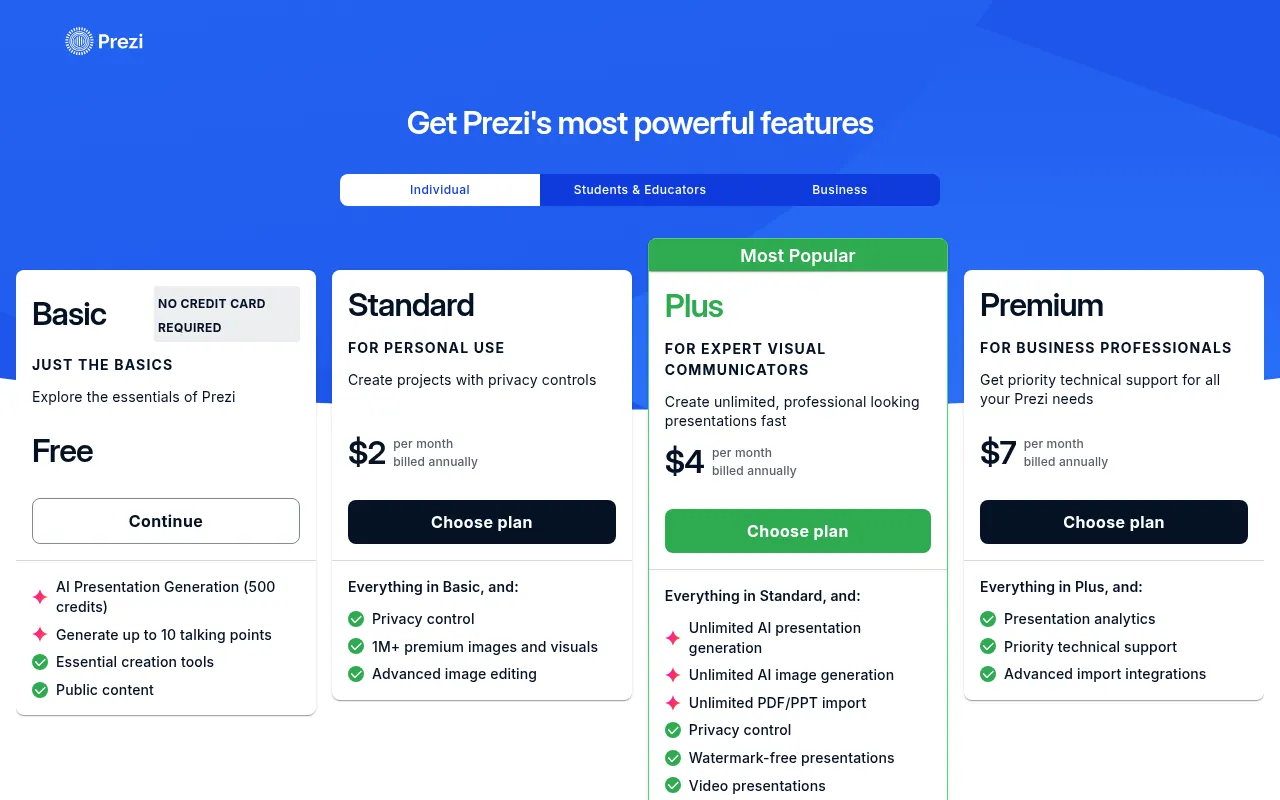
My verdict: use Prezi when the story benefits from zoom and spatial layout. For traditional board decks, stick with Gamma, Beautiful.ai or Plus AI.
7) SlidesAI: Best Text-to-Slides Inside Google Slides and PowerPoint
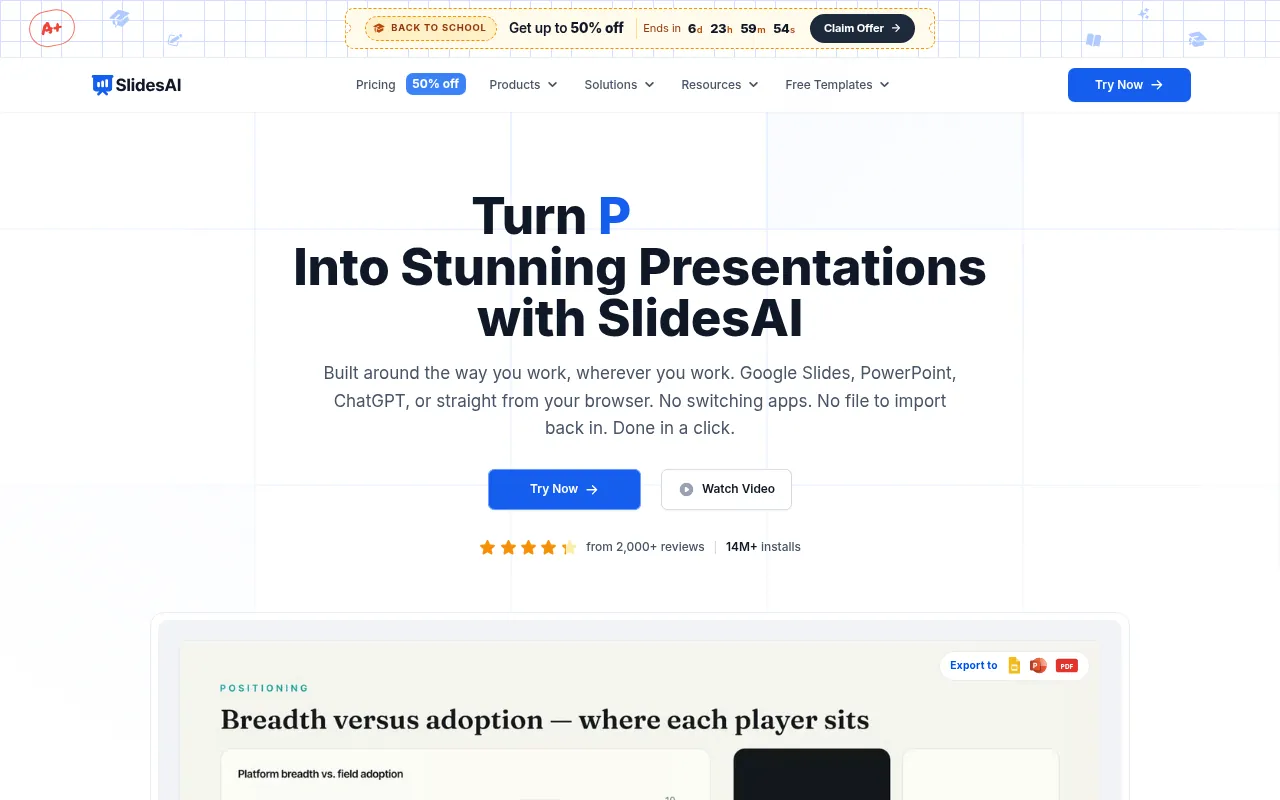
SlidesAI turns notes, prompts and documents into slides where you already work: Google Slides, PowerPoint, ChatGPT or the web app. Official pricing highlights a free Basic plan with about 12 presentations per year, a Pro plan around US$10 per month billed annually (US$120/year), and a Premium plan around US$20.83 per month billed annually (US$250/year) with higher or unlimited presentation caps.
My verdict: a strong “best free AI PowerPoint generator” starting point if your limit is volume, not design fireworks. Students often land here first.
8) Visme AI: Best for Visual and Infographic-Heavy Decks
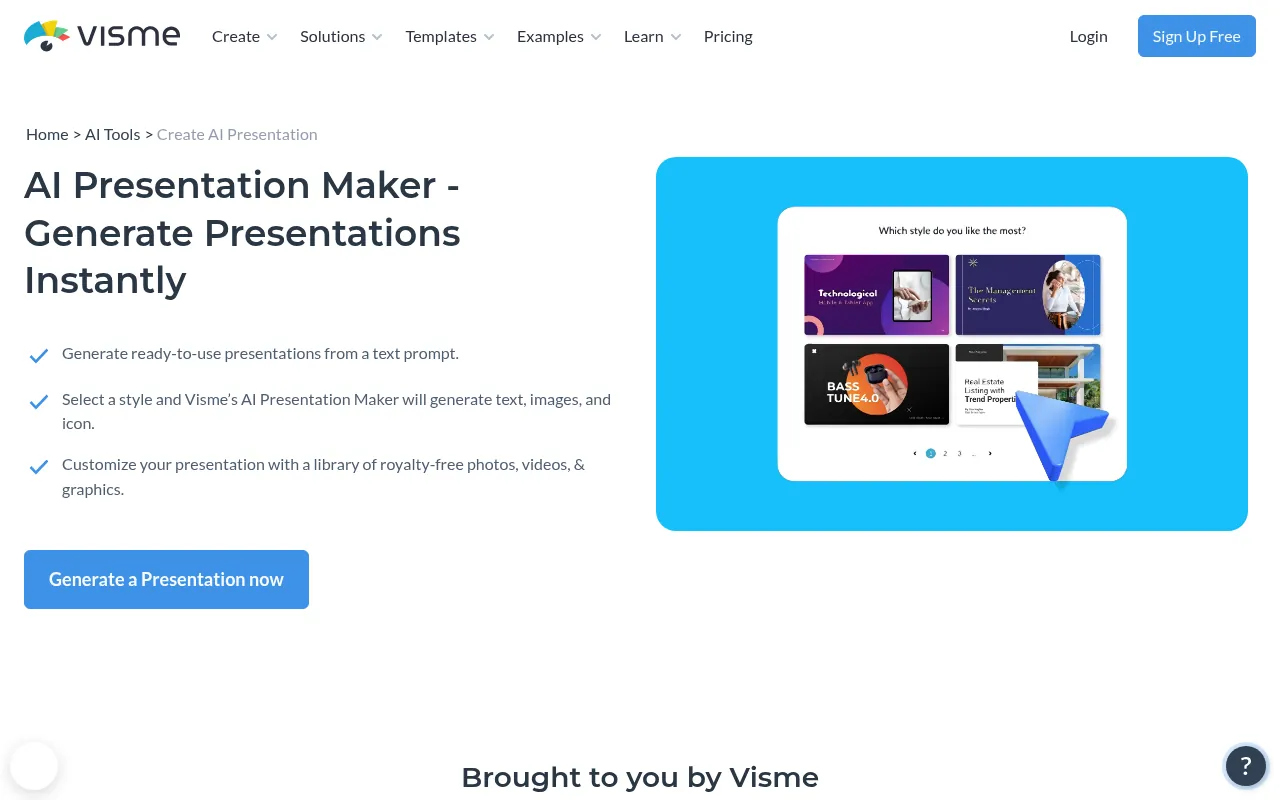
Visme has long been known for infographics and visual reports. Its AI presentation maker helps non-designers build chart-heavy decks. Free and paid Visme plans apply; check the official site for current AI limits.
My verdict: good when your deck is half charts and half narrative, such as monthly marketing reports.
9) Slidesgo AI: Best Template-First Free Option for Students
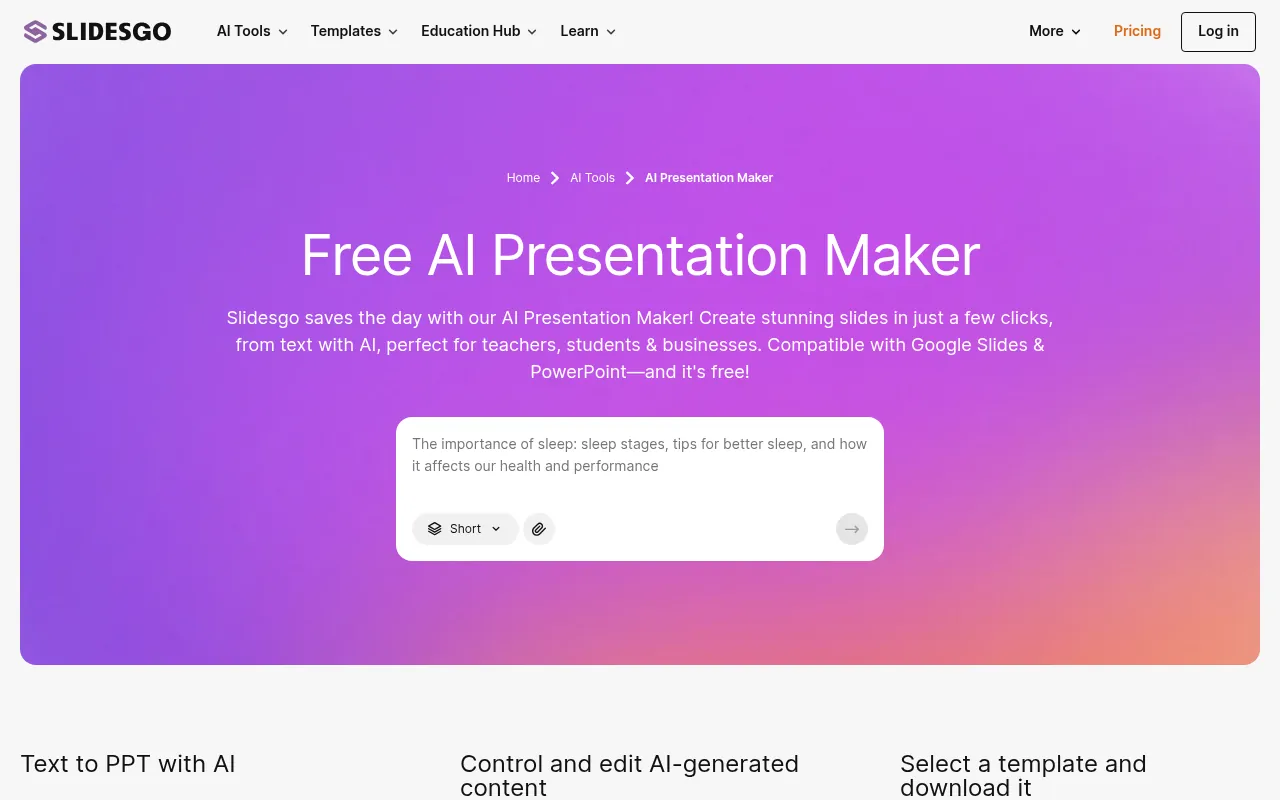
Slidesgo is famous for free Google Slides and PowerPoint templates. Its AI presentation tools help you fill those templates faster. For students searching “presentation AI free”, this is often enough.
My verdict: start here if budget is zero and you want a familiar template look. Upgrade only if you outgrow free assets.
10) Presentations.AI: Solid Prompt-to-Deck Alternative
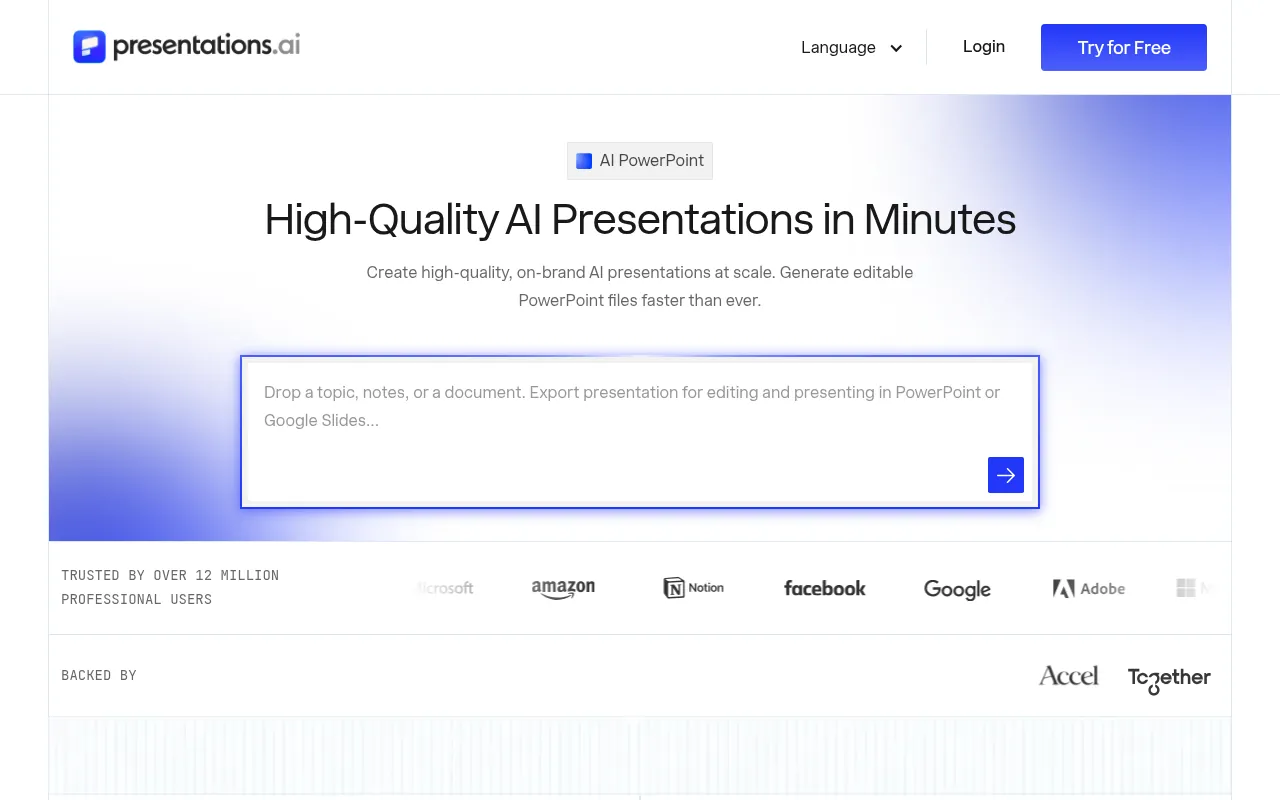
Presentations.AI sits in the same prompt-to-deck category as Gamma. Use it as an alternative if Gamma’s style does not match your brand, and always confirm current free trial and export rules on the official site.
11) Gemini in Google Slides and Copilot in PowerPoint: Best Built-In Options
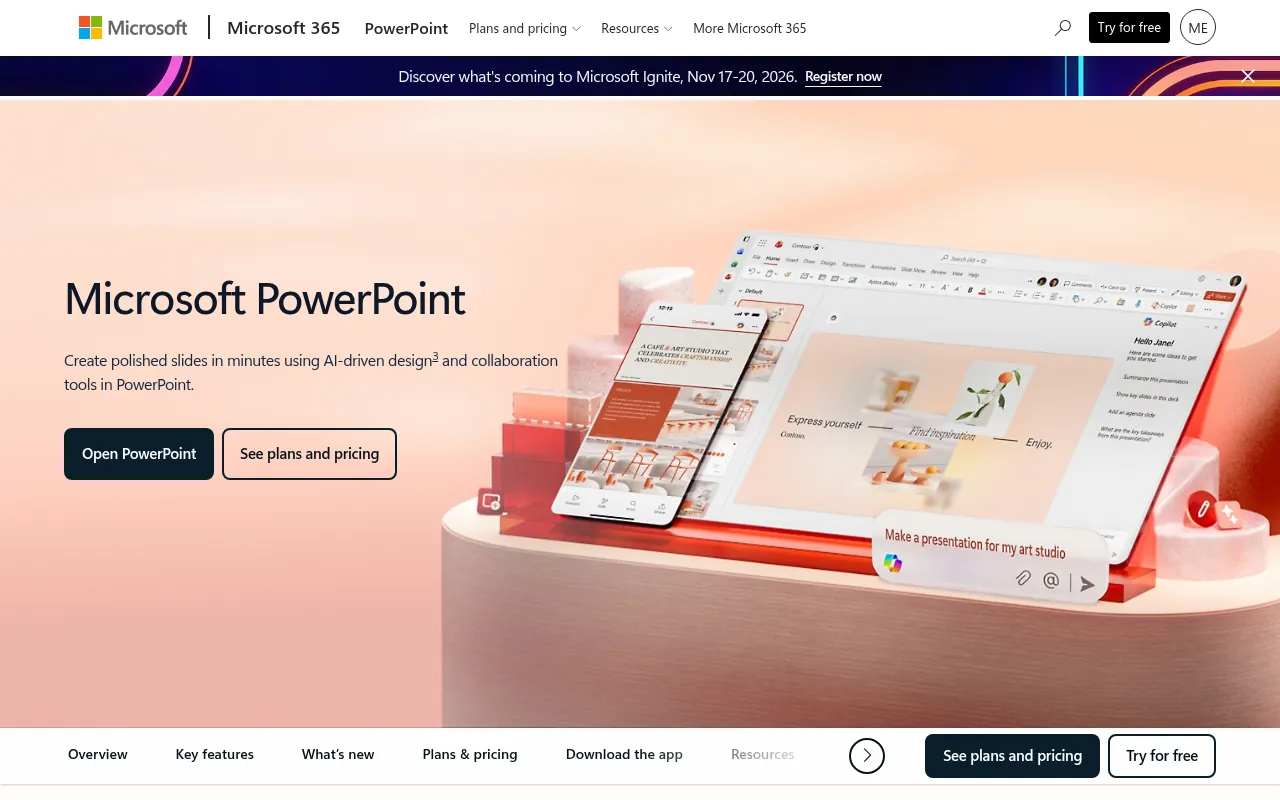
If you already pay for Google Workspace or Google One AI features, Gemini inside Google Slides can draft and rewrite slides without a new vendor. Likewise, Microsoft 365 Copilot in PowerPoint can generate decks from prompts and files when your organisation licenses it.
My verdict: try the tool you already pay for before buying another AI presentation maker. That is often the cheapest “best AI tools for PowerPoint” answer for companies.
A Note About Tome
Older listicles still recommend Tome. Tome pivoted away from its consumer slides product in 2025. I am not listing it as an active AI presentation maker in this 2026 guide. If you used Tome before, Gamma or Plus AI are the usual migration paths depending on whether you want web-native decks or native PPT/Slides files.
Free vs Paid AI Presentation Makers
You can get real work done for free with Gamma’s starter credits, Canva Free, Pitch Free, SlidesAI Basic, Slidesgo and built-in Gemini/Copilot entitlements. Paying becomes worth it when:
- You hit credit or branding limits every week (Gamma Plus, Pitch Plus).
- Your team needs brand lock-in (Beautiful.ai Team, Plus AI Team).
- You must stay inside PowerPoint or Google Slides with no export cleanup (Plus AI).
- You present to clients who refuse web-only links and need clean PPTX.
Here is a practical free-limit snapshot (October 2026 official pages):
| Tool | Free / trial snapshot |
|---|---|
| Gamma | Free with 400 signup credits; limited slides per prompt |
| Beautiful.ai | 14-day Pro/Team trial (card required) |
| Plus AI | 7-day trial with 1,000 credits (card required) |
| Pitch | Free forever with 100 one-time AI credits |
| SlidesAI | Basic free with yearly presentation cap |
| Canva | Free plan with AI feature limits |
How to Choose the Best AI Presentation Software for You
Answer these five questions:
1. Where must the final file live? If the answer is “PowerPoint or Google Slides only”, pick Plus AI, SlidesAI, Gemini or Copilot. If a web link is fine, pick Gamma or Pitch.
2. Are you a solo creator or a team? Solo: Gamma, Canva or Pitch Free. Team brand control: Beautiful.ai or Plus AI Team.
3. Do you need charts and data slides? Visme, Beautiful.ai and native PowerPoint/Slides tools handle data slides more reliably than pure prompt toys.
4. What is your budget in rupees? Gamma shows INR plans directly. Others bill in USD or EUR; convert and add GST/forex. For India-focused tool stacks, also see my guides to Google One plans in India and best free AI apps.
5. How often do you present? Weekly client decks justify a paid seat. Occasional college presentations do not.
Tips for Better AI-Generated Presentations
- Start with an outline, not a vague prompt. “Q4 SEO results for an Indian D2C brand, 8 slides, one chart per metric” beats “make a marketing ppt”.
- Fact-check every number. AI invents stats. Replace them with your analytics or named sources.
- Fix the story arc. Opening, problem, proof, plan, ask. AI often rambles.
- Export early. If PPTX breaks layouts, switch tools before you polish.
- Keep a human voice. Especially on about-you and pricing slides.
- Reuse brand kits. Canva Brand Kit, Beautiful.ai themes or Plus AI Team branding save hours.
If you also edit video walkthroughs of your deck, my guides to best free online video editors and CapCut in India cover the next step. For research-heavy decks, see best AI tools for research.
Advantages of Using an AI PPT Generator
An AI PPT generator does not replace strategy. It removes blank-page friction. In my work, the biggest wins are:
- Faster first drafts. A usable outline in minutes beats staring at slide 1 for an hour.
- Consistent structure. Good tools force a title, sections and takeaways, which most rushed decks lack.
- Quicker visualisation. Chart and icon suggestions beat hunting through random stock sites.
- Easier imports. Uploading a PDF report or Google Doc into Gamma, Plus AI or SlidesAI is faster than copy-paste slide by slide.
- More time for the story. I would rather spend 40 minutes on the narrative and 10 on layout than the reverse.
- Better collaboration. Web share links (Gamma, Pitch) let clients comment without downloading the wrong PPTX version.
- Lower design skill barrier. Non-designers on my team can ship a clean internal deck without waiting for a designer.
The downside is overconfidence. AI still invents statistics, mixes up brand names and writes generic intros. Treat every AI deck like a junior teammate’s draft: useful, not final.
A Simple Workflow I Use for Client Decks
This is the workflow I recommend to my team:
- Write the one-sentence goal. Example: “Get approval for a 3-month SEO retainer.”
- List 6 to 10 slide titles by hand. Do this before opening any AI tool.
- Paste the outline into Gamma or Plus AI and generate a draft.
- Replace every number with data from Search Console, analytics or the client.
- Cut 20% of the words. AI is wordy. Executives are not.
- Export and open in PowerPoint or Google Slides if the client needs that format.
- Add your own screenshots and brand colours. Official product screenshots and real dashboards beat stock images.
- Do a last pass on mobile. Many stakeholders skim on the phone.
If the deck supports a video walkthrough later, record it with a clean screen recorder and edit in a free tool. That combination of AI slides plus a short loom-style video wins more deals than a 40-slide PDF alone.
Best AI Presentation Makers for Specific Jobs
Best for sales and pitch decks
Beautiful.ai and Pitch are strong when multiple people edit the same narrative. Gamma is fine for a fast founder pitch if investors accept a web link.
Best for teachers and students
Canva Free, Slidesgo, SlidesAI Basic and Gamma Free cover most school and college needs. Avoid annual Ultra or Max plans unless you are producing decks daily.
Best for agencies and consultants
Plus AI keeps client masters intact inside PowerPoint. Beautiful.ai helps juniors stay on brand. Gamma is excellent for workshop one-pagers and proposal web links.
Best for data and research presentations
Start in your research tools, then move the findings into slides. My guide to best AI tools for research covers the research half. For the slide half, Plus AI or native Copilot/Gemini keep charts editable.
Common Mistakes When Using AI Presentation Tools
- Prompting “make a presentation about X” with no audience, length or CTA.
- Leaving AI filler phrases like “in today’s fast-paced world” in the final deck.
- Ignoring export quality until the night before the meeting.
- Putting confidential client data into a consumer AI tool your contract forbids.
- Buying the highest plan on day one before you know your monthly credit burn.
- Designing for your laptop only, then presenting on a low-contrast projector.
India-Specific Notes on Pricing and Payments
Some tools (Gamma on the India pricing page) show rupees directly. Others bill in US dollars or euros. Your bank converts the charge and may add GST or forex fees. Before you subscribe:
- Confirm whether the price is per seat and billed monthly or annually.
- Check if a credit card is required for the trial (Beautiful.ai and Plus AI trials need a card).
- Cancel the trial a day early if you are only testing.
- For teams, prefer annual billing only after a two-week real project, not after one demo deck.
If you are comparing broader AI subscriptions for India, my Google One plans in India guide helps when Gemini features are bundled with storage plans.
Prompt Templates That Work Better Than “Make a PPT”
Use prompts that include audience, length, tone and proof:
- “Create an 8-slide deck for Indian D2C founders explaining why technical SEO fixes should come before more ad spend. Tone: direct, no hype. Include one slide of example metrics.”
- “Turn this outline into a 10-slide workshop deck for marketing interns. Short bullets, one exercise slide, no stock-photo language.”
- “Build a 6-slide webinar teaser deck from this blog outline. End with a clear registration CTA.”
Then paste your real outline under the prompt. AI presentation makers behave much better with constraints.
Export Checklist Before a Client Meeting
- Open the PPTX in desktop PowerPoint or Google Slides and scan every slide at 100% zoom.
- Replace missing fonts with brand fonts.
- Confirm charts still have correct numbers.
- Embed or attach videos instead of relying on a web-only player if the room has bad Wi-Fi.
- Save a PDF backup.
- Put the file in the shared drive the client already uses.
This checklist alone has saved me from more awkward moments than any fancy AI feature.
Sample Outline You Can Paste Into Any AI Presentation Maker
Use this outline for a standard marketing review deck:
- Title and goal
- What changed since last month
- Three metrics that matter
- What worked
- What failed
- Proposed experiments
- Budget / resource ask
- Timeline
- Risks
- Decision slide
Paste the outline, then add your real numbers after generation. This beats asking the AI to invent a structure from a vague topic.
Accessibility and Presenting Remotely
AI tools rarely nail accessibility. After export:
- Check contrast.
- Add alt text where your platform allows.
- Avoid reading walls of AI bullets on Zoom; delete half of them.
- Use a large font for hybrid meetings.
If you record the session, a simple screen recorder plus a free editor is enough. See best free online video editors.
Agency Pricing: Should You Charge Extra for AI Decks?
I include AI tooling in agency overhead for standard decks. For rush 24-hour pitch decks with heavy custom illustration, charge for design time, not for “AI magic”. Clients pay for clarity and persuasion.
Final Buying Ladder (If You Are Overwhelmed)
- Try Gemini or Copilot if already included.
- Try Gamma Free.
- If exports frustrate you, try Plus AI trial.
- If teammates wreck layouts, try Beautiful.ai trial.
- Stop. Do not buy four annual plans.
Before-and-After Quality Bar I Use
A draft is good enough to edit when:
- The slide titles tell a story without body text.
- Each slide has one idea.
- There are fewer than 30 words per slide on average.
- Numbers have a source note on the slide or in speaker notes.
- The closing slide asks for a decision.
If the AI output fails those checks, regenerate with a tighter outline instead of polishing garbage.
Why Should You Trust Me?

I am Jitendra Vaswani, an SEO consultant with 12 years in search. I founded the digital marketing agency Digiexe and AffiliateBooster, and I am an author and international speaker.
I use presentation tools every week for client workshops, podcast guest prep and agency reviews. For this guide, every price and plan limit comes from each product’s official website or help documentation (October 2026). I have not invented benchmark scores, and where a free term changes often, I tell you to re-check the official page.
FAQs
What is the best AI presentation maker in 2026?
Gamma is the best AI presentation maker for most people because it is fast, flexible and usable on a free plan. Choose Plus AI if you need native PowerPoint or Google Slides files, and Beautiful.ai if brand consistency across a team matters most.
Which is the best free AI PowerPoint generator?
For a free AI PowerPoint generator, start with Gamma Free, Canva Free, SlidesAI Basic or Slidesgo. If you already have Google Workspace or Microsoft 365 Copilot entitlements, use those first so you do not pay for a second tool.
What is the best AI tool for creating presentations for students?
Students usually do well with Canva Free, Slidesgo, SlidesAI Basic or Gamma Free. Beautiful.ai also advertises education pricing for valid .edu emails. Avoid paying for Team seats unless a group project truly needs them.
Can AI generate an entire presentation from scratch?
Yes. Tools like Gamma, Plus AI, Beautiful.ai and SlidesAI can draft a full deck from a prompt or document. You should still edit facts, examples and branding before presenting.
Do AI presentation makers support PowerPoint and Google Slides?
Plus AI and SlidesAI work inside PowerPoint and Google Slides. Gamma, Canva, Pitch and others export to PPTX or PDF with varying fidelity. Always test export on a sample deck.
Are AI-generated presentations copyright-free?
Not automatically. You are responsible for the text, images and brand assets you publish. Read each vendor’s terms, and do not paste confidential client data into tools your contract does not allow.
Is Gamma better than Beautiful.ai?
They solve different jobs. Gamma is faster for web-native first drafts. Beautiful.ai is better when every slide must stay on brand for a team. Many people draft in Gamma and polish elsewhere.
What happened to Tome AI presentations?
Tome discontinued its consumer slides product after pivoting in 2025. Use Gamma, Beautiful.ai or Plus AI instead.
How many slides can AI create in one go?
It depends on the tool and plan. Gamma’s free plan lists a lower slides-per-prompt cap than Plus. SlidesAI Free caps yearly presentations. Plus AI uses credits per task rather than a hard slide count. Check the plan table on each official pricing page before you promise a 40-slide deck from one click.
Should agencies bill clients for AI presentation tools?
I treat AI seats like stock photo or font licences: either include them in your agency overhead or add a clear line item. Do not silently paste client confidential strategy into a personal free account.
Connecting Your Deck to Research and Video
Strong decks start with strong research. Use best AI tools for research before you open Gamma. When the meeting needs a recording, pair the deck with a recorder from best screen recorders and edit with best free online video editors.
Final Verdict: Which AI Presentation Maker Should You Use?
After building and rewriting more decks than I care to count, my picks for 2026 are simple:
- Best overall: Gamma for speed and shareable web decks.
- Best for PowerPoint / Google Slides natives: Plus AI.
- Best for brand-locked teams: Beautiful.ai.
- Best free-leaning pick: Canva Free or SlidesAI Basic.
- Best built-in option: Gemini in Google Slides or Copilot in PowerPoint if you already pay for them.
Start free, export a real sample, and only then buy a seat. The best AI presentation software is the one your audience can open without friction.
Sources
Facts and prices in this article were checked in October 2026 against the official sites and help pages of Gamma, Beautiful.ai, Plus AI, Canva, Pitch, Prezi, SlidesAI, Visme, Slidesgo, Presentations.AI, Google Docs Editors Help and Microsoft 365 / PowerPoint. Plan names and credit limits can change; confirm on the vendor site before you pay.

Jitendra Vaswani is a globally recognized expert in SEO and AI-driven digital marketing. He has spoken at leading international events and is the founder of Digiexe, a results-driven digital marketing agency; Venuelabs, a platform that helps brands amplify their voice with expert PR and marketing solutions; and AffiliateBooster, an affiliate marketing news site. With over a decade of hands-on experience, Jitendra has empowered countless businesses to thrive online. His bestselling book, Inside A Hustler’s Brain: In Pursuit of Financial Freedom, has sold more than 20,000 copies worldwide, reflecting his influence and dedication to helping digital marketers achieve success. Follow Jitendra on Instagram, X/Twitter, Facebook, and LinkedIn.