Best AI art generators, the short answer: For most people in 2026, ChatGPT Images (OpenAI) is the best AI art generator to start with because it understands complex prompts, edits conversationally, and works on free and paid ChatGPT plans. If you want a strong free Midjourney alternative on the web, Google Gemini image generation and Microsoft Copilot Designer are the easiest no-install options. For typography and posters, Ideogram wins. For commercial design with clearer training-data claims, Adobe Firefly is safer. Leonardo AI remains one of the best free AI art generators for game assets and character work when you manage daily tokens carefully.
I create marketing creatives, YouTube thumbnails and blog graphics every week. Most “best AI art tools” posts invent quality scorecards. This guide does not. Every price and free-limit note below comes from each product’s official site or help page, checked in October 2026. I am not claiming secret lab ratings. I am telling you what the tools offer, plus my honest opinion on who each one suits.
Best AI Art Generators: Quick Comparison Table
| Tool | Best for | Free access | Paid from (official) | Standout strength | Licence note |
|---|---|---|---|---|---|
| ChatGPT Images (OpenAI) | Best overall AI image generator | Free ChatGPT tier with limits | ChatGPT Plus / higher plans (see OpenAI pricing) | Prompt accuracy and conversational edits | Check OpenAI terms for your use case |
| Google Gemini (Imagen / Nano Banana family) | Best free-leaning Midjourney alternative | Free Gemini app access with limits | Google AI Pro / Ultra plans | Fast iteration and reference-aware edits | Google terms apply |
| Microsoft Copilot Designer | Best for social posts on Windows / Edge | Free Copilot image creation with daily caps | Microsoft 365 Copilot where licensed | Easy Bing-style prompt UI | Microsoft terms apply |
| Midjourney | Best cinematic / art-directed look | No lasting free plan (trial policies change) | Paid Midjourney plans (see Midjourney) | Aesthetic, stylised art | Discord / web workflow |
| Leonardo AI | Best for game assets and characters | Free daily tokens | Paid Leonardo plans | Models for assets and consistency | Check Leonardo terms |
| Ideogram | Best text-in-image and posters | Free credits with limits | Paid Ideogram plans | Readable typography in images | Check Ideogram terms |
| Adobe Firefly | Best for commercial creative suites | Free generative credits with Creative Cloud tiers | Firefly / Creative Cloud plans | Training claims + Photoshop integration | Adobe commercial terms |
| Freepik AI | Best for mockups and stock-style art | Free Freepik AI limits | Freepik Premium / AI plans | Templates + AI in one library | Freepik licence rules |
| SeaArt AI | Best anime and cartoon styles | Free daily credits | Paid SeaArt plans | Community models and anime looks | Check SeaArt terms |
| Recraft | Best icons, vectors and brand illustrations | Free tier with limits | Paid Recraft plans | Vector / SVG-friendly output | Check Recraft terms |
| Krea | Best realtime and high-res exploration | Free / trial access varies | Paid Krea plans | Fast creative iteration | Check Krea terms |
| FLUX (Black Forest Labs) | Best open-weight photorealism path | Via partners / self-host options | API and partner pricing | Photoreal control and open weights | Model / partner licences vary |
Sources: each tool’s official homepage or pricing page (October 2026). Plan names and credit caps change often. Confirm on the vendor site before you pay. GST, VAT and forex may apply for Indian users.
What Is an AI Art Generator?
An AI art generator (also called an AI image generator or AI picture tool) turns a text prompt, reference image or sketch into a new image. People search for this as “best ai art tools”, “best ai image tools”, “best free ai image generator”, “ai like midjourney”, “free midjourney alternative”, “sites like midjourney”, or “free dall e alternative”. The job is the same: get usable visuals without hiring a full design team for every draft.
That does not mean the AI replaces taste. The best results still need you to fix composition, brand colours, faces and spelling. Treat these tools as a fast first draft, not a finished client deliverable.
How I Picked These AI Art Generators
I did not invent quality scores. I judged each tool on things you can verify on the official site:
- Access model: free credits, daily caps, or paid-only.
- Prompt control: text accuracy, editing, references and styles.
- Output use case: marketing, posters, anime, icons, photoreal product shots.
- Commercial clarity: whether the vendor publishes usable licence language.
- Workflow fit: web app, Discord, Photoshop plugin or API.
- India practicality: card billing, INR display where shown, and whether you can work in a browser.
I also weighed my own weekly work. For SEO and marketing blogs, I care more about readable text-in-image, commercial terms and export that clients can reuse than about niche Discord aesthetics.
Best AI Art Generators for 2026
1) ChatGPT Images (OpenAI): Best AI Art Generator Overall
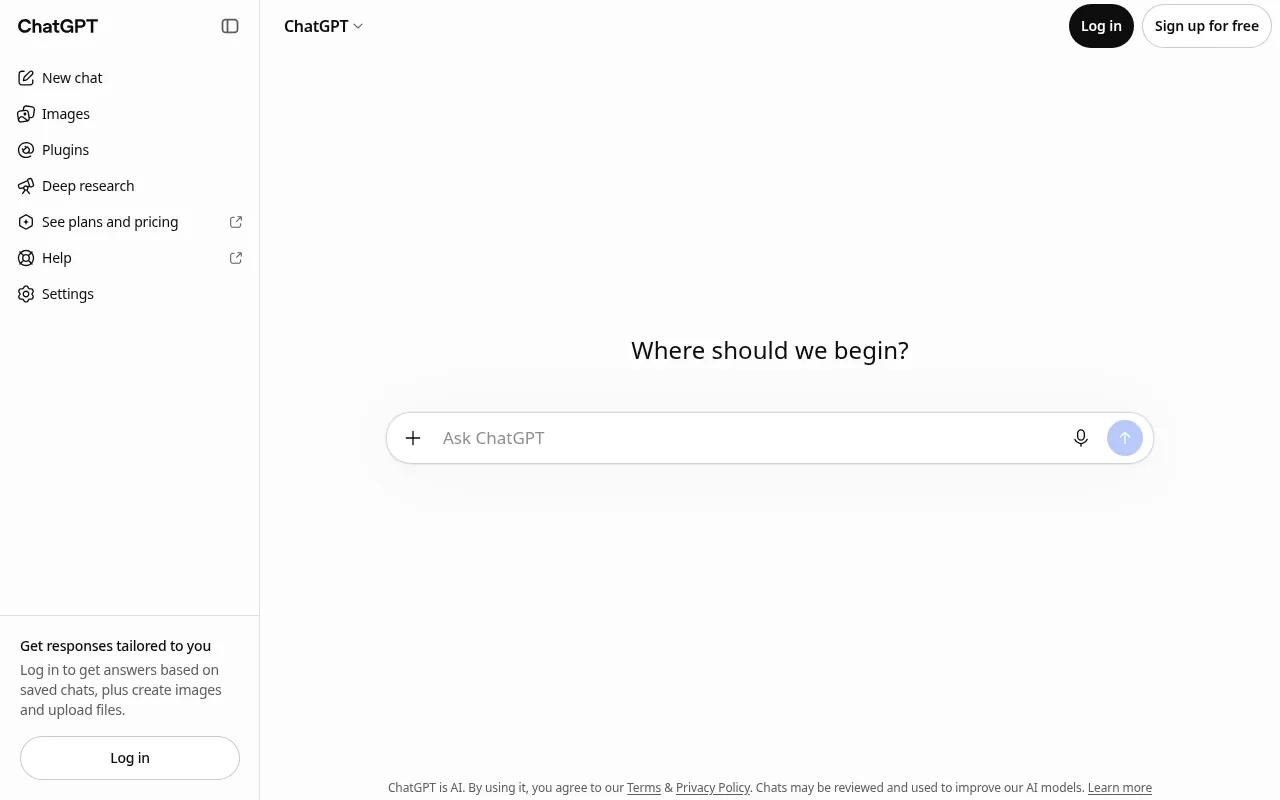
ChatGPT Images is my default recommendation when someone asks for the best AI art generator or the best AI image generator in 2026. You describe what you want in normal language, then refine with follow-up messages (“make the background darker”, “add a Hindi headline”, “change to a 16:9 YouTube thumbnail”). That conversational edit loop is hard to beat for marketers who are not prompt engineers.
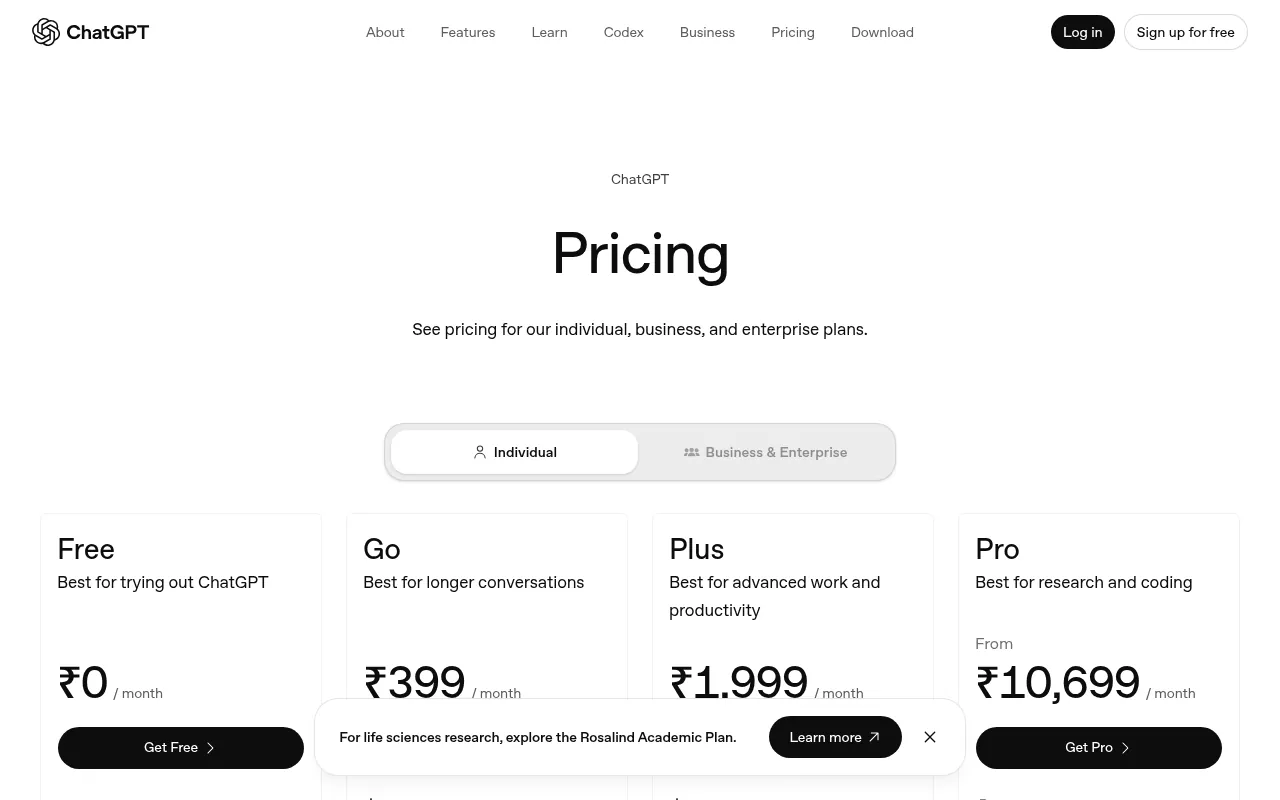
Why I like it: strong prompt following, useful for complex scenes, and already inside a tool many teams use daily.
What to watch out for: free-tier image limits and peak-time queues change. Always re-check OpenAI’s current ChatGPT pricing and usage pages. Do not paste confidential client brand assets into a personal free account if your contract forbids it.
My verdict: best overall AI art generator for most people, and a practical free DALL-E alternative path if you already use ChatGPT.
2) Google Gemini: Best Free-Leaning Midjourney Alternative
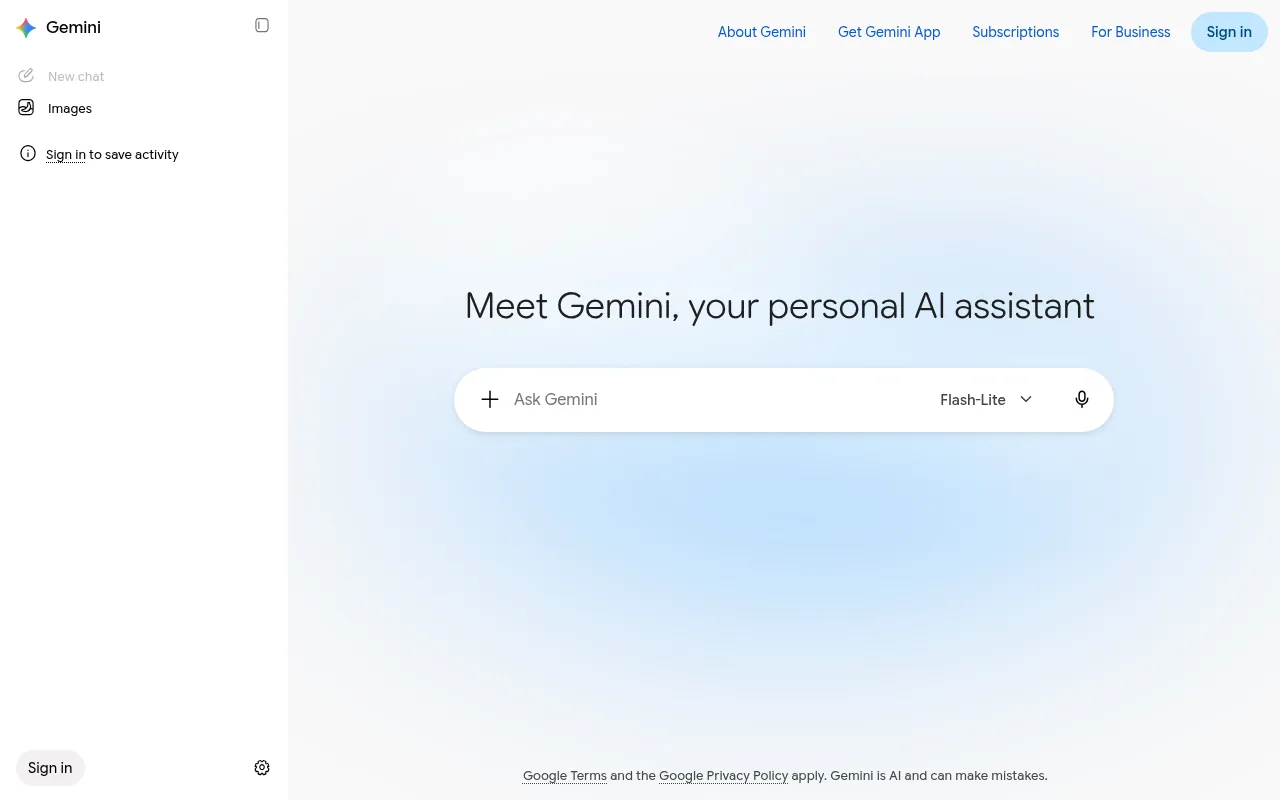
Google Gemini’s image generation (often discussed alongside Imagen and the Nano Banana model family in 2026 coverage) is the best free Midjourney alternative for many beginners. You stay in a familiar chat UI, iterate quickly, and can use it for social creatives without installing Discord.
Why I like it: low friction, strong free entry point, and good for rapid concepting.
What to watch out for: free vs paid Google AI plan limits change. Higher-resolution or identity-consistent features may sit on paid Google AI tiers. Confirm on Google’s official Gemini / Google AI plan pages.
My verdict: best “ai like midjourney but free” starting point for students and solo creators who already have a Google account.
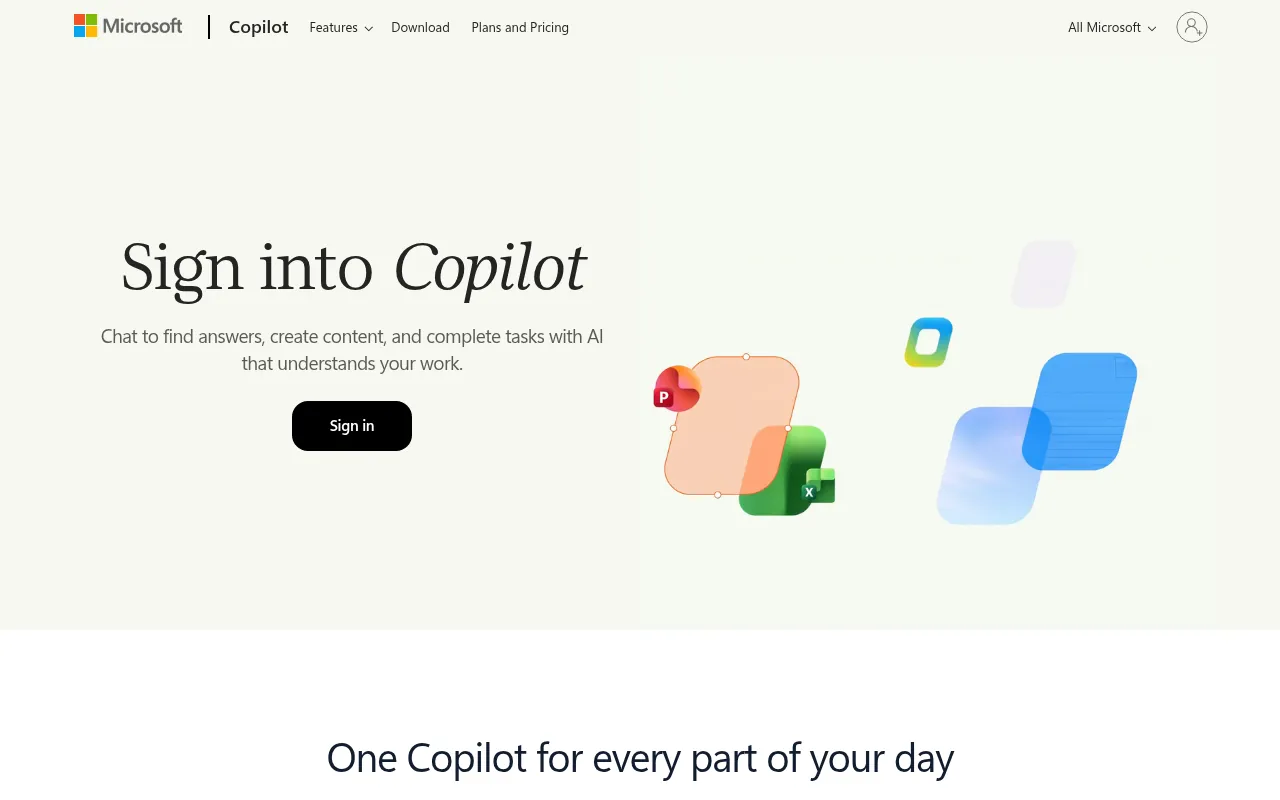
Microsoft Copilot Designer (the Copilot image experience built on the Designer / Bing Image Creator lineage) is ideal when you need a fast social graphic on Windows, Edge or the Copilot web app. It is one of the easiest free AI art apps for casual users.
Why I like it: simple prompts, Microsoft account login, and good enough quality for LinkedIn and blog headers.
What to watch out for: daily boosts and free generation caps change. Enterprise Copilot licensing is separate from consumer Copilot.
My verdict: best AI art generator for social media posts when you want zero learning curve.
4) Midjourney: Best Cinematic Look (Paid Benchmark)
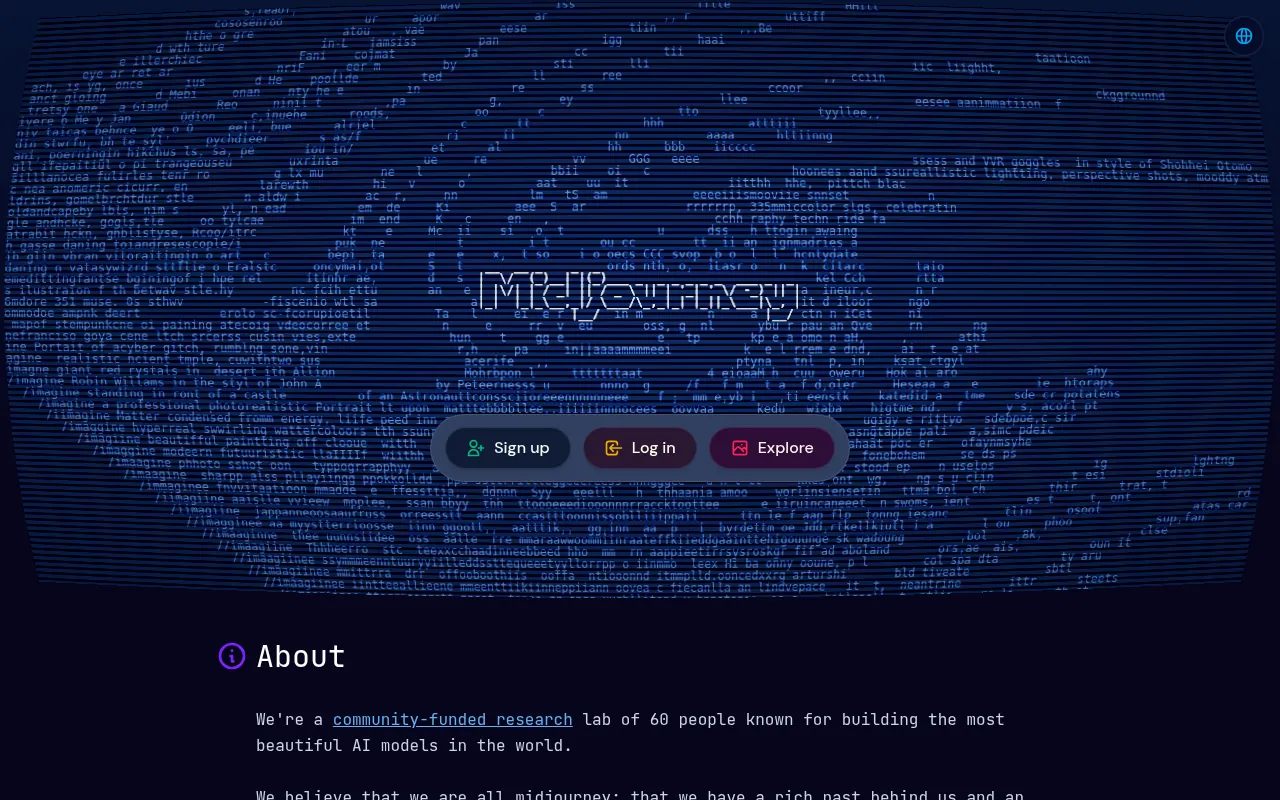
Midjourney is still the aesthetic benchmark many people mean when they say “AI art”. It is not a lasting free tool. Treat it as the paid reference that free Midjourney alternatives try to approximate for specific jobs.
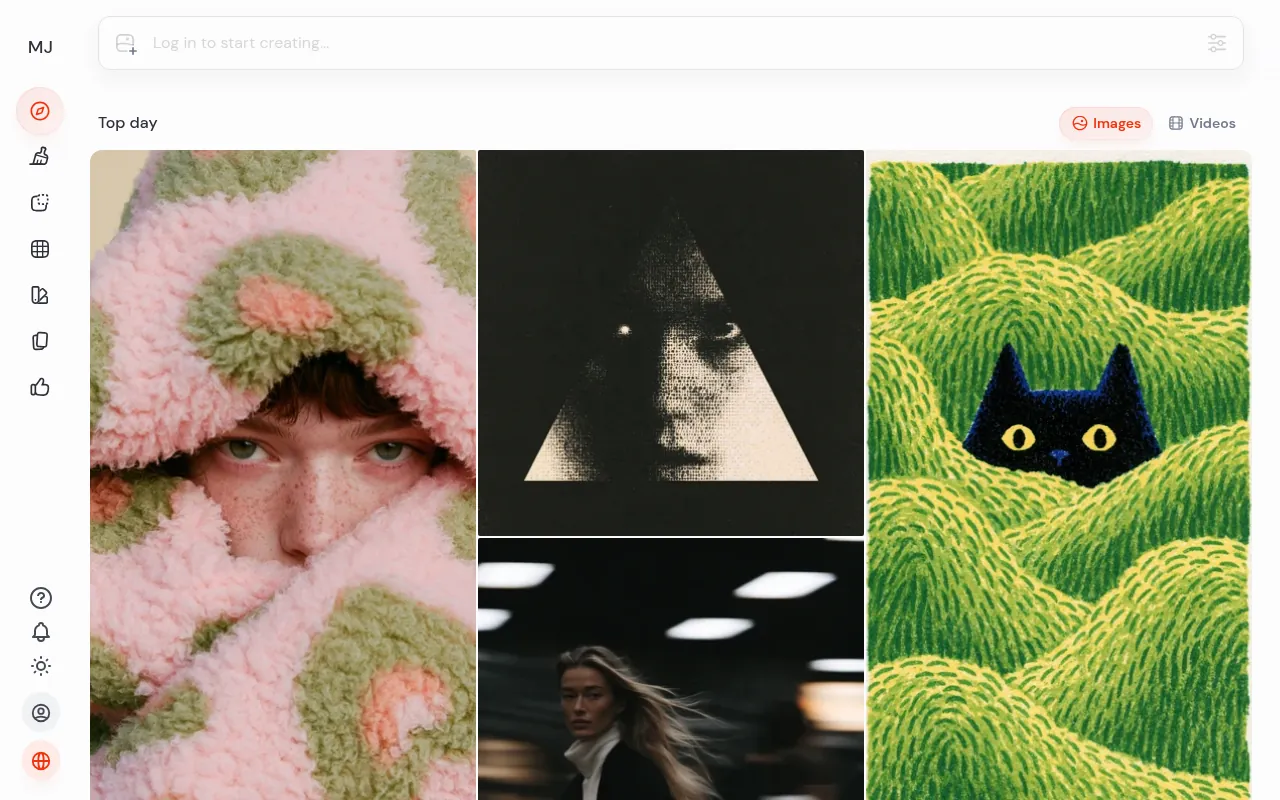
Why I like it: art direction and stylised scenes that still look intentional.
What to watch out for: paid plans only for serious use; Discord or web workflow may not fit corporate IT policies.
My verdict: pay for Midjourney when cinematic look is the product. Otherwise start with ChatGPT, Gemini or Leonardo.
5) Leonardo AI: Best Free AI Art Generator for Game Assets and Characters
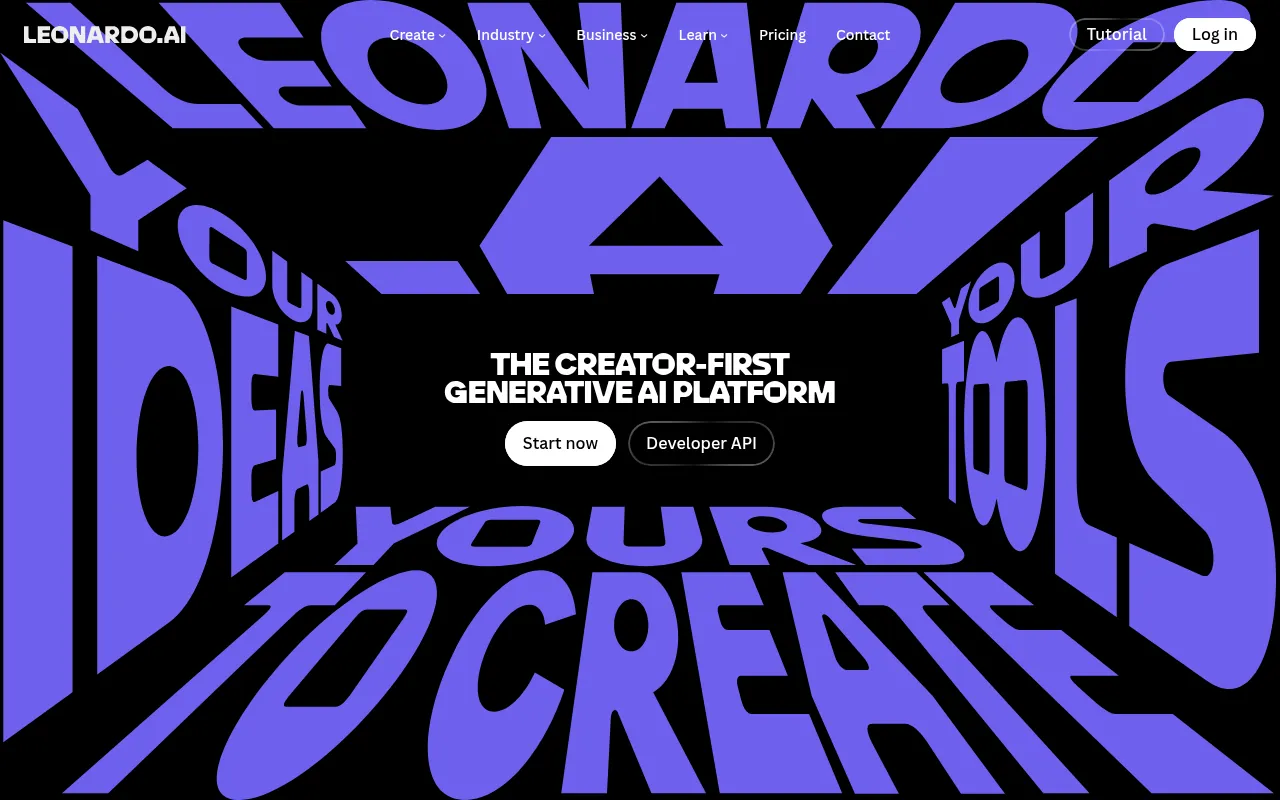
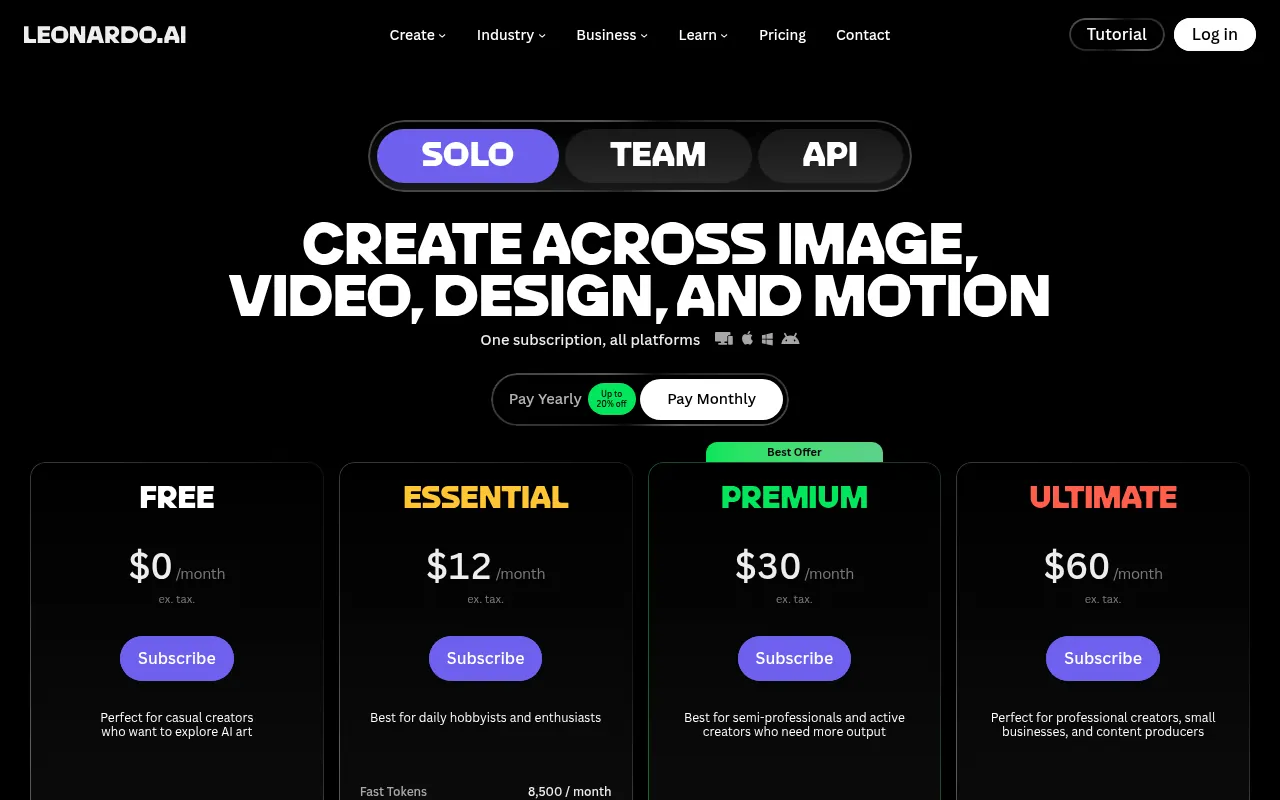
Leonardo AI is one of the best free AI art generators for game assets, characters and stylised consistency when you stay inside the free daily token budget. It is popular with creators who need more control than a single consumer chat model.
Why I like it: asset-focused workflows and model choices for different art styles.
What to watch out for: free tokens run out. Heavy daily users need a paid plan. Always confirm current token tables on Leonardo’s pricing page.
My verdict: best free-leaning pick for game and character art; a strong Midjourney alternative for that niche.
6) Ideogram: Best AI Art Generator for Text and Posters
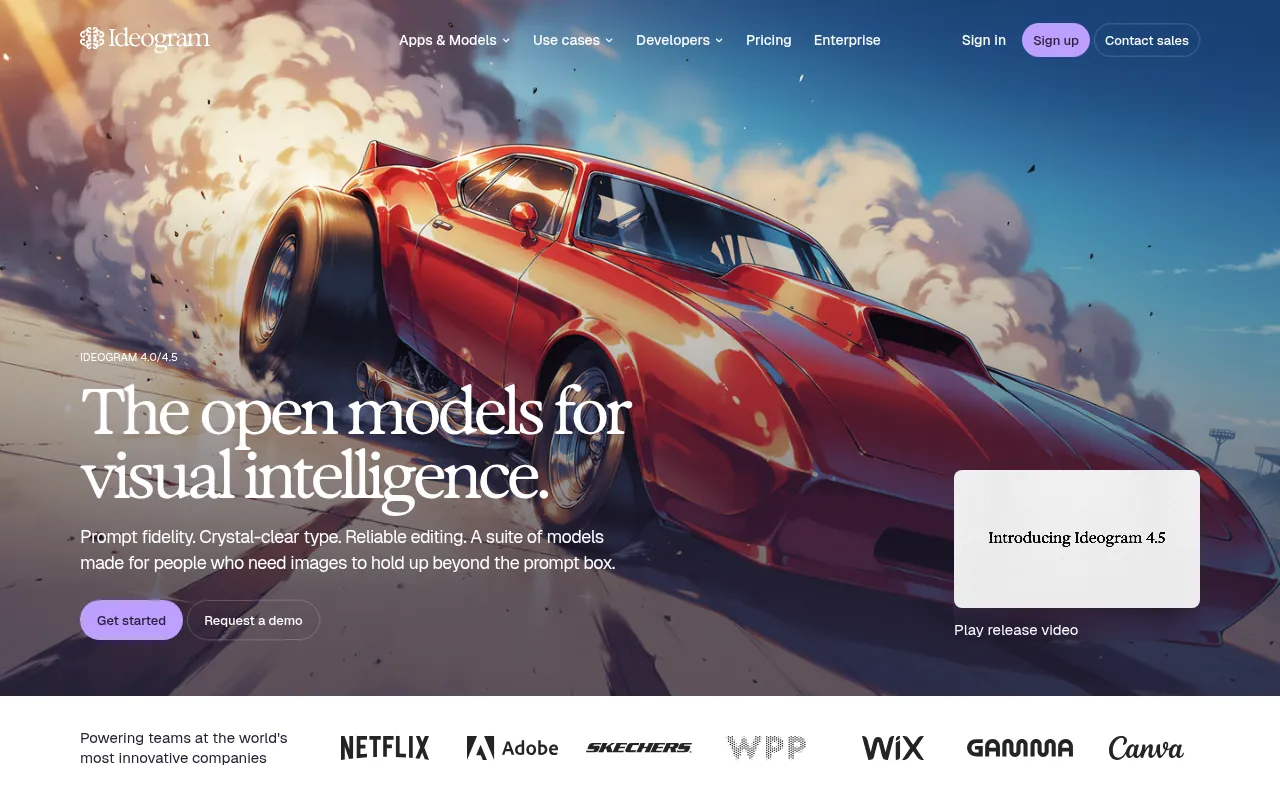
Ideogram is the tool I open when the image must include readable words: posters, YouTube thumbnails with titles, packaging mock concepts and event creatives. Many general AI image tools still garble lettering. Ideogram is built around that problem.
Why I like it: typography that is actually usable as a draft.
What to watch out for: free credits are limited. Proofread every letter anyway. AI text is better, not perfect.
My verdict: best AI picture tool when text-in-image is the job.
7) Adobe Firefly: Best for Commercial Creative Suites
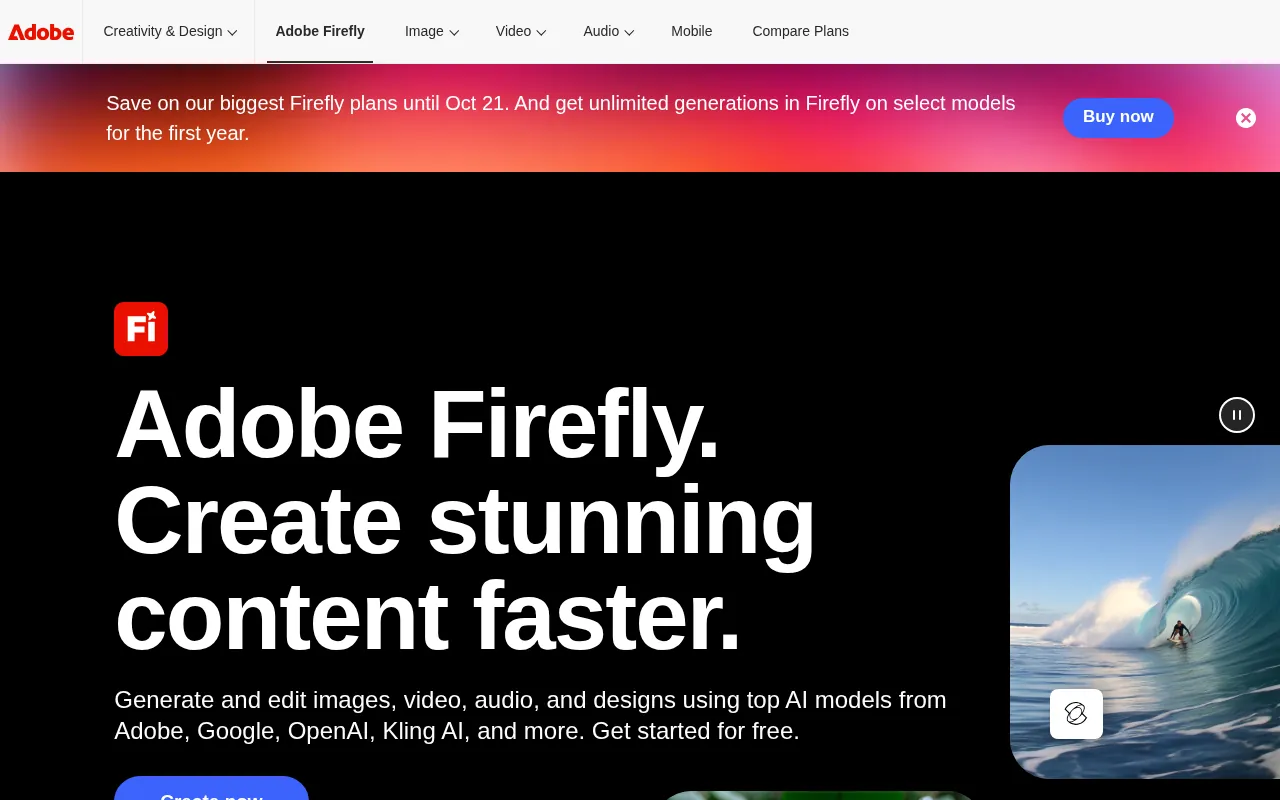
Adobe Firefly matters when you already live in Photoshop, Express or Creative Cloud and care about Adobe’s published commercial positioning for generative features. For agencies with Adobe seats, Firefly is often safer operationally than stitching five consumer tools together.
Why I like it: Creative Cloud integration and clearer enterprise packaging.
What to watch out for: generative credits and plan bundles change. Confirm Firefly access on your specific Creative Cloud plan.
My verdict: best AI art generator for commercial design teams already on Adobe.
8) Freepik AI: Best for Product Mockups and Template Workflows
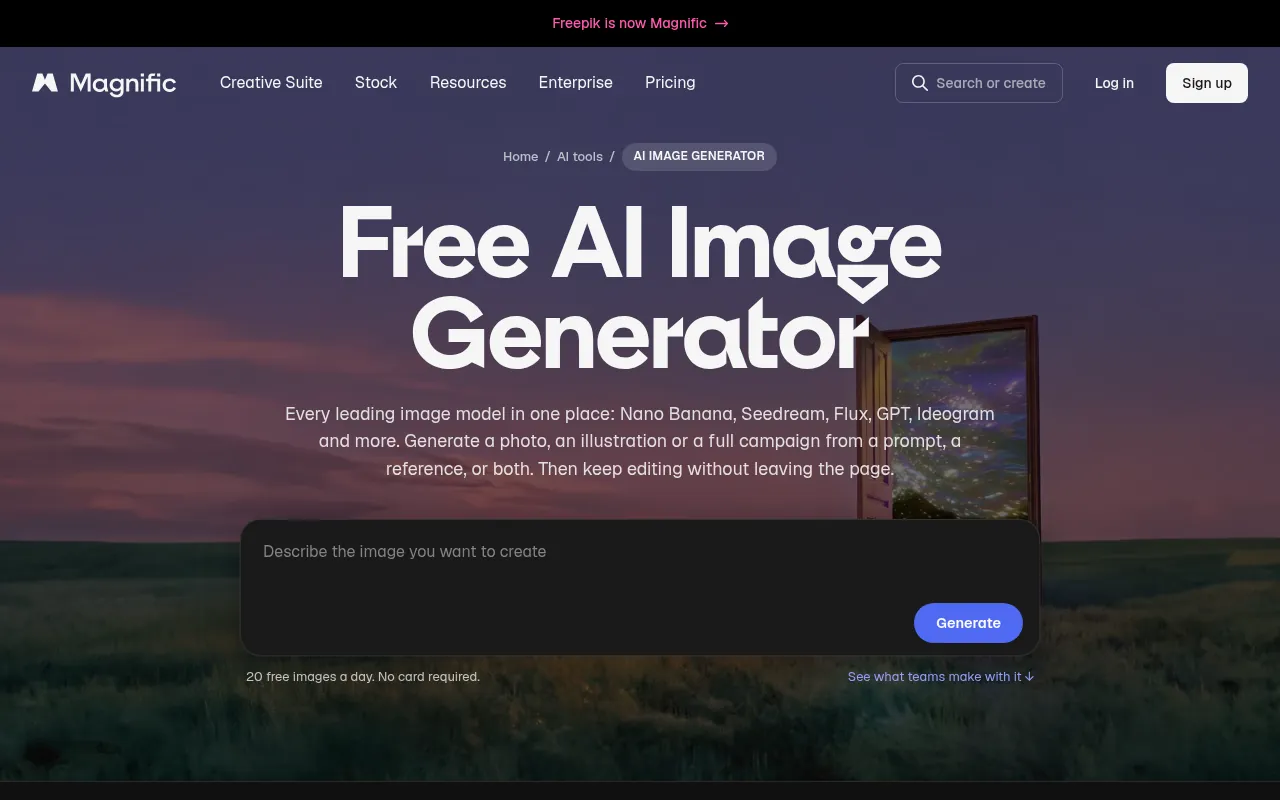
Freepik combines stock templates with AI generation. That makes it one of the best AI art tools for marketers who need mockups, illustrations and layout starters in one place rather than a pure prompt playground.
Why I like it: templates plus AI reduces blank-canvas fear.
What to watch out for: free Freepik AI limits and download rules differ from Premium. Read Freepik’s current licence pages before client work.
My verdict: best for product mockups and illustration-heavy blog graphics.
9) SeaArt AI: Best for Anime and Cartoon Styles
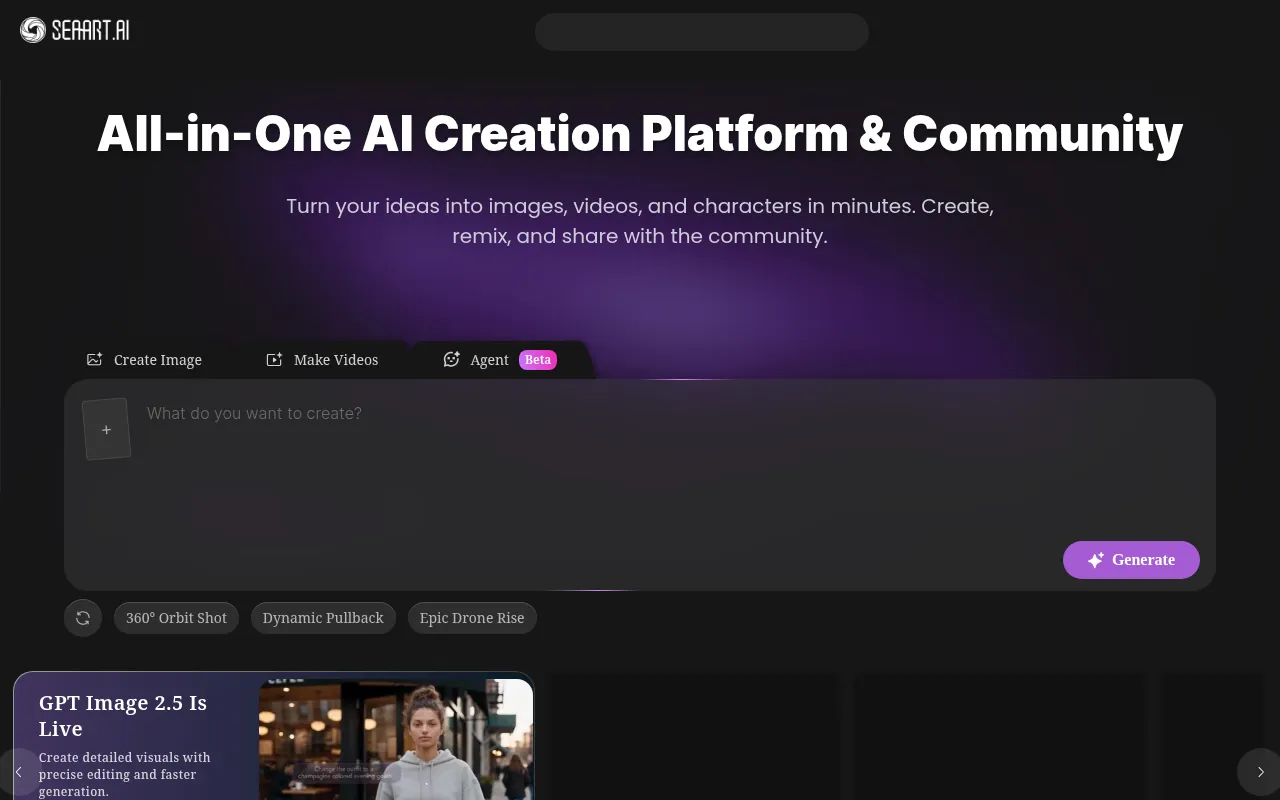
SeaArt is a strong pick when you want anime, cartoon or community-model looks. It is frequently listed among free AI art generators for stylised characters.
Why I like it: style variety and community model energy.
What to watch out for: free daily credits, watermark or commercial rules can change. Confirm on SeaArt’s official plans before monetised use.
My verdict: best free-leaning AI art app for anime and cartoon projects.
10) Recraft: Best for Icons, Vectors and Brand Illustrations
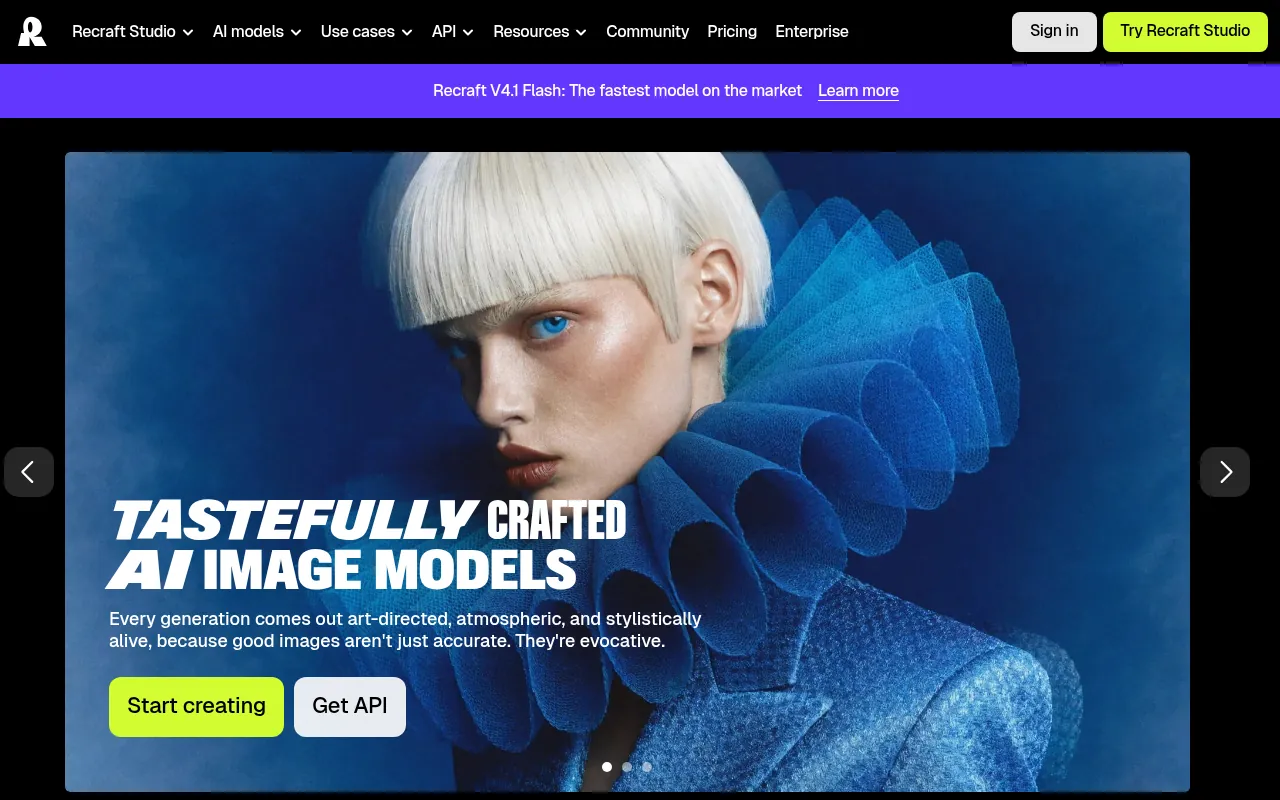
Recraft stands out when you need icons, illustrations and more brand-system friendly outputs, including vector-oriented workflows. That is a different job from photoreal portraits.
Why I like it: better fit for logo-adjacent drafts and UI icon sets than most chat image models.
What to watch out for: logo work still needs a human designer for final marks. AI drafts are not trademark clearance.
My verdict: best AI art generator for icons and illustrations.
11) Krea: Best for Realtime Creative Exploration
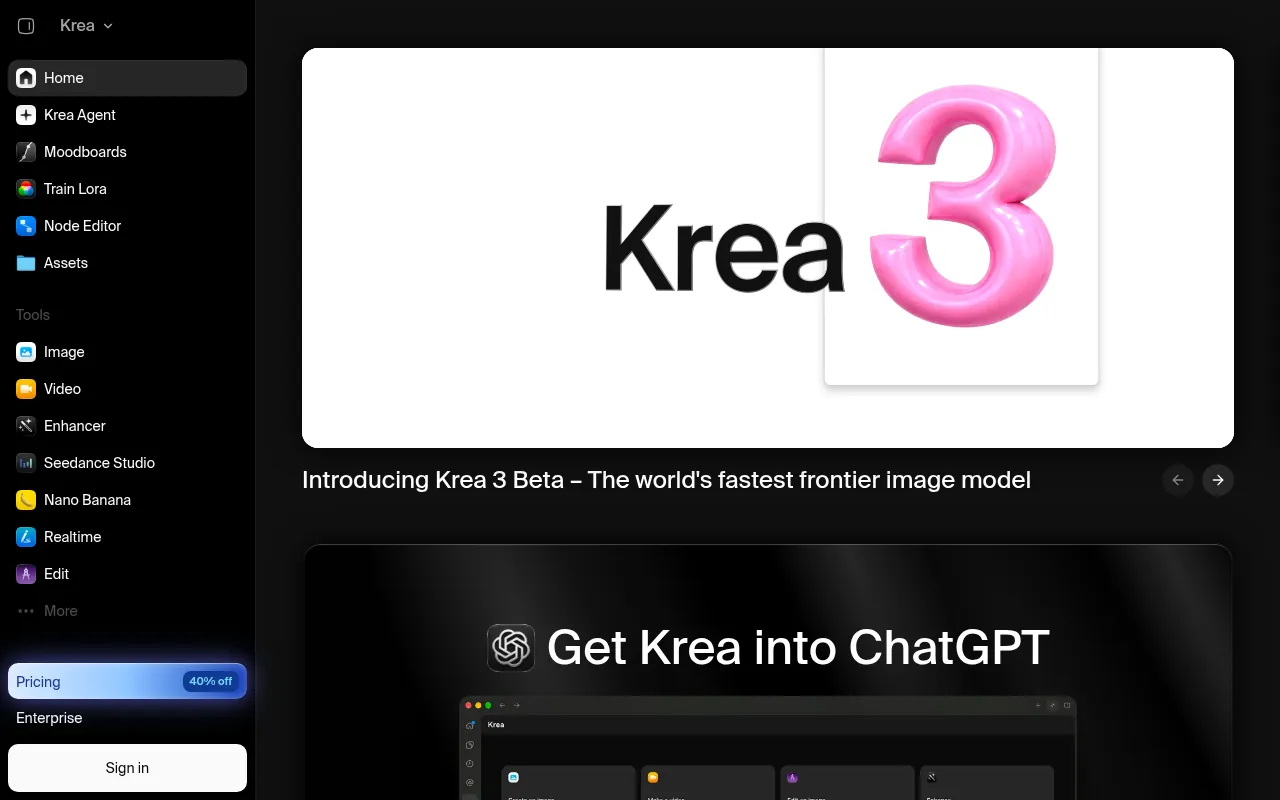
Krea is useful when you want to explore looks quickly and push toward higher-resolution creative directions. It is less of a “one prompt for a finished ad” tool and more of a creative sandbox.
My verdict: use Krea when iteration speed matters more than a single chat transcript.
12) FLUX (Black Forest Labs): Best Open-Weight Photoreal Path
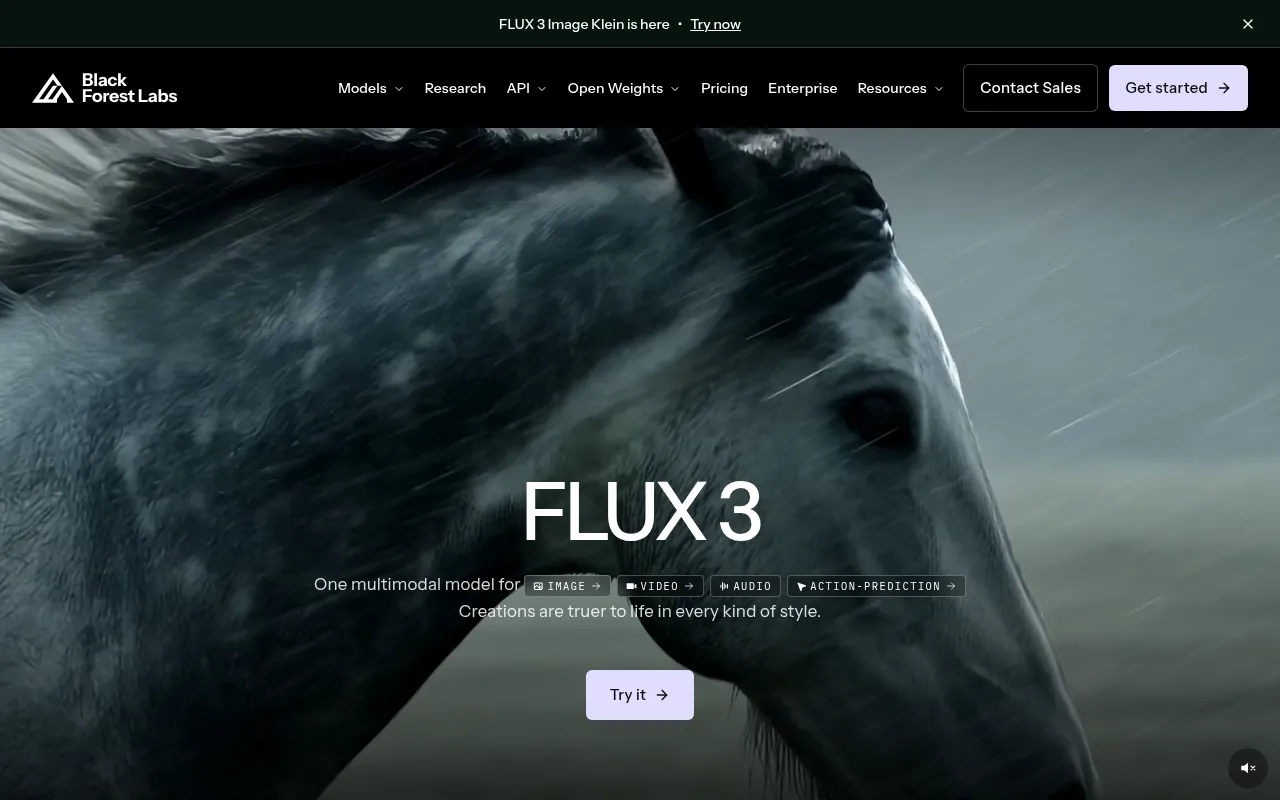
FLUX models from Black Forest Labs are widely used for photoreal work through partner apps and APIs. If you care about open weights or production control, this is the family to watch, even if your day-to-day UI is a third-party host.
My verdict: best when photorealism and model control matter more than a consumer chat wrapper.
Free Midjourney Alternatives: What “Free” Really Means
People searching “free midjourney alternative”, “midjourney alternatives free”, “ai like midjourney”, “sites like midjourney” and “free dall e alternative” usually want one of three things:
- Zero rupees today with a usable daily cap (Gemini, Copilot Designer, free ChatGPT image access, Leonardo free tokens, Ideogram free credits).
- A look similar to Midjourney without Discord (ChatGPT, Leonardo, SeaArt, Krea).
- Commercial-safe enough for client drafts (Firefly inside Adobe plans, plus careful reading of each vendor’s terms).
There is no honest forever-unlimited free Midjourney clone with identical aesthetics and zero limits. Free plans throttle speed, resolution, private generations or commercial rights. Budget for a paid seat once AI images become weekly client deliverables.
Free vs Paid AI Art Generators
You can get real work done for free with ChatGPT’s free tier limits, Gemini, Copilot Designer, Leonardo daily tokens, Ideogram credits and Freepik’s free AI caps. Paying becomes worth it when:
- You hit daily caps every weekday.
- You need private generations or team seats.
- You need higher resolution for print or large ads.
- Your client contract requires a clearer commercial path (often Firefly / Creative Cloud).
| Need | Start free with | Upgrade path |
|---|---|---|
| General marketing images | ChatGPT Free / Gemini | ChatGPT Plus or Google AI paid |
| Text-heavy posters | Ideogram free credits | Ideogram paid |
| Anime characters | SeaArt free | SeaArt paid |
| Game assets | Leonardo free tokens | Leonardo paid |
| Photoshop workflow | Firefly free credits | Creative Cloud / Firefly paid |
| Cinematic art direction | (limited free options) | Midjourney paid |
How to Choose the Best AI Art Generator for You
Answer these five questions:
1. Do you need readable text in the image? If yes, start with Ideogram, then ChatGPT Images.
2. Is this client / commercial work? Prefer tools whose official terms you (or your lawyer) can read clearly. Adobe Firefly is often the operationally safer path for Adobe shops.
3. What style do you need? Photoreal product: ChatGPT, Gemini, FLUX partners. Anime: SeaArt. Icons: Recraft. Cinematic: Midjourney.
4. Will you work only in a browser? ChatGPT, Gemini, Copilot, Ideogram, Freepik, Leonardo web apps. Avoid Discord-only workflows if your team hates them.
5. What is your monthly budget in rupees? Start free for two weeks of real tasks. Only then buy one seat. Do not stack Midjourney + Leonardo + Ideogram + Firefly on day one.
For a wider free AI stack beyond images, see my guide to best free AI apps. If you also edit video around these creatives, see best free online video editors and CapCut in India.
Tips for Better AI-Generated Art
- Write constraints: subject, style, aspect ratio, lighting, negative space for text.
- Iterate in small edits instead of rewriting the whole prompt every time.
- Fix text manually in Canva or Photoshop after generation when letters matter.
- Keep a swipe file of prompts that worked for your brand.
- Never invent testimonials or fake product photos for regulated claims.
- Check faces and hands before publishing.
- Export the right size for YouTube, Instagram and blog featured images.
Best AI Art Generators for Specific Jobs
Best free AI image generator for beginners
Google Gemini or Microsoft Copilot Designer, then ChatGPT Free.
Best AI art generator for YouTube thumbnails
Ideogram for title text, ChatGPT Images for scene control, final polish in a simple editor.
Best AI art tools for agencies
Adobe Firefly inside Creative Cloud, plus ChatGPT Plus for ideation.
Best AI art app for anime
SeaArt, with Leonardo as a backup.
Best Midjourney alternative if you refuse Discord
ChatGPT Images, Leonardo AI or Ideogram.
Common Mistakes When Using AI Art Tools
- Prompting “make a cool image” with no audience or format.
- Publishing AI text that misspells the brand name.
- Assuming free outputs are automatically cleared for ads in every country.
- Uploading confidential product roadmaps as reference images.
- Buying four annual plans after one weekend of experiments.
- Ignoring aspect ratio until after you fall in love with a square crop.
India Notes: Payments, GST and Practical Use
Most AI art tools bill in USD. Your bank converts the charge and may add forex or GST. Before you subscribe:
- Confirm whether the price is monthly or annual.
- Check if a card is required for free trials.
- Cancel a day early if you are only testing.
- Prefer one paid tool that matches your main job over three overlapping subscriptions.
If your AI use is wrapped into Google storage and Gemini entitlements, my Google One plans in India guide helps you see what you already pay for.
Prompt Templates That Work Better Than “Make Art”
- “Create a clean 16:9 YouTube thumbnail of an Indian founder at a laptop, bright office light, large negative space on the right for a short title, no misspelled text.”
- “Product photo of a matte black wireless mouse on a soft gray background, softbox lighting, ecommerce style, no watermark, no logo.”
- “Flat vector icon set of SEO tasks: keyword research, backlinks, technical audit, three icons, consistent stroke width, transparent background.”
Then edit. AI art generators behave better with constraints.
A Simple Weekly Workflow for Blog and YouTube Creatives
This is the workflow I recommend to my team for recurring content:
- Write the headline first. Design follows copy.
- Generate three compositions in ChatGPT Images or Gemini with the same brief.
- If the title must sit inside the image, regenerate in Ideogram or overlay text in Canva.
- Pick one direction, then do small conversational edits instead of brand-new prompts.
- Export the master at the largest size you need that week.
- Crop variants for YouTube, Instagram and the blog featured image.
- Archive the winning prompt in your swipe file with the final filename.
If you also need research images or chart-led visuals for a deck, generate the scene here and place it into a presentation workflow. For the slide half of that job, see best free AI apps for adjacent tools you may already use.
Licensing Checklist Before You Publish an Ad
Before a paid campaign goes live:
- Confirm the plan you used (free vs paid) on the vendor site.
- Confirm whether public/community sharing rules differ from private generations.
- Confirm whether third-party IP in your prompt or reference image creates risk.
- Keep a record of the prompt, date and tool version notes in your project folder.
- Have a human review faces, logos and product claims.
This checklist is boring. It is also cheaper than pulling an ad after legal review.
- Best free AI apps
- Best free online video editors
- CapCut in India
- Google One plans in India
- Best AI tools for research
Keyword Map: How People Search for AI Art Tools
Search demand for this topic splits into a few buckets. This page is built to cover them in one URL without cannibalising itself:
- Best lists: best ai art generator, best ai art tools, best ai image tools, best ai art generators, best art generator ai, top ai art generators.
- Free intent: best free ai image generator, best free ai art generators, best free ai image, best free ai art app, free ai art generator like midjourney.
- Midjourney alternatives: ai like midjourney, free midjourney alternative, sites like midjourney, ai tools like midjourney, midjourney alternatives free, free alternatives to midjourney, apps like midjourney, websites like midjourney.
- DALL-E alternatives: free dall e alternative, dall e alternative free, free dall-e alternative, free alternatives to dall-e.
- Questions: what is the best ai image generator, what is the best ai art generator, what is the best ai for image generation, which ai can generate images.
- Style jobs: best ai art app, ai art online, ghibli style art, best ai painting generator, best ai digital art generator.
If you landed here from any of those queries, use the comparison table first, then jump to the tool that matches your job (text, anime, commercial, icons or free Midjourney-style ideation).
How I Run AI Art Jobs Across BloggersIdeas and DigiExe
On BloggersIdeas listicles and DigiExe client decks, AI art is a production step, not a hobby. Briefs usually fall into four jobs: YouTube thumbnail, blog featured image, social carousel panel, or workshop slide hero. Each job has a different tolerance for weird hands, soft text, and license ambiguity.
My late-2026 default stack: ChatGPT Images or Gemini for fast ideation, Ideogram when the title must live inside the image, Midjourney when the client wants stylised mood boards, and a paid commercial plan only when the asset will run in paid ads. AffiliateBooster creatives follow the same rule. If the image sells a product, open that plan’s license page the same day.
I do not invent lab scores. Free tiers are fine for drafts. Paid ads, client handoff, and POD need a clear commercial line and a human pass on faces and logos. SchemaNinja and podcast cover art use the same pipeline: three options, one composition, small conversational edits, archive the winning prompt beside the filename.
Thumbnail Workflow That Survives YouTube Compression
YouTube thumbs die when the face is tiny and the text is thin.
- Write the 3 to 5 word title before you open any generator.
- Ask for a single clear subject, high contrast, and space for overlay text if the tool cannot spell.
- Generate at least three compositions with the same brief.
- If letters look broken, regenerate in Ideogram or set type in Canva on a clean background.
- Export the largest master, then crop 1280×720 and vertical variants from that file.
- Check at phone size. If you cannot read the title at arm length, rewrite or enlarge the subject.
BloggersIdeas thumbs that rank usually win on contrast and one idea. DigiExe client channels follow the same rule.
Commercial Use, POD, and Agency Handoff
Before a paid Meta or Google ad:
- Confirm free vs paid plan used.
- Confirm public gallery rules.
- Confirm risky name-drops in prompts.
- Confirm reference-image license.
- Confirm who owns the login.
POD is stricter than blog heroes. Read commercial and trademark sections the day you list. DigiExe exports masters to the client Drive with prompt notes. Strip invented competitor logos from AffiliateBooster and SchemaNinja creatives.
What Page-One Roundups Usually Skip
- When to set type in Canva instead of inside the model.
- Phone-size thumb readability.
- Hard links to vendor license pages.
- Agency login ownership.
- Prompt archives.
- India payment and invoice notes.
Use the comparison table for a quick pick. Use these workflows when you ship weekly.
India Payment and Invoice Notes
Watch currency, UPI or Indian cards, and GST invoices for agency books. Open pricing from an India IP, screenshot the grid, and date it. If only USD shows, plan forex. Do not invent GST claims. Re-check yearly numbers before deal-table updates on BloggersIdeas.
Prompt Patterns That Cut Rerolls
- Subject + setting + lighting + camera feel + avoid list.
- Three compositions: close, medium, wide.
- Style as adjectives when brands are risk-averse.
- Generate scene, add title in Canva when spelling fails.
SaaS thumb shape I reuse: smartphone on a clean desk, soft daylight, empty screen for real UI, no logos, no watermark. Podcast covers lock real guest photos first.
Stack Pairing With Editors and Upscalers
- Generate.
- Fix text and brand colors.
- Upscale if soft at hero width.
- Compress for web.
- Name with date and prompt ID.
Pull CapCut stills from the timeline when video and thumb must match. Consistency beats chasing every new model.
When Not to Use AI Art
- High-ticket real product pages.
- Legal or medical documentary needs.
- Exact founder or guest faces.
- Brand books that ban generative assets.
- Licenses you cannot explain in one sentence.
DigiExe declines fuzzy “make it look real enough” asks in regulated niches.
Free vs Paid by Asset Class
Free for drafts and internal mocks. Paid when the file leaves the building. If more than three outsiders see it commercially, pay. Batch credit-based tools on one day. Yearly for weekly drivers; monthly for short bursts.
QC Pass Before Publish
- Hands, teeth, text at 100% zoom.
- No fake logos or badges.
- Colors match palette.
- Crop margins safe.
- Prompt note saved.
Two fails means regenerate. Keep a reject folder for a month to spot tool patterns.
Team Roles and Seat Ownership
- Paid login owner.
- Drive path for masters.
- Who may publish solo.
- Niches that need legal review.
Password managers beat personal Gmail invites. Rotate seats when freelancers leave.
Stop Chasing Every New Model
- Fixes a real pain?
- Payable from India?
- Clear commercial page?
- Will the team open it weekly?
Two nos means bookmark and wait. Test new models on your three standard thumb briefs.
Alt Text Habits
Describe subject and purpose. Skip “AI generated image.” One honest sentence. No keyword stuffing.
Monthly Credit Budgeting
Shared norm on BloggersIdeas: three gens per asset before escalating. One seat owner checks the meter Fridays. DigiExe scopes that include creative get an image budget in writing.
Naming and Archives
Pattern: YYYYMMDD-channel-topic-v1.webp plus prompt sidecar. AffiliateBooster seasonal work reuses archives heavily.
Weekly Cadence for Ai Art Generators Work
I batch AI art generators tasks on set days so freelancers are not blocked mid-article. BloggersIdeas writers collect requests in a sheet by Thursday. DigiExe designers clear the sheet Friday morning. AffiliateBooster only pulls from the same queue when a campaign is live.
SchemaNinja docs and podcast assets that need AI art generators support get tagged separately so they do not steal the blog queue. One owner watches renewals. Cancelled seats get removed from the password manager the same day.
What I Tell Clients Who Want Every Tool in the Ai Art Generators List
Buy one. Run it for a full sprint. Measure whether the job got faster. DigiExe scopes that start with five overlapping subscriptions usually waste money by month two. BloggersIdeas readers get the same advice in plain language: shortlist three, trial one real task, keep a default.
If a client insists on two tools, split by job type, not by taste. Example: one tool for drafts, one for commercial export. Write that split in the retainer so invoices stay calm.
Screenshot and Source Hygiene for Ai Art Generators Articles
Every claim that mentions a price, a limit, or a refund window needs a dated screenshot or a link to the official page. I store shots under a folder named by publish month. When Rank Math or an editor asks where a number came from, the folder answers.
Do not crop away the plan name. Do not invent INR conversions without showing the method. If the vendor shows USD, say USD and note forex. Inside A Hustler’s Brain listeners who later read the blog should see the same honesty.
Risk Notes Specific to Ai Art Generators
Teams skip ToS lines, seat sharing rules, and cancellation paths. That is where pain shows up. DigiExe onboarding now includes a one-page risk note for whatever AI art generators stack the client already pays for.
If commercial use is unclear, do not publish the asset on paid ads until someone reads the license aloud. Soft “should be fine” language is how brands get surprised.
Handoff Checklist When a Freelancer Leaves
- Rotate the shared login or remove their seat.
- Export outstanding project files to Drive.
- Update the tool sheet owner column.
- Confirm scheduled publishes that depend on that seat.
- Note any personal API keys that must be rebuilt.
This checklist is dull. It is also how BloggersIdeas and DigiExe avoid publish-day lockouts.
Measuring Whether Ai Art Generators Spend Is Worth It
I look at hours saved per week, error rate, and whether junior staff can run the tool without a huddle. Vanity metrics like “number of features used” do not pay rent.
If a paid seat is idle for two weeks, downgrade or cancel. AffiliateBooster seasonal tools get calendar reminders two weeks before renewal. SchemaNinja seats that only exist for demos get marked as demo so nobody mistakes them for production.
Publisher Stack Fit for Ai Art Generators (Pass 1)
This pass is about BloggersIdeas publishing calendar. The audience is writers and editors. For AI art generators, I refuse to add fake benchmark tables. I add habits that survive plan renames.
On BloggersIdeas, the question is whether a writer can finish without a huddle. On DigiExe, the question is whether a freelancer can be onboarded in one sitting and removed cleanly later. AffiliateBooster cares whether a creative can ship under a commercial license without guessing. SchemaNinja cares whether a screenshot still matches the UI after a vendor update. Podcast and YouTube work care whether the asset remains readable on a phone.
Practical moves I repeat:
- Name a default tool from this article and write it in the team sheet.
- Capture the official pricing or docs page the same day you cite a number.
- Store cancel and refund URLs beside the receipt.
- Limit overlapping paid seats unless jobs are truly different.
- Re-check the page before a scheduled publish goes live.
India notes stay boring on purpose. Confirm currency, payment methods, and invoice needs. If USD is the only option, say so and budget forex. If a GST PDF matters for DigiExe books, test a small charge before annual billing.
If you only remember one line: defaults beat novelty. A stable AI art generators stack with screenshots and a cancel plan will outperform a graveyard of trials.
Agency Retainer Fit for Ai Art Generators (Pass 2)
This pass is about DigiExe client retainers. The audience is freelancers and leads. For AI art generators, I refuse to add fake benchmark tables. I add habits that survive plan renames.
On BloggersIdeas, the question is whether a writer can finish without a huddle. On DigiExe, the question is whether a freelancer can be onboarded in one sitting and removed cleanly later. AffiliateBooster cares whether a creative can ship under a commercial license without guessing. SchemaNinja cares whether a screenshot still matches the UI after a vendor update. Podcast and YouTube work care whether the asset remains readable on a phone.
Practical moves I repeat:
- Name a default tool from this article and write it in the team sheet.
- Capture the official pricing or docs page the same day you cite a number.
- Store cancel and refund URLs beside the receipt.
- Limit overlapping paid seats unless jobs are truly different.
- Re-check the page before a scheduled publish goes live.
India notes stay boring on purpose. Confirm currency, payment methods, and invoice needs. If USD is the only option, say so and budget forex. If a GST PDF matters for DigiExe books, test a small charge before annual billing.
If you only remember one line: defaults beat novelty. A stable AI art generators stack with screenshots and a cancel plan will outperform a graveyard of trials.
Affiliate Creative Fit for Ai Art Generators (Pass 3)
This pass is about AffiliateBooster campaigns. The audience is design contractors. For AI art generators, I refuse to add fake benchmark tables. I add habits that survive plan renames.
On BloggersIdeas, the question is whether a writer can finish without a huddle. On DigiExe, the question is whether a freelancer can be onboarded in one sitting and removed cleanly later. AffiliateBooster cares whether a creative can ship under a commercial license without guessing. SchemaNinja cares whether a screenshot still matches the UI after a vendor update. Podcast and YouTube work care whether the asset remains readable on a phone.
Practical moves I repeat:
- Name a default tool from this article and write it in the team sheet.
- Capture the official pricing or docs page the same day you cite a number.
- Store cancel and refund URLs beside the receipt.
- Limit overlapping paid seats unless jobs are truly different.
- Re-check the page before a scheduled publish goes live.
India notes stay boring on purpose. Confirm currency, payment methods, and invoice needs. If USD is the only option, say so and budget forex. If a GST PDF matters for DigiExe books, test a small charge before annual billing.
If you only remember one line: defaults beat novelty. A stable AI art generators stack with screenshots and a cancel plan will outperform a graveyard of trials.
Software Docs Fit for Ai Art Generators (Pass 4)
This pass is about SchemaNinja help and marketing pages. The audience is product marketers. For AI art generators, I refuse to add fake benchmark tables. I add habits that survive plan renames.
On BloggersIdeas, the question is whether a writer can finish without a huddle. On DigiExe, the question is whether a freelancer can be onboarded in one sitting and removed cleanly later. AffiliateBooster cares whether a creative can ship under a commercial license without guessing. SchemaNinja cares whether a screenshot still matches the UI after a vendor update. Podcast and YouTube work care whether the asset remains readable on a phone.
Practical moves I repeat:
- Name a default tool from this article and write it in the team sheet.
- Capture the official pricing or docs page the same day you cite a number.
- Store cancel and refund URLs beside the receipt.
- Limit overlapping paid seats unless jobs are truly different.
- Re-check the page before a scheduled publish goes live.
India notes stay boring on purpose. Confirm currency, payment methods, and invoice needs. If USD is the only option, say so and budget forex. If a GST PDF matters for DigiExe books, test a small charge before annual billing.
If you only remember one line: defaults beat novelty. A stable AI art generators stack with screenshots and a cancel plan will outperform a graveyard of trials.
Podcast and YouTube Fit for Ai Art Generators (Pass 5)
This pass is about Inside A Hustler’s Brain production. The audience is editors and guests. For AI art generators, I refuse to add fake benchmark tables. I add habits that survive plan renames.
On BloggersIdeas, the question is whether a writer can finish without a huddle. On DigiExe, the question is whether a freelancer can be onboarded in one sitting and removed cleanly later. AffiliateBooster cares whether a creative can ship under a commercial license without guessing. SchemaNinja cares whether a screenshot still matches the UI after a vendor update. Podcast and YouTube work care whether the asset remains readable on a phone.
Practical moves I repeat:
- Name a default tool from this article and write it in the team sheet.
- Capture the official pricing or docs page the same day you cite a number.
- Store cancel and refund URLs beside the receipt.
- Limit overlapping paid seats unless jobs are truly different.
- Re-check the page before a scheduled publish goes live.
India notes stay boring on purpose. Confirm currency, payment methods, and invoice needs. If USD is the only option, say so and budget forex. If a GST PDF matters for DigiExe books, test a small charge before annual billing.
If you only remember one line: defaults beat novelty. A stable AI art generators stack with screenshots and a cancel plan will outperform a graveyard of trials.
India Checkout Fit for Ai Art Generators (Pass 6)
This pass is about INR and UPI reality. The audience is accounts and founders. For AI art generators, I refuse to add fake benchmark tables. I add habits that survive plan renames.
On BloggersIdeas, the question is whether a writer can finish without a huddle. On DigiExe, the question is whether a freelancer can be onboarded in one sitting and removed cleanly later. AffiliateBooster cares whether a creative can ship under a commercial license without guessing. SchemaNinja cares whether a screenshot still matches the UI after a vendor update. Podcast and YouTube work care whether the asset remains readable on a phone.
Practical moves I repeat:
- Name a default tool from this article and write it in the team sheet.
- Capture the official pricing or docs page the same day you cite a number.
- Store cancel and refund URLs beside the receipt.
- Limit overlapping paid seats unless jobs are truly different.
- Re-check the page before a scheduled publish goes live.
India notes stay boring on purpose. Confirm currency, payment methods, and invoice needs. If USD is the only option, say so and budget forex. If a GST PDF matters for DigiExe books, test a small charge before annual billing.
If you only remember one line: defaults beat novelty. A stable AI art generators stack with screenshots and a cancel plan will outperform a graveyard of trials.
Why Should You Trust Me?
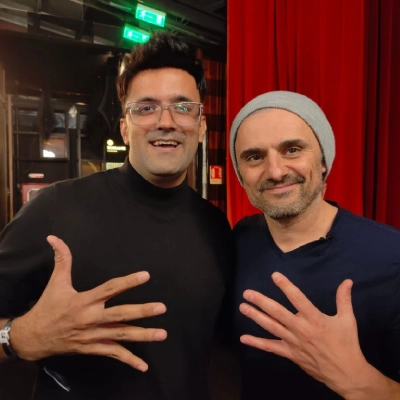
I am Jitendra Vaswani, an SEO consultant with 12 years in search. I founded the digital marketing agency Digiexe and AffiliateBooster, and I am an author and international speaker.
I use AI image tools every week for thumbnails, blog graphics and client workshop decks. For this guide, every price and plan limit comes from each product’s official website or help documentation (October 2026). I have not invented benchmark scores, and where a free term changes often, I tell you to re-check the official page.
FAQs
What is the best AI art generator in 2026?
ChatGPT Images is the best AI art generator for most people because of prompt accuracy and conversational editing. Choose Gemini or Copilot Designer for easier free starts, Ideogram for text-in-image, Firefly for Adobe commercial workflows, and Midjourney when cinematic style is worth a paid plan.
What is the best free AI image generator?
Start with Google Gemini, Microsoft Copilot Designer, free ChatGPT image access, Leonardo daily tokens or Ideogram free credits. “Best free” depends on whether you need anime, posters or general marketing images.
What are the best free Midjourney alternatives?
Practical free Midjourney alternatives include Gemini, Copilot Designer, Leonardo AI, SeaArt, Ideogram and ChatGPT’s free-tier image access. None is a perfect clone of Midjourney’s aesthetic with unlimited free commercial use.
Is there a free DALL-E alternative?
Yes. ChatGPT Images, Gemini, Copilot Designer, Leonardo, Ideogram and Firefly all cover similar text-to-image jobs with different free limits. Check each official plan page for current caps.
Which AI art generator is best for commercial use?
Adobe Firefly is often the safest operational choice for teams already on Creative Cloud. Still read the terms for your exact plan, and do not assume every free consumer tool grants the same rights.
Which AI is best for anime or cartoon art?
SeaArt is my first stop for anime and cartoon styles, with Leonardo AI as a strong backup when you need more asset control.
Can AI art generators write readable text in images?
Ideogram is the specialist. ChatGPT Images has improved a lot, but you should still proofread and often finish typography in a design tool.
Do free AI art generators add watermarks?
Sometimes. Watermark and private-generation rules change by plan. Confirm on the official free-plan page before you promise a client a clean export.
Are AI-generated images copyright-free?
Not automatically. You are responsible for how you use outputs, references and brand marks. Read each vendor’s terms and your client’s contract.
What is the best AI art app for mobile?
ChatGPT, Gemini and Copilot mobile apps are the easiest. Dedicated art apps vary by store listing; prefer the official apps from the vendors above.
Final Verdict: Which AI Art Generator Should You Use?
After generating more marketing images than I care to count, my picks for 2026 are simple:
- Best overall: ChatGPT Images.
- Best free Midjourney alternative: Google Gemini or Microsoft Copilot Designer.
- Best for text and posters: Ideogram.
- Best for commercial Adobe teams: Adobe Firefly.
- Best for game assets: Leonardo AI.
- Best for anime: SeaArt.
- Best for icons / vectors: Recraft.
- Best cinematic paid benchmark: Midjourney.
Start free, generate ten real assets for your brand, and only then buy a seat. The best AI art tools are the ones that fit your workflow, not the ones with the loudest Twitter demos.
Appendix: Quick Picks Card
- Overall: ChatGPT Images
- Free Midjourney alternative: Gemini or Copilot Designer
- Text in image: Ideogram
- Commercial Adobe teams: Firefly
- Anime: SeaArt
- Icons: Recraft
- Game assets: Leonardo
- Cinematic paid: Midjourney
Sources
Facts and prices in this article were checked in October 2026 against the official sites and help pages of OpenAI / ChatGPT, Google Gemini, Microsoft Copilot, Midjourney, Leonardo AI, Ideogram, Adobe Firefly, Freepik, SeaArt, Recraft, Krea and Black Forest Labs. Plan names and credit limits can change; confirm on the vendor site before you pay.

Jitendra Vaswani is a globally recognized expert in SEO and AI-driven digital marketing. He has spoken at leading international events and is the founder of Digiexe, a results-driven digital marketing agency; Venuelabs, a platform that helps brands amplify their voice with expert PR and marketing solutions; and AffiliateBooster, an affiliate marketing news site. With over a decade of hands-on experience, Jitendra has empowered countless businesses to thrive online. His bestselling book, Inside A Hustler’s Brain: In Pursuit of Financial Freedom, has sold more than 20,000 copies worldwide, reflecting his influence and dedication to helping digital marketers achieve success. Follow Jitendra on Instagram, X/Twitter, Facebook, and LinkedIn.