Best free AI image upscalers, the short answer: If you want a truly free, private upscale image workflow in 2026, start with Upscayl on desktop (open source, runs on your GPU, no upload). For quick browser jobs, Pixelcut, iLoveIMG, Freepik, Upscale.media and Img.Upscaler are the easiest free AI image upscalers with online uploads. PicsArt and Canva help when upscaling is one step inside a bigger edit. HitPaw and Topaz are the paid quality benchmarks when free caps are not enough.
I upscale screenshots, old blog graphics and client product photos regularly. Most “best upscaler” articles invent quality scores. This guide does not. Every free-limit and product claim below comes from each tool’s official site, checked in October 2026. I am not running a fake lab ranking. I am telling you what each tool offers and who it suits.
Best Free AI Image Upscalers: Quick Comparison Table
| Tool | Best for | Free access | Upload vs local | Typical scale notes | Watermark notes |
|---|---|---|---|---|---|
| Upscayl | Best free desktop upscaler | Free open-source app | Local GPU | High scale factors supported in app | No cloud watermark |
| Pixelcut | Best simple free web upscaler | Free daily downloads with limits | Upload | Up to high resolutions marketed (see site) | Free downloads without watermark per site claims |
| iLoveIMG | Best quick browser batch-friendly tool | Free web tool | Upload | Upscale image online tool | Check current free terms |
| Freepik AI Upscaler | Best inside Freepik creative workflow | Free Freepik AI limits | Upload | AI upscale in Freepik suite | Freepik plan rules apply |
| Upscale.media | Best dedicated web upscaler brand | Free tier with limits | Upload | Online AI upscaling | Check free vs paid |
| Img.Upscaler | Best straightforward online upscaler | Free credits / limits | Upload | Browser upscale flow | Check current terms |
| Imggen.AI | Best alternate free web option | Free tier | Upload | AI upscale features | Check terms |
| PicsArt | Best mobile + web creative suite | Free with in-app limits | Upload | Upscale inside editor | Plan limits apply |
| Canva | Best when you already edit in Canva | Canva Free / Pro AI limits | Upload | Magic Studio / enhance features | Canva plan rules |
| PixelBin | Best developer-friendly AI tool suite | Free trial / plan limits | Upload | AI image upscaler tool | PixelBin plans |
| HitPaw Photo Enhancer | Best paid consumer enhancer | Trial / paid | Desktop | Photo enhancement + upscale | Paid product |
| Topaz Gigapixel | Best paid pro benchmark | Paid | Desktop | Pro upscaling standard | Paid product |
Sources: each tool’s official homepage or product page (October 2026). Free caps, daily downloads and watermark rules change. Confirm on the vendor site before a client deadline.
What Is AI Image Upscaling?
AI image upscaling (also called AI image enlargement or HD picture AI) increases resolution while reconstructing detail, rather than only stretching pixels. People search for it as “free upscale image”, “upscale image”, “upscale image quality”, “upscale online”, “image upscaling”, “hd picture ai”, “img scaler” and “best upscaler”.
Use cases I see weekly:
- Making an old logo usable in a larger banner.
- Cleaning a compressed screenshot for a blog.
- Preparing a product photo for a marketplace listing.
- Enlarging a thumbnail for a presentation.
AI cannot invent true detail that never existed. A 50-pixel face will not become a perfect studio headshot. It can look sharper than naive resize.
How I Picked These Free AI Image Upscalers
I judged each tool on:
- Real free access: can you upscale without paying today?
- Privacy model: local processing vs upload to a server.
- Ease: drag-and-drop for non-designers.
- Fit for Indian users: browser tools that work without a heavy install when possible.
- Workflow fit: standalone upscaler vs part of Canva / PicsArt / Freepik.
- Honesty: clear limits on the official page, not rumor-blog claims.
I prefer Upscayl when privacy matters, and a simple web tool when I need one image fixed in thirty seconds.
Best Free AI Image Upscalers for 2026
1) Upscayl: Best Free AI Image Upscaler Overall (Desktop, Private)
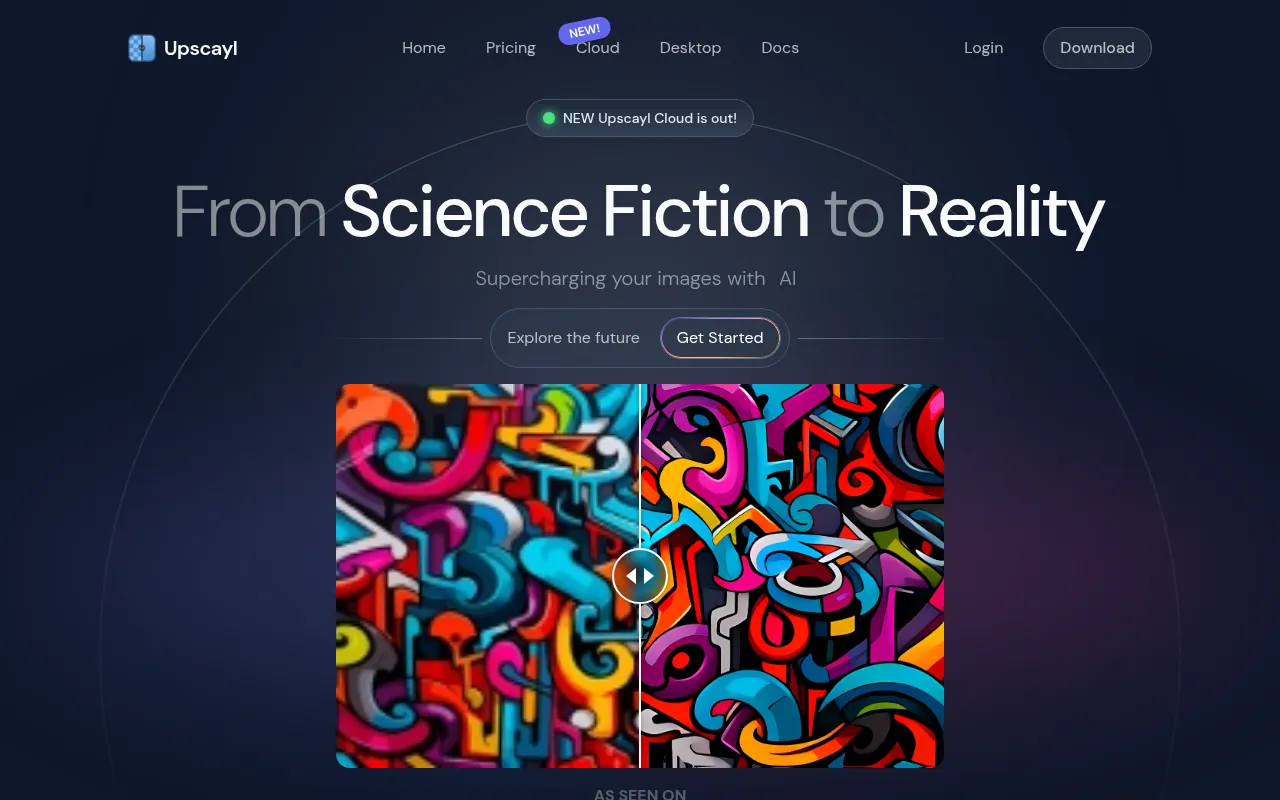
Upscayl is my default recommendation for the best free AI image upscaler in 2026 when you can install a desktop app. It uses AI models such as Real-ESRGAN-style pipelines on your own GPU. Your photos stay on your machine. No subscription is required for core upscaling.
Why I like it: truly free, private, and strong enough for many blog and print-prep jobs.
What to watch out for: you need a capable GPU for comfort. Very weak machines will feel slow. Download only from the official Upscayl site / trusted release channels.
My verdict: best free upscale image tool for privacy-conscious creators and anyone doing batch work offline.
2) Pixelcut: Best Free Online Upscaler for Quick Jobs
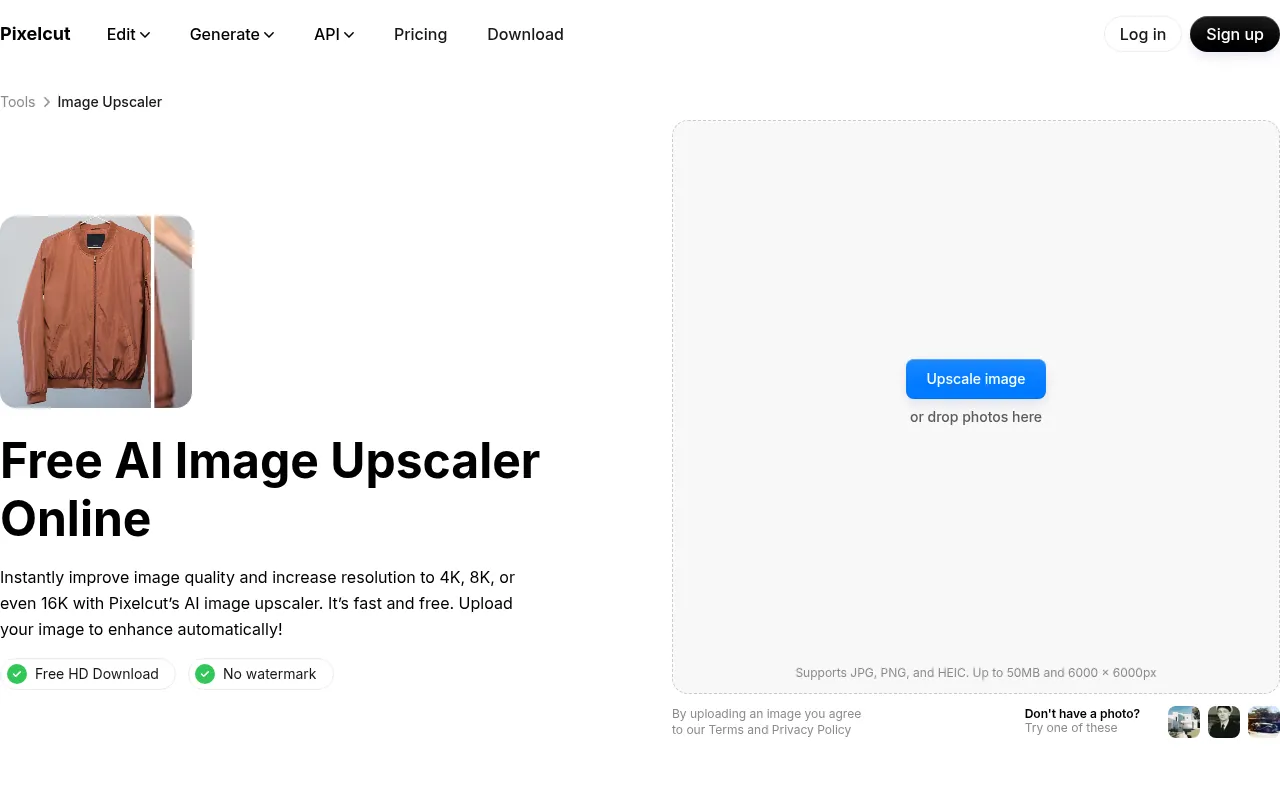
Pixelcut’s AI image upscaler is one of the easiest free web tools: upload, enhance, download. Official positioning emphasises fast free upscales for marketers and sellers, including high target resolutions. Free daily download limits may apply, so check the current page before a bulk job.
Why I like it: almost no learning curve on phone or desktop browser.
What to watch out for: cloud upload. Do not upload confidential ID scans or unreleased product roadmaps.
My verdict: best free upscale online option when you need one image fixed fast.
3) iLoveIMG: Best Simple Browser Upscale Tool
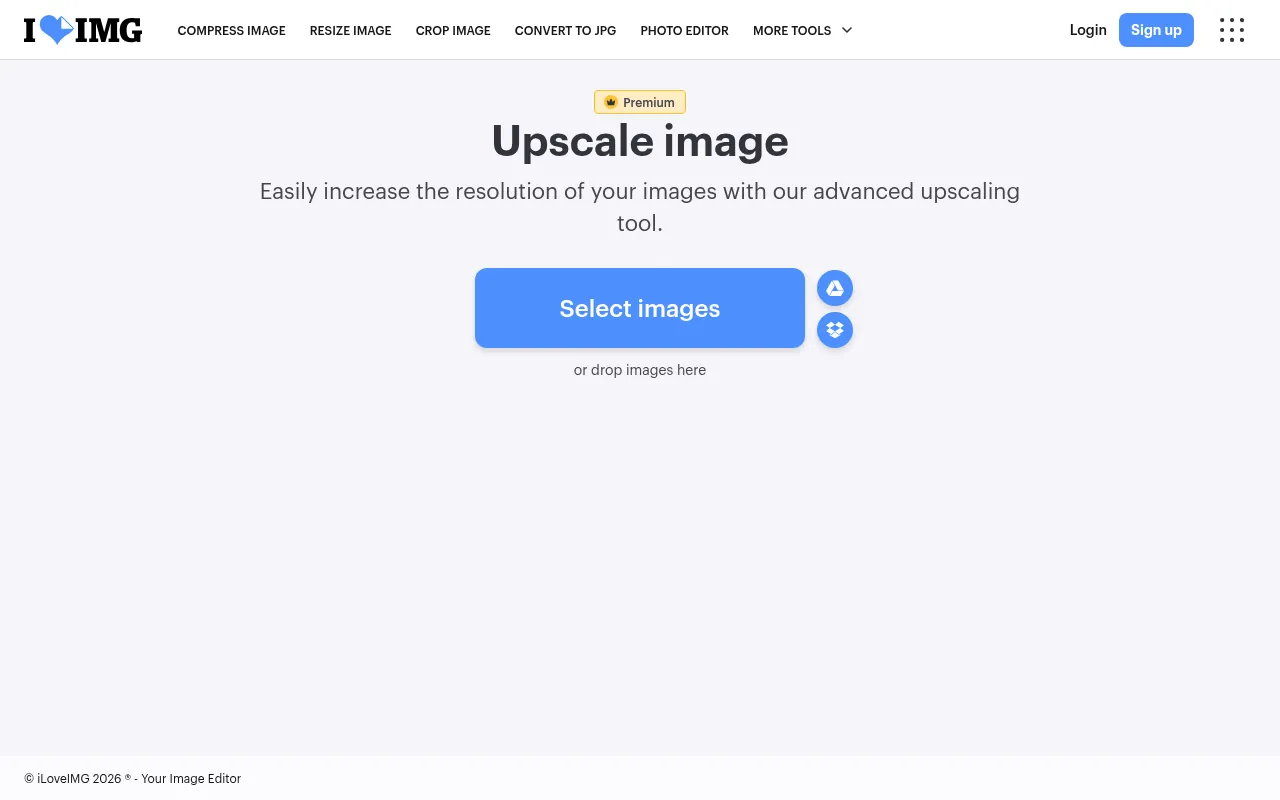
iLoveIMG is part of a familiar browser toolkit (compress, convert, resize). Its upscale image feature is ideal when your team already uses iLove tools for other file chores.
Why I like it: predictable UI, quick for non-designers.
What to watch out for: free web processing usually means uploads. Confirm file size and batch limits on the official tool page.
My verdict: best everyday free upscale image quality tool for light office use.
4) Freepik AI Image Upscaler: Best Inside a Stock + AI Suite
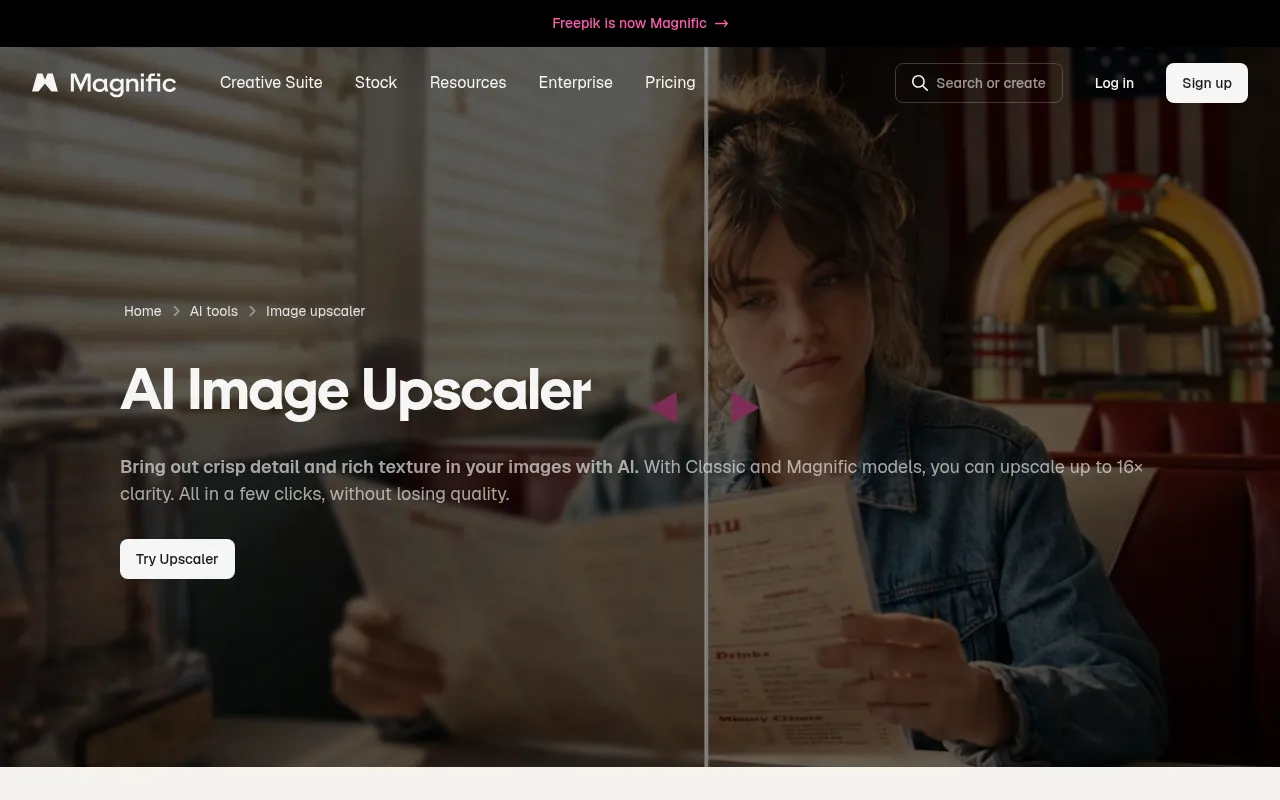
Freepik’s AI upscaler sits beside generators and stock assets. If you already hunt templates on Freepik, upscaling there reduces tool-switching.
What to watch out for: Freepik free vs Premium AI quotas. Licence rules for downloads still matter for client work.
My verdict: best when upscaling is one step in a Freepik creative session.
5) Upscale.media: Best Dedicated Web Upscaler Brand
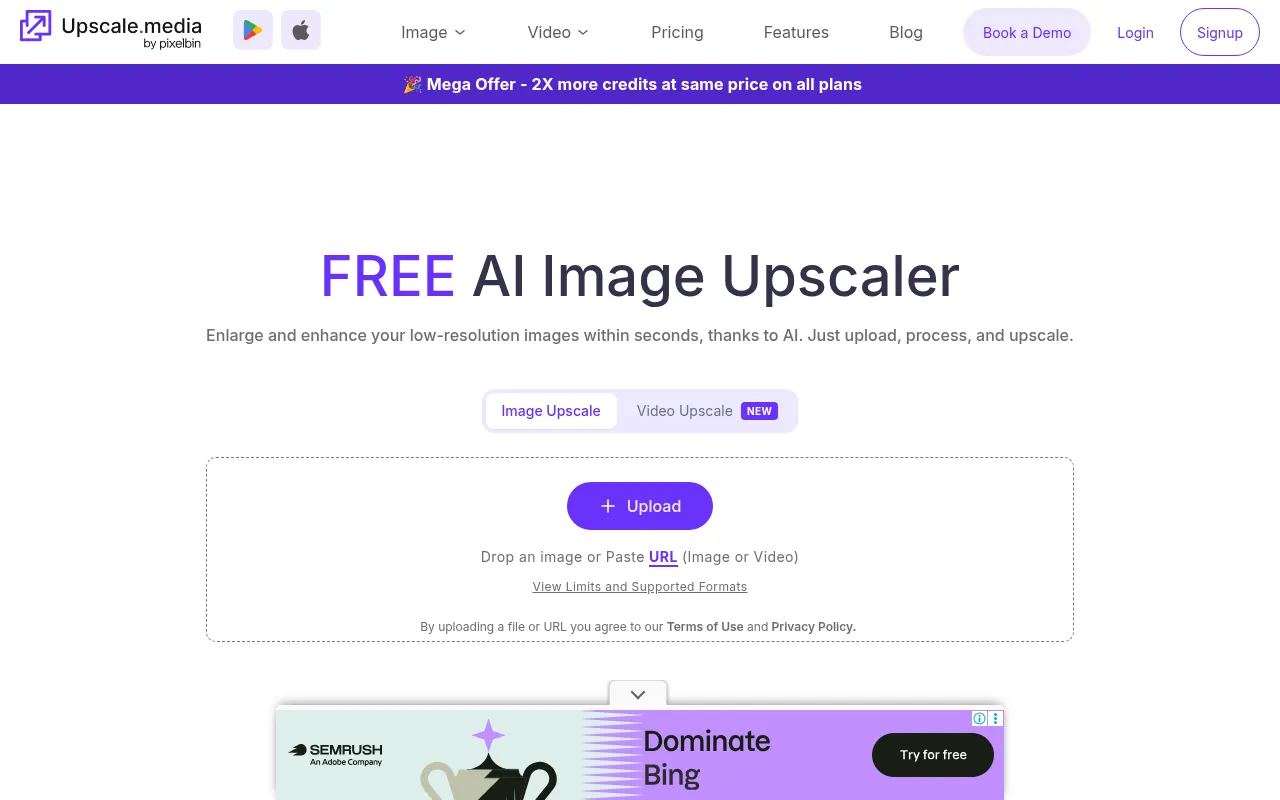
Upscale.media focuses on the upscale job rather than being a side feature. That makes it easy to recommend to teammates who only need enlargement.
What to watch out for: free tier limits and paid unlocks. Always confirm watermark and resolution caps on the official site the day you use it.
6) Img.Upscaler: Best Straightforward Online Alternative
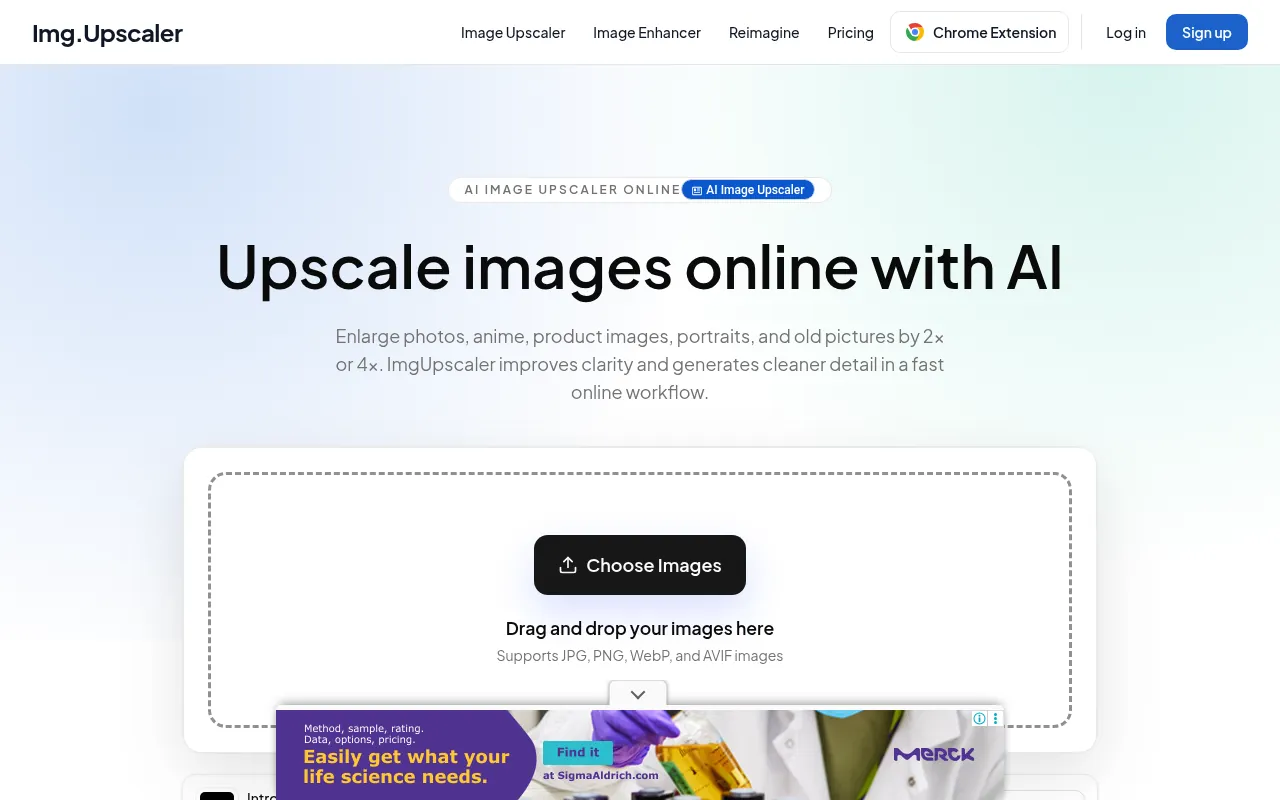
Img.Upscaler is another dedicated browser upscaler for people searching “upscale online” or “img scaler”. Use it as an alternative when your primary free site is rate-limited.
7) Imggen.AI: Best Extra Free-Web Option
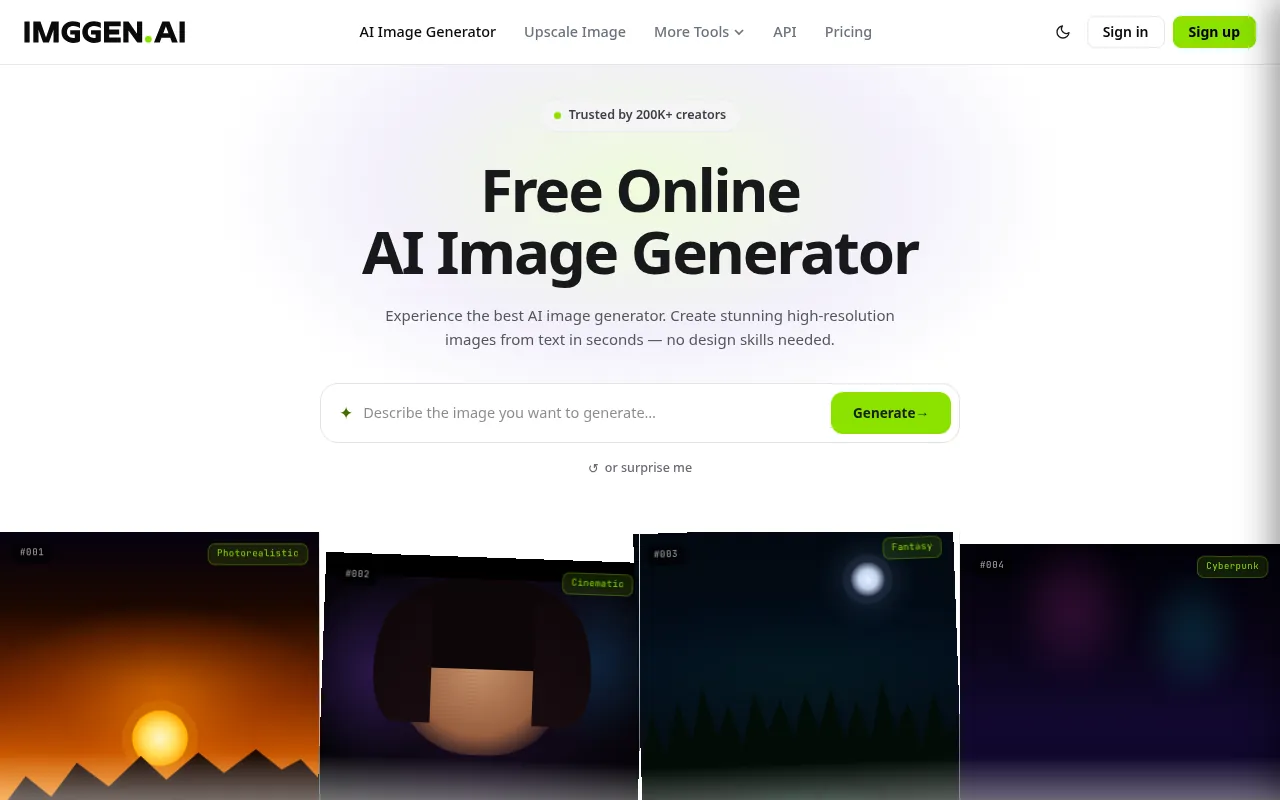
Imggen.AI offers AI upscaling among other image tools. It is a useful backup free option when you are experimenting with different reconstruction looks.
8) PicsArt: Best Mobile-Friendly Creative Upscaler
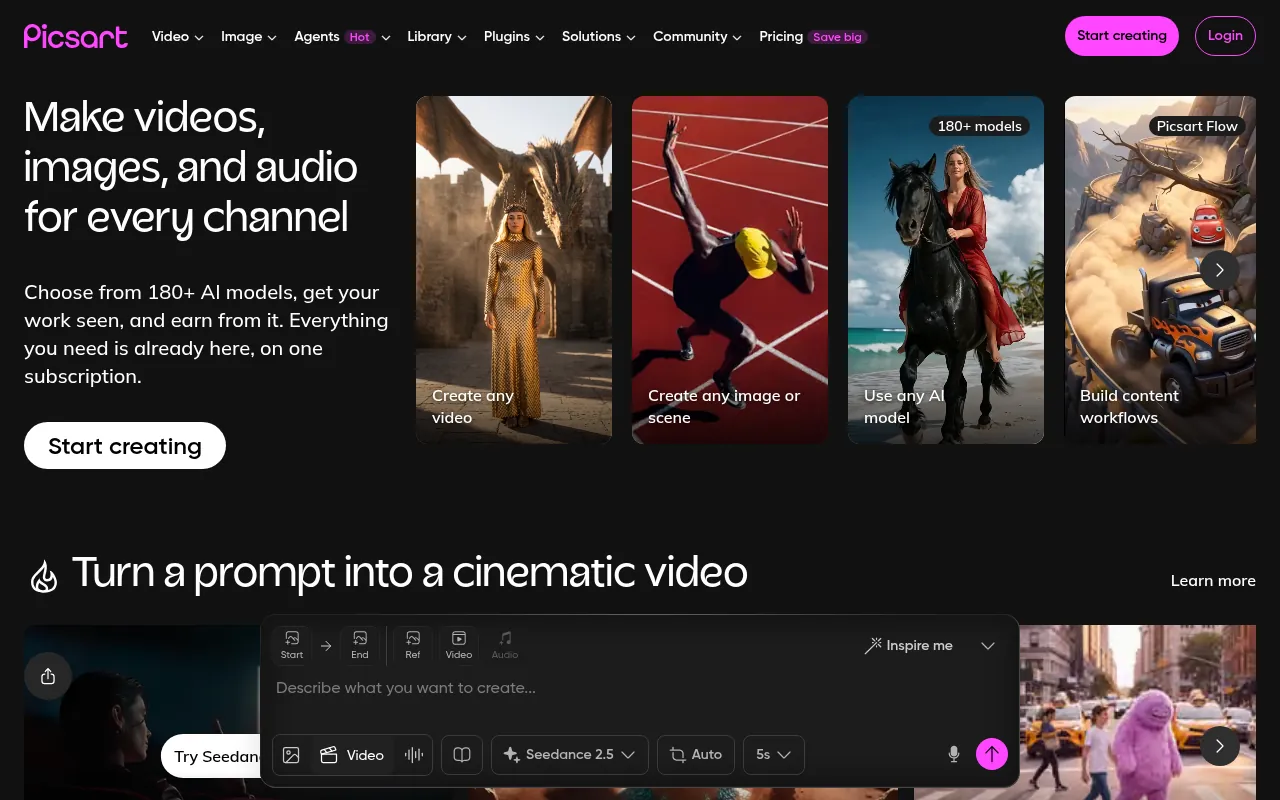
PicsArt is strong when the upscale is part of a social creative edit on mobile. Free features exist, with paid unlocks for heavier AI use.
My verdict: best for creators who live on phone editing apps.
9) Canva: Best When Upscaling Is Part of Design Layout
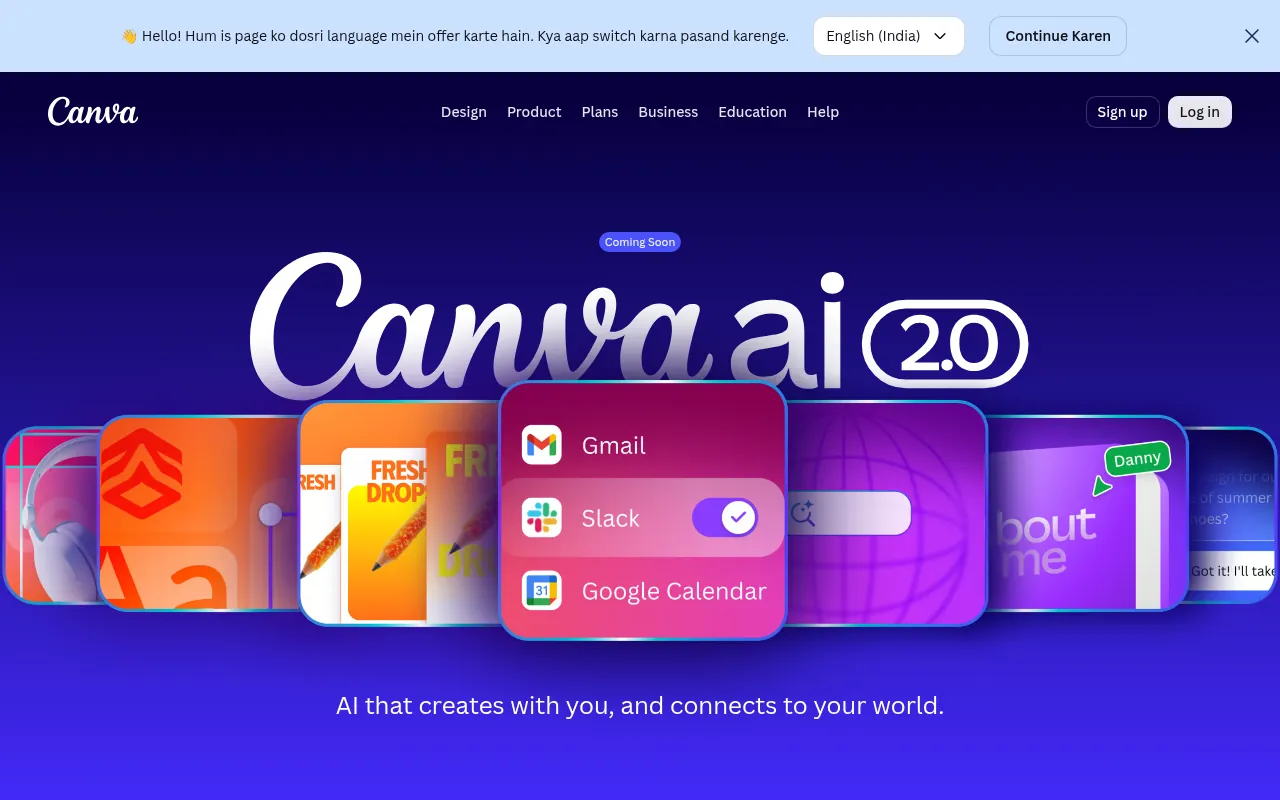
Canva is not a specialist upscaler first, but Magic Studio / enhance-style features help when the image must land inside a poster, carousel or thumbnail immediately.
My verdict: best free-leaning path if Canva is already your design home. Pair with best free AI apps for a wider free stack.
10) PixelBin: Best for Teams Testing AI Image APIs and Tools
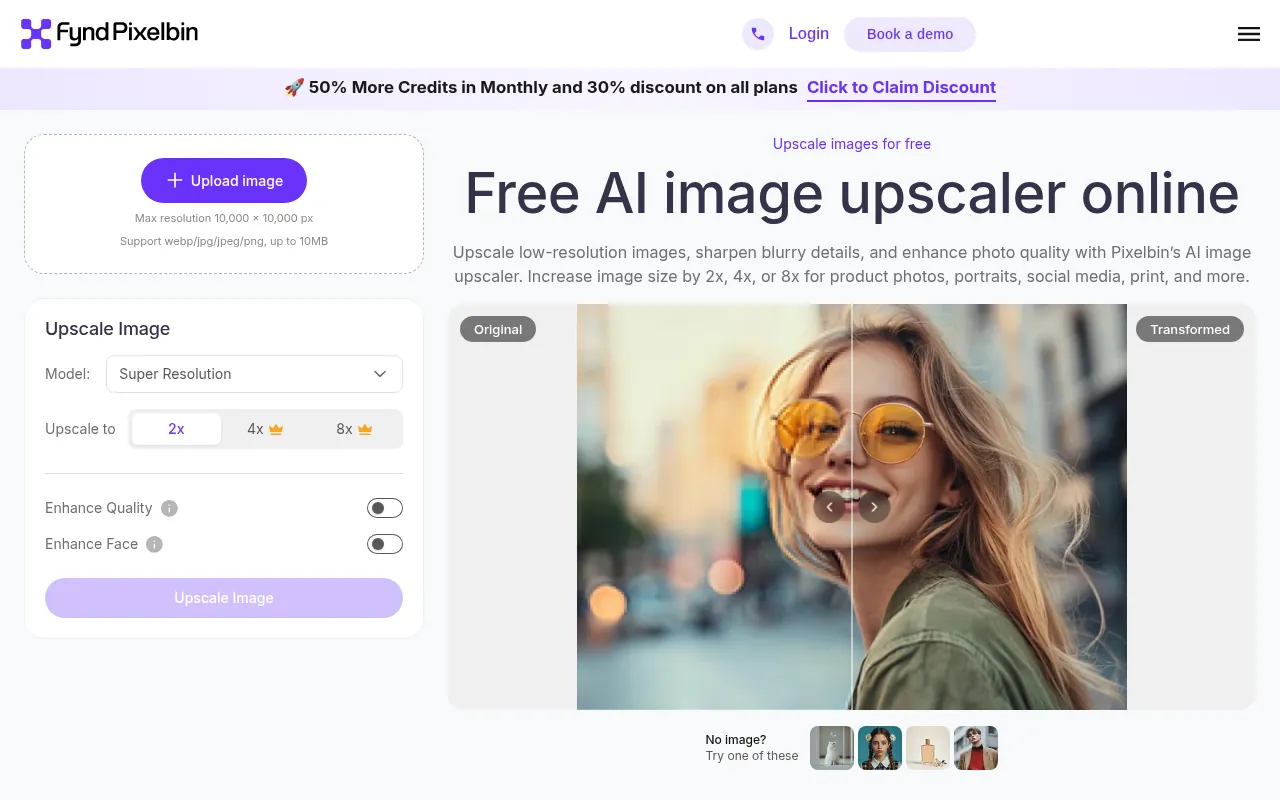
PixelBin provides AI image tools including an upscaler, with plan-based access that can suit product teams and developers as well as marketers.
What to watch out for: free trial / plan limits. Confirm on PixelBin’s pricing before production volume.
11) HitPaw Photo Enhancer: Best Paid Consumer Enhancer
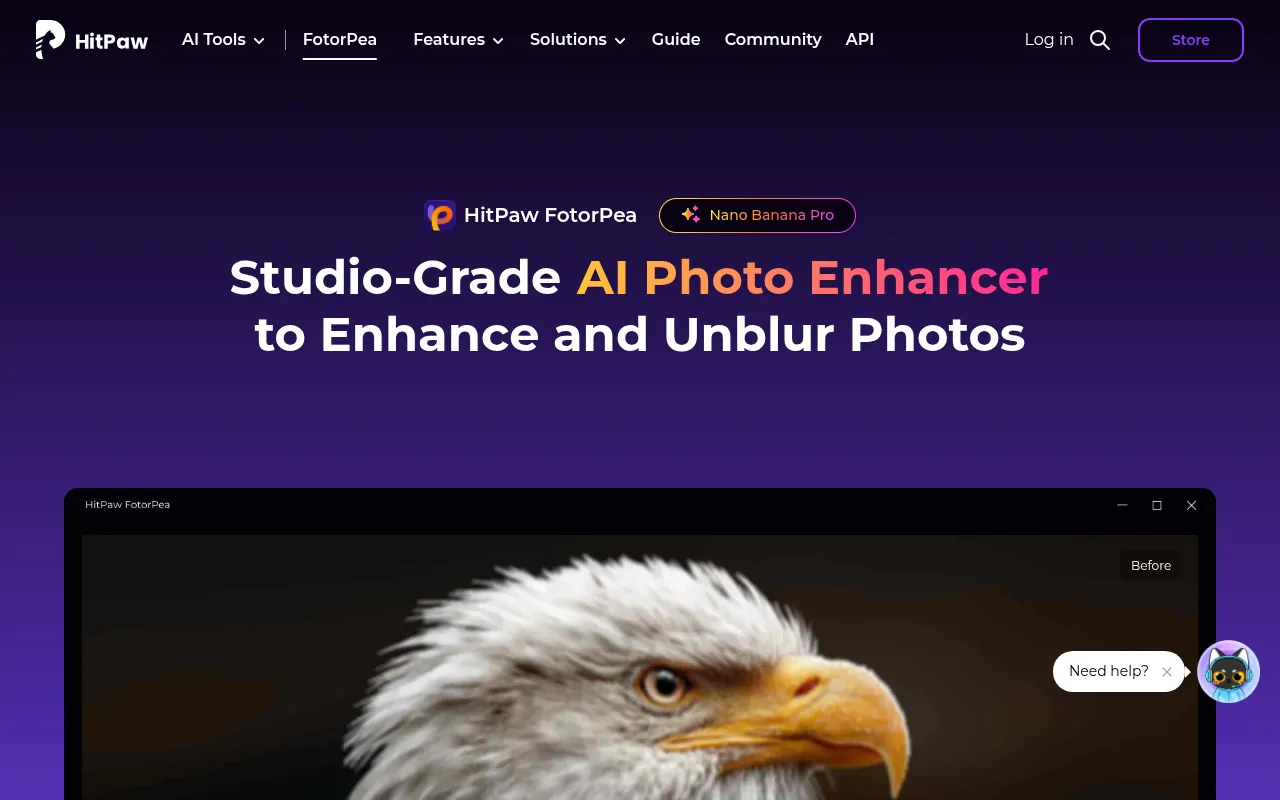
HitPaw is a paid consumer photo enhancer that includes upscaling-style improvements. I list it so you know what people upgrade to when free web caps frustrate them.
12) Topaz Gigapixel: Best Paid Pro Benchmark
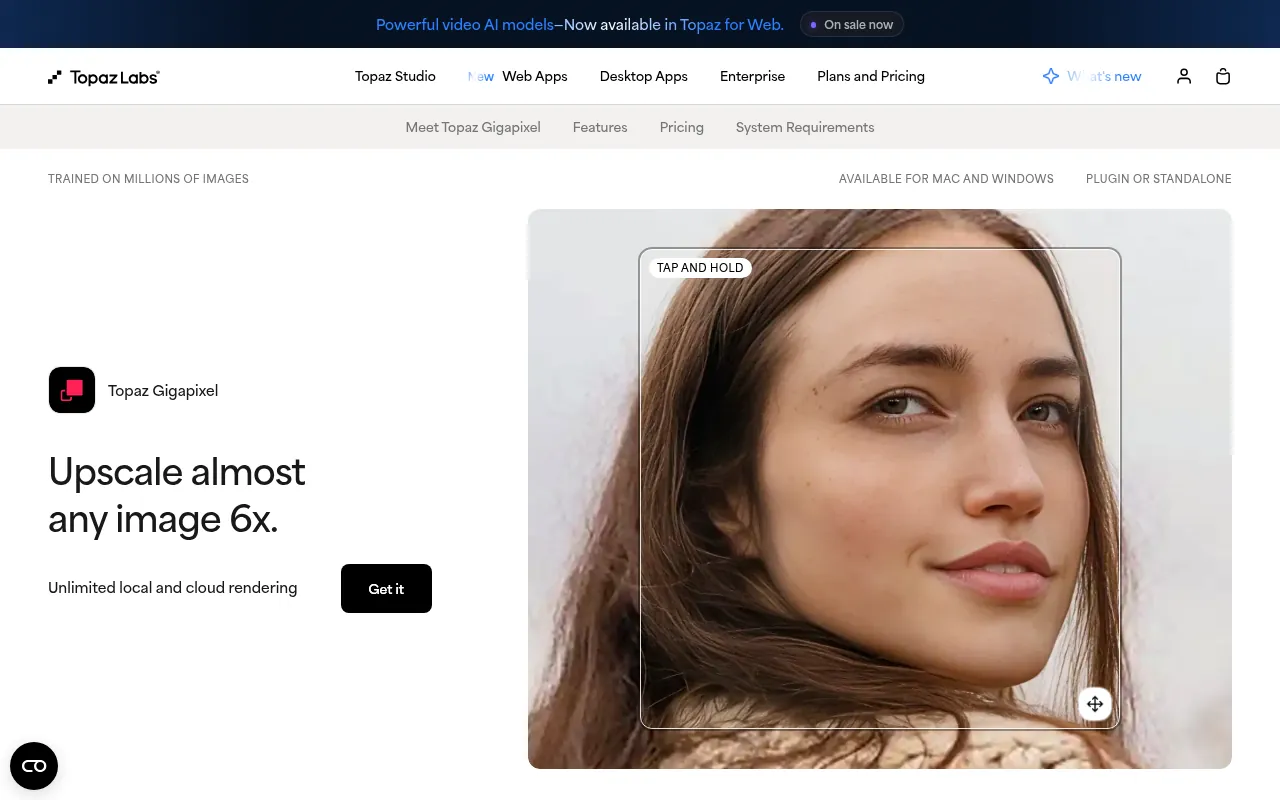
Topaz Gigapixel is the professional paid benchmark many photographers cite. If free tools fail on critical print work, this is the class of software to evaluate. It is not free.
Local vs Cloud: Which Free Upscale Image Method Is Safer?
| Method | Examples | Pros | Cons |
|---|---|---|---|
| Local desktop | Upscayl | Privacy, often unlimited core use | Needs GPU / install |
| Browser local (WebGPU) | Some Real-ESRGAN web demos | No upload on true local modes | Device limits, size caps |
| Cloud upload free tiers | Pixelcut, iLoveIMG, Freepik, Upscale.media | Easy, fast | Uploads, daily caps |
If the photo is sensitive, prefer Upscayl or another local tool. If it is a public blog screenshot, a reputable free web upscaler is fine.
Free vs Paid AI Upscalers
Stay free when:
- You upscale a few images a week.
- Privacy allows upload or you use Upscayl.
- Output is for web, not giant print.
Pay when:
- You batch hundreds of SKUs.
- Free daily caps block your ship date.
- Print quality is revenue-critical (Topaz-class tools).
How to Choose the Best Upscaler for You
1. Do you need privacy? Yes: Upscayl. No: Pixelcut or iLoveIMG.
2. Is the image for ecommerce? Pixelcut and dedicated web upscalers are fine for many catalogue shots. Still review results at 100% zoom.
3. Are you already in Canva or PicsArt? Use those first to avoid another account.
4. Is this a one-off restore of a family photo? Try Upscayl and one web tool, then pick the better looking result. Do not buy annual software for a single photo.
5. Do you also need generative fill or background removal? Canva, PicsArt, Freepik or Pixelcut suites may beat a pure upscaler.
Step-by-Step: Upscale Image Quality Without Making It Worse
- Start from the largest original you have, not a WhatsApp compress.
- Crop first if you only need part of the image.
- Upscale 2x, inspect, then consider 4x.
- Check faces, text and edges at 100% zoom.
- Export PNG for further edits, JPEG for final web weight.
- Sharpen lightly only after upscaling, not before.
- Keep the original file archived.
Common Mistakes
- Upscaling a tiny compressed meme and expecting magazine quality.
- Running 8x on noisy phone photos and calling the plastic look “HD”.
- Uploading ID documents to random free sites.
- Forgetting watermarks on free plans until after the client presentation.
- Paying for Topaz on day one before trying Upscayl.
India Notes
Most paid upscalers bill in USD. Free web tools are often enough for blog and YouTube work. If your design stack is Canva-centric, confirm current India pricing on Canva’s site. For broader free AI utilities, see best free AI apps.
When Upscaling Is the Wrong Tool
Use a new photo or a vector logo when:
- The mark must stay perfectly sharp at any size (recreate as SVG).
- The face is too small to reconstruct ethically for a paid ad.
- You need brand-new background content (generative fill / reshoot).
An upscaler improves resolution. It does not replace art direction.
Workflow: Blog Featured Images and YouTube Thumbnails
- Export the creative at the highest size your design tool allows.
- If a screenshot is soft, run Upscayl or Pixelcut.
- Place into the final 1280-wide layout.
- Compress carefully so the “HD” gain is not destroyed by over-compression.
For related creative tools, see best free online video editors when the asset is video, and CapCut in India for mobile editing contexts.
Browser-Local Real-ESRGAN Tools (No Upload Modes)
In 2026, several web demos run Real-ESRGAN-style models inside the browser with WebGPU or WASM. Examples discussed in search results include tools that promise no signup and on-device processing. These can be excellent for privacy, but they have hard device limits: large inputs may be downscaled before inference, and weak phones will struggle. Treat them as an advanced free option beside Upscayl. Always verify with your browser network panel if a page claims “nothing uploaded”.
Ecommerce Batch Workflow
For marketplace sellers:
- Keep original camera files in a folder.
- Upscale only the images that fail platform minimums.
- Use Upscayl batch features when available, or a paid tool if volume explodes.
- Re-compress for the marketplace after visual QC.
- Do not upscale already-upscaled JPEGs repeatedly (generation loss).
Restoring Old Family Photos vs Marketing Assets
Family restores tolerate mild artefacts if faces feel clearer. Marketing assets do not: plastic skin and warped logos hurt trust. Use softer settings for people photos, and prefer vector recreation for logos when the brand mark is critical.
Comparing Output: A Practical Blind Test
- Pick five real images from your work.
- Run Upscayl and two web tools.
- Rename outputs A/B/C.
- Ask a teammate which looks best without knowing the tool.
- Keep the winner as your default.
This beats trusting any blog’s invented score.
Tool-by-Tool Free Limit Reality Check
Free AI image upscalers usually throttle one of these:
- Daily downloads (common on Pixelcut-style tools)
- Maximum resolution
- Batch size
- Watermark on free exports
- Queue speed
Before a campaign:
- Read the live pricing or FAQ page.
- Run one test export.
- Confirm no watermark.
- Confirm the pixel dimensions in an image inspector.
- Only then process the full folder.
Upscayl Setup Tips
- Download from the official Upscayl website.
- Update GPU drivers if the app cannot see acceleration.
- Start with a double scale on a sample photo.
- Try different models if the default look is too smooth or too crisp.
- Keep outputs in a sibling folder named
upscaledso you never overwrite originals. - For illustrations, test whether a model preserves lines better than photo models.
Web Tool Etiquette for Client Files
Even on reputable free sites:
- Strip EXIF if needed for privacy.
- Avoid uploading unreleased packaging before NDA clearance.
- Prefer local Upscayl for faces of private individuals.
- Delete cloud history if the vendor offers an account trash feature.
A sane order:
- Mild denoise if the shot is extremely noisy (optional).
- AI upscale.
- Light sharpening.
- Colour correction.
- Export compression.
Sharpening before upscaling often amplifies artefacts. Compression before upscaling destroys the detail you hoped to reconstruct.
| Destination | Approach |
|---|---|
| Instagram / blog | 2x upscale often enough, then compress |
| Marketplace listing | Meet platform minimums; avoid plastic skin |
| A3 print poster | Prefer better source or paid pro upscaler; soft-proof |
| Logo on merch | Recreate vector; do not rely on AI upscale |
Comparing Freepik Magnific Positioning
Freepik’s upscaler pages have also been associated with Magnific-style creative upscaling messaging. Marketing names change. Judge the live tool on your files, and confirm which Freepik plan includes the feature you need in 2026.
Integrating Upscaling Into Canva and PicsArt Sessions
When the final layout lives in Canva or PicsArt:
- Upscale the raw asset first (Upscayl or Pixelcut).
- Import the enhanced file.
- Build the layout.
- Export the finished creative at the needed size.
Upscaling after heavy compression inside a social template is backwards.
Open Source vs Proprietary
Open source (Upscayl and browser Real-ESRGAN demos) wins on transparency and often cost. Proprietary tools (Topaz, some commercial enhancers) may win on polished faces and specialised models. For most SEO blogs and YouTube channels, open source plus a free web backup is enough.
Quality Control Checklist Before Publishing
- Faces: no melted eyes or warped teeth.
- Text in image: still readable, or replaced manually.
- Straight lines: walls and product edges not wavy.
- Noise: not turned into fake texture.
- Colour: not oversaturated by the model.
- Dimensions: exact pixels required by the platform.
If two checks fail, try another model or a better source image.
FAQ Add-ons for Search Coverage
What does “free upscale image” usually include?
It usually means a limited number of free cloud enhancements or a free local app. It rarely means unlimited 16x commercial exports with priority queues forever.
Is “hd picture ai” the same as upscaling?
Often yes in search intent. People want a clearer, larger image. Some tools also run face enhance or general photo repair in the same click.
Can I upscale screenshots for tutorials?
Yes. Upscayl and iLoveIMG are useful for soft tutorial screenshots. For UI text, capture at higher system scaling first when possible.
What about AI video upscaling?
That is a different product category. This article focuses on still images. For video tooling adjacent to creators, see best free online video editors and best screen recorders.
Does Img.Upscaler work without signup?
Many online upscalers allow a guest upload with caps. Confirm the live form before promising a no-account workflow to a teammate.
Sample Before/After Process I Recommend to Clients
I do not publish fake numeric quality scores. Instead I show clients this process:
- Original file
- Naive bicubic resize
- Upscayl output
- One cloud free upscaler output
- Side-by-side crop of a face or label
Clients almost always prefer an AI upscale over naive resize, and they can see when a cloud tool over-smooths skin. That visual meeting beats any marketing claim.
Storage and Naming Conventions
Use boring names:
product-red-shoe-original.jpgproduct-red-shoe-upscayl-2x.pngproduct-red-shoe-web-1200.jpg
Never save over the original. Never name files final-final-really-final.
When Free Tools Are Not Enough
Move to paid when:
- You process thousands of SKUs monthly.
- Faces are the product (headshots, beauty).
- Print vendors reject your files after free upscales.
- You need batch automation APIs with SLAs.
Until then, Upscayl + one free web tool covers most creator and SMB needs.
Connecting Upscaling to the Rest of Your AI Stack
Upscaling is usually the last cleanup step after generation or photography:
- Generate or select the image (see AI art tools on this site’s AI Tools category).
- Edit layout in Canva or a video editor if needed.
- Upscale.
- Compress for web.
- Publish.
For free generation tools, see best free AI apps.
Extended Comparison Notes by Job
Best free upscale image tool for bloggers
Upscayl for screenshot cleanup; Pixelcut when you are on a chromebook without a good GPU.
Best for YouTube thumbnail rescue
Upscale the base photo first, then add text in a design tool. Do not upscale a flat JPEG that already includes tiny title text if you can redesign the text layer.
Best for marketplace sellers
Pixelcut and iLoveIMG for speed; Upscayl for private unreleased product shots.
Best for designers already in Freepik
Freepik AI upscaler to stay inside one ecosystem.
Best for mobile-only creators
PicsArt or Pixelcut mobile web / apps.
Best paid upgrade path
HitPaw for casual paid, Topaz Gigapixel for serious photography and print.
Understanding Scale Factors Without Marketing Hype
- 2x: doubles width and height (4x pixels). Safest everyday choice.
- 4x: dramatic enlargement; inspect carefully.
- 8x and beyond: marketing-friendly numbers; only useful when the source already has solid detail and you accept invented texture.
More scale is not automatically more quality.
Colour Management Basics
AI upscalers can shift colour slightly. After upscaling:
- Compare histograms or just eyeball side by side.
- Fix white balance if skin turns too warm.
- Soft-proof if the destination is print.
- Keep sRGB for most web exports unless your print vendor says otherwise.
File Format Cheat Sheet
| Format | Use after upscale |
|---|---|
| PNG | Intermediate edits, screenshots, graphics with text |
| JPEG | Final web photos |
| WebP | Modern web delivery after QC |
| TIFF | Print workflows with paid pro tools |
Do not deliver a 50 MB PNG to a WordPress featured image slot without compression.
Team Policy Template (Copy and Adapt)
- Sensitive photos: local Upscayl only.
- Public marketing screenshots: approved web tools OK.
- No uploading customer ID documents to free upscalers.
- Keep originals for 90 days minimum.
- Name files with product SKU + scale + tool.
Troubleshooting Bad Outputs
| Problem | Likely cause | Fix |
|---|---|---|
| Plastic skin | Aggressive face enhance | Different model / lower strength |
| Wavy edges | Too much scale on tiny source | Lower scale; better source |
| Muddy text | Upscaling letters | Recreate text layer |
| Colour blotches | Heavy JPEG artefacts | Better original; mild denoise first |
| Endless queue | Free cloud congestion | Try later or Upscayl offline |
More Internal Links for Creators
After you upscale stills, you may need motion or research support:
- Best free AI apps
- Best free online video editors
- Best screen recorders
- CapCut in India
- Best AI tools for research
A Note on “Best Upscaler” Claims Across the Internet
Many articles rank tools with unexplained scores. My ranking logic is transparent: privacy, real free access, ease, and fit for blog / ecommerce / mobile jobs. If a vendor changes free limits tomorrow, the table above may need a refresh. That is why dated fact checks say October 2026 and why you should re-open the official page before a big batch.
When I Upscale vs When I Regenerate
Upscaling fixes soft edges. It does not invent detail that never existed. DigiExe decks and BloggersIdeas heroes get an upscale when composition is right but soft at full width. Wrong hands or garbage text means regenerate or Canva, not magic amplify.
AffiliateBooster ads that already passed QC get a light upscale before ad managers recompress them.
File Size Budgets
- Blog featured: WebP under ~200KB when possible, ~1600px wide unless the theme needs more.
- YouTube thumb: 1280×720, sharp face edges over fake 4K.
- Paid social: follow each network, then compress.
- Print or POD: separate high-quality master offline.
SchemaNinja UI shots need text clarity. Upscale, light sharpen once, compress. Never sharpen twice.
Weekly Batch Workflow
- Folder by publish date.
- Same upscaler settings across the set.
- Spot-check three files at 100%.
- Compress to WebP.
- Upload and map media IDs.
Changing settings mid-batch makes the article grid look uneven.
Failures I Still Catch
- Halos on text.
- Plastic skin.
- Invented letters near UI.
- Doubled eyelashes or jewelry.
- Processed noise on clean SaaS shots.
Drop strength or switch tool. Desktop readers still exist in B2B.
Bandwidth and Storage for India Teams
Ship WebP derivatives to WordPress. Keep masters on Drive. Large PNGs hurt mobile readers and CWV. DigiExe archives masters outside WP media when possible.
Pairing With Generators and CapCut
Upscale CapCut stills after you pick the frame. Document the chain: generator → editor → upscaler → compress.
When Paid Beats Free
- Dozens of frames a week.
- Offline needs for client confidentiality.
- Consistent team settings.
- Free queues too slow for publish windows.
Time your own ten-image batch. Keep the note next to the invoice.
Weekly Cadence for Ai Image Upscalers Work
I batch AI image upscalers tasks on set days so freelancers are not blocked mid-article. BloggersIdeas writers collect requests in a sheet by Thursday. DigiExe designers clear the sheet Friday morning. AffiliateBooster only pulls from the same queue when a campaign is live.
SchemaNinja docs and podcast assets that need AI image upscalers support get tagged separately so they do not steal the blog queue. One owner watches renewals. Cancelled seats get removed from the password manager the same day.
What I Tell Clients Who Want Every Tool in the Ai Image Upscalers List
Buy one. Run it for a full sprint. Measure whether the job got faster. DigiExe scopes that start with five overlapping subscriptions usually waste money by month two. BloggersIdeas readers get the same advice in plain language: shortlist three, trial one real task, keep a default.
If a client insists on two tools, split by job type, not by taste. Example: one tool for drafts, one for commercial export. Write that split in the retainer so invoices stay calm.
Screenshot and Source Hygiene for Ai Image Upscalers Articles
Every claim that mentions a price, a limit, or a refund window needs a dated screenshot or a link to the official page. I store shots under a folder named by publish month. When Rank Math or an editor asks where a number came from, the folder answers.
Do not crop away the plan name. Do not invent INR conversions without showing the method. If the vendor shows USD, say USD and note forex. Inside A Hustler’s Brain listeners who later read the blog should see the same honesty.
Risk Notes Specific to Ai Image Upscalers
Teams skip ToS lines, seat sharing rules, and cancellation paths. That is where pain shows up. DigiExe onboarding now includes a one-page risk note for whatever AI image upscalers stack the client already pays for.
If commercial use is unclear, do not publish the asset on paid ads until someone reads the license aloud. Soft “should be fine” language is how brands get surprised.
Handoff Checklist When a Freelancer Leaves
- Rotate the shared login or remove their seat.
- Export outstanding project files to Drive.
- Update the tool sheet owner column.
- Confirm scheduled publishes that depend on that seat.
- Note any personal API keys that must be rebuilt.
This checklist is dull. It is also how BloggersIdeas and DigiExe avoid publish-day lockouts.
Measuring Whether Ai Image Upscalers Spend Is Worth It
I look at hours saved per week, error rate, and whether junior staff can run the tool without a huddle. Vanity metrics like “number of features used” do not pay rent.
If a paid seat is idle for two weeks, downgrade or cancel. AffiliateBooster seasonal tools get calendar reminders two weeks before renewal. SchemaNinja seats that only exist for demos get marked as demo so nobody mistakes them for production.
Internal Linking After You Pick a Ai Image Upscalers Default
Ship the default, then link related guides on jitendra.co (hosting, VPN, video, keywords, email, upscalers) only where the reader’s next job is real. Do not spray twenty links. Two or three contextual links beat a dump list.
Podcast episode descriptions that mention a tool should point to the dated review URL, not a homepage redirect that loses the reader.
India Team Reality Check for Ai Image Upscalers
Time zones, UPI, GST invoices, and slower uploads on some connections shape tooling more than US blog demos admit. DigiExe clients in India often need invoice PDFs for accounts. Hobby creators may only care about UPI success on the first try.
Say which camp you are writing for. Update tables when INR or USD display changes. Keep a cancel URL in the same note as the payment receipt.
Publisher Stack Fit for Ai Image Upscalers (Pass 1)
This pass is about BloggersIdeas publishing calendar. The audience is writers and editors. For AI image upscalers, I refuse to add fake benchmark tables. I add habits that survive plan renames.
On BloggersIdeas, the question is whether a writer can finish without a huddle. On DigiExe, the question is whether a freelancer can be onboarded in one sitting and removed cleanly later. AffiliateBooster cares whether a creative can ship under a commercial license without guessing. SchemaNinja cares whether a screenshot still matches the UI after a vendor update. Podcast and YouTube work care whether the asset remains readable on a phone.
Practical moves I repeat:
- Name a default tool from this article and write it in the team sheet.
- Capture the official pricing or docs page the same day you cite a number.
- Store cancel and refund URLs beside the receipt.
- Limit overlapping paid seats unless jobs are truly different.
- Re-check the page before a scheduled publish goes live.
India notes stay boring on purpose. Confirm currency, payment methods, and invoice needs. If USD is the only option, say so and budget forex. If a GST PDF matters for DigiExe books, test a small charge before annual billing.
If you only remember one line: defaults beat novelty. A stable AI image upscalers stack with screenshots and a cancel plan will outperform a graveyard of trials.
Agency Retainer Fit for Ai Image Upscalers (Pass 2)
This pass is about DigiExe client retainers. The audience is freelancers and leads. For AI image upscalers, I refuse to add fake benchmark tables. I add habits that survive plan renames.
On BloggersIdeas, the question is whether a writer can finish without a huddle. On DigiExe, the question is whether a freelancer can be onboarded in one sitting and removed cleanly later. AffiliateBooster cares whether a creative can ship under a commercial license without guessing. SchemaNinja cares whether a screenshot still matches the UI after a vendor update. Podcast and YouTube work care whether the asset remains readable on a phone.
Practical moves I repeat:
- Name a default tool from this article and write it in the team sheet.
- Capture the official pricing or docs page the same day you cite a number.
- Store cancel and refund URLs beside the receipt.
- Limit overlapping paid seats unless jobs are truly different.
- Re-check the page before a scheduled publish goes live.
India notes stay boring on purpose. Confirm currency, payment methods, and invoice needs. If USD is the only option, say so and budget forex. If a GST PDF matters for DigiExe books, test a small charge before annual billing.
If you only remember one line: defaults beat novelty. A stable AI image upscalers stack with screenshots and a cancel plan will outperform a graveyard of trials.
Affiliate Creative Fit for Ai Image Upscalers (Pass 3)
This pass is about AffiliateBooster campaigns. The audience is design contractors. For AI image upscalers, I refuse to add fake benchmark tables. I add habits that survive plan renames.
On BloggersIdeas, the question is whether a writer can finish without a huddle. On DigiExe, the question is whether a freelancer can be onboarded in one sitting and removed cleanly later. AffiliateBooster cares whether a creative can ship under a commercial license without guessing. SchemaNinja cares whether a screenshot still matches the UI after a vendor update. Podcast and YouTube work care whether the asset remains readable on a phone.
Practical moves I repeat:
- Name a default tool from this article and write it in the team sheet.
- Capture the official pricing or docs page the same day you cite a number.
- Store cancel and refund URLs beside the receipt.
- Limit overlapping paid seats unless jobs are truly different.
- Re-check the page before a scheduled publish goes live.
India notes stay boring on purpose. Confirm currency, payment methods, and invoice needs. If USD is the only option, say so and budget forex. If a GST PDF matters for DigiExe books, test a small charge before annual billing.
If you only remember one line: defaults beat novelty. A stable AI image upscalers stack with screenshots and a cancel plan will outperform a graveyard of trials.
Software Docs Fit for Ai Image Upscalers (Pass 4)
This pass is about SchemaNinja help and marketing pages. The audience is product marketers. For AI image upscalers, I refuse to add fake benchmark tables. I add habits that survive plan renames.
On BloggersIdeas, the question is whether a writer can finish without a huddle. On DigiExe, the question is whether a freelancer can be onboarded in one sitting and removed cleanly later. AffiliateBooster cares whether a creative can ship under a commercial license without guessing. SchemaNinja cares whether a screenshot still matches the UI after a vendor update. Podcast and YouTube work care whether the asset remains readable on a phone.
Practical moves I repeat:
- Name a default tool from this article and write it in the team sheet.
- Capture the official pricing or docs page the same day you cite a number.
- Store cancel and refund URLs beside the receipt.
- Limit overlapping paid seats unless jobs are truly different.
- Re-check the page before a scheduled publish goes live.
India notes stay boring on purpose. Confirm currency, payment methods, and invoice needs. If USD is the only option, say so and budget forex. If a GST PDF matters for DigiExe books, test a small charge before annual billing.
If you only remember one line: defaults beat novelty. A stable AI image upscalers stack with screenshots and a cancel plan will outperform a graveyard of trials.
Podcast and YouTube Fit for Ai Image Upscalers (Pass 5)
This pass is about Inside A Hustler’s Brain production. The audience is editors and guests. For AI image upscalers, I refuse to add fake benchmark tables. I add habits that survive plan renames.
On BloggersIdeas, the question is whether a writer can finish without a huddle. On DigiExe, the question is whether a freelancer can be onboarded in one sitting and removed cleanly later. AffiliateBooster cares whether a creative can ship under a commercial license without guessing. SchemaNinja cares whether a screenshot still matches the UI after a vendor update. Podcast and YouTube work care whether the asset remains readable on a phone.
Practical moves I repeat:
- Name a default tool from this article and write it in the team sheet.
- Capture the official pricing or docs page the same day you cite a number.
- Store cancel and refund URLs beside the receipt.
- Limit overlapping paid seats unless jobs are truly different.
- Re-check the page before a scheduled publish goes live.
India notes stay boring on purpose. Confirm currency, payment methods, and invoice needs. If USD is the only option, say so and budget forex. If a GST PDF matters for DigiExe books, test a small charge before annual billing.
If you only remember one line: defaults beat novelty. A stable AI image upscalers stack with screenshots and a cancel plan will outperform a graveyard of trials.
India Checkout Fit for Ai Image Upscalers (Pass 6)
This pass is about INR and UPI reality. The audience is accounts and founders. For AI image upscalers, I refuse to add fake benchmark tables. I add habits that survive plan renames.
On BloggersIdeas, the question is whether a writer can finish without a huddle. On DigiExe, the question is whether a freelancer can be onboarded in one sitting and removed cleanly later. AffiliateBooster cares whether a creative can ship under a commercial license without guessing. SchemaNinja cares whether a screenshot still matches the UI after a vendor update. Podcast and YouTube work care whether the asset remains readable on a phone.
Practical moves I repeat:
- Name a default tool from this article and write it in the team sheet.
- Capture the official pricing or docs page the same day you cite a number.
- Store cancel and refund URLs beside the receipt.
- Limit overlapping paid seats unless jobs are truly different.
- Re-check the page before a scheduled publish goes live.
India notes stay boring on purpose. Confirm currency, payment methods, and invoice needs. If USD is the only option, say so and budget forex. If a GST PDF matters for DigiExe books, test a small charge before annual billing.
If you only remember one line: defaults beat novelty. A stable AI image upscalers stack with screenshots and a cancel plan will outperform a graveyard of trials.
Cancellation Drill for Ai Image Upscalers (Pass 7)
This pass is about renewal calendar hygiene. The audience is seat owners. For AI image upscalers, I refuse to add fake benchmark tables. I add habits that survive plan renames.
On BloggersIdeas, the question is whether a writer can finish without a huddle. On DigiExe, the question is whether a freelancer can be onboarded in one sitting and removed cleanly later. AffiliateBooster cares whether a creative can ship under a commercial license without guessing. SchemaNinja cares whether a screenshot still matches the UI after a vendor update. Podcast and YouTube work care whether the asset remains readable on a phone.
Practical moves I repeat:
- Name a default tool from this article and write it in the team sheet.
- Capture the official pricing or docs page the same day you cite a number.
- Store cancel and refund URLs beside the receipt.
- Limit overlapping paid seats unless jobs are truly different.
- Re-check the page before a scheduled publish goes live.
India notes stay boring on purpose. Confirm currency, payment methods, and invoice needs. If USD is the only option, say so and budget forex. If a GST PDF matters for DigiExe books, test a small charge before annual billing.
If you only remember one line: defaults beat novelty. A stable AI image upscalers stack with screenshots and a cancel plan will outperform a graveyard of trials.
Why Should You Trust Me?
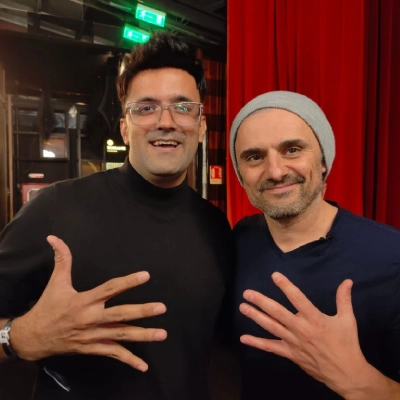
I am Jitendra Vaswani, an SEO consultant with 12 years in search. I founded Digiexe and AffiliateBooster, and I am an author and international speaker.
I regularly prepare graphics for blogs, YouTube and client decks. For this guide, free limits and product claims come from each tool’s official website (October 2026). I have not invented quality scorecards.
FAQs
What is the best free AI image upscaler in 2026?
Upscayl is the best free AI image upscaler for most people who can install a desktop app, because it is open source and private. For browser-only needs, start with Pixelcut or iLoveIMG.
How do I upscale an image for free online?
Use a reputable free web tool such as Pixelcut, iLoveIMG, Freepik AI Upscaler, Upscale.media or Img.Upscaler. Upload the image, choose the scale, download, and confirm the site’s current free limits and watermark rules.
What is the best upscaler for HD picture AI results?
For free HD-style results, try Upscayl locally and compare with Pixelcut online. For paid pro work, evaluate Topaz Gigapixel. Always inspect at 100% zoom.
Is AI image upscaling safe?
Local tools like Upscayl are safer for private photos. Cloud tools require trust in the vendor’s handling of uploads. Avoid uploading sensitive documents to unknown free sites.
Can AI upscalers fix blurry photos?
They can reduce soft edges and reconstruct some detail, but they cannot fully recover a badly out-of-focus shot. Prevention (better originals) beats miracles.
Do free AI upscalers add watermarks?
Some free plans do, some do not. Pixelcut’s marketing emphasises free downloads without watermarks within its limits, but always verify on the live tool page the day you export.
What is the difference between resize and AI upscale?
Resize stretches pixels. AI upscaling tries to reconstruct detail while enlarging. AI is usually better for photos; vectors are still better for logos when possible.
Can I upscale images on mobile?
Yes. Pixelcut, PicsArt and Canva mobile flows are the easiest. Upscayl is desktop-first.
What scale should I choose: 2x or 4x?
Start with 2x and inspect. Jump to 4x only if you still need more size and the 2x result looks clean.
Are open-source upscalers good enough for client work?
Often yes for web graphics. For premium print campaigns, compare against a paid pro tool and let the client see proofs.
Extended Buying Ladder
- Try Upscayl on three real images.
- Try Pixelcut or iLoveIMG on the same three.
- Pick a default free path.
- If free caps block shipping for two weeks straight, evaluate HitPaw or Topaz with a trial if offered.
- Cancel any paid tool that does not beat Upscayl on your files.
Agency Delivery Notes
When sending enhanced images to clients:
- State that AI upscaling was used if the contract cares about photo authenticity.
- Do not claim a reconstructed face is an unedited photograph.
- Keep originals available on request.
- Prefer honest soft images over fake ultra-sharp skin for testimonials.
Marketplace Policy Awareness
Some marketplaces dislike deceptive imagery. Upscaling soft product photos is usually fine. Inventing details that change the product appearance is not. When in doubt, reshoot.
Final Practical Defaults
| User | Default free upscaler |
|---|---|
| Blogger on a PC | Upscayl |
| Seller on a Chromebook | Pixelcut |
| Designer in Freepik | Freepik AI upscaler |
| Mobile creator | PicsArt / Pixelcut |
| Print photographer | Evaluate Topaz after free tests |
Final Verdict: Which Free AI Image Upscaler Should You Use?
My 2026 picks:
- Best overall free: Upscayl (local, private).
- Best free online: Pixelcut or iLoveIMG.
- Best in a creative suite: Freepik, Canva or PicsArt.
- Best paid upgrades: HitPaw for consumers, Topaz Gigapixel for pros.
Start with Upscayl or one web tool, compare on your real images, and only then pay. The best upscaler is the one that makes your actual files look cleaner without wrecking faces or type.
Extra QC Pass for Text-Heavy Screenshots
Tutorial screenshots with UI text need special care:
- Capture at 150% or 200% OS scaling when possible.
- Upscale mildly (2x) rather than aggressively.
- If text becomes mush, recapture instead of forcing 4x.
- Prefer PNG intermediates for UI shots.
- Annotate after upscaling, not before, so boxes stay sharp.
Storage Budgeting
Upscaled PNGs get large. Budget disk space for:
- originals
- upscaled masters
- compressed web derivatives
Delete failed experiments monthly so your SSD does not fill with twenty near-identical 4x trials.
Appendix: Quick Decision Tree
- Sensitive photo? -> Upscayl
- Need it in 30 seconds on any laptop? -> Pixelcut or iLoveIMG
- Already editing in Freepik / Canva / PicsArt? -> use that suite’s upscaler first
- Free caps blocking shipping? -> evaluate HitPaw or Topaz with eyes on your real files
- Logo must stay perfect? -> redraw as vector instead of upscaling
Closing Defaults I Use Myself
For my own blog graphics, Upscayl is the default. For a quick marketplace fix on someone else’s laptop, Pixelcut. For Canva-native creatives, I enhance inside Canva when the free AI quota allows, otherwise I upscale first and import. That three-path system covers almost every week without a paid upscaler subscription.
Sources
Facts in this article were checked in October 2026 against the official sites of Upscayl, Pixelcut, iLoveIMG, Freepik, Upscale.media, Img.Upscaler, Imggen.AI, PicsArt, Canva, PixelBin, HitPaw and Topaz Labs. Free limits and plan names can change; confirm on the vendor site before you rely on them for a deadline.

Jitendra Vaswani is a globally recognized expert in SEO and AI-driven digital marketing. He has spoken at leading international events and is the founder of Digiexe, a results-driven digital marketing agency; Venuelabs, a platform that helps brands amplify their voice with expert PR and marketing solutions; and AffiliateBooster, an affiliate marketing news site. With over a decade of hands-on experience, Jitendra has empowered countless businesses to thrive online. His bestselling book, Inside A Hustler’s Brain: In Pursuit of Financial Freedom, has sold more than 20,000 copies worldwide, reflecting his influence and dedication to helping digital marketers achieve success. Follow Jitendra on Instagram, X/Twitter, Facebook, and LinkedIn.