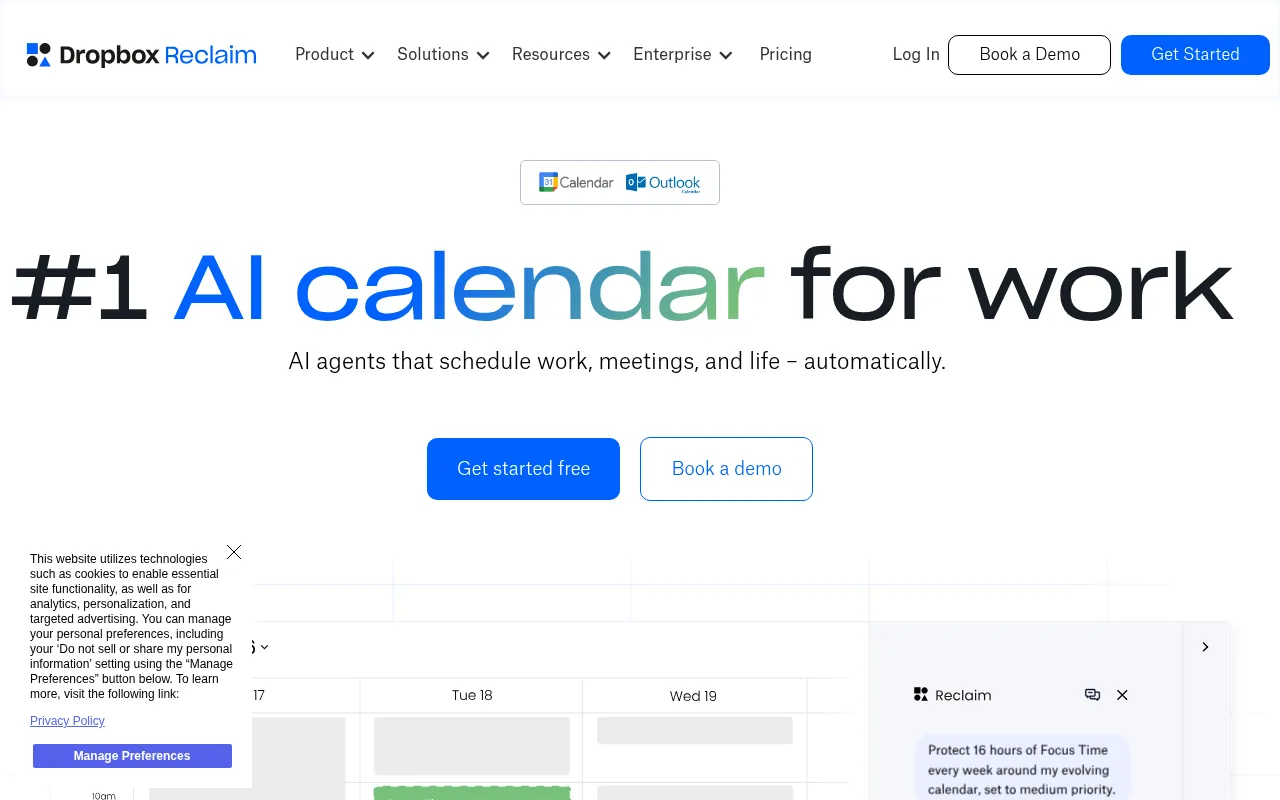
Reclaim AI is an AI calendar app that plans focus time, habits, tasks and meetings on top of your existing Google Calendar or Outlook Calendar. It is now part of Dropbox. As of October 27, 2026, Reclaim has a free Lite plan, Starter at $10 per seat a month on yearly billing ($12 billed monthly), Business at $15 ($18 monthly) and Enterprise at $22 per seat a month. Reclaim says more than 600,000 people across 70,000 companies use it.
My calendar is where my work goes to die. Client calls, podcast recordings, team check-ins and travel all fight for the same hours, and the deep work I need for SEO audits and writing gets pushed to late nights. That is the exact problem Reclaim claims to fix, so I went through its official site, pricing page and feature pages to see what you get on each plan. All facts here come from reclaim.ai, checked on October 27, 2026. I have not run a timed experiment, so you will not see invented “hours saved” numbers from me, only the figures Reclaim publishes and my opinion on them.
Reclaim AI at a Glance
| Detail | Reclaim AI (October 2026) |
|---|---|
| What it is | AI scheduling layer for Google Calendar and Outlook Calendar |
| Owner | Dropbox (the about page says “now a part of Dropbox”) |
| Free plan | Lite: 1 user, 5 AI agents, 1 week scheduling range, 1 calendar sync, 1 scheduling link |
| Starter | $10/seat/month yearly or $12 monthly, up to 10 seats |
| Business | $15/seat/month yearly or $18 monthly, up to 100 seats |
| Enterprise | $22/seat/month, over 100 seats, contact sales |
| Discounts | 50% for students and educators (12 months), 20% for nonprofits and startups (3 years), 20% for 6 months if you switch from Clockwise, Motion or Calendly |
| Integrations | Slack, Zoom, Google Tasks, Todoist, Asana, Jira, ClickUp, Linear, Raycast, ChatGPT, Claude, webhooks |
| Security | SOC 2 Type II, SSO and SCIM, GDPR and DPF |
| Support | Live chat and email, Reclaim claims under 20 minutes average response |
What Is Reclaim AI?
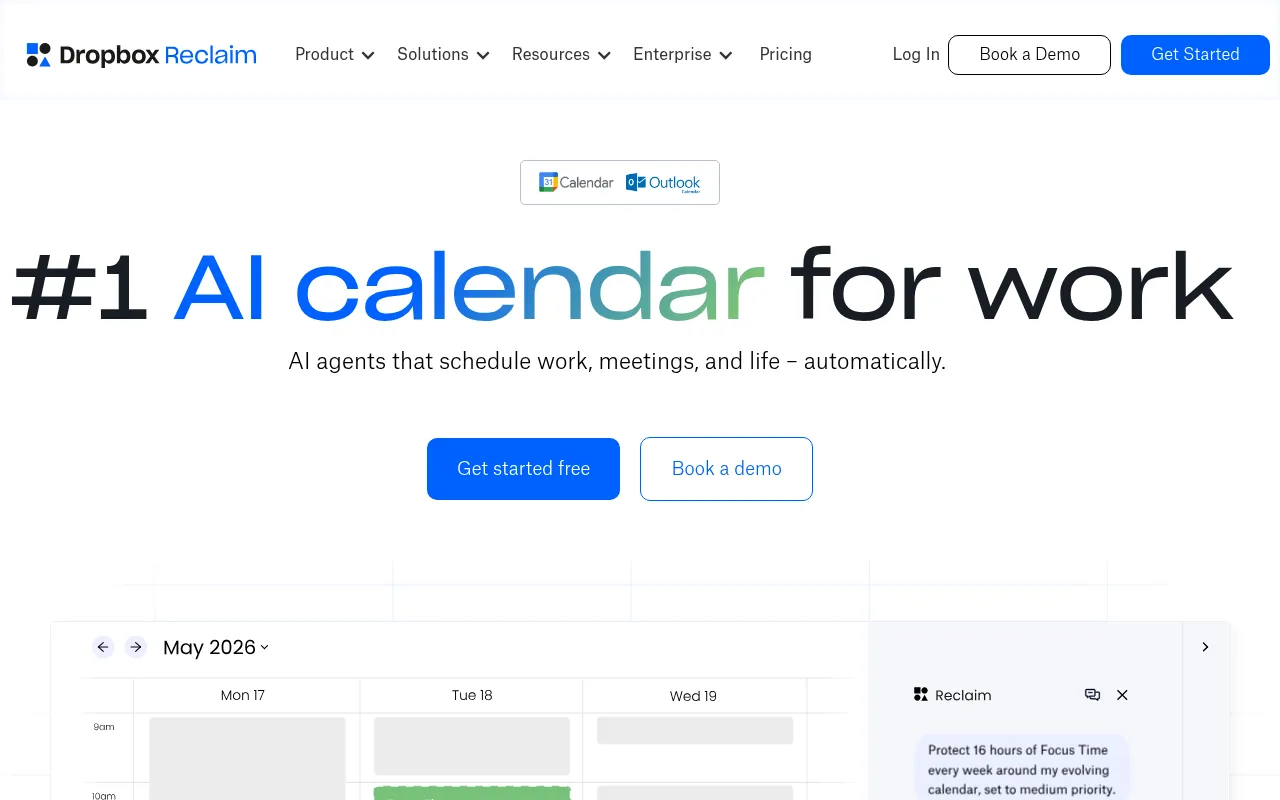
Reclaim (you will also see it written as reclaim.ai) is a scheduling assistant that sits on top of the calendar you already use. You do not move your events into a new app. Reclaim connects to Google Calendar or Outlook, reads your meetings and working hours, and then places flexible blocks for the things that usually get squeezed out: focus time, lunch, workouts, task work and prep time before meetings.
The key idea is that these blocks are not fixed. If a client books a call over your writing block, Reclaim moves the writing block to the next open slot that still fits your rules. Reclaim now calls these automated helpers “AI agents”, and every plan comes with a number of them (5 on the free plan, 10 per seat on Starter, 100 per seat on Business, unlimited on Enterprise).
Reclaim’s about page says the company is “now a part of Dropbox”, and the logo on the site reads Reclaim.ai from Dropbox. For buyers, that ownership mostly matters as a sign the product is not going to vanish overnight, which is a fair worry in this category (more on Clockwise below).
How Reclaim AI Works: Getting Started
Setting up Reclaim follows a short path, based on what the official site describes:
- Sign up with the Google or Microsoft account that owns your work calendar. Reclaim says the free plan needs no credit card.
- Set your working hours and meeting hours so Reclaim knows where it is allowed to place things.
- Add a weekly Focus Time goal, a few Habits (lunch, exercise, a daily email catch-up) and connect a task app if you use one.
- Pick a priority for each item. Reclaim uses priorities to decide what moves when the week gets crowded.
- Share a Scheduling Link with clients instead of trading emails about time slots.
Reclaim’s habits page also answers a common question: there is no separate phone app you need for habits, because everything syncs to Google Calendar or Outlook, so you see it in the calendar app already on your phone. I could not find a native Reclaim mobile app listed on the official site, so treat mobile use as “through your calendar app”.
Reclaim AI Features
Here are the features that matter, grouped the way I would use them.
1) AI Focus Time
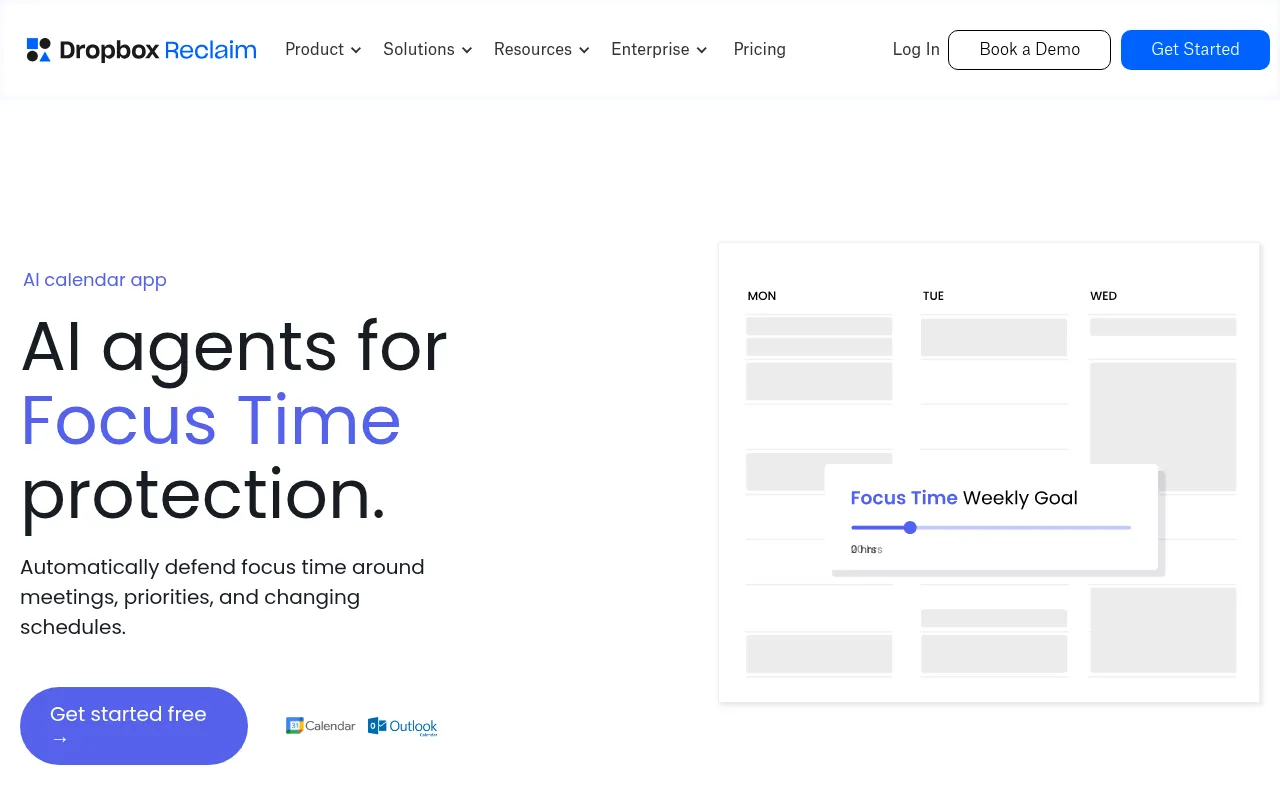
You tell Reclaim how many hours of focus time you want each week, and its Focus Time agent protects that time around your meetings. The pricing page lists two modes, proactive and reactive, and paid plans can auto-decline meetings that land inside focus time. This is the feature I care about most, because writing and audit work only happens in long uninterrupted blocks.
2) AI Habits
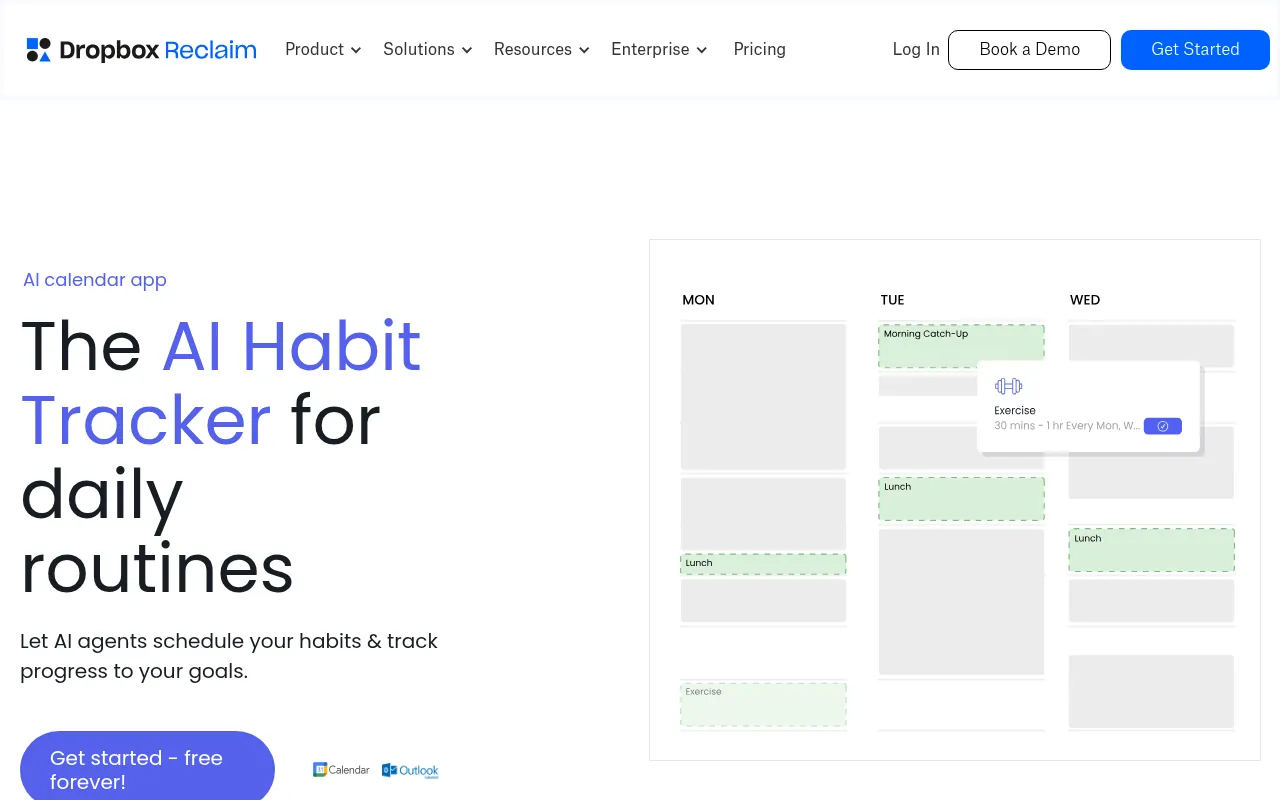
Habits are recurring events that flex. A workout or a reading block can move inside a time window you choose instead of sitting in one fixed slot. Reclaim says it has 130+ free habit templates, and the Lunch Habit is a nice touch for people who skip meals on call-heavy days.
3) AI Tasks
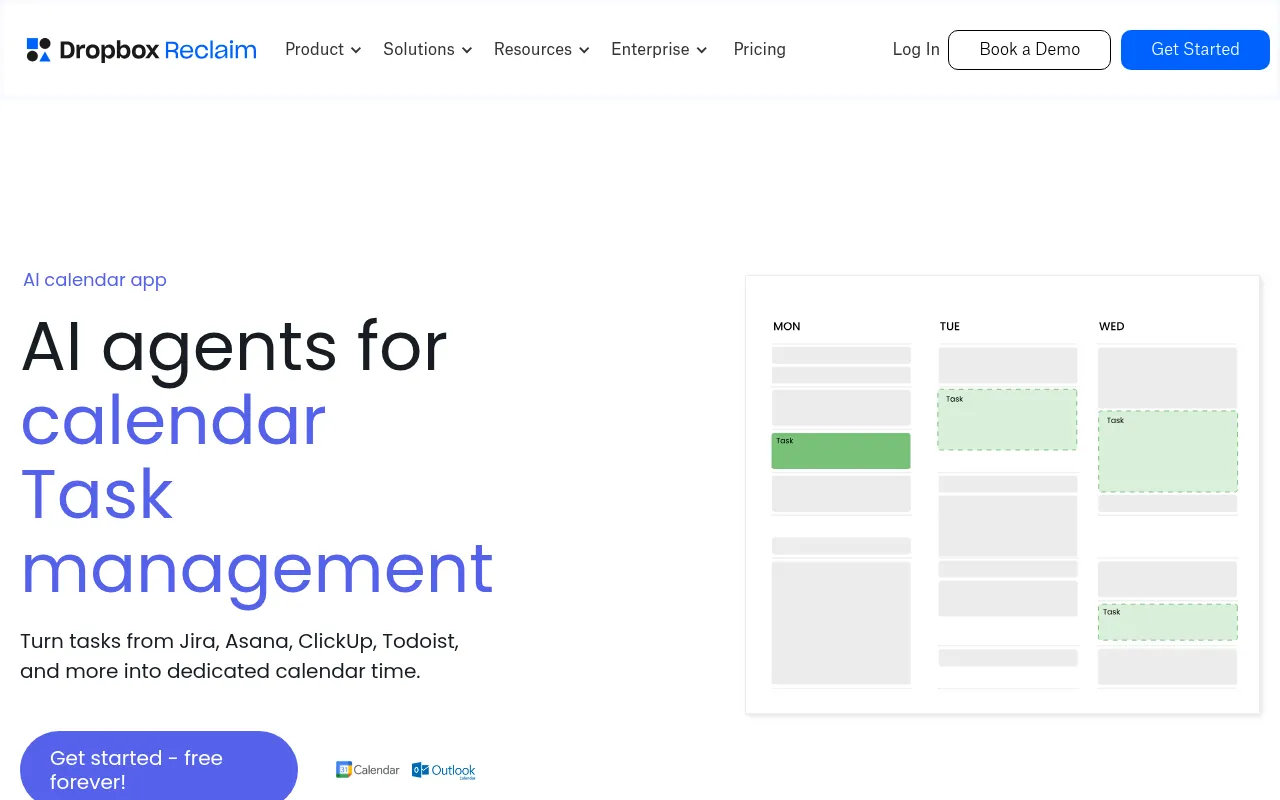
Tasks from Google Tasks, Todoist, Asana, ClickUp, Jira or Linear can be turned into calendar time with due dates. Reclaim splits bigger tasks into shorter work sessions and reschedules them when a meeting gets in the way. If you plan in a task app but never block time to do the work, this closes that gap.
4) Smart Meetings
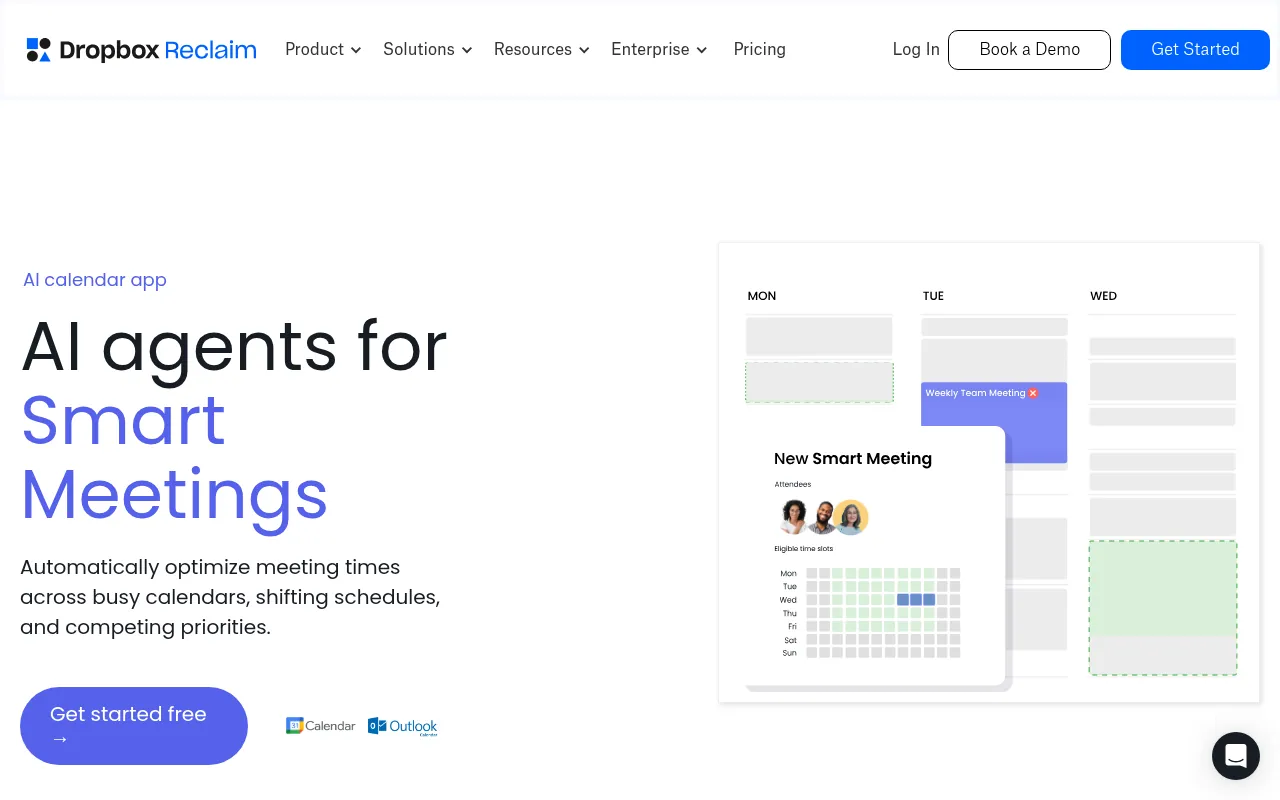
Smart Meetings handle recurring internal meetings like one-on-ones and team syncs. You set frequency, duration and attendees, including optional attendees, and Reclaim finds a slot that works for everyone. When someone takes leave or a conflict appears, it looks for the next best time.
5) AI Scheduling Links
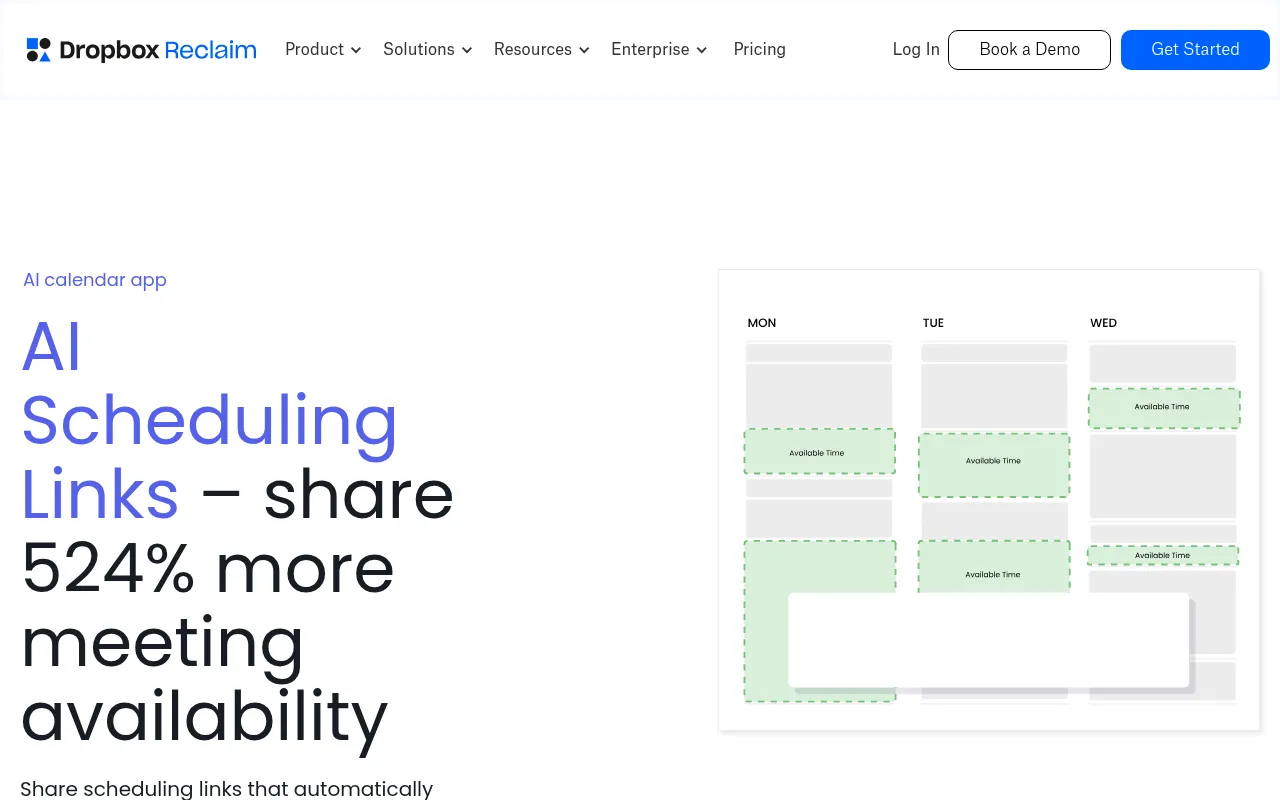
This is Reclaim’s answer to Calendly. Scheduling Links can show time sitting under flexible, lower-priority blocks as bookable, which is where Reclaim’s “524% more availability” claim comes from. Paid plans add round-robin links, team links, one-off links, screening questions, redirect URLs and branding removal. The free plan gives you 1 link and Starter gives you 3.
6) Calendar Sync
If you keep a personal calendar and a work calendar, Calendar Sync blocks time across both so colleagues cannot book you during a school pickup. Lite includes 1 sync, Starter 3, and Business and Enterprise are unlimited.
7) Buffer Time and Travel Time
Reclaim can add breaks after meetings, prep time before them and travel time between in-person events. The pricing table even lists airport travel time buffers. Small thing, but back-to-back calls with zero breathing room are how my afternoons used to fall apart.
8) AI Assistant (Chat)
There is a chat assistant for finding meeting times, resolving conflicts and asking questions about your day. The pricing page rates it as limited on Lite, standard on Starter, expanded on Business and unlimited on Enterprise, without giving exact message caps.
9) Meeting Quality Agents
These are small helpers: an RSVP reminder, a video link check, an attendee availability check and a room decline alert. Each sounds minor. Together they cut the “is this meeting still on?” messages.
10) Time Tracking and Analytics
Reclaim shows weekly productivity reports and a breakdown of time spent in meetings, focus time, tasks and habits. Business and Enterprise add team analytics, and Enterprise adds workforce analytics exports and benchmarks.
11) Integrations
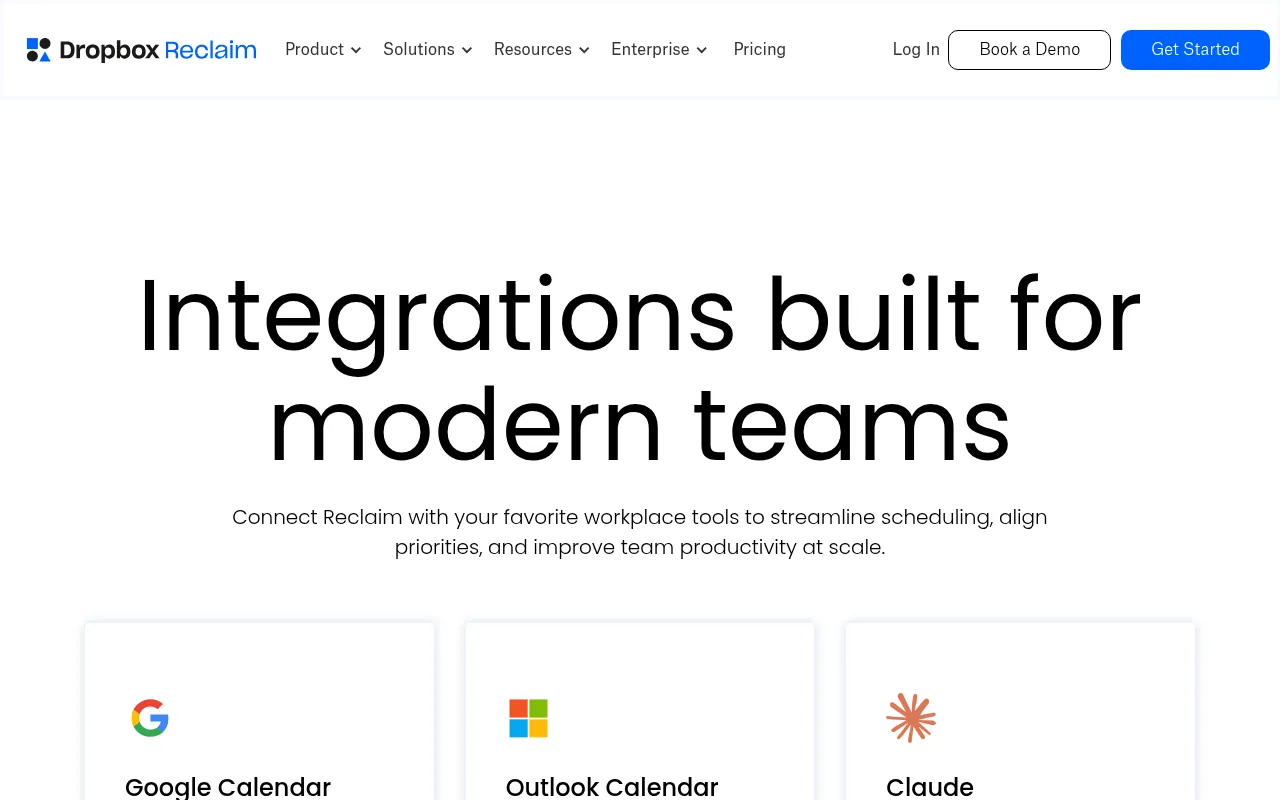
Reclaim connects to Slack (including status sync), Zoom, Google Tasks, Todoist, Asana, Jira, ClickUp, Linear, Raycast and webhooks. Newer additions are ChatGPT and Claude (via MCP) so you can manage your calendar from those chat apps; the pricing table marks those as read-only on the free plan. If you are comparing AI tools for daily work, my list of the best free AI apps covers the wider category.
Reclaim AI Pricing 2026
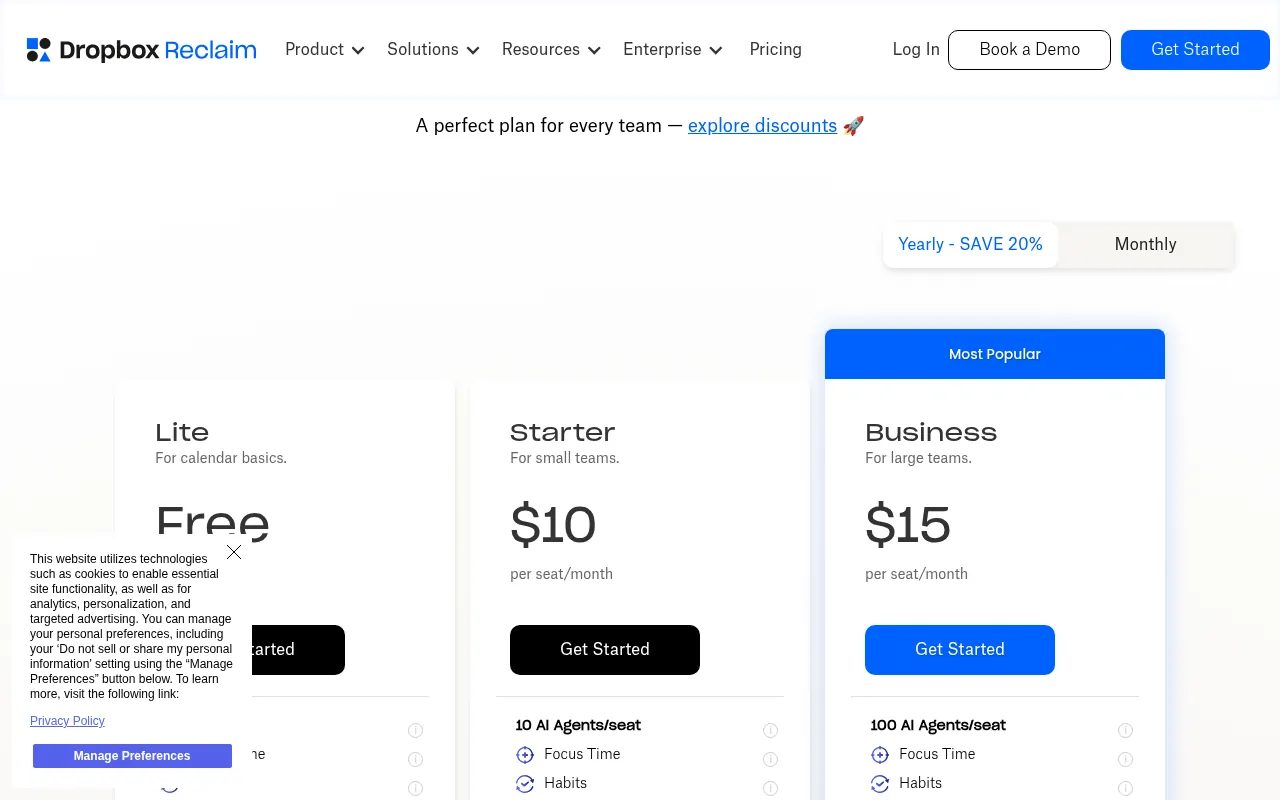
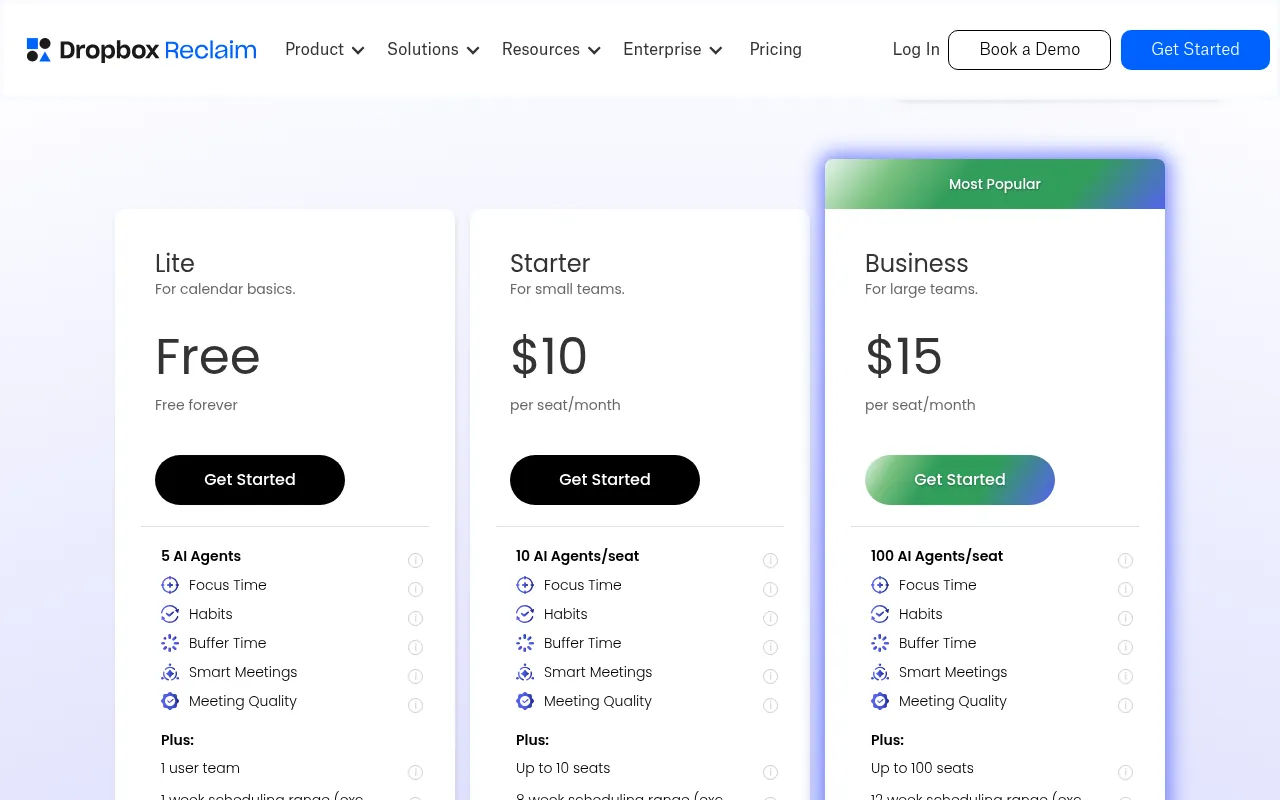
| Plan | Yearly billing | Monthly billing | Seats | Key limits |
|---|---|---|---|---|
| Lite | Free | Free | 1 user | 5 AI agents, 1 week range, 1 sync, 1 link, limited integrations |
| Starter | $10/seat/mo | $12/seat/mo | Up to 10 | 10 AI agents/seat, 8 week range, 3 syncs, 3 links |
| Business | $15/seat/mo | $18/seat/mo | Up to 100 | 100 AI agents/seat, 12 week range, unlimited syncs and links, webhooks, delegated access |
| Enterprise | $22/seat/mo | Contact sales | Over 100 | Unlimited agents, SSO and SCIM, org-chart aware scheduling |
A few pricing details worth knowing:
- The toggle on the page says yearly saves 20%, while the FAQ further down says annual billing is a 29% discount versus monthly. The $10 vs $12 and $15 vs $18 numbers work out closer to 17%, so check the checkout screen before you pay.
- Reclaim accepts all major credit cards and asks you to email them for other payment methods.
- The discounts are generous: 50% off for 12 months for students, educators and faculty, 20% off for 3 years for nonprofits and startups, and 20% off for 6 months for people switching from Clockwise, Motion or Calendly.
Is Reclaim AI Free?
Yes. The Lite plan is free forever for a single user and includes Focus Time, Habits, Buffer Time, Smart Meetings and Meeting Quality agents. The catch is the 1 week scheduling range and 1 calendar sync. For one person who plans week by week, Lite is enough to judge whether Reclaim fits your routine.
Refund Policy
Reclaim’s pricing page does not state a refund policy, and I did not find one on the pages I checked. If refunds matter to you, ask support before buying a yearly plan.
Security and Support
Reclaim lists SOC 2 Type II, SSO and SCIM, GDPR and the EU-US Data Privacy Framework, and says it does not train AI on your data. Support runs through live chat and email, with Reclaim claiming an average response under 20 minutes. Support tiers rise with the plan: community on Lite, basic on Starter, priority on Business and dedicated on Enterprise.
What Happened to Clockwise?
Many people compared Reclaim with Clockwise. That comparison is over. The Clockwise site now says its team is joining Salesforce and that the product stopped being available on March 27, 2026. Clockwise even says it has partnered with Reclaim for the transition and recommends moving scheduling links to a service such as Reclaim. If you were a Clockwise user, Reclaim’s 20% switching discount is aimed at you.
Reclaim AI Pros
- The free plan is usable, not a teaser, for one person planning a week at a time.
- Flexible blocks for focus time and habits move on their own when meetings land.
- Works inside Google Calendar and Outlook, so nobody on your team needs a new calendar app.
- Task integrations cover the big project tools: Asana, Jira, ClickUp, Linear, Todoist and Google Tasks.
- Scheduling Links can replace a separate booking tool for many solo users.
- Clear per-seat pricing with real discounts for students, nonprofits and startups.
Reclaim AI Cons
- Only Google Calendar and Outlook are supported. Apple Calendar users are left out.
- No native mobile app listed on the official site; you work through your phone’s calendar app.
- The free plan’s 1 week scheduling range is tight if you plan a month ahead.
- The pricing page gives two different yearly discount figures (20% and 29%).
- AI Assistant limits are described as “limited” or “standard” with no exact numbers.
Reclaim AI Alternatives
Motion
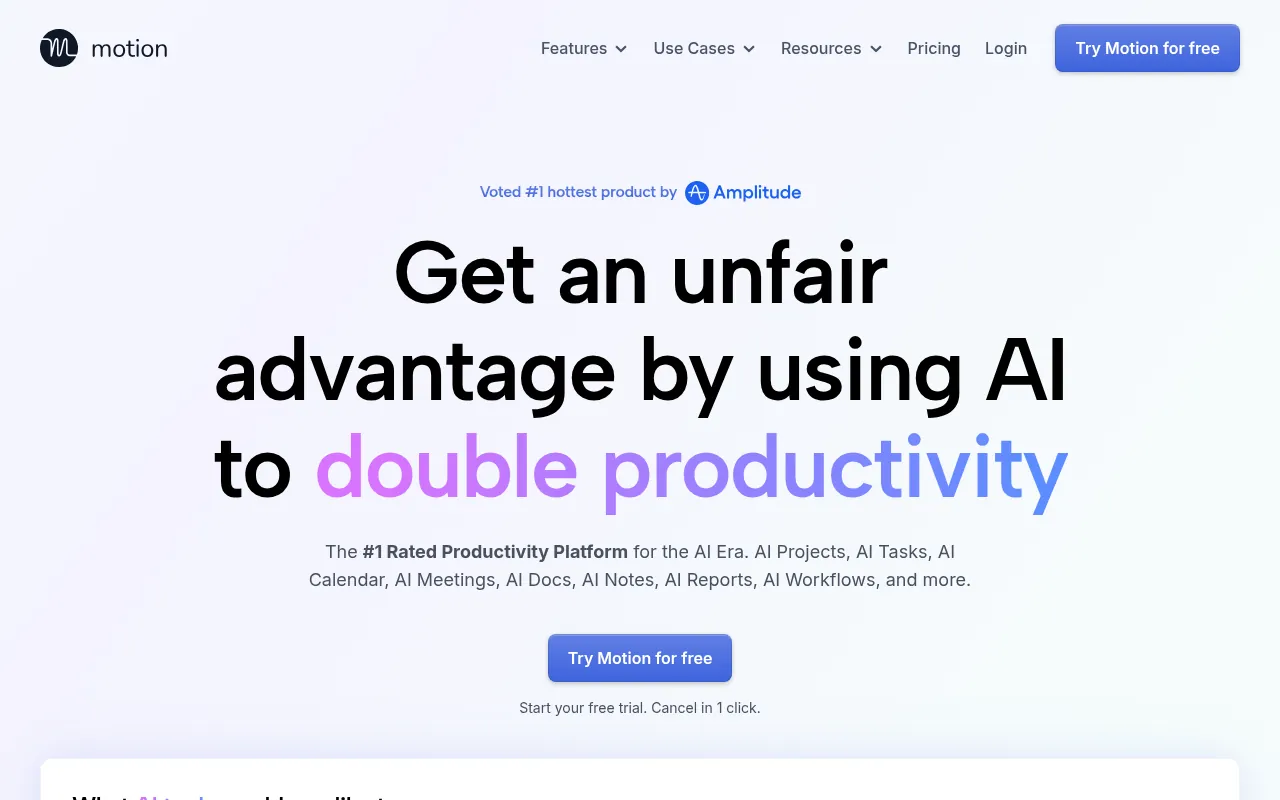
Motion is the closest rival, but it is broader. It bundles AI projects and tasks, docs, a planner and a calendar, and it lists iOS, Android and desktop apps. Motion’s pricing page shows Pro AI at $19 per seat a month and Business AI at $29 when billed yearly, or $29 and $49 billed monthly. It is a free trial rather than a free plan. Pick Motion if you want one app for projects and calendar; pick Reclaim if you want to keep your current calendar and task tools.
Calendly
If all you need is a booking page for clients, a dedicated scheduler like Calendly may be enough. Reclaim’s edge is that its links know about your focus time and habits. I have not verified Calendly’s current prices for this review, so check its site.
Clockwise
Clockwise was the other big name, but as covered above, it shut down on March 27, 2026.
Who Should Use Reclaim AI?
Reclaim makes the most sense for:
- Solo professionals, consultants and creators whose deep work keeps getting eaten by calls.
- Managers who run many recurring one-on-ones and want them to reschedule on their own.
- Engineering and product teams that plan in Jira, Linear or Asana and want that work on the calendar.
- Teams of up to 100 that want shared focus time policies and analytics without enterprise contracts.
Skip it if you live in Apple Calendar, or if you want a full project management app, in which case Motion is the better fit.
Why Trust Me

I am Jitendra Vaswani, an SEO consultant with 12 years in search. I founded Digiexe and AffiliateBooster, and I am an author and international speaker.
My week mixes client calls across time zones, podcast interviews and long writing sessions, so calendar tools are something I judge on whether they protect my writing time. For this review I went through Reclaim’s homepage, pricing page, feature pages for Focus Time, Habits, Tasks, Smart Meetings and Scheduling Links, its integrations page and its about page on October 27, 2026. Every price and limit above comes from those pages. Where Reclaim does not publish something, such as a refund policy, exact AI Assistant limits or a native mobile app, I say so instead of guessing.
Why Should You Trust Me?
I am Jitendra Vaswani. SEO and digital marketing since 2013, BloggersIdeas founder, DigiExe with 1,400+ clients in 28 countries, AffiliateBooster, SchemaNinja, Inside A Hustler’s Brain author, Affiliate Summit and Affiliate World speaker.
My calendar is a mess of client calls, podcast recordings, writing blocks and travel. Calendar AI only matters if it protects deep work without surprising clients. Facts below come from Reclaim’s official site and pricing materials checked for this review. Confirm live plan names and prices on reclaim.ai before you pay. No fake productivity percentage claims.
How I Would Trial Reclaim Inside DigiExe
I would not auto-join every calendar the agency owns on day one. Trial plan:
- Connect one Google Calendar (my primary)
- Create habits for writing and podcast prep only
- Keep sales calls as human-scheduled holds for two weeks
- Watch whether Reclaim’s scheduling links reduce back-and-forth without double booking
- Only then invite one operations teammate
AI calendars fail when they move client calls without clear buffers. Protect VIP events manually. Let the tool refill the gaps with habits, not the other way around.
What Google’s Top Reclaim Reviews Cover, and Miss
Typical coverage: habits, smart meetings, pricing tiers, Clockwise comparisons. Gaps: agency rollouts, timezone travel weeks, what to do when a podcast guest books outside AI preferences, and honest notes that no calendar AI fixes an overloaded offer.
If your real problem is too many calls, Reclaim will only arrange the overload neatly. Fix the offer first.
Reclaim vs Clockwise vs Motion-style Tools
I care about Google Calendar compatibility, habit defense, and whether teammates can see enough without chaos. Clockwise often shows up for team focus time. Motion-style tools mix tasks and calendar. Reclaim’s pitch is habits plus smart scheduling. Pick based on whether your pain is defending solo deep work or coordinating a larger calendar grid. Re-check live pricing; this category discounts often.
Common Mistakes
- Letting AI reschedule client calls with tiny buffers
- Syncing personal and work calendars without privacy rules
- Turning on every automation in week one
- Measuring success by “hours scheduled” instead of shipped articles and closed projects
Personal Calendar Rules I Keep Even With AI
- Podcast recordings are locked holds
- Writing blocks are habits with a minimum length
- Travel days are buffers, not Tetris puzzles
- No tool gets to accept a meeting that breaks a stage rehearsal
Those rules matter more than which AI logo sits on the calendar.
Timezones, Travel and Podcast Guests
DigiExe work crosses countries. A calendar AI that only understands one timezone will hurt. When I travel for a conference, I freeze the calendar more aggressively: fewer AI-scheduled chats, more buffers, earlier cutoffs. Guests on Inside A Hustler’s Brain get human confirmation even if a scheduling link started the thread. Guests are people. They are not Tetris blocks.
Habits That Match SEO Work
Writing habits need longer blocks than “30 minutes of email.” I set writing habits at lengths that match real article shipping, then let Reclaim place them where meetings are absent. If the habit never lands because meetings ate the week, that is a sales ops problem. The calendar tool is showing the truth.
Team Protocols
- VIP clients: manual holds only
- Internal standups: smart meetings OK
- Deep work: habits with priority
- Personal doctor appointments: private, not up for grabs
Write those protocols in Notion or a Google Doc. Tools change. Protocols stay.
Measuring Whether Reclaim Worked
After 30 days I ask:
- Did writing output go up or down?
- Did clients complain about reschedules?
- Did I feel less context-switching, or just more colored blocks?
If output is flat and complaints rose, cancel. If output rose and mornings feel protected, renew. Colored calendars alone are not success.
Reclaim Pricing Snapshot to Re-Confirm Live
Reclaim’s pricing page (checked early November 2026) listed a free Lite plan and paid seats that differ on monthly vs yearly toggles. Examples on the page included Starter around $10 per seat per month on yearly framing and higher on monthly, Business around $15 yearly framing, and Enterprise higher with SSO/SCIM style features. Attendee User add-ons and promos appear on the same page and change. Treat this paragraph as a map, not an invoice. Open reclaim.ai/pricing the day you buy.
Student, nonprofit and switching-provider discounts also appear in Reclaim’s marketing. Qualify through their flow. Do not invent a code in your cart.
DigiExe Calendar Policy Template
Copy this into your ops doc:
- Sales calls with paying clients: human-confirmed holds, 15-minute buffers
- Podcast recordings: locked, not AI-movable
- Writing habits: minimum 90 minutes where possible
- Travel days: reduce Smart Meeting aggression
- Personal health appointments: private calendar, busy
Reclaim can place habits in gaps. It should not quietly slide a podcast guest.
Focus Time vs Habit vs Smart Meeting
I explain it to freelancers like this:
- Focus Time defends deep work goals
- Habits are recurring life/work routines that flex
- Smart Meetings try to resolve conflicts on meetings you own
If everything is Critical, nothing is. Priority mapping only works when P1 is rare.
Cross-Timezone SEO Teams
DigiExe spans countries. A writer in India and a client in the US need clear working windows, not infinite AI shuffling. I set limited booking windows on scheduling links and keep executive reviews on a shortlist of hours. Reclaim’s scheduling range limits by plan (one week on Lite-style free vs multi-week on paid, per their comparison table) matter when you plan launches weeks out.
Integrations Worth Turning On First
Start narrow:
- Google Calendar
- Google Meet auto-add if you live in Meet
- Slack status sync only if your team already respects Slack DND
- Task tools (Todoist/Asana/Jira) only after calendar basics feel calm
Turning on every integration on day one creates noise that looks like productivity.
30-Day Scorecard for Reclaim
| Signal | Pass |
|---|---|
| Articles or client deliverables shipped | Up or flat with less stress |
| Client reschedule complaints | Down |
| Podcast holds moved without consent | Zero |
| Time spent fighting the calendar UI | Down |
If you fail two rows, cancel Lite experiments or paid seats. A pretty calendar is not a business result.
Reclaim vs Clockwise vs Calendly-Class Tools
Clockwise often enters chats for team focus culture. Calendly-class tools win at simple booking pages. Reclaim mixes habits, focus, smart meetings and links. Choose from the pain: booking page only, team focus analytics, or personal habit defense. Switching discounts Reclaim advertises for Clockwise/Motion/Calendly switchers are worth reading on their pricing FAQ if you already pay one of those.
Example Week Themes for an SEO Operator
Monday: content planning habit + two client calls max
Tuesday: writing focus blocks
Wednesday: podcast prep + recording hold
Thursday: outreach and partnerships
Friday: analytics and light meetings
Weekend: habits only if life routines need them
Reclaim can help place pieces. You still choose the theme. Without a theme, AI packing becomes random Tetris.
Handling VIP Exceptions
When a Tier-1 client asks for an odd-hour call, I override AI. Relationships beat perfect focus charts. Log the exception so it does not become the new normal.
Analytics Without Self-Surveilling Your Team Into Misery
Team analytics can help managers spot meeting overload. They can also create creepy cultures. DigiExe rule: use aggregates to fix systems (too many standing meetings), not to punish individuals for a heavy launch week. If you cannot tell that story honestly, do not turn analytics on.
Migration Off a Messy Google Calendar
- Clean duplicate calendars
- Standardize event titles
- Connect Reclaim
- Add one habit
- Wait three days before adding Smart Meetings
- Only then share scheduling links externally
Patience prevents a week of wrong bookings.
Scheduling Link Design for Sponsors and Guests
I keep separate links:
- Sponsor pricing calls (short, weekday India evening window)
- Podcast guest intake (longer slot, buffer after)
- Partner collabs (limited days)
High-priority links that expose too much availability create calendar chaos. Max bookings per day exist on paid Reclaim plans for a reason. Use them.
What I Still Schedule by Hand
- Stage rehearsals
- Family commitments
- Deep writing days before a big publish
- Legal or accountant meetings
If everything is eligible for AI movement, your life becomes a browser notification.
Quarterly Calendar Reset
Every quarter I delete abandoned habits, revoke old scheduling links, and re-read plan limits on reclaim.ai/pricing. Seats multiply quietly in agencies. Audit them like SaaS spend.
Reclaim AI for SEO Operators Who Live in Google Calendar
My weeks mix writing, podcast prep, DigiExe calls across time zones, and sponsor conversations. Without guardrails, meetings expand until writing disappears. Reclaim-style tools help by defending habits and focus blocks. They fail when you give them contradictory priorities and then blame the AI.
Setup I recommend for people like me:
- Connect only the calendars that should move.
- Create a Writing habit that matches real publishing cadence on jitendra.co and BloggersIdeas.
- Create a Podcast Prep habit before recording days for Inside A Hustler’s Brain.
- Keep buffer before external sales calls.
- Use scheduling links that expose limited windows, not your entire soul.
Reclaim Versus Calendly Versus Motion Versus Clockwise
- Calendly-class: excellent booking links, less automatic week reshaping
- Motion-class: ambitious AI planning; evaluate privacy and control carefully
- Clockwise-class: strong in some team Google Workspace cultures
- Reclaim-class: habits, focus, tasks, smart meetings in one story
I care more about whether your team will actually respect focus blocks than about feature bingo.
Personal Failure Mode I Watch For
The failure mode is letting AI reschedule deep work under every “quick sync.” If Focus Time always loses, you do not have a tooling problem. You have a boundary problem. Tools cannot save you from saying yes to everyone.
Using Reclaim Around Affiliate Events
Before Affiliate Summit or Affiliate World travel, I freeze habits that cannot move, hold travel days as busy, and pause experimental Smart Meeting rules. Conference weeks are chaos. Rigid AI optimization fights reality. Manual control wins until you are home.
Extended Reclaim FAQ
Will Reclaim email my clients automatically?
Features vary by plan. Read permissions carefully during Google OAuth. Least privilege is kindness to future you.
Can freelancers use Reclaim alone?
Yes if calendar chaos is real. No if you only take three meetings a week and already protect mornings.
Does Reclaim replace a project manager?
No. It reshapes time. Delivery still needs briefs, QA, and humans.
What about WhatsApp-first clients in India?
Put response windows on the calendar as habits or holds. Otherwise chat culture will eat the focus blocks Reclaim just defended.
Time Zone Reality for a 28-Country Client Base
DigiExe work touches many time zones. Reclaim cannot invent more hours. It can cluster meetings into allowed windows so mornings in India stay writable. I define “meeting hours” aggressively and accept that some US evening calls will still land on my night. The goal is fewer surprises, not perfect symmetry.
Habit Stacks That Match Content Ops
Examples that map to real work:
- Outline habit before draft habit
- Draft habit before edit habit
- Edit habit before CMS upload habit
- Upload habit before Search Console submission habit
If you only create a vague “work” habit, AI packing will fill it with whatever is leftover. Be specific.
Saying No With Calendar Proof
When someone asks for a same-day call, I can show a protected focus block without writing an essay. The calendar becomes the boundary. That is healthier than inventing excuses. Just do not lie with fake meetings. Fake busy is still a trust leak.
Team Rollout Sequence
- Founders and managers use Reclaim alone for two weeks
- Document which habits mattered
- Invite teammates
- Align on shared meeting-free mornings if culture allows
- Turn on only the analytics you are willing to discuss openly
Skipping straight to team analytics is how you get distrust.
Integrating With Podcast Recording Days
Recording days for Inside A Hustler’s Brain get a hard hold: prep, record, buffer, edit kickoff. Reclaim may suggest moving them. I decline. Creative energy is not a widget.
A Honest Week With and Without Reclaim
Without Reclaim, my calendar fills with well-intended syncs until writing happens at midnight. With Reclaim, writing habits appear as real blocks, and I still have to defend them when a hot lead wants “just fifteen minutes.” The tool surfaces the conflict. Character resolves it.
Metrics That Matter vs Vanity
Useful: how many deep-work hours actually happened, how often meetings overlapped habits, how many scheduling links converted to calls.
Vanity: perfect color-coded calendars screenshots for Twitter. I do not optimize for screenshots.
Security and OAuth Hygiene
Review Google permissions quarterly. Revoke tools you abandoned. Use company Google accounts for company scheduling, not personal Gmail mixed with family calendars, when possible. Mixed graphs create messy AI decisions and messy privacy.
Reclaim for Podcast Guests and Sponsors Separately
Guest links should allow longer slots and prep questions. Sponsor links should be shorter and closer to pricing conversations. One generic link makes everyone feel like a ticket in a queue. Personal businesses deserve personal routing.
Extra FAQ
Does Reclaim work with Outlook only shops?
Check current integrations on reclaim.ai before you promise a rollout. Do not sell a Google-first tool to an Outlook-only client without verification.
Can AI create burnout by overpacking?
Yes if you allow every hour to become eligible. Leave blank space on purpose.
What if my team rejects the tool?
Start with booking links only. Win trust. Add habits later.
Protecting Creator Energy, Not Just Hours
Hours are necessary but not sufficient. A morning writing block after three late US calls is a zombie block. Reclaim can place the block. Only I can refuse the third late call. Personal operating systems beat productivity theater.
Family and Personal Holds
I put personal holds on the calendar without oversharing titles. AI tools that read event titles should not become family gossip engines. Vague titles are fine. Honesty with yourself about the hold is required.
Quarterly Goals Versus Daily Tetris
Reclaim optimizes days. You still need quarterly goals: publish cadence, podcast episode targets, product milestones for SchemaNinja or AffiliateBooster. Connect the habits to those goals or the AI will efficiently schedule the wrong life.
Implementing Reclaim Without Turning Into a Robot
The fear founders whisper: “If AI runs my calendar, I will sound unavailable and lose deals.” The opposite failure is also real: infinite availability that kills deep product work on SchemaNinja or editorial quality on BloggersIdeas. Reclaim is a dial, not a switch.
Soft Launch Plan
Week 1: habits only, no external links.
Week 2: one scheduling link for low-stakes calls.
Week 3: Smart Meetings for internal syncs.
Week 4: review analytics with a human conversation about burnout.
Red Flags During Rollout
- Teammates creating fake meetings to game AI
- Managers using analytics to shame
- Focus blocks that always lose to “urgent” Slack pings
- Personal calendars mixed into work graphs without consent
Hit two red flags and pause the rollout.
My Personal Non-Negotiables
Writing mornings for jitendra.co upgrades, podcast recording holds, and family blocks do not auto-move. Everything else can negotiate. That sentence is the real product settings page.
Closing Operator Notes on Reclaim AI
Reclaim is worth money when protected writing and shipping time show up on the calendar and survive contact with real clients. It is not worth money when you only want a prettier screenshot of busyness. I use AI calendars as boundary amplifiers for BloggersIdeas production, DigiExe coordination, and Inside A Hustler’s Brain prep. The boundaries still come from me: SEO work since 2013 taught me that tools do not publish for you. People with clear priorities do.
Sample Habit Names That Work Better Than “Work”
- BI outline block
- jitendra.co upgrade block
- SchemaNinja triage
- Podcast guest research
- Sponsor inbox triage
- Deep edit pass
Specific names make analytics useful later.
When I Recommend Waiting
If your calendar is already calm, learn manual prioritization first. Paying for AI scheduling before you can say no is like buying a gym membership to avoid sleeping enough. Fix the root habit, then buy leverage.
Reclaim AI and Sponsor Inbox Days
Sponsor triage days on Monday, Wednesday, and Friday need contiguous blocks, not twelve fragmented pockets. I train Reclaim habits to prefer longer writing and inbox blocks. Fragmentation is the enemy of quality replies. Personalized outreach built the publisher business; AI calendar packing should serve that craft, not shatter it.
Travel Days and Jet Lag
After US event flights, I manually lock recovery mornings. AI that cheerfully schedules a 7 AM strategy call the day after landing is not intelligent in any way that matters to health.
Teaching Assistants the Same Rules
Assistants who book my calendar get a one-pager: protect writing, protect podcast, protect family, stack meetings in defined windows. Reclaim enforces what the one-pager states. Without the one-pager, software improvises.
Reader Scenarios for Reclaim
Scenario A: Solo creator with podcast and blog
Habits for writing and recording. Limited scheduling link. High value.
Scenario B: Agency manager
Start with shared meeting rules before full analytics. Culture first.
Scenario C: Student
Maybe overkill. Manual calendar blocks are fine.
Scenario D: Executive assistant pairing
Assistants + Reclaim works when the priority document is written. Without it, AI and humans fight.
The Personal Touch Calendar Cannot Fake
Readers of jitendra.co come for experience from SEO since 2013, not for a screenshot of a colorful week. Reclaim helps me protect time to write that experience. It is infrastructure for personal content, not a replacement for it.
What I Tell New Managers About Calendar AI
New managers often install scheduling AI to look organized. I ask them to write priorities first: shipping, coaching, selling, learning. Then map habits. Then install Reclaim. Looking organized while saying yes to everything is how teams burn out. DigiExe grew across countries because we protected maker time for writers and builders, not because our calendars looked like rainbow dashboards. Use Reclaim to defend the work that compounds: content, product, relationships.
Practical Settings Walkthrough Mentality
I will not screenshot every toggle because UIs move. Mentally, configure: working hours that match India mornings for writing, buffers between external calls, habit durations that match real drafting speed, and max meetings per day that protect podcast prep. Then live with it for a week before inviting the whole company. Personal calendars teach faster than admin rollouts.
Content Sprint Mode
During article upgrade sprints like this depth-upgrade audit pass, I lock multi-hour writing holds and shrink meeting eligibility. Reclaim should feel the sprint priority. If AI keeps inserting coffee chats into a sprint week, your priorities are misconfigured. Fix the weights, do not blame the model.
Budget Conversation Template
“We will run Reclaim for one month on founder calendars. Success means measurable focus hours protected and fewer double bookings. If not, we cancel before seats multiply.”
Seat creep is the silent killer of calendar SaaS ROI.
If you remember one line from this guide, remember this: Reclaim can defend hours, but only clear priorities decide what those hours are for.
How This Review Fits My Wider Productivity Stack
Scheduling links, focus blocks, and inbox triage all touch the same scarce resource: attention. Reclaim sits beside Grammarly debates, Google One storage choices, and AI writing helpers on this site because operators buy them as a bundle of time. I refuse to pretend any single app creates discipline. I will show how Reclaim can encode discipline you already decided on.
For DigiExe managers onboarding across time zones, we document working hours before we connect OAuth. That sequence is the personal operating system. Software follows.
Last Practical Reminder
Connect Reclaim only to calendars you are willing to let an algorithm touch. Keep a private calendar for truly private life. Review permissions every quarter. And remember why you wanted the tool: more finished articles, better podcast prep, cleaner client calls. If those outcomes are not improving after a quiet month of honest use, cancel. My reviews exist to help you keep money and attention aligned with BloggersIdeas-level shipping standards, not to push seats.
Protect maker time like you protect domain renewals. Both are quiet until they fail.
Ship the article. Take the call. Record the episode. Let the calendar serve those outcomes, not the other way around.
That is the standard I hold myself to when I recommend calendar AI on jitendra.co.
Final Verdict: Is Reclaim AI Worth It in 2026?
For most people who run their life out of Google Calendar or Outlook, Reclaim AI is worth trying, and the free Lite plan means trying costs nothing. The features that justify paying are the longer scheduling range, more calendar syncs and the task integrations on Starter. At $10 per seat a month on yearly billing, that is a fair price if it saves you even one rescheduling headache a week.
My one reservation is platform reach. If you use Apple Calendar or want a proper mobile app, Reclaim is not there yet. If you also want AI help with writing, see how ChatGPT compares with Grammarly, and if you are already paying for Google storage, my guide to Google One plans in India shows what else that subscription gets you.
FAQ
What is Reclaim AI?
Reclaim AI is an AI calendar app that automatically schedules focus time, habits, tasks, meetings and breaks inside Google Calendar or Outlook Calendar. It is owned by Dropbox.
Is Reclaim AI free?
Yes. The Lite plan is free forever for one user and includes 5 AI agents, Focus Time, Habits, Buffer Time, Smart Meetings, 1 calendar sync, 1 scheduling link and a 1 week scheduling range.
How much does Reclaim AI cost?
As of October 2026, Starter costs $10 per seat a month billed yearly or $12 monthly, Business costs $15 yearly or $18 monthly, and Enterprise costs $22 per seat a month for teams of over 100.
Does Reclaim AI work with Outlook?
Yes. Reclaim supports both Google Calendar and Outlook Calendar on every plan, including the free Lite plan.
Does Reclaim AI have a mobile app?
Reclaim’s site says your habits and events sync to Google Calendar or Outlook, so you manage them through those mobile calendar apps. I did not find a native Reclaim mobile app listed on the official site.
Is Reclaim AI owned by Dropbox?
Yes. Reclaim’s about page says Reclaim.ai is “now a part of Dropbox”, and the site logo reads Reclaim.ai from Dropbox.
Is Reclaim AI better than Motion?
It depends on what you want. Reclaim adds AI scheduling to your existing calendar and has a free plan. Motion is an all-in-one project, task and calendar app with mobile apps and a free trial, priced from $19 per seat a month on yearly billing.
Does Reclaim AI offer a student discount?
Yes. Reclaim offers 50% off for 12 months to students, educators and faculty, plus 20% discounts for nonprofits, startups and people switching from Clockwise, Motion or Calendly.
Is Reclaim AI safe?
Reclaim lists SOC 2 Type II compliance, SSO and SCIM, GDPR and DPF, and says it does not train AI on your data.

Jitendra Vaswani is a globally recognized expert in SEO and AI-driven digital marketing. He has spoken at leading international events and is the founder of Digiexe, a results-driven digital marketing agency; Venuelabs, a platform that helps brands amplify their voice with expert PR and marketing solutions; and AffiliateBooster, an affiliate marketing news site. With over a decade of hands-on experience, Jitendra has empowered countless businesses to thrive online. His bestselling book, Inside A Hustler’s Brain: In Pursuit of Financial Freedom, has sold more than 20,000 copies worldwide, reflecting his influence and dedication to helping digital marketers achieve success. Follow Jitendra on Instagram, X/Twitter, Facebook, and LinkedIn.