Looking for non copyright videos you can actually use? The short answer: the safest free stock video sites in 2026 are Pixabay, Pexels, Mixkit and Coverr. All four let you download free videos without watermark, use them in commercial projects such as monetized YouTube videos, and skip attribution. Vecteezy, Videezy, Magnific (formerly Freepik) and Dareful are also free, but they ask you to credit the creator unless you pay. Always read the license on the clip you download, because “free” never means “no rules”.
Every creator I know hits the same wall sooner or later: you need a drone shot of a city, a slow-motion coffee pour or a background loop for a reel, and you cannot film it yourself. That is exactly the gap a good copyright free video library fills.
In this guide I list the 10 free stock video sites I would trust for YouTube, Instagram Reels, ads and client work in 2026. For each one I explain what its license allows, whether attribution is needed and what the catch is. I also cover what “copyright free” really means, how to stay safe from YouTube copyright claims and why “all viral video link website free” style pages are a trap. Every license detail comes from each site’s official license or terms page, checked on October 22, 2026.
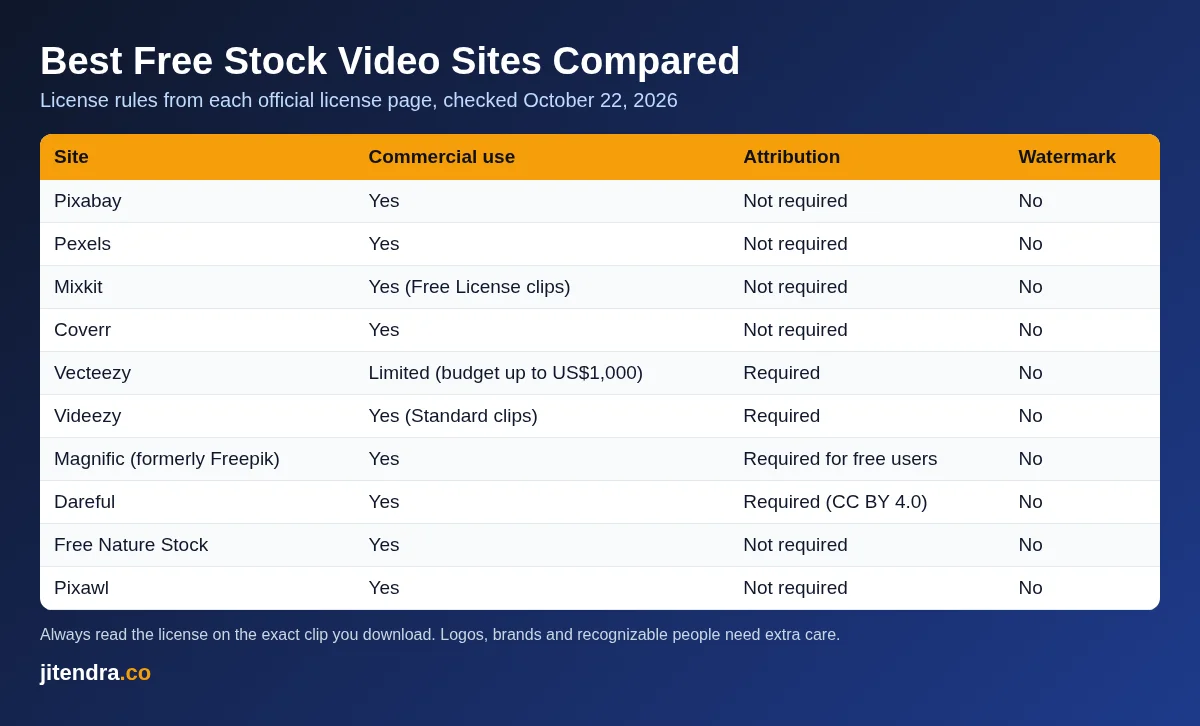
Best Free Stock Video Sites at a Glance
| Site | Commercial use | Attribution | Watermark on free clips | Best for |
|---|---|---|---|---|
| Pixabay | Yes | Not required | No | Huge general library |
| Pexels | Yes | Not required | No | Vertical and 4K b-roll |
| Mixkit | Yes (Free License clips) | Not required | No | Curated, polished clips |
| Coverr | Yes | Not required | No | Lifestyle and business footage |
| Vecteezy | Limited | Required on the free license | No | Motion backgrounds |
| Videezy | Yes, with credit | Required on free Standard clips | No | Motion graphics and loops |
| Magnific (formerly Freepik) | Yes | Required for free users | No | Designers already on Freepik |
| Dareful | Yes | Required (CC BY 4.0) | No | 4K nature and aerial shots |
| Free Nature Stock | Yes | Not required | No | Real (non-AI) nature clips |
| Pixawl | Yes | Not required | No | Small niche library |
What Does “Copyright Free” Actually Mean?
Here is the part most lists skip. Almost no video is truly free of copyright. Someone filmed it, so someone owns it. When a site calls its clips copyright free, it usually means the owner has given everyone a broad license to use the clip for free, without asking permission and without paying a royalty.
So when you search for a copyright free video, what you really want is one of these:
- A royalty-free license with no attribution, like the licenses on Pixabay, Pexels, Mixkit (Free License) and Coverr. You can use the clip in personal and commercial work, and credit is optional.
- A free license that requires attribution, like Vecteezy’s Free License, Videezy Standard content, Magnific free downloads and Dareful’s Creative Commons Attribution 4.0 license. The clip is free, but you must credit it the way the site asks.
- A Creative Commons license, where the exact letters matter. CC BY means credit required. Some Creative Commons licenses also block commercial use.
Royalty free videos without watermark are not the same as public-domain footage. You still have to follow the license rules, such as not reselling the raw clip or not using a recognizable brand in an ad.
What Is Attribution?
Attribution simply means giving credit to the creator, usually in your video description, the end credits or a caption. A typical credit line includes the creator’s name, the site name and sometimes a link.
My advice: even when a site says attribution is optional, a short credit in your YouTube description costs nothing and makes any later dispute easier to resolve. When a site says attribution is required, it is a condition of the license. Skip it and you are no longer licensed.
Why Use Copyright Free Footage?
- It saves time. Finding a ready-made clip takes minutes, while planning a shoot can take days.
- It saves money. Paid stock clips are often priced per file, and Videezy’s own pricing page lists Pro credits at US$19 for a single file.
- It fills gaps in your story. B-roll keeps viewers watching when you talk about something you cannot show on camera.
- It protects you legally. A clear license is the difference between a clean upload and a copyright claim.
How I Picked These Free Stock Video Sites
I did not judge these sites on library size claims alone. I looked at five things:
- License clarity. Does the site publish a plain license page that says what you can and cannot do?
- Attribution rules. Is credit optional, required, or required only on some clips?
- Watermarks. Can you download free videos without watermark?
- Quality and formats. Are HD and 4K files available, and are there vertical clips for reels and Shorts?
- Search and filters. Can you find a usable clip quickly?
I also left out sites whose official license page I could not open, and I merged sites that now redirect to another brand.
10 Best Free Stock Video Sites in 2026
1. Pixabay
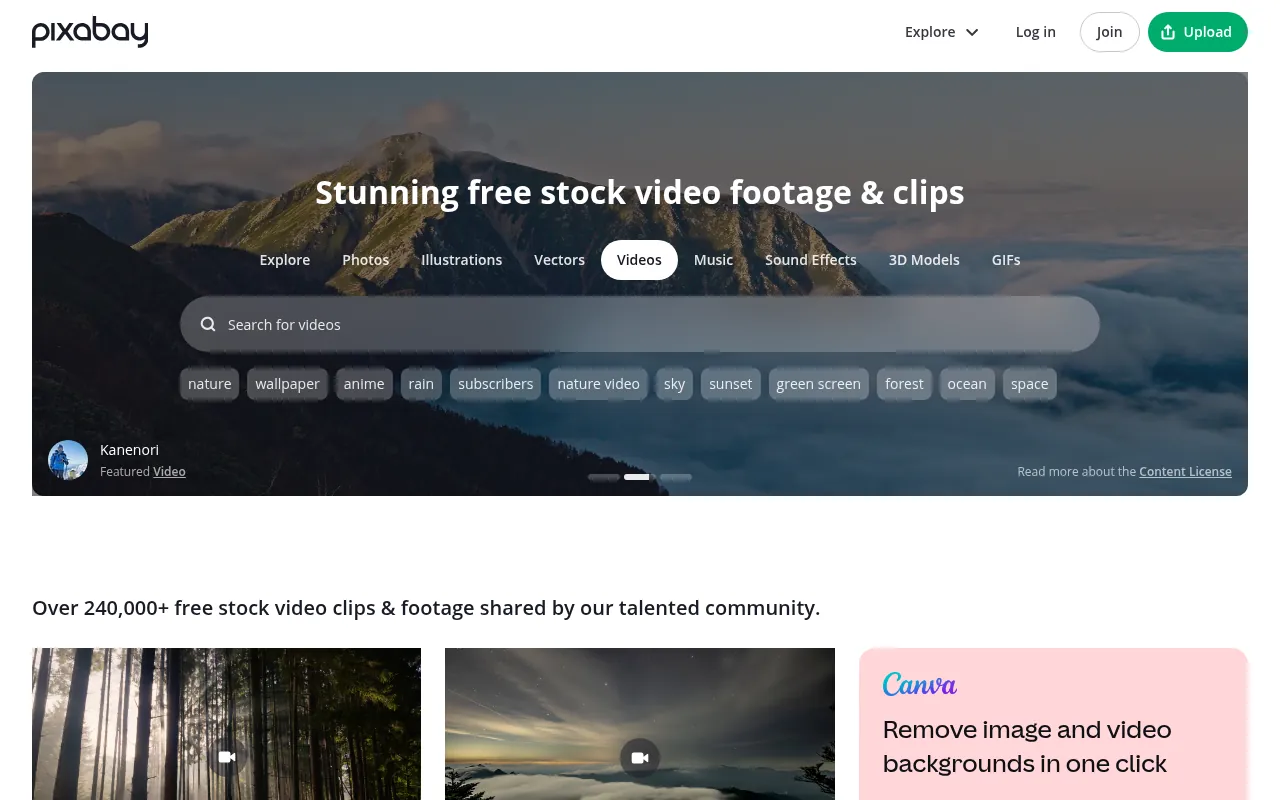
Pixabay is the first place I send beginners. Its whole library of images, videos and music is shared under one simple content license, and the site says it has over 6.3 million high-quality stock images, videos and music files. A Pixabay video search for “no copyright” alone returns hundreds of clips.
What Pixabay’s license allows: you can use content for free, without crediting the author, and you can modify it into new works.
What it does not allow: selling or distributing a clip on a standalone basis (unchanged), using content with recognizable trademarks or brands commercially for goods and services, using content in a misleading way, or using it as part of a trademark or business name.
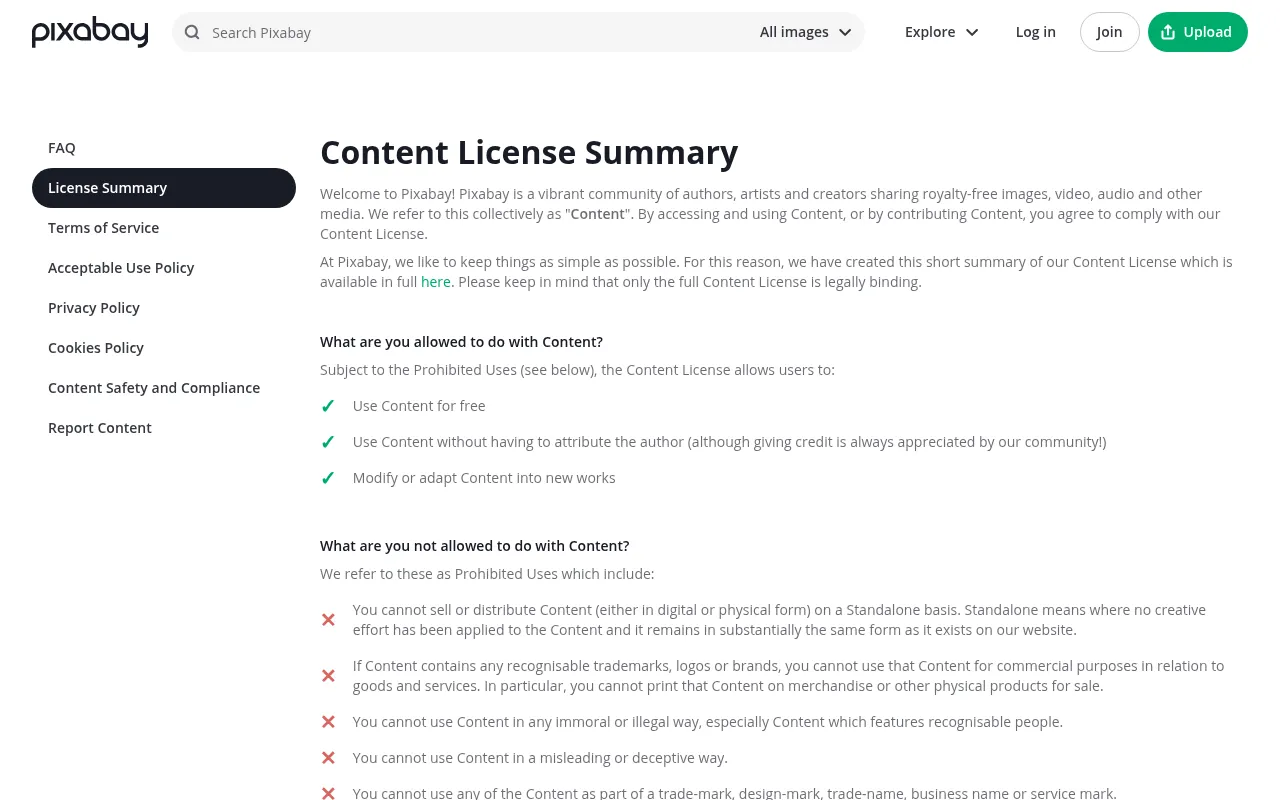
Why I like it: one license for everything, no attribution, and a search that works for broad topics such as nature, city, technology or abstract backgrounds.
Watch out for: clips showing recognizable people or logos. Pixabay reminds users that some content may carry extra rights, such as privacy or trademark rights.
2. Pexels
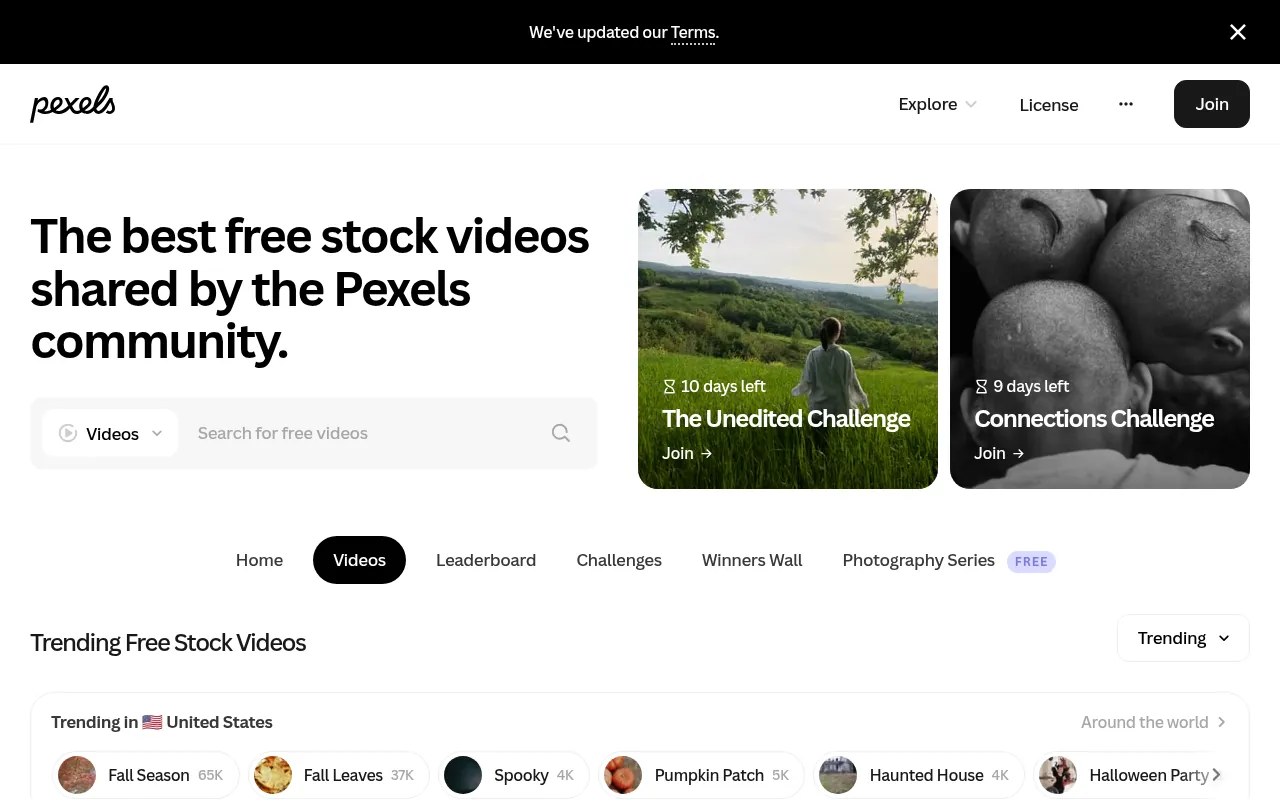
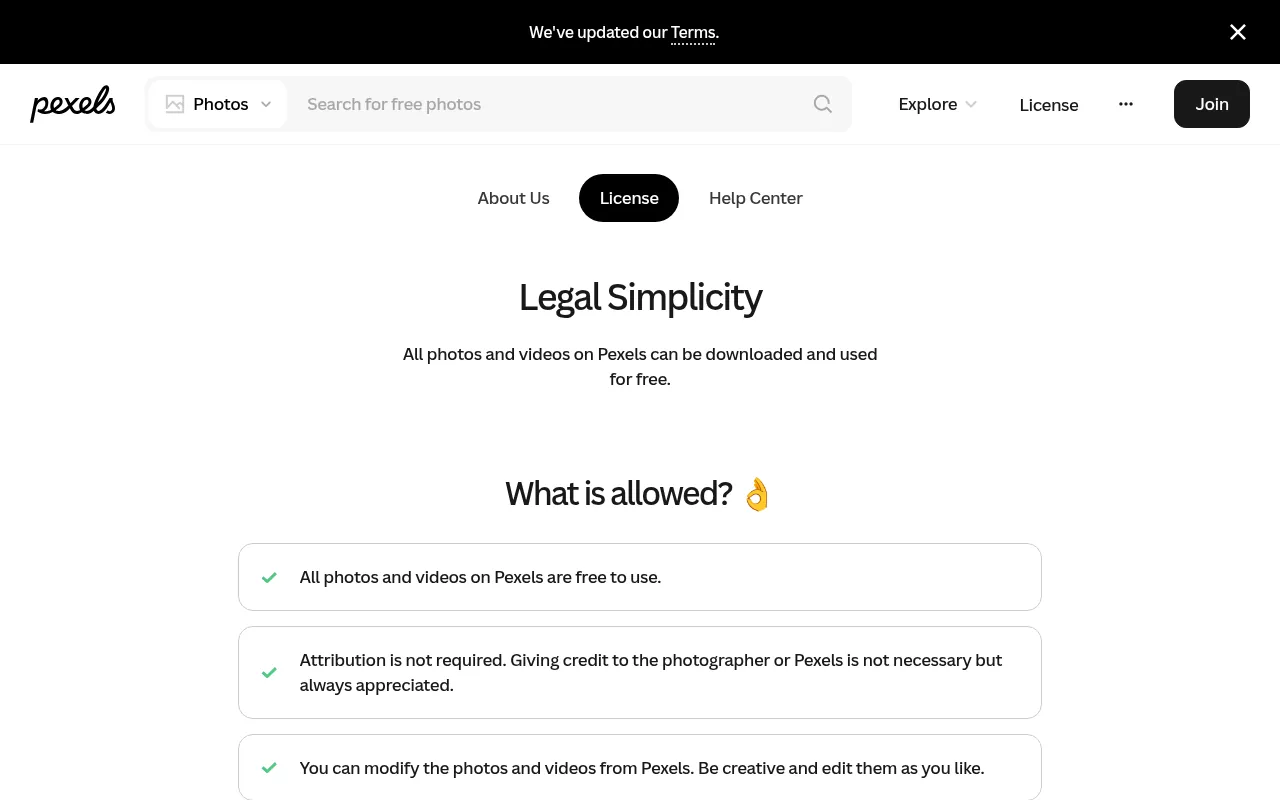
Pexels is my pick for modern, social-ready b-roll, especially vertical clips for Reels and Shorts. Its license page says all photos and videos on Pexels can be downloaded and used for free.
Allowed: use for free, attribution not required, and you can modify the videos. Pexels even lists social media like YouTube and Instagram among the use cases.
Not allowed: showing identifiable people in a bad light, selling unaltered copies, implying endorsement by people or brands in the clip, redistributing on other stock platforms, or using clips as part of a trademark.
Why I like it: many clips are offered in 4K, and the trending section makes it easy to spot fresh footage.
Watch out for: popular clips get used by thousands of creators, so they can feel generic. Edit, crop or color-grade them to make them yours.
3. Mixkit
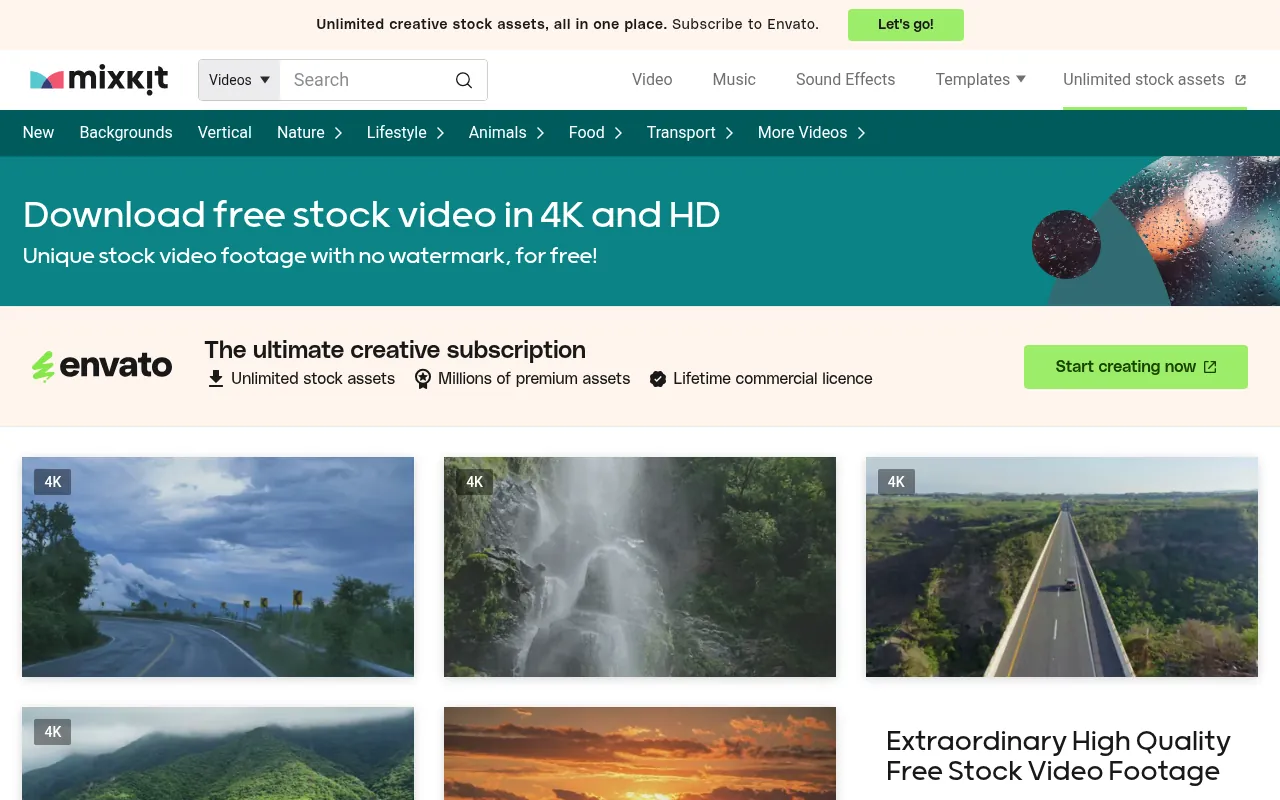
Mixkit is run by Envato and feels more curated than the big community sites. It offers free stock video, music, sound effects and video templates, with no watermark on downloads.
The two licenses: Mixkit has a Stock Video Free License and a Stock Video Restricted License. Clips under the Free License can be used in YouTube videos, social media posts, online marketing ads, educational projects, music videos, commercial projects and filmmaking. You can download, copy, modify, distribute, perform and broadcast them, and attribution is not required. Clips under the Restricted License are meant for non-commercial use only, such as personal social posts.
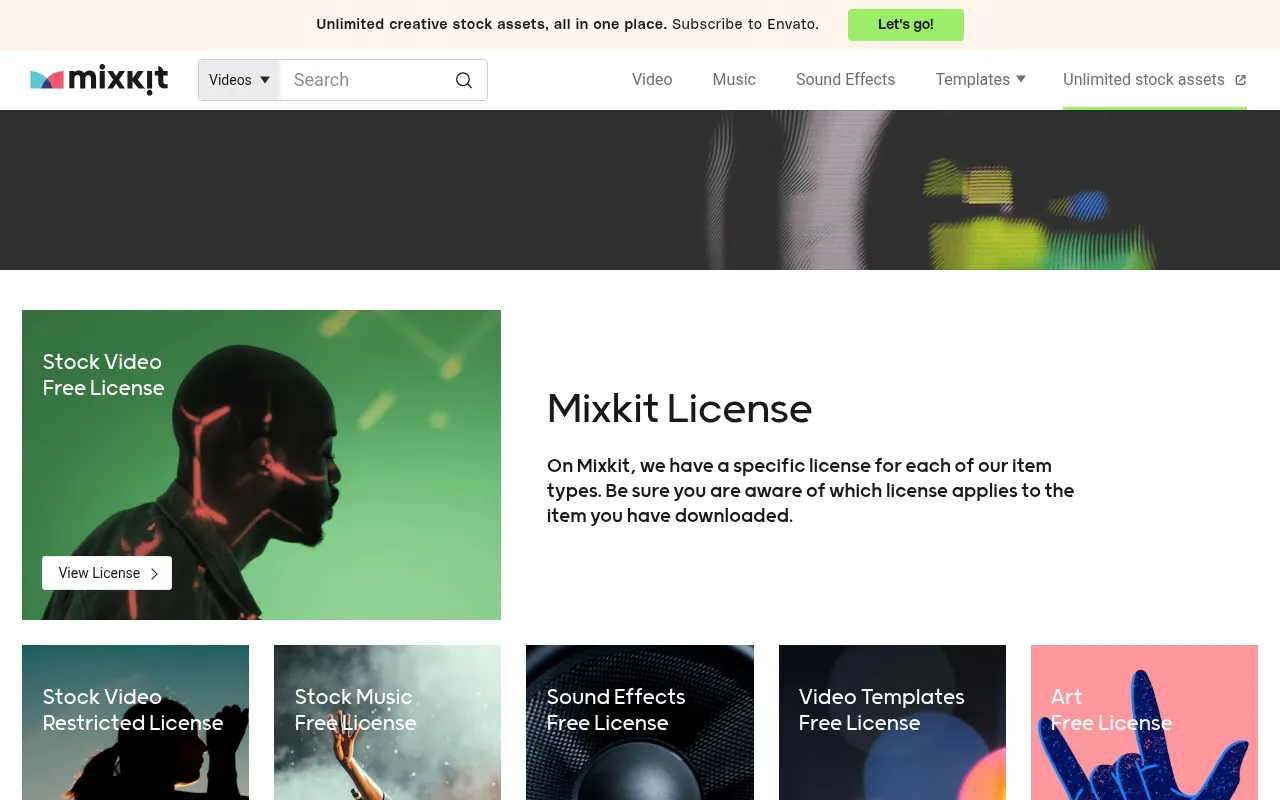
Why I like it: consistently polished footage, and the Free License explicitly covers YouTube and music videos, which makes it a strong option if you need clips for free music videos or lyric videos.
Watch out for: always check which license a clip carries before you use it in a monetized video or an ad.
4. Coverr
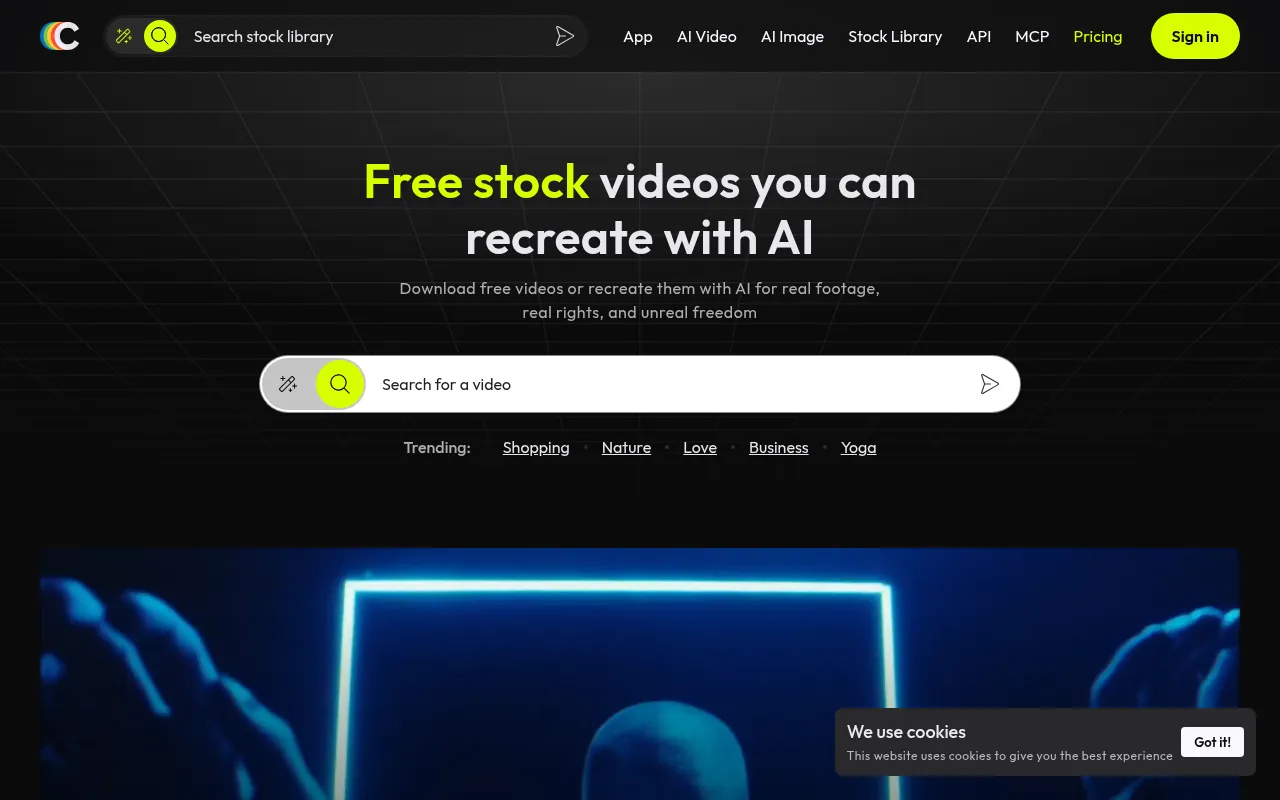
Coverr is a free stock library of HD and 4K videos and music, with an AI video studio on top.
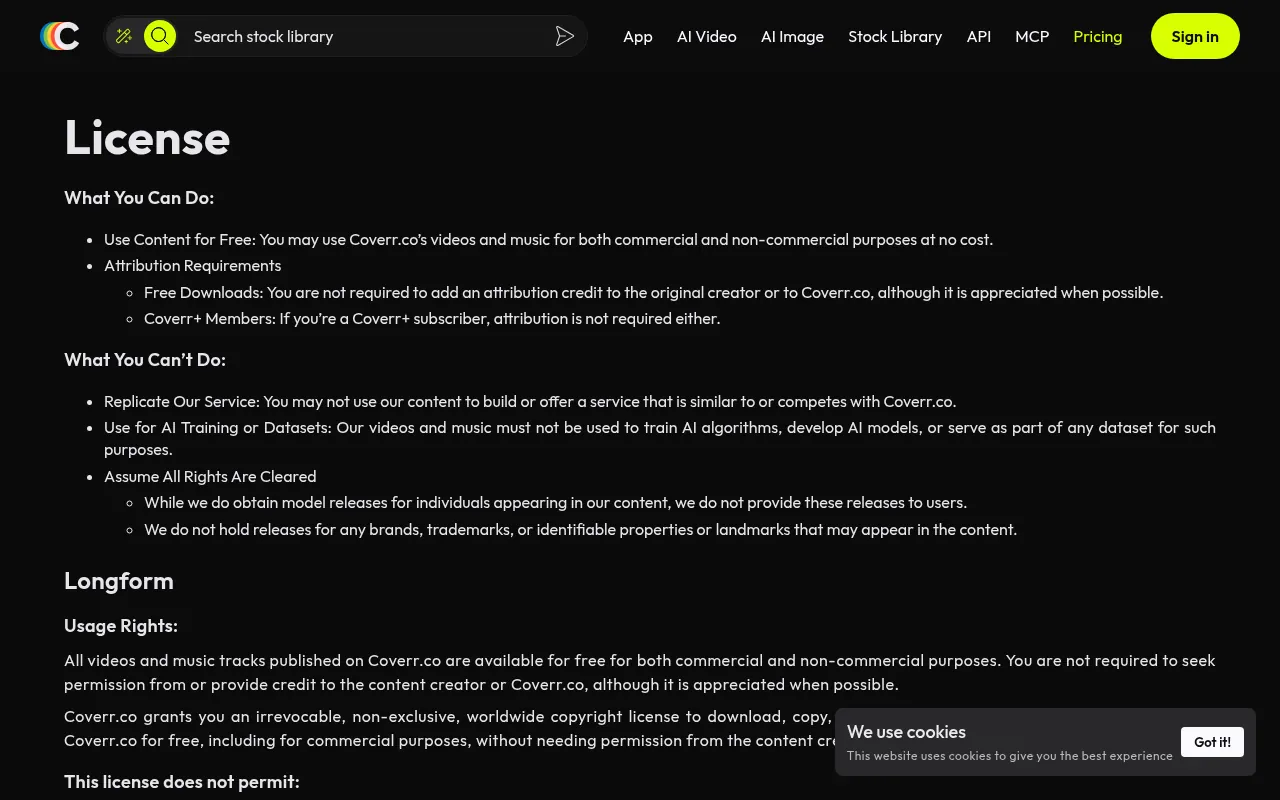
What Coverr’s license allows: all videos and music on Coverr are free for commercial and non-commercial use, with no need to ask permission or credit the creator. Its commercial-use page adds that clips have no watermark and no attribution is required.
What it does not allow: compiling Coverr videos to build a similar or competing service, using them to train AI models, or using trademarks, logos or brands that appear in a clip without permission from the brand owner.
Why I like it: cinematic lifestyle, business and aerial footage that works well as YouTube b-roll. Coverr also says on its own blog that it does not register its library with YouTube’s Content ID system.
Watch out for: the AI features need credits, and paid plans unlock more of them. You do not need them for plain stock downloads.
5. Vecteezy
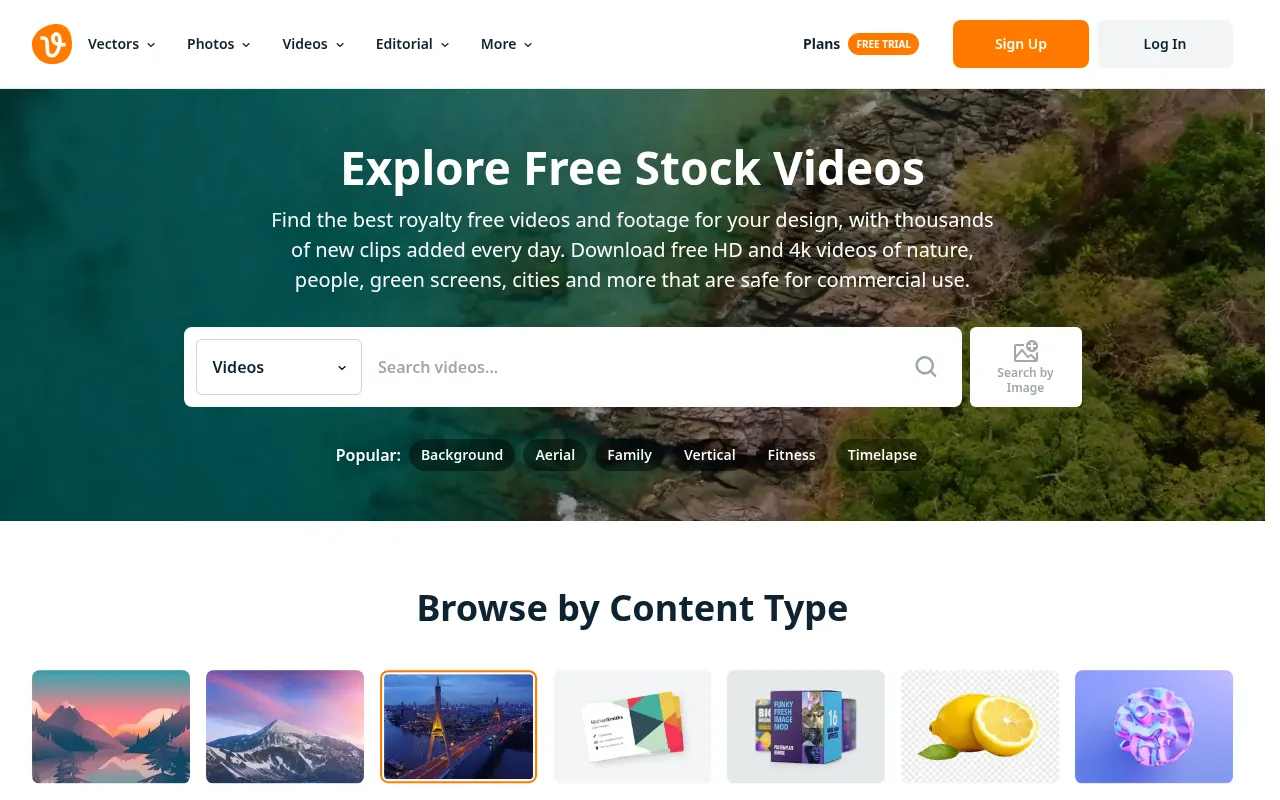
Vecteezy is best known for vectors, but its video section has a large set of free HD and 4K clips, motion graphics and green screens.
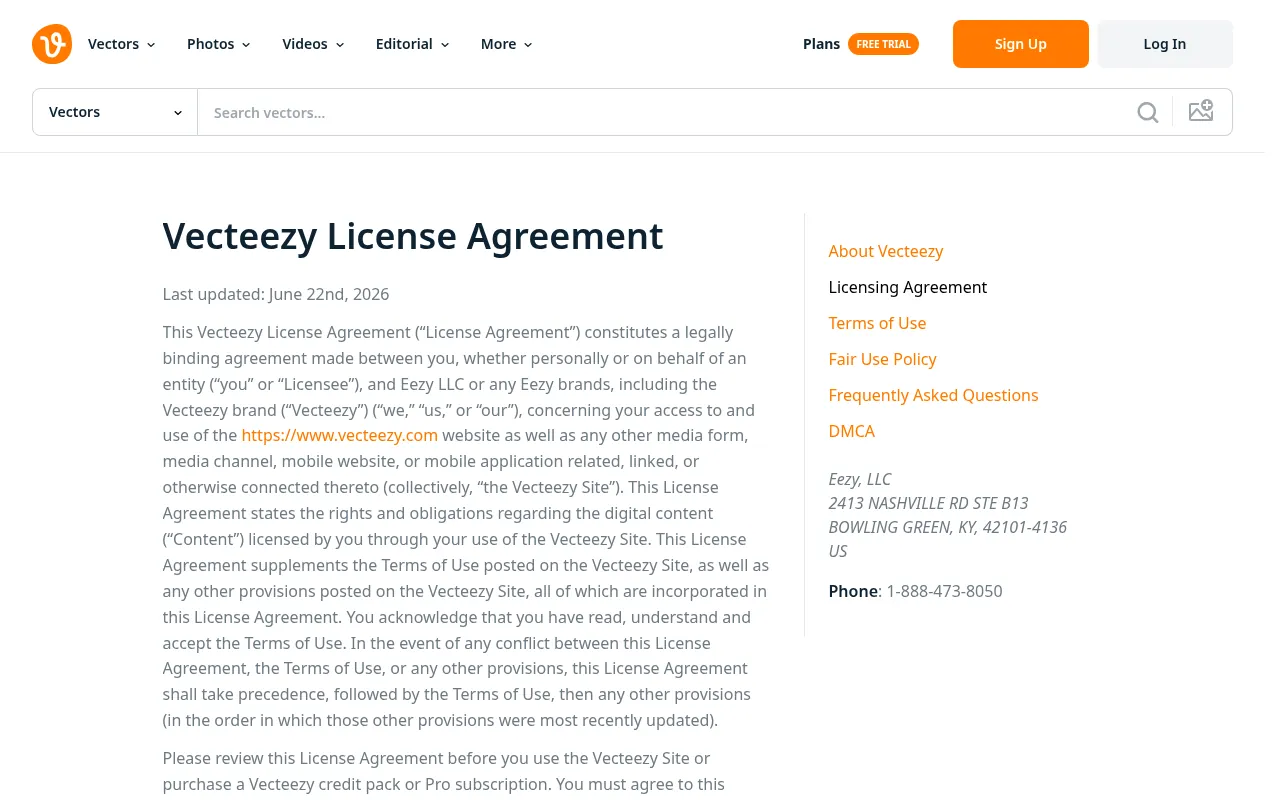
Free License rules: Vecteezy’s license agreement says the Free License covers personal and some commercial projects, with limitations, and attribution to the creator is mandatory. Video or film projects under the free license are limited to production budgets of up to US$1,000. If you cannot add attribution, you must upgrade to a Pro Standard License.
Why I like it: strong for abstract backgrounds and motion graphics that are hard to find elsewhere.
Watch out for: the budget cap and the attribution rule. For a client ad, the free license may not be enough.
6. Videezy
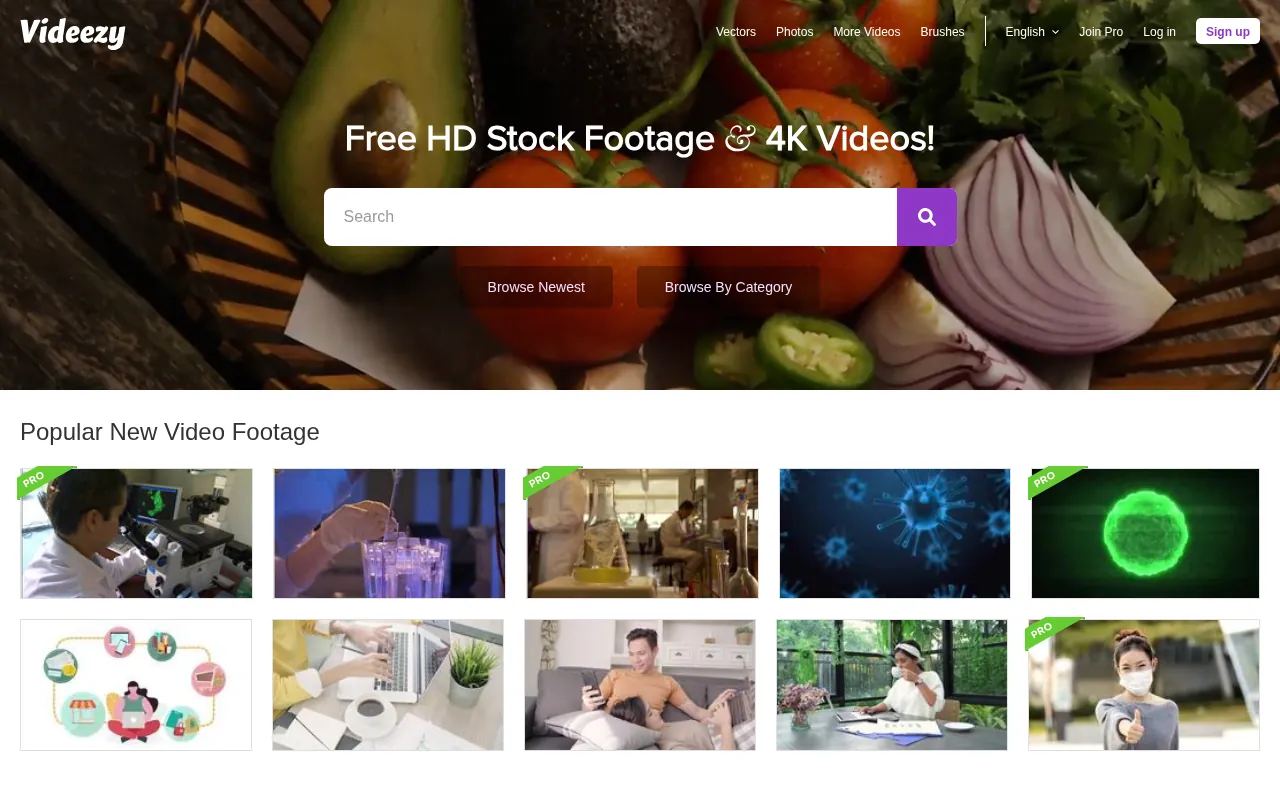
Videezy belongs to the same company as Vecteezy (Eezy) and focuses on stock footage, loops and After Effects templates.
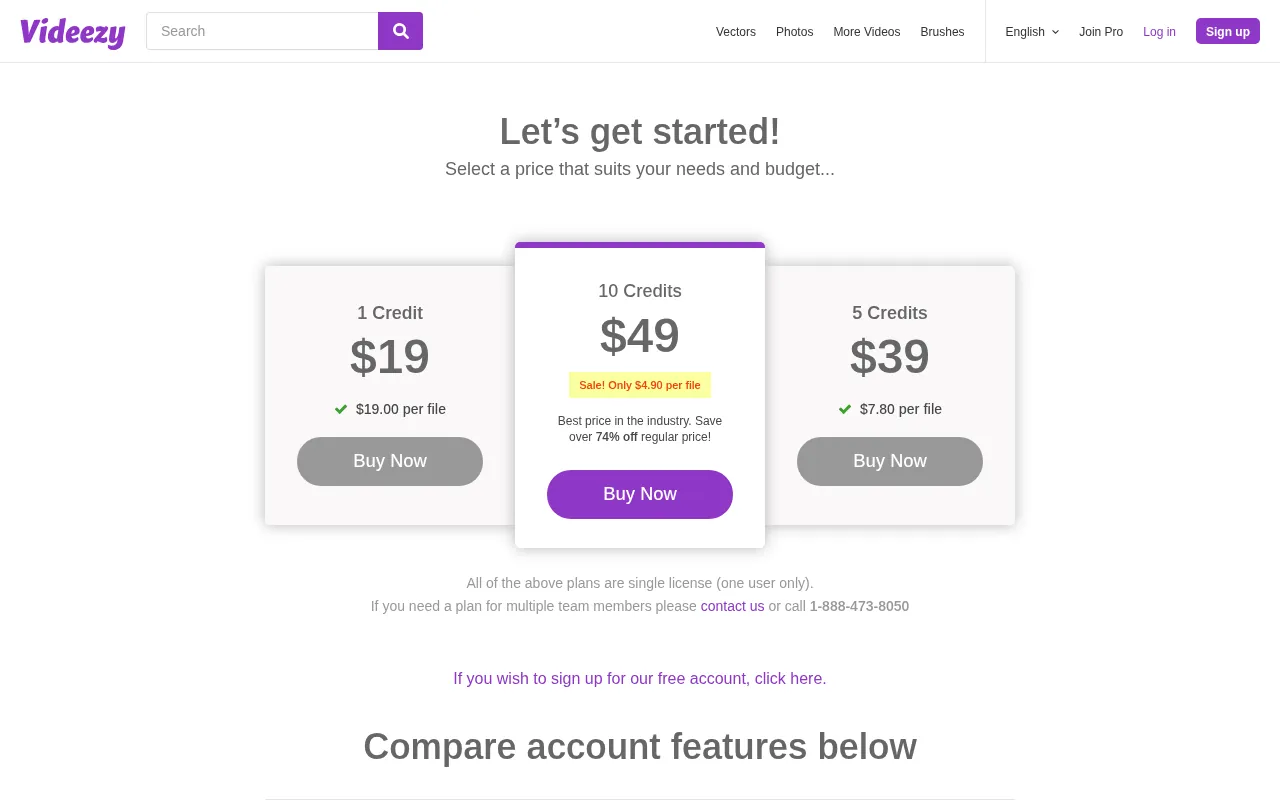
License rules: Videezy’s pricing page explains that Standard content is free for personal, educational, editorial and commercial use with attribution. To use Standard clips without attribution, or to download Pro content, you buy credits. The page lists 1 credit for US$19, 5 credits for US$39 and 10 credits for US$49, and says credits expire one year after purchase.
Why I like it: a deep collection of motion backgrounds, light leaks and loops for intros.
Watch out for: Pro clips are mixed into results, so check the label before you fall in love with a clip.
7. Magnific (Formerly Freepik)
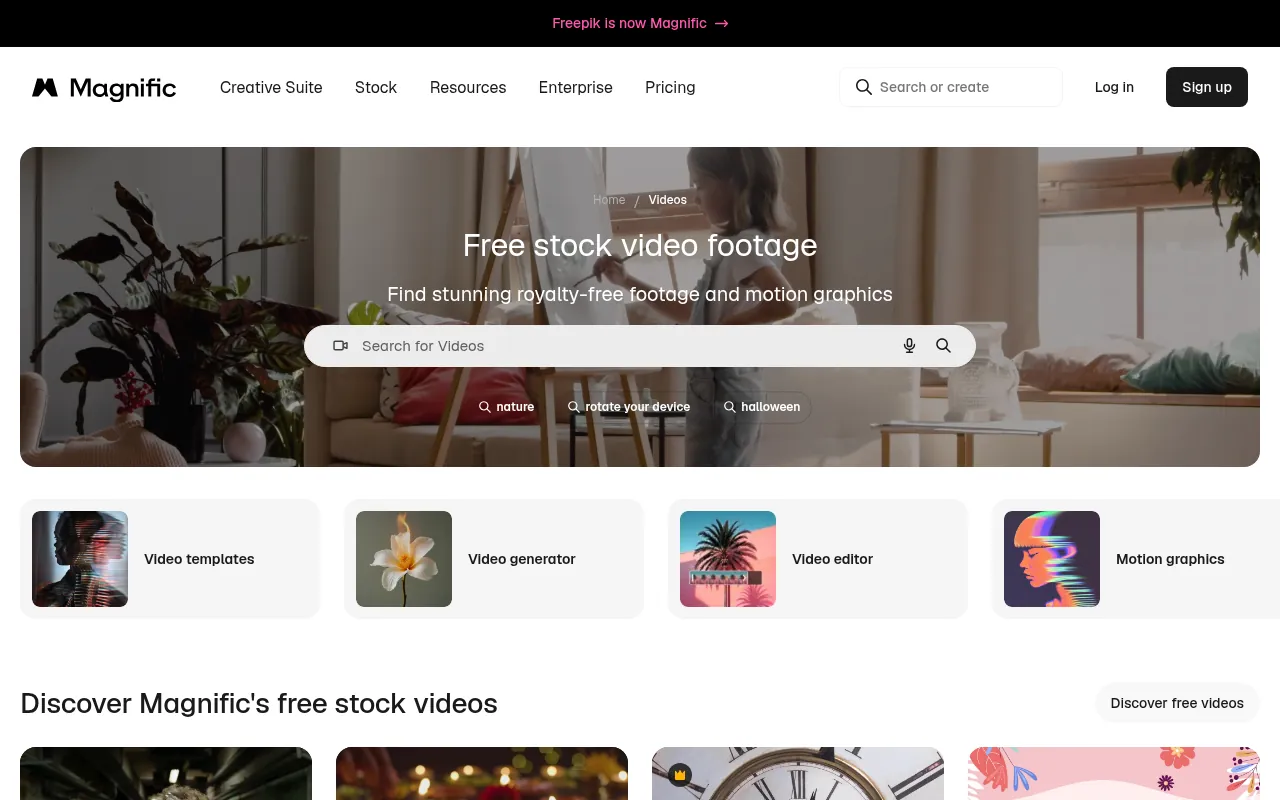
Freepik is now called Magnific, and its free stock video section carries the new name. When I checked, the old Videvo and Mazwai addresses also landed on Magnific’s video page, so I list them together here.
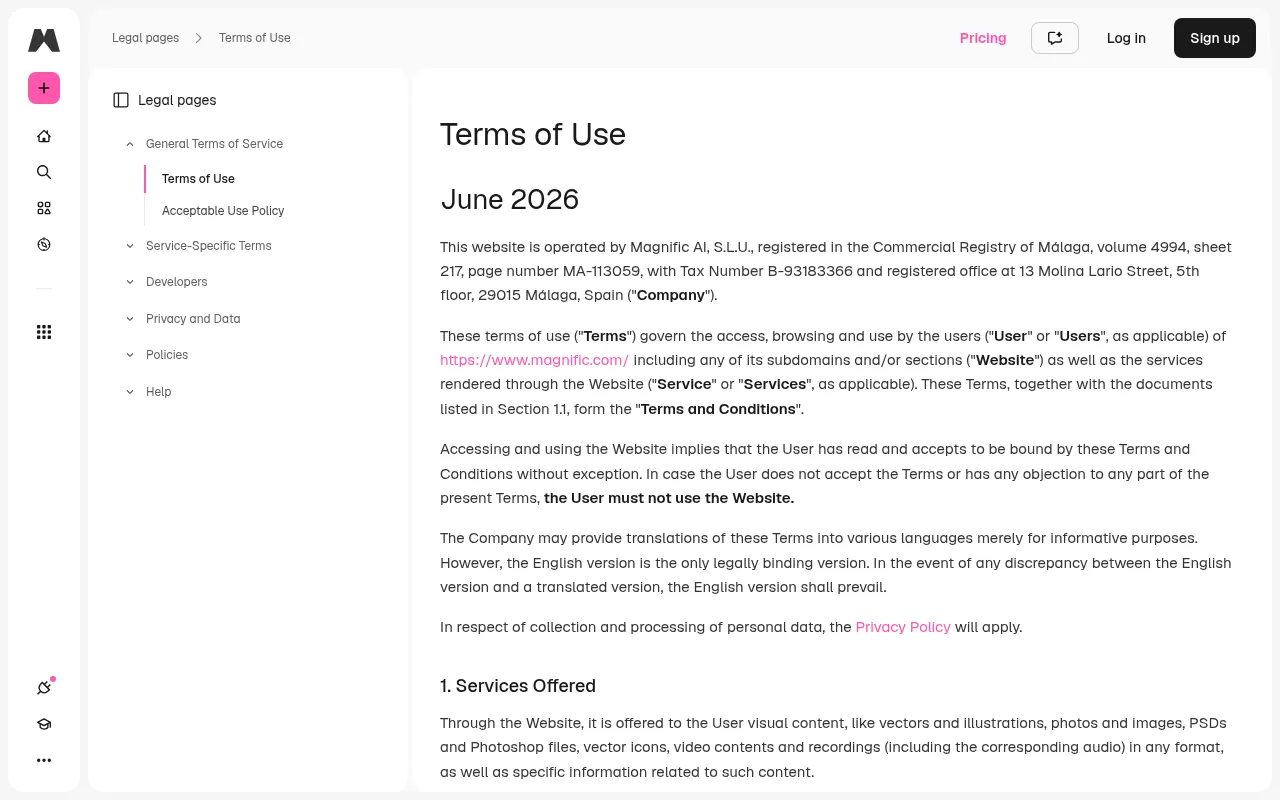
License rules: Magnific’s video page describes its videos as suitable for both personal and commercial use. Its terms of use add the key condition: free use requires attribution to Magnific and, where applicable, the contributor. To use content without attribution you need a Premium, Premium+ or Pro subscription. The terms also ban using the content for AI training and limit clips marked for editorial use, or clips showing logos and recognizable products, to editorial use.
Why I like it: if you already design with Freepik assets, the video section sits in the same account and editor.
Watch out for: many results are Premium. Filter for free clips and add the credit line.
8. Dareful
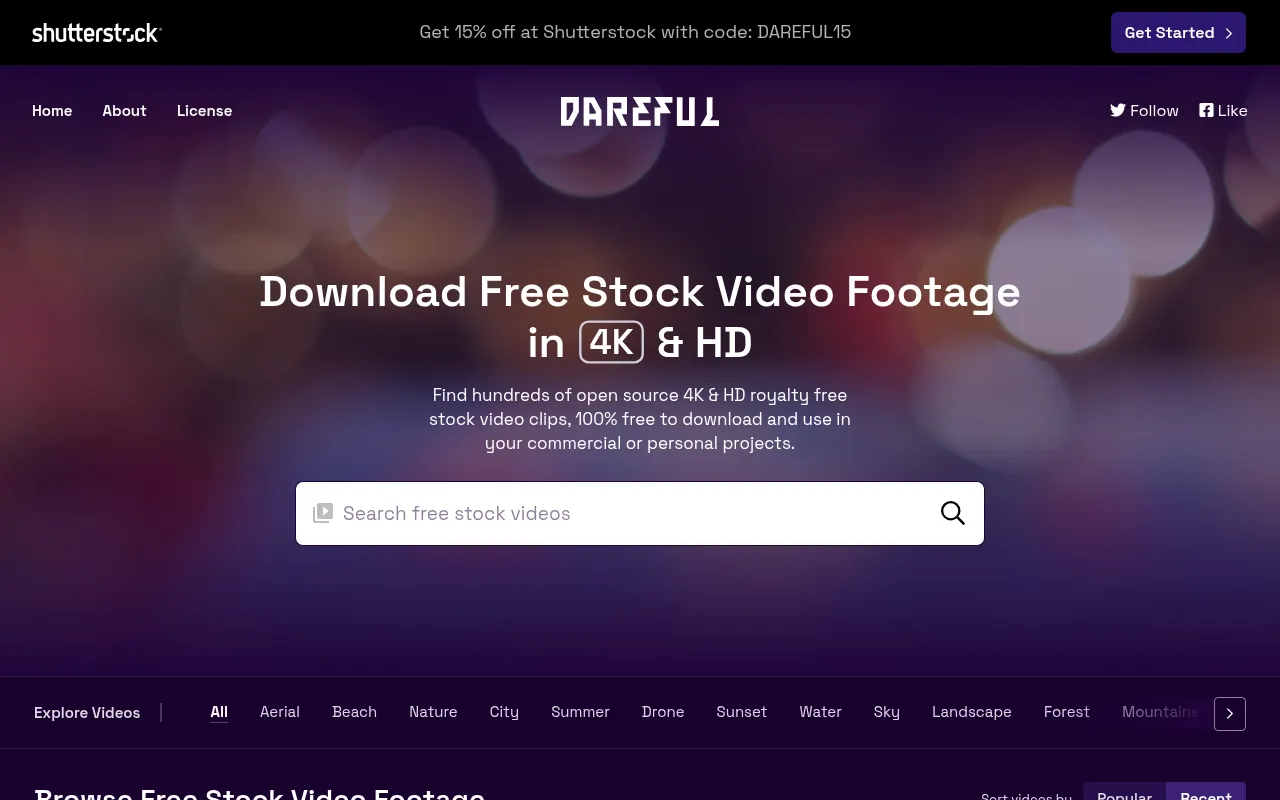
Dareful is a small, focused site with free 4K and HD clips of nature, aerials, oceans, skies and time-lapses. When I checked, the site showed 242 videos.
License rules: the site says clips are free to download and use in personal, commercial or educational projects, without a credit card. They are released under the Creative Commons Attribution 4.0 International License, which means you must credit the creator.
Why I like it: cinematic drone and landscape footage that looks expensive.
Watch out for: a small library, so it is a supplement rather than your only source.
9. Free Nature Stock
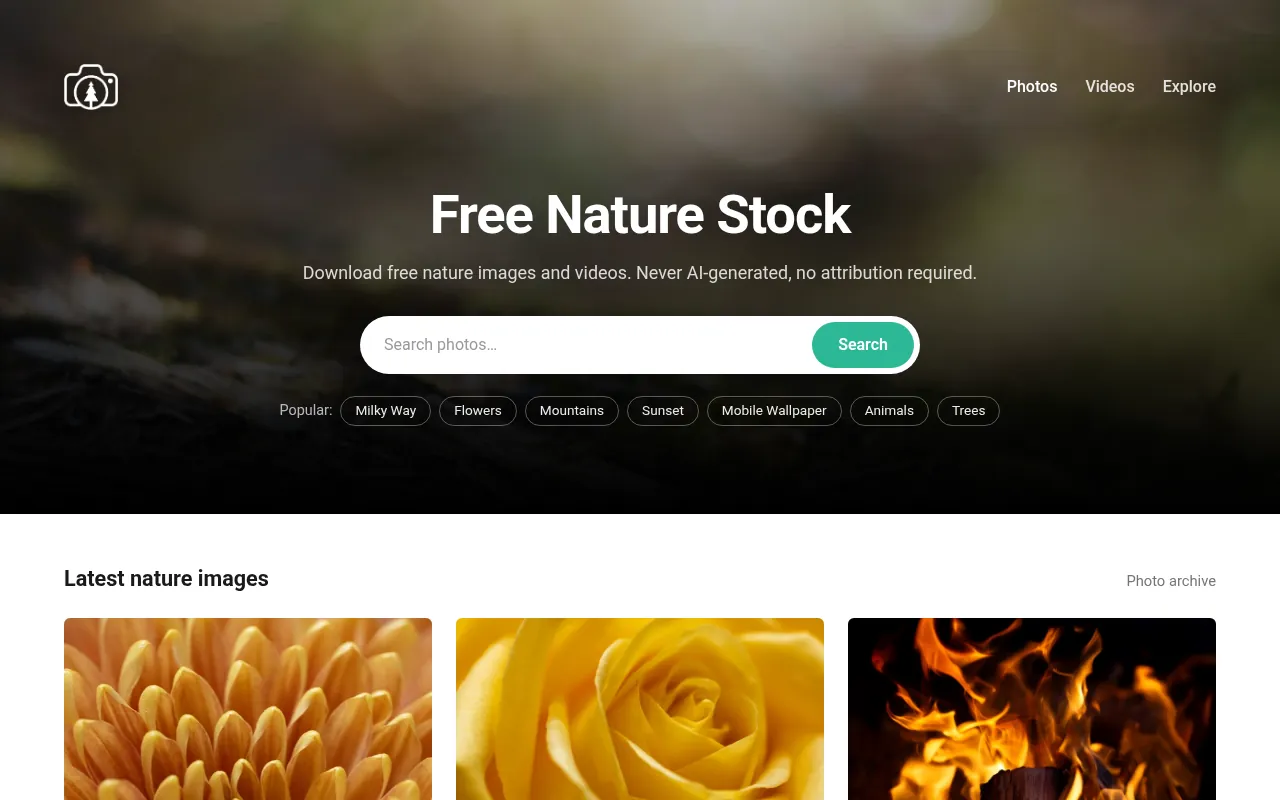
Free Nature Stock does one thing: nature photos and videos. Its homepage says its content is never AI-generated and that no attribution is required.
Why I like it: real footage of flowers, forests, water and wildlife, which matters now that so many libraries mix in AI clips.
Watch out for: a niche library focused only on nature, with fewer videos than the big sites. Read its license page before commercial use.
10. Pixawl
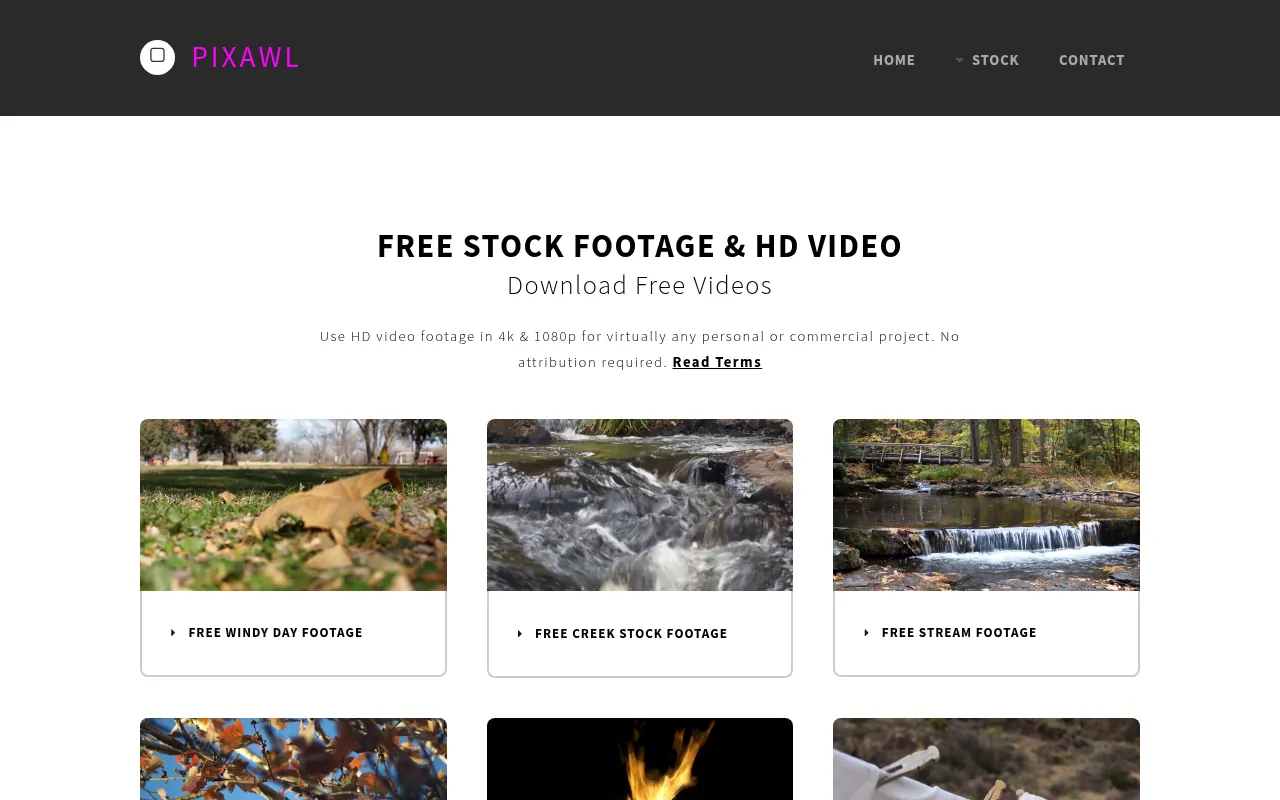
Pixawl is a small library of free footage. Its page says you can use HD video footage in 4K and 1080p for virtually any personal or commercial project, with no attribution required.
Why I like it: quick, simple downloads for everyday b-roll such as streams, snow, campfires and wind farms.
Watch out for: a very small collection, so treat it as a backup source.
How to Download a Pixabay Video Safely (Step by Step)
Here is the simple routine I recommend for any stock site, shown with Pixabay:
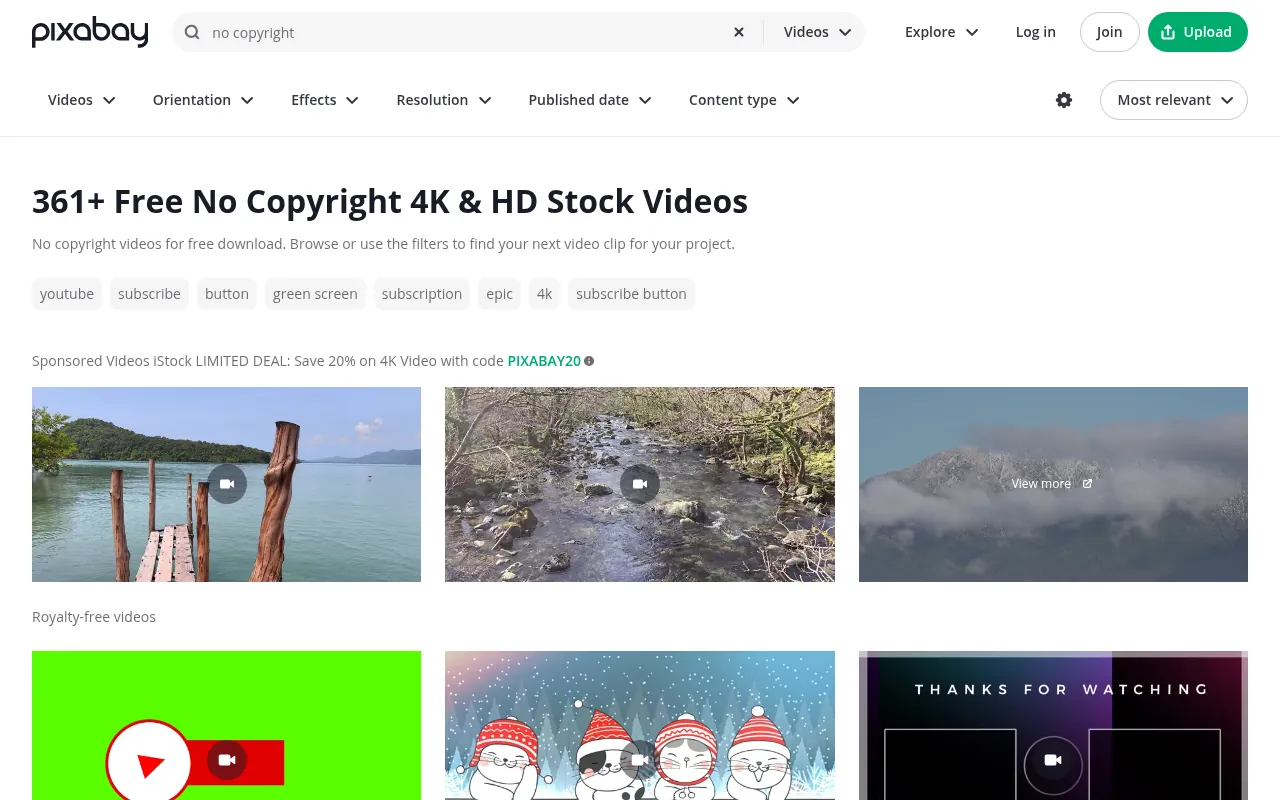
- Search with intent. Open Pixabay’s video section and search a specific phrase, like “city traffic night” instead of “city”.
- Narrow the results. Use the filters to find the right orientation and quality (vertical for Reels and Shorts).
- Open the clip page. Check who uploaded it and whether it shows people, logos or private property.
- Read the license summary. Confirm the use you have in mind is allowed.
- Download the right size. Choose 4K when you plan to crop or zoom; HD is enough for most social posts.
- Keep a record. Save the clip URL and a screenshot of the license page in your project folder.
Once you have your clips, edit them together in a free editor. My guides to the best free online video editors and CapCut in India cover the tools I recommend.
Best Free Stock Video Sites by Use Case
Different projects need different libraries. Here is how I would choose:
- YouTube b-roll for a monetized channel: Pexels, Pixabay and Mixkit (Free License clips), because none of them require credit and all allow commercial use.
- Instagram Reels and YouTube Shorts: Pexels first for vertical clips, then Pixabay.
- Website hero and background videos: Coverr and Mixkit, which have plenty of calm, loop-friendly footage.
- Intros, overlays and motion backgrounds: Videezy and Vecteezy, with a credit line on free downloads.
- Nature, travel and aerial shots: Dareful (with credit), Free Nature Stock and Pixabay.
- Client ads: stick to Pexels, Pixabay, Mixkit Free License or Coverr, avoid clips with logos and people, or buy a paid license that includes legal protection.
How to Credit a Free Stock Video (Attribution Examples)
When a license requires attribution, follow the exact wording the site shows on the download or license page. If it does not give a format, a clear credit in your video description works well:
- YouTube description: “Stock footage: [clip title] by [creator name] on [site name]”.
- End credits: a short line listing each creator and site.
- Blog or website: a caption under the video, or a credits line at the end of the page.
For Dareful’s Creative Commons Attribution 4.0 license, include the creator, the source and the license name (CC BY 4.0). For Magnific, Vecteezy and Videezy, use the credit text each site asks for. Keep a simple spreadsheet of every clip you use, its URL and its license, so you can answer any claim in minutes.
Safety and Legal Notes: No Copyright Videos for YouTube
Using no copyright videos for YouTube is mostly safe when you stick to clear licenses, but keep these rules in mind:
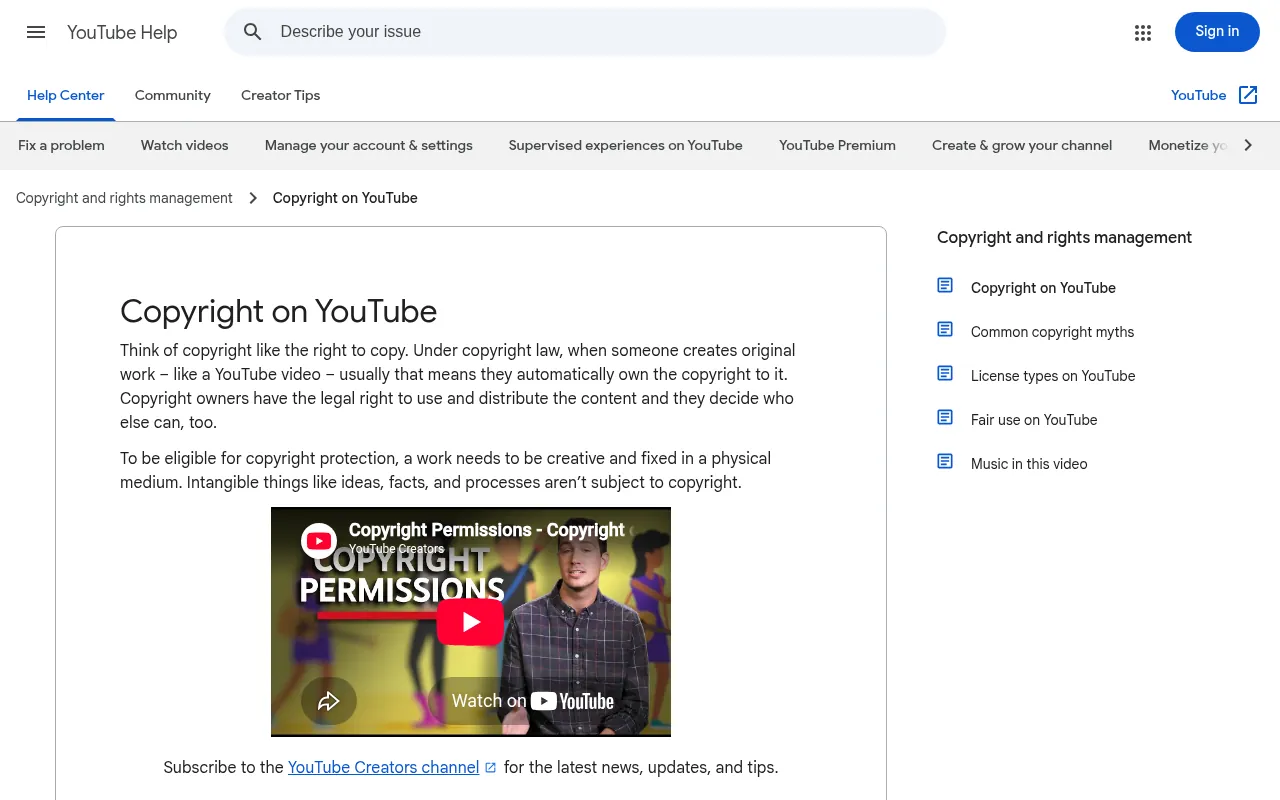
- Content ID claims can still happen. YouTube’s own copyright help pages explain how copyright owners can manage their content. A free clip can occasionally trigger a claim if someone else uploaded the same footage to their own channel. Keep your license record so you can dispute it.
- Trademarks are not covered. Pixabay, Pexels, Coverr and Magnific all warn about logos, brands or recognizable products. Avoid them in ads.
- People need care. Do not use clips of identifiable people in a negative, misleading or sensitive context.
- Never resell raw clips. Every license here bans selling or redistributing unchanged clips.
- AI training is often banned. Coverr and Magnific both prohibit using their clips to train AI models.
You will see searches like “free viral video website” and “all viral video link website free”. These pages usually collect trending clips from TikTok, Instagram or YouTube. Those clips belong to the people who made them, and the sites rarely publish a license. Reposting them on your channel can lead to claims, strikes or demonetization.
If you want viral-style footage, search the stock sites above for trending themes (pets, pranks, satisfying loops, street food), or license the original clip from its creator. If you make short-form content, my free hashtag generator and free YouTube script generator help with the parts stock footage cannot do.
Free vs Paid Stock Footage
| Free sites | Paid stock | |
|---|---|---|
| Cost | ₹0 | Per clip or subscription |
| Attribution | Often optional, sometimes required | Usually not required |
| Exclusivity | Clips widely reused | Larger, more specific libraries |
| Legal protection | Limited | Higher indemnity limits (for example, Vecteezy Pro and Magnific’s paid plans) |
| Best for | YouTube, social posts, blogs | Client ads, TV, big campaigns |
For most YouTubers and bloggers, free libraries are enough. Pay when a client needs exclusive footage, legal protection or a specific shot you cannot find.
Alternatives When You Cannot Find the Right Clip
- Film it yourself. A modern phone shoots good 4K b-roll. Original footage is also better for video SEO.
- Use AI video generators carefully. Coverr and Magnific both offer AI video tools, but check the separate AI terms before commercial use.
- Screen recordings and animations. For tutorials, your own screen is often the best “stock shot”.
- Stock music libraries. Pixabay, Mixkit and Coverr also offer free music, so you can match clip and track from one source.
FAQs
Where can I download non copyright videos for free?
Pixabay, Pexels, Mixkit and Coverr are the best places for non copyright videos. All four let you download clips for free, use them commercially and skip attribution, as long as you follow their license rules.
Are Pixabay videos copyright free?
Pixabay videos are free to use under the Pixabay Content License. You can use and modify them without attribution, but you cannot resell them unchanged or use recognizable trademarks commercially.
Which sites offer copyright free videos without watermark for YouTube?
Pixabay, Pexels, Mixkit (Free License clips), Coverr, Free Nature Stock and Pixawl all offer free videos without watermark that you can use on YouTube without credit. Vecteezy, Videezy, Magnific and Dareful are watermark-free too, but require attribution on free downloads.
What is a stock shot video?
A stock shot video is a ready-made clip, such as a sunset, traffic or office scene, filmed for reuse in many projects. Creators drop stock shots into their videos as b-roll instead of filming everything themselves.
Can I use free stock footage in a monetized YouTube video?
Yes, when the license allows commercial use. Pexels, Pixabay, Mixkit’s Free License and Coverr all allow it. Keep a record of the license in case you receive a Content ID claim.
Usually not. Sites that collect viral clips rarely hold the rights to them. Reposting that footage can lead to copyright claims, so use licensed stock clips or get permission from the creator.
Why This Topic Keeps Showing Up in DigiExe and BloggersIdeas Work
Free Stock Video Sites questions hit my inbox because teams want a shortlist they can trust without reading twenty tabs. BloggersIdeas earns traffic on honest comparisons. DigiExe needs tools that freelancers can learn in a day. AffiliateBooster needs clear commercial paths. SchemaNinja needs boring reliability.
I write these expansions from operator habits: dated screenshots, official pricing links, cancellation notes, and India payment reality. I skip fake “we tested 47 tools in a lab” theatre. If a number appears, it comes from a vendor page or a workflow I actually run. Inside A Hustler’s Brain guests often repeat the same lesson: simple systems beat shiny stacks.
Decision Tree I Give Clients
- Define the job in one sentence.
- Cap the monthly budget in INR before opening tabs.
- Shortlist three tools max from this article.
- Run one real task on each shortlist item the same day.
- Keep the winner for a full sprint before adding a second paid seat.
- Document login ownership and cancellation URL.
This tree prevents stack sprawl. DigiExe projects that skip it collect overlapping subscriptions by month three.
Documentation Template for Your Team Folder
Create a one-page note per tool:
- Official pricing URL and date checked
- Plan name and currency seen from India
- Seat owner email
- Cancellation path
- What jobs it is allowed to cover
- What jobs are banned (for example free-tier commercial limits)
- Link to internal tutorial or Loom
BloggersIdeas editors keep a shared sheet. AffiliateBooster contractors get a reduced version. Podcast show notes that mention tools point back to the dated review URL on jitendra.co instead of a vague shoutout.
India-First Buying Notes for Free Stock Video Sites
Pay attention to currency on the pricing grid, UPI availability, and whether annual plans show GST on the receipt. DigiExe accounting asks for PDFs. Hobby users may not care. Say which camp you are in before you click buy.
If a vendor is USD-only, note forex on your card. If a deal page is geo-gated, capture the India view and the VPN view separately so you do not publish the wrong number. BloggersIdeas tables get rebuilt when INR claims drift.
Common Mistakes I Still See on Free Stock Video Sites Roundups
- Copying USD prices without a date
- Ignoring cancellation friction
- Recommending five paid tools for a one-person blog
- Skipping license or ToS lines that matter for clients
- No internal link to related workflows on the same site
- Soft conclusions that avoid a clear default pick
This expansion pushes the opposite habits. Pick defaults. Show your work. Update on a schedule.
How This Fits the Rest of jitendra.co
After you choose from this free stock video sites guide, you will often need a neighbour article: hosting, VPN, video editors, keyword tools, or email. Use internal links already on the page. Do not open twelve new SaaS tabs in one afternoon. Ship one improvement per week. That is how DigiExe retainers stay sane and how BloggersIdeas articles stay useful after the publish date.
Publisher Stack Fit for Free Stock Video Sites (Pass 1)
This pass is about BloggersIdeas publishing calendar. The audience is writers and editors. For free stock video sites, I refuse to add fake benchmark tables. I add habits that survive plan renames.
On BloggersIdeas, the question is whether a writer can finish without a huddle. On DigiExe, the question is whether a freelancer can be onboarded in one sitting and removed cleanly later. AffiliateBooster cares whether a creative can ship under a commercial license without guessing. SchemaNinja cares whether a screenshot still matches the UI after a vendor update. Podcast and YouTube work care whether the asset remains readable on a phone.
Practical moves I repeat:
- Name a default tool from this article and write it in the team sheet.
- Capture the official pricing or docs page the same day you cite a number.
- Store cancel and refund URLs beside the receipt.
- Limit overlapping paid seats unless jobs are truly different.
- Re-check the page before a scheduled publish goes live.
India notes stay boring on purpose. Confirm currency, payment methods, and invoice needs. If USD is the only option, say so and budget forex. If a GST PDF matters for DigiExe books, test a small charge before annual billing.
If you only remember one line: defaults beat novelty. A stable free stock video sites stack with screenshots and a cancel plan will outperform a graveyard of trials.
Agency Retainer Fit for Free Stock Video Sites (Pass 2)
This pass is about DigiExe client retainers. The audience is freelancers and leads. For free stock video sites, I refuse to add fake benchmark tables. I add habits that survive plan renames.
On BloggersIdeas, the question is whether a writer can finish without a huddle. On DigiExe, the question is whether a freelancer can be onboarded in one sitting and removed cleanly later. AffiliateBooster cares whether a creative can ship under a commercial license without guessing. SchemaNinja cares whether a screenshot still matches the UI after a vendor update. Podcast and YouTube work care whether the asset remains readable on a phone.
Practical moves I repeat:
- Name a default tool from this article and write it in the team sheet.
- Capture the official pricing or docs page the same day you cite a number.
- Store cancel and refund URLs beside the receipt.
- Limit overlapping paid seats unless jobs are truly different.
- Re-check the page before a scheduled publish goes live.
India notes stay boring on purpose. Confirm currency, payment methods, and invoice needs. If USD is the only option, say so and budget forex. If a GST PDF matters for DigiExe books, test a small charge before annual billing.
If you only remember one line: defaults beat novelty. A stable free stock video sites stack with screenshots and a cancel plan will outperform a graveyard of trials.
Affiliate Creative Fit for Free Stock Video Sites (Pass 3)
This pass is about AffiliateBooster campaigns. The audience is design contractors. For free stock video sites, I refuse to add fake benchmark tables. I add habits that survive plan renames.
On BloggersIdeas, the question is whether a writer can finish without a huddle. On DigiExe, the question is whether a freelancer can be onboarded in one sitting and removed cleanly later. AffiliateBooster cares whether a creative can ship under a commercial license without guessing. SchemaNinja cares whether a screenshot still matches the UI after a vendor update. Podcast and YouTube work care whether the asset remains readable on a phone.
Practical moves I repeat:
- Name a default tool from this article and write it in the team sheet.
- Capture the official pricing or docs page the same day you cite a number.
- Store cancel and refund URLs beside the receipt.
- Limit overlapping paid seats unless jobs are truly different.
- Re-check the page before a scheduled publish goes live.
India notes stay boring on purpose. Confirm currency, payment methods, and invoice needs. If USD is the only option, say so and budget forex. If a GST PDF matters for DigiExe books, test a small charge before annual billing.
If you only remember one line: defaults beat novelty. A stable free stock video sites stack with screenshots and a cancel plan will outperform a graveyard of trials.
Software Docs Fit for Free Stock Video Sites (Pass 4)
This pass is about SchemaNinja help and marketing pages. The audience is product marketers. For free stock video sites, I refuse to add fake benchmark tables. I add habits that survive plan renames.
On BloggersIdeas, the question is whether a writer can finish without a huddle. On DigiExe, the question is whether a freelancer can be onboarded in one sitting and removed cleanly later. AffiliateBooster cares whether a creative can ship under a commercial license without guessing. SchemaNinja cares whether a screenshot still matches the UI after a vendor update. Podcast and YouTube work care whether the asset remains readable on a phone.
Practical moves I repeat:
- Name a default tool from this article and write it in the team sheet.
- Capture the official pricing or docs page the same day you cite a number.
- Store cancel and refund URLs beside the receipt.
- Limit overlapping paid seats unless jobs are truly different.
- Re-check the page before a scheduled publish goes live.
India notes stay boring on purpose. Confirm currency, payment methods, and invoice needs. If USD is the only option, say so and budget forex. If a GST PDF matters for DigiExe books, test a small charge before annual billing.
If you only remember one line: defaults beat novelty. A stable free stock video sites stack with screenshots and a cancel plan will outperform a graveyard of trials.
Podcast and YouTube Fit for Free Stock Video Sites (Pass 5)
This pass is about Inside A Hustler’s Brain production. The audience is editors and guests. For free stock video sites, I refuse to add fake benchmark tables. I add habits that survive plan renames.
On BloggersIdeas, the question is whether a writer can finish without a huddle. On DigiExe, the question is whether a freelancer can be onboarded in one sitting and removed cleanly later. AffiliateBooster cares whether a creative can ship under a commercial license without guessing. SchemaNinja cares whether a screenshot still matches the UI after a vendor update. Podcast and YouTube work care whether the asset remains readable on a phone.
Practical moves I repeat:
- Name a default tool from this article and write it in the team sheet.
- Capture the official pricing or docs page the same day you cite a number.
- Store cancel and refund URLs beside the receipt.
- Limit overlapping paid seats unless jobs are truly different.
- Re-check the page before a scheduled publish goes live.
India notes stay boring on purpose. Confirm currency, payment methods, and invoice needs. If USD is the only option, say so and budget forex. If a GST PDF matters for DigiExe books, test a small charge before annual billing.
If you only remember one line: defaults beat novelty. A stable free stock video sites stack with screenshots and a cancel plan will outperform a graveyard of trials.
India Checkout Fit for Free Stock Video Sites (Pass 6)
This pass is about INR and UPI reality. The audience is accounts and founders. For free stock video sites, I refuse to add fake benchmark tables. I add habits that survive plan renames.
On BloggersIdeas, the question is whether a writer can finish without a huddle. On DigiExe, the question is whether a freelancer can be onboarded in one sitting and removed cleanly later. AffiliateBooster cares whether a creative can ship under a commercial license without guessing. SchemaNinja cares whether a screenshot still matches the UI after a vendor update. Podcast and YouTube work care whether the asset remains readable on a phone.
Practical moves I repeat:
- Name a default tool from this article and write it in the team sheet.
- Capture the official pricing or docs page the same day you cite a number.
- Store cancel and refund URLs beside the receipt.
- Limit overlapping paid seats unless jobs are truly different.
- Re-check the page before a scheduled publish goes live.
India notes stay boring on purpose. Confirm currency, payment methods, and invoice needs. If USD is the only option, say so and budget forex. If a GST PDF matters for DigiExe books, test a small charge before annual billing.
If you only remember one line: defaults beat novelty. A stable free stock video sites stack with screenshots and a cancel plan will outperform a graveyard of trials.
Cancellation Drill for Free Stock Video Sites (Pass 7)
This pass is about renewal calendar hygiene. The audience is seat owners. For free stock video sites, I refuse to add fake benchmark tables. I add habits that survive plan renames.
On BloggersIdeas, the question is whether a writer can finish without a huddle. On DigiExe, the question is whether a freelancer can be onboarded in one sitting and removed cleanly later. AffiliateBooster cares whether a creative can ship under a commercial license without guessing. SchemaNinja cares whether a screenshot still matches the UI after a vendor update. Podcast and YouTube work care whether the asset remains readable on a phone.
Practical moves I repeat:
- Name a default tool from this article and write it in the team sheet.
- Capture the official pricing or docs page the same day you cite a number.
- Store cancel and refund URLs beside the receipt.
- Limit overlapping paid seats unless jobs are truly different.
- Re-check the page before a scheduled publish goes live.
India notes stay boring on purpose. Confirm currency, payment methods, and invoice needs. If USD is the only option, say so and budget forex. If a GST PDF matters for DigiExe books, test a small charge before annual billing.
If you only remember one line: defaults beat novelty. A stable free stock video sites stack with screenshots and a cancel plan will outperform a graveyard of trials.
QA Before Schedule for Free Stock Video Sites (Pass 8)
This pass is about future-post preflight on jitendra.co. The audience is SEO editors. For free stock video sites, I refuse to add fake benchmark tables. I add habits that survive plan renames.
On BloggersIdeas, the question is whether a writer can finish without a huddle. On DigiExe, the question is whether a freelancer can be onboarded in one sitting and removed cleanly later. AffiliateBooster cares whether a creative can ship under a commercial license without guessing. SchemaNinja cares whether a screenshot still matches the UI after a vendor update. Podcast and YouTube work care whether the asset remains readable on a phone.
Practical moves I repeat:
- Name a default tool from this article and write it in the team sheet.
- Capture the official pricing or docs page the same day you cite a number.
- Store cancel and refund URLs beside the receipt.
- Limit overlapping paid seats unless jobs are truly different.
- Re-check the page before a scheduled publish goes live.
India notes stay boring on purpose. Confirm currency, payment methods, and invoice needs. If USD is the only option, say so and budget forex. If a GST PDF matters for DigiExe books, test a small charge before annual billing.
If you only remember one line: defaults beat novelty. A stable free stock video sites stack with screenshots and a cancel plan will outperform a graveyard of trials.
Security and Access for Free Stock Video Sites (Pass 9)
This pass is about password manager and 2FA norms. The audience is ops leads. For free stock video sites, I refuse to add fake benchmark tables. I add habits that survive plan renames.
On BloggersIdeas, the question is whether a writer can finish without a huddle. On DigiExe, the question is whether a freelancer can be onboarded in one sitting and removed cleanly later. AffiliateBooster cares whether a creative can ship under a commercial license without guessing. SchemaNinja cares whether a screenshot still matches the UI after a vendor update. Podcast and YouTube work care whether the asset remains readable on a phone.
Practical moves I repeat:
- Name a default tool from this article and write it in the team sheet.
- Capture the official pricing or docs page the same day you cite a number.
- Store cancel and refund URLs beside the receipt.
- Limit overlapping paid seats unless jobs are truly different.
- Re-check the page before a scheduled publish goes live.
India notes stay boring on purpose. Confirm currency, payment methods, and invoice needs. If USD is the only option, say so and budget forex. If a GST PDF matters for DigiExe books, test a small charge before annual billing.
If you only remember one line: defaults beat novelty. A stable free stock video sites stack with screenshots and a cancel plan will outperform a graveyard of trials.
Backup Tool Rule for Free Stock Video Sites (Pass 10)
This pass is about one default plus one backup. The audience is team leads. For free stock video sites, I refuse to add fake benchmark tables. I add habits that survive plan renames.
On BloggersIdeas, the question is whether a writer can finish without a huddle. On DigiExe, the question is whether a freelancer can be onboarded in one sitting and removed cleanly later. AffiliateBooster cares whether a creative can ship under a commercial license without guessing. SchemaNinja cares whether a screenshot still matches the UI after a vendor update. Podcast and YouTube work care whether the asset remains readable on a phone.
Practical moves I repeat:
- Name a default tool from this article and write it in the team sheet.
- Capture the official pricing or docs page the same day you cite a number.
- Store cancel and refund URLs beside the receipt.
- Limit overlapping paid seats unless jobs are truly different.
- Re-check the page before a scheduled publish goes live.
India notes stay boring on purpose. Confirm currency, payment methods, and invoice needs. If USD is the only option, say so and budget forex. If a GST PDF matters for DigiExe books, test a small charge before annual billing.
If you only remember one line: defaults beat novelty. A stable free stock video sites stack with screenshots and a cancel plan will outperform a graveyard of trials.
Training Juniors for Free Stock Video Sites (Pass 11)
This pass is about Loom library and SOPs. The audience is new hires. For free stock video sites, I refuse to add fake benchmark tables. I add habits that survive plan renames.
On BloggersIdeas, the question is whether a writer can finish without a huddle. On DigiExe, the question is whether a freelancer can be onboarded in one sitting and removed cleanly later. AffiliateBooster cares whether a creative can ship under a commercial license without guessing. SchemaNinja cares whether a screenshot still matches the UI after a vendor update. Podcast and YouTube work care whether the asset remains readable on a phone.
Practical moves I repeat:
- Name a default tool from this article and write it in the team sheet.
- Capture the official pricing or docs page the same day you cite a number.
- Store cancel and refund URLs beside the receipt.
- Limit overlapping paid seats unless jobs are truly different.
- Re-check the page before a scheduled publish goes live.
India notes stay boring on purpose. Confirm currency, payment methods, and invoice needs. If USD is the only option, say so and budget forex. If a GST PDF matters for DigiExe books, test a small charge before annual billing.
If you only remember one line: defaults beat novelty. A stable free stock video sites stack with screenshots and a cancel plan will outperform a graveyard of trials.
Why Trust Me
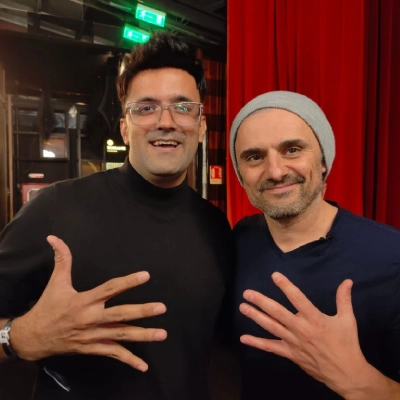
I am Jitendra Vaswani, an SEO consultant with 12 years in search. I founded Digiexe and AffiliateBooster, and I am an author and international speaker.
Video is a big part of how I publish, from my podcast interviews on YouTube to short clips for social media, so licensing questions come up for me all the time. Every license detail in this guide comes from each site’s official license, terms or pricing page, checked on October 22, 2026, and I have flagged what I could not confirm.
Final Verdict
If you only bookmark two sites, make them Pixabay and Pexels: huge libraries, no attribution and simple licenses. Add Mixkit and Coverr for more polished, cinematic footage. Use Vecteezy, Videezy, Magnific and Dareful when you need something specific and are happy to add a credit line.
Whatever you pick, read the license on the clip, avoid logos and recognizable faces in ads, and keep a record of where each clip came from. That habit is what turns “non copyright videos” from a gamble into a safe workflow.
Sources
License and pricing details come from the official pages of Pixabay (Content License Summary), Pexels (License), Mixkit (License and Stock Video Free License), Coverr (License and commercial-use page), Vecteezy (License Agreement), Videezy (pricing and license FAQ), Magnific (video page and Terms of Use), Dareful, Free Nature Stock and Pixawl, plus YouTube Help (Copyright on YouTube), all checked on October 22, 2026.

Jitendra Vaswani is a globally recognized expert in SEO and AI-driven digital marketing. He has spoken at leading international events and is the founder of Digiexe, a results-driven digital marketing agency; Venuelabs, a platform that helps brands amplify their voice with expert PR and marketing solutions; and AffiliateBooster, an affiliate marketing news site. With over a decade of hands-on experience, Jitendra has empowered countless businesses to thrive online. His bestselling book, Inside A Hustler’s Brain: In Pursuit of Financial Freedom, has sold more than 20,000 copies worldwide, reflecting his influence and dedication to helping digital marketers achieve success. Follow Jitendra on Instagram, X/Twitter, Facebook, and LinkedIn.